Mineuniverse
Resource Packs
ElvisPack

ElvisPack

RESOURCE PACK
Smooth and Simplistic texture pack for 1.20/19/18/17/16
by Klop689
Download Claim this project
3,407 downloads
0 likes
Updated Oct 14, 2026
0 hypes
16x Medieval Miscellaneous Traditional
Advertisement Remove ads with Premium →

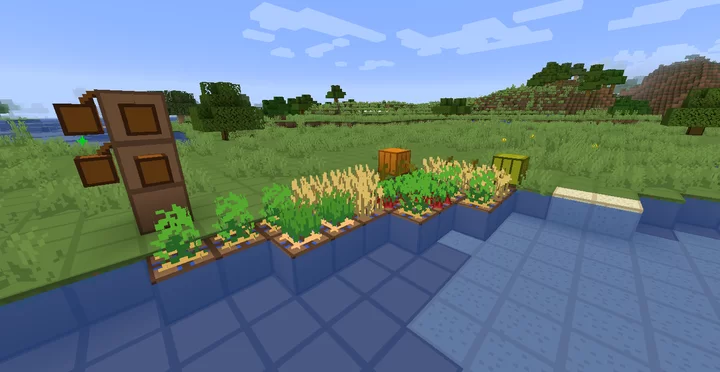
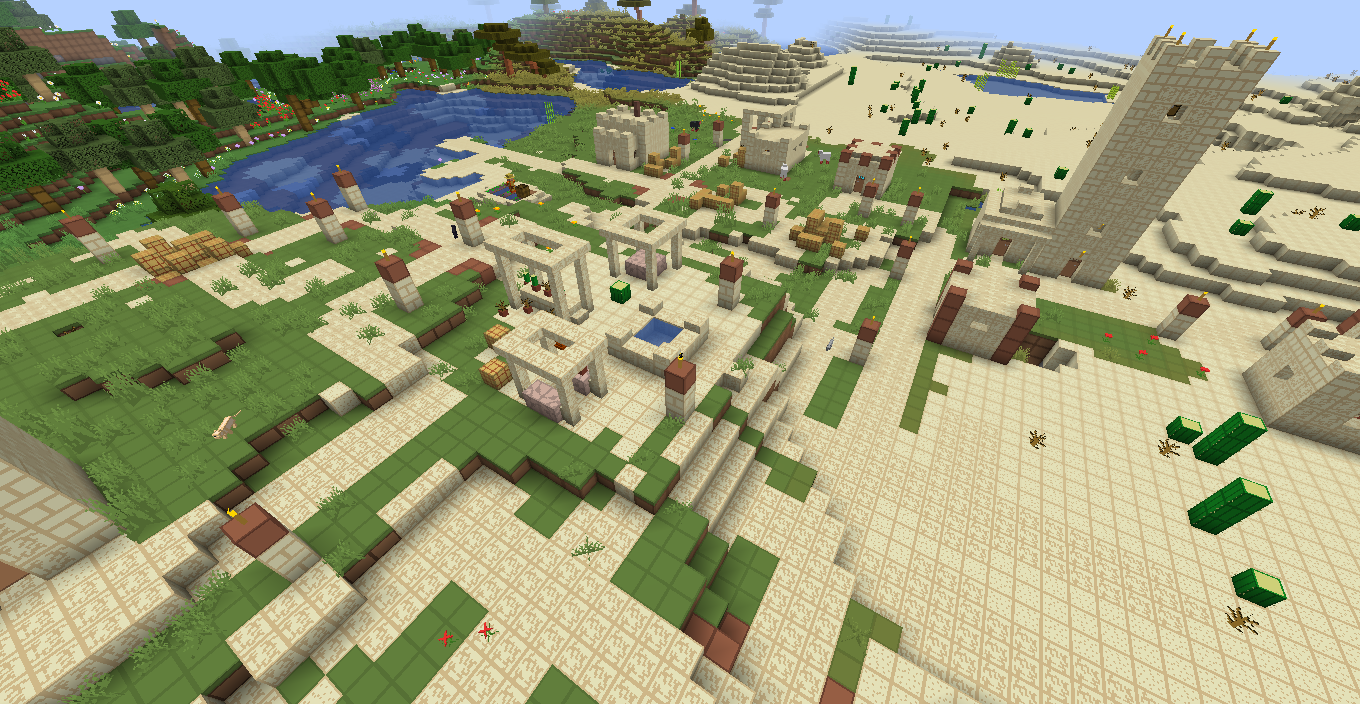
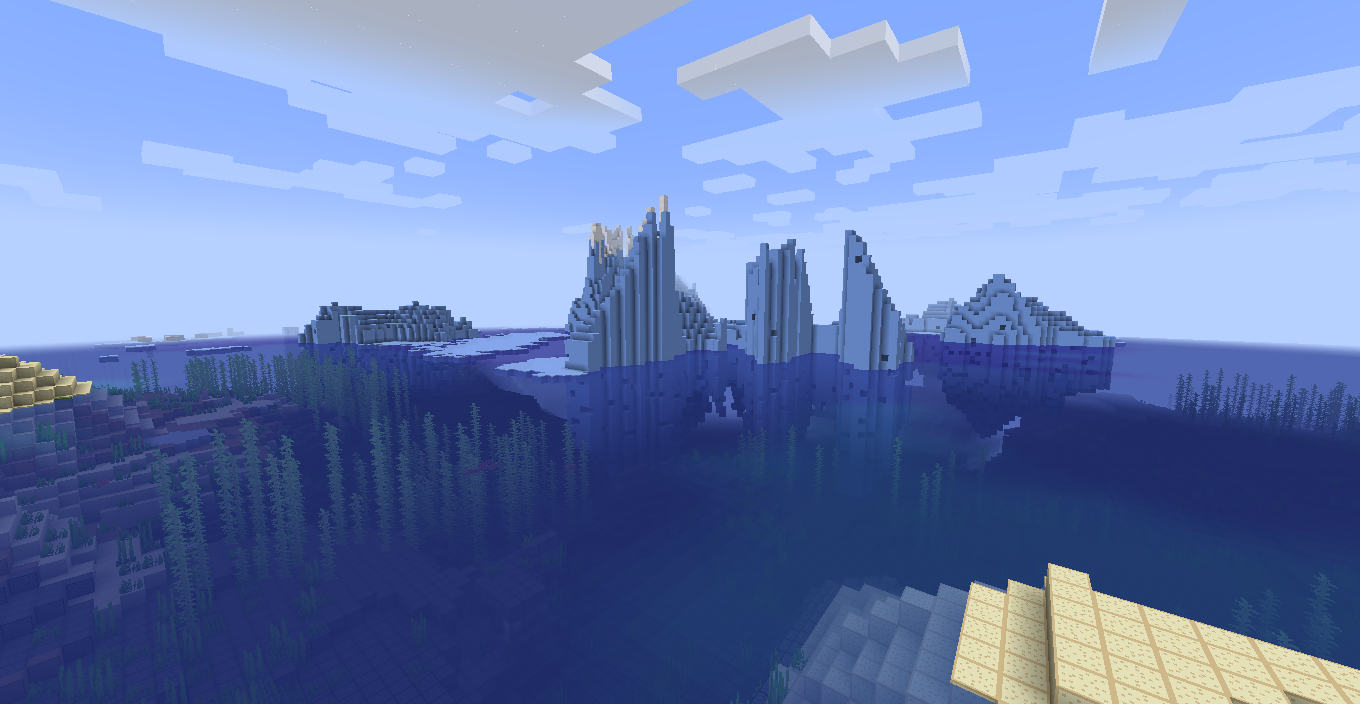
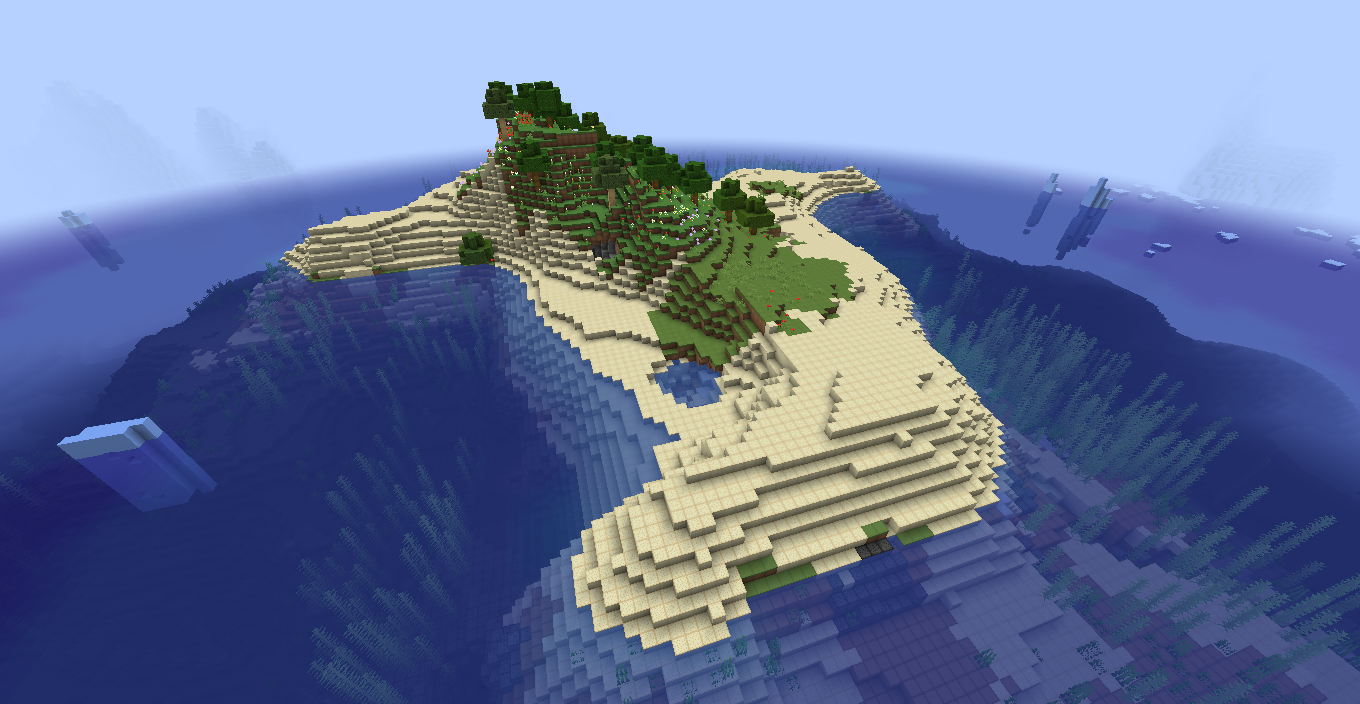
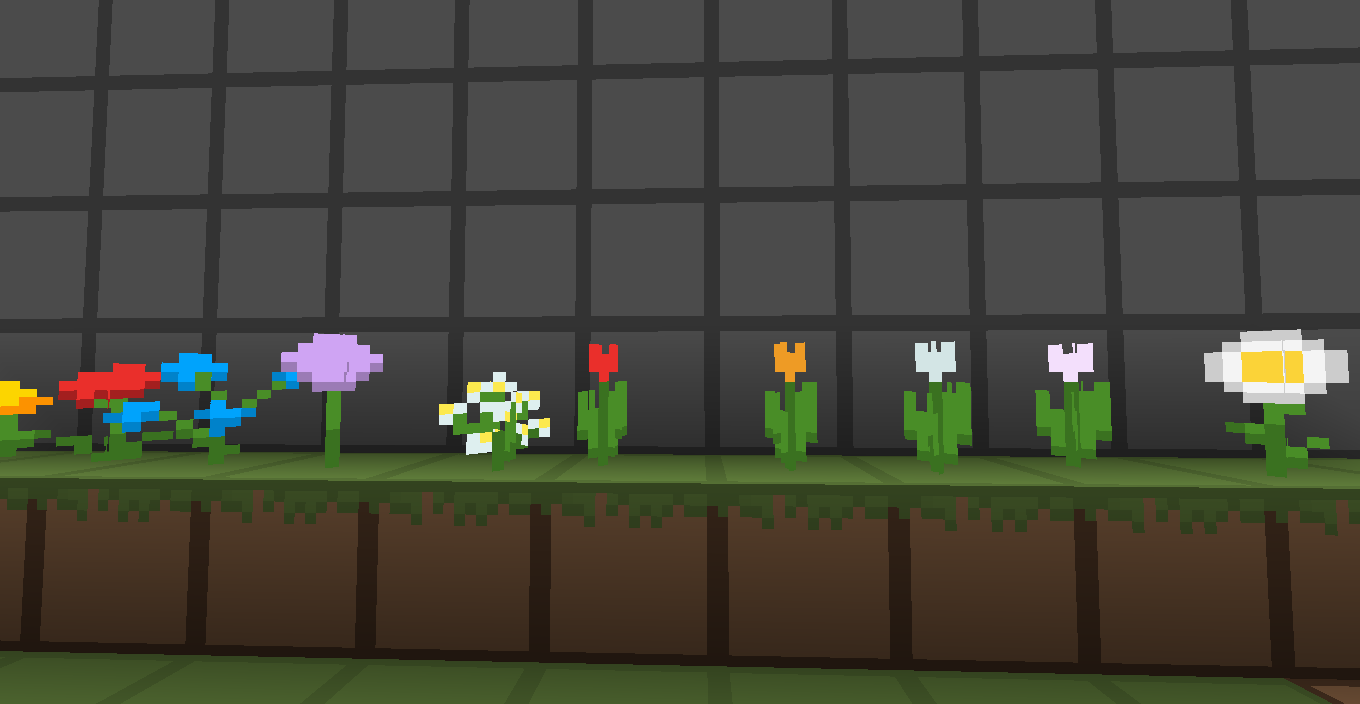
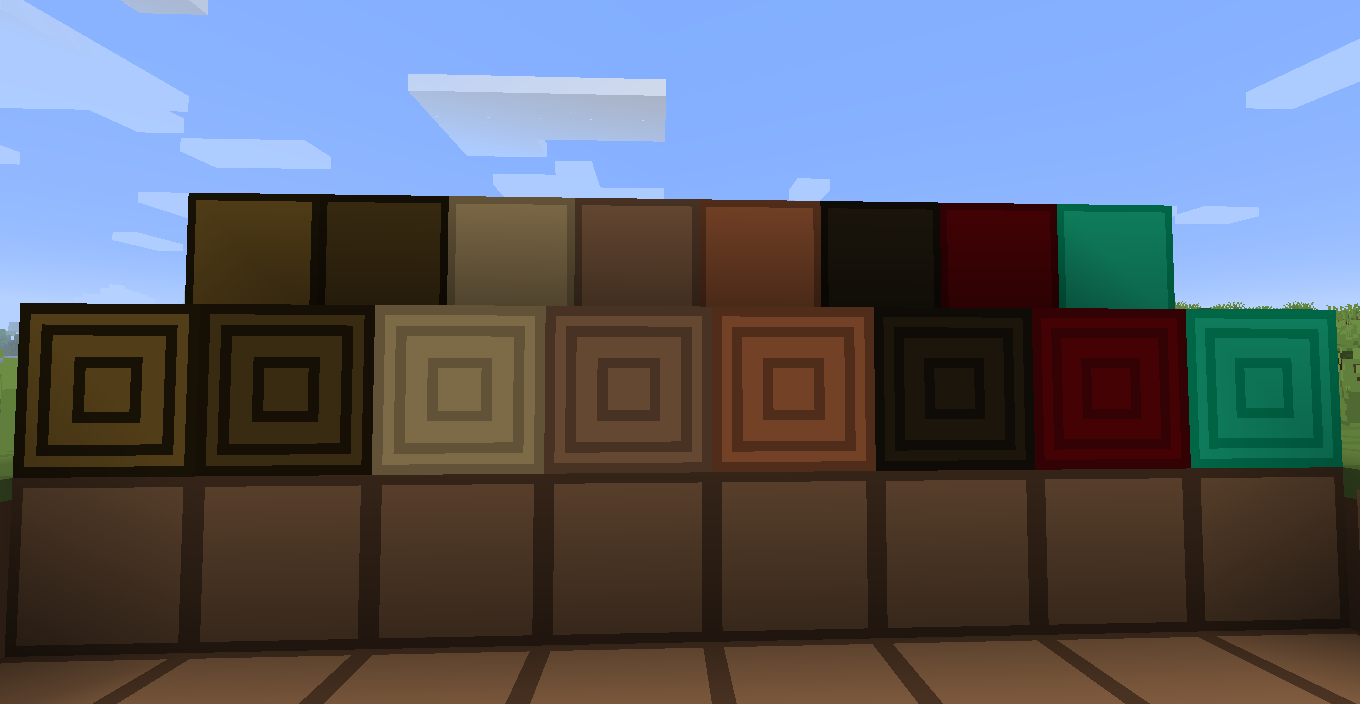
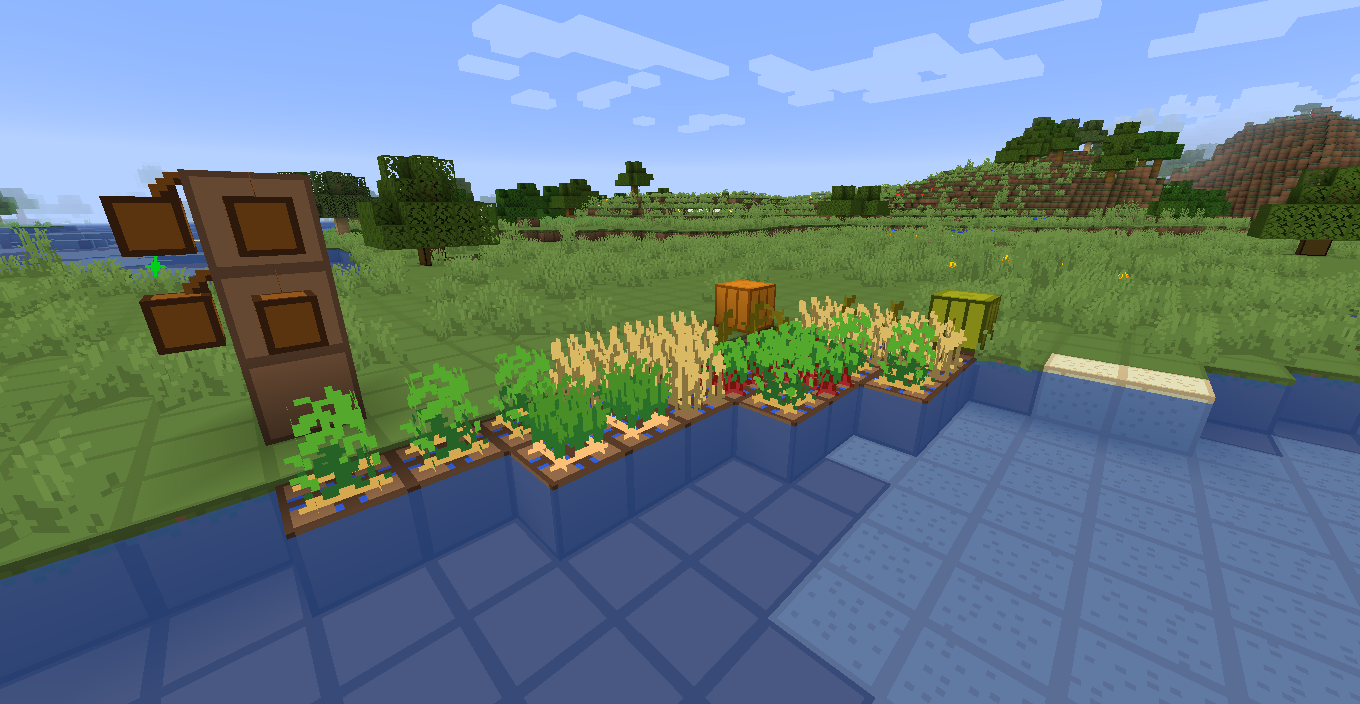
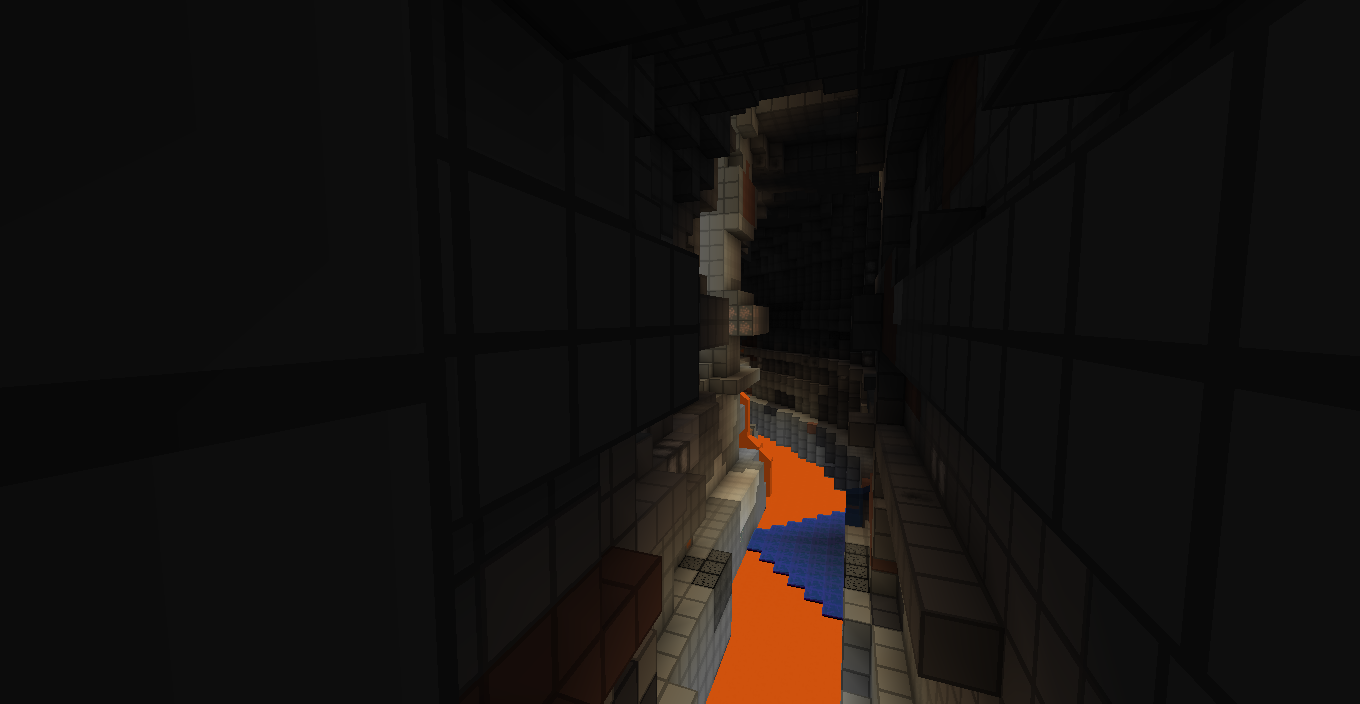
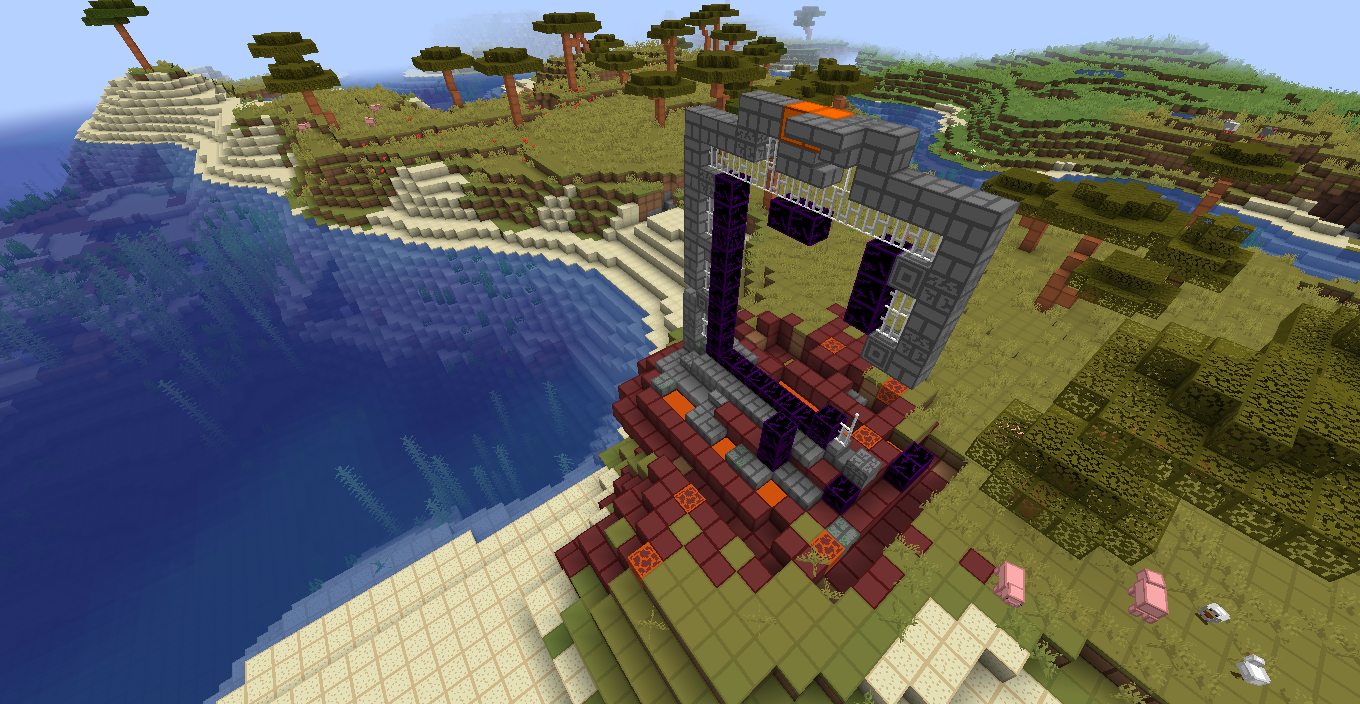
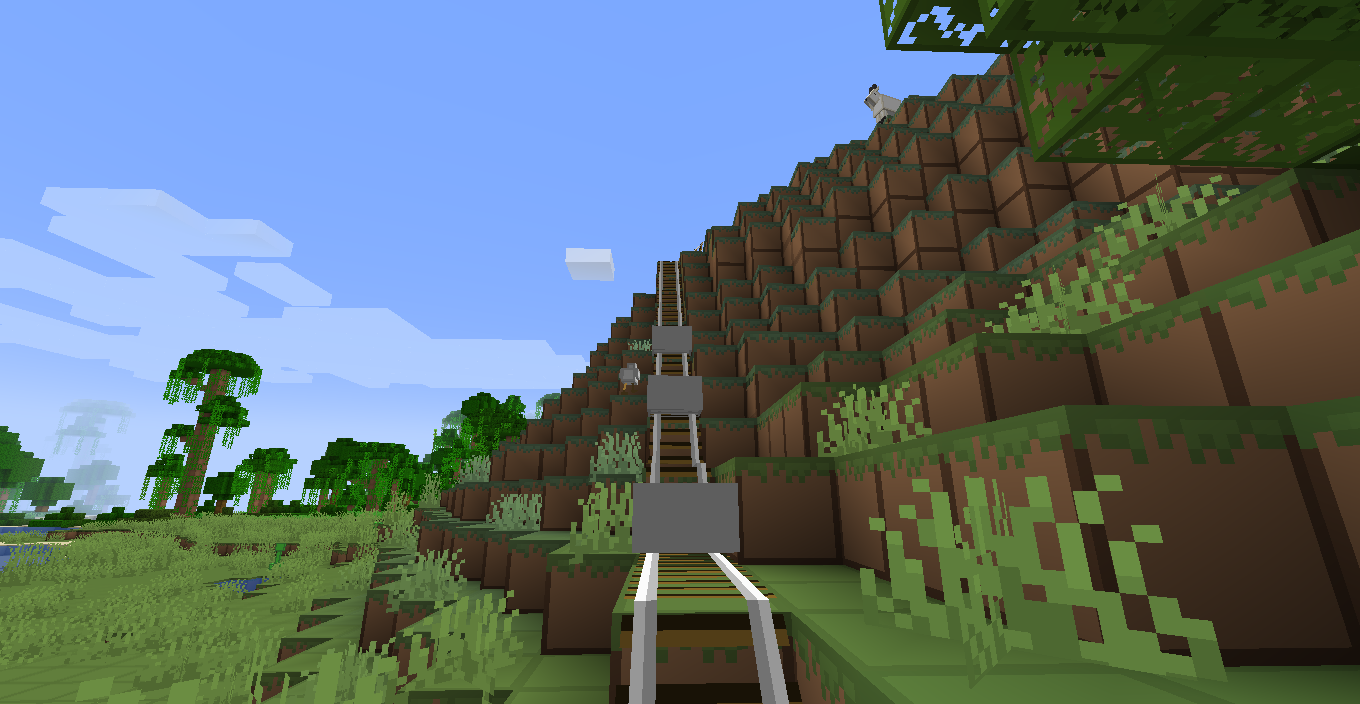
Classic smooth cartoon texture pack for MC 1.20/19/18/17/16   16x art

For older MC versions use old version of texture pack. Using 1.20 version for older version will break inventory screen.


Join my Discord: https://discord.gg/ngcv6E6N9H


Features:
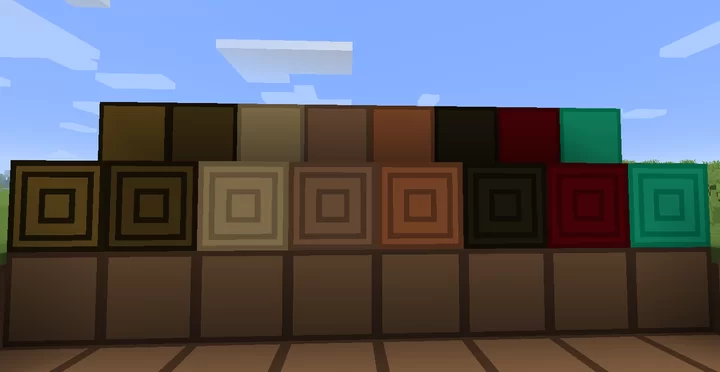
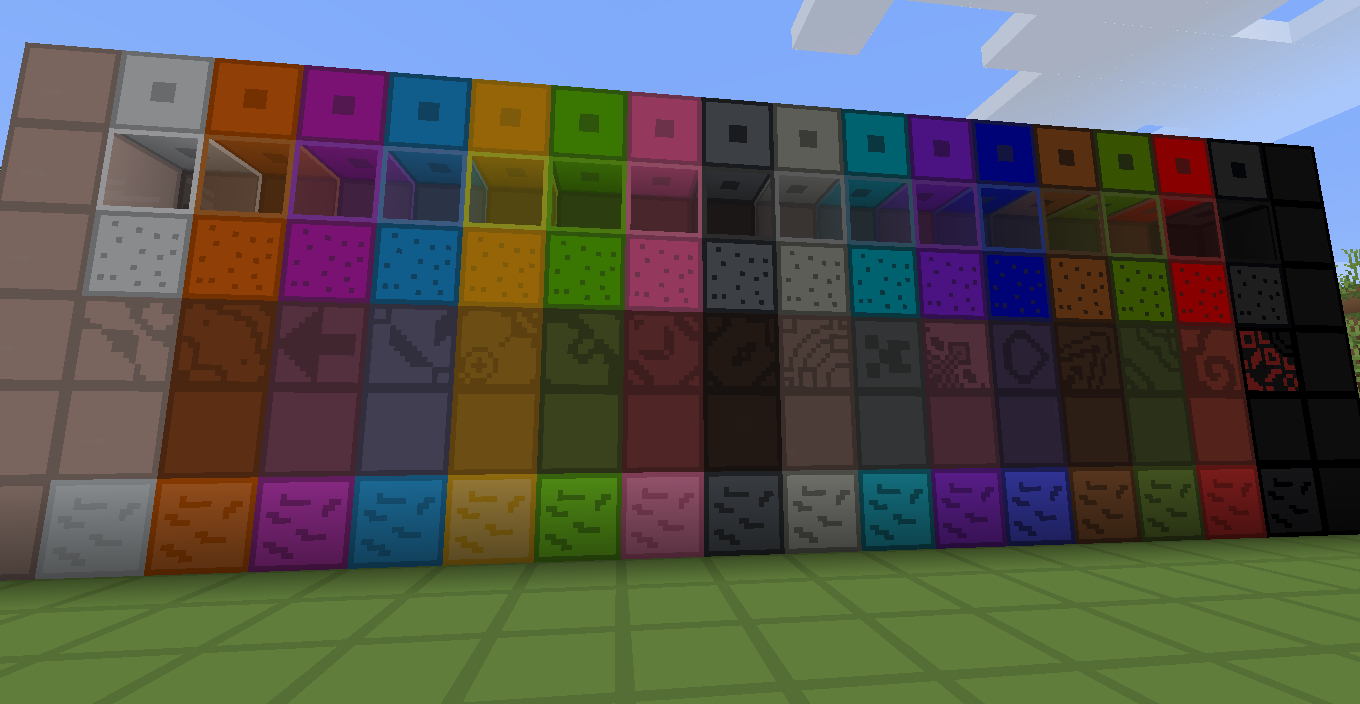
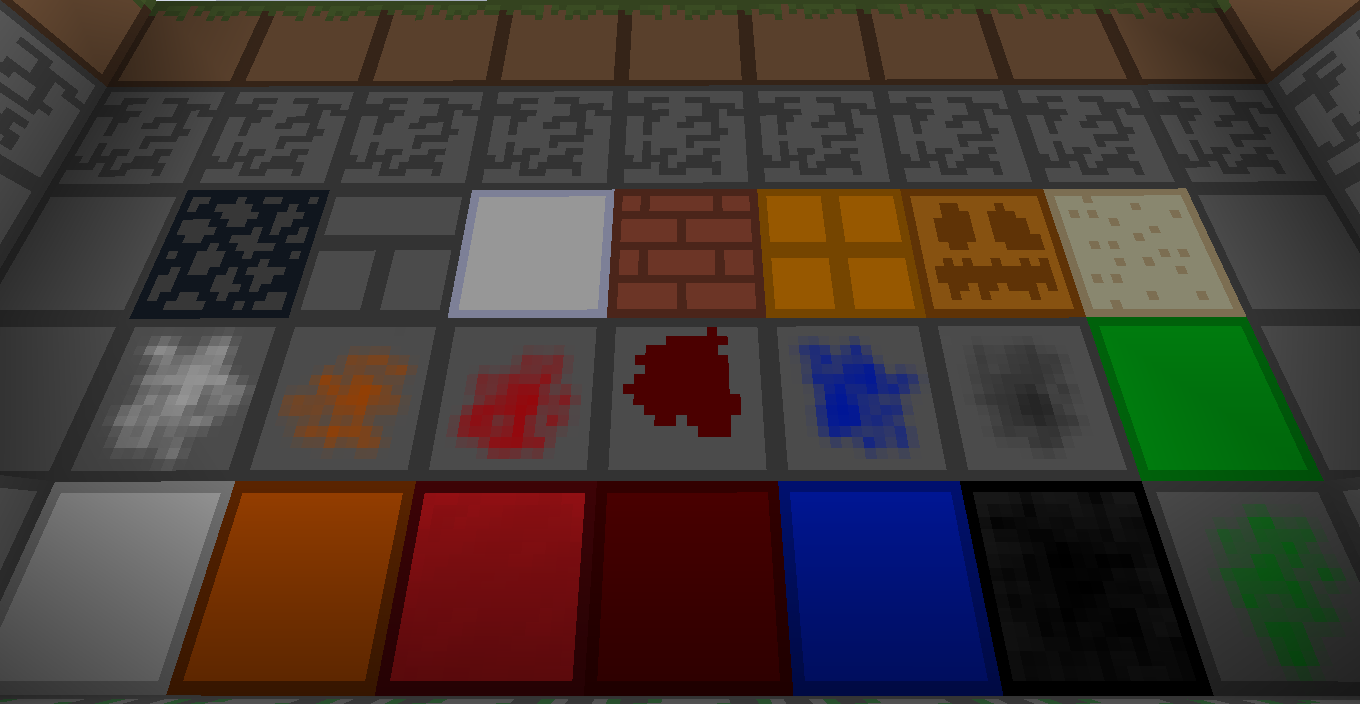
Smooth textures of all of blocks and items
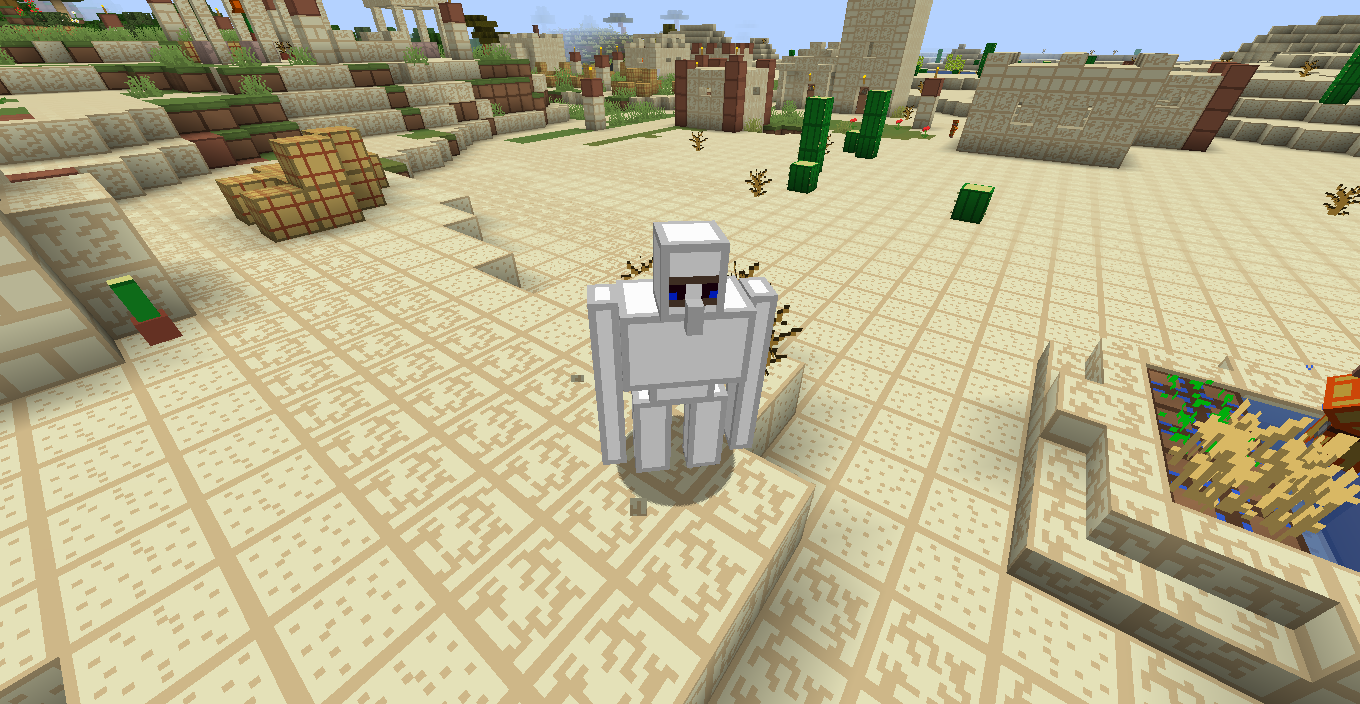
Smooth textures of all mobs and entities

All textures reworked
Smooth gui
Low fire

Available for Mc 1.20/19/18/17/16


Terms of use:

You may utilize and modify the pack to your liking
You may not redistribute this pack using your own download as a base
You may not redistribute individual elements of this pack in any form without direct permission from myself
You may not claim ownership of any elements in this pack

ElvisPack V1.9 for MC 1.20.zip
MC 1.20.1, 1.20, 1.20-Snapshot
Release 2023-09-11 Get
ElvisPack V1.8 for MC 1.19.zip
MC 1.16-Snapshot, 1.17.1, 1.16.3, 1.19.3, 1.16.1, 1.18.1, 1.19.4-Snapshot, 1.17, 1.16, 1.19.4, 1.19-Snapshot, 1.16.5, 1.18.2, 1.19.2, 1.19.1, 1.17-Snapshot, 1.18, 1.16.4
Release 2022-06-26 Get
ElvisPack V1.7 for MC 1.18.zip
MC 1.17.1, 1.16.3, 1.16.1, 1.18.1, 1.17, 1.16, 1.16.5, 1.18.2, 1.17-Snapshot, 1.18, 1.16.4, 1.18-Snapshot, 1.16.2
Release 2021-12-06 Get
ElvisPack V1.6 for MC 1.17.zip
MC 1.17.1, 1.17, 1.17-Snapshot
Release 2021-09-02 Get
ElvisPack V1.6 for MC 1.16.zip
MC 1.16-Snapshot, 1.16.3, 1.16.1, 1.16, 1.16.5, 1.16.4, 1.16.2
Release 2021-09-02 Get
ElvisPack V1.5.1.zip
MC 1.16.3, 1.16.1, 1.16, 1.16.5, 1.16.4, 1.16.2
Release 2020-10-23 Get

Requirements & install

How to use this resource pack in Minecraft
Resolution
16x
Minecraft
1.19.1 – 1.20.1
Install folder
.minecraft/resourcepacks

How to install resource packs

  1. Download the resource pack .zip file (do not extract it).
  2. In Minecraft open Options → Resource Packs → Open Pack Folder.
  3. Drop the .zip into the resourcepacks folder (.minecraft/resourcepacks).
  4. Move the pack to the Selected column and click Done.
Browse more: 16x resource packs 32x resource packs 64x resource packs 128x resource packs 256x resource packs 512x+ resource packs Resource Packs for 1.20.1 All resource packs

More from Klop689

Advertisement Remove ads with Premium →

You Might Also Like