Mineuniverse
Resource Packs
Elongated Tools And Weapons (Discontinued)

Elongated Tools And Weapons (Discontinued)

RESOURCE PACK
an another pvp pack
by CmdrMCNuggets
Download Claim this project
Add a badge to your pageLink to Elongated Tools And Weapons (Discontinued) from a README, website or forum post.
Preview: Badge

Badges update automatically and link to the resource pack page on MineUniverse.

44,293 downloads
0 likes
0 followers
Updated Oct 14, 2026
0 hypes
Follow0
16x Medieval Miscellaneous Modern Traditional
Advertisement Remove ads with Premium →

If you wanna do a reborn of this pack, please let me know so i will transfer ownership. The only caveat is that you need to do alot of mod compats with this pack


If you are interested in continuing this pack with mod compatabilities and a Bedrock edition, please message me so i will give you a role as the Author of this pack


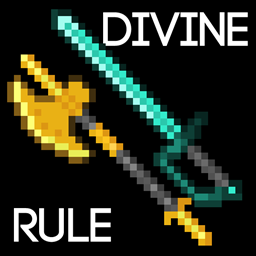
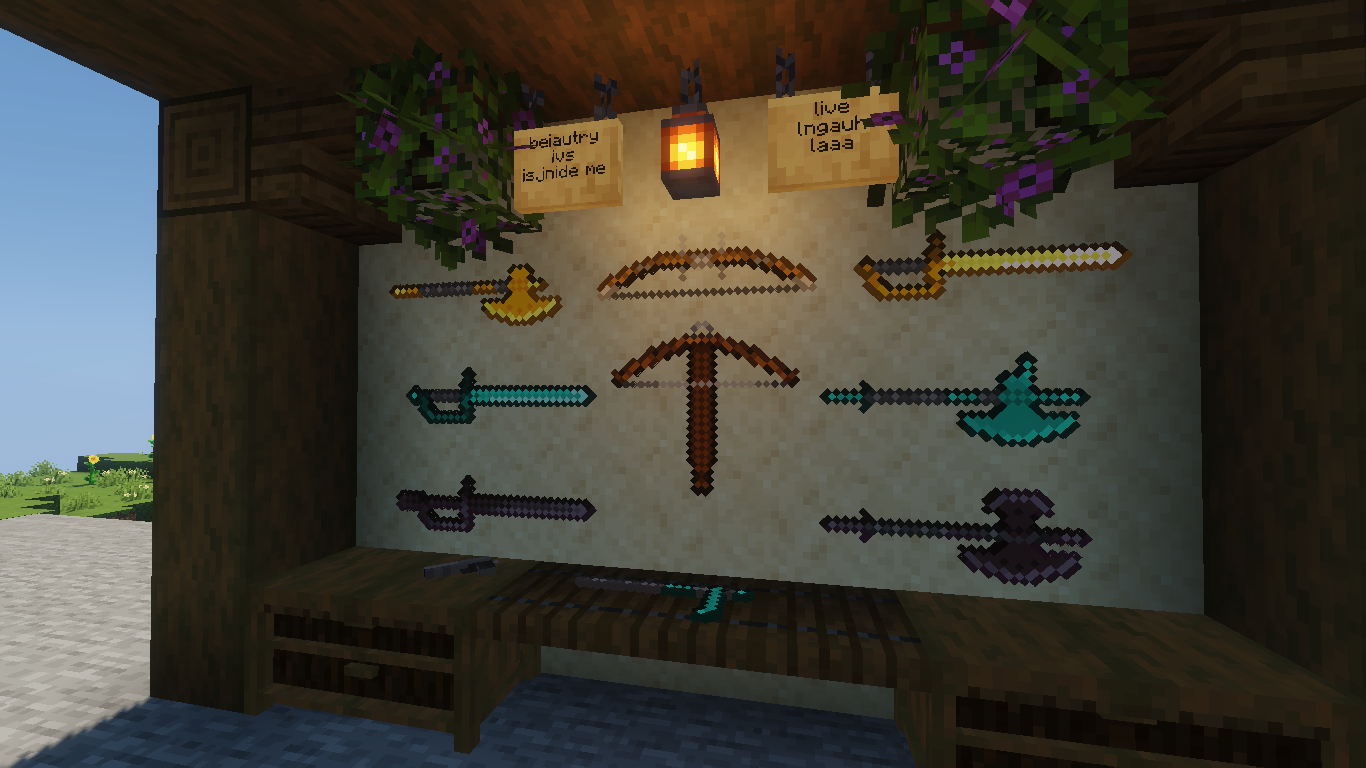
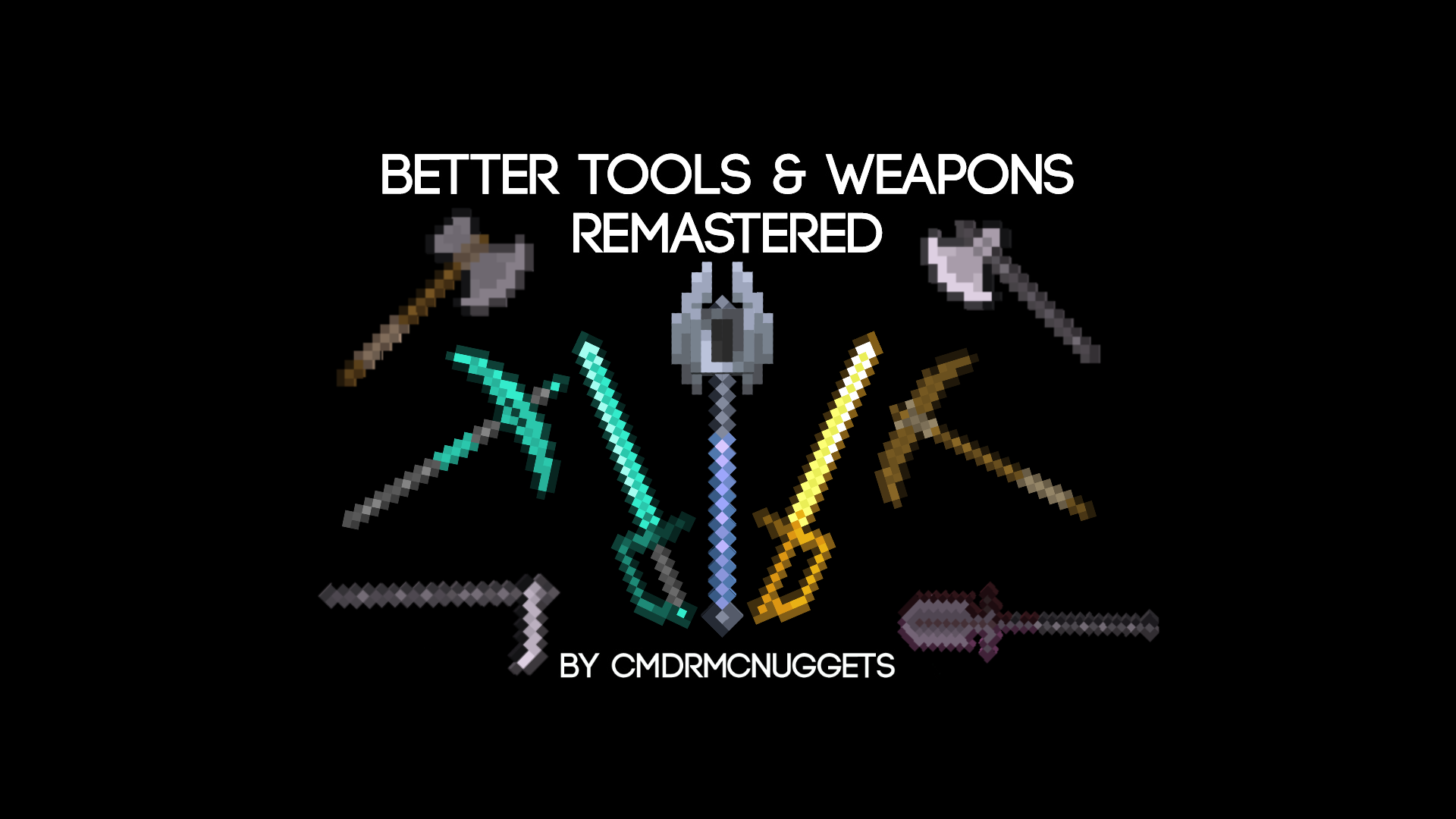
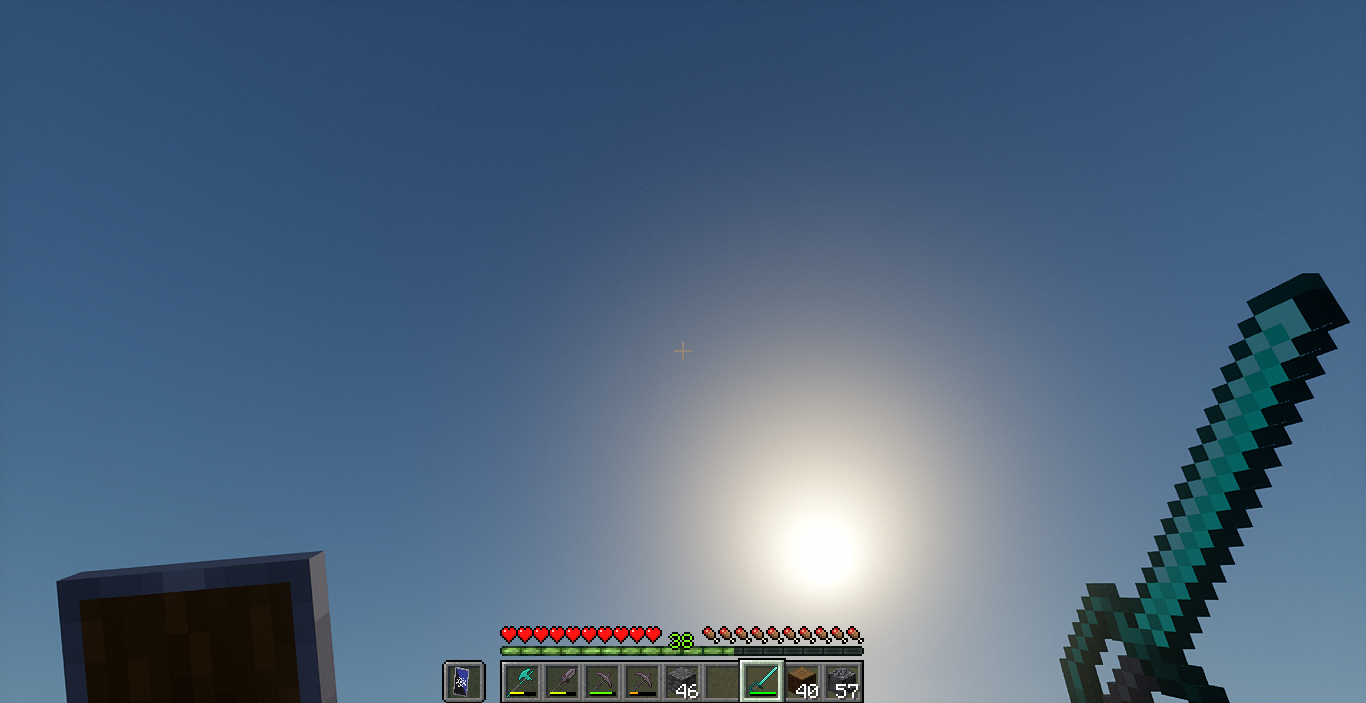
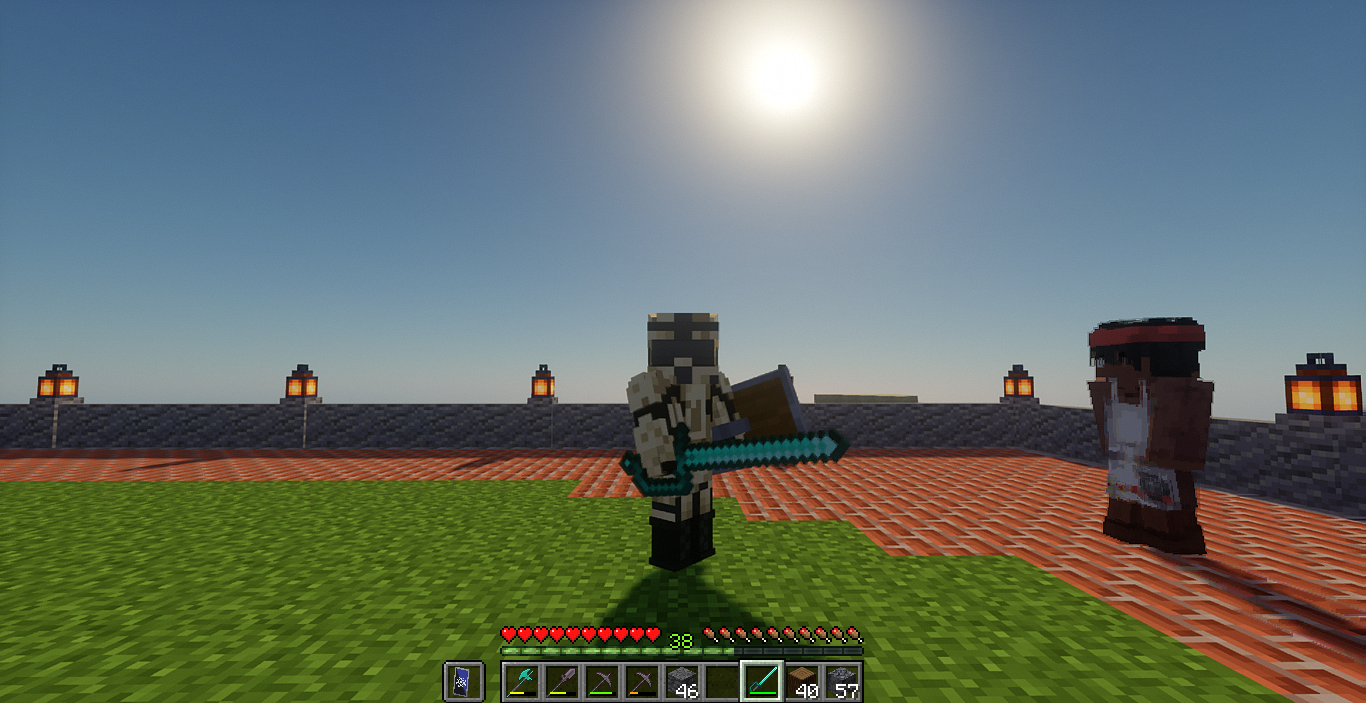
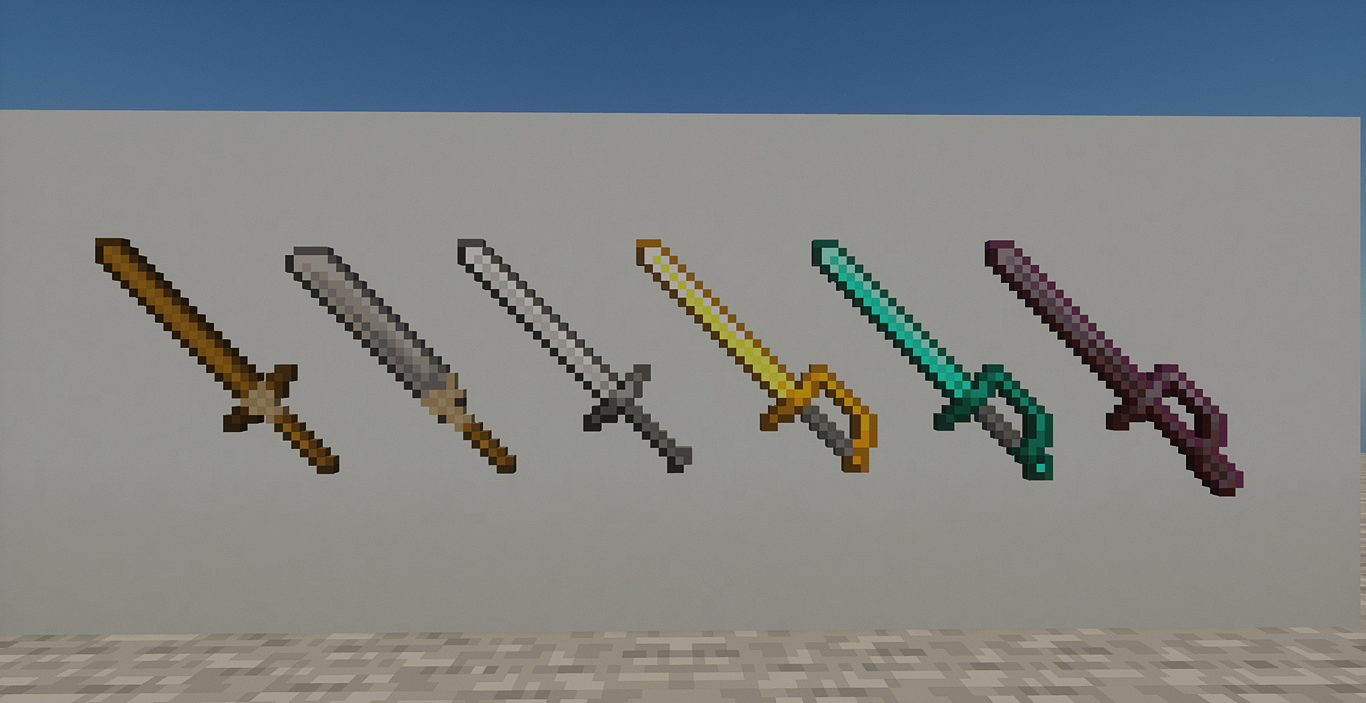
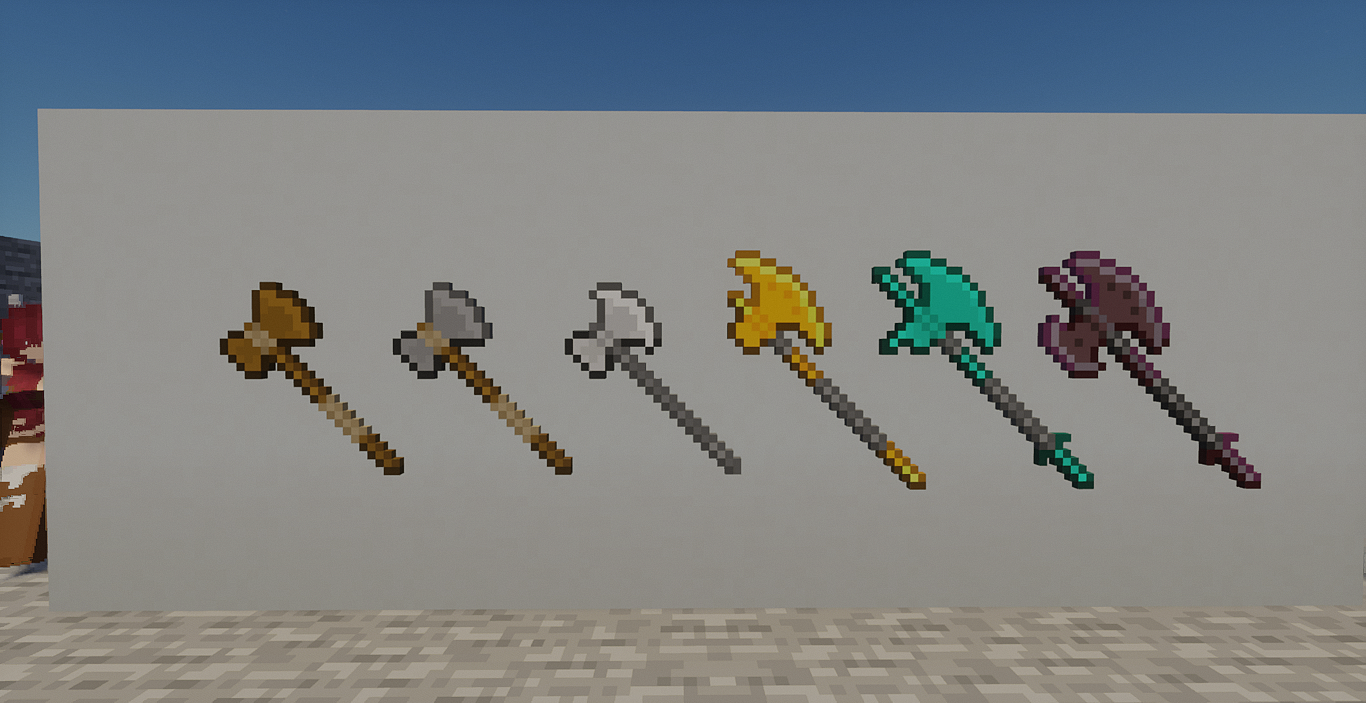
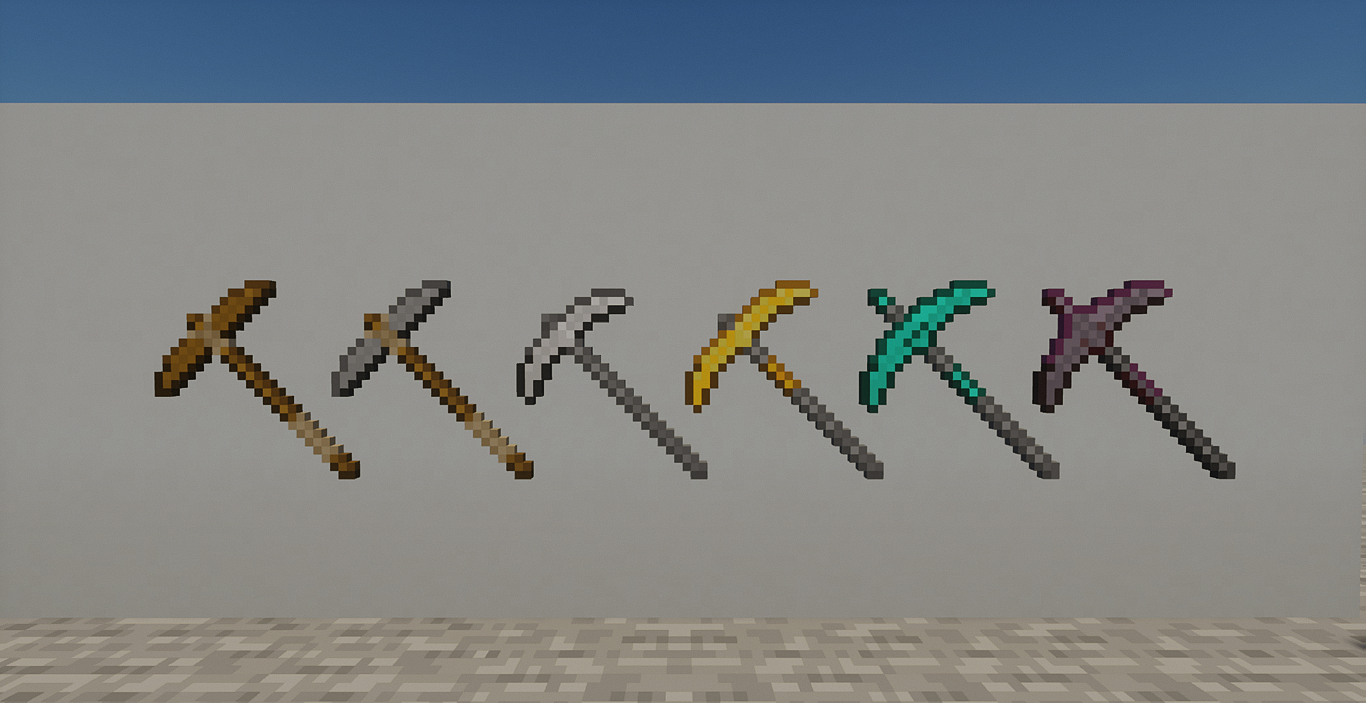
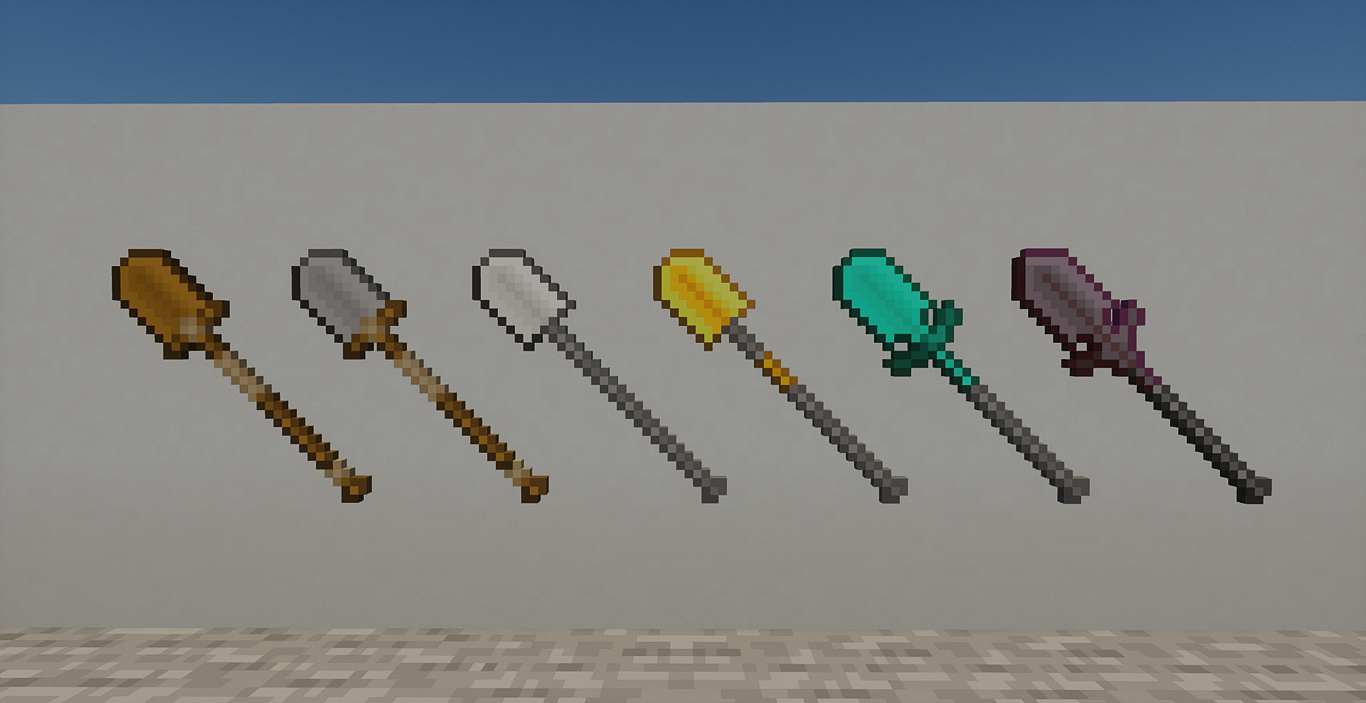
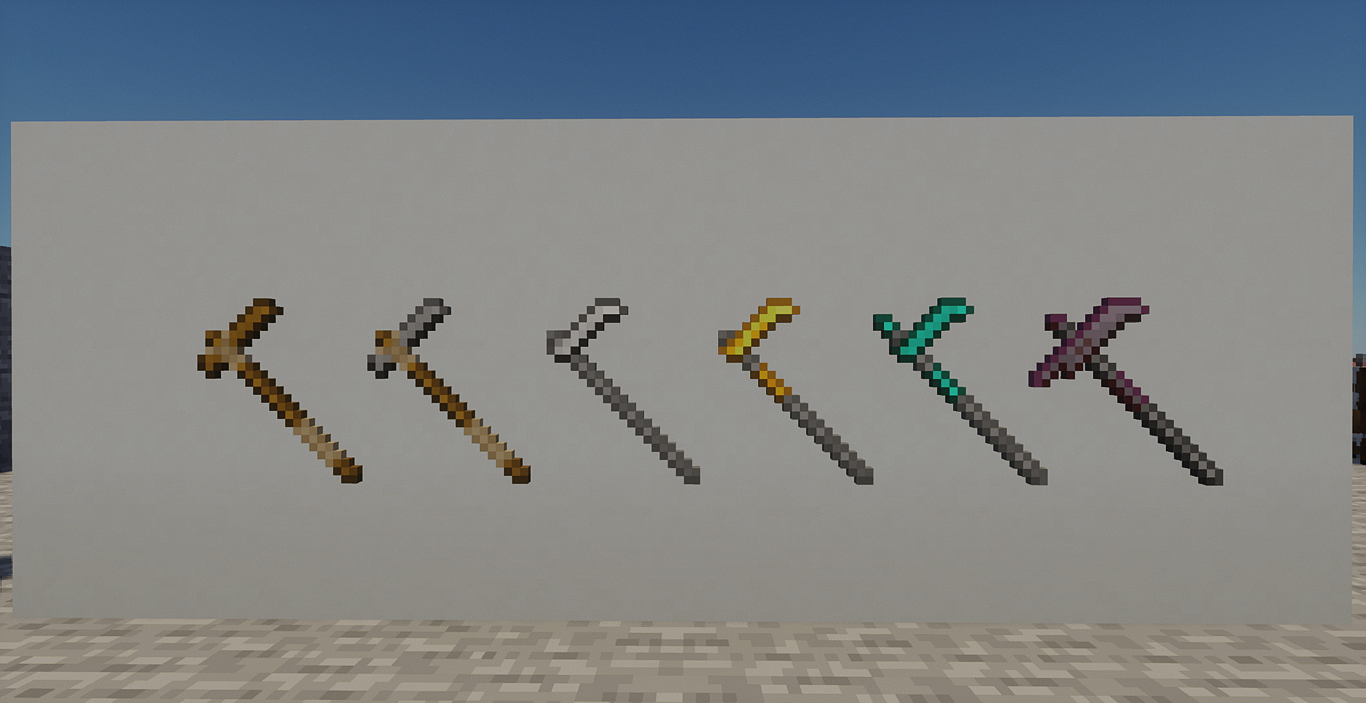
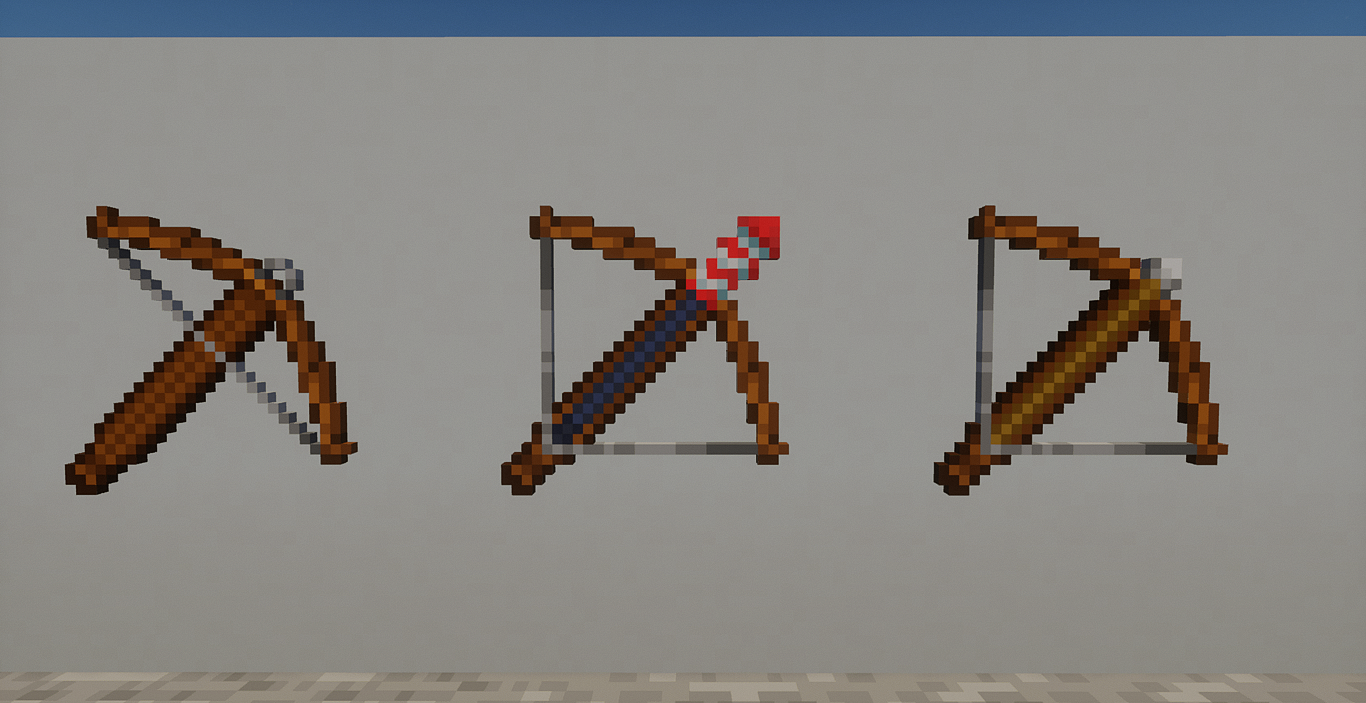
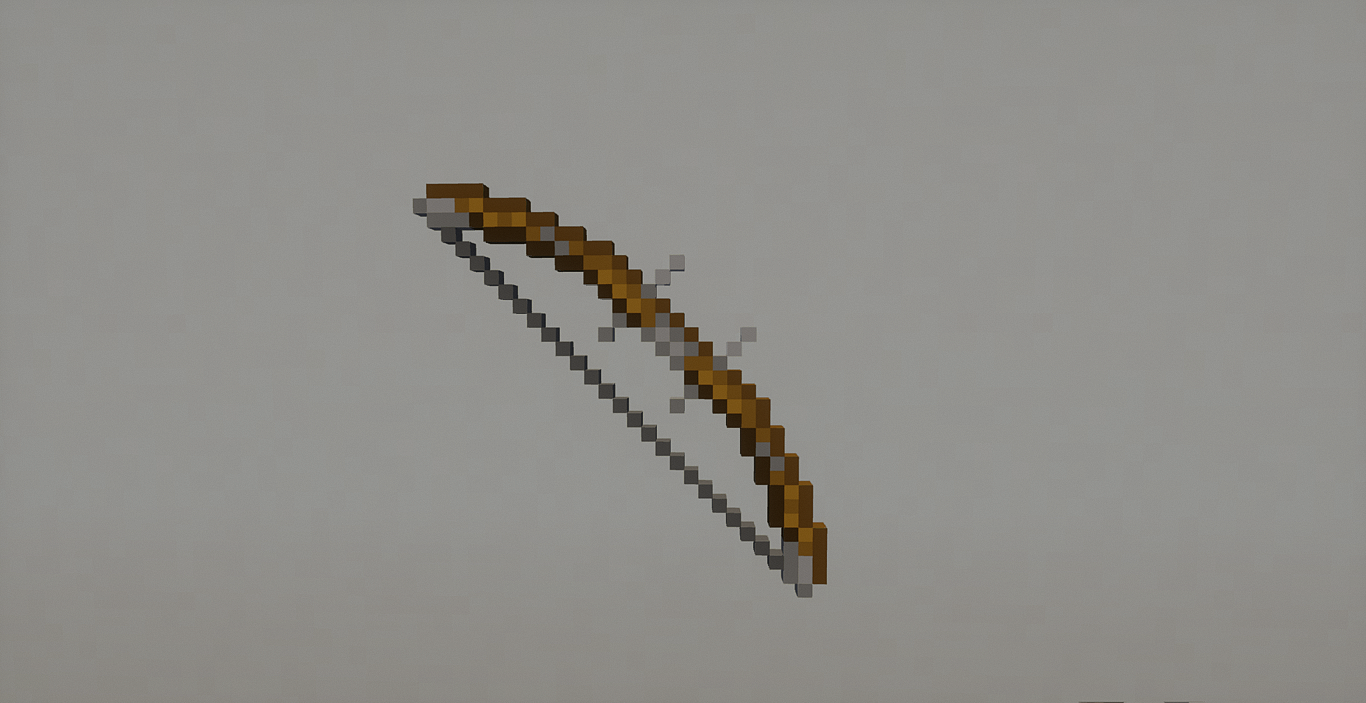
This is the 2nd non-optifine pack that changes the textures of tools and weapons into something more epic that is very much a pvp pack. Although most pvp packs have its textures shortened for practical purposes, but in the case of this pack, it elongates the tools and weapons, which should be a bad idea as a practical pvp pack, but theres a big twist, and im saying that dont be fooled by the length of the weapons and tools in 3rd person view, because when you view it in first person view, the weapons actually look thinner and smaller and more practical as a pvp pack, making the experience more practical.


Check out my Youtube channel, I make Youtube videos: https://youtube.com/@siberianugget


Make sure to check out my PlanetMinecraft Site, It's my main place: https://www.planetminecraft.com/member/stalkernugget/


BetterToolsWeaponsRemastered[7].zip
MC 1.21, 1.16.5, 1.19.3, 1.20.2, 1.19.4, 1.14.4, 1.20.5, 1.21.4, 1.20.1, 1.20, 1.20.6, 1.21.1, 1.21.3, 1.19.1, 1.20.4, 1.19.2, 1.20.3, 1.12.2, 1.19
Release 2024-04-14 Get

Requirements & install

How to use this resource pack in Minecraft
Resolution
16x
Minecraft
1.20.3 – 1.21.4
Install folder
.minecraft/resourcepacks

How to install resource packs

  1. Download the resource pack .zip file (do not extract it).
  2. In Minecraft open Options → Resource Packs → Open Pack Folder.
  3. Drop the .zip into the resourcepacks folder (.minecraft/resourcepacks).
  4. Move the pack to the Selected column and click Done.
Browse more: 16x resource packs 32x resource packs 64x resource packs 128x resource packs 256x resource packs 512x+ resource packs Resource Packs for 1.21.4 All resource packs

More from CmdrMCNuggets

Advertisement Remove ads with Premium →

You Might Also Like