Mineuniverse
Resource Packs
ElijahDoesMC's Red GUI

ElijahDoesMC's Red GUI

RESOURCE PACK
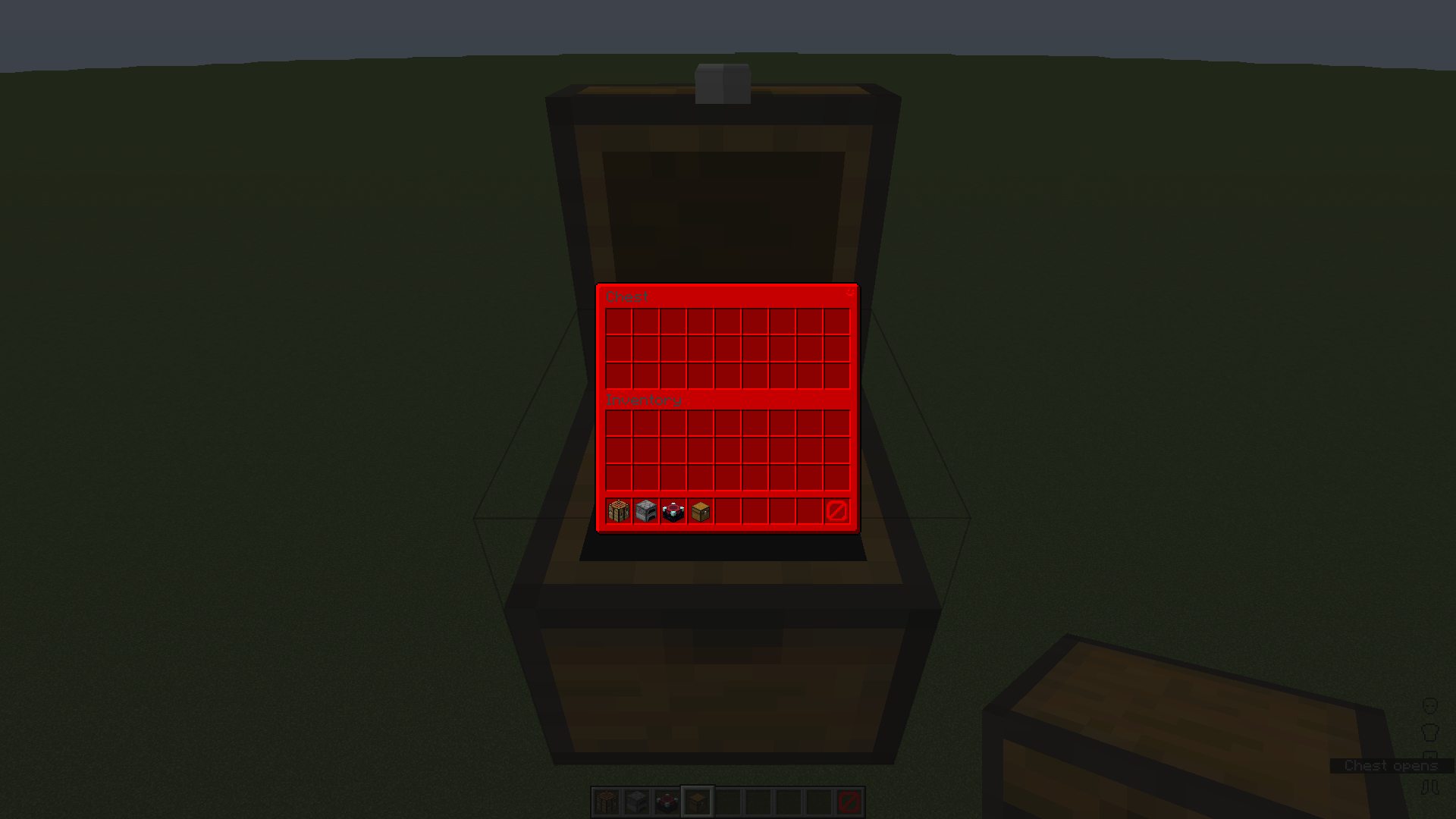
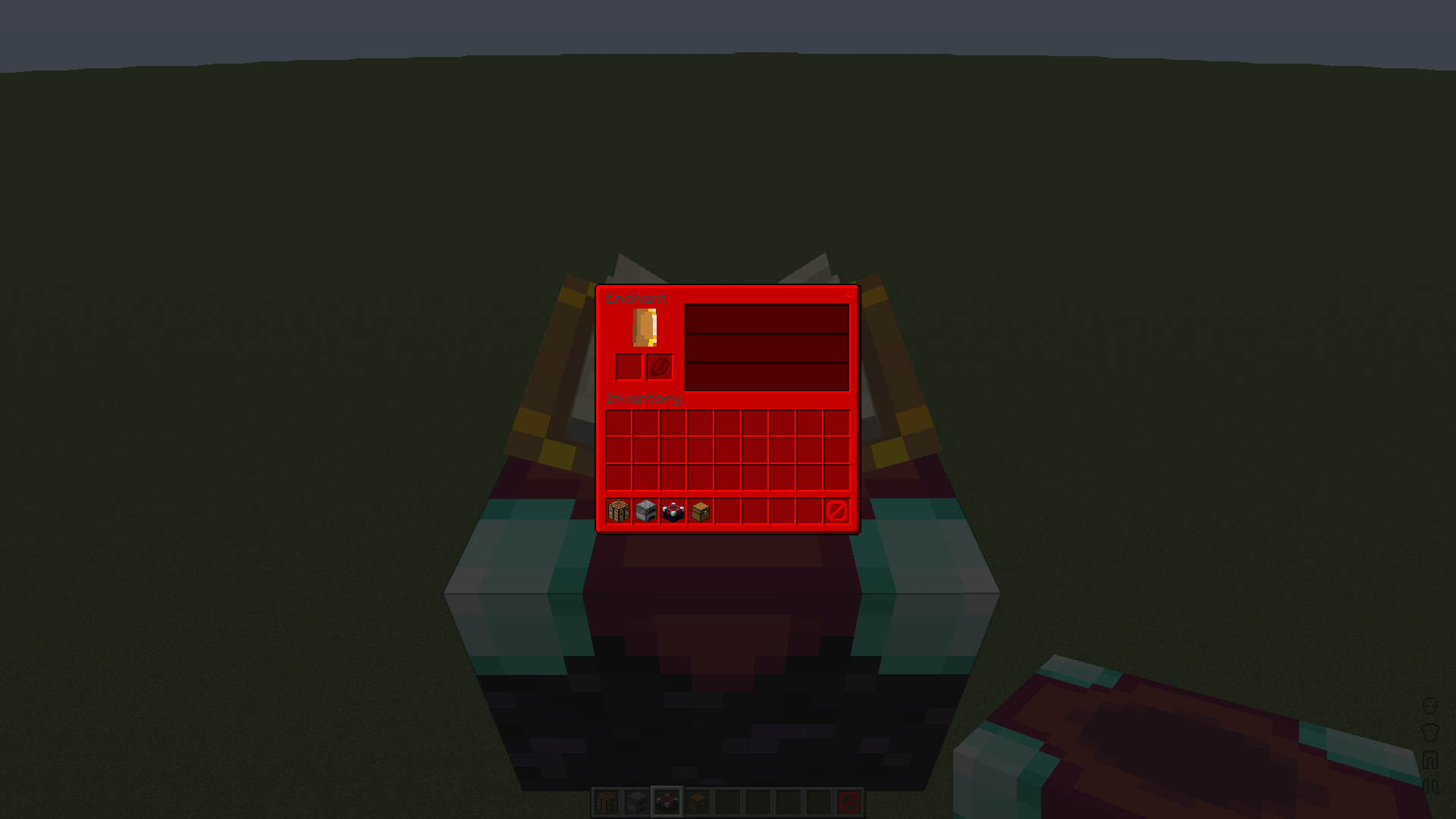
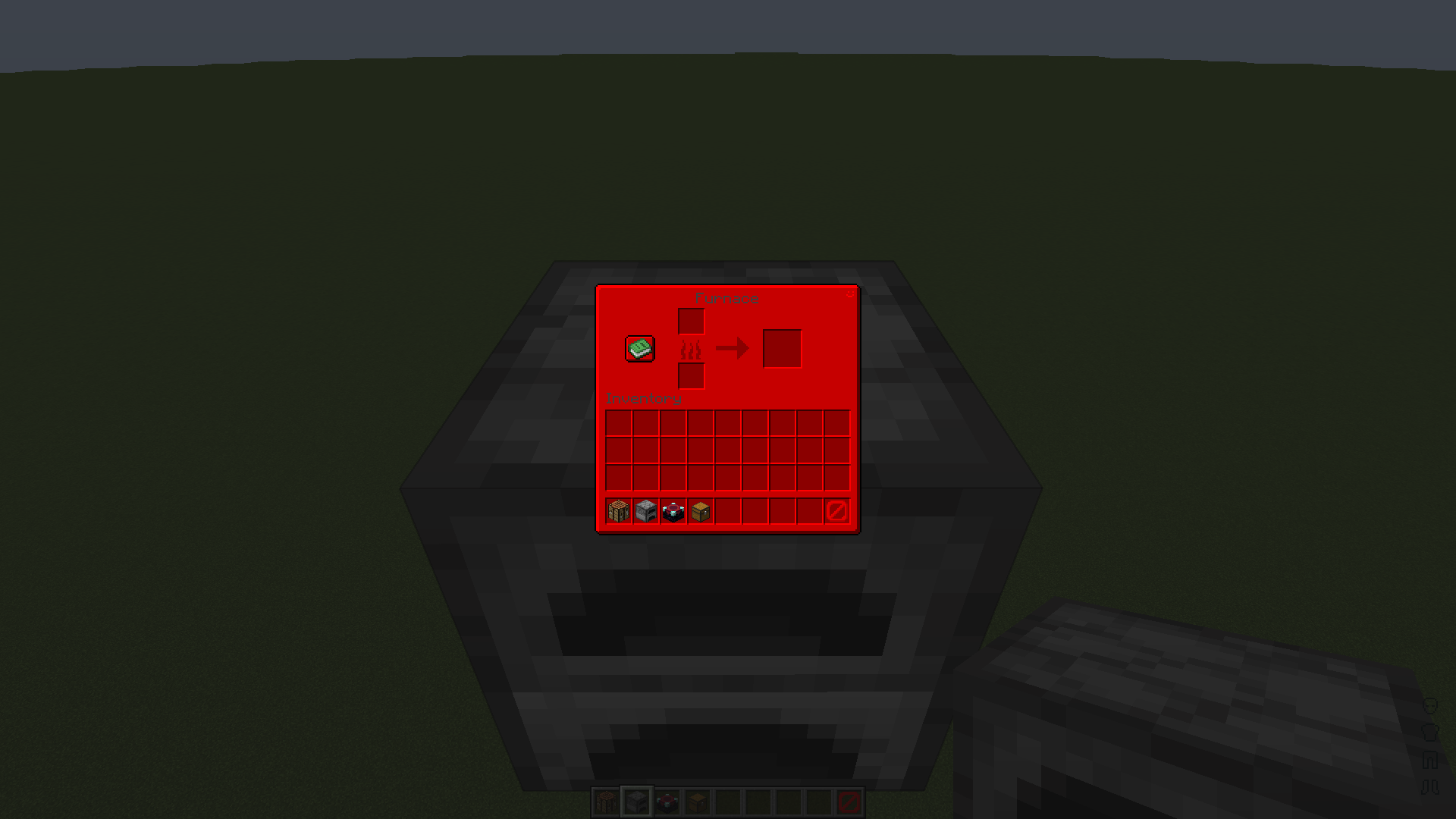
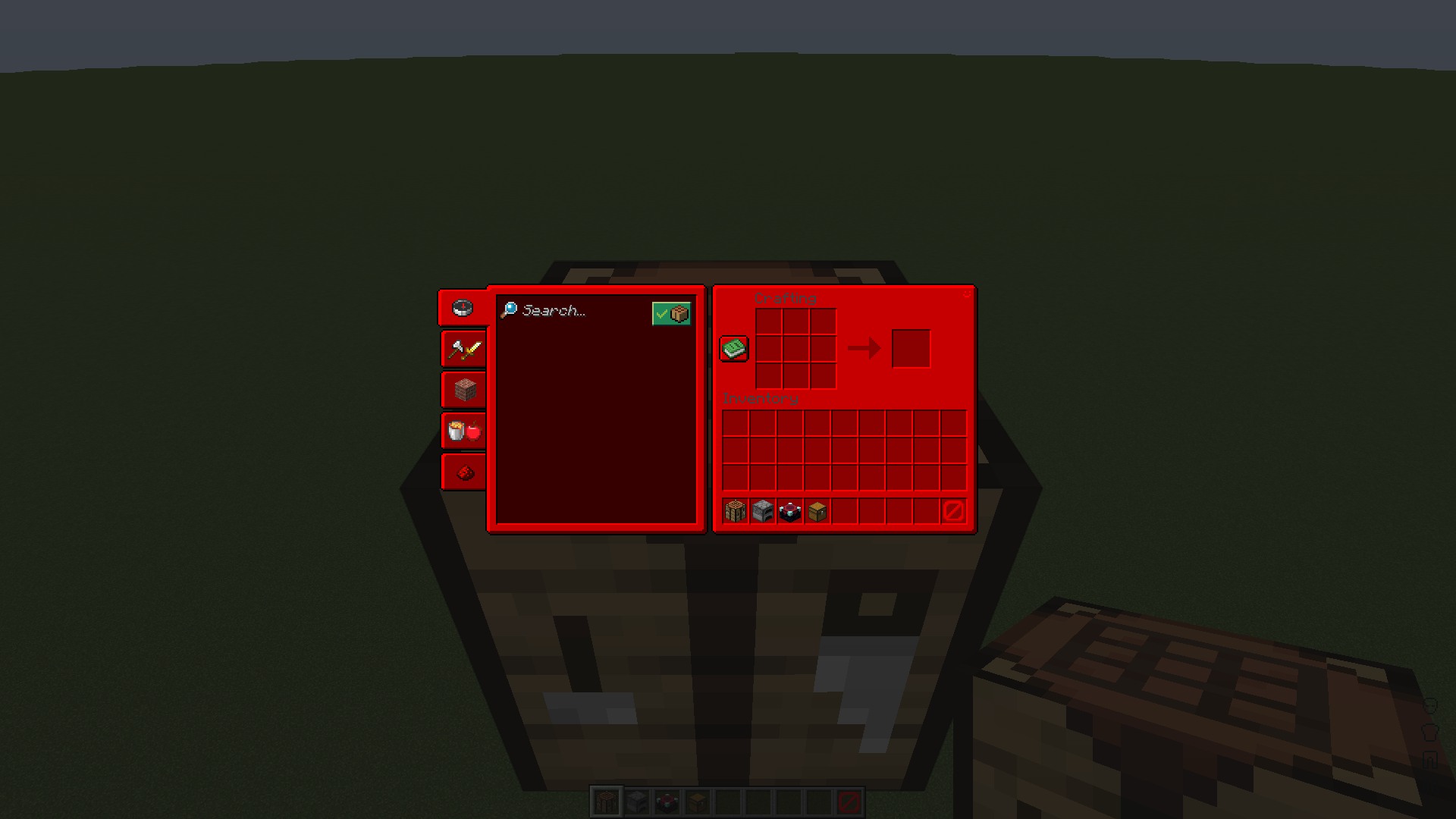
The vanilla GUI of Minecraft: Java Edition re-coloured to a nice red.
by ElijahDoesMC
Download Claim this project
824 downloads
0 likes
Updated Oct 14, 2026
0 hypes
16x Miscellaneous Traditional
Advertisement Remove ads with Premium →

This is a pretty simple GUI recolour. I made a blue pack which can be found here, someone requested a red version so I made it. There should be more info in the file found inside the .zip called "readme.txt".


A blue version of this pack can be found here.


How I made the pack:


Making this pack was pretty simple; Photoshop made it pretty easy, here is what I did.


1. Get the vanilla GUIs.


2. Add a colour layer (HEX: ff0000) above the GUI and mask it.


3. Use the blend mode 'multiply' to colour the GUI easily.


More of me:


YouTube: https://youtube.com/ElijahDoesMC

Discord: https://discord.gg/XsadkFuY3n

Carrd: https://elijahdoesmc.carrd.co

Elijah's Red GUI 1.0-1.19.3
MC 1.19.3
Release 2023-02-24 Get

Requirements & install

How to use this resource pack in Minecraft
Resolution
16x
Minecraft
1.19.3
Install folder
.minecraft/resourcepacks

How to install resource packs

  1. Download the resource pack .zip file (do not extract it).
  2. In Minecraft open Options → Resource Packs → Open Pack Folder.
  3. Drop the .zip into the resourcepacks folder (.minecraft/resourcepacks).
  4. Move the pack to the Selected column and click Done.
Browse more: 16x resource packs 32x resource packs 64x resource packs 128x resource packs 256x resource packs 512x+ resource packs Resource Packs for 1.19.3 All resource packs

More from ElijahDoesMC

Advertisement Remove ads with Premium →

You Might Also Like