Mineuniverse
Resource Packs
Eli Pack

Eli Pack

RESOURCE PACK
A simple faithful based 32x pack
by Elistellar
Download Claim this project
2,459 downloads
0 likes
Updated Oct 14, 2026
0 hypes
32x Animated Mod Support
Advertisement Remove ads with Premium →
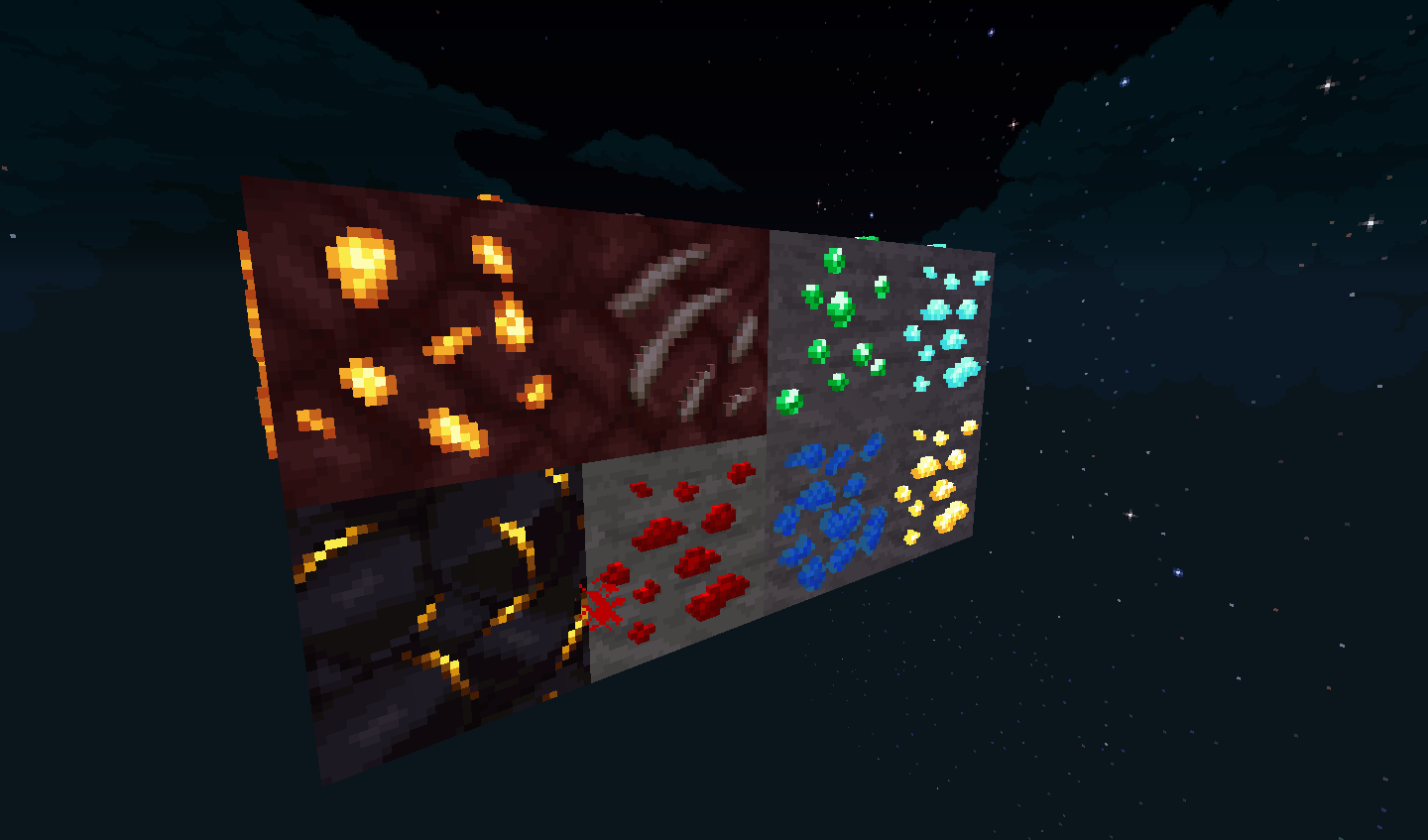
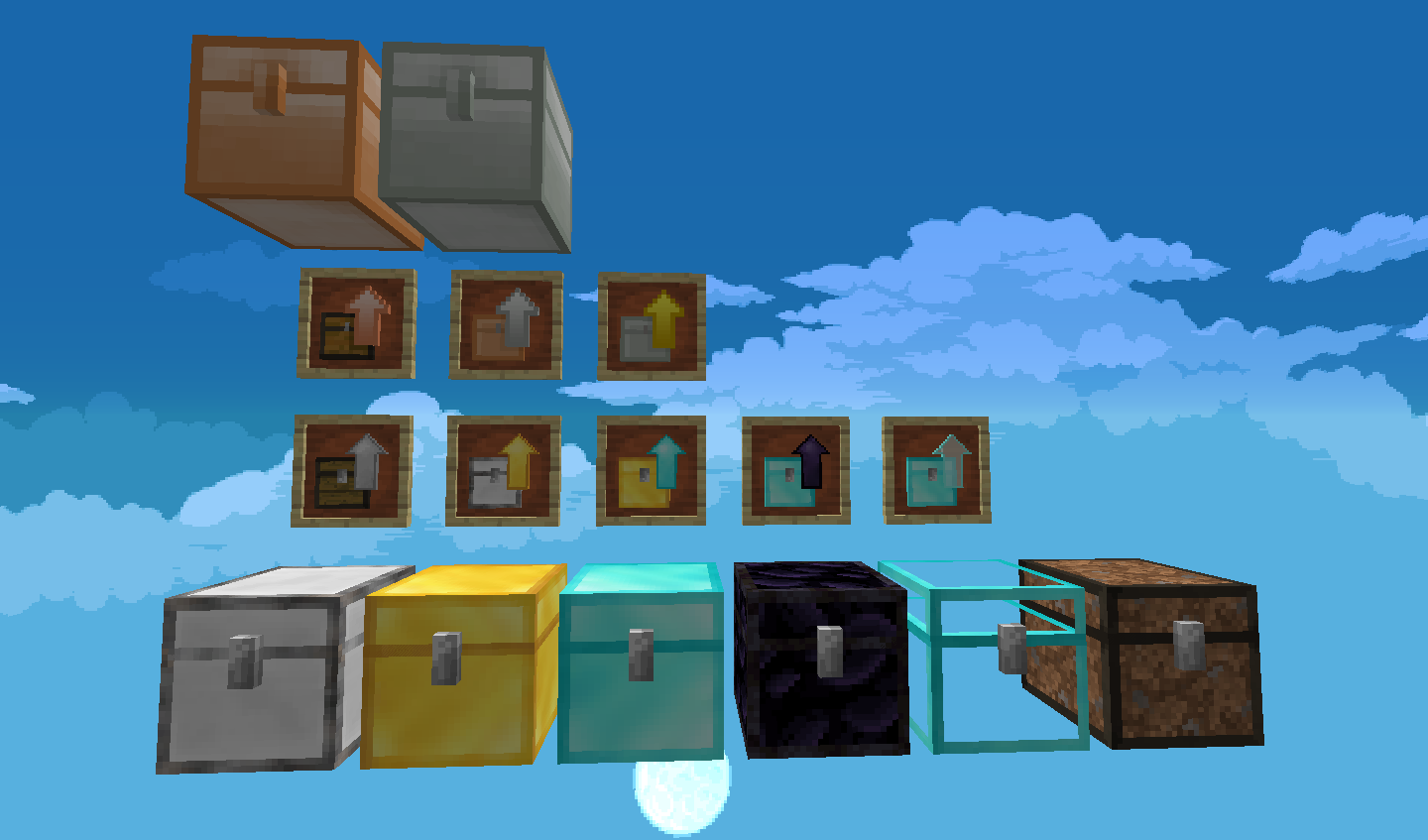
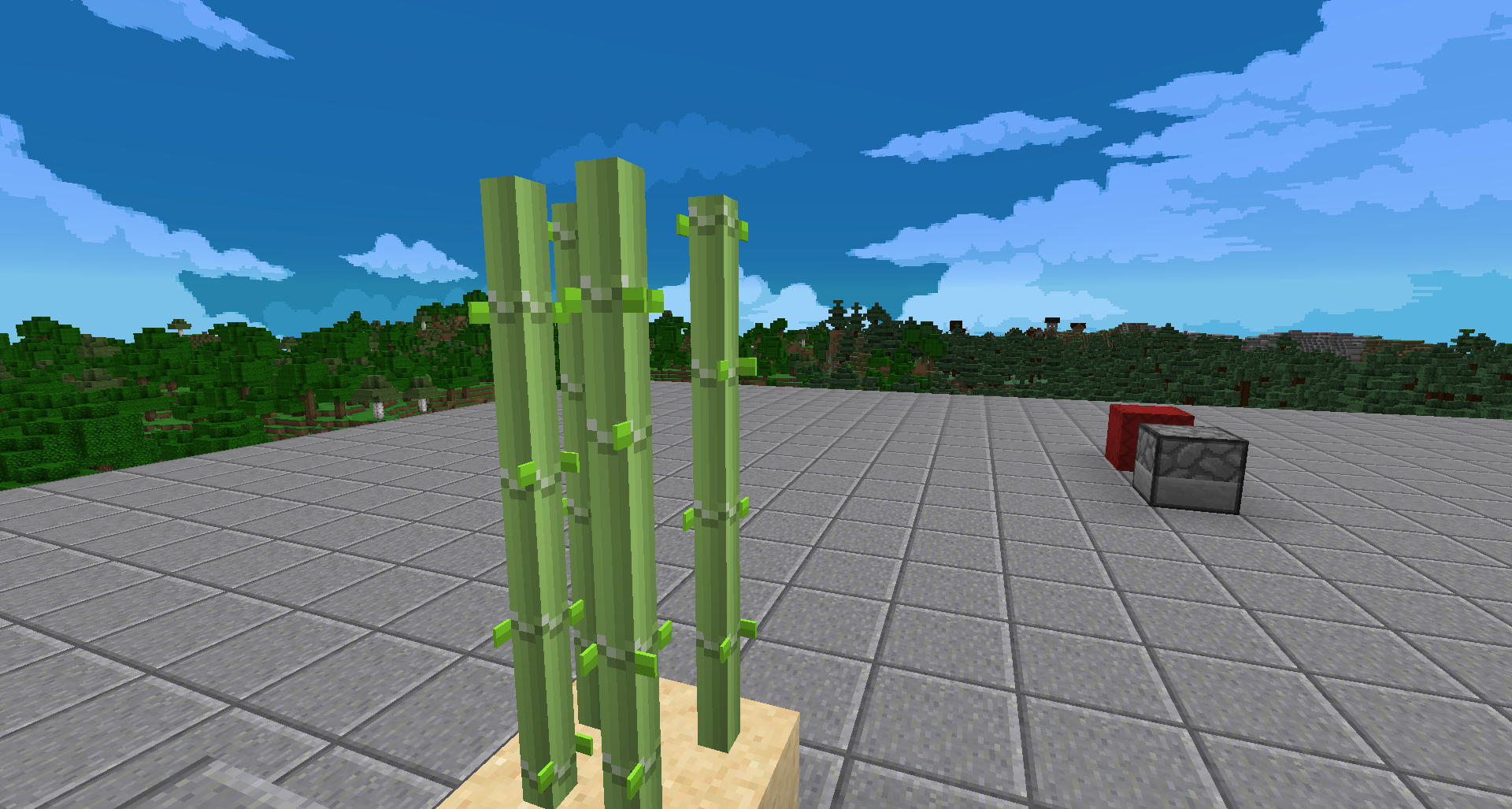
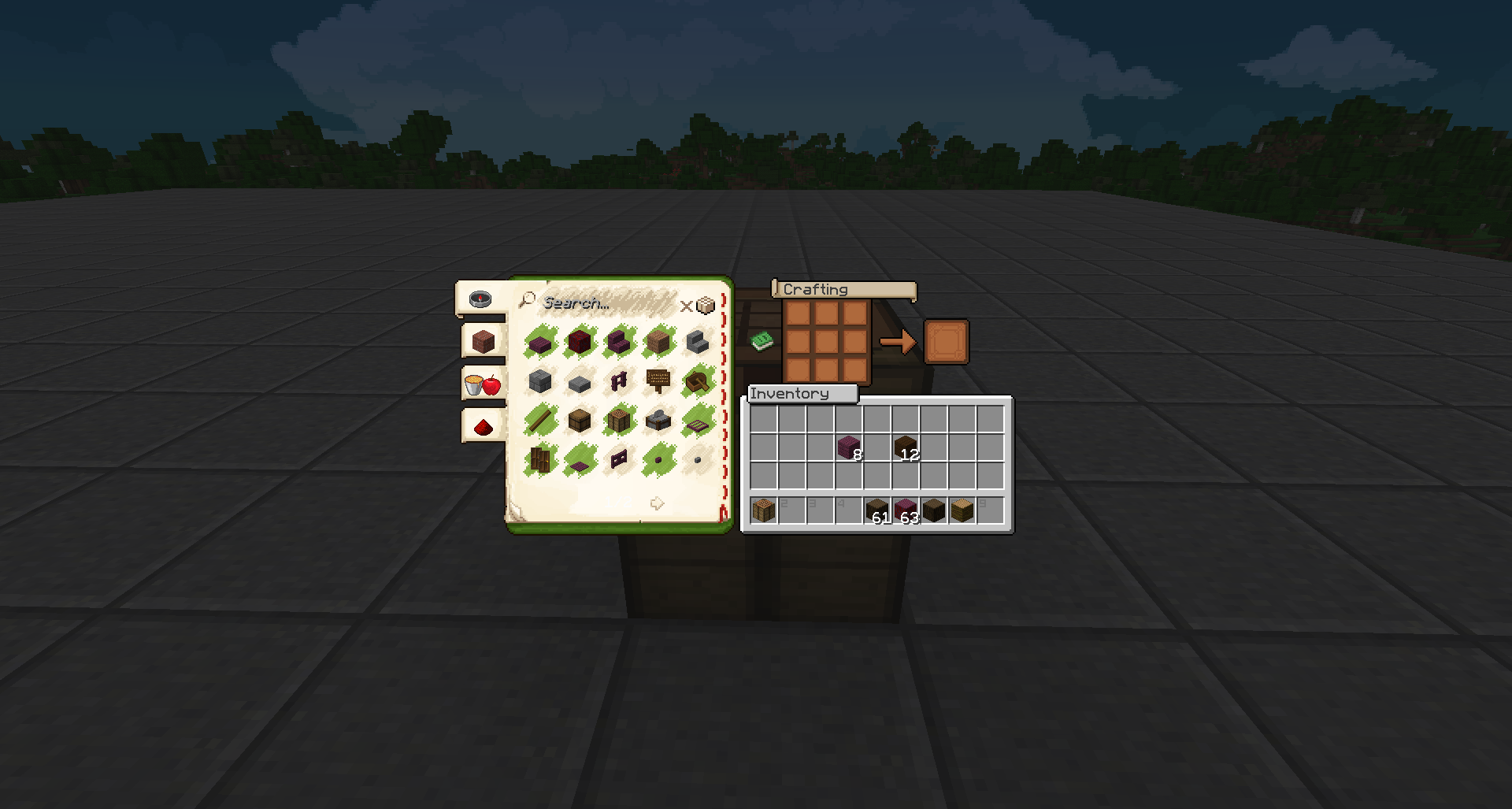
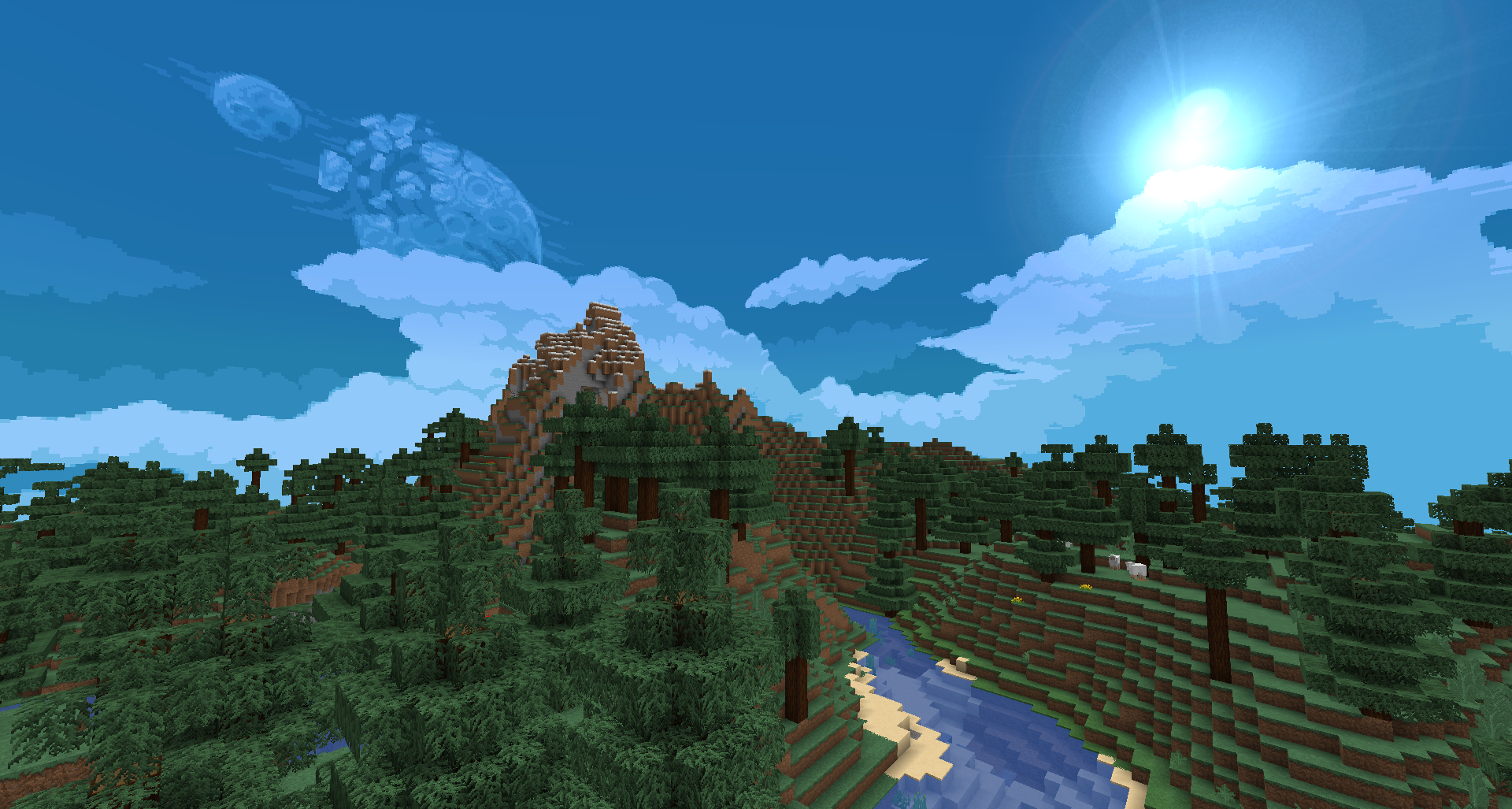
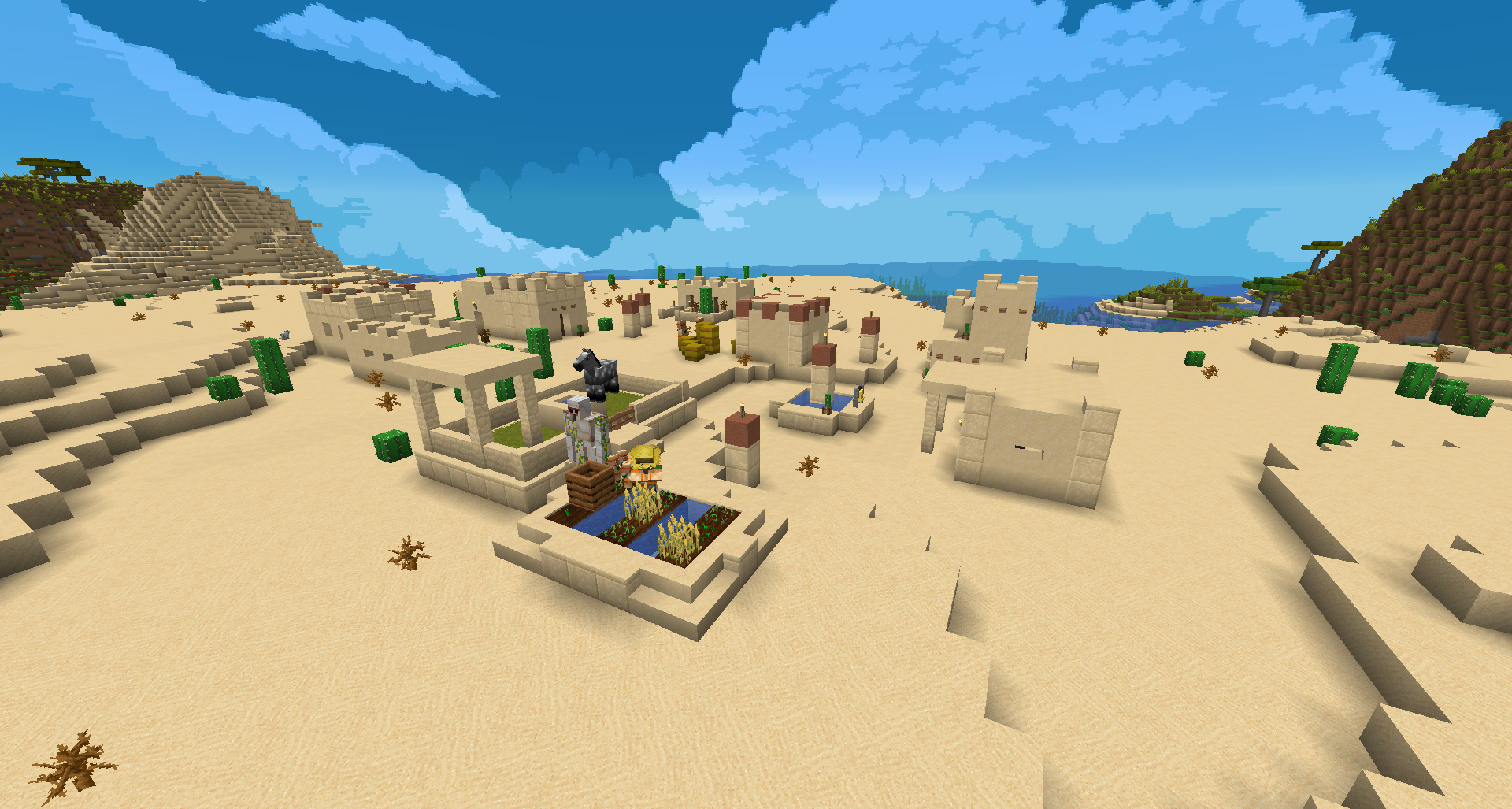
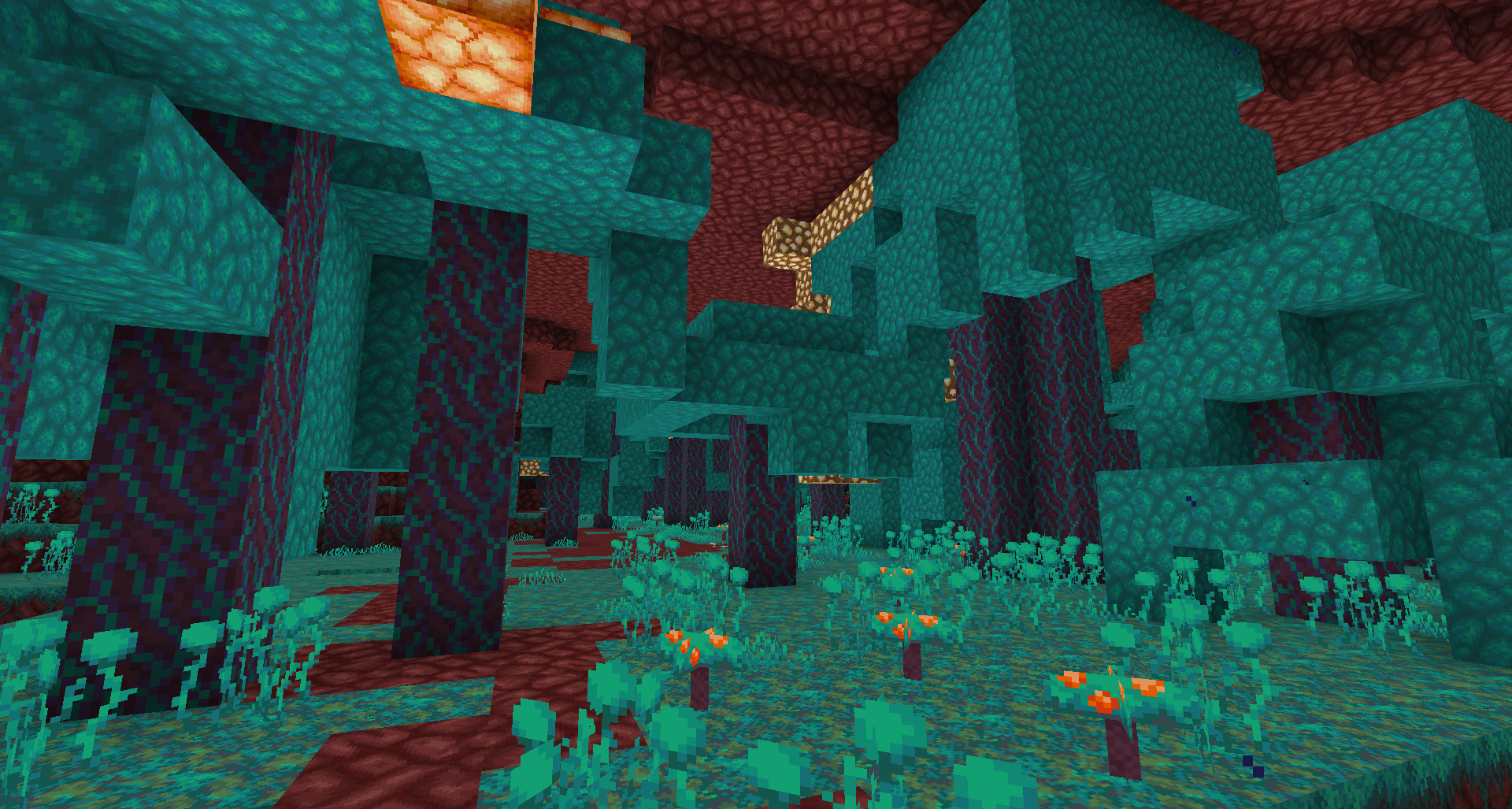
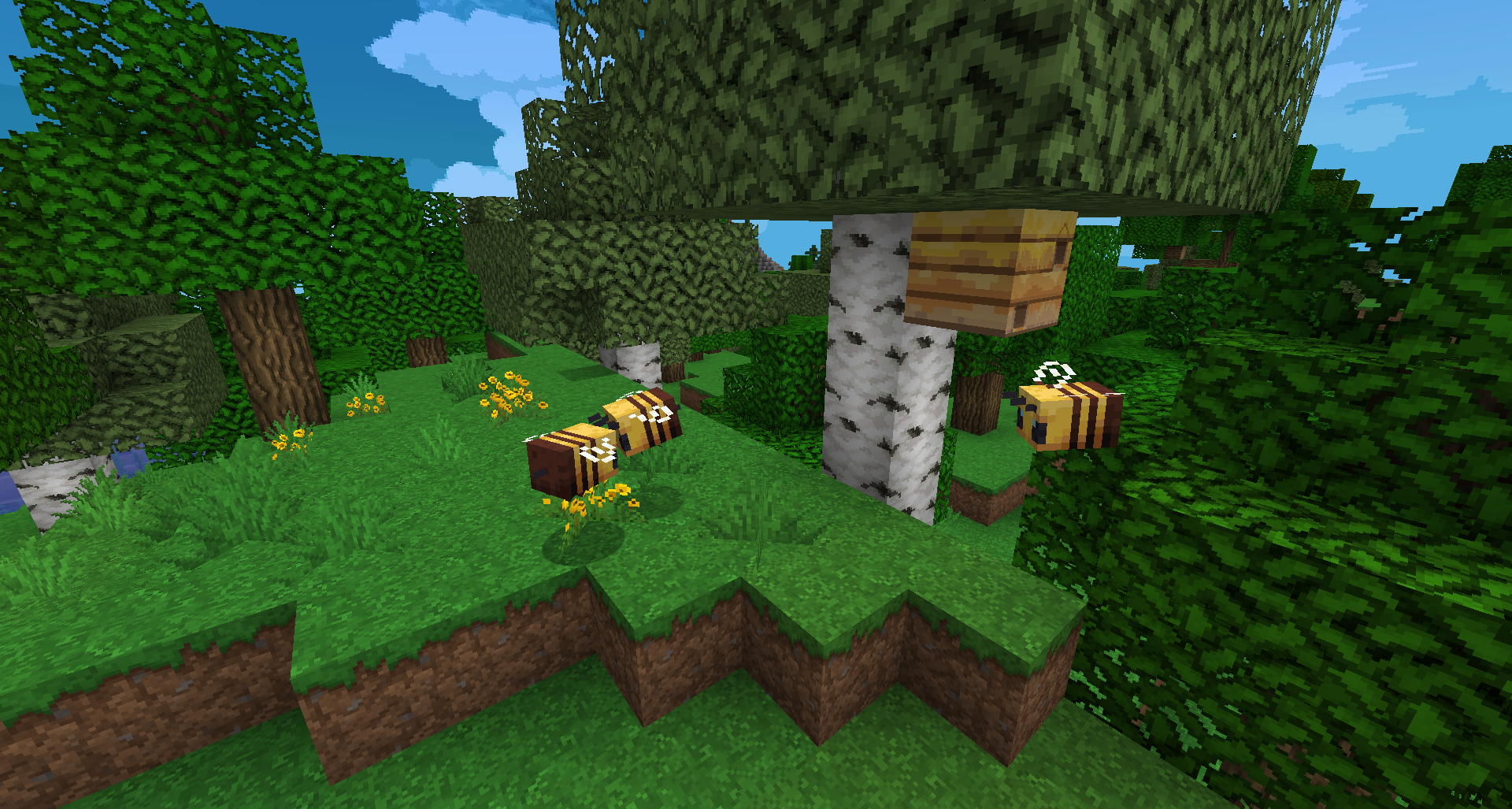
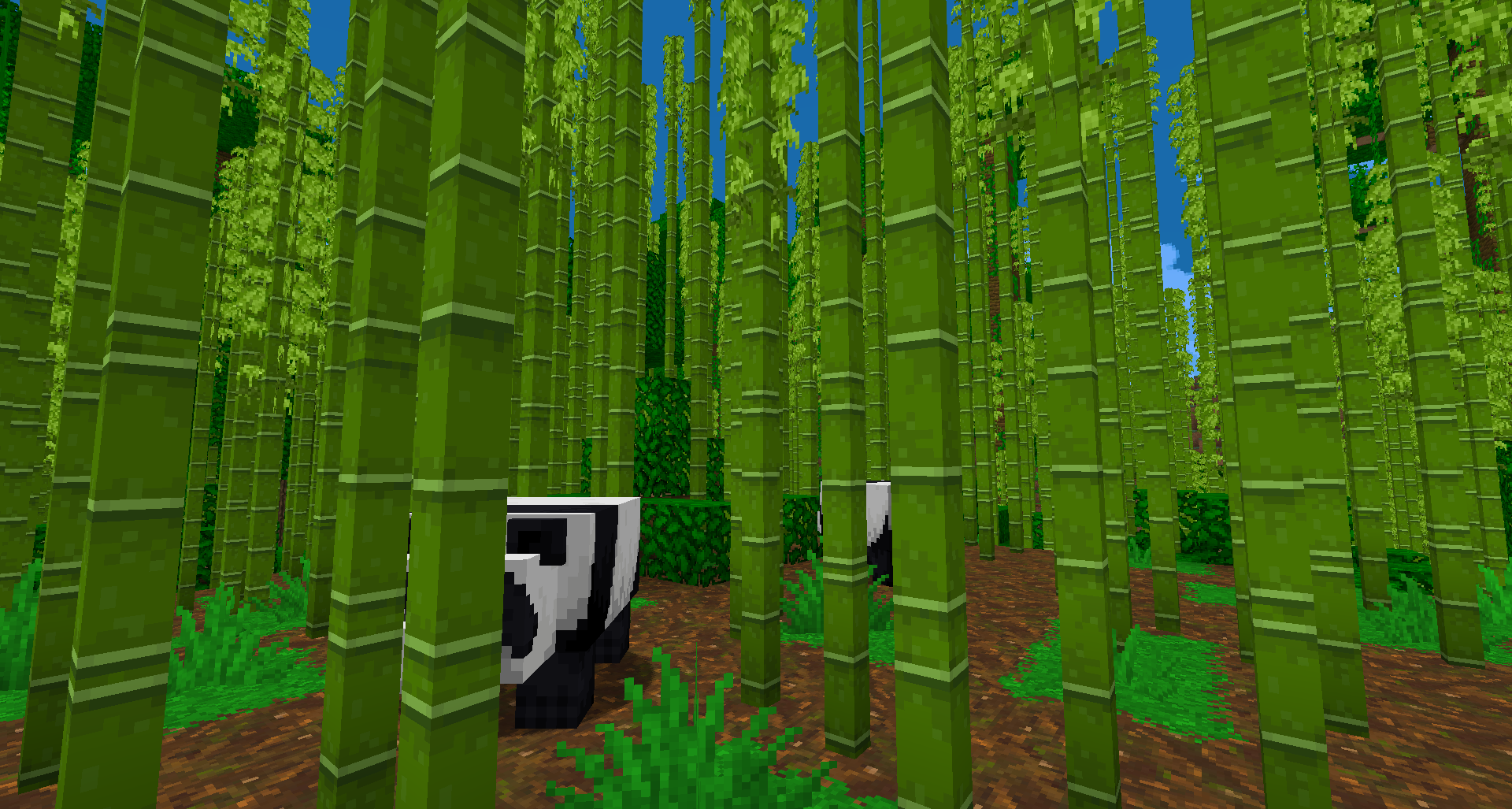
The Eli Pack is a Faithful boosted pack including a lot of effects :
  • Animated textures
  • Emissives textures
  • 3D models
  • Stackables items
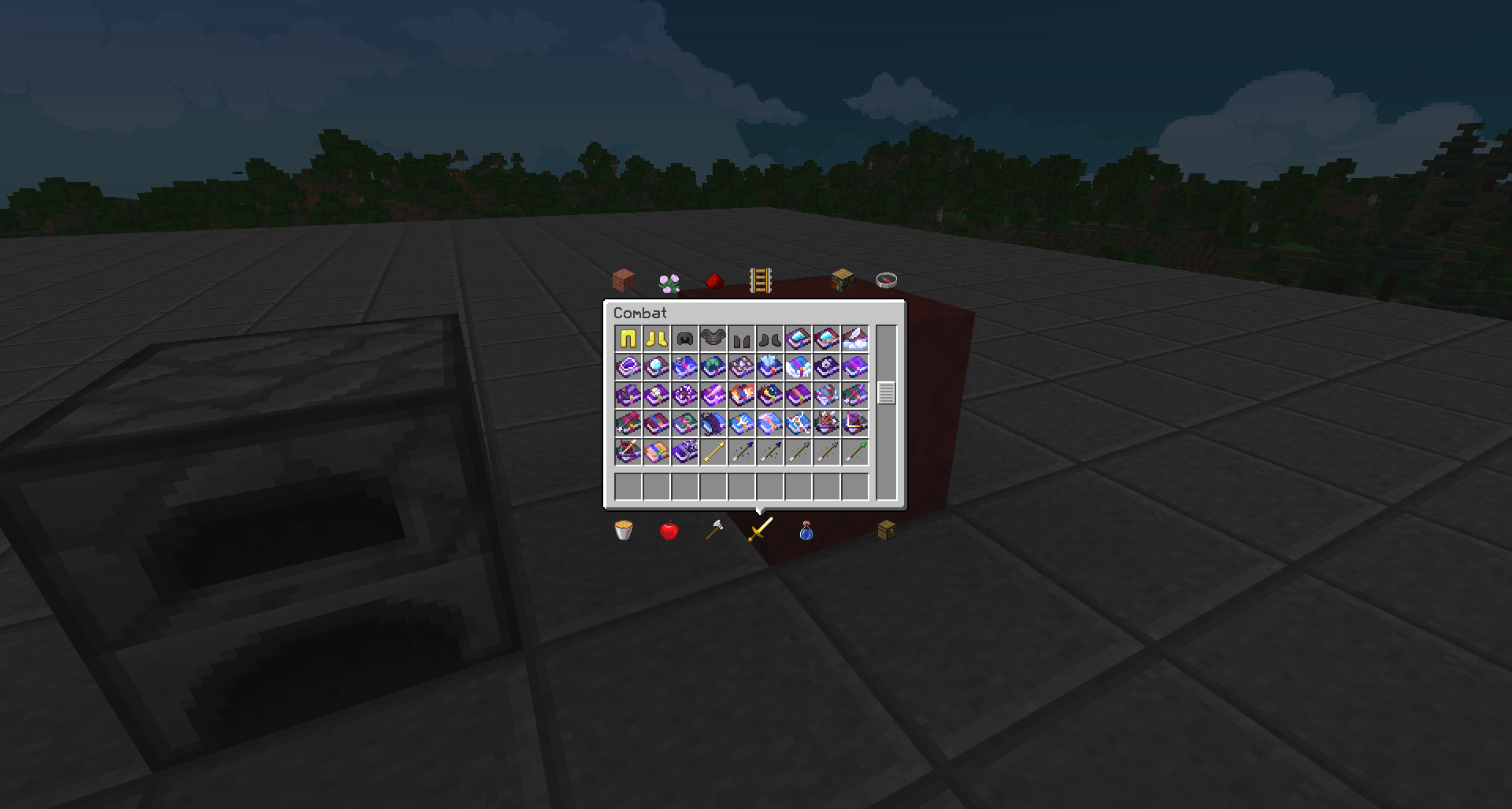
  • Enchanted books variants


Optifine is needed. (If you have OptiFabric, disable the Optifine Internal Resources)
For better graphics, All Animations, Emissives textures, Custom Font, Connected Textures, Custom Sky, Custom Entity Models, Random Entities, Custom Colors, Natural Textures, Custom Items and Custom GUIs settings needs to be "ON"
 
Thanks to :
Exonnix and asterlonux for testing the pack
Domi for help me with connected texture
Juknum for help me with 3D textures
 
I have not designed all textures.
All thanks to all the creators who spent much time designing and sharing textures :
 

grandmagusofficial
Nova_Wostra
QuinoaFalafel
LetsTryThisAgain
Progical
Howler
LethalChicken
Fracta1is
Terrifik
Horizon
HARAG0N_MC
Seirin_Blu
jogurciQ
Juknum
Adrian_Sama
xMrVizzy
Tekayo
Mr. Kirby
Crackers0106
dāvid
pomik108
Hozz 
Nekzuris
Vaderman242322
RobertR11
Fractalis
NinthWorld
Aurelien_Sama
JohnSmith
JimStoneCraft
Glowstontium
Greenhawk837
iTpyn
Zica
Arkindal
Freakscar
JohnLemon
Leenhaart
flying sheep
RedSolar
Lazdude2012
PwnyBrony32
Codiferus17
_DRYBONES_
xXTerra_BranfordXx
Nehaw55
EchoZeero
WaterTipper
Necron 1992
Soulburner
Brice47
JonnnLeee
Dweller_Benthos

 
Contact me :
[email protected]
EliPack V0.5
MC 1.16.3, 1.16.1, 1.16, 1.16.5, 1.16.4, 1.16.2
Release 2021-12-15 Get
EliPack V0.4
MC 1.16.3, 1.16.1, 1.16, 1.16.2
Beta 2020-10-04 Get
EliPack V0.3
MC 1.16.3, 1.16.2
Release 2020-09-18 Get
EliPack V0.2
MC 1.16.3
Release 2020-09-12 Get
EliPack V0.1
MC 1.16.2
Release 2020-08-30 Get

Requirements & install

How to use this resource pack in Minecraft
Resolution
32x
Minecraft
1.16 – 1.16.5
Install folder
.minecraft/resourcepacks

How to install resource packs

  1. Download the resource pack .zip file (do not extract it).
  2. In Minecraft open Options → Resource Packs → Open Pack Folder.
  3. Drop the .zip into the resourcepacks folder (.minecraft/resourcepacks).
  4. Move the pack to the Selected column and click Done.
Browse more: 16x resource packs 32x resource packs 64x resource packs 128x resource packs 256x resource packs 512x+ resource packs Resource Packs for 1.16.5 All resource packs
Advertisement Remove ads with Premium →

You Might Also Like