Mineuniverse
Resource Packs
Element material blocks

Element material blocks

RESOURCE PACK
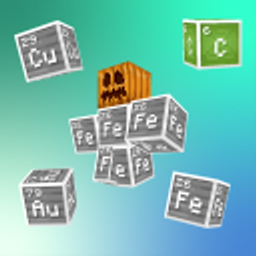
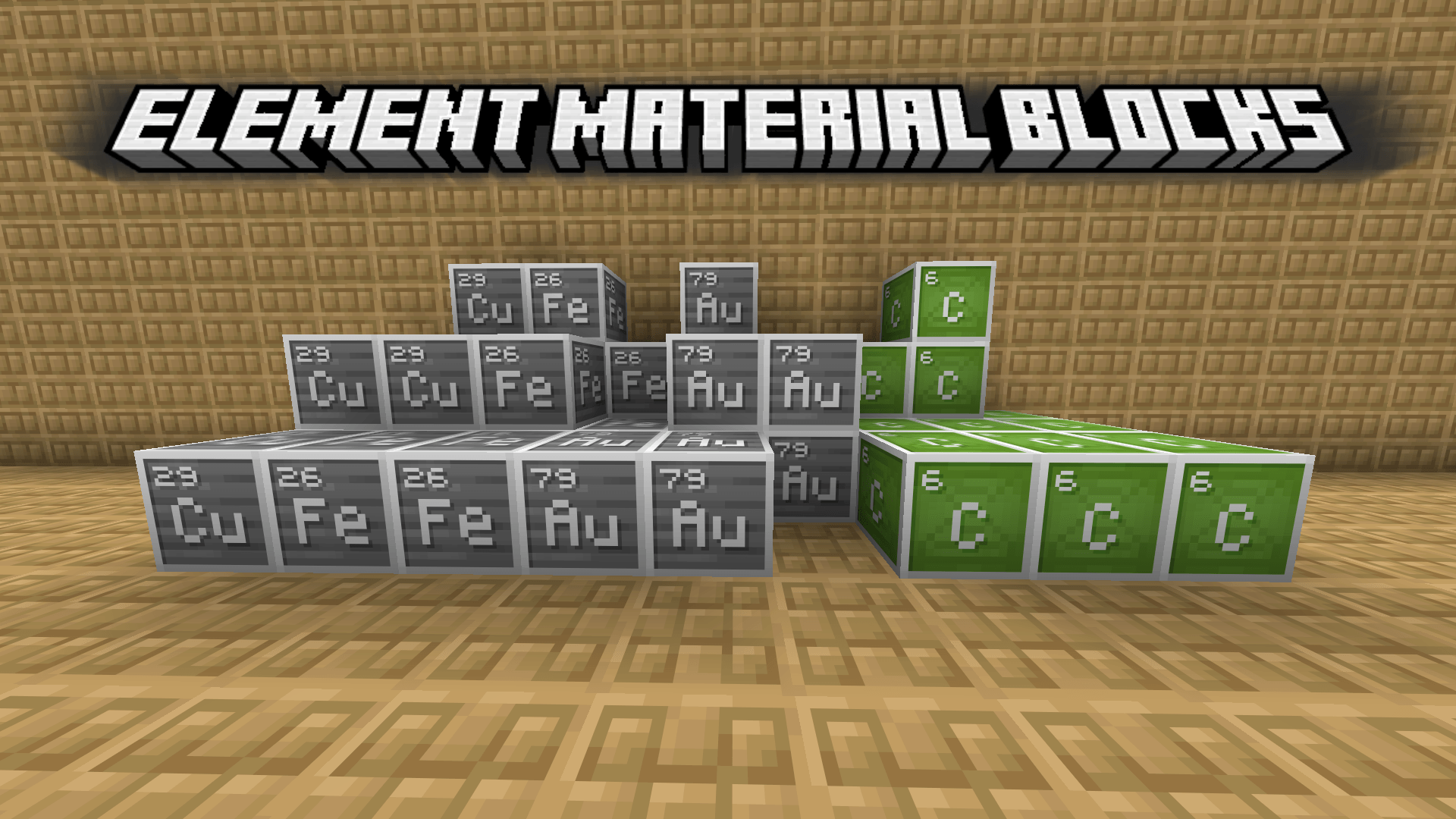
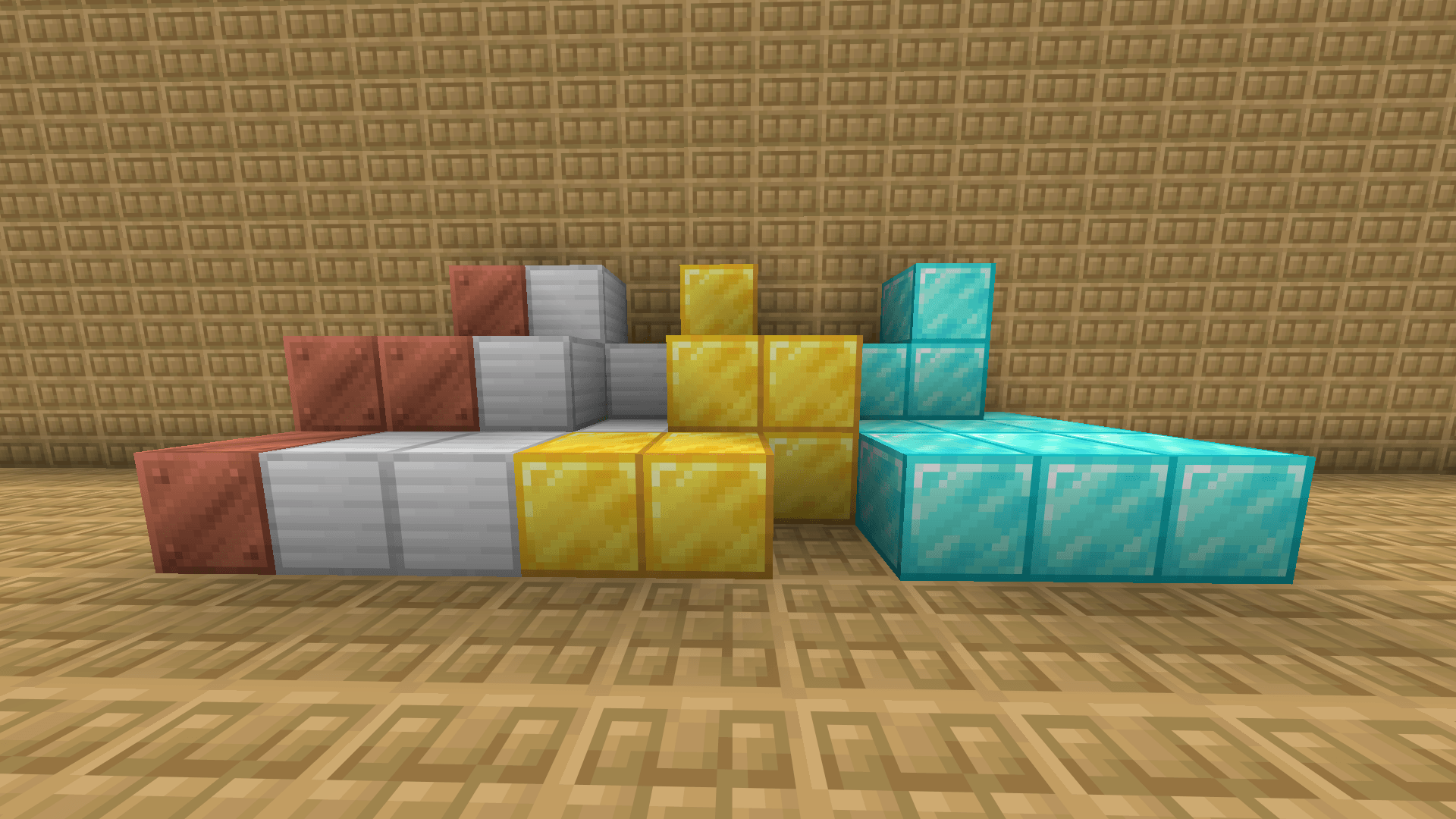
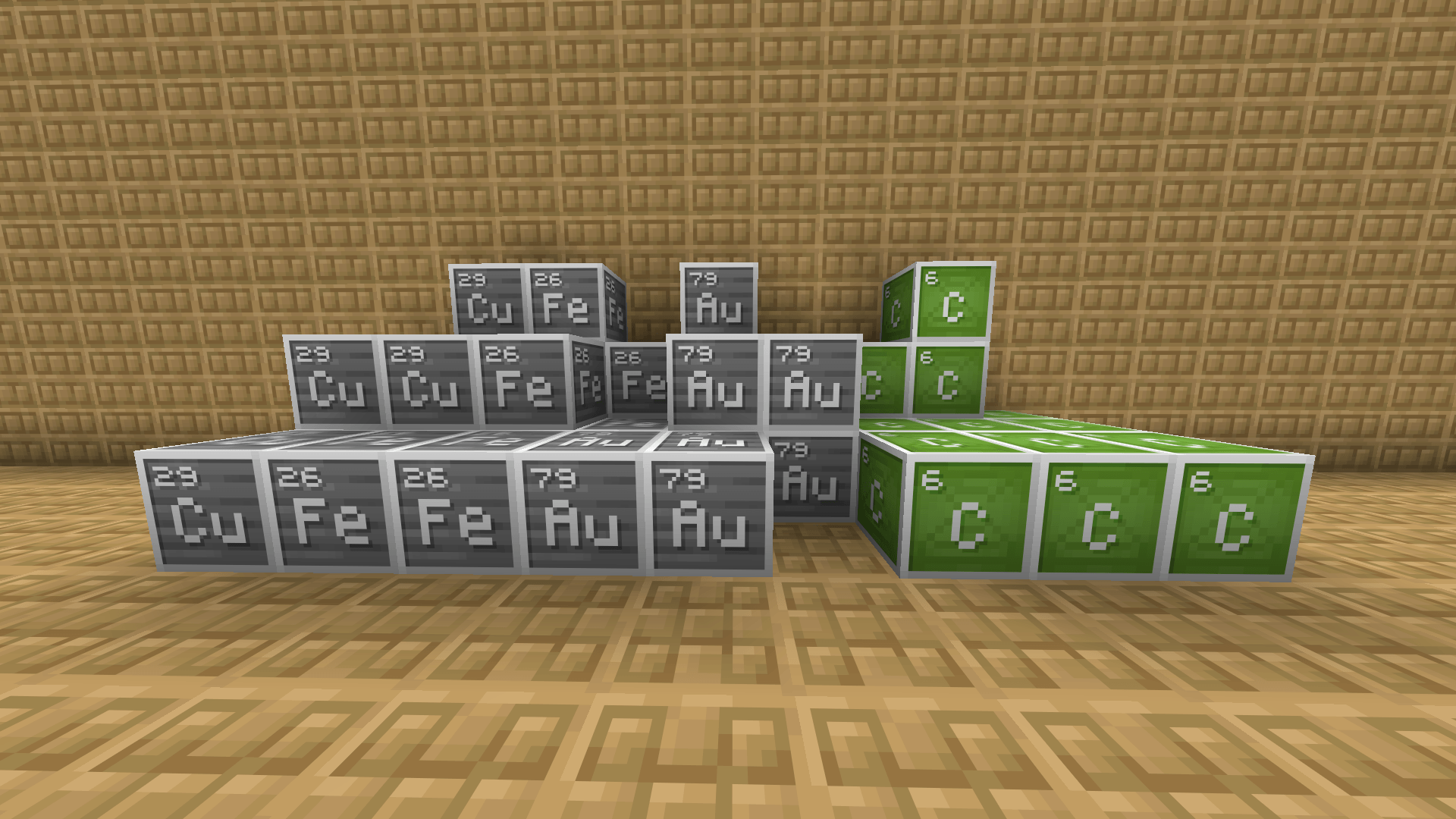
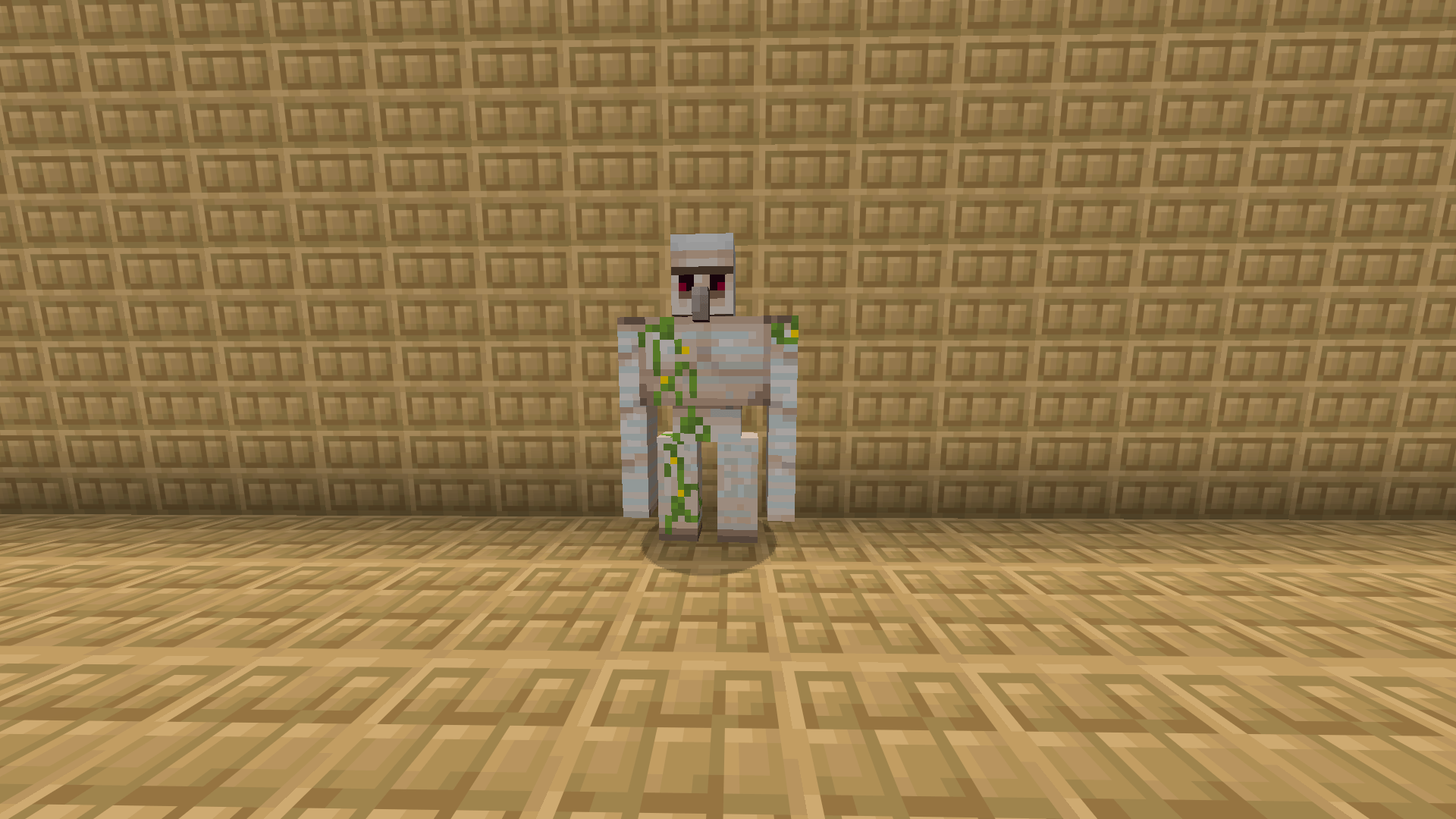
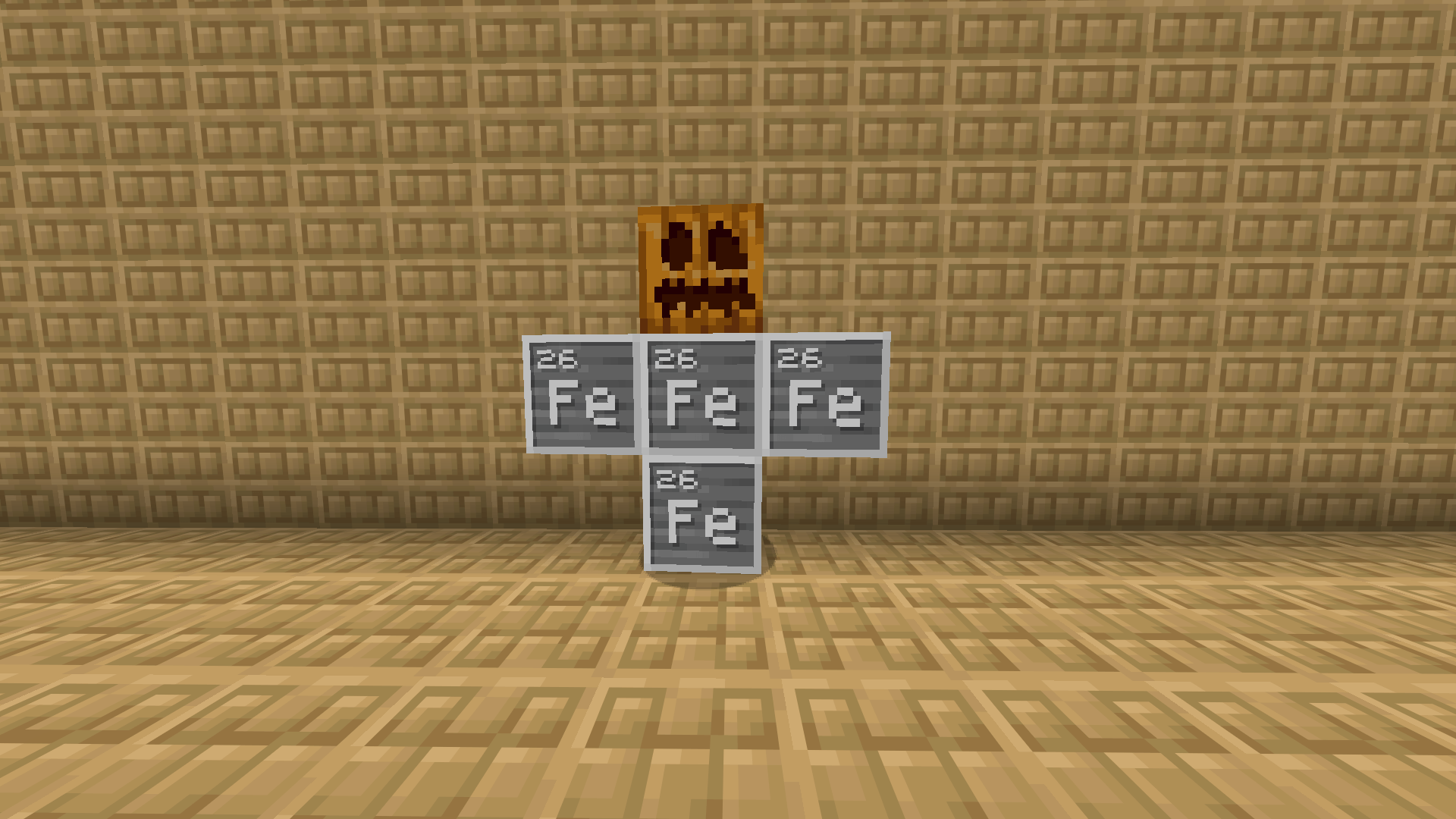
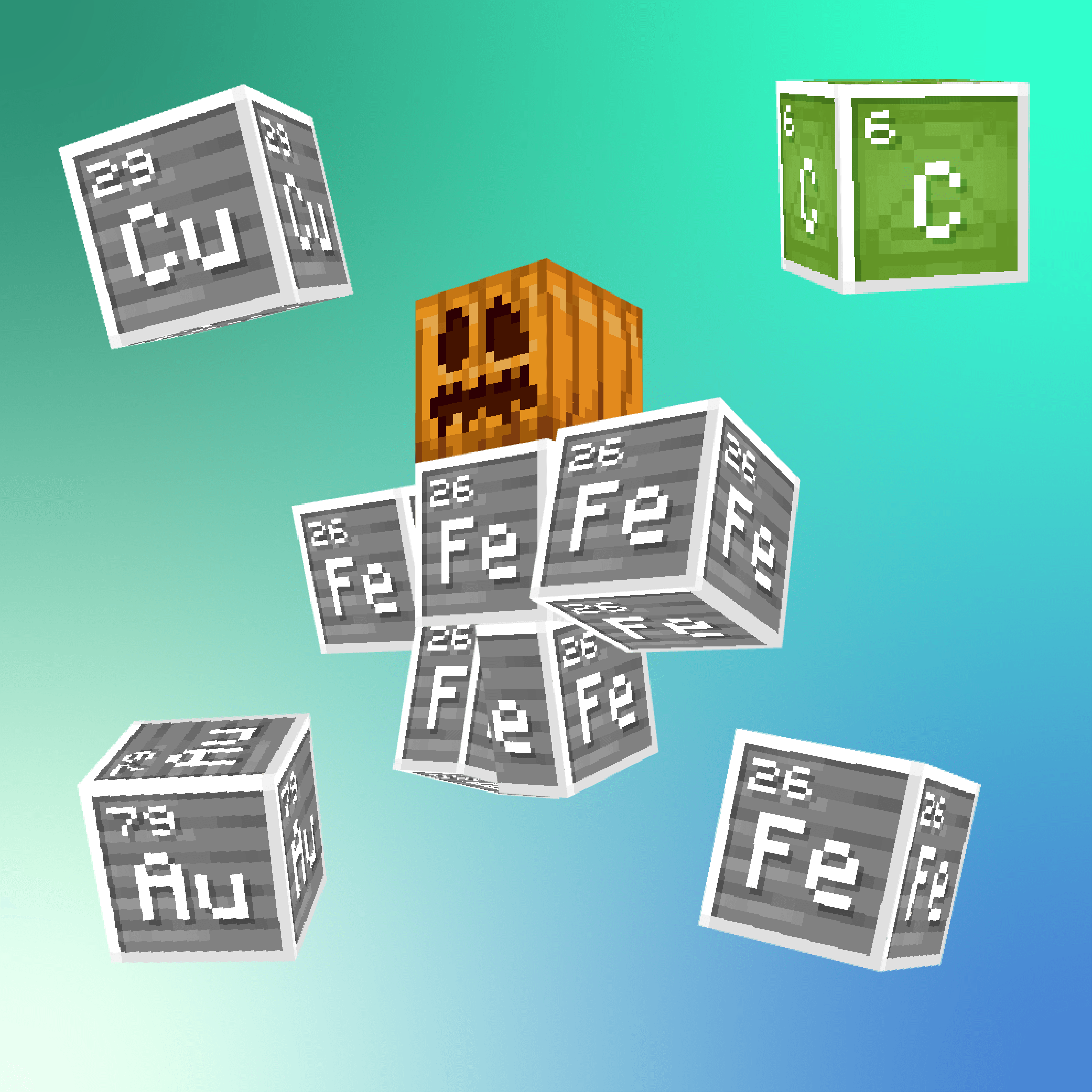
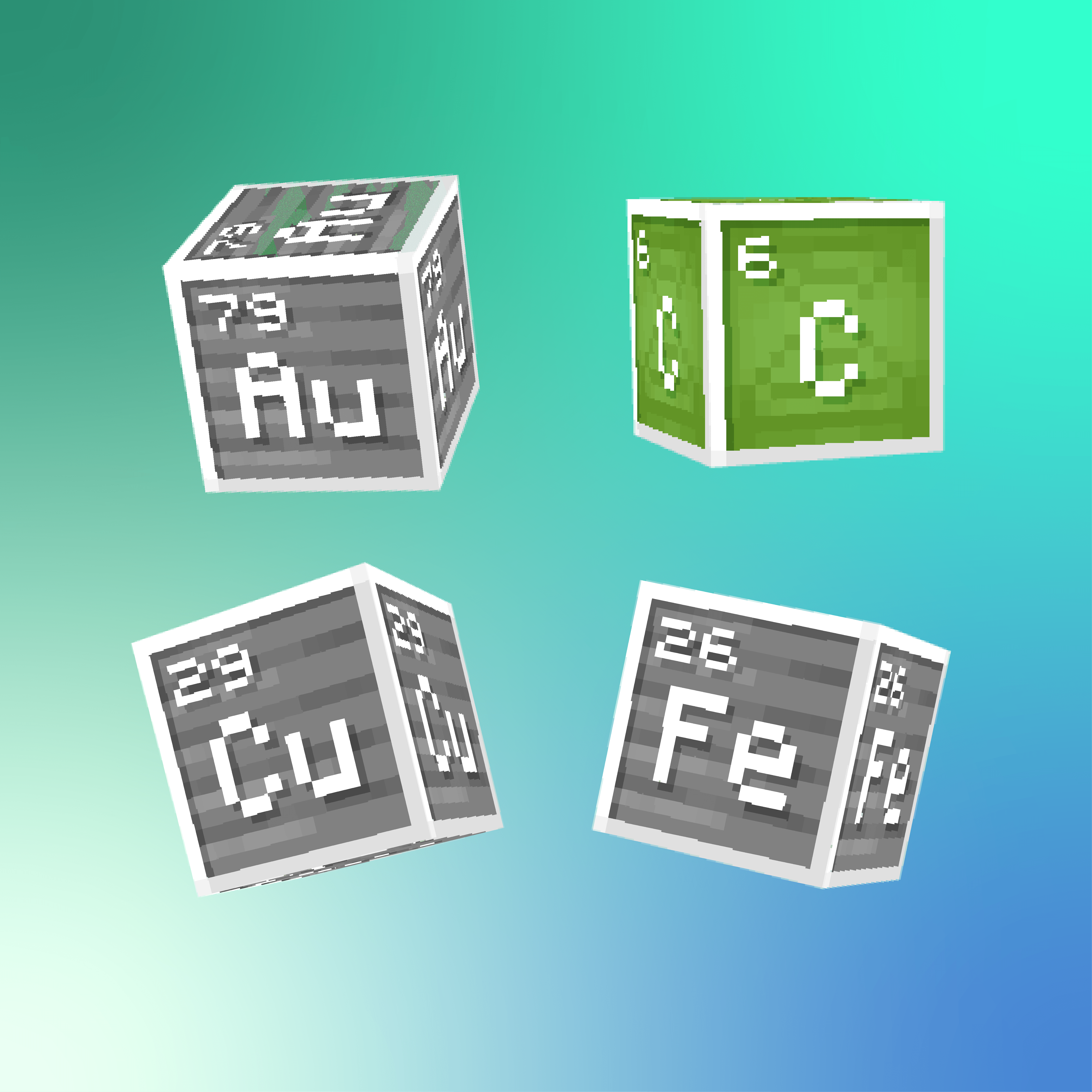
Makes copper, iron, gold and diamond to element blocks from Minecraft Education edition. Also changes iron golems to look like they were made from element iron blocks (optional addon which requires CEM)
by Creepe
Download Claim this project
120 downloads
0 likes
Updated Oct 14, 2026
0 hypes
32x Miscellaneous
Advertisement Remove ads with Premium →

Why my iron golem doesn't work

Well now it does!


Pack title

This pack changes iron, copper, gold and diamond blocks to look like their corresponding element blocks from Minecraft Education edition. Also it makes iron golem to look like he's made from ferum, but that requires mods which enable CEM support. But don't worry, if you don't want you can install version without him.


Entity Model Features <- if you want custom golem


  • Block textures are owned by Mojang AB and Microsoft. I do not claim ownership of those textures.
      

  • Iron golem is made by me. You are allowed to use it and repurpose them for any non-commercial use. However if you want to publish something with it please message me and credit me in pack description/credit.txt , especially if you want to use it for commercial use (but that's not likely).


(Links - will be soon)

Element material blocks + Custom Golem 1.17.zip
MC 1.17.1, 1.17
Release 2026-05-26 Get
Element material blocks + Custom Golem 1.18.zip
MC 1.18.1, 1.18, 1.18.2
Release 2026-05-26 Get
Element material blocks + Custom Golem 1.19.zip
MC 1.19.3, 1.19.4, 1.19.1, 1.19.2, 1.19
Release 2026-05-26 Get
Element material blocks + Custom Golem 1.20-1.20.1.zip
MC 1.20.1, 1.20
Release 2026-05-26 Get
1.20.2-1.21.8 Element material blocks + Custom Golem.zip
MC 1.20.2-Snapshot, 1.20.5-Snapshot, 1.20.2, 1.20.5, 1.20.6, 1.20.4, 1.20.3-Snapshot, 1.20.3
Release 2026-05-26 Get
1.21.9+ Element material blocks + Custom Golem.zip
MC 1.21.9, 1.21.10, 1.21.11-snapshot, 1.21.11, 26.1, 26.1.1, 26.1.2
Release 2026-05-26 Get

Requirements & install

How to use this resource pack in Minecraft
Resolution
32x
Minecraft
1.20.6 – 26.1.2
Install folder
.minecraft/resourcepacks

How to install resource packs

  1. Download the resource pack .zip file (do not extract it).
  2. In Minecraft open Options → Resource Packs → Open Pack Folder.
  3. Drop the .zip into the resourcepacks folder (.minecraft/resourcepacks).
  4. Move the pack to the Selected column and click Done.
Browse more: 16x resource packs 32x resource packs 64x resource packs 128x resource packs 256x resource packs 512x+ resource packs Resource Packs for 26.1.2 All resource packs
Advertisement Remove ads with Premium →

You Might Also Like