Mineuniverse
Resource Packs
ejbs - Ancient World

ejbs - Ancient World

RESOURCE PACK
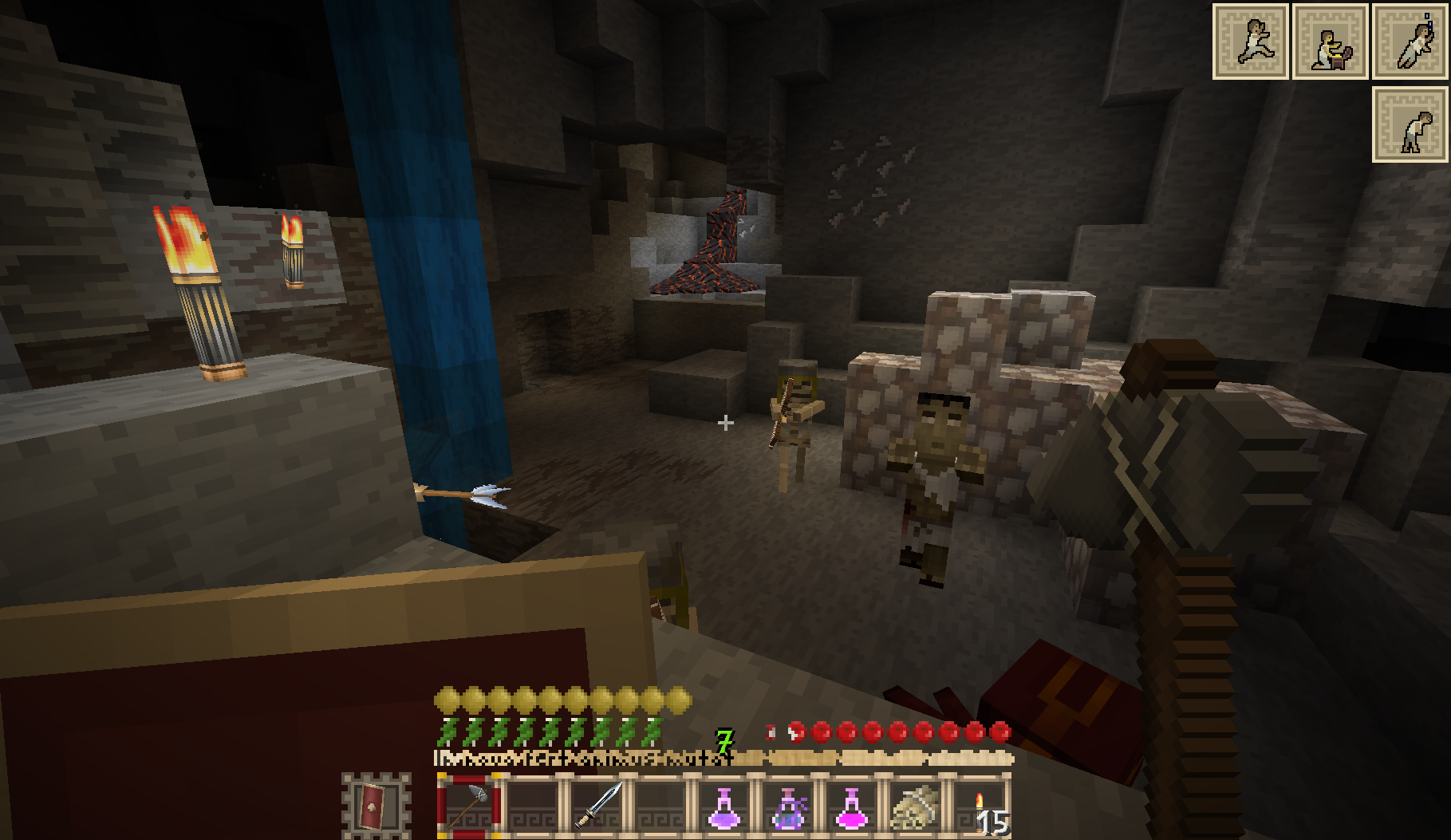
A beautiful ancient world texture pack.
by _ForgeUser6927513
Download Claim this project
39,713 downloads
0 likes
Updated Oct 14, 2026
0 hypes
16x Animated
Advertisement Remove ads with Premium →

I do not tend to update this resource pack for the time being.


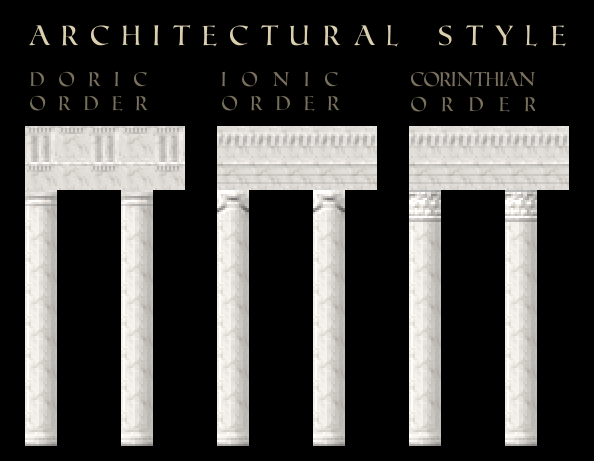
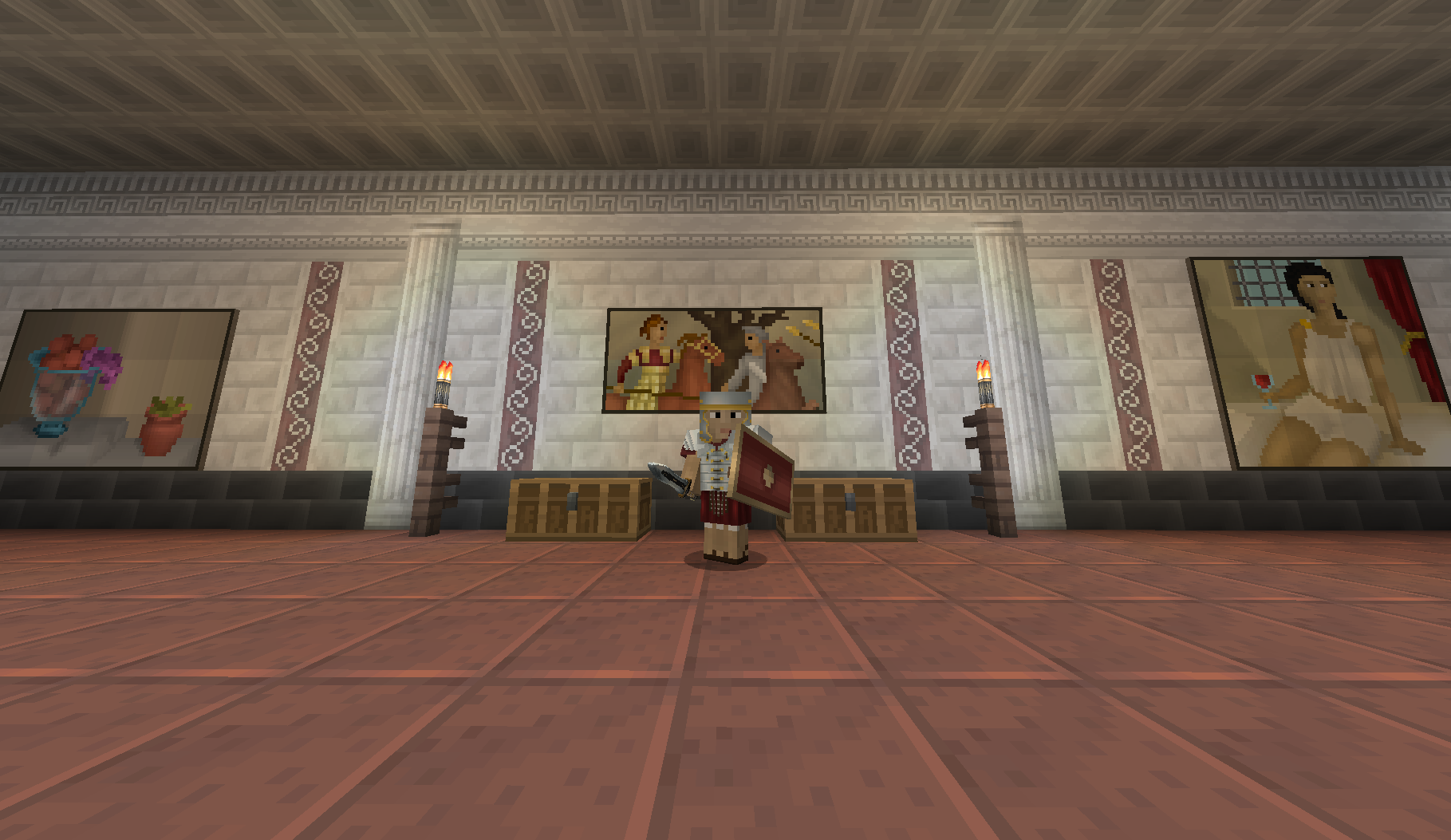
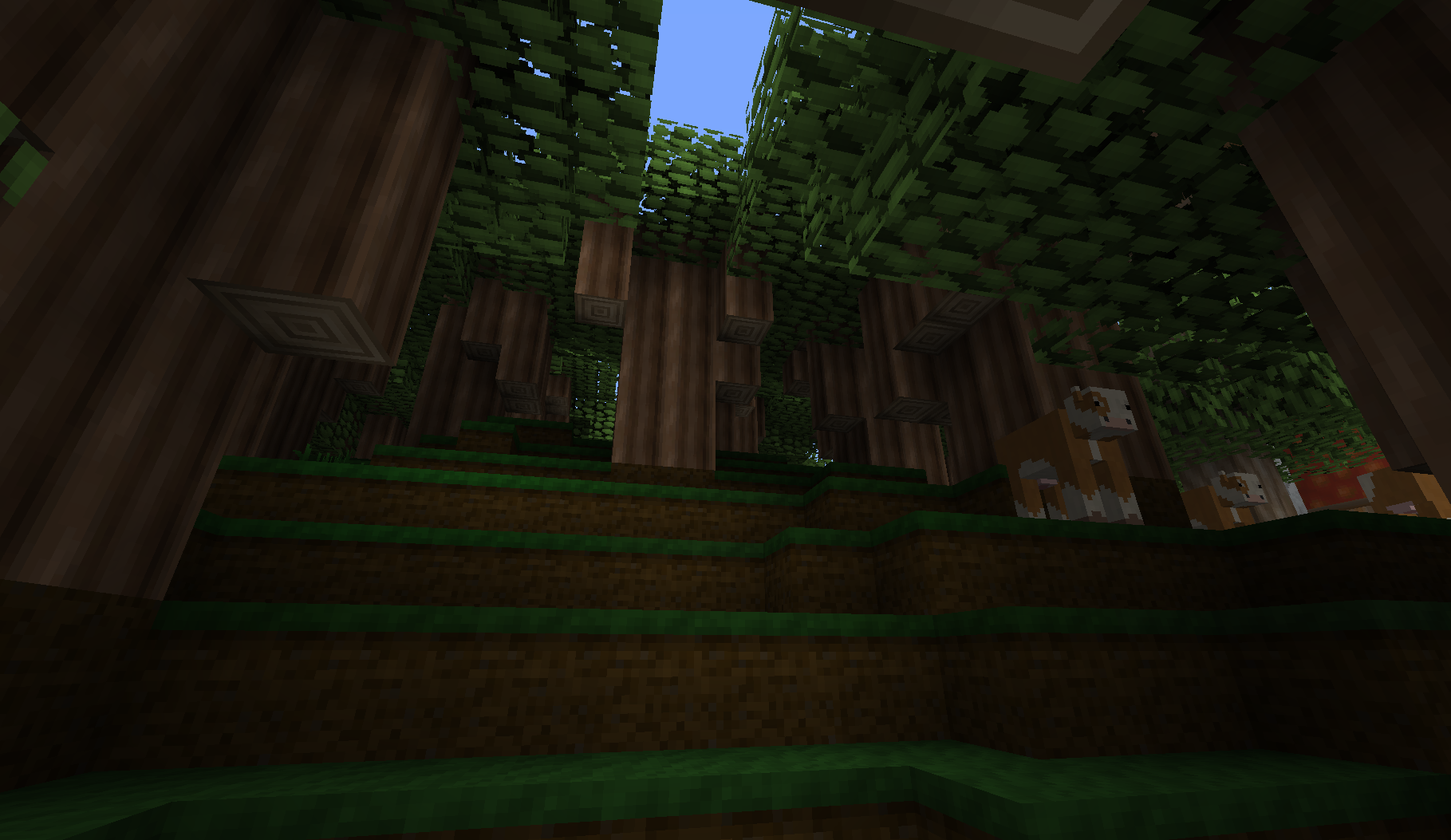
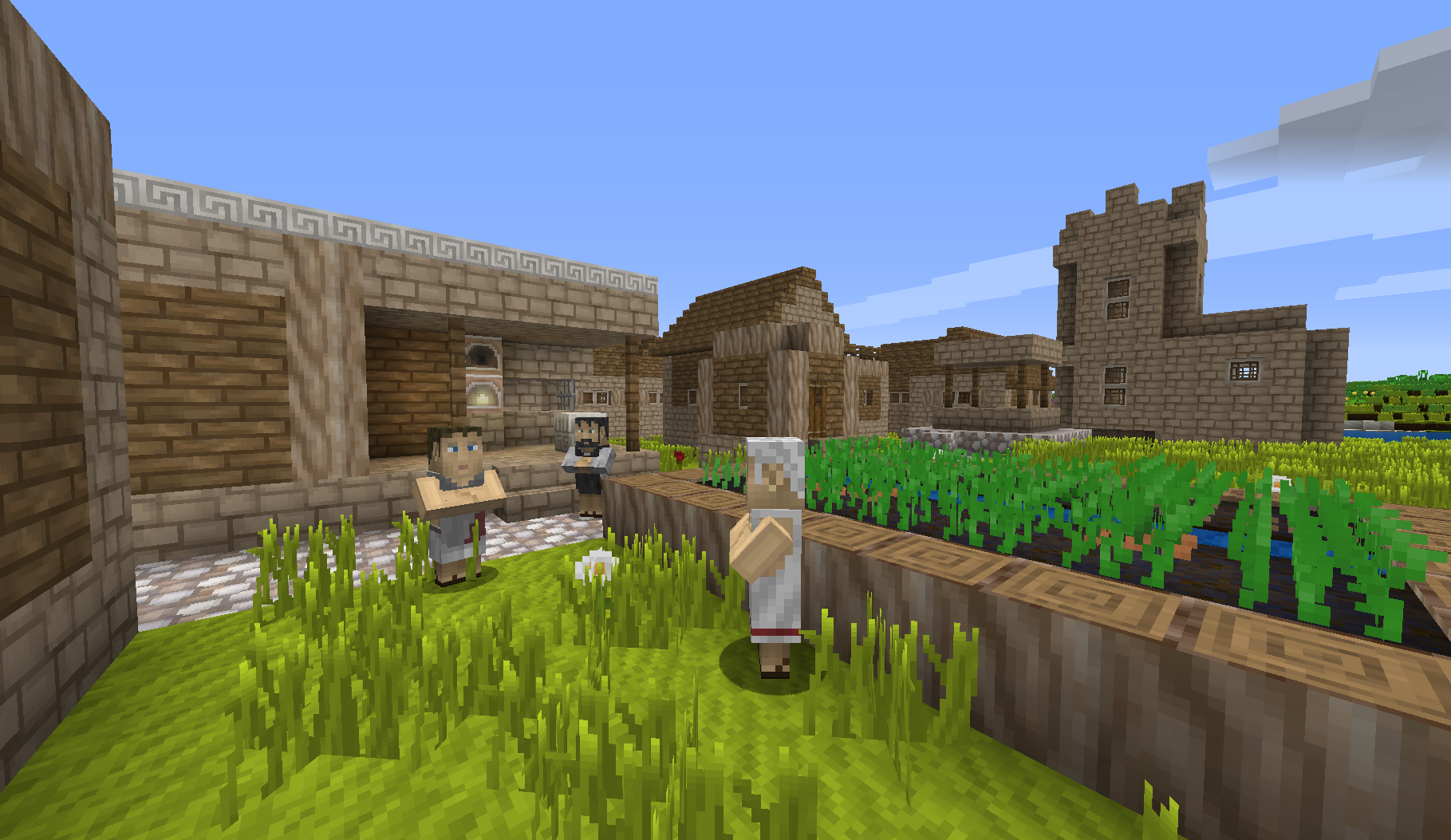
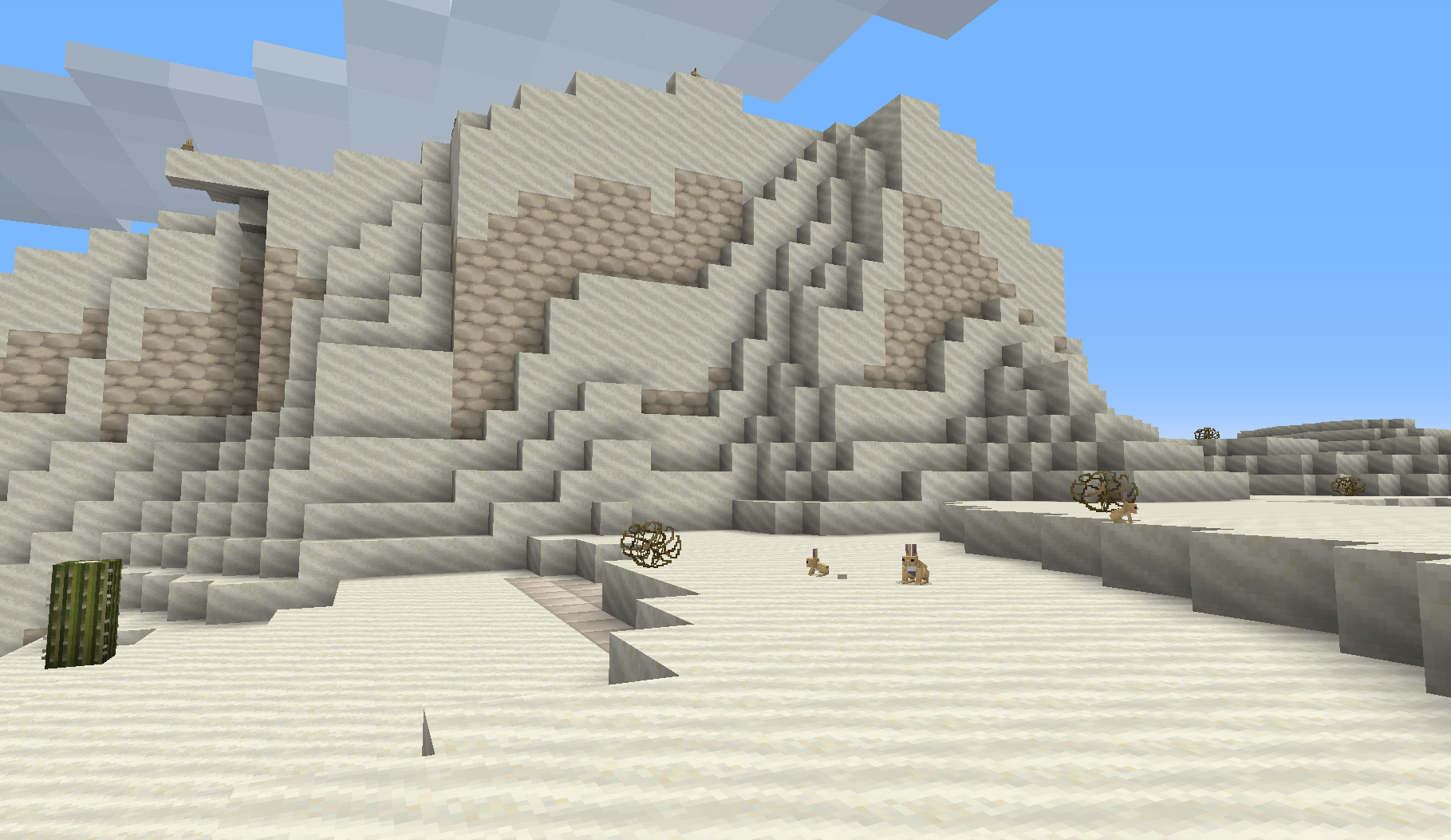
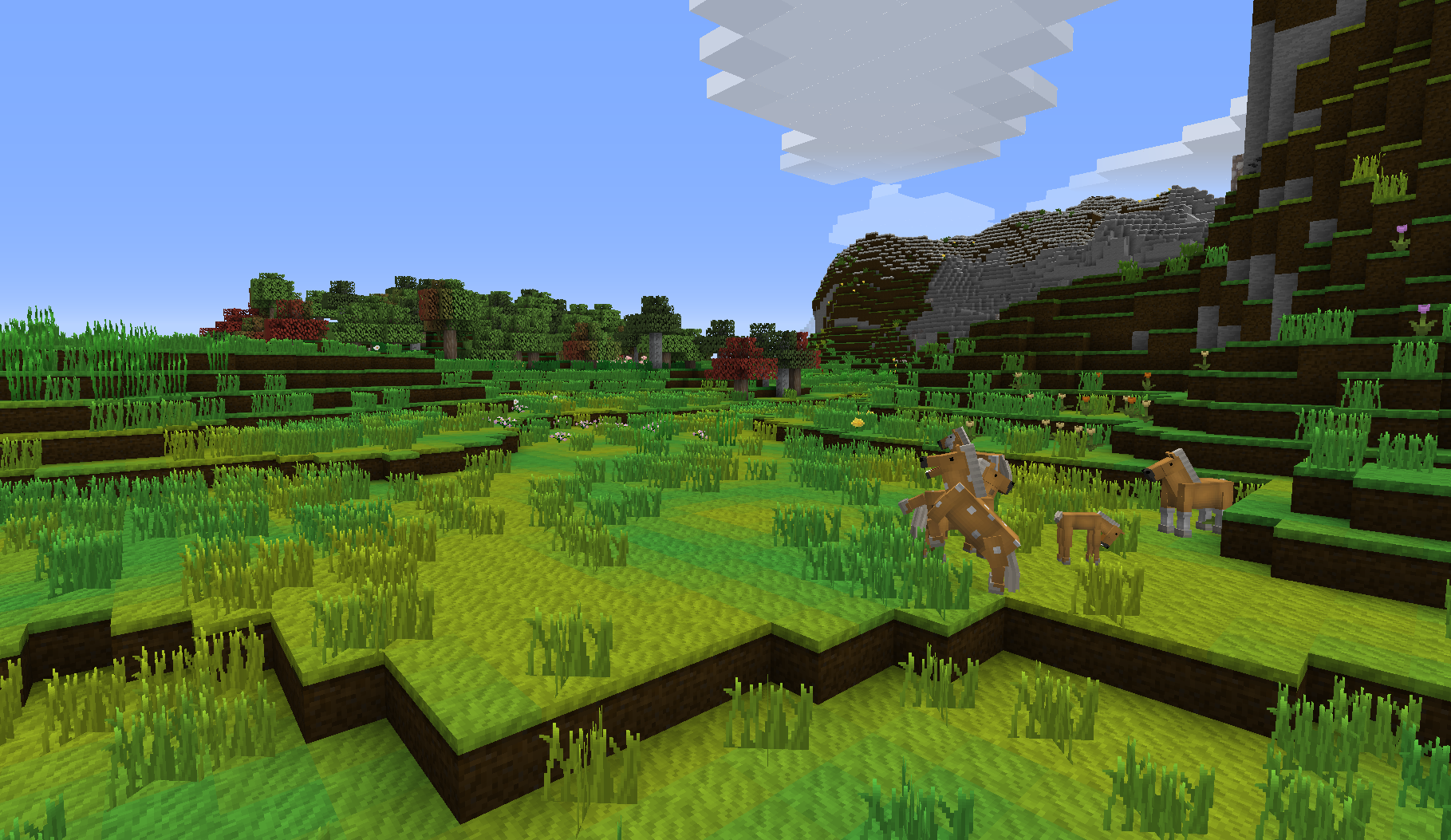
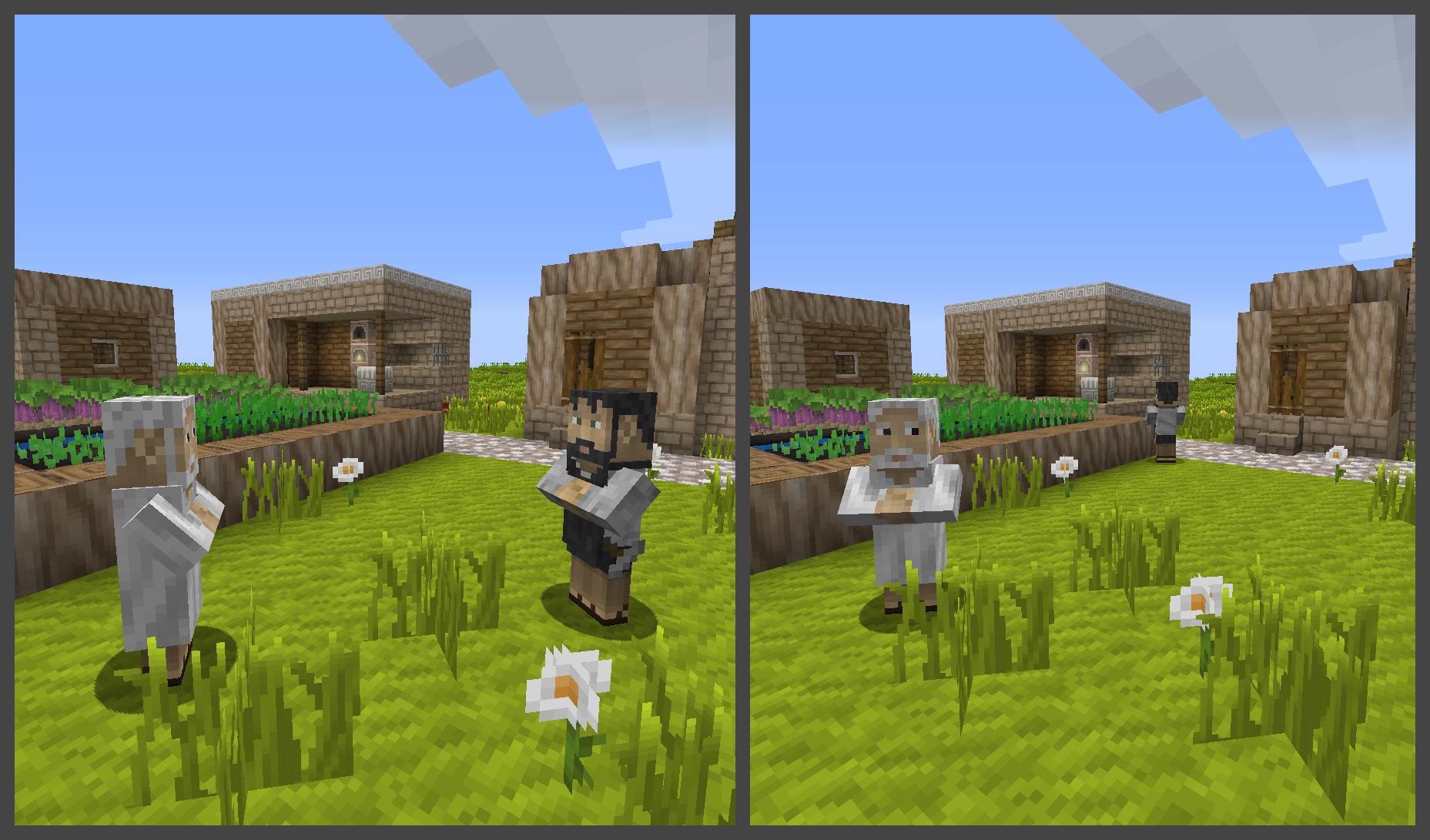
This texture pack is about: Ancient Rome and Ancient Greece and a little Ancient Egypt. The most significant features are, what comes to mind now, marble columns (red colored and fluted ) and architrave and frieze. The Spartan armor, the Lorica Segmentata ( roman armor ) and the armor of the Praetorian. Oil lamps, scrolls, Gladius ( roman sword ), a Minotaur, sandstone as travertine, marble tile, granite blocks, concrete blocks, different sorts of arranged stones.


- Its Resolution is mostly in 16x16 pixel per block side.
- Random Mob Support ( over 450 alternatives, before version 1.8x )
- Animated Textures

- HD tools / weapons / armor / font / sun / moon


- this texture pack is customisable here: http://www.pixel-puzzle.de


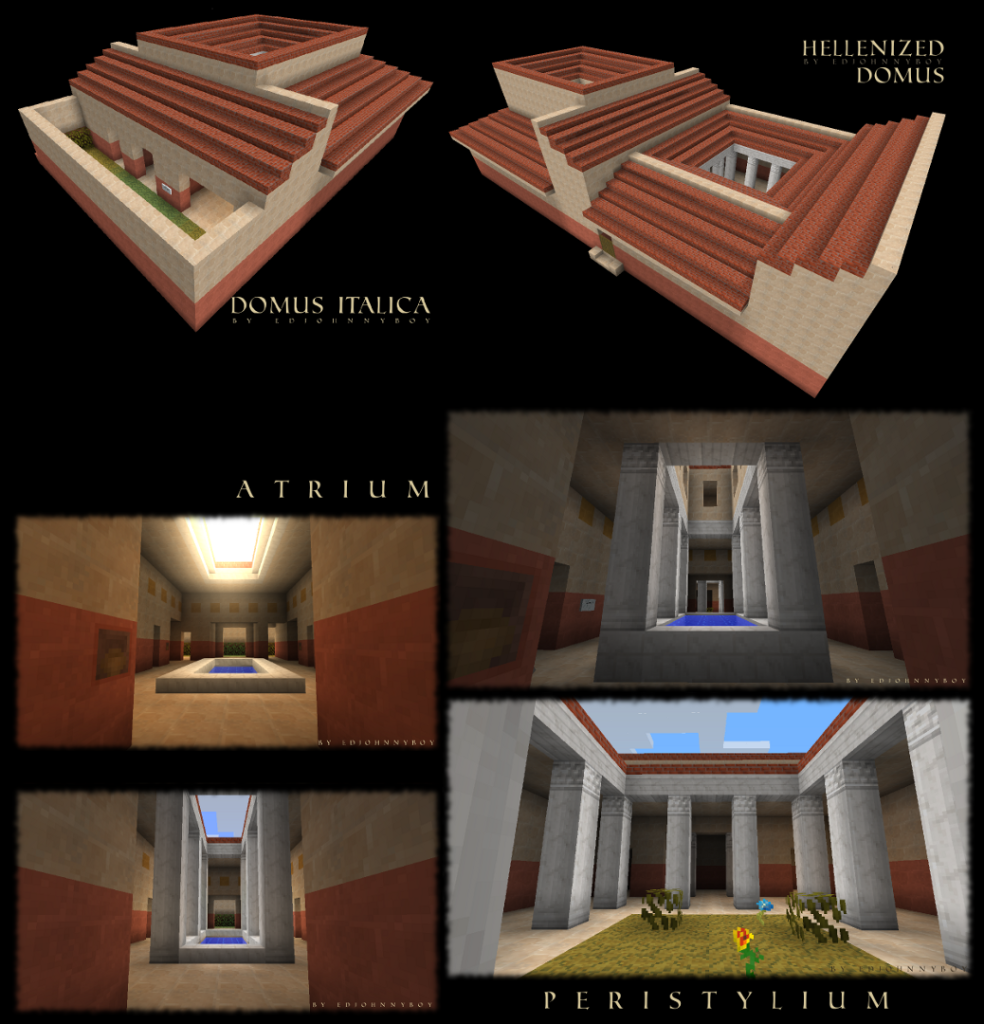
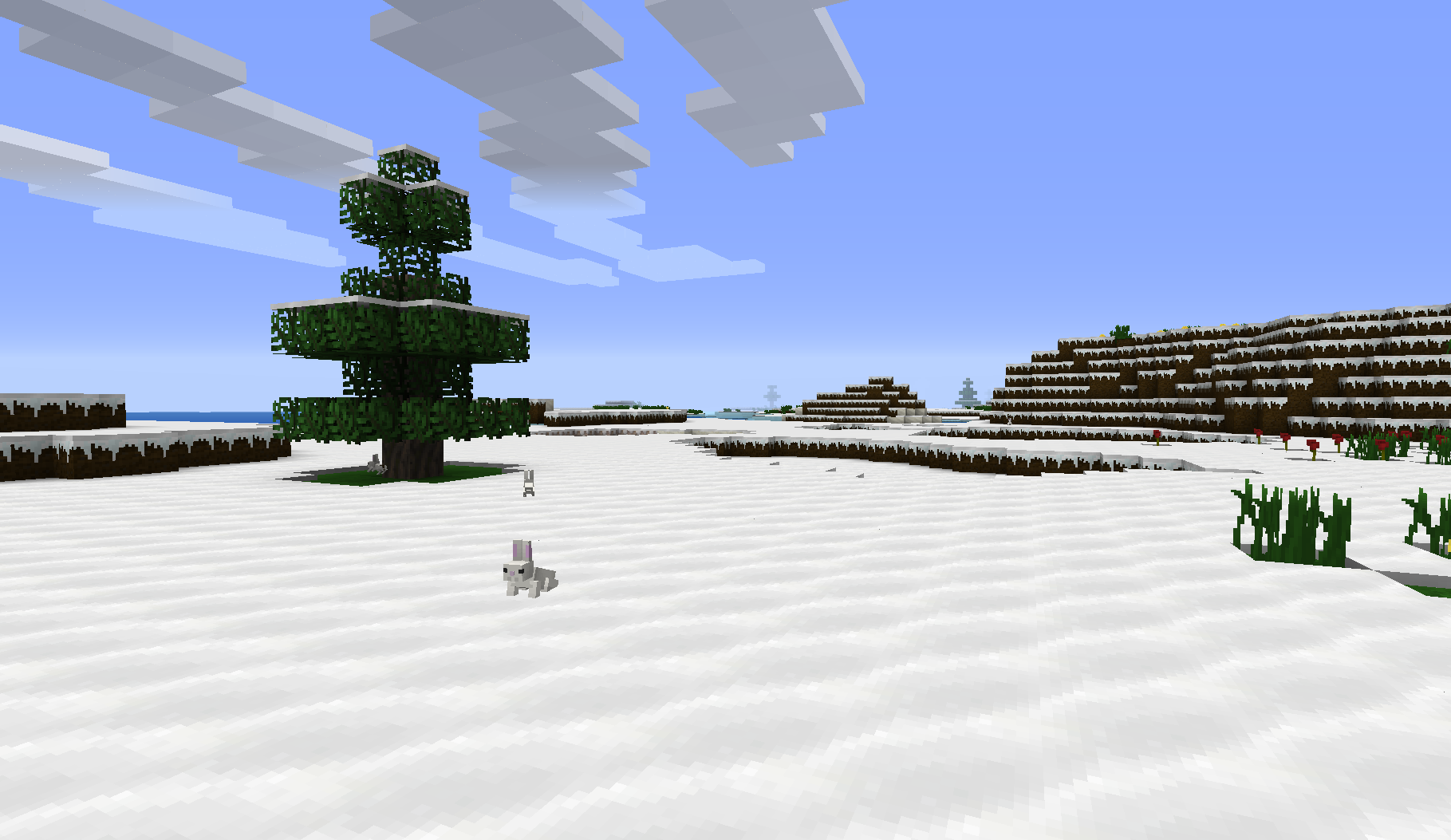
The images below are taken from an older version of this texture pack.

state: for MC 1.5.1
state: for MC 1.5.1 - black version and mosaic themed floor only available on Minecraft Forum
state: for MC 1.5.1
colomns - architrave - frieze
state: for MC 1.4.6 and below

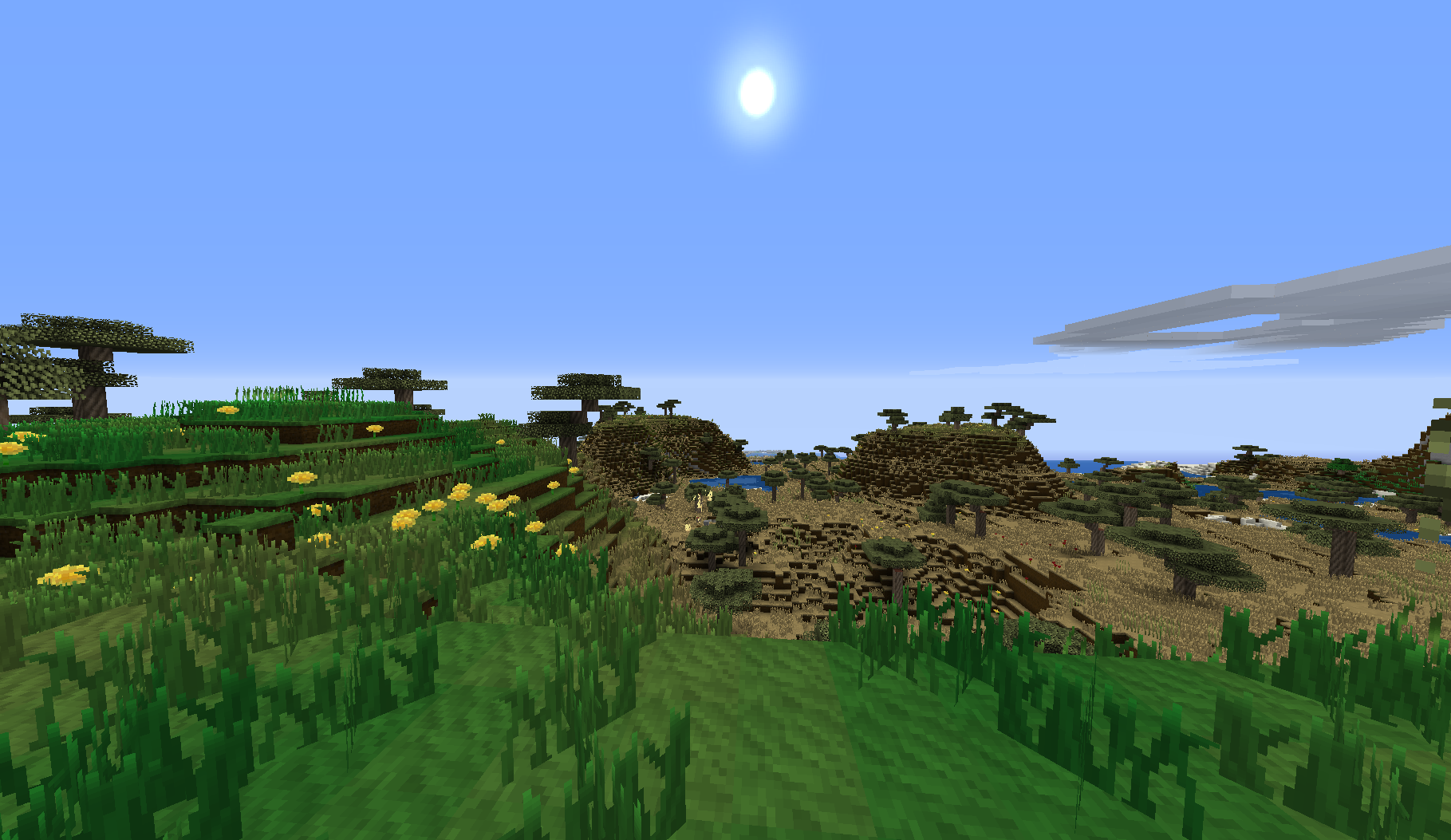
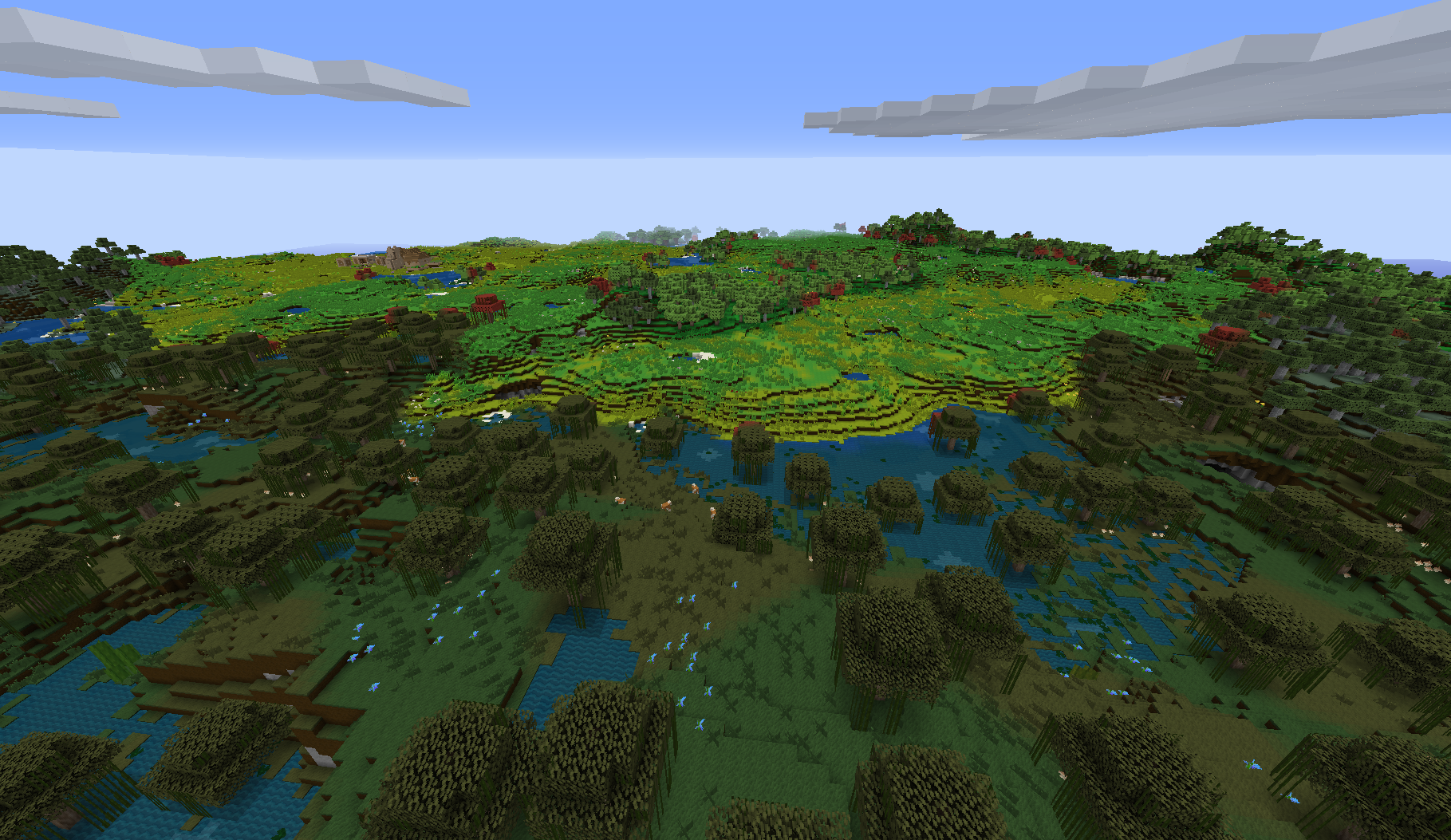
different colored biomes

Ancient World - ( mc1.10 )
MC 1.9.1, 1.9.3, 1.9.4, 1.9.2, 1.10.2, 1.10, 1.10.1, 1.9
Release 2016-07-10 Get
Ancient World - ( mc1.8 )
MC 1.7.6, 1.8.7, 1.7.4, 1.7.7, 1.7.5, 1.6.1, 1.8.4, 1.7.9, 1.8.8, 1.7.2, 1.8.3, 1.8.6, 1.7.8, 1.6.4, 1.7.10, 1.8, 1.8.2, 1.8.5, 1.8.9, 1.8.1, 1.6.2
Release 2016-03-30 Get
Ancient World - ( mc1.9 )
MC 1.9
Release 2016-03-30 Get
Ancient World - ( mc1.5.2 )
MC 1.5.2, 1.5.1, 1.5.0
Release 2013-03-22 Get
Ancient World - ( mc1.4.6 )
MC 1.4.6
Release 2012-12-22 Get
Ancient World - ( mc1.3.1 )
MC 1.3.2, 1.3.1
Release 2012-06-19 Get
Ancient World - ( mc1.2.5 )
MC 1.2.5
Release 2012-06-10 Get

Requirements & install

How to use this resource pack in Minecraft
Resolution
16x
Minecraft
1.9 – 1.10.2
Install folder
.minecraft/resourcepacks

How to install resource packs

  1. Download the resource pack .zip file (do not extract it).
  2. In Minecraft open Options → Resource Packs → Open Pack Folder.
  3. Drop the .zip into the resourcepacks folder (.minecraft/resourcepacks).
  4. Move the pack to the Selected column and click Done.
Browse more: 16x resource packs 32x resource packs 64x resource packs 128x resource packs 256x resource packs 512x+ resource packs Resource Packs for 1.10.2 All resource packs
Advertisement Remove ads with Premium →

You Might Also Like