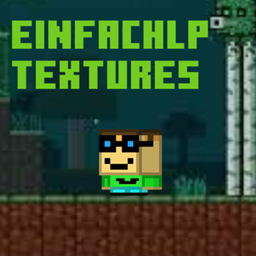
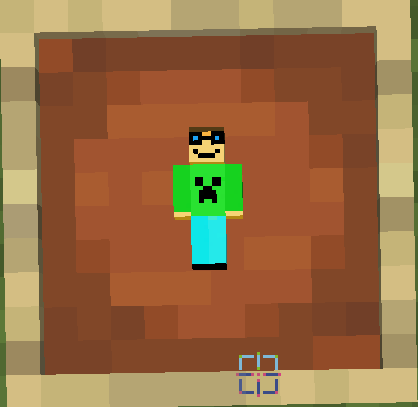
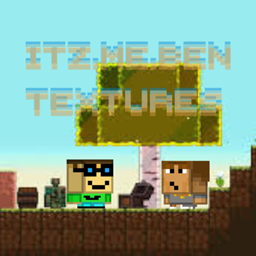
Bring a fresh new vibe to your Minecraft world with Rustic Reimagined, a custom texture pack designed to upgrade your gameplay without losing the classic Minecraft feel. This pack includes beautifully redesigned textures, immersive UI improvements, and unique cosmetic details that make every adventure feel more alive.
🛡️ Custom Totem
Unique handcrafted Totem of Undying designs with detailed textures and smooth aesthetics.
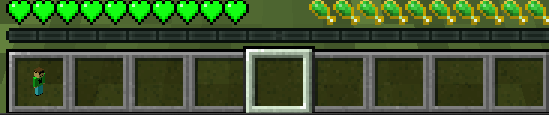
🎮 Custom GUI
Fully redesigned inventory, menus, hotbar, containers, and interface elements for a cleaner and more modern experience.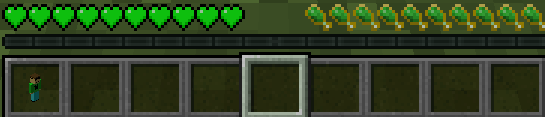
🌄 Enhanced Visual Style
Improved textures that stay faithful to vanilla while adding extra depth and personality.
⚔️ PvP & Survival Friendly
Optimized visuals for both competitive gameplay and casual survival worlds.
📦 Consistent Theme
Every texture is carefully made to match the overall style of the pack.
Whether you're building massive kingdoms, grinding PvP, or exploring caves, this pack gives Minecraft a stylish new look while keeping gameplay smooth and familiar.
Download the texture pack
Move the .zip file into your Minecraft resourcepacks folder
Enable it in Minecraft settings
Enjoy your new experience!
•
minecraft might say that the texture pack is for an older version
This texture pack will only be advaidible on curseforge
More updates and custom textures coming soon!