Mineuniverse
Resource Packs
Edgy Foliage #leaves #grass #cactus #sugarcane #compat

Edgy Foliage #leaves #grass #cactus #sugarcane #compat

RESOURCE PACK
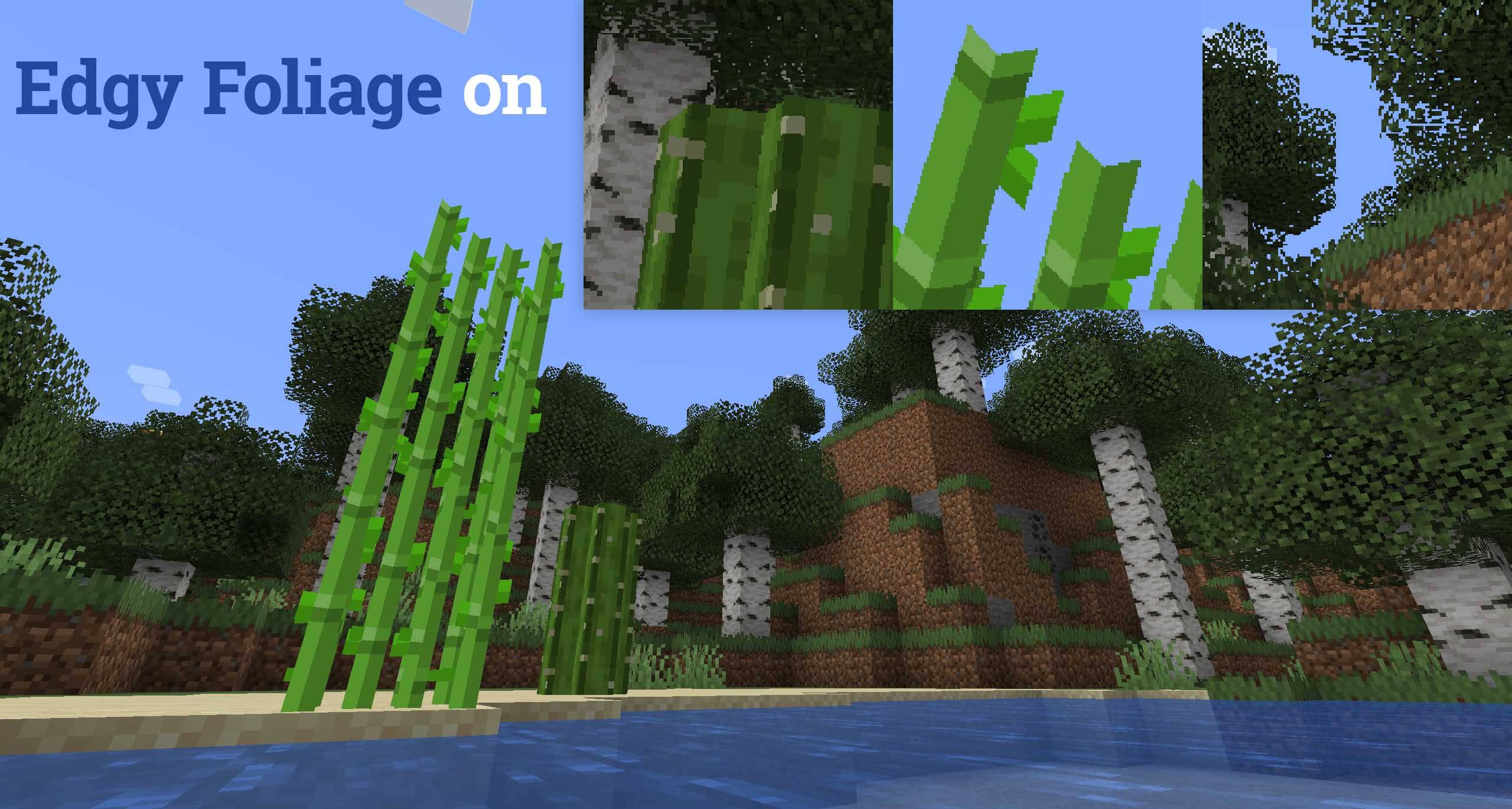
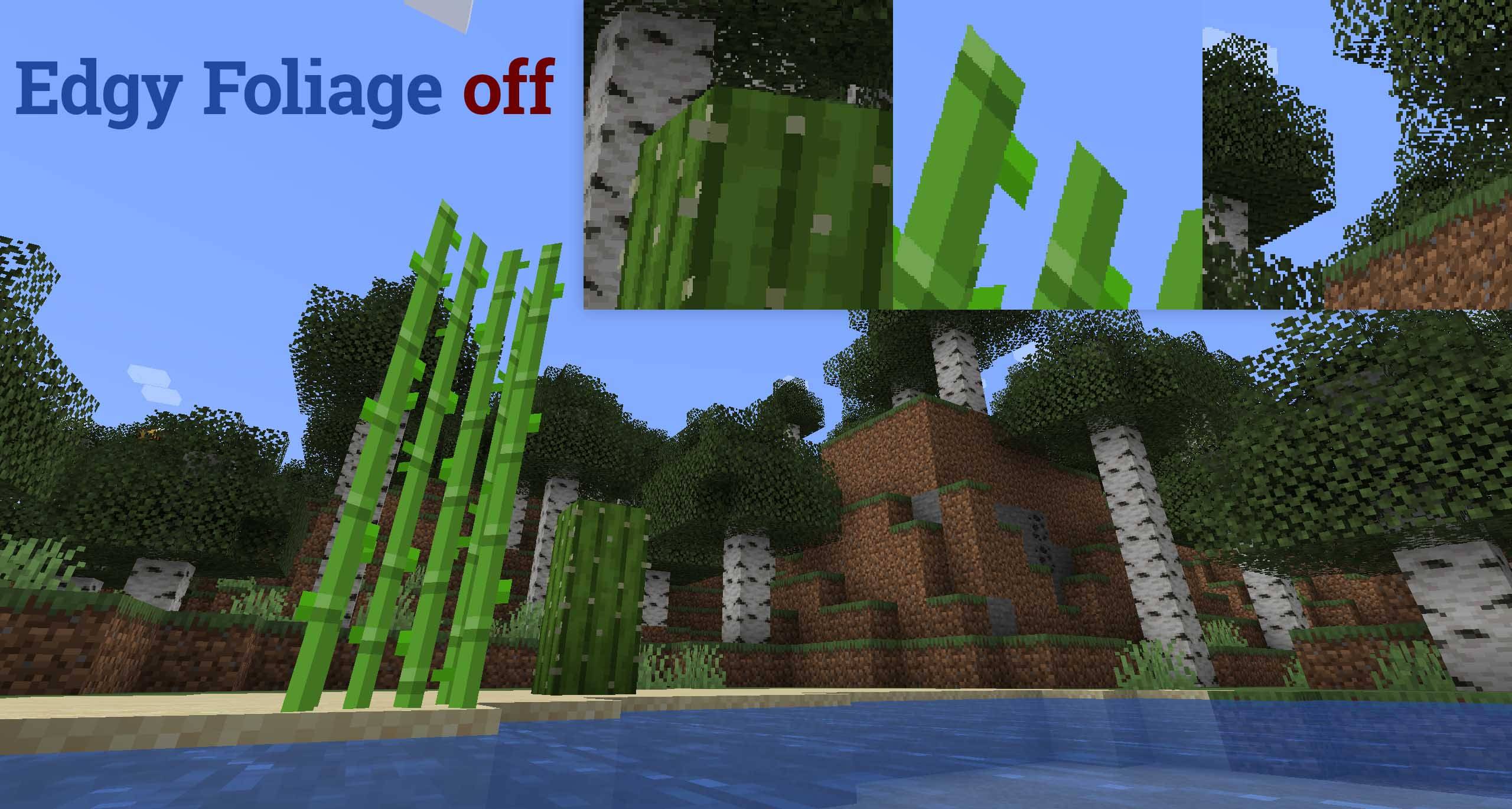
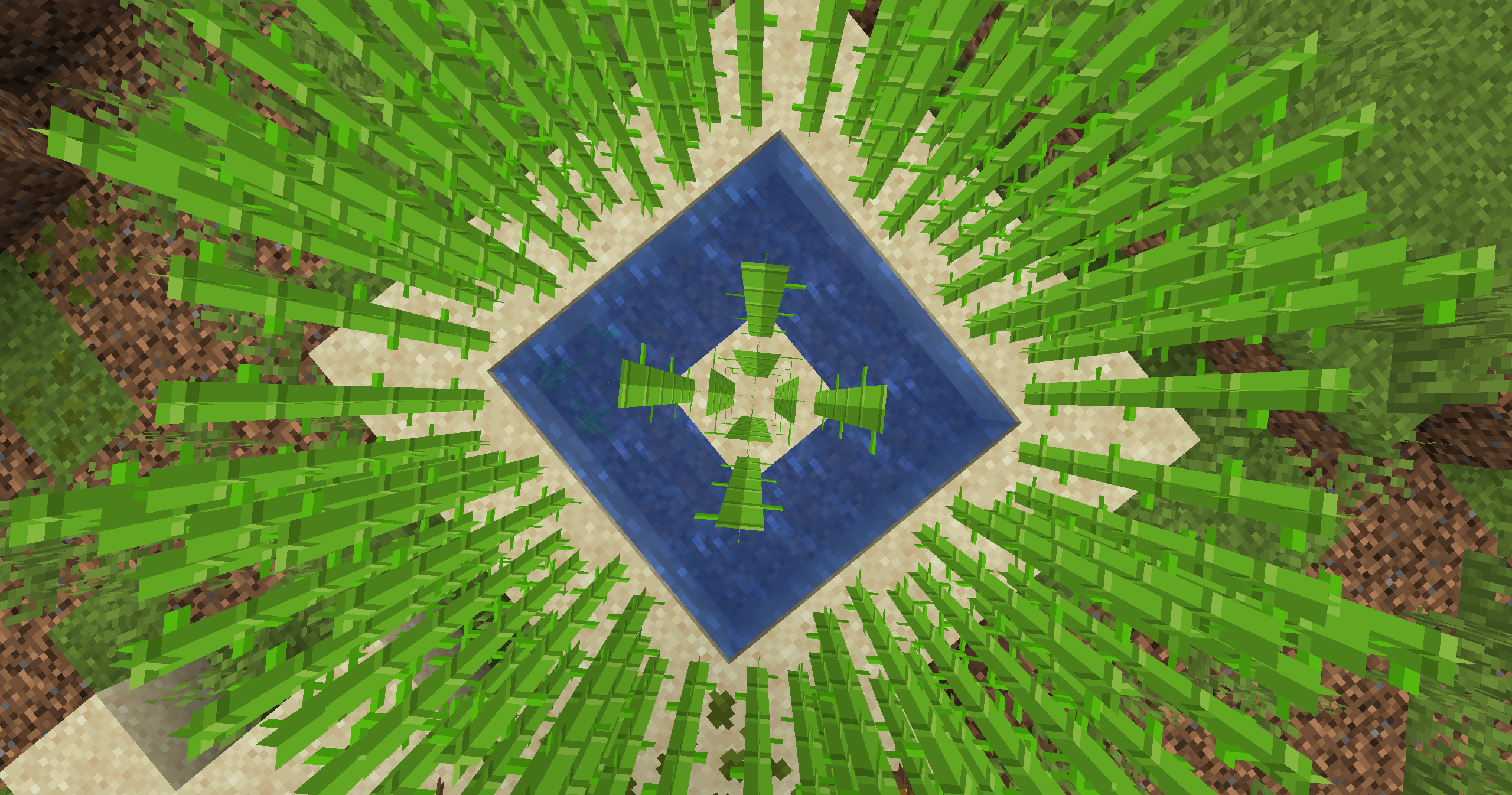
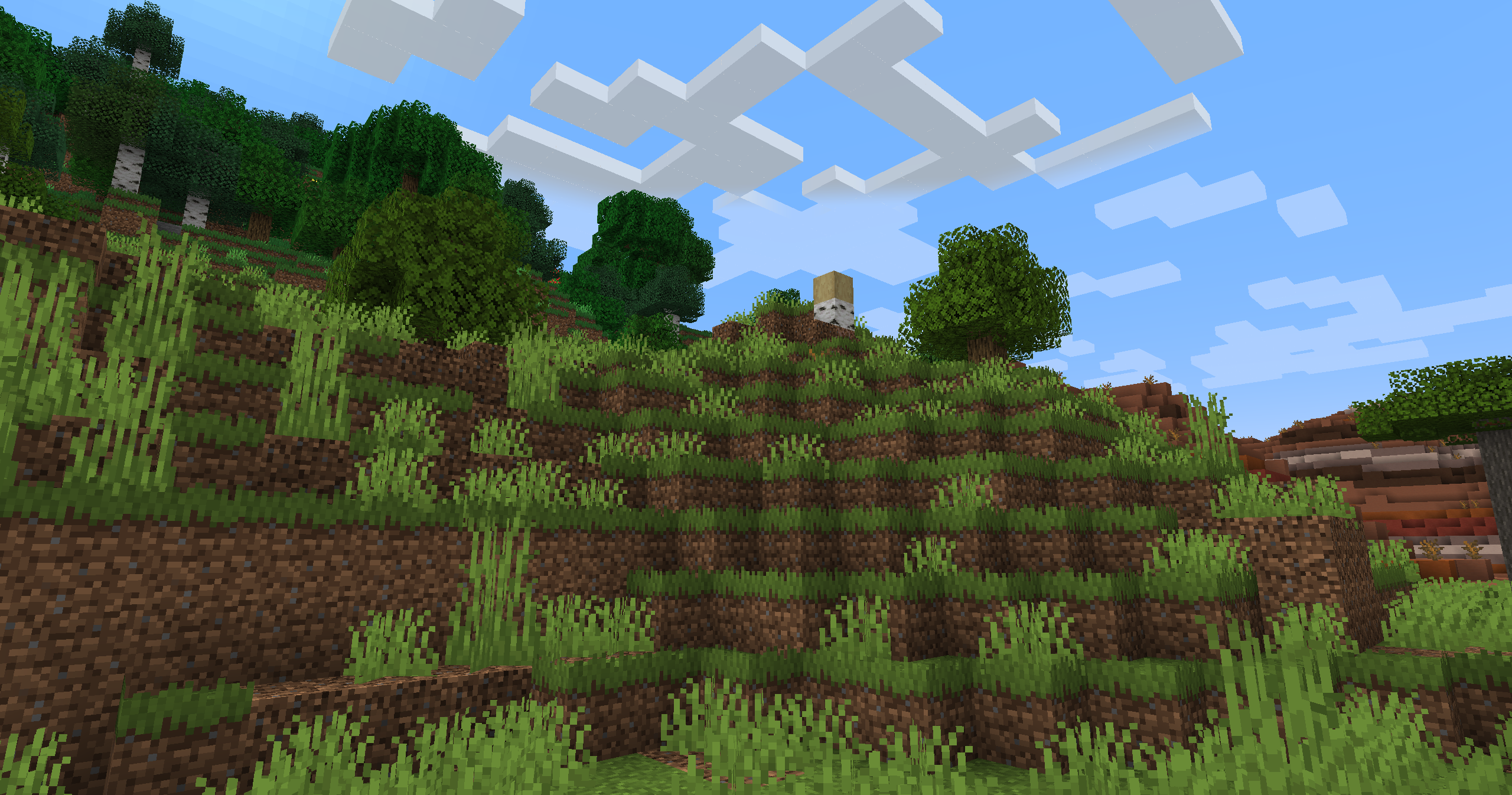
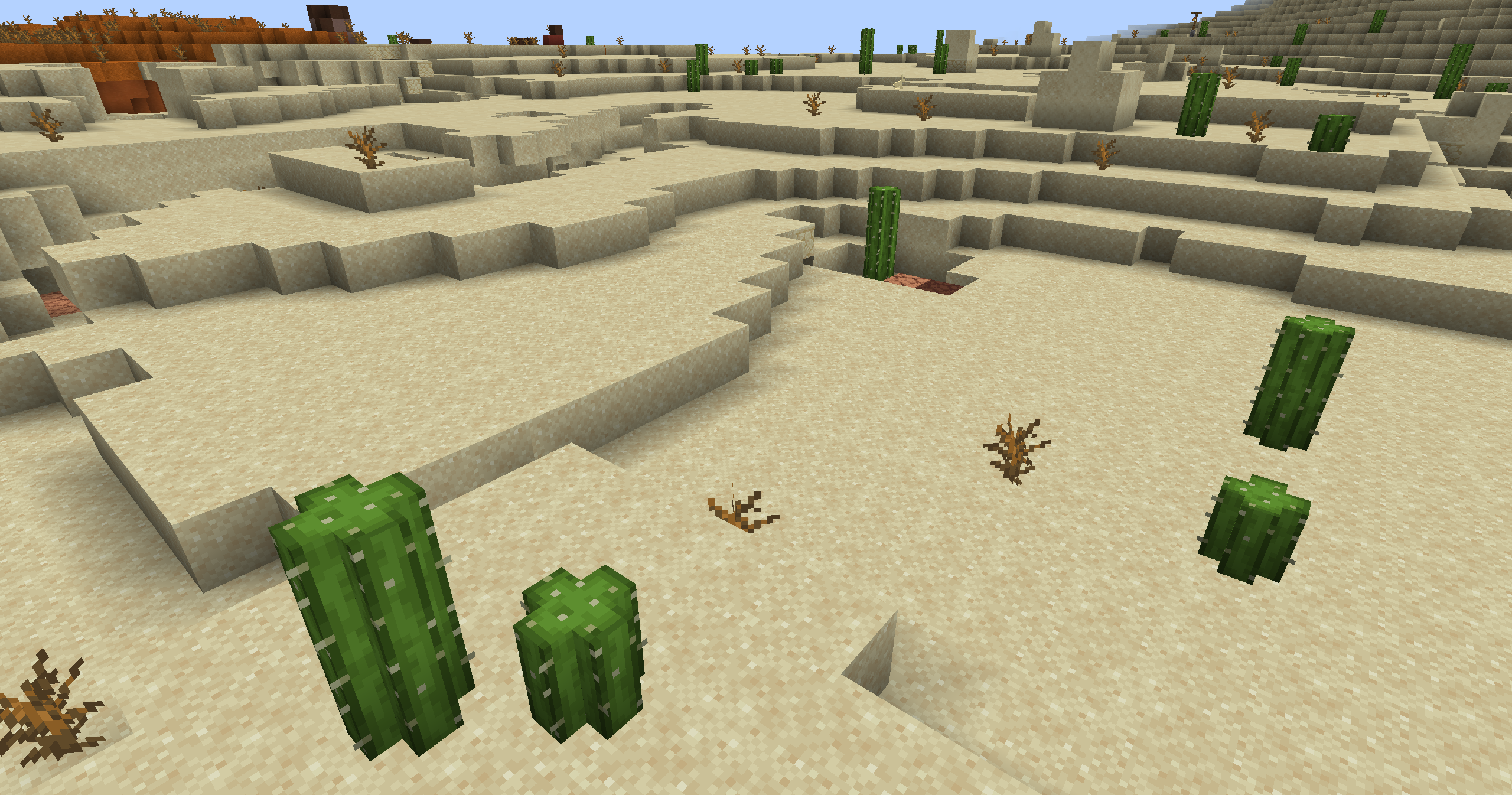
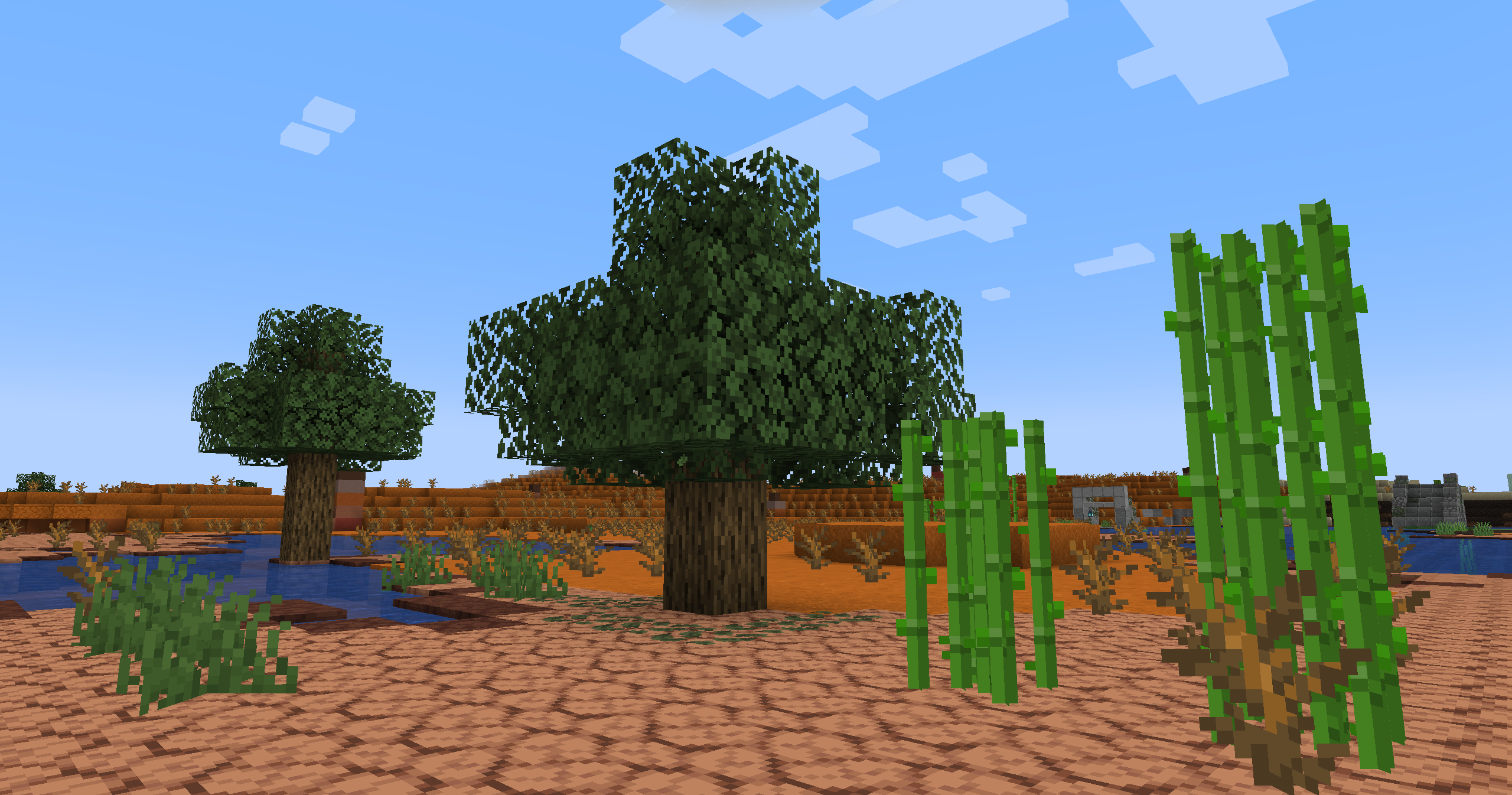
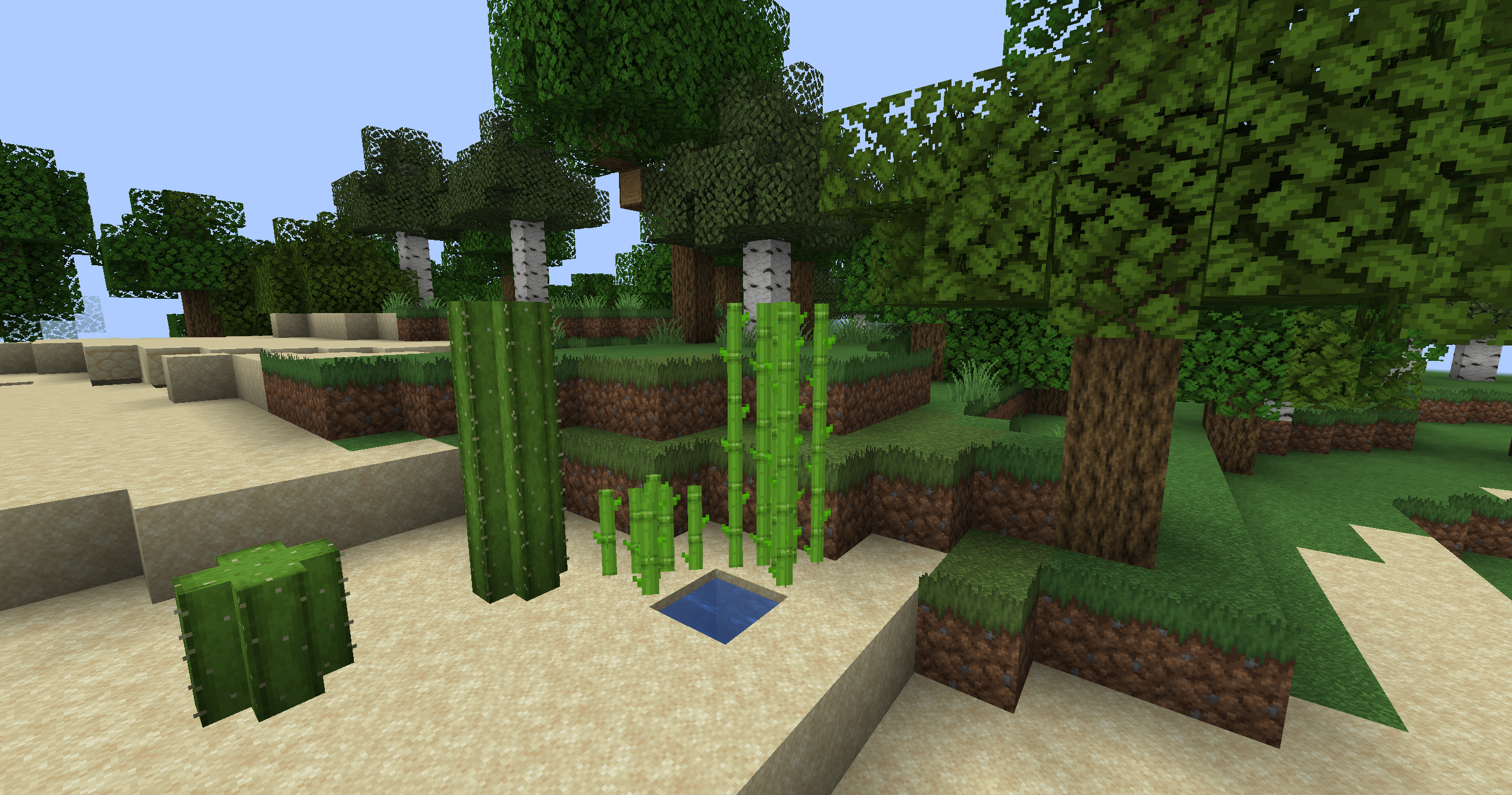
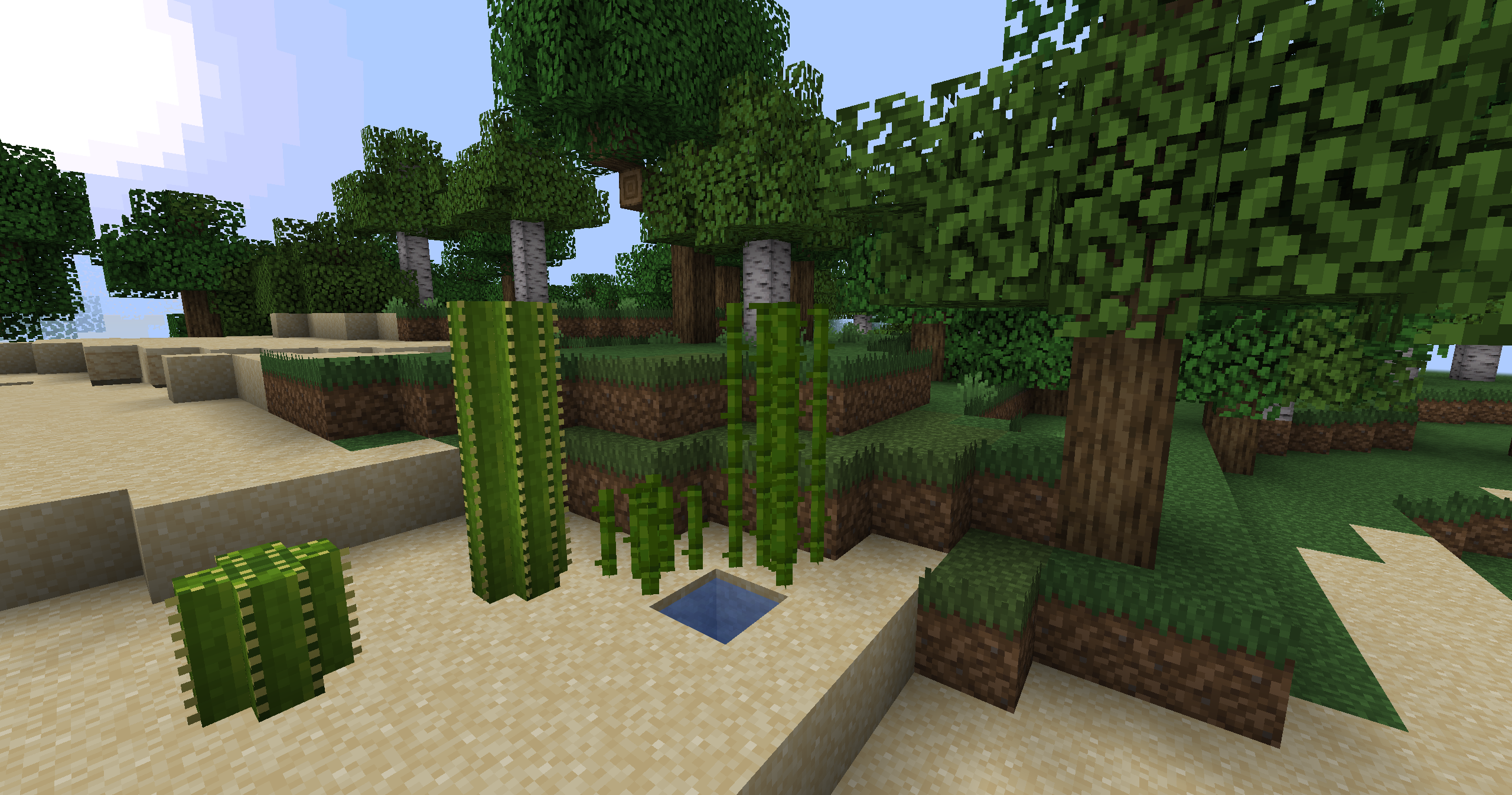
When Blocks are just too blocky: Grassier Grass Blocks, Leafier Leaves, Plus-shaped Cactus Blocks, cheap Fake-3D Sugar Canes & more. Great Compatibility.
by thimblebird
Download Claim this project
Add a badge to your pageLink to Edgy Foliage #leaves #grass #cactus #sugarcane #compat from a README, website or forum post.
Preview: Badge

Badges update automatically and link to the resource pack page on MineUniverse.

10,672 downloads
0 likes
0 followers
Updated Oct 14, 2026
0 hypes
Follow0
16x Miscellaneous Mod Support Traditional
Advertisement Remove ads with Premium →

🔔 Now with Respackopts support!

Only want the grass blocks? Don't change the cacti blocks? Not into the sugar cane? No problem.
Respackopts adds a way for resource packs to add a config screen in the resource packs menu.
Simply toggle the features you want or don't want on or off!

How it works

This resource pack will only ever add custom models and block states, no textures.
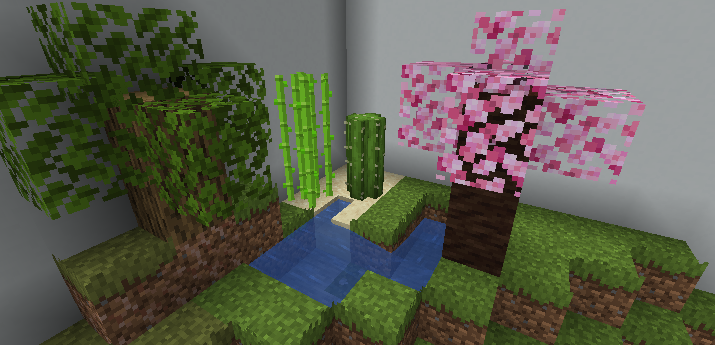
default showcase

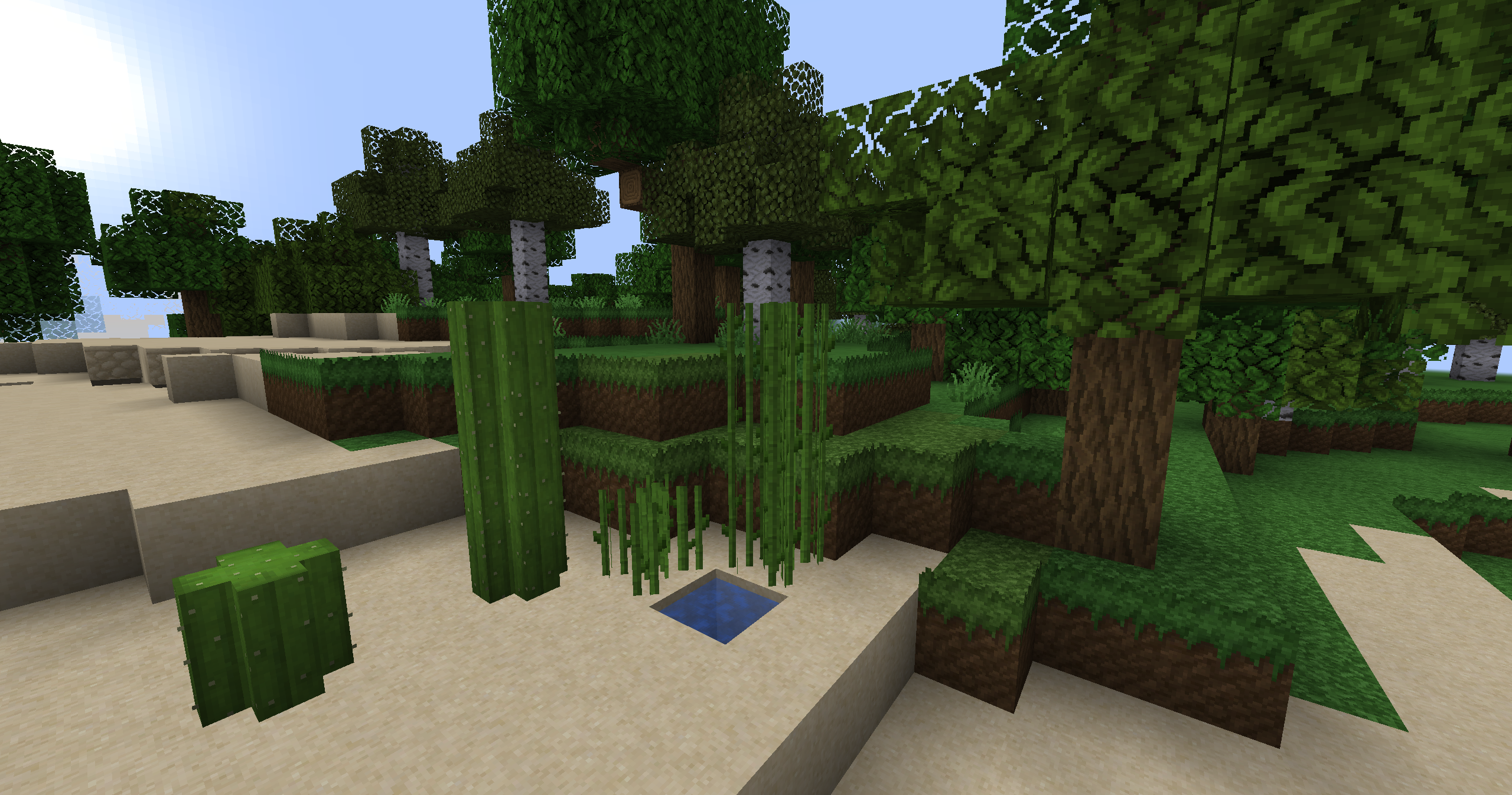
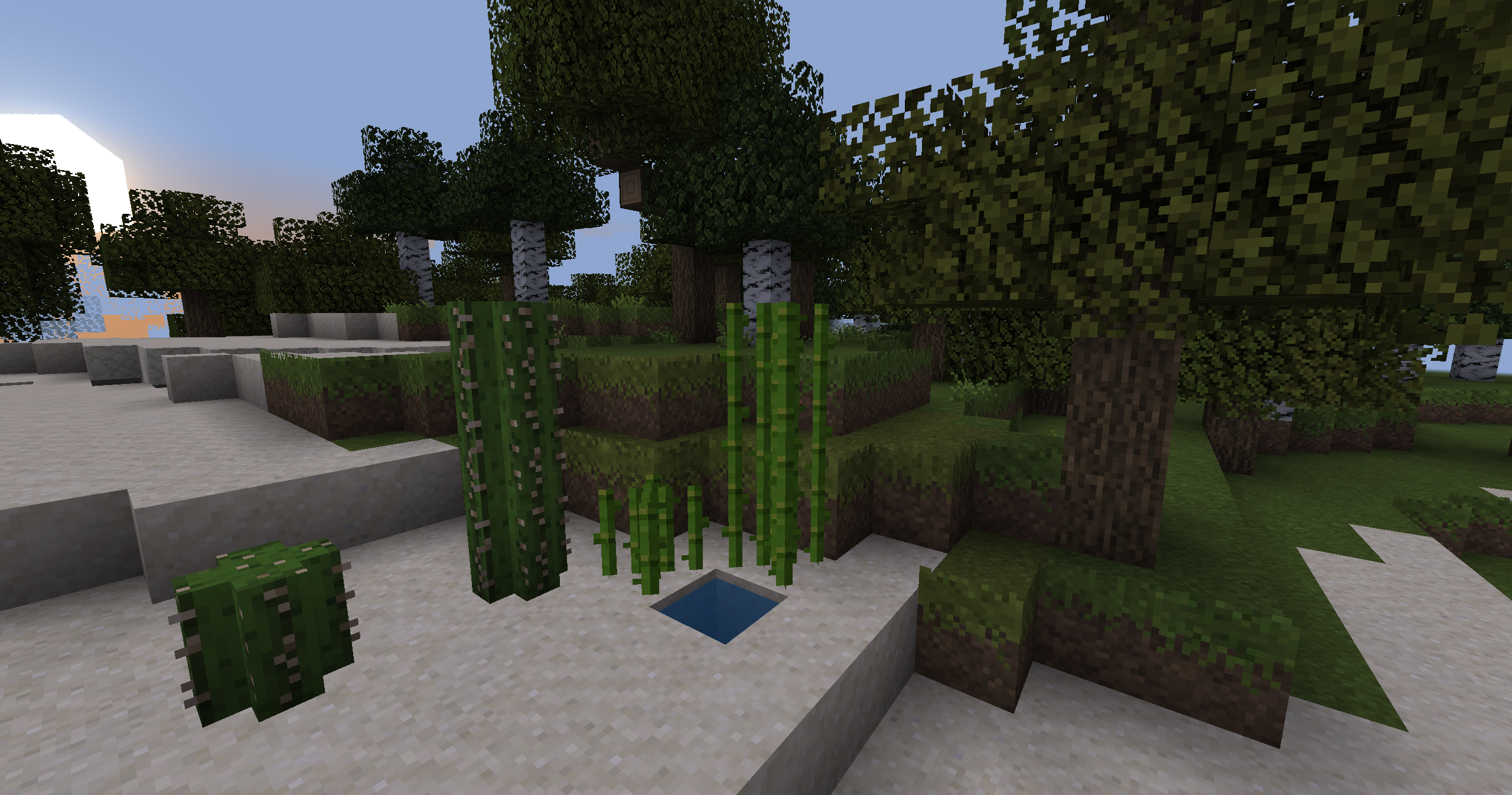
It uses existing textures to subtly change up some environmental block models (e.g. grass and cacti).
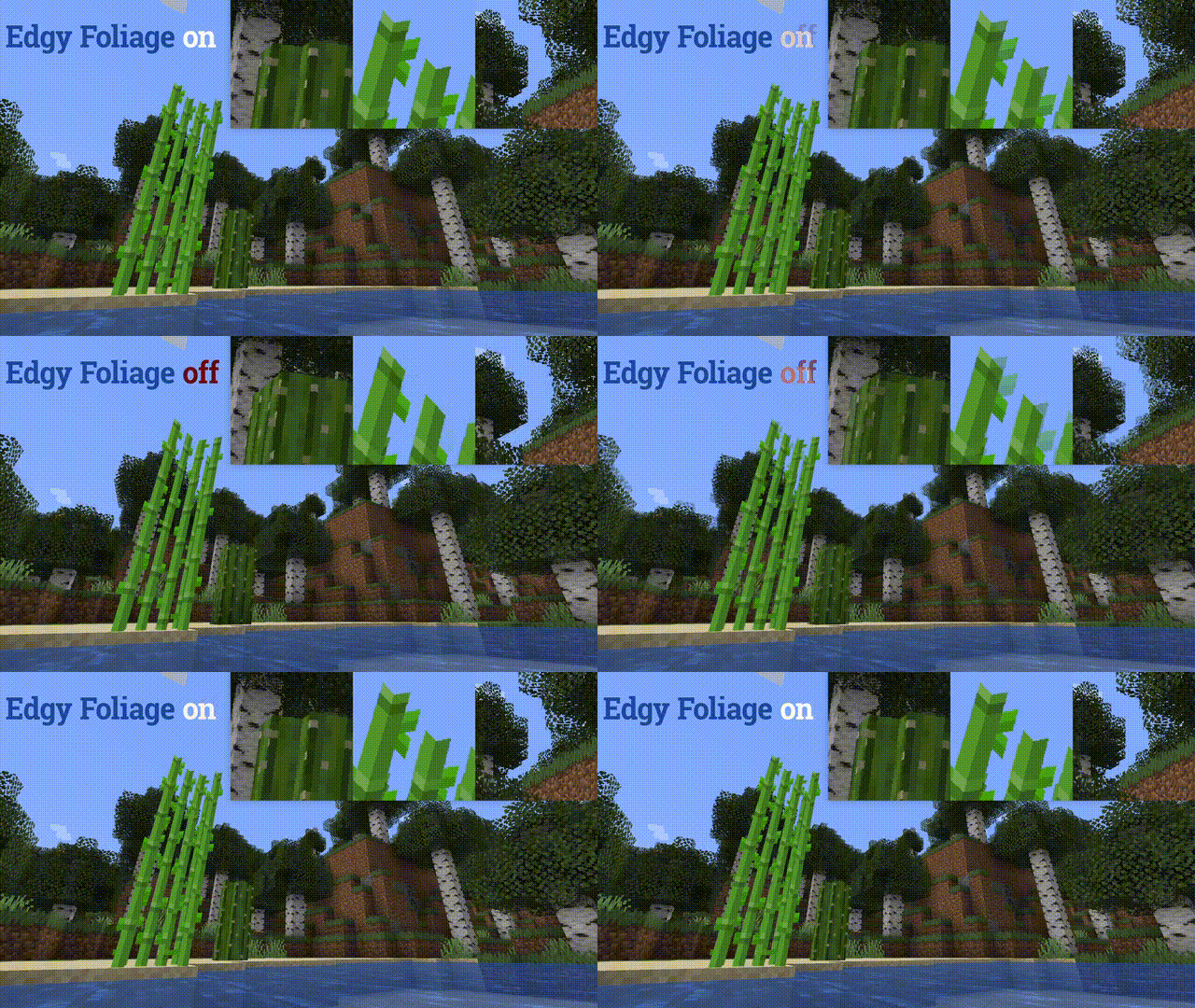
Edgy Foliage preview (fading on/off)

(sorry for the quality - better check the gallery!)

Credits

Initially inspired by u/alkalinechaos and their original post on reddit.

edgy-foliage-0.5.3-1.21.zip
MC 1.16.3, 1.13.1, 1.17.1, 1.21, 1.16.1, 1.18.1, 1.14.3, 1.15, 1.16, 1.13, 1.16.5, 1.19.3, 1.20.2, 1.19.4, 1.21.8, 1.14.4, 1.14.1, 1.17, 1.20.5, 1.21.5, 1.18, 1.21.4, 1.20.1
Release 2026-01-14 Get
edgy-foliage-0.5.2-1.21.zip
MC 1.16.3, 1.13.1, 1.17.1, 1.21, 1.16.1, 1.18.1, 1.14.3, 1.15, 1.16, 1.13, 1.16.5, 1.19.3, 1.20.2, 1.19.4, 1.21.8, 1.14.4, 1.14.1, 1.17, 1.20.5, 1.21.5, 1.18, 1.21.4, 1.20.1
Release 2026-01-13 Get
edgy-foliage-0.5.1-1.21.zip
MC 1.16-Snapshot, 1.17.1, 1.16.3, 1.13.1, 1.19.3, 1.20.2, 1.21.2-Snapshot, 1.21, 1.15-Snapshot, 1.16.1, 1.18.1, 1.19.4-Snapshot, 1.20.5, 1.14.4, 1.14.1, 1.17, 1.20.2-Snapshot
Release 2024-09-14 Get
edgy-foliage-0.5.0-1.19.4.zip
MC 1.16-Snapshot, 1.17.1, 1.16.3, 1.13.1, 1.19.3, 1.20.2, 1.21.2-Snapshot, 1.21, 1.15-Snapshot, 1.16.1, 1.18.1, 1.19.4-Snapshot, 1.20.5, 1.14.4, 1.14.1, 1.17, 1.20.2-Snapshot
Release 2023-05-14 Get
edgy-foliage-0.4.0-1.19.3.zip
MC 1.16-Snapshot, 1.17.1, 1.16.3, 1.13.1, 1.19.3, 1.20.2, 1.21.2-Snapshot, 1.21, 1.15-Snapshot, 1.16.1, 1.18.1, 1.19.4-Snapshot, 1.20.5, 1.14.4, 1.14.1, 1.17, 1.20.2-Snapshot
Release 2022-12-10 Get
edgy-foliage-0.3.2-1.19.2.zip
MC 1.16-Snapshot, 1.17.1, 1.16.3, 1.13.1, 1.19.3, 1.20.2, 1.21.2-Snapshot, 1.21, 1.15-Snapshot, 1.16.1, 1.18.1, 1.19.4-Snapshot, 1.20.5, 1.14.4, 1.14.1, 1.17, 1.20.2-Snapshot
Release 2022-12-02 Get
edgy-foliage-0.3.1-1.19.2.zip
MC 1.16-Snapshot, 1.17.1, 1.16.3, 1.13.1, 1.19.3, 1.20.2, 1.21.2-Snapshot, 1.21, 1.15-Snapshot, 1.16.1, 1.18.1, 1.19.4-Snapshot, 1.20.5, 1.14.4, 1.14.1, 1.17, 1.20.2-Snapshot
Release 2022-11-06 Get
edgy-foliage-0.3.0-1.19.2.zip
MC 1.16-Snapshot, 1.17.1, 1.16.3, 1.13.1, 1.19.3, 1.20.2, 1.21.2-Snapshot, 1.21, 1.15-Snapshot, 1.16.1, 1.18.1, 1.19.4-Snapshot, 1.20.5, 1.14.4, 1.14.1, 1.17, 1.20.2-Snapshot
Release 2022-11-04 Get

Requirements & install

How to use this resource pack in Minecraft
Resolution
16x
Minecraft
1.20.2-Snapshot – 1.21.8
Install folder
.minecraft/resourcepacks

How to install resource packs

  1. Download the resource pack .zip file (do not extract it).
  2. In Minecraft open Options → Resource Packs → Open Pack Folder.
  3. Drop the .zip into the resourcepacks folder (.minecraft/resourcepacks).
  4. Move the pack to the Selected column and click Done.
Browse more: 16x resource packs 32x resource packs 64x resource packs 128x resource packs 256x resource packs 512x+ resource packs Resource Packs for 1.21.8 All resource packs

More from thimblebird

Advertisement Remove ads with Premium →

You Might Also Like