Mineuniverse
Resource Packs
"Easy Emerald Tools & More" Programmer Art

"Easy Emerald Tools & More" Programmer Art

RESOURCE PACK
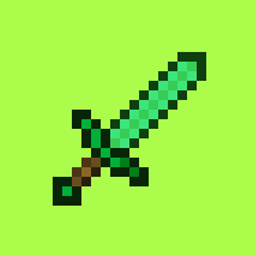
This Resource pack simply changes the Tools from kwpugh's "Easy Emerald Tools & More" Mod to be in the Programmer Art style.
by Nemotastic
Download Claim this project
7,902 downloads
0 likes
Updated Oct 14, 2026
0 hypes
16x
Advertisement Remove ads with Premium →

"Easy Emerald Tools & More" FROM KWPUGH IS REQUIRED FOR THIS


This Resource pack simply changes the tools textures from kwpugh's "Easy Emerald Tools & More" Mod to be in the Programmer Artstyle, also known as the old Minecraft Artstyle that was in use until 1.14.

(SOME TEXTURES ARE NOT CHANGED WHICH INCLUDES BOWS, JUJUS, HAMMERS, PAXELS AND EXCAVATORS, EVERYTHING ELSE IS CHANGED)


The Textures in this Resource Pack are not made by me, I simply compiled them from other old mods that still used the old Artstyle.


Textures are by:
Programmer Art by Minecraft
ruby block (Anonymous Author)
Emerald & Obsidian Mod (Unknown Author)

Ruby tools by KAPIKONINPL
Base Metals by jriwanek

Original Mod by kwpugh 


All rights go to the original creators, for removal, message me at "nemotastic" on Discord.


IMAGES


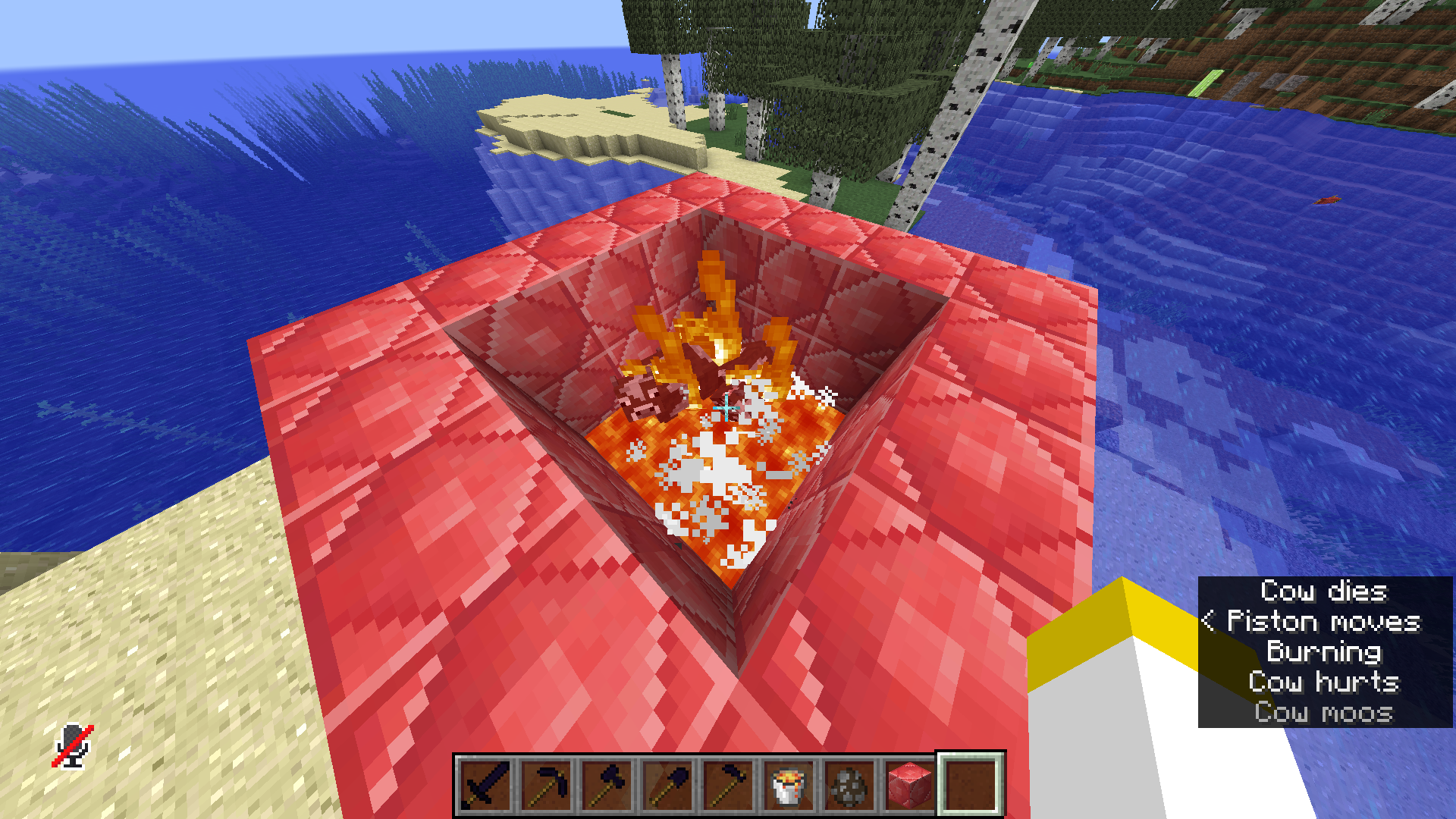
The new Ruby block texture

The new Ruby block texture


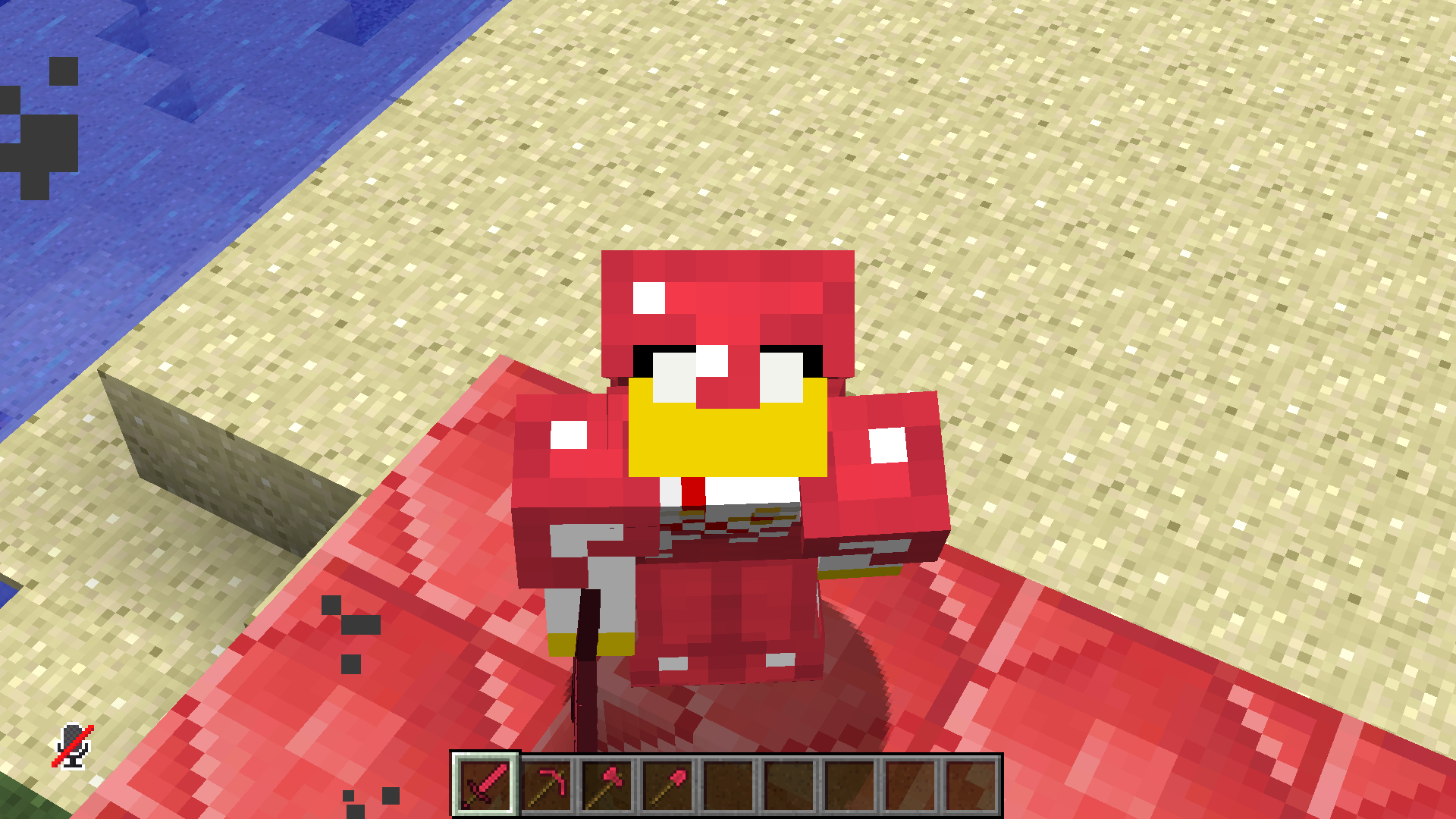
a Cool Dude in a Cool new Retextured Ruby armora Cool Dude in a Cool new Retextured Ruby armor


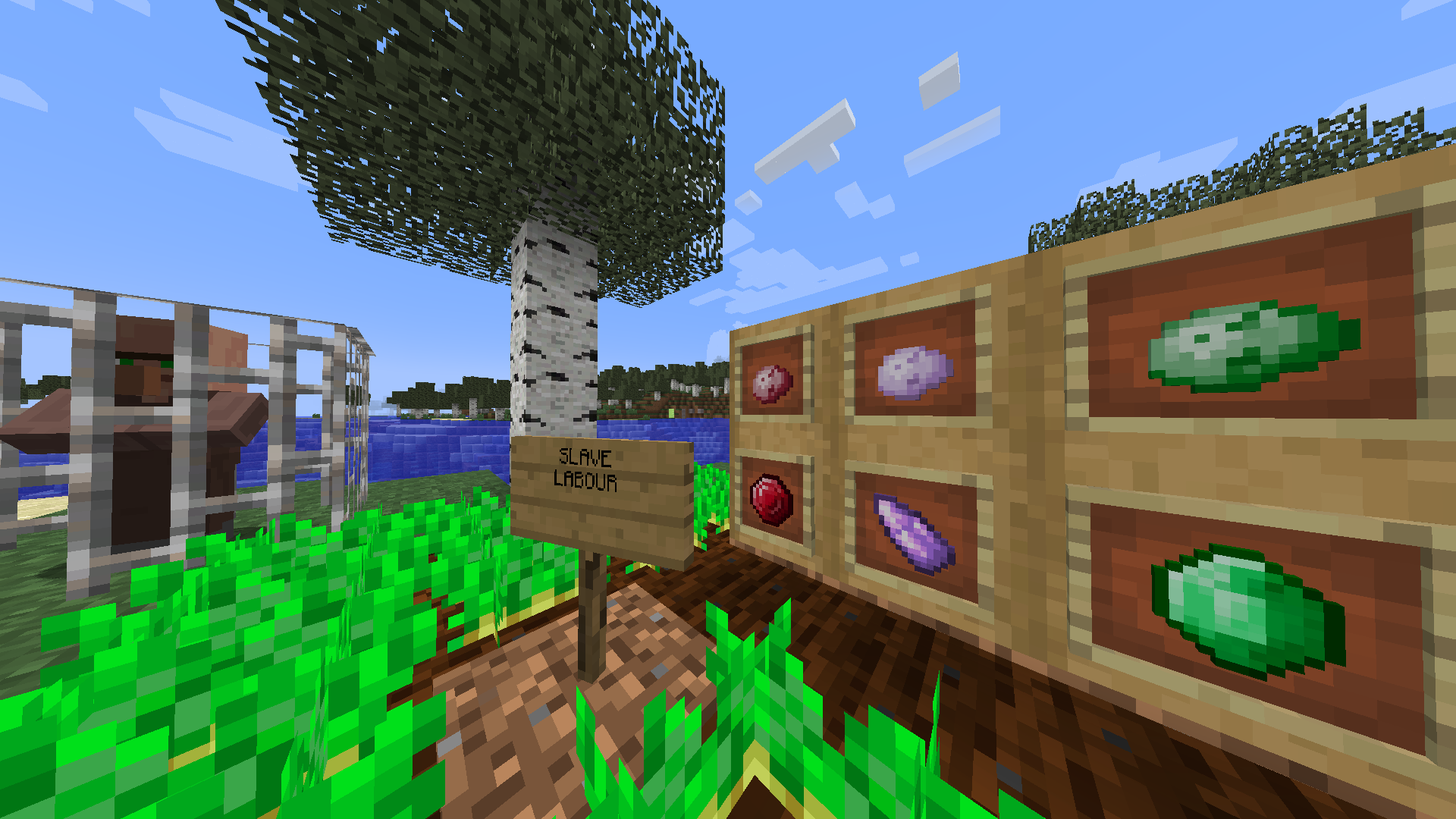
New Potato texturesNew textures for the potatoes


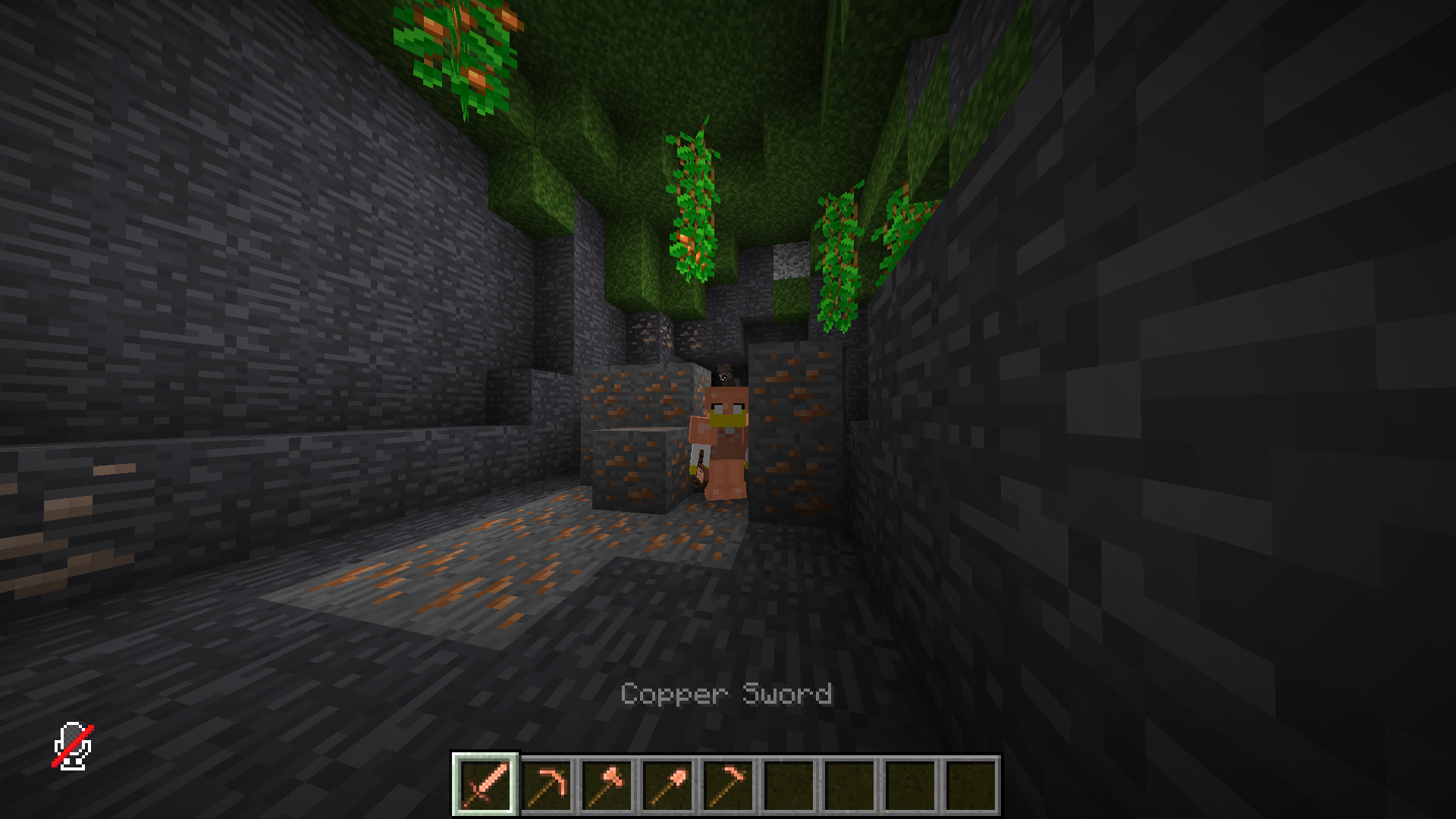
CC (Cool Copper)CC (Cool Copper)


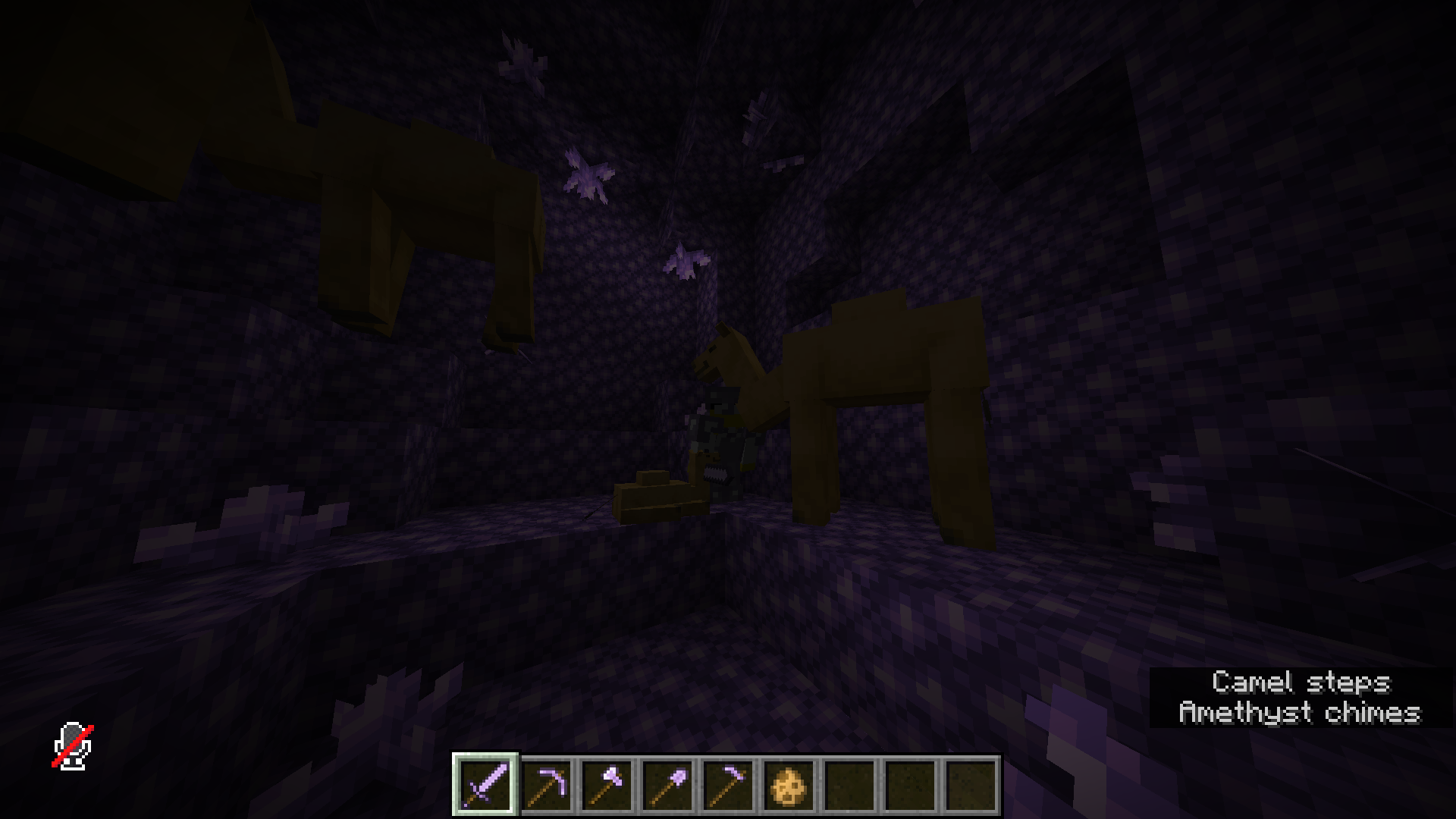
Amethyst Armor

Amethyst Armor


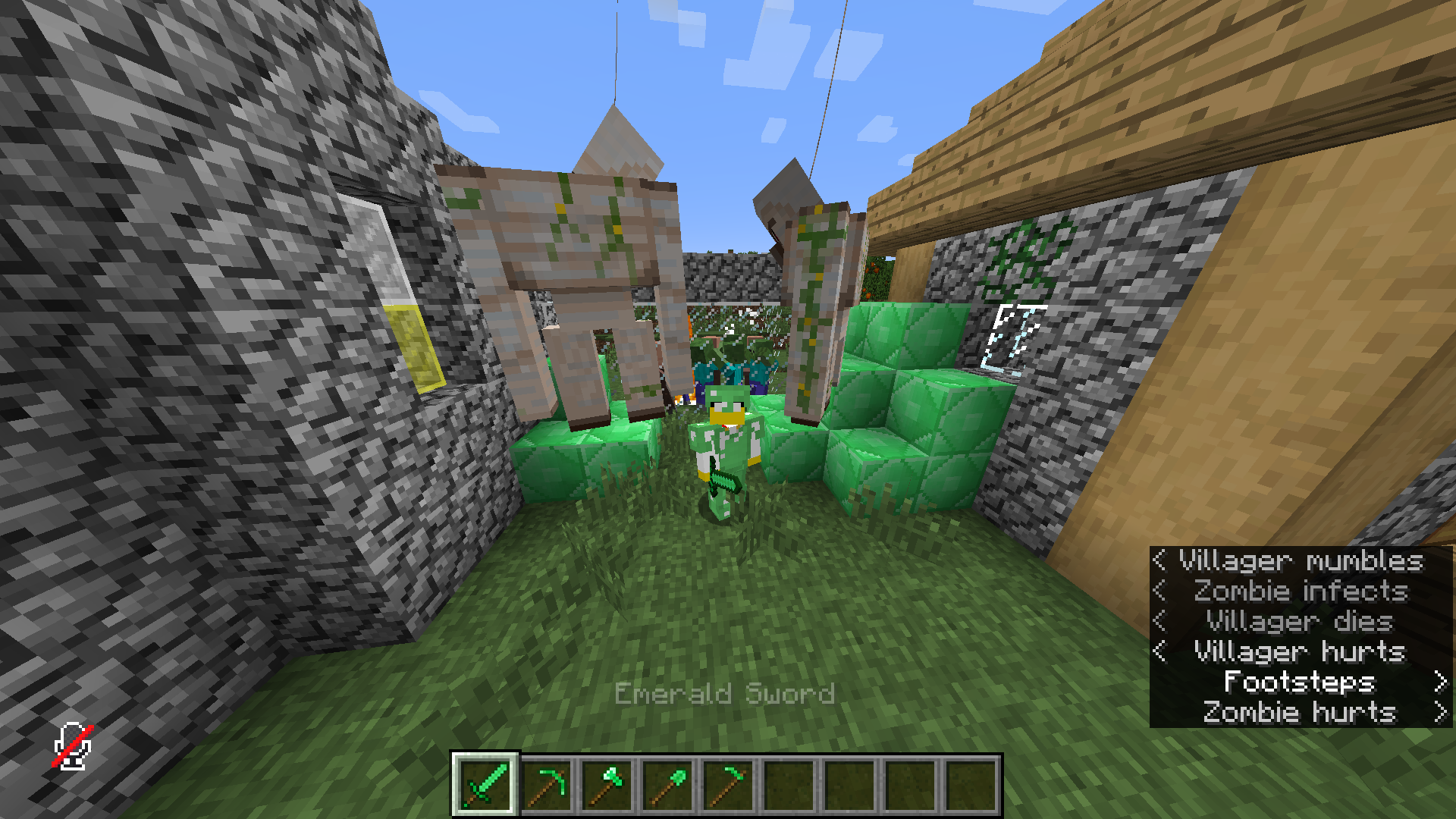
Taking revengeTaking revenge


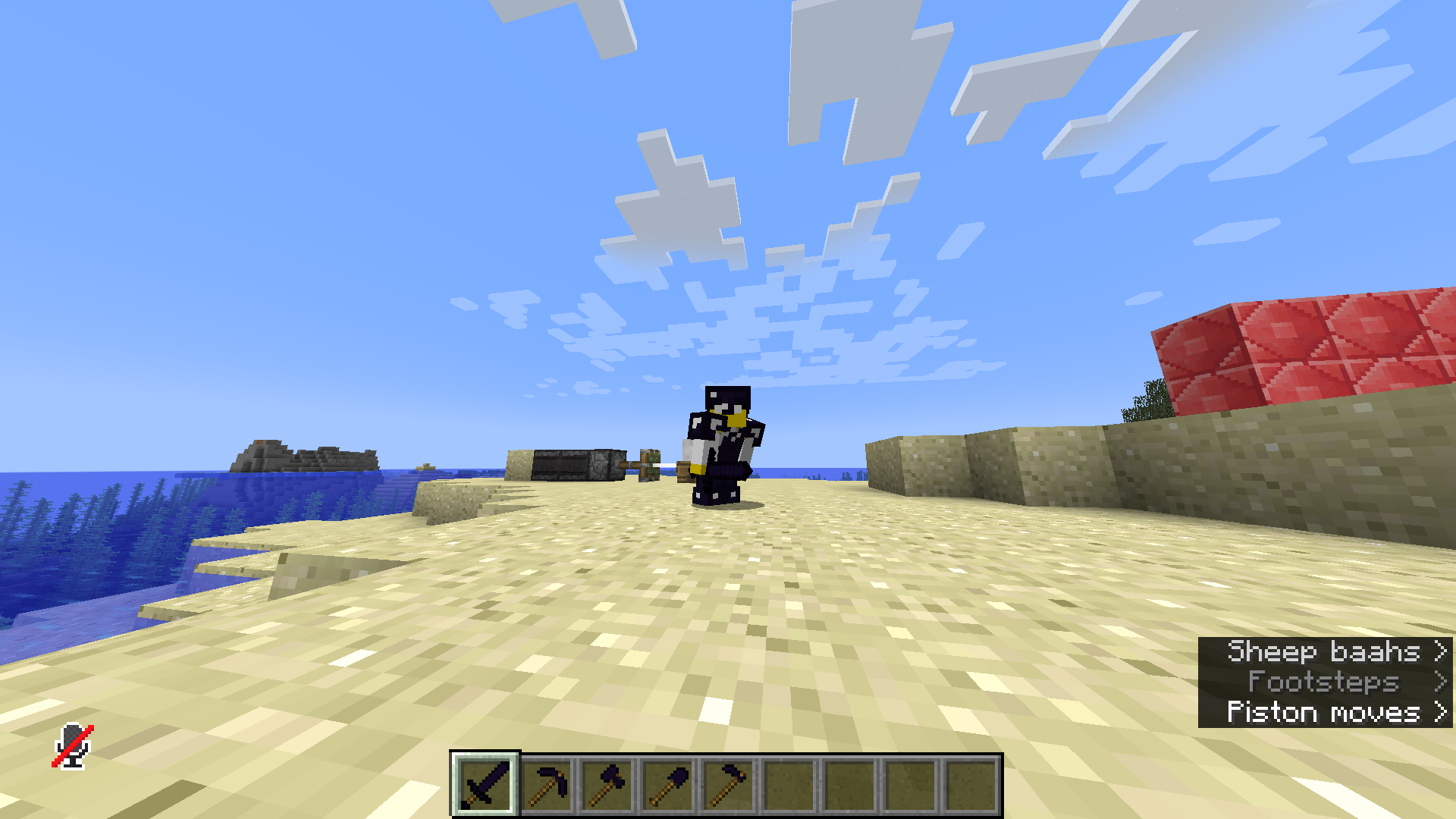
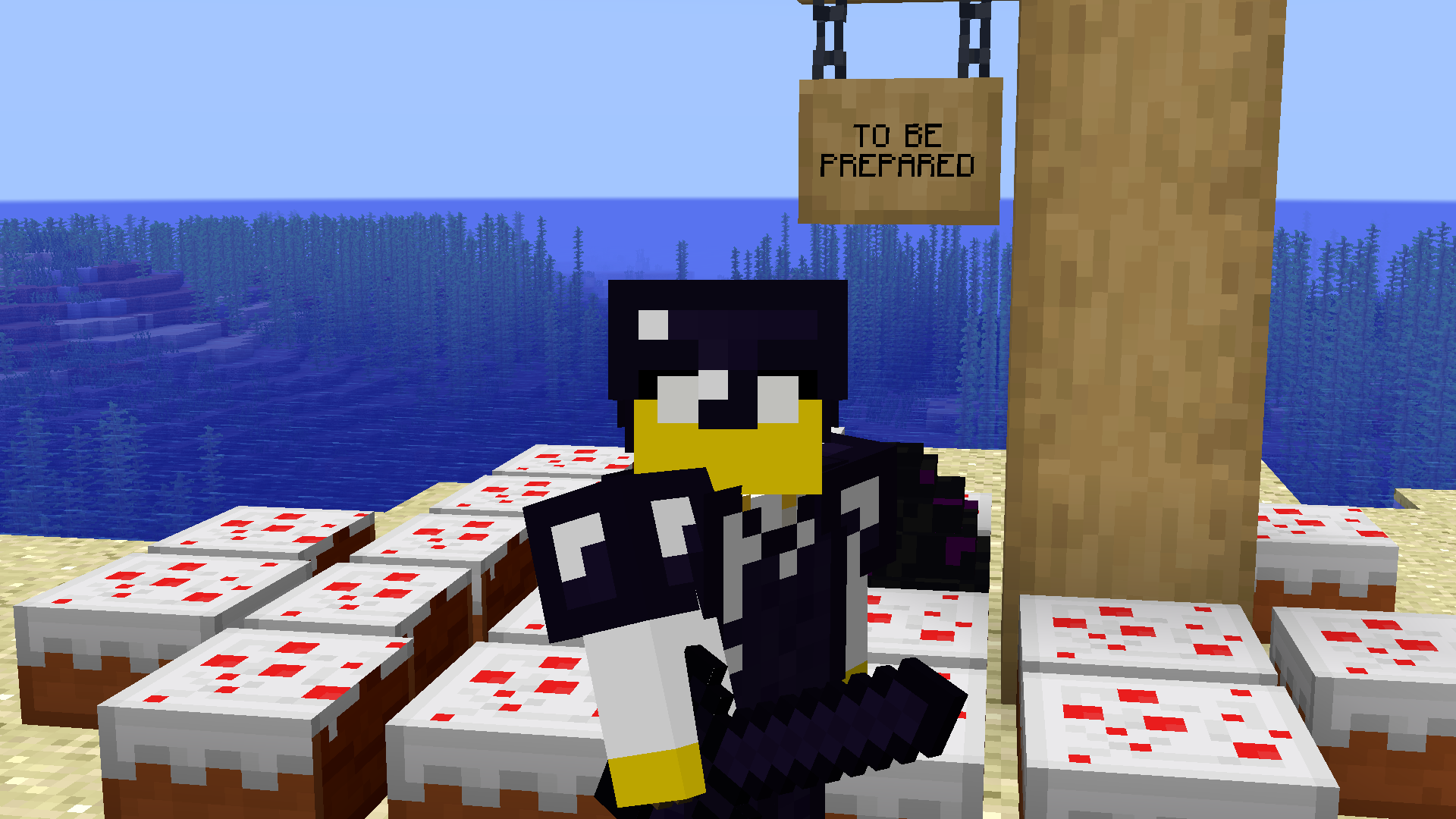
Obsidian stuffObsidian Stuff


More ObsidianMore Obsidian

EMT&M Programmer Art Download
MC 1.16.5, 1.19.2, 1.20.1, 1.20
Release 2024-03-26 Get

Requirements & install

How to use this resource pack in Minecraft
Resolution
16x
Minecraft
1.16.5 – 1.20.1
Install folder
.minecraft/resourcepacks

How to install resource packs

  1. Download the resource pack .zip file (do not extract it).
  2. In Minecraft open Options → Resource Packs → Open Pack Folder.
  3. Drop the .zip into the resourcepacks folder (.minecraft/resourcepacks).
  4. Move the pack to the Selected column and click Done.
Browse more: 16x resource packs 32x resource packs 64x resource packs 128x resource packs 256x resource packs 512x+ resource packs Resource Packs for 1.20.1 All resource packs
Advertisement Remove ads with Premium →

You Might Also Like