Mineuniverse
Resource Packs
Eaglercraft Translate Spanish (Texture Pack)

Eaglercraft Translate Spanish (Texture Pack)

RESOURCE PACK
Replaces the original game language from English to Spanish (Remplaza el idioma original del juego ingles a Español)
by borra_la_cuentaa
Download Claim this project
Add a badge to your pageLink to Eaglercraft Translate Spanish (Texture Pack) from a README, website or forum post.
Preview: Badge

Badges update automatically and link to the resource pack page on MineUniverse.

68 downloads
0 likes
0 followers
Updated Oct 14, 2026
0 hypes
Follow0
Data Packs Miscellaneous
Advertisement Remove ads with Premium →

Eng:

This version is translated into Venezuelan Spanish. What does this Spanish version include?

This texture pack translates:

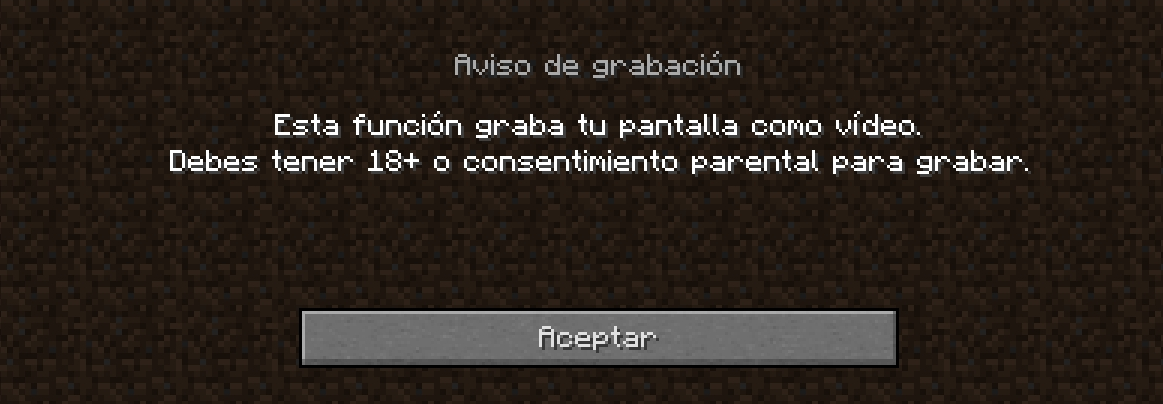
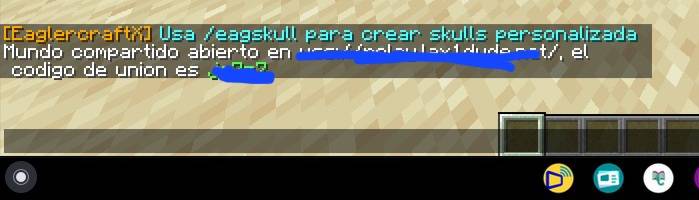
The base game (100% translated)

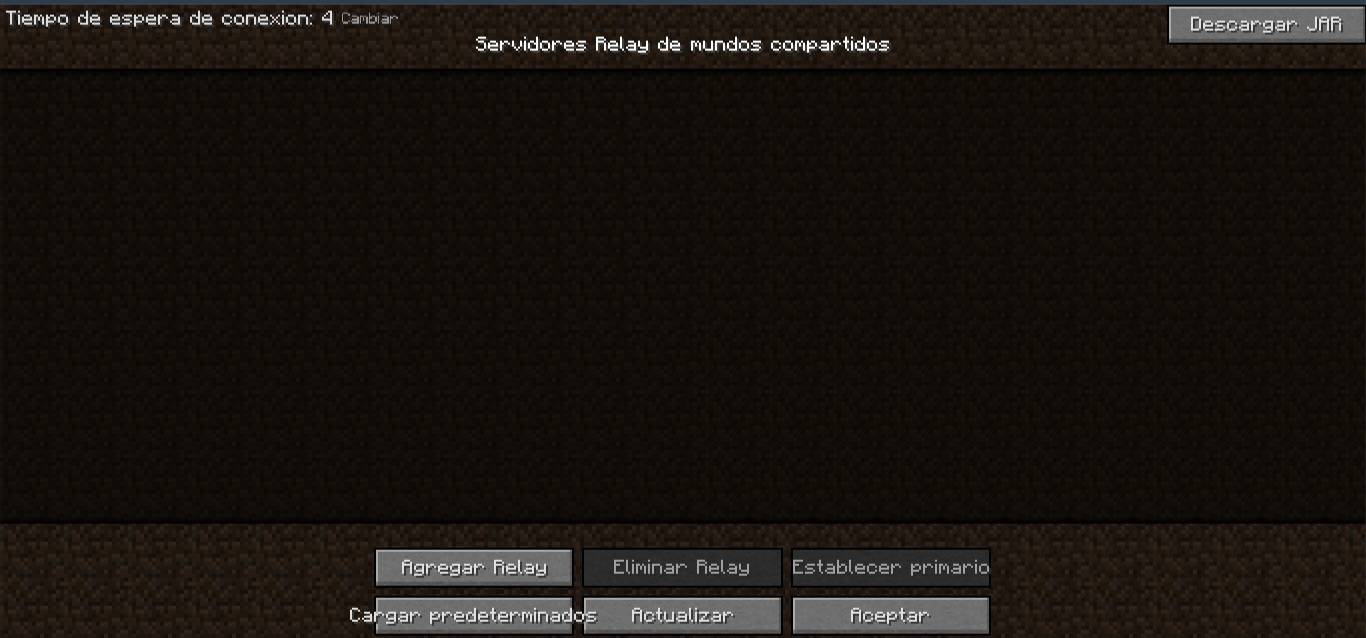
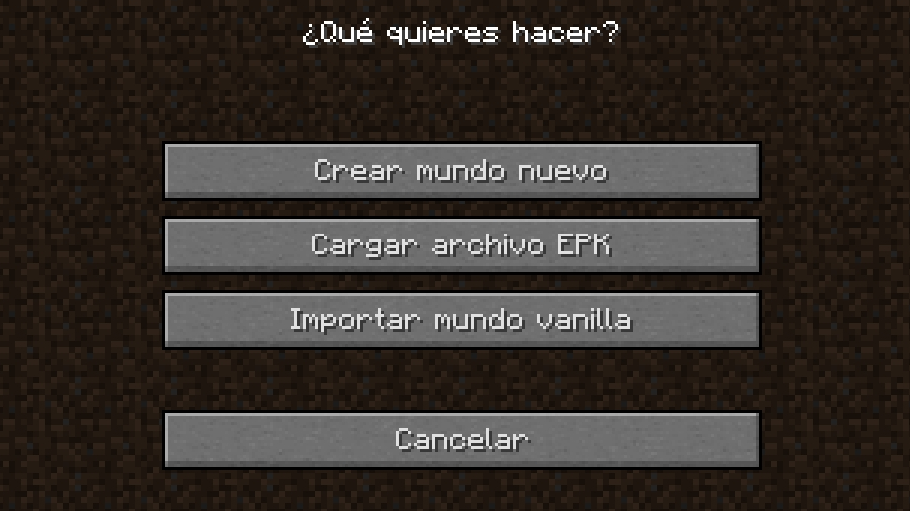
Eaglercraft Menu

Options

Edit Profile

Relay List

Add World

Etc…

However, this version is not 100% translated, so be aware. This is version 1.0 Public for everyone to enjoy.

Currently, this project is version 1.0 (Public).

Esp:

Esta version esta traducida al Español Venezuela. Que tiene esta version al español? 


Este texture pack traduce:

El juego base (Traducido al 100%)

Eaglercraft Menu.

Opciones.

Edit Profile.

Relay List.

Add World.

Etc…


Pero esta version no esta traducida del todo al 100% asi que estan advertidos. Esta es la 1.0 Publica para que todos disfruten.


Actualmente este proyecto esta la 1.0 (Publico)

EAGLERCRAFT Spanish Translate 1.2.zip
MC 1.12.2
Release 2026-08-30 Get
EAGLERCRAFT Spanish Translate 1.0.zip
MC 1.14.4
Release 2026-08-30 Get
EAGLERCRAFT (Spanish Translate 1.0).zip
MC 1.12.2
Release 2026-08-29 Get

Requirements & install

How to use this resource pack in Minecraft
Resolution
Not specified
Minecraft
1.12.2 – 1.14.4
Install folder
.minecraft/resourcepacks

How to install resource packs

  1. Download the resource pack .zip file (do not extract it).
  2. In Minecraft open Options → Resource Packs → Open Pack Folder.
  3. Drop the .zip into the resourcepacks folder (.minecraft/resourcepacks).
  4. Move the pack to the Selected column and click Done.
Browse more: 16x resource packs 32x resource packs 64x resource packs 128x resource packs 256x resource packs 512x+ resource packs Resource Packs for 1.14.4 All resource packs
Advertisement Remove ads with Premium →

You Might Also Like