Mineuniverse
Resource Packs
Duolingo totem

Duolingo totem

RESOURCE PACK
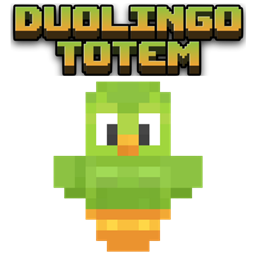
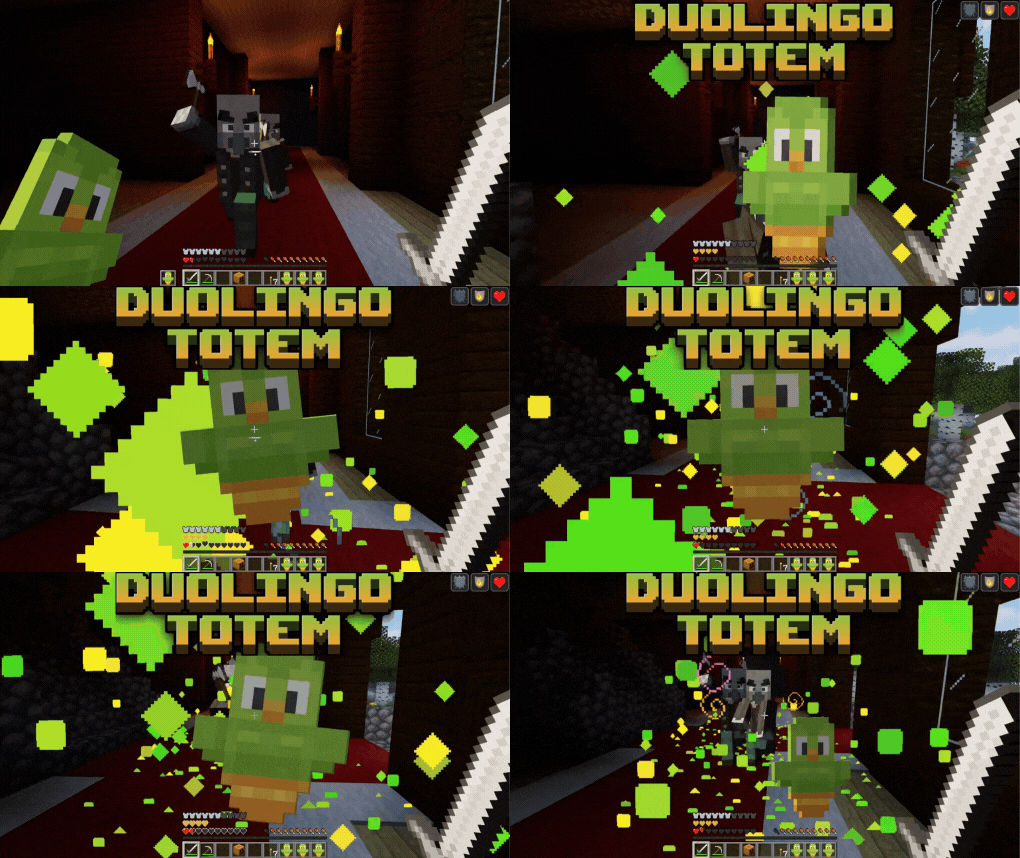
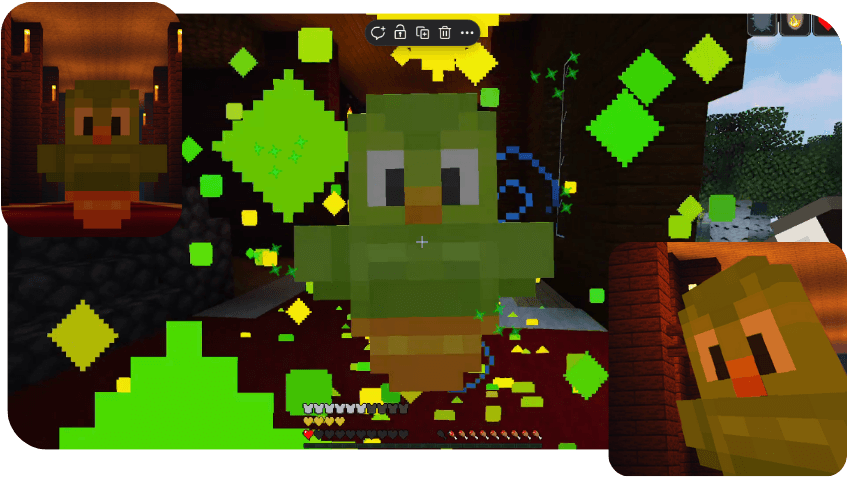
replaces the classic Totem of Immortality with a custom version of the legendary Duolingo skin. Survive in style and strike fear into your enemies!
by DevAV
Download Claim this project
1,711 downloads
0 likes
0 followers
Updated Oct 14, 2026
0 hypes
Follow0
16x Miscellaneous
Advertisement Remove ads with Premium →

Duolingo Minecraft Texture Pack (Totem of Undying Replacement)

Learn or perish! The Duolingo Minecraft Texture Pack brings the iconic green owl straight into your world. This custom Minecraft Java texture pack replaces the classic Totem of Undying with a glowing Duolingo totem — perfect for meme lovers and Duolingo fans alike.

Every time you cheat death, Duolingo reminds you to keep practicing!
Stay alive in style, surprise your friends, and show the true power of daily lessons.
(Español)

Paquete de Texturas Duolingo para Minecraft (Reemplazo del Tótem de la Inmortalidad)

Descripción completa

¡Aprende o perece! El paquete de texturas Duolingo para Minecraft lleva al icónico búho verde directamente a tu mundo. Este pack para Minecraft Bedrock reemplaza el clásico Tótem de la Inmortalidad por un tótem personalizado de Duolingo con un diseño brillante y divertido.


🧡SUPPORT THE CREATOR🧡

If you'd like to support my work, you can complete a quick ad step through Linkvertise. It takes just a few seconds and directly supports future project updates!

This is completely optional — no downloads are required here, just a simple way to show your support if you appreciate the content.


Support via Linkvertise 


Duolingo Totem.zip
MC 1.21, 1.19.3, 1.20.2, 1.19.4, 1.21.8, 1.20.5, 1.21.5, 1.21.4, 1.20.1, 1.20, 1.20.6, 1.21.1, 1.21.6, 1.21.3, 1.21.7, 1.19.1, 1.20.4, 1.19.2, 1.20.3, 1.19, 1.21.2, 1.21.9
Release 2025-10-19 Get

Requirements & install

How to use this resource pack in Minecraft
Resolution
16x
Minecraft
1.21.2 – 1.21.9
Install folder
.minecraft/resourcepacks

How to install resource packs

  1. Download the resource pack .zip file (do not extract it).
  2. In Minecraft open Options → Resource Packs → Open Pack Folder.
  3. Drop the .zip into the resourcepacks folder (.minecraft/resourcepacks).
  4. Move the pack to the Selected column and click Done.
Browse more: 16x resource packs 32x resource packs 64x resource packs 128x resource packs 256x resource packs 512x+ resource packs Resource Packs for 1.21.9 All resource packs

More from DevAV

Advertisement Remove ads with Premium →

You Might Also Like