Mineuniverse
Resource Packs
Drigo Enchanted Tools

Drigo Enchanted Tools

RESOURCE PACK
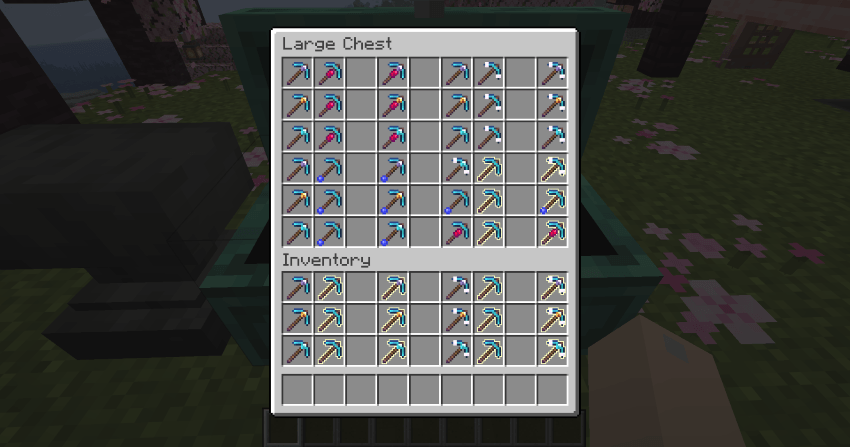
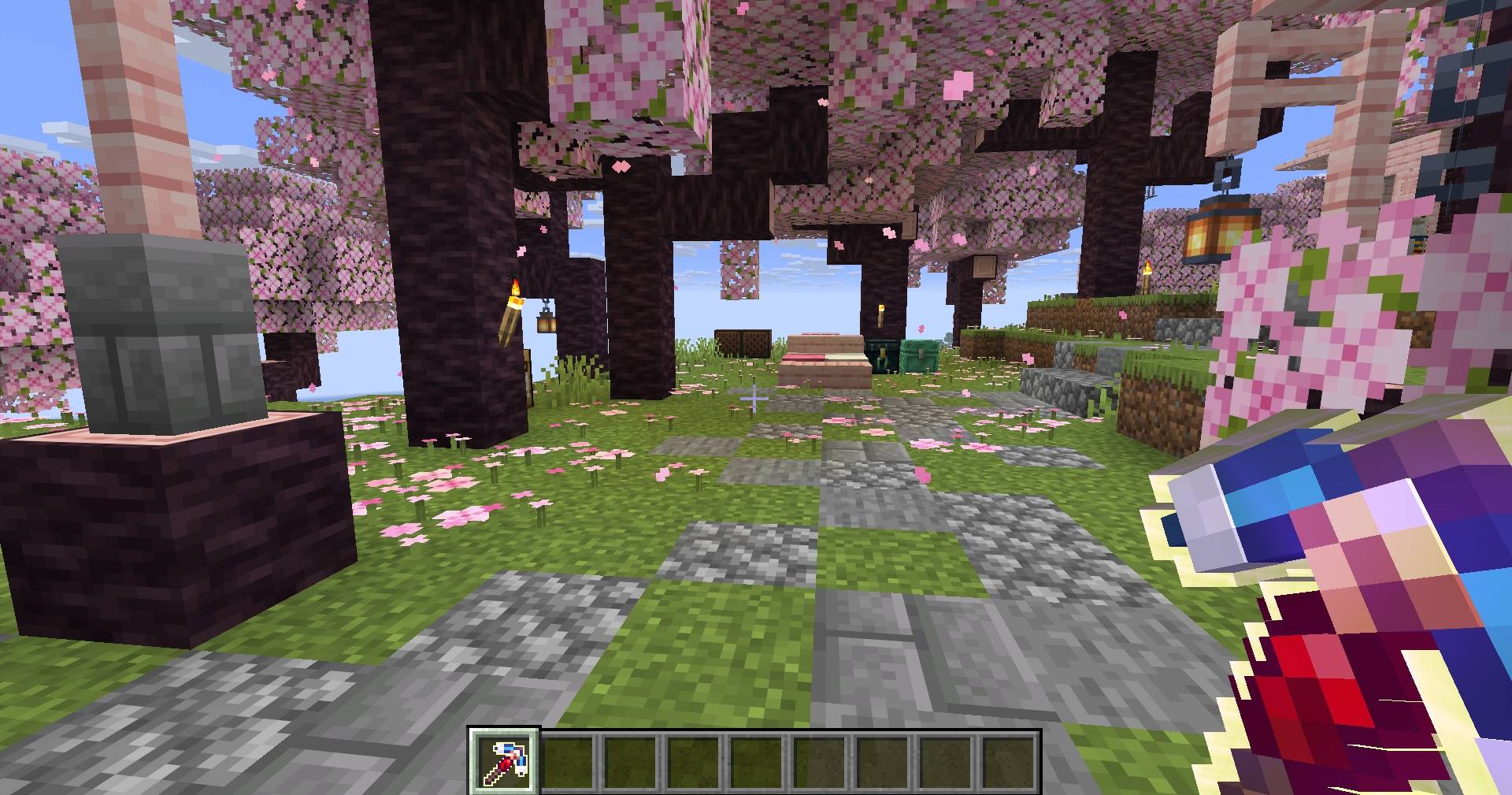
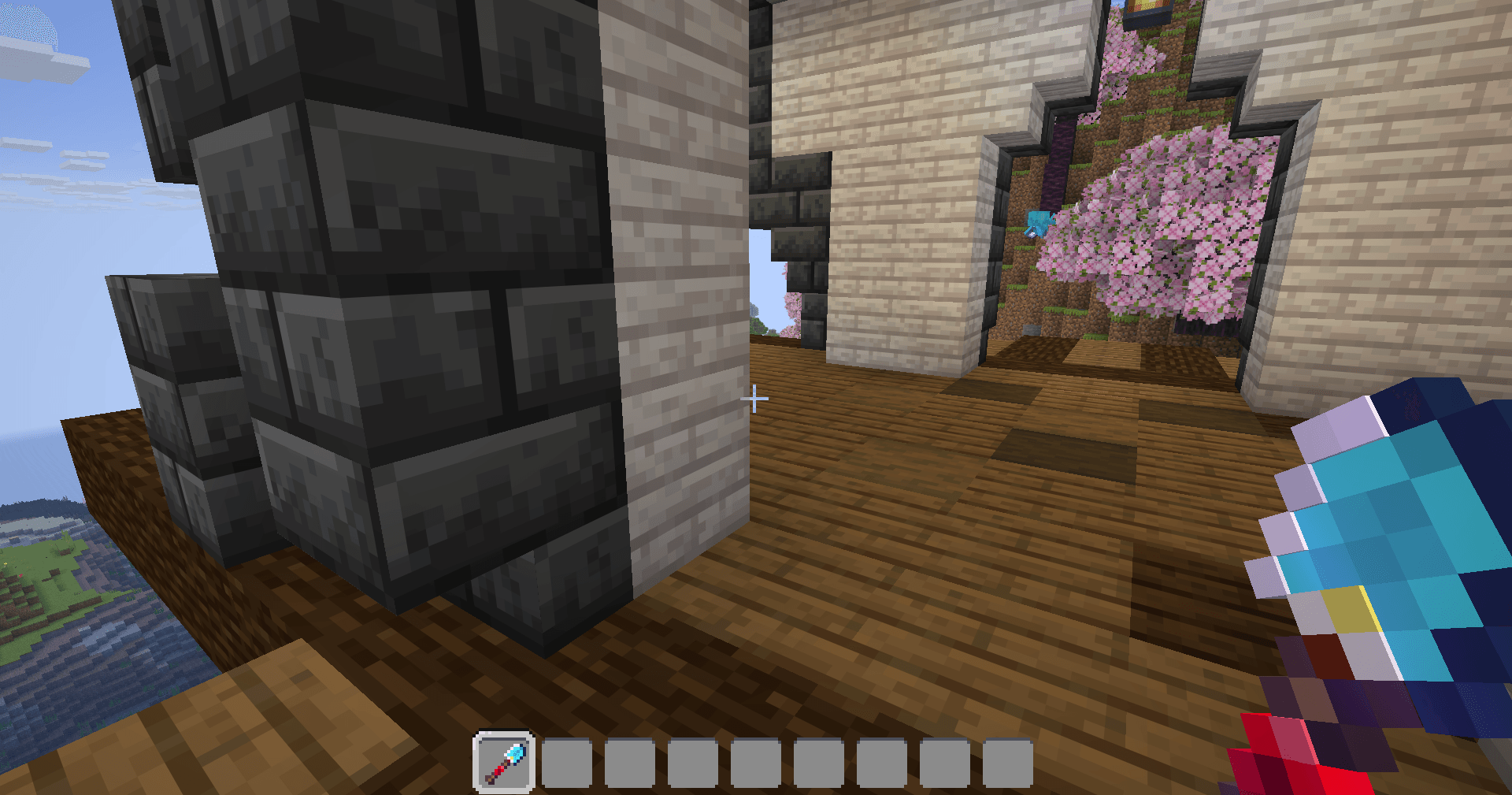
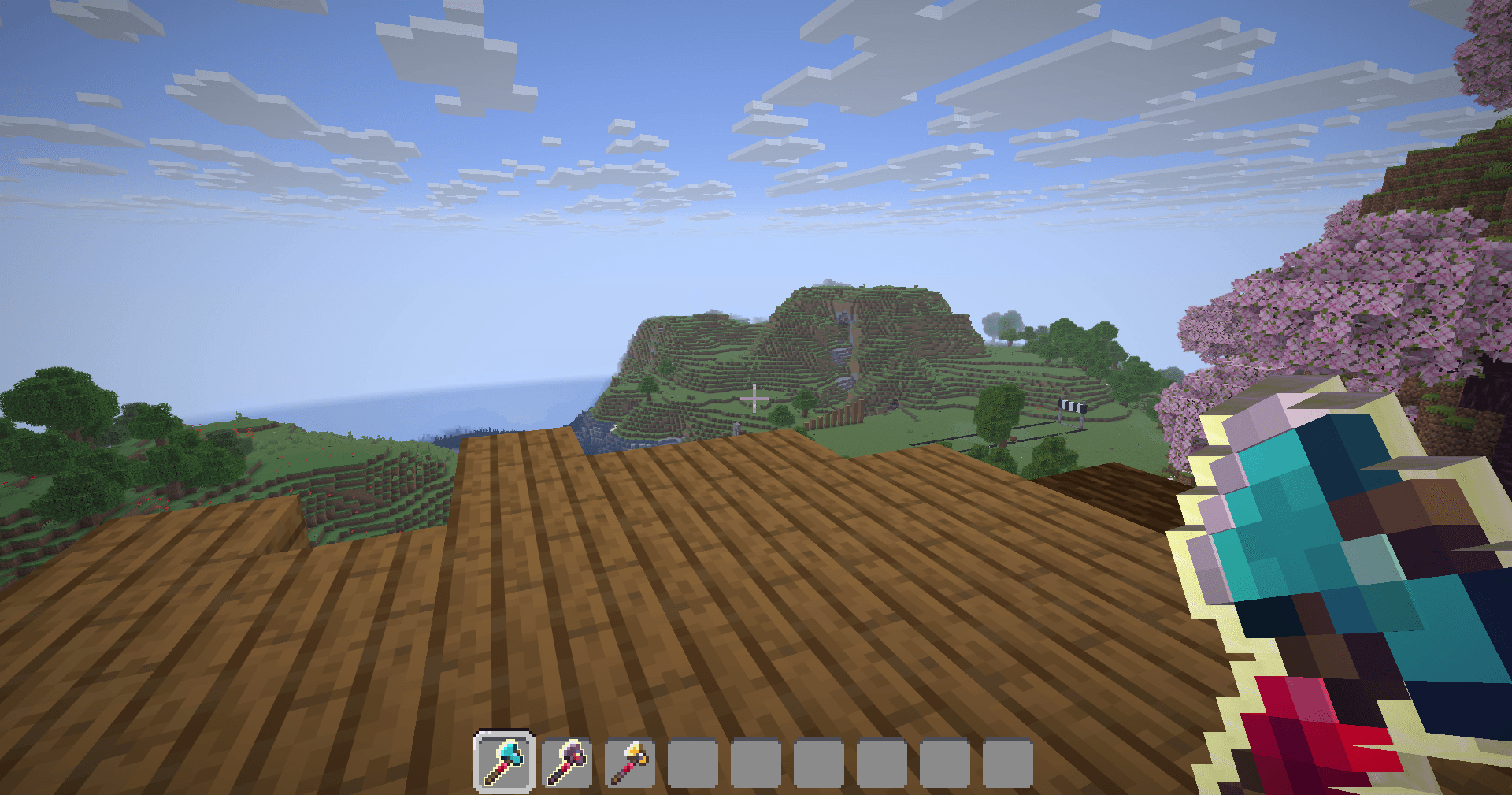
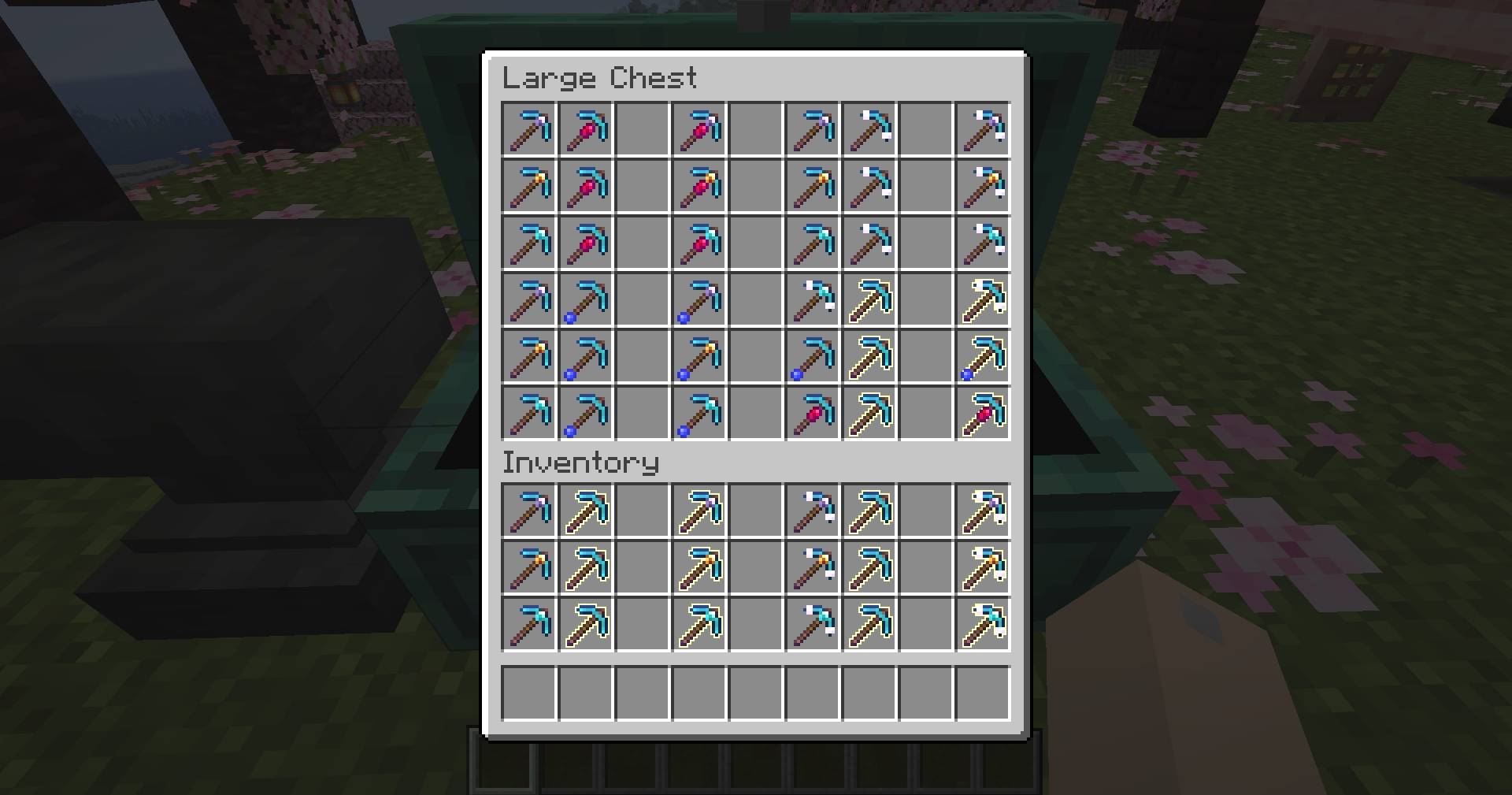
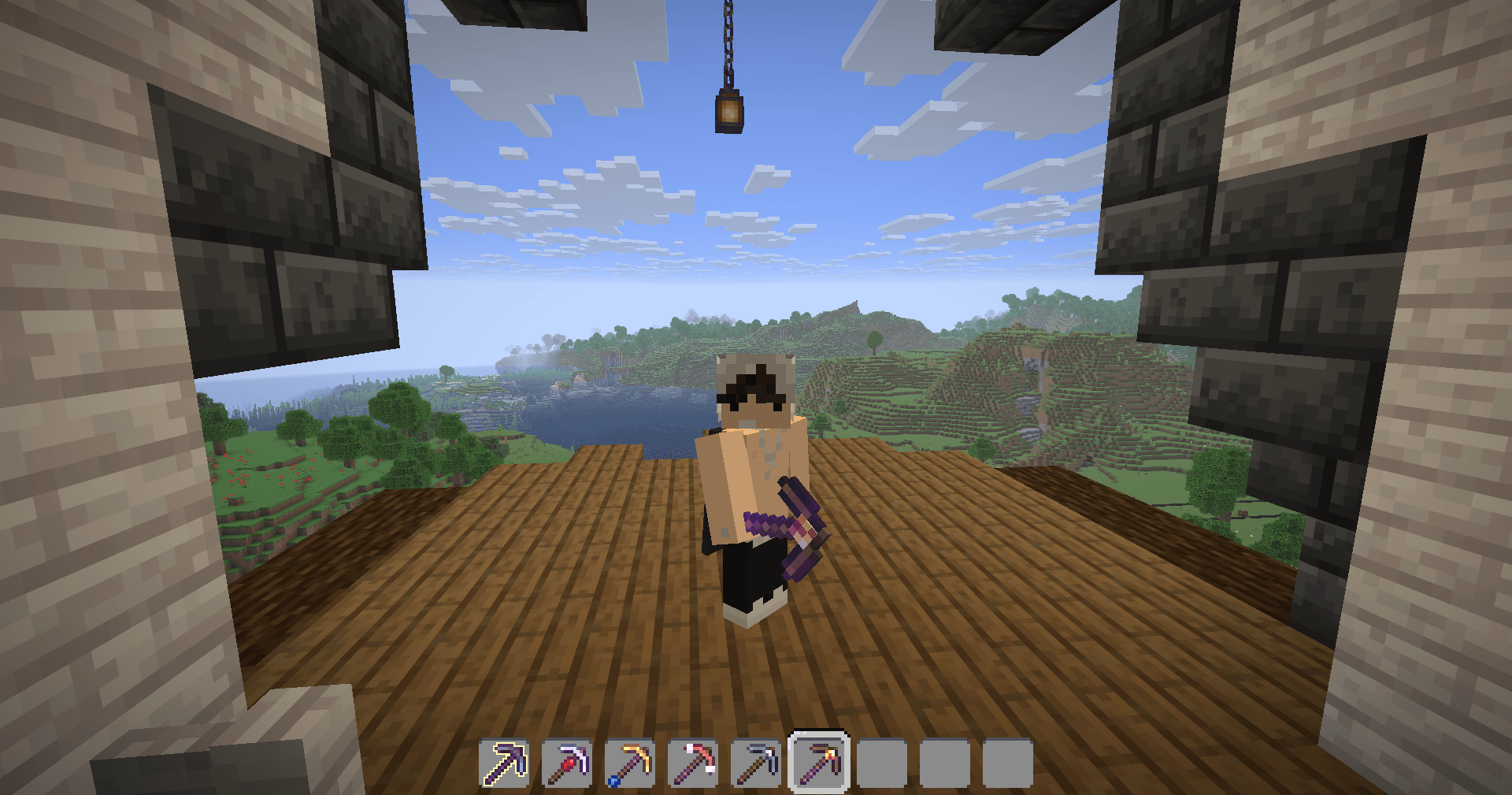
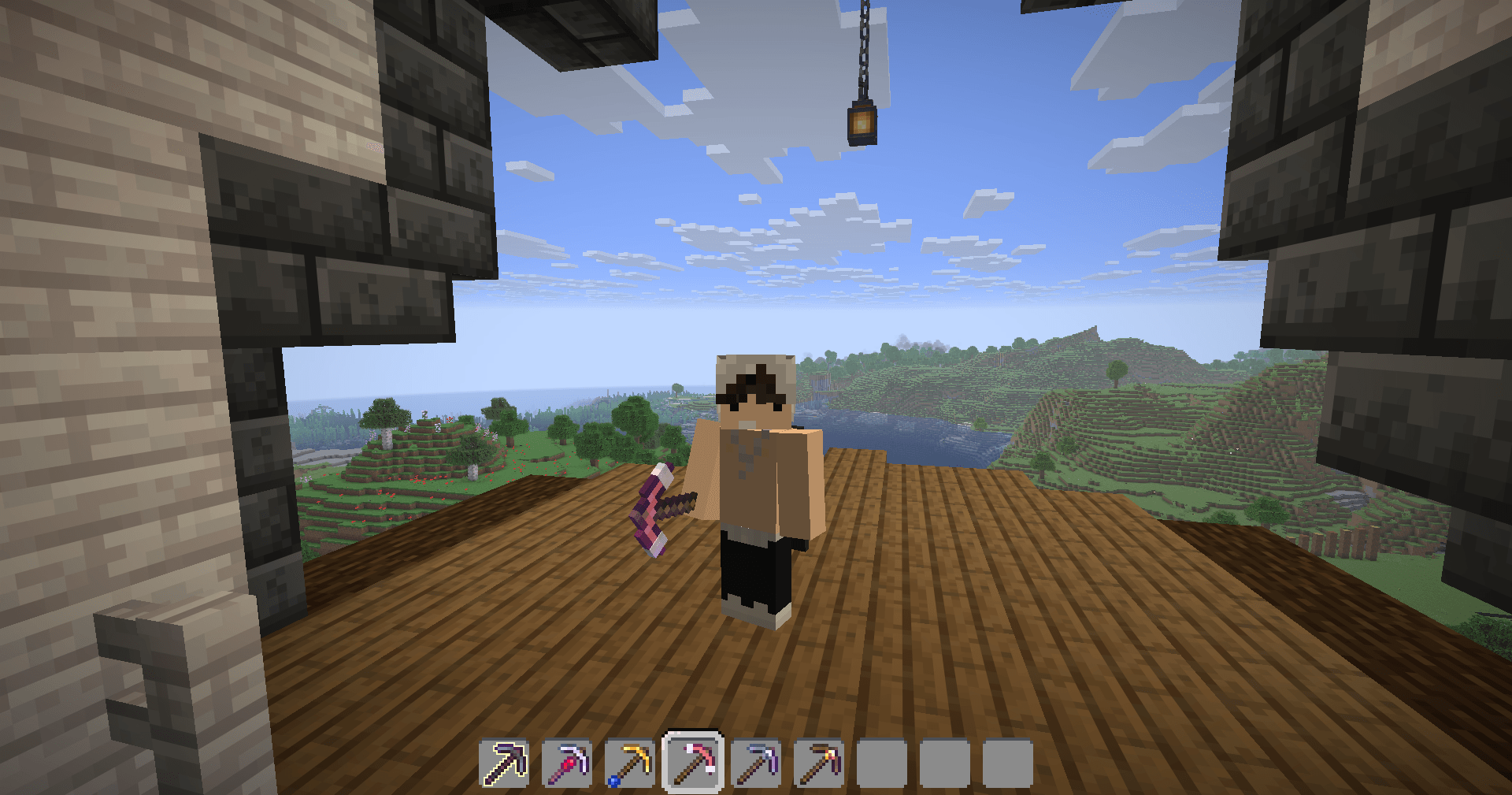
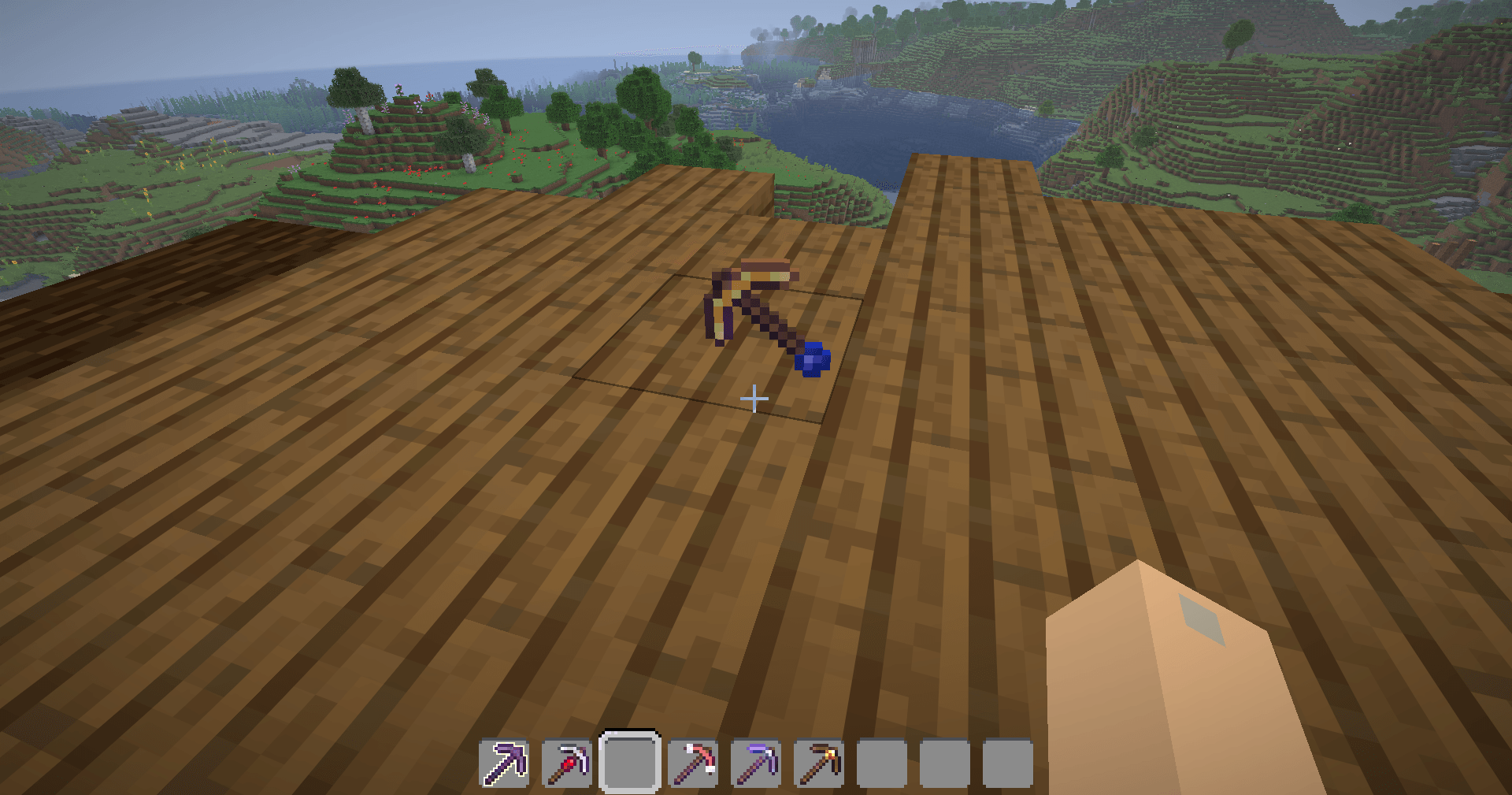
This Texture Pack Dynamic changes the actual texture and model of your tools based on the specific enchantments applied to them, for now its just the pickaxes.
by Drigo
Download Claim this project
1,335 downloads
0 likes
0 followers
Updated Oct 14, 2026
0 hypes
Follow0
16x Animated Modern Traditional
Advertisement Remove ads with Premium →

Drigo Enchanted Tools


Description


This Texture Pack Dynamic changes the actual texture and model of your tools based on the specific enchantments applied to them. For now its just all the Pickaxes, but i will makr this changes to all Tools


 

Drigo Enchanted Tools IMAGE


LINKS

CurseForge      PlanetMinecraft     Modrinth    Ko-fi


1.1.0
MC 1.21.2-Snapshot, 1.21, 1.21.6-snapshot, 1.20.2-Snapshot, 1.20.5-Snapshot, 1.21.1-Snapshot, 1.20.2, 1.21.8, 1.20.5, 1.21.5, 1.21.4, 1.21.5-Snapshot, 1.20.1, 1.20, 1.20.6, 1.21.1
Beta 2026-06-02 Get
1.0.0
MC 1.21.2-Snapshot, 1.21, 1.21.6-snapshot, 1.20.2-Snapshot, 1.20.5-Snapshot, 1.21.1-Snapshot, 1.20.2, 1.21.8, 1.20.5, 1.21.5, 1.21.4, 1.21.5-Snapshot, 1.20.1, 1.20, 1.20.6, 1.21.1
Beta 2026-05-26 Get

Requirements & install

How to use this resource pack in Minecraft
Resolution
16x
Minecraft
1.21.1-Snapshot – 1.21.8
Install folder
.minecraft/resourcepacks

How to install resource packs

  1. Download the resource pack .zip file (do not extract it).
  2. In Minecraft open Options → Resource Packs → Open Pack Folder.
  3. Drop the .zip into the resourcepacks folder (.minecraft/resourcepacks).
  4. Move the pack to the Selected column and click Done.
Browse more: 16x resource packs 32x resource packs 64x resource packs 128x resource packs 256x resource packs 512x+ resource packs Resource Packs for 1.21.8 All resource packs

More from Drigo

Advertisement Remove ads with Premium →

You Might Also Like