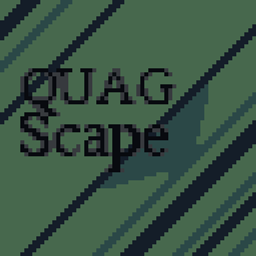
This is a minecraft texture pack for version 1.8.9 made by me (noobnamedwut/wut seriously) that offers:
-High Quality 16x16 pixel art sprites for important 1.8.9 items and blocks, alongside several entities and 3d models.
-A custom sky! (This feature requires using the Optifine mod)
-A Fully custom GUI. (displayed above)
-Alternate versions for some items...
-Different Recolors for users to customize their experience even further! Each recolor changes the color palette diamond items use, some even change 3d models or designs!
All of the textures in the pack are made by either me, or Jappa (Minecraft's official texture artist) and are comfortable for doing pretty much anything in the game,
and they don't impact gameplay apart from some small QOL changes that are allowed in most servers (including hypixel).
The main recolor/version of the pack is Quagscape, (fun fact I made dreamscape first) made to celebrate Quaglet's channel reaching15k subscribers on youtube.
If you keep crashing for tesselated block error, disable connected textures while using the pack (broken connected textures due to the alternate versions.)
CREDITS AND LICENSE INFO
Skies are edited from @glacepacks, with his permission. Font is from snowfault by keno (kenoh) and looshy (@looshysucks) IDK who made the glass connected textures. Those are the exceptions to the license. I also based the xp bar on something @tenoch_alan made for one of his texture packs so due respect to him.