Mineuniverse
Resource Packs
Dragonyte's UI

Dragonyte's UI

RESOURCE PACK
Purple Dragon themed Resourcepack!
by nyteTHC
Download Claim this project
1,234 downloads
0 likes
0 followers
Updated Oct 14, 2026
0 hypes
Follow0
16x Miscellaneous Mod Support Modern
Advertisement Remove ads with Premium →

« ABOUT » 

➔ Dragonyte's UI Changes Many things in the World of Minecraft! but it changes no Blocks (for now....)

➔ As the title say's everything in this Resourcepack is in an Dragon Themed style!

➔ IMPORTANT: There are 2 Diffrent versions available, wich you can Choose from! go to the Files Tab, or ↓↓ Down Below ↓↓ and Choose which Version you want!

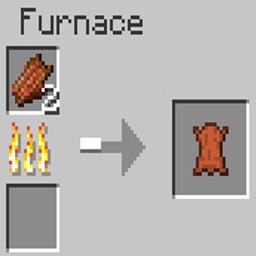
➔ Here you can Already have a little Glimpse of what is Available in this Pack!

➔ no Optifine Nedded!

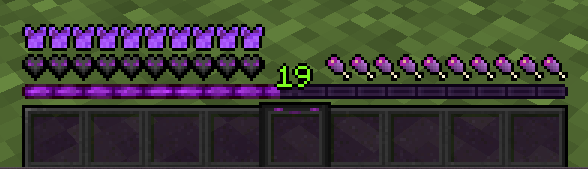
➔ This Resourcepack also Supports some Mods, for Example the Appleskins Mod, the Advancementplaques Mod, or even the Legendarys Tooltips Mod!


« GUI »


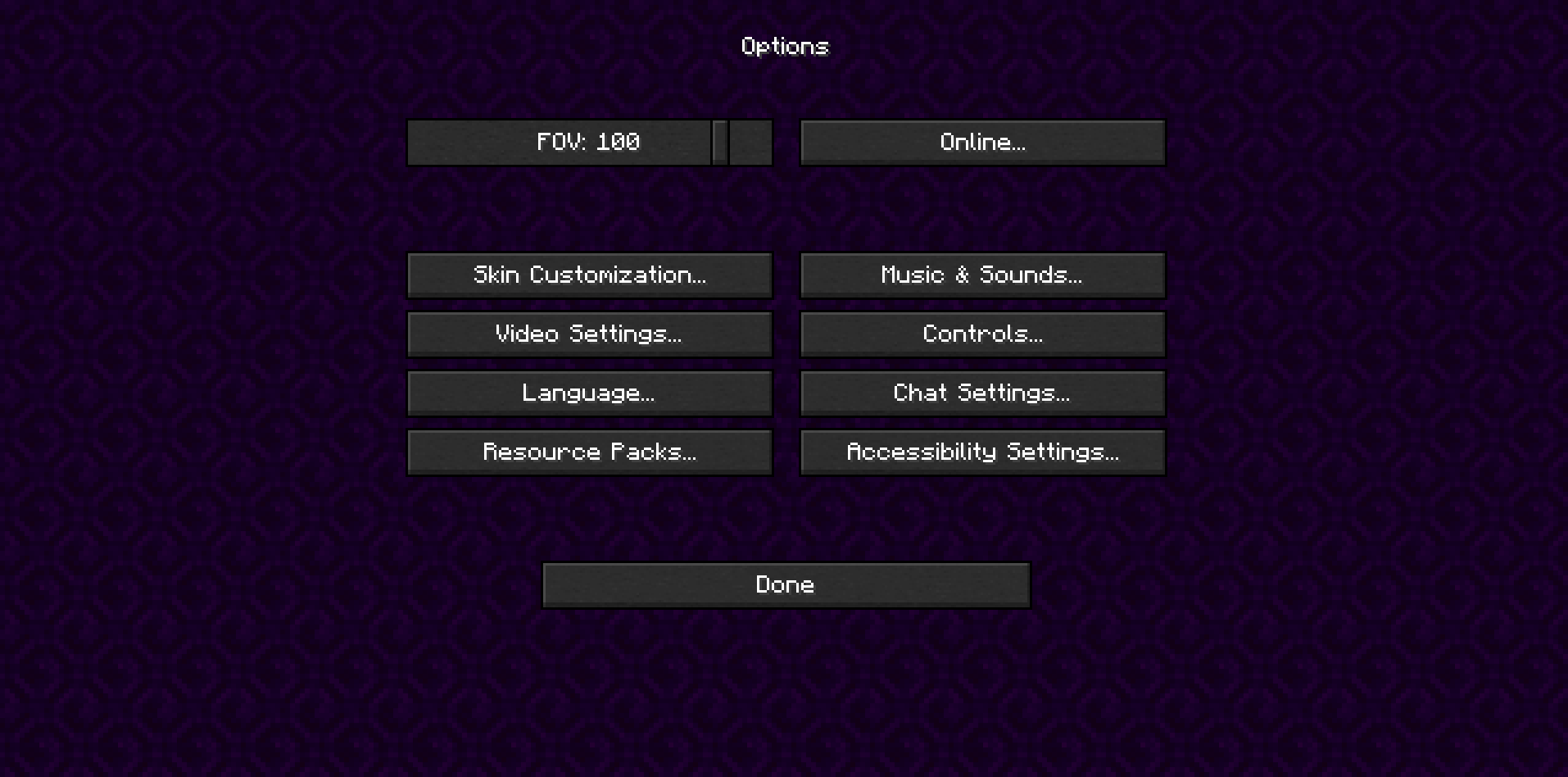
 « Options Backround »


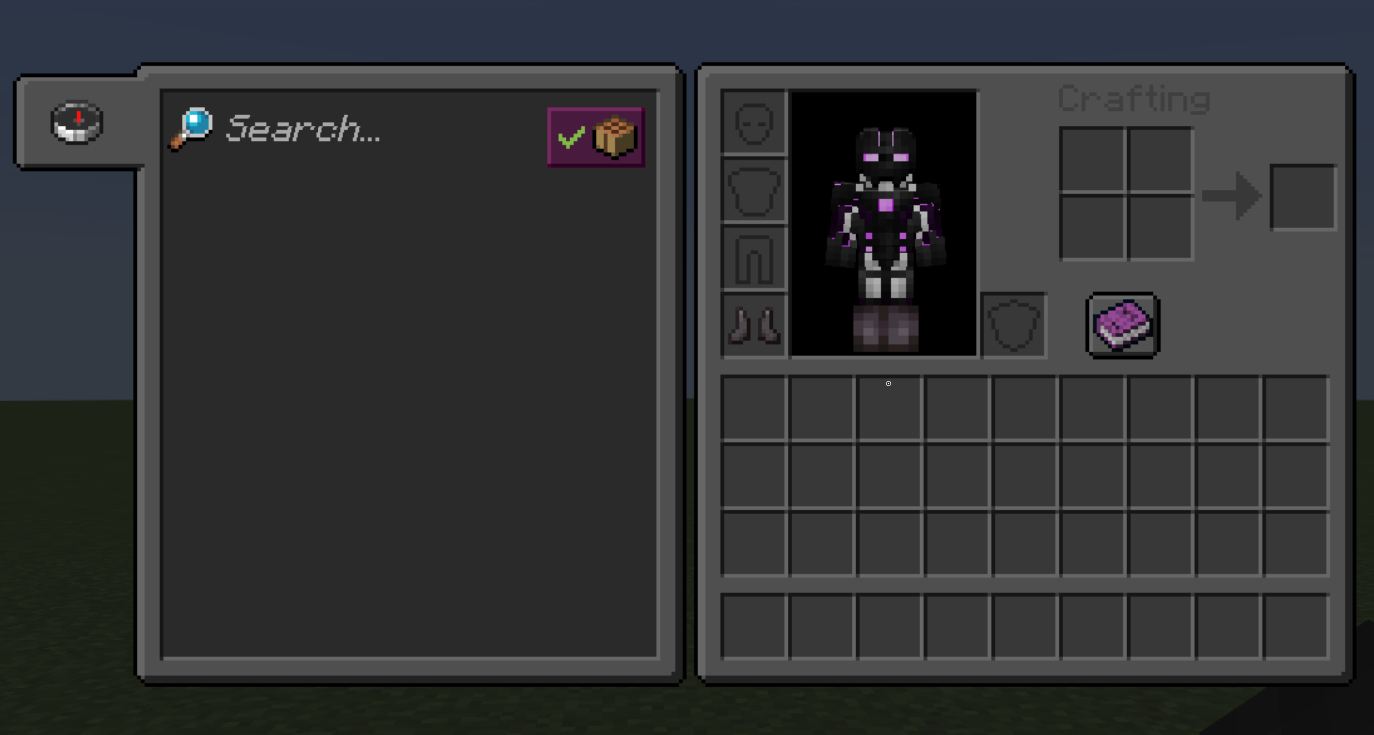
« Inventory »


« Extra's »

➔ There are two seperate Versions available! The Main one Which changes also the Title Screen!.       

➔ And the Second one which changes UI and Hud Elements only!

➔ You can now choose here, or on the Files Tab which Package you want to use! 

➔ Download Main Version 3.1:  « With Title Screen »
➔ Download Second Version 3.1 « Without Title Screen »
 

➔ If you have any Problems, Ideas, or you're simply Intrested in me, my Work, or wanna Team up for a Project, feel Free to Join my Discord Server 

➔ Discord: « Dragonyte »

 

Dragonyte's UI 3.1 [Without Title Screen] [STABLE]
MC 1.19.2
Release 2023-01-06 Get
Dragonyte's UI 3.1 [With Title Screen] [STABLE]
MC 1.19.2
Release 2023-01-06 Get
Dragonyte's UI 3.1 [Alpha] [UNSTABLE]
MC 1.19.2
Alpha 2023-01-06 Get

Requirements & install

How to use this resource pack in Minecraft
Resolution
16x
Minecraft
1.19.2
Install folder
.minecraft/resourcepacks

How to install resource packs

  1. Download the resource pack .zip file (do not extract it).
  2. In Minecraft open Options → Resource Packs → Open Pack Folder.
  3. Drop the .zip into the resourcepacks folder (.minecraft/resourcepacks).
  4. Move the pack to the Selected column and click Done.
Browse more: 16x resource packs 32x resource packs 64x resource packs 128x resource packs 256x resource packs 512x+ resource packs Resource Packs for 1.19.2 All resource packs

More from nyteTHC

Advertisement Remove ads with Premium →

You Might Also Like