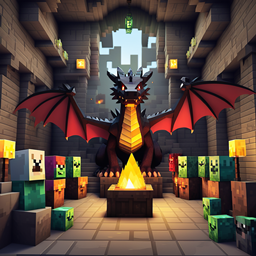
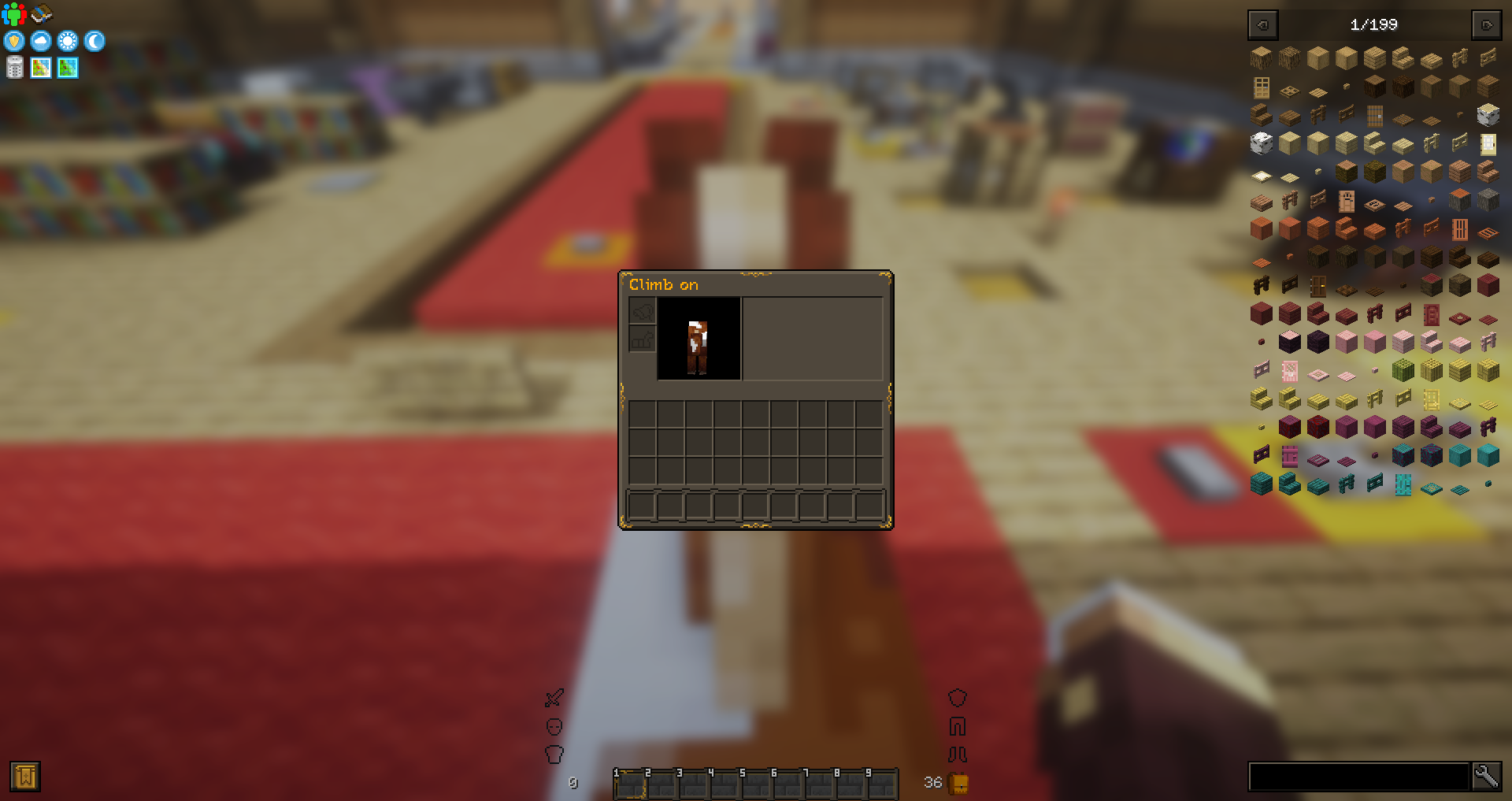
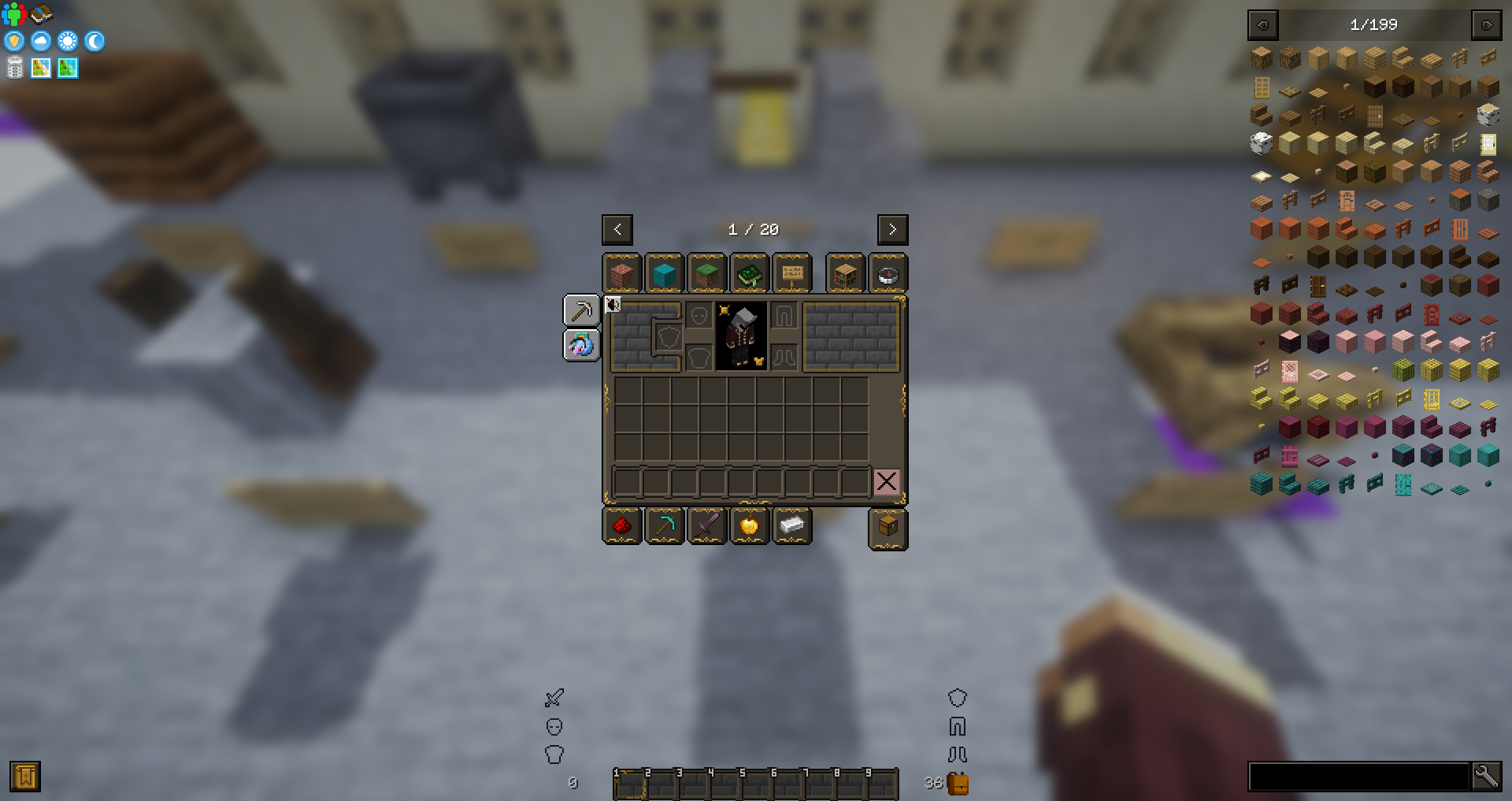
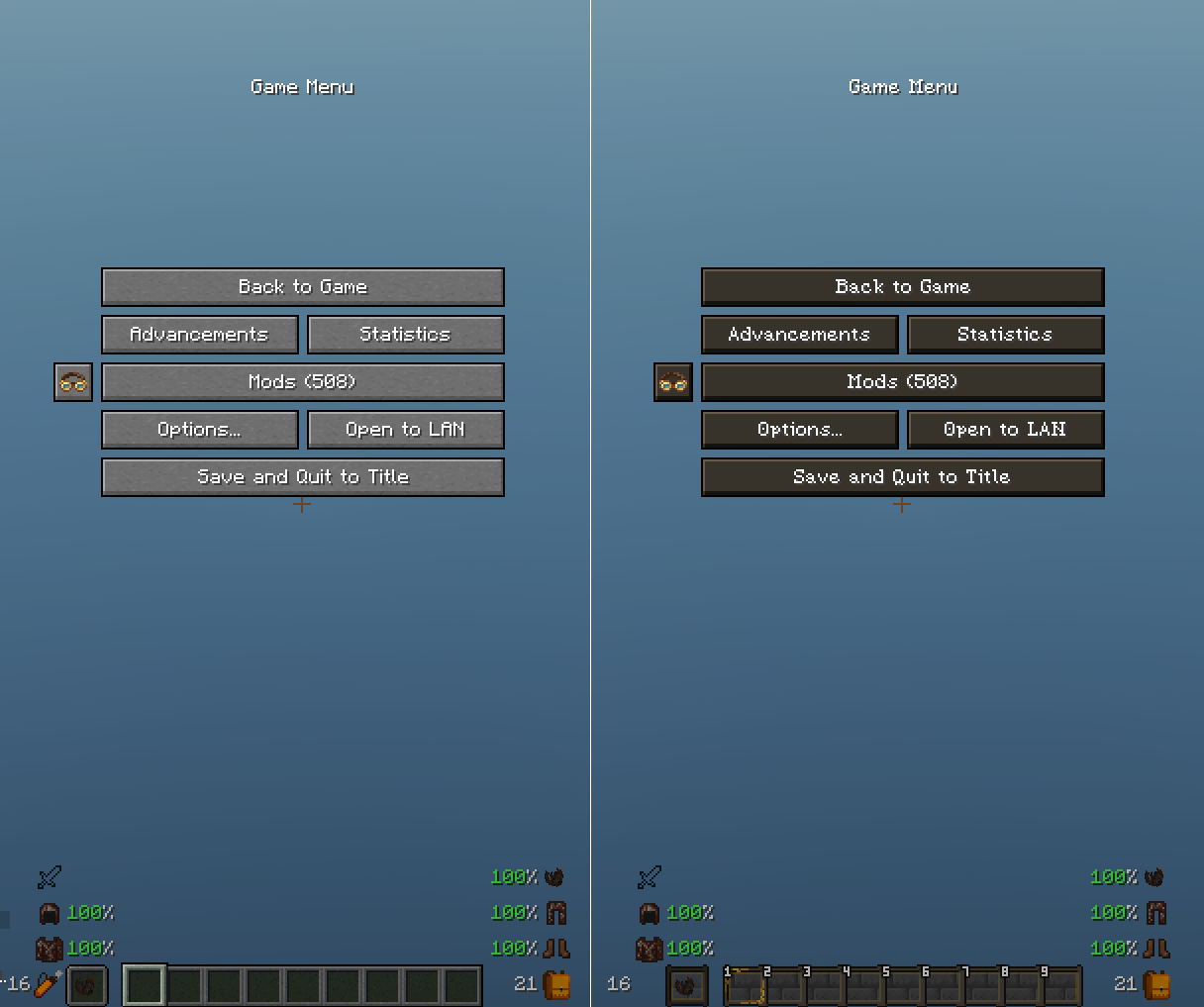
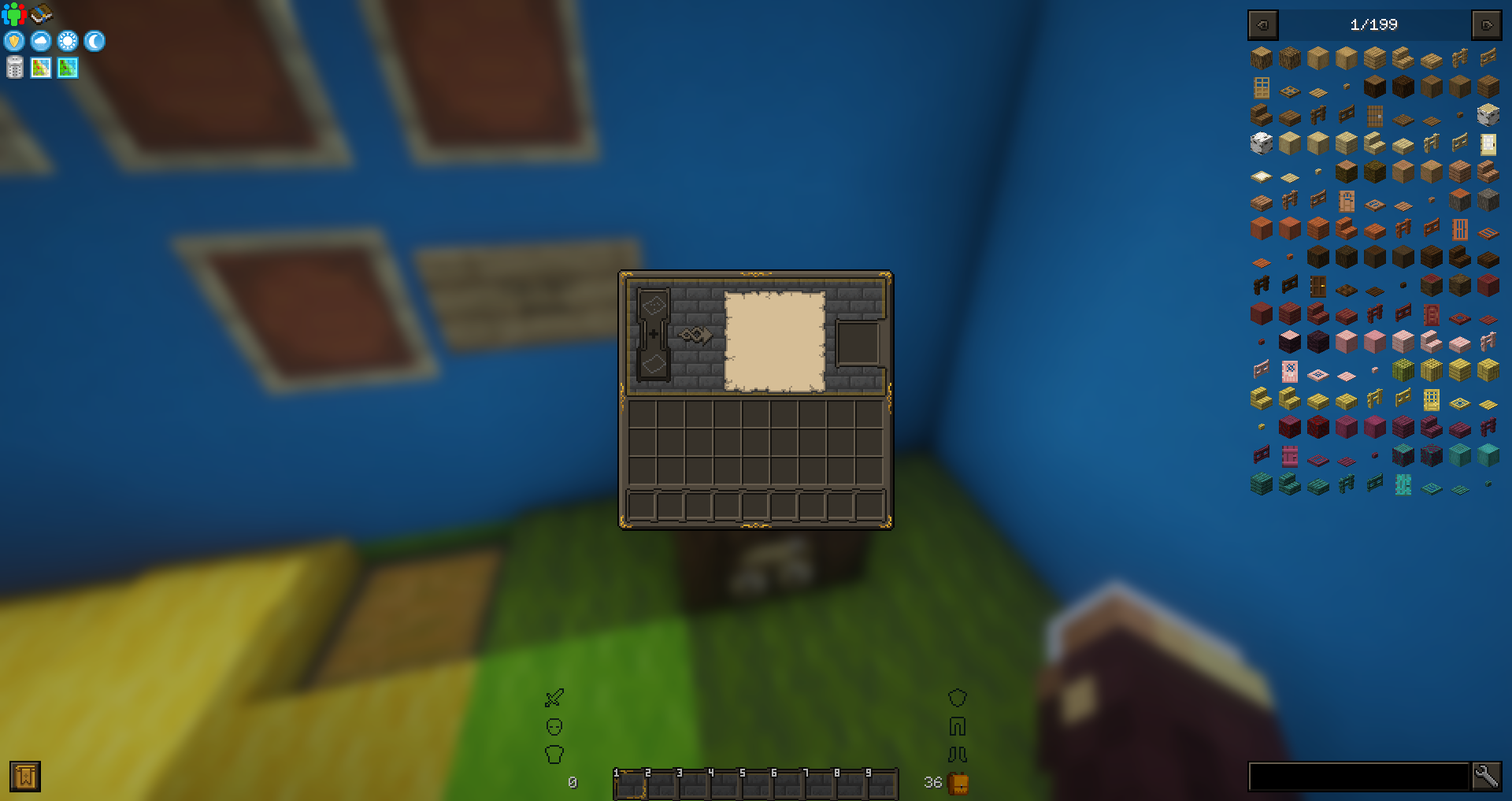
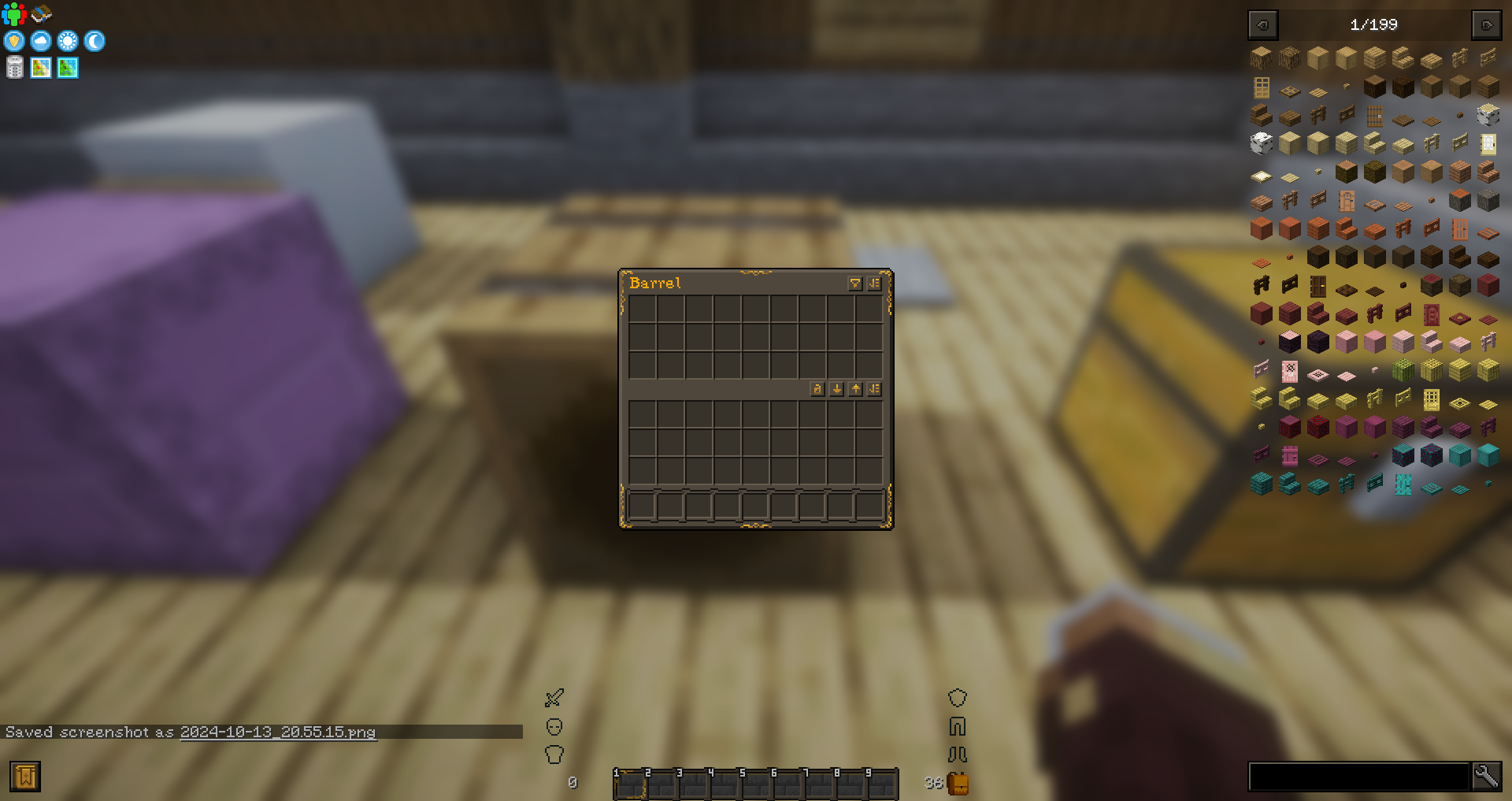
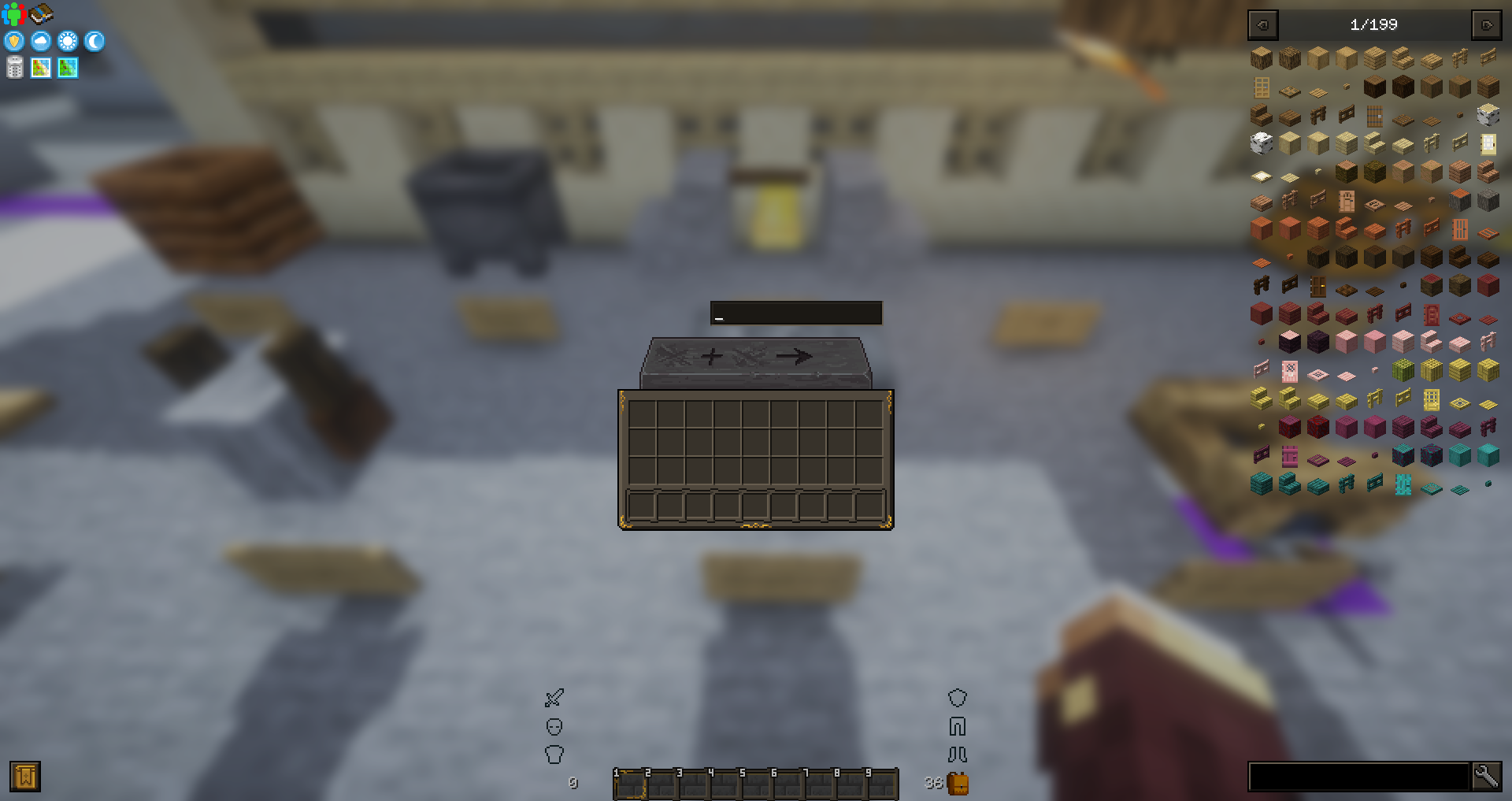
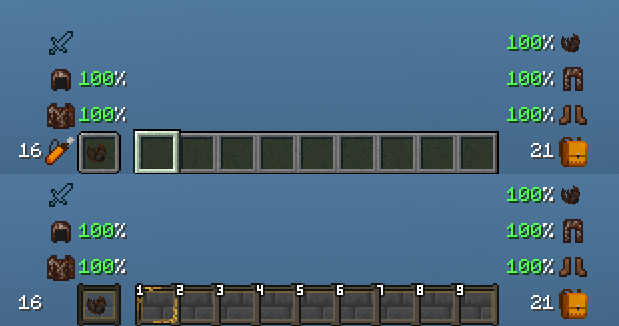
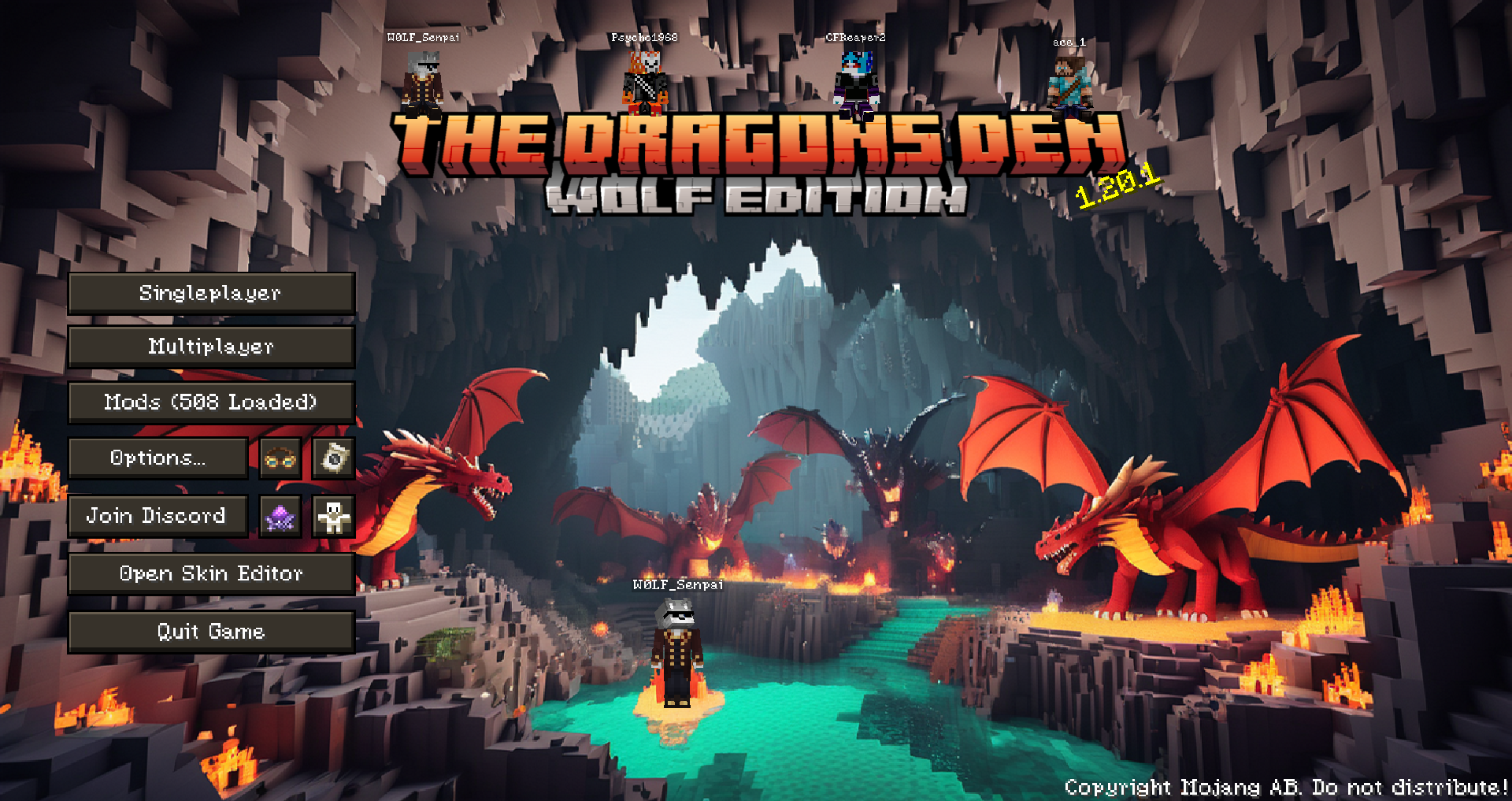
This is a Texture / resourcepack For My Modpack The Dragons Den
Aiming to add a more earthy and fantasy feel the Game and UI's
future updates I plan on changing more like Mobs / Blocks / Weapons an Armor for a full custom conversion to a Medieval Fantasy Style
Majority of Changes are to Menus / UI's / and interfaces along with Mob Animations
Added Support for a multitude of Mods running in my Modpack.
Supported / changed mods:
- advancementplaques
- alexsdelight
- alexsmobs
- appleskin
- aquaculture
- biomemakeover
- biomesoplenty
- corn_delight
- cosmeticarmorreworked
- create
- creativecore
- crimson
- curios
- daily_rewards
- domesticationinnovation
- dtbop
- eatinganimation
- eatinganimationid
- enhancedvisuals
- farmersdelight
- feathers
- fruittrees
- ftbquests
- guardvillagers
- illagerinvasion
- immersive_weathering
- inventoryhud
- inventoryprofilesnext
- jei
- jeresources
- justenoughprofessions
- lightmanscurrency
- meadow
- mmorpg
- moremobvariants
- nethersdelight
- parcool
- quark
- realms
- regions_unexplored
- roughlyenoughitems
- seasonals
- sophisticatedbackpacks
- sophisticatedcore
- stardew_fishing
- trashslot
- voicechat
- watut
- waystones