Mineuniverse
Resource Packs
Dr. Kilobyte's Wild Wolves

Dr. Kilobyte's Wild Wolves

RESOURCE PACK
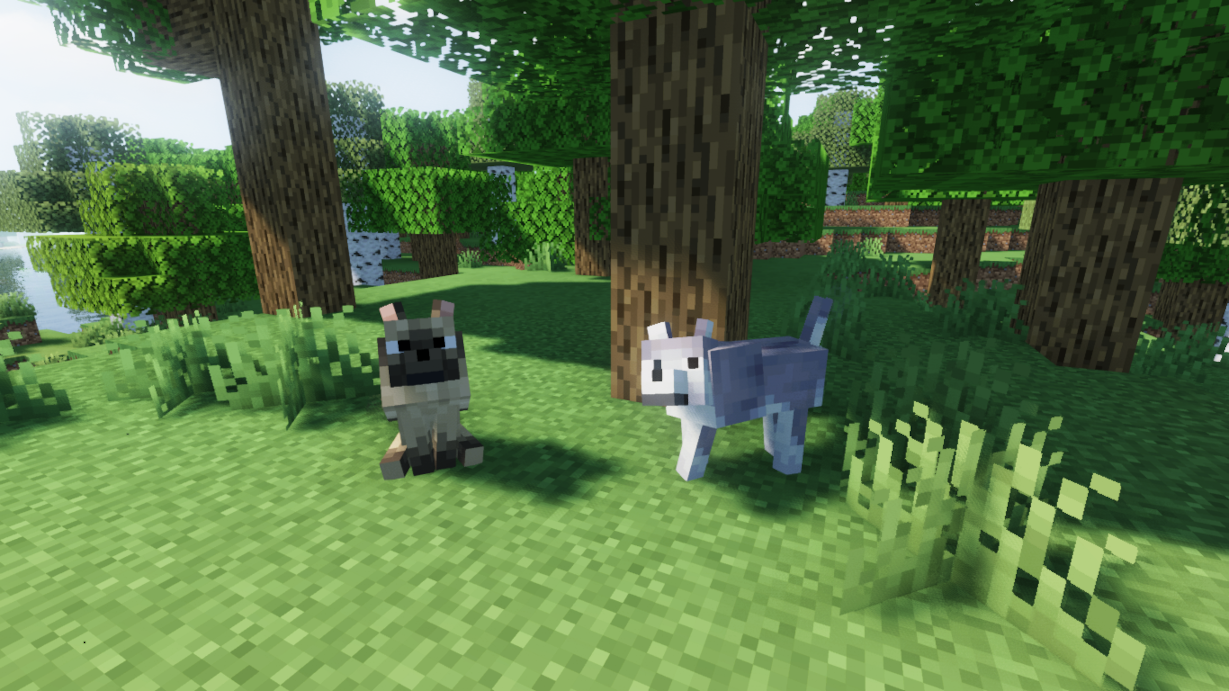
Make your faithful dog use the wild wolf texture! Collars optional. Supports versions from Beta 1.4. Compatible with Fresh Animations.
by DrKilobyte
Download Claim this project
Add a badge to your pageLink to Dr. Kilobyte's Wild Wolves from a README, website or forum post.
Preview: Badge

Badges update automatically and link to the resource pack page on MineUniverse.

30,047 downloads
0 likes
0 followers
Updated Oct 14, 2026
0 hypes
Follow0
16x Animated Miscellaneous Traditional
Advertisement Remove ads with Premium →

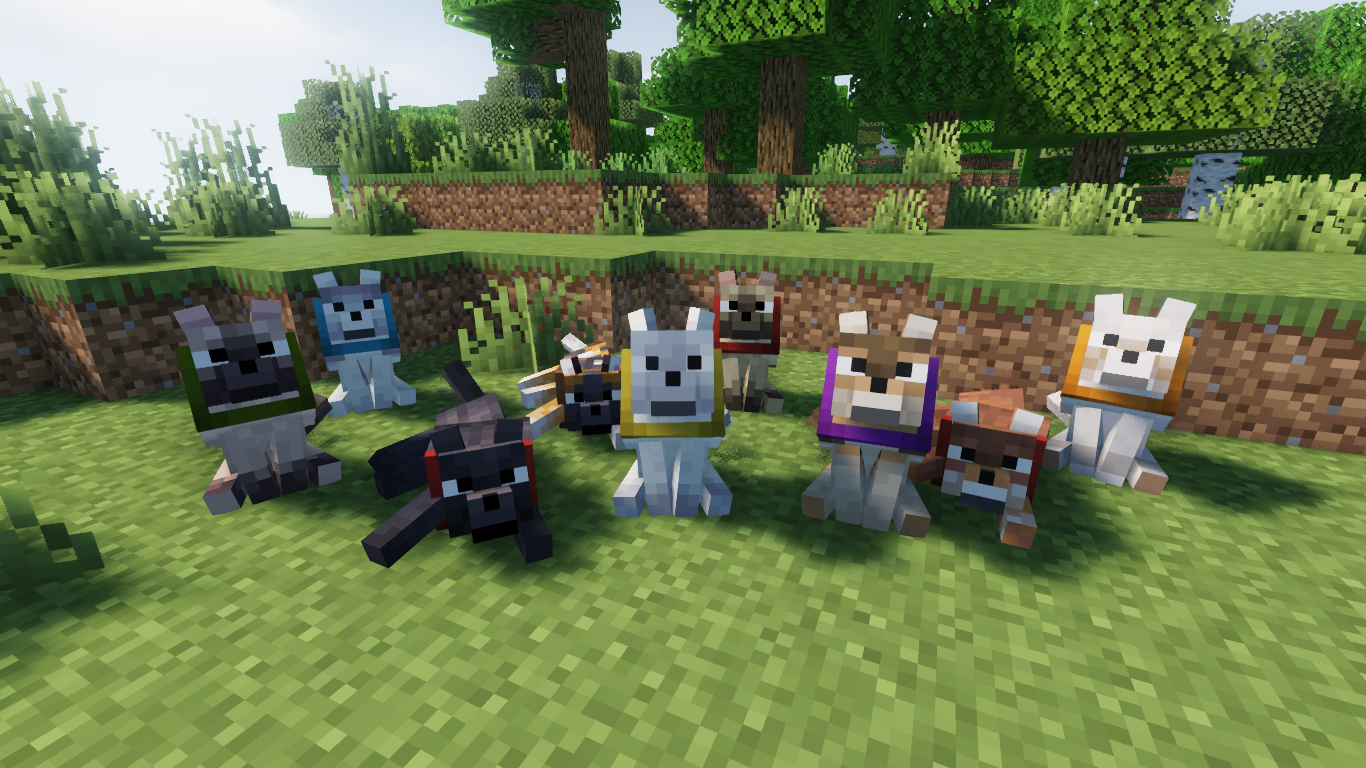
Make tamed wolves use the wild wolf texture. Download the "No Collars" version to remove collars on tamed dogs as well!

Supports all Minecraft versions from Beta 1.4 (when wolves were added!)

Includes all wolf variants from 1.20.5.

Compatible with Fresh Animations!

Note: For versions before 1.6.1, this pack must be placed in the texturepacks folder, rather than the resourcepacks folder.

Another Note: In 1.8, the default colour of collars was changed to orange. This was reverted in 1.9. This is not accounted for in this resource pack.

Wild Wolves - pre-1.14 - Default
MC 1.7.6, 1.9.1, 1.5.3, 1.13.1, 1.9.3, 1.8.7, 1.7.4, 1.7.7, 1.7.5, 1.4.6, 1.6.1, 1.0, 1.9.4, 1.9.2, 1.8.4, 1.7.9, 1.12.1, 1.12, 1.13, 1.2.4, 1.8.8, 1.7.3, 1.7.2, 1.4.4, 1.10.2
Release 2024-12-18 Get
Wild Wolves - pre-1.14 - No Collars
MC 1.7.6, 1.9.1, 1.5.3, 1.13.1, 1.9.3, 1.8.7, 1.7.4, 1.7.7, 1.7.5, 1.4.6, 1.6.1, 1.0, 1.9.4, 1.9.2, 1.8.4, 1.7.9, 1.12.1, 1.12, 1.13, 1.2.4, 1.8.8, 1.7.3, 1.7.2, 1.4.4, 1.10.2
Release 2024-12-18 Get
Wild Wolves - Default
MC 1.17.1, 1.16.3, 1.19.3, 1.20.2, 1.21, 1.16.1, 1.18.1, 1.20.5, 1.21.5, 1.14.4, 1.14.1, 1.17, 1.14.3, 1.15, 1.16, 1.19.4, 1.21.8, 1.21.9, 1.16.5, 1.21.4, 1.18.2, 1.19.2, 1.20.3
Release 2024-12-18 Get
Wild Wolves - No Collars
MC 1.17.1, 1.16.3, 1.19.3, 1.20.2, 1.21, 1.16.1, 1.18.1, 1.20.5, 1.21.5, 1.14.4, 1.14.1, 1.17, 1.14.3, 1.15, 1.16, 1.19.4, 1.21.8, 1.21.9, 1.16.5, 1.21.4, 1.18.2, 1.19.2, 1.20.3
Release 2024-12-18 Get

Requirements & install

How to use this resource pack in Minecraft
Resolution
16x
Minecraft
1.20.2 – 1.21.9
Install folder
.minecraft/resourcepacks

How to install resource packs

  1. Download the resource pack .zip file (do not extract it).
  2. In Minecraft open Options → Resource Packs → Open Pack Folder.
  3. Drop the .zip into the resourcepacks folder (.minecraft/resourcepacks).
  4. Move the pack to the Selected column and click Done.
Browse more: 16x resource packs 32x resource packs 64x resource packs 128x resource packs 256x resource packs 512x+ resource packs Resource Packs for 1.21.9 All resource packs
Advertisement Remove ads with Premium →

You Might Also Like