Mineuniverse
Resource Packs
Doughnut+ (for Donut SMP)

Doughnut+ (for Donut SMP)

RESOURCE PACK
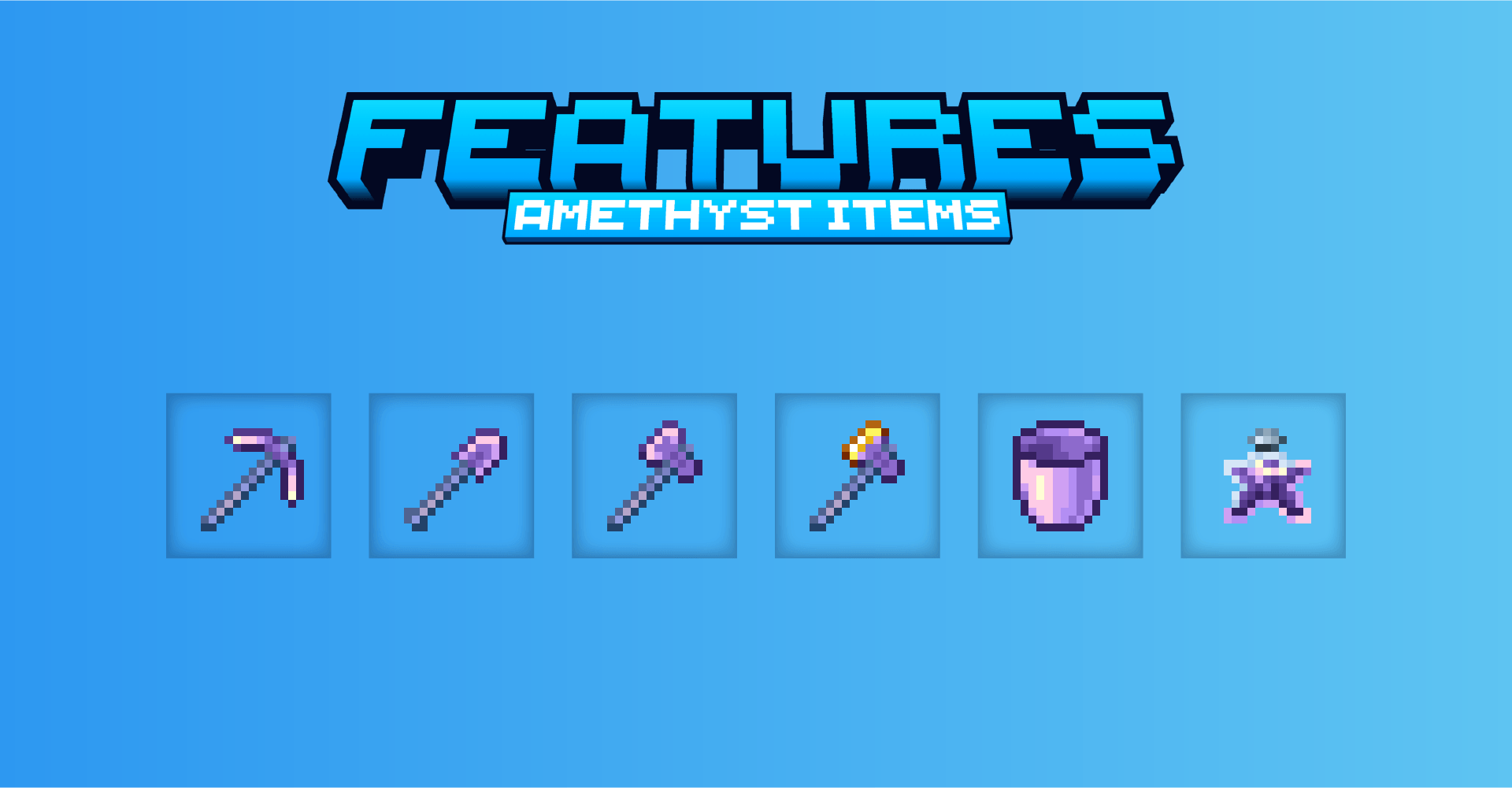
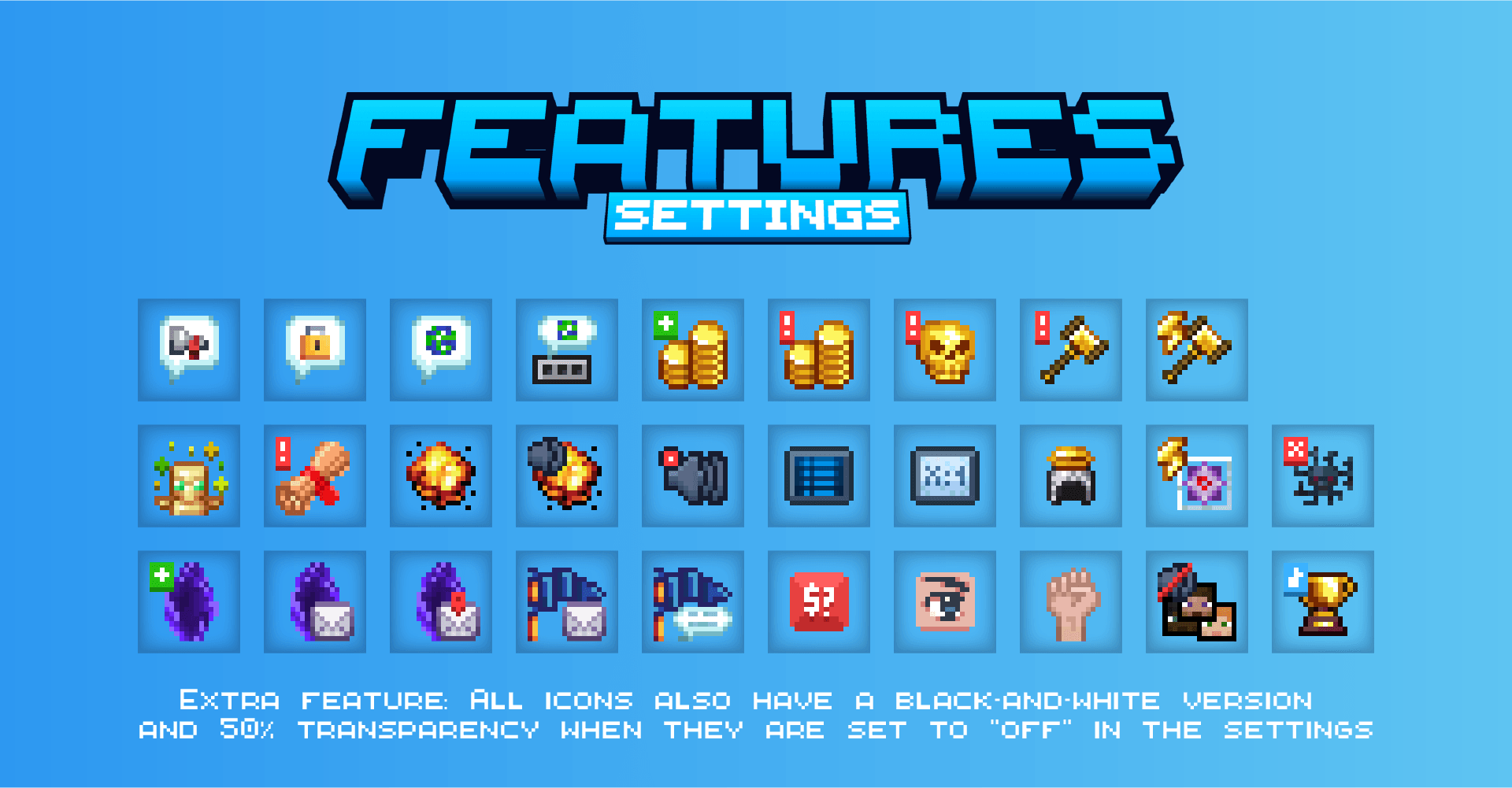
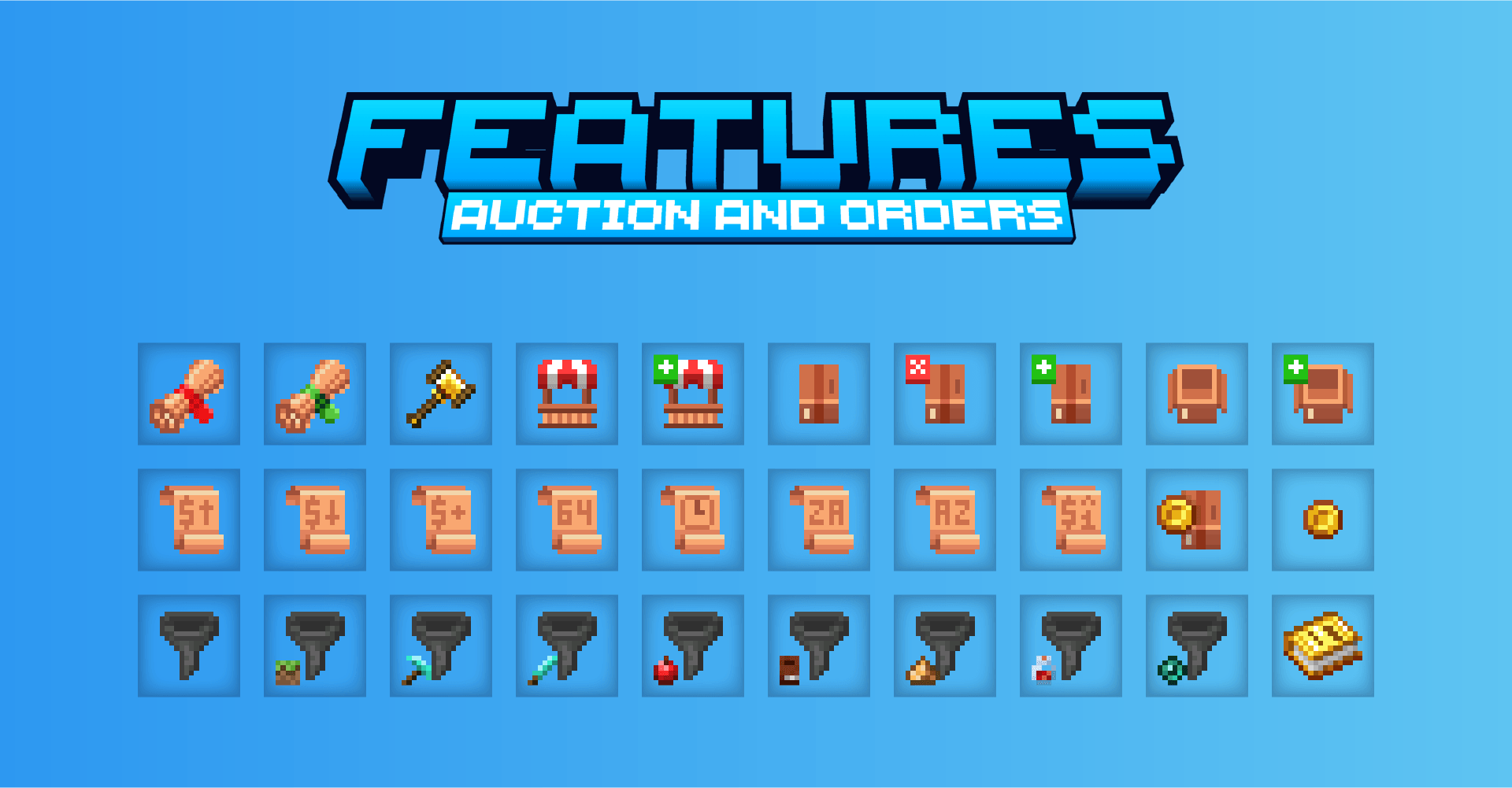
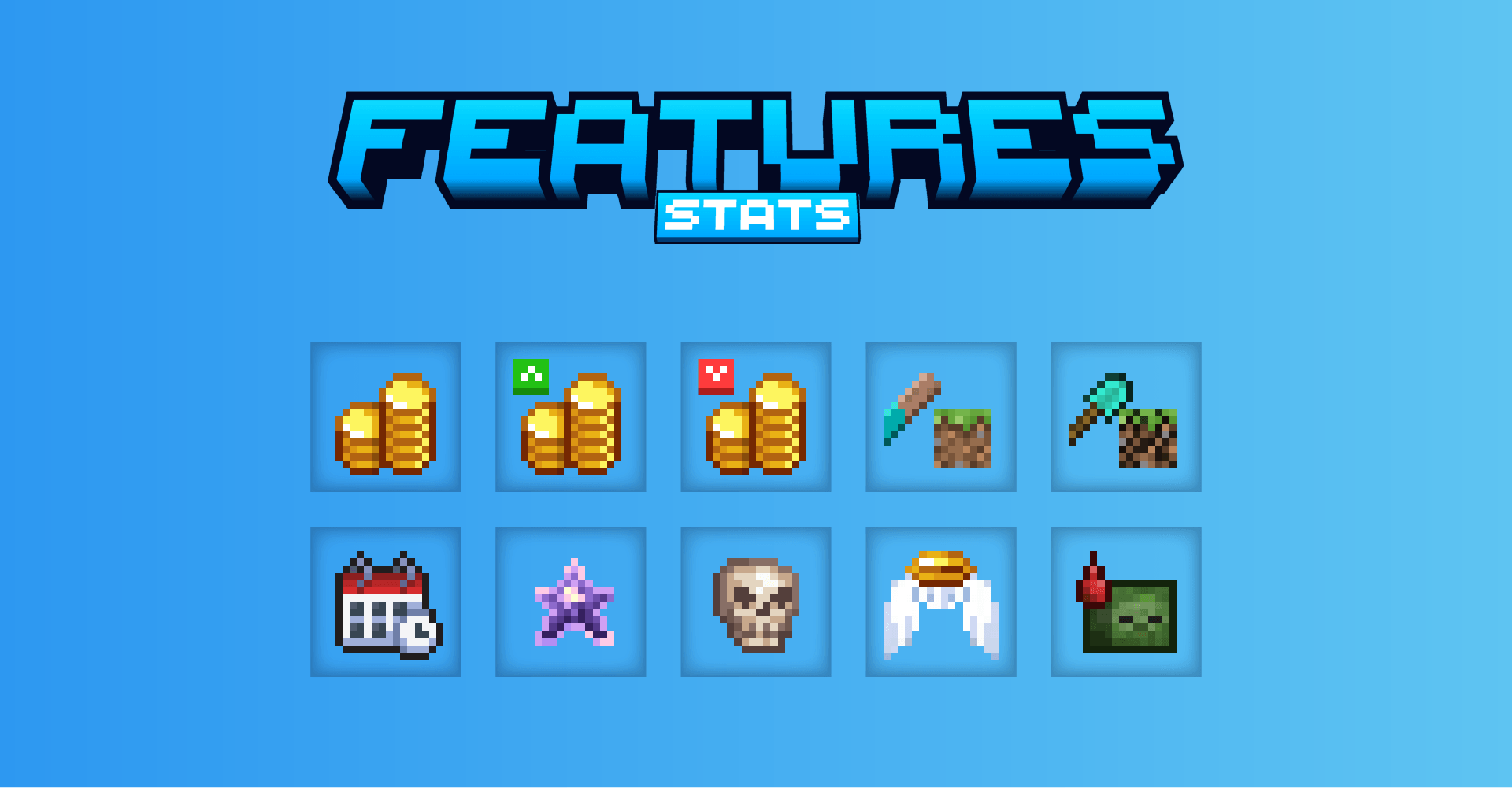
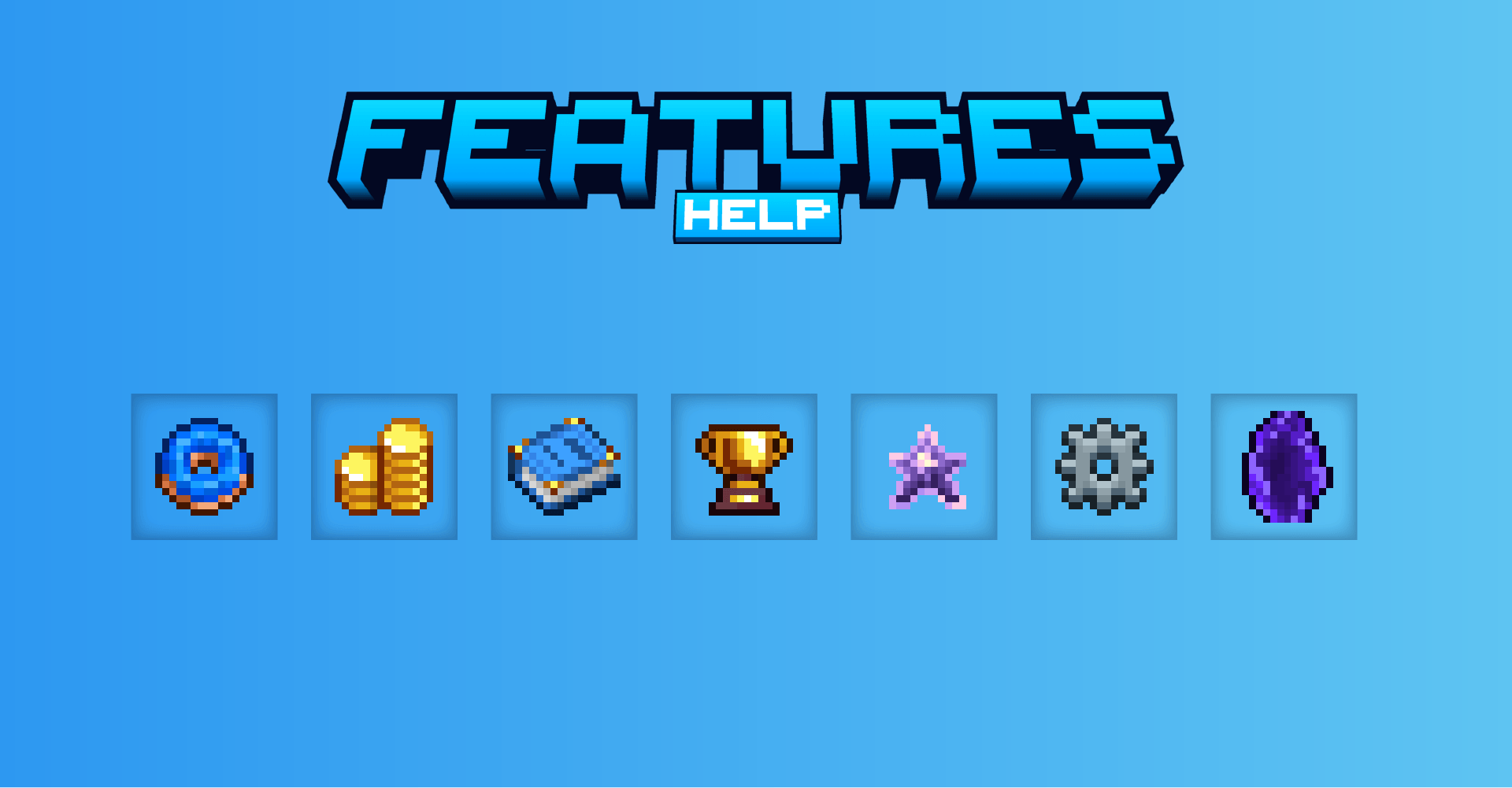
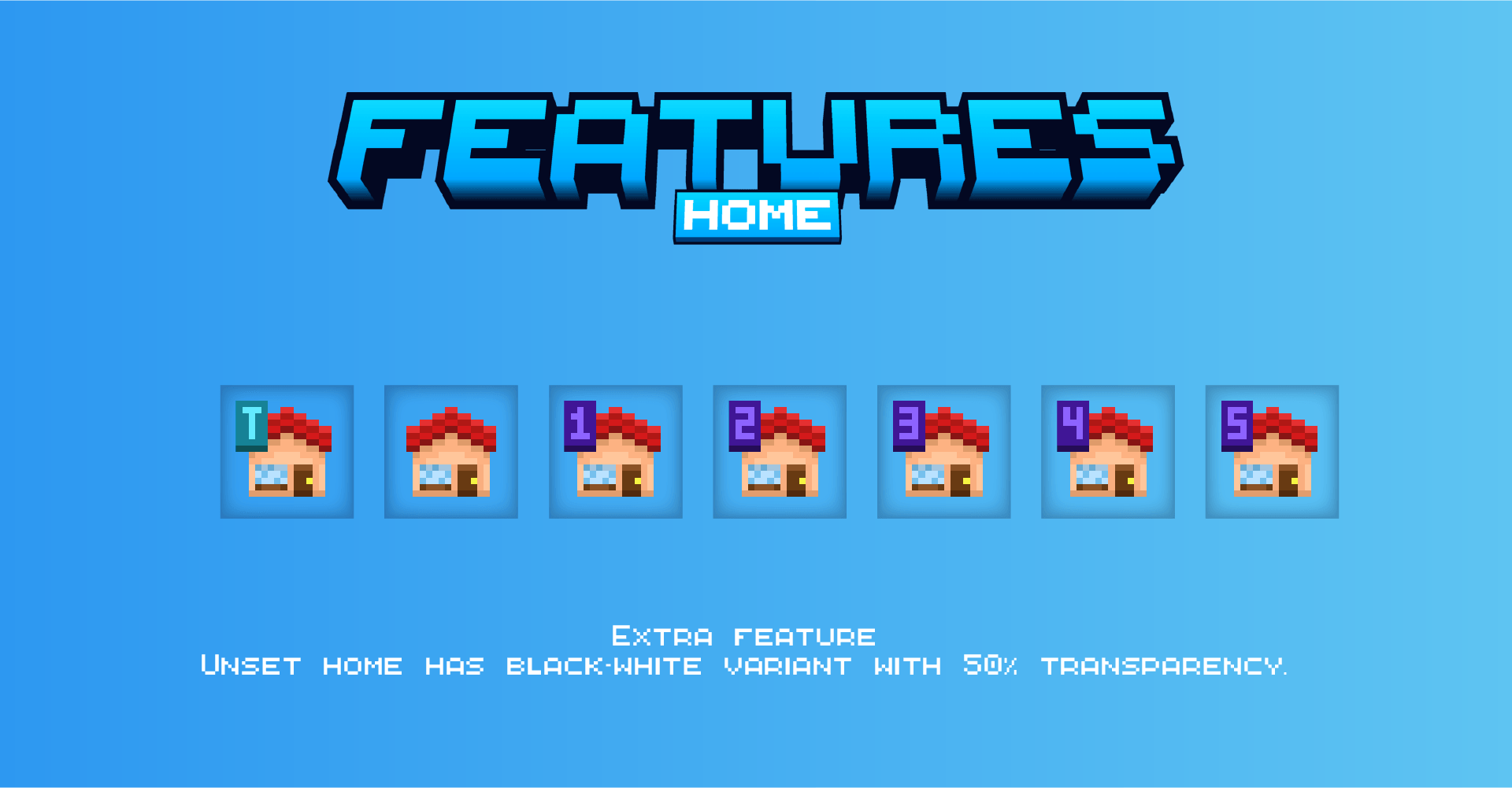
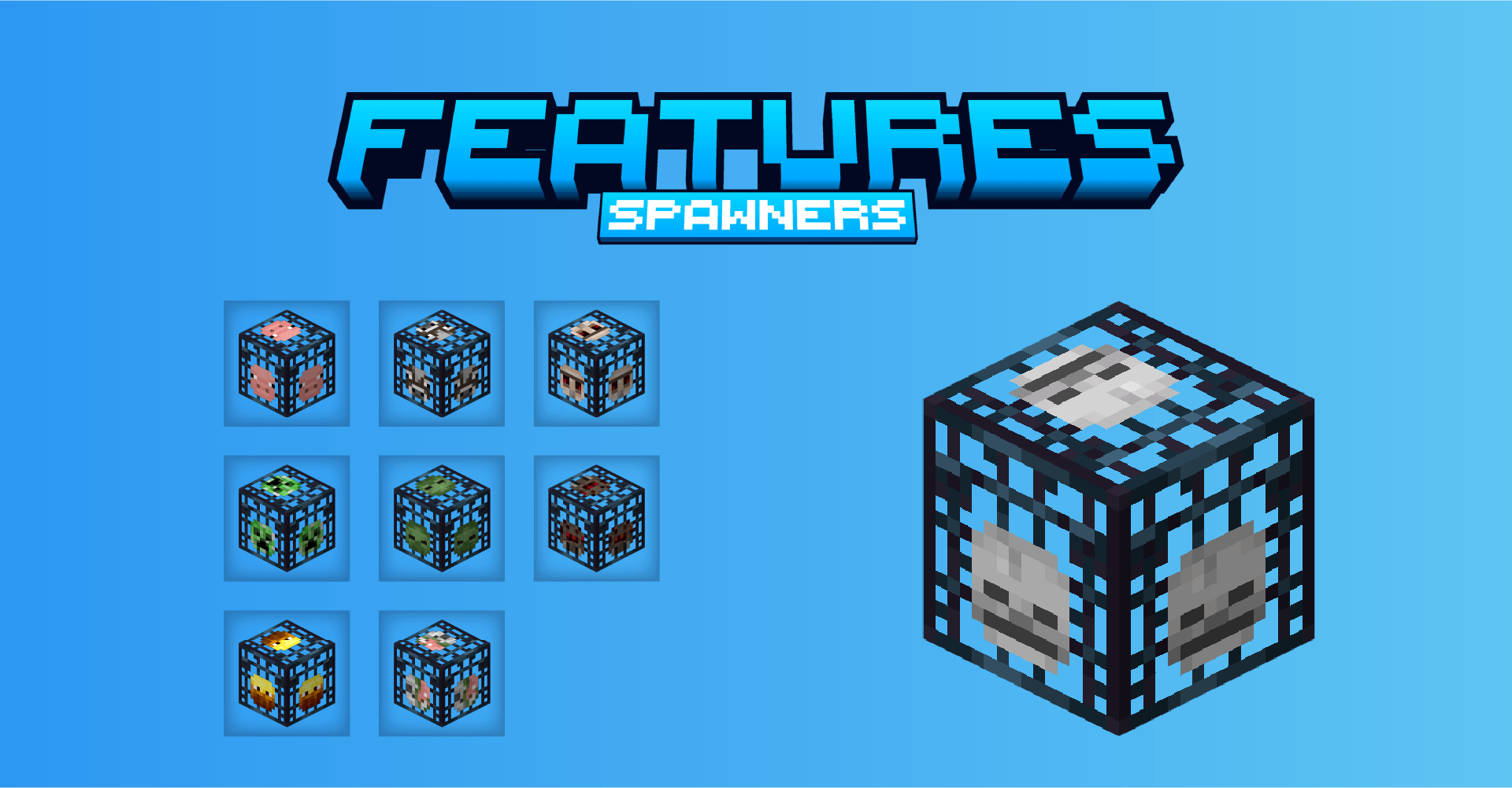
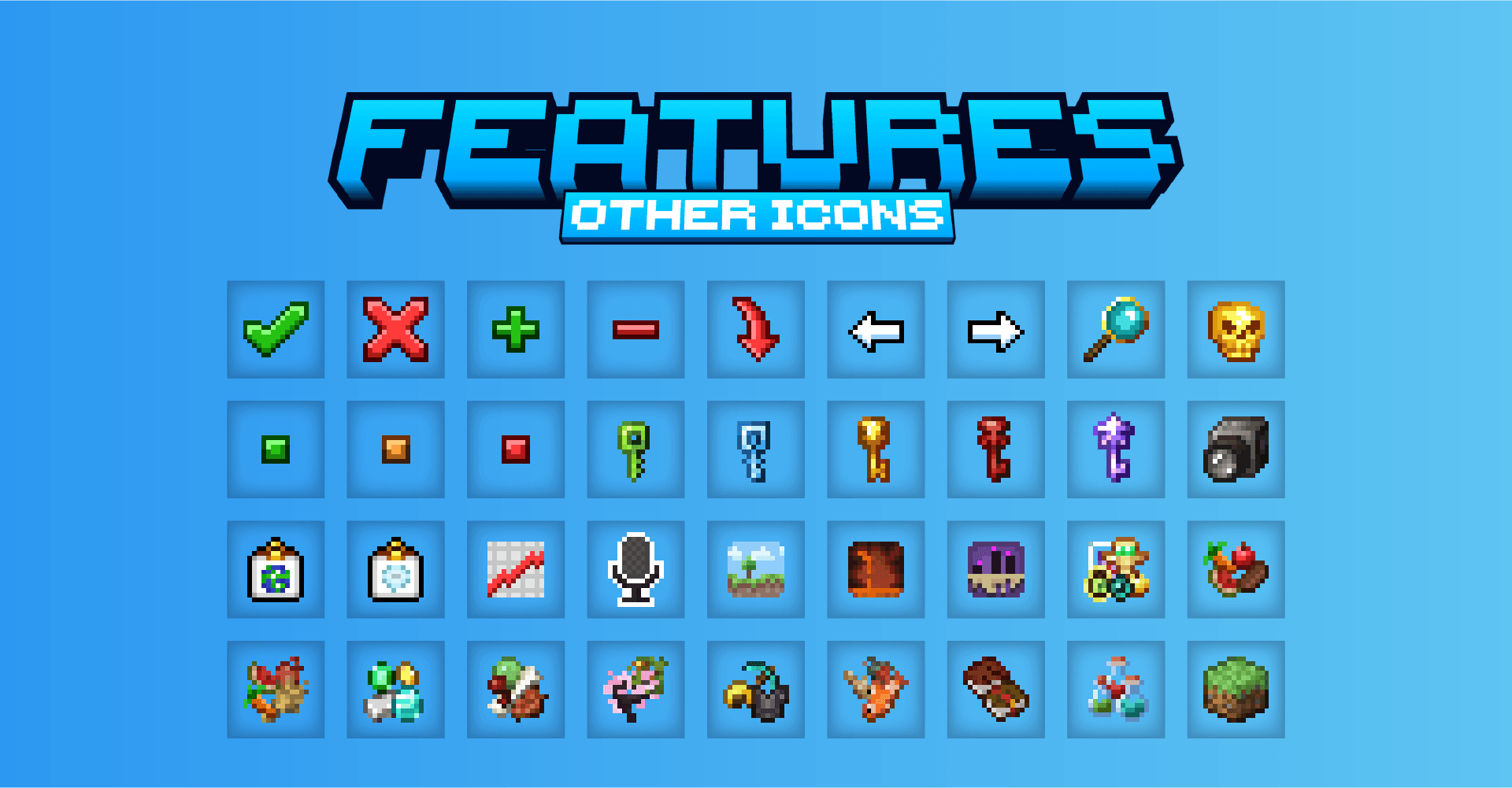
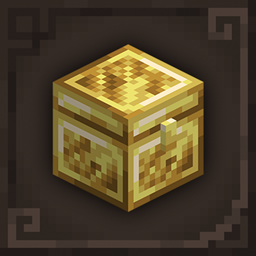
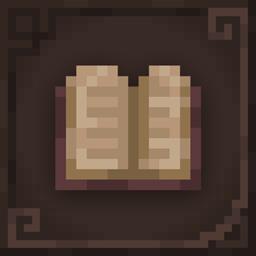
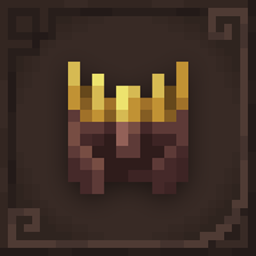
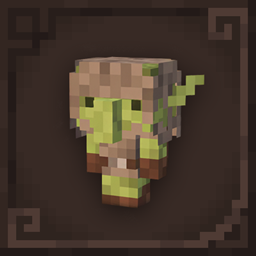
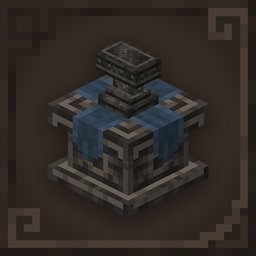
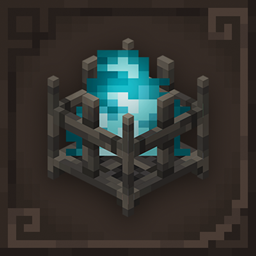
Resource pack build for the Donut SMP that adds custom server items textures in Vanilla style.
by Starlezz
Download Claim this project
3,810 downloads
0 likes
0 followers
Updated Oct 14, 2026
0 hypes
Follow0
16x
Advertisement Remove ads with Premium →

Pack update for DSMP last changes is in progress.

Resource pack for the Donut SMP server that textures custom items with a vanilla style built to fit in with default textures!

Make sure this pack is at the top of your selection.

Compatibility

This resource pack does not require any extra mods to work, so you can use it directly in vanilla Minecraft but only from version 1.21.5+
- Vanilla launcher (means no mod is needed to make it work)
- Java 1.21.5 - 26.1.2
- Bedrock is not supported


If you have any issues, ideas or just want to chat about it, please join my Discord server.

Do not copy or repost this pack as your own!

 

Doughnut+_v2.1.zip
MC 1.21.8, 1.21.5, 1.21.6, 1.21.7, 1.21.9, 1.21.10, 1.21.11, 26.1, 26.1.1, 26.1.2
Release 2026-05-08 Get
Doughnut+_v2.0.zip
MC 1.21.8, 1.21.5, 1.21.6, 1.21.7, 1.21.9, 1.21.10, 1.21.11, 26.1, 26.1.1, 26.1.2
Release 2026-05-07 Get
Doughnut+_v1.3.zip
MC 1.21.8, 1.21.5, 1.21.6, 1.21.7, 1.21.9, 1.21.10, 1.21.11, 26.1, 26.1.1, 26.1.2
Release 2026-05-05 Get
Doughnut+_v1.4.zip
MC 1.21.8, 1.21.5, 1.21.6, 1.21.7, 1.21.9, 1.21.10, 1.21.11, 26.1, 26.1.1, 26.1.2
Release 2026-05-05 Get
Doughnut+_v1.2.zip
MC 1.21.8, 1.21.5, 1.21.6, 1.21.7, 1.21.9, 1.21.10, 1.21.11, 26.1, 26.1.1, 26.1.2
Release 2026-05-03 Get
Doughnut+_v1.1.zip
MC 1.21.8, 1.21.5, 1.21.6, 1.21.7, 1.21.9, 1.21.10, 1.21.11, 26.1, 26.1.1, 26.1.2
Release 2026-05-02 Get
Doughnut+_v1.0.zip
MC 1.21.8, 1.21.5, 1.21.6, 1.21.7, 1.21.9, 1.21.10, 1.21.11, 26.1, 26.1.1, 26.1.2
Release 2026-04-30 Get

Requirements & install

How to use this resource pack in Minecraft
Resolution
16x
Minecraft
1.21.7 – 26.1.2
Install folder
.minecraft/resourcepacks

How to install resource packs

  1. Download the resource pack .zip file (do not extract it).
  2. In Minecraft open Options → Resource Packs → Open Pack Folder.
  3. Drop the .zip into the resourcepacks folder (.minecraft/resourcepacks).
  4. Move the pack to the Selected column and click Done.
Browse more: 16x resource packs 32x resource packs 64x resource packs 128x resource packs 256x resource packs 512x+ resource packs Resource Packs for 26.1.2 All resource packs

More from Starlezz

Advertisement Remove ads with Premium →

You Might Also Like