Mineuniverse
Resource Packs
Distinct Dyes

Distinct Dyes

RESOURCE PACK
Gives all dyes a different texture, making them easier to tell apart. Works for any version that supports resourcepacks (1.6.1+)!
by zpez
Download Claim this project
91,942 downloads
0 likes
Updated Oct 14, 2026
0 hypes
16x Miscellaneous Traditional
Advertisement Remove ads with Premium →

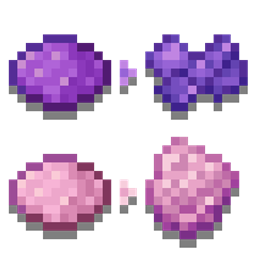
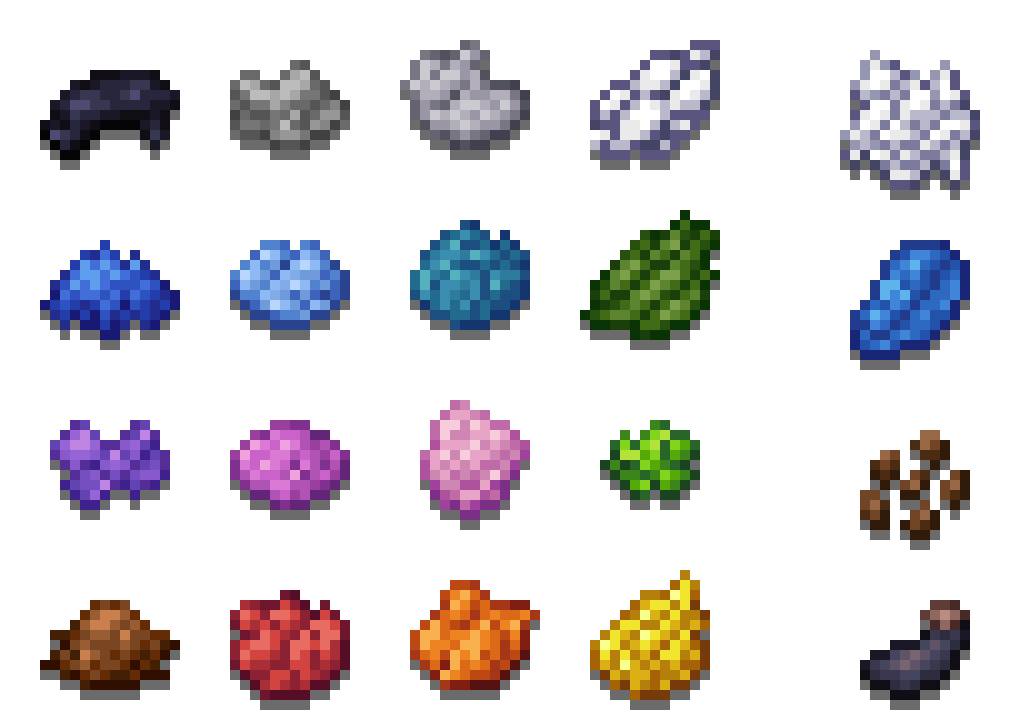
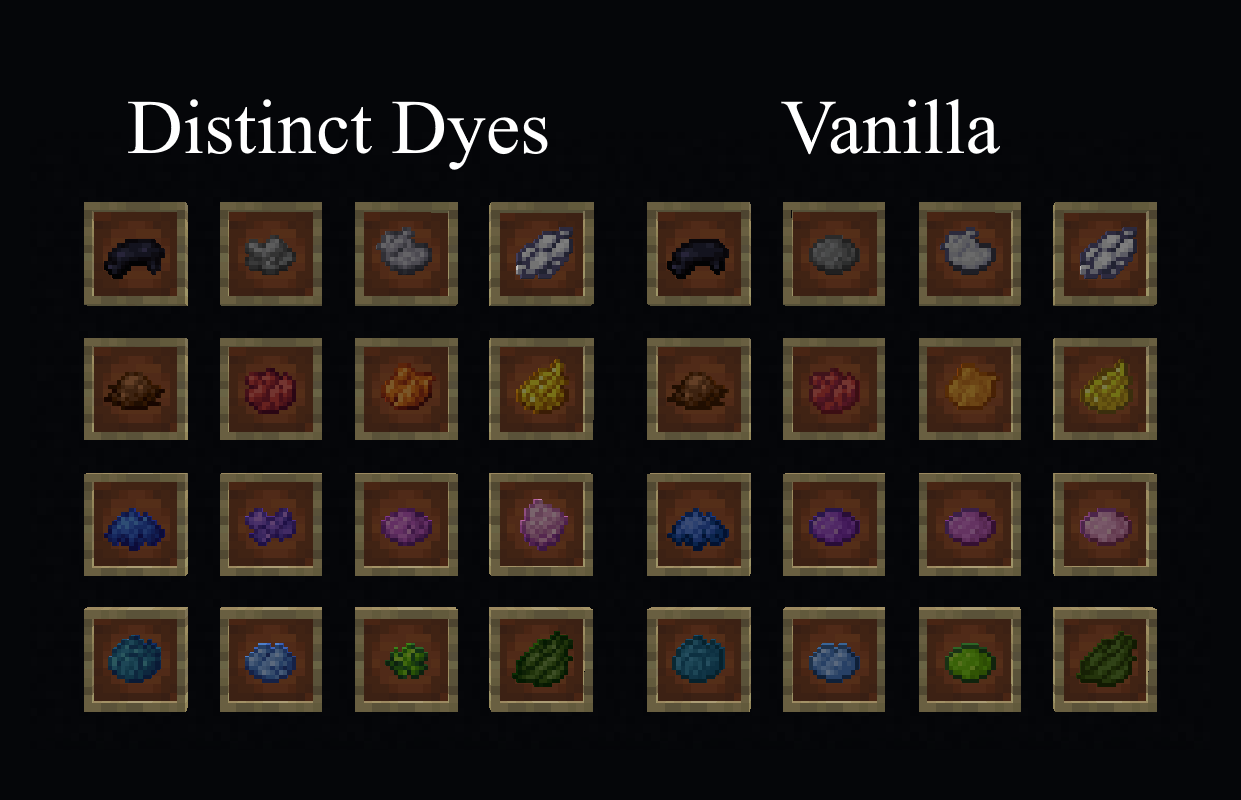
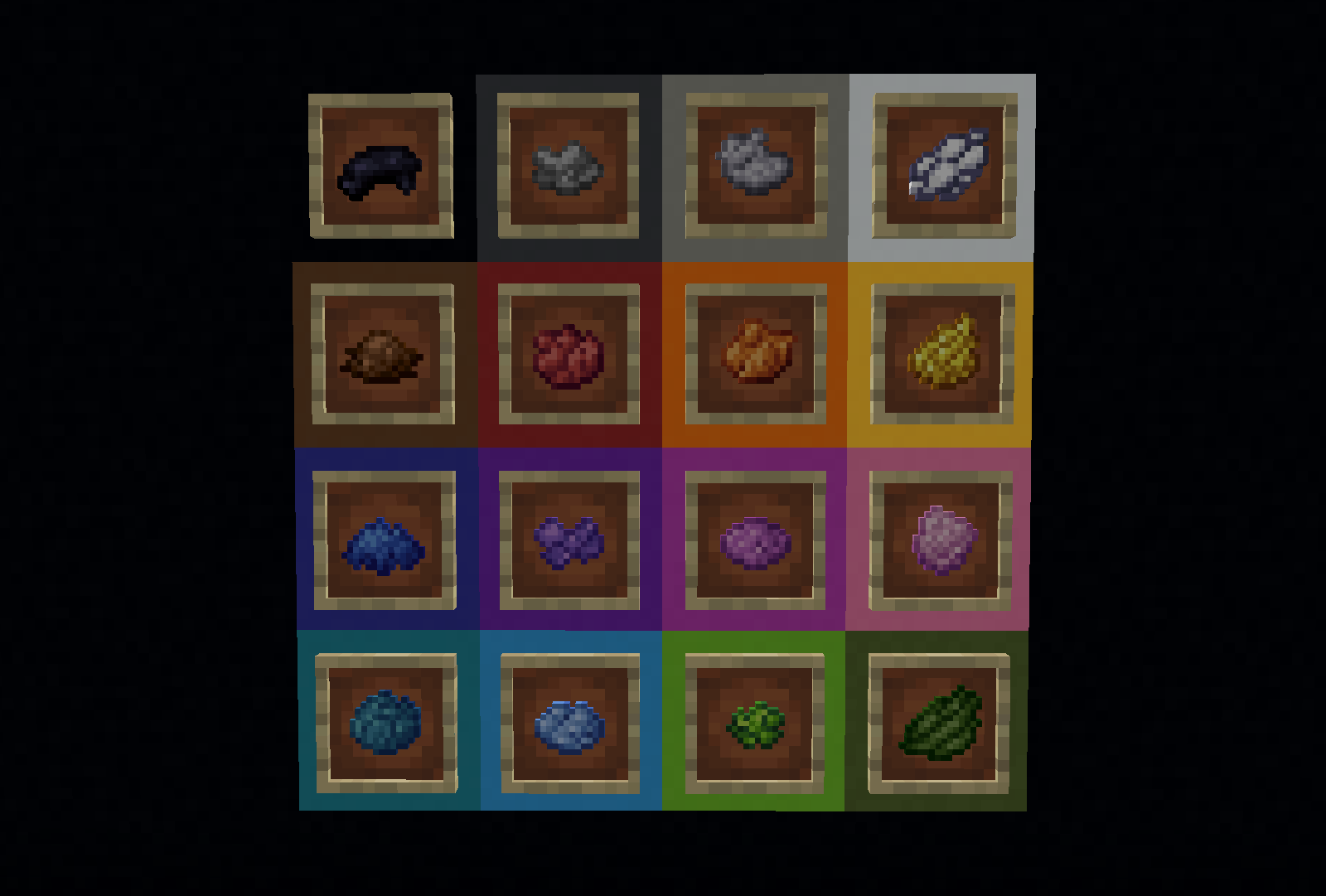
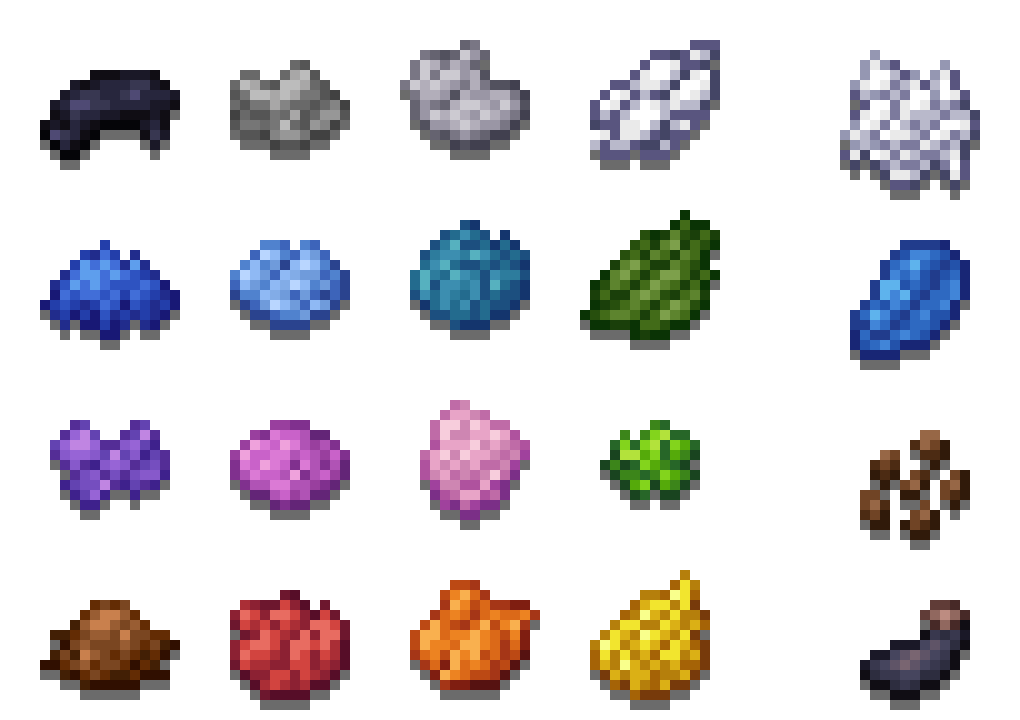
A resourcepack that changes every dye by improving its color, as well as giving every single one a unique texture

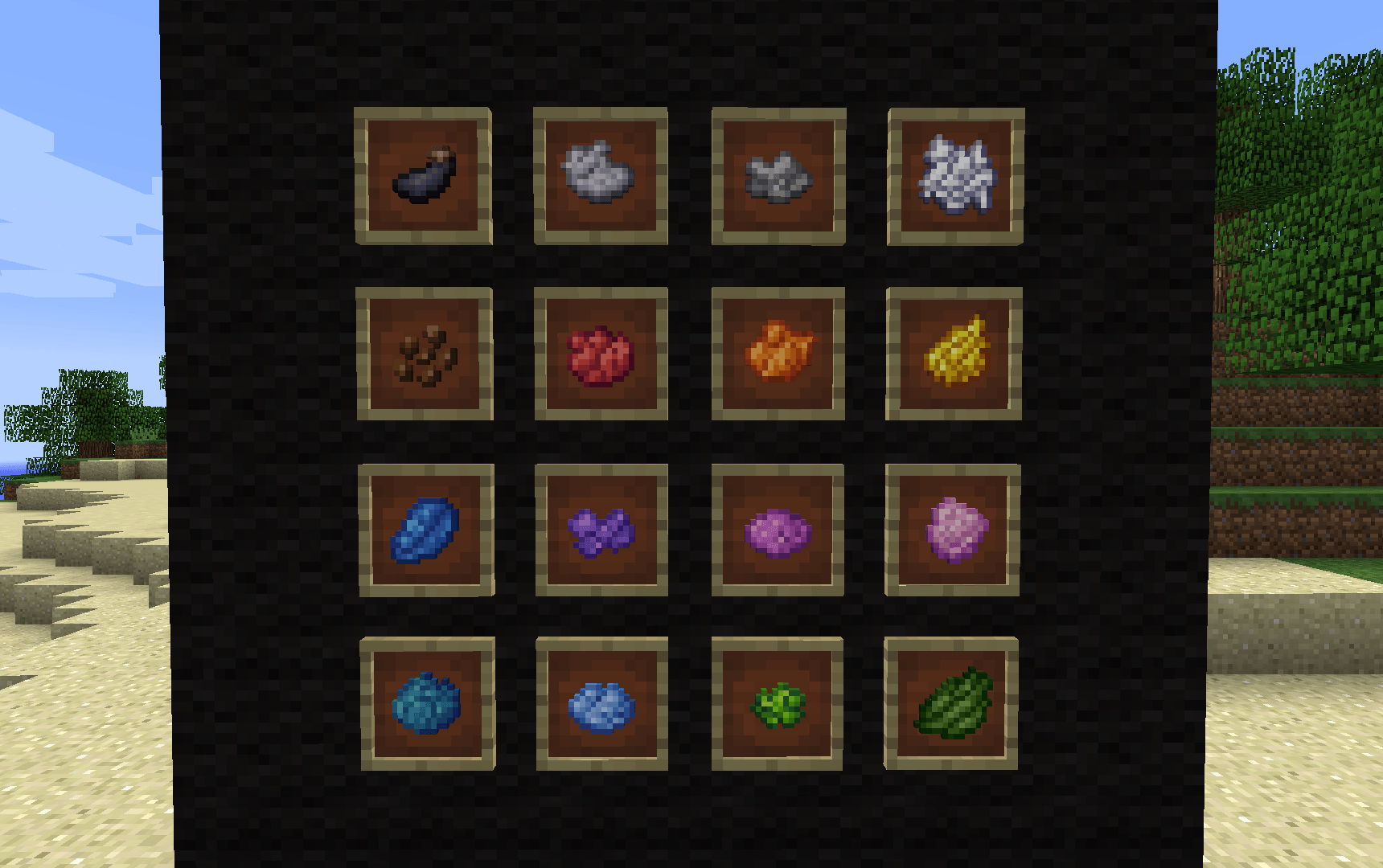
This resourcepack works for any version over 1.6.1. On versions below 1.14, bonemeal, lapis, ink sacs and cocoa beans have different textures, as the black, white and brown dye weren't added until 1.14 Above 1.14 the only thing changed is the dyes. 16 minecraft dyes shown in a 4x4 square, with bonemeal, cocoa beans, lapis lazuli and an ink sac on the right side The one file provided works for all supported versions.

  • I publish all of my resourcepacks for free, and ad revenue is usually around 0.10-1$ per month from all of them combined, so any donations are very appreciated.

a pixelart of the word "donate"

If you want to report a bug or have a suggestion, you can message me on discord @aspoleczne

This resourcepack is also available on Modrinth

Distinct Dyes
MC 1.16.3, 1.13.1, 1.9.3, 1.8.7, 1.7.4, 1.7.7, 1.7.6, 1.17.1, 1.9.1, 1.21, 1.7.5, 1.6.1, 1.16.1, 1.18.1, 1.14.3, 1.15, 1.16, 1.13, 1.7.3, 1.7.2, 1.16.5, 1.10.2, 1.19.3, 1.20.2
Release 2025-09-06 Get
Distinct Dyes
MC 1.7.6, 1.17.1, 1.9.1, 1.16.3, 1.13.1, 1.9.3, 1.8.7, 1.7.4, 1.7.7, 1.19.3, 1.20.2, 1.21, 1.7.5, 1.6.1, 1.16.1, 1.18.1, 1.20.5, 1.9.4, 1.9.2, 1.8.4, 1.7.9, 1.14.4, 1.14.1
Release 2025-02-07 Get

Requirements & install

How to use this resource pack in Minecraft
Resolution
16x
Minecraft
1.16.3 – 1.21
Install folder
.minecraft/resourcepacks

How to install resource packs

  1. Download the resource pack .zip file (do not extract it).
  2. In Minecraft open Options → Resource Packs → Open Pack Folder.
  3. Drop the .zip into the resourcepacks folder (.minecraft/resourcepacks).
  4. Move the pack to the Selected column and click Done.
Browse more: 16x resource packs 32x resource packs 64x resource packs 128x resource packs 256x resource packs 512x+ resource packs Resource Packs for 1.21 All resource packs

More from zpez

Advertisement Remove ads with Premium →

You Might Also Like