Badges update automatically and link to the resource pack page on MineUniverse.
YOU HAVE TO INSTALL BOTH FILES! (text change file is optional if you dont want that)
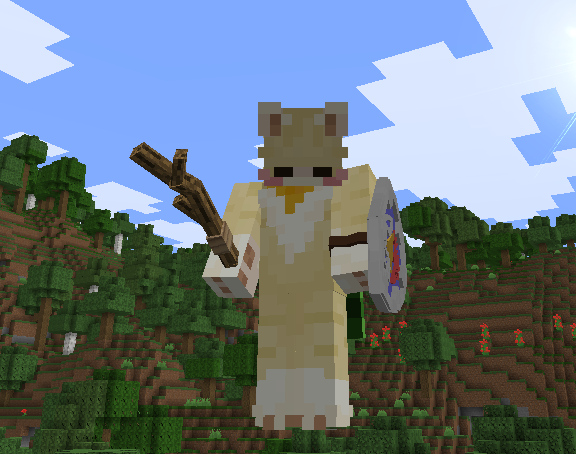
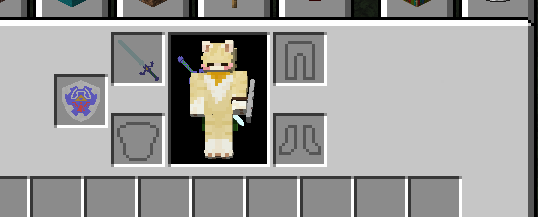
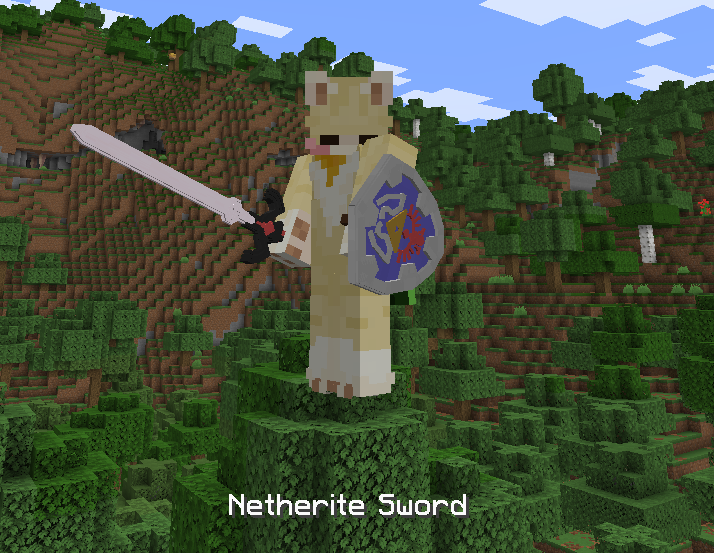
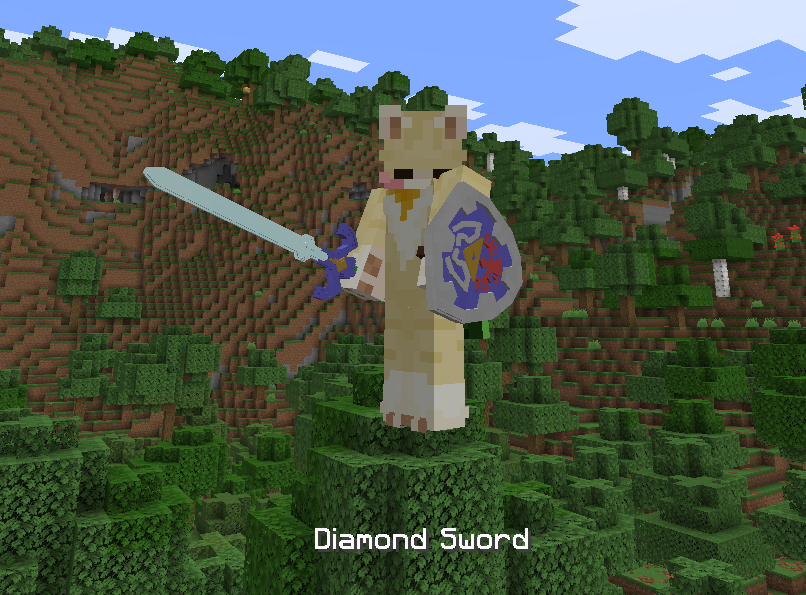
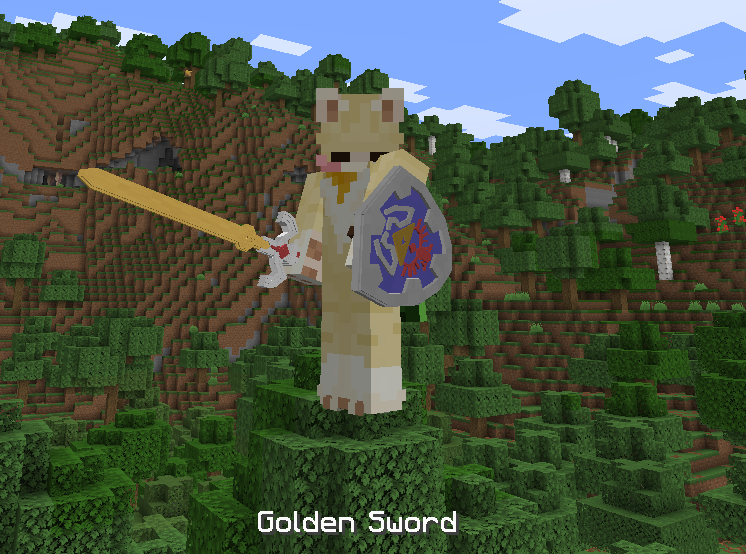
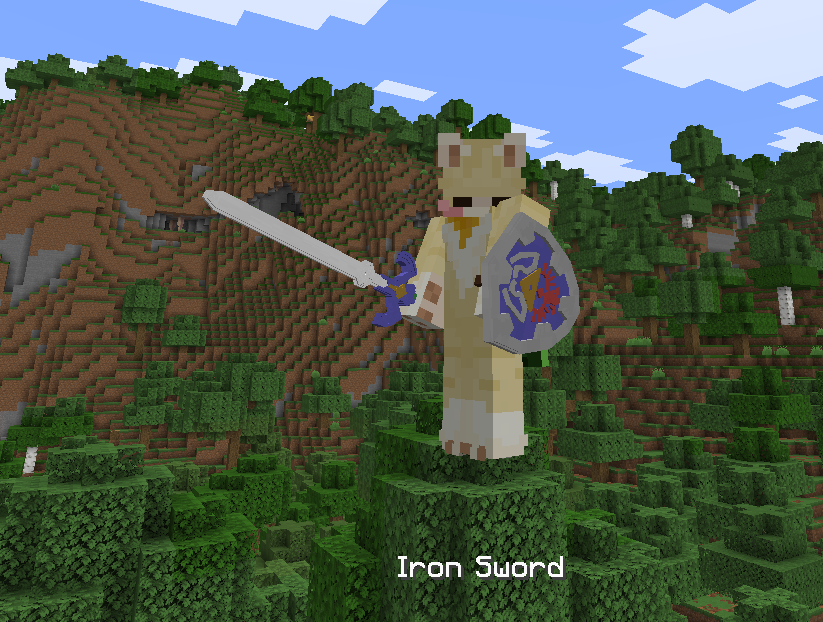
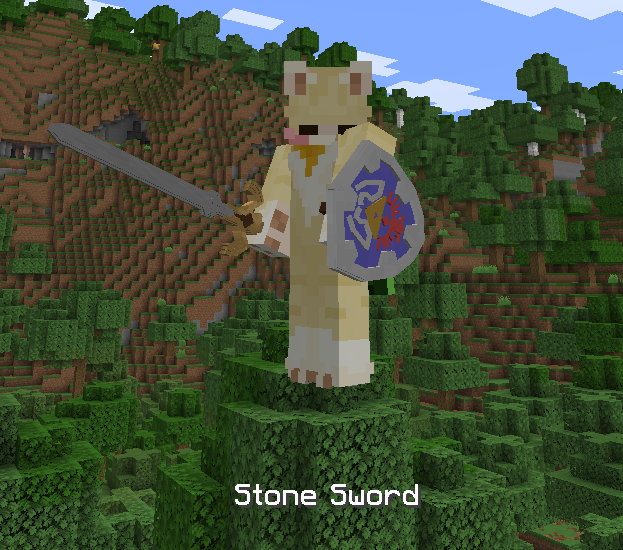
This resource pack speaks for itself, its just a retexture for swords and the shield and making them 3D. with the hylian shield, a stick as a wooden sword. if you're not super experienced, you can use blockbench to edit said swords and the shield to be how you like.
no custom armor due to being inexperienced!
(sorry zelda fans, i probably wont make them either, getting the shield to work was already hard enough as is on the latest update </3 )
this resource pack contains textures from faithfull's resourcepacks, none of the retextures were made by me.
the swords werent made by me either, i had the files laying around and figured "hey, i want to fix these up. they look cool" and then my friends have said they wanted it.
(if anyone has an issue with uploading this, or claiming to be the original creator of the resource pack, please try and get into contact with me if you have any issues with me uploading this)
nearly none of the assets here were made by me, i just fixed them up or heavilly edited them and reuploaded the swords from the 3D mastersword and hylian shield pack, which was (sadly) deleted as i have not seen it around after hours of searching, if you know the original creator, tell them to get into contact with me if they have an issue with my repost.