Mineuniverse
Resource Packs
Display Noteblocks

Display Noteblocks

RESOURCE PACK
Displays note number currently used in Note Block
by Clyred
Download Claim this project
1,194 downloads
0 likes
Updated Oct 14, 2026
0 hypes
16x Miscellaneous
Advertisement Remove ads with Premium →

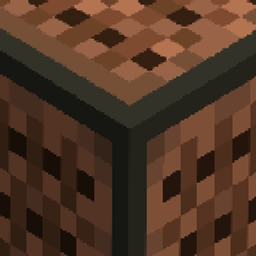
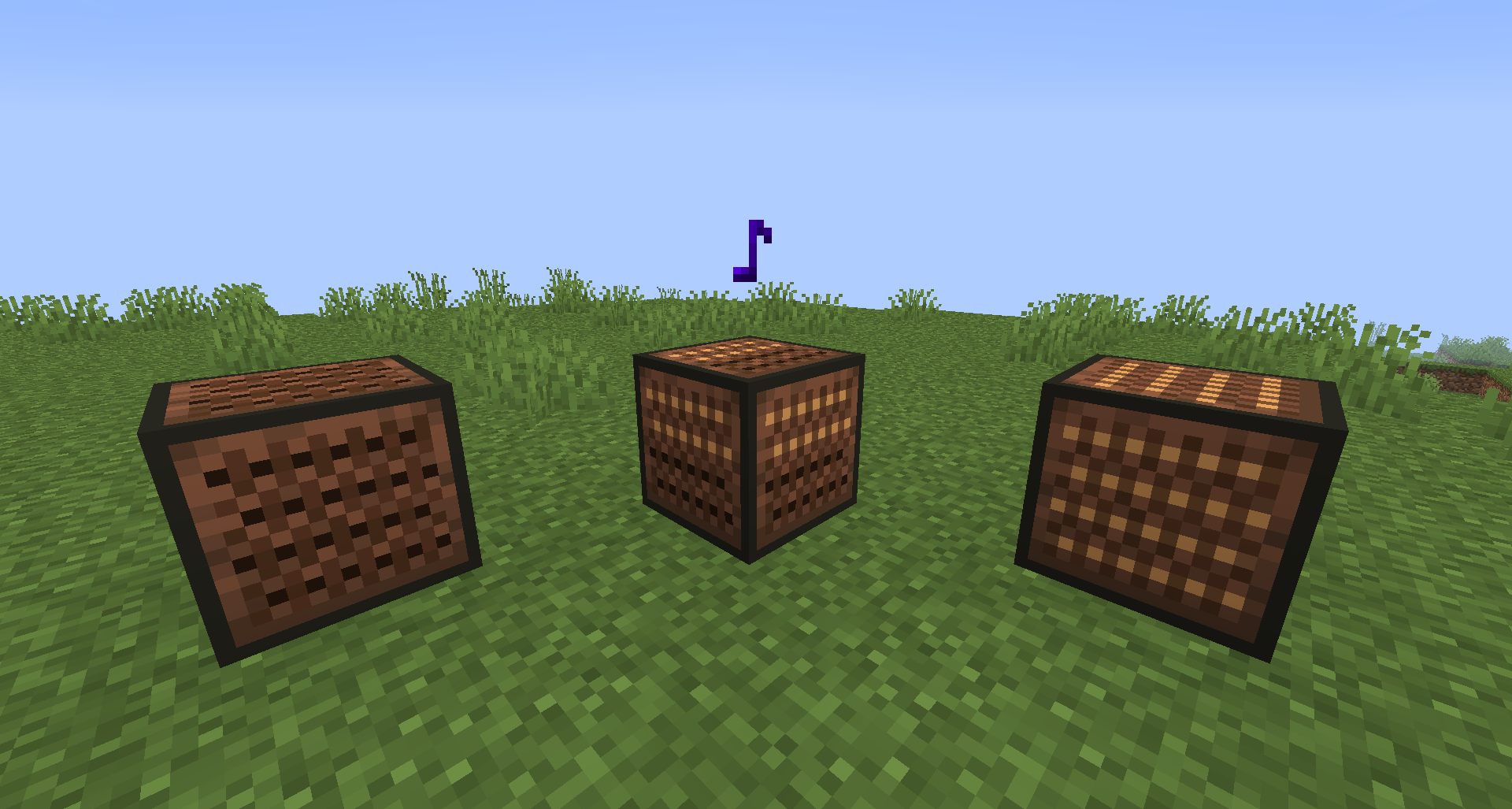
Using note blocks has never been easier! Now number of currently used note is displayed on sides of the block. Simple and fits vanilla style.


How it Works? First note - one light, second note - two lights and so on. Simple, right?


Version 1.3:

- Now compatible with 1.16.4

- Minor changes and fixes


Version 1.2:

- Now compatible with 1.15

- Fixed item texture bug

- Updated icon

Version 1.1:

- New texture which looks way better than previous one

- Item now has the same texture as the block

Version 1.0:
- It's been born to help you

 

Display Noteblocks v1.3
MC 1.16.3, 1.16.1, 1.16, 1.16.4, 1.16.2
Release 2021-01-04 Get
Display Noteblocks v1.2
MC 1.15, 1.15.2, 1.15.1
Release 2020-03-13 Get
Display Noteblocks v1.1
MC 1.13.1, 1.13, 1.14, 1.13-Snapshot, 1.14-Snapshot, 1.13.2
Release 2019-05-07 Get
Display Noteblocks v1.0
MC 1.13.1, 1.13, 1.14, 1.13-Snapshot, 1.14-Snapshot, 1.13.2
Release 2019-05-01 Get

Requirements & install

How to use this resource pack in Minecraft
Resolution
16x
Minecraft
1.15 – 1.16.4
Install folder
.minecraft/resourcepacks

How to install resource packs

  1. Download the resource pack .zip file (do not extract it).
  2. In Minecraft open Options → Resource Packs → Open Pack Folder.
  3. Drop the .zip into the resourcepacks folder (.minecraft/resourcepacks).
  4. Move the pack to the Selected column and click Done.
Browse more: 16x resource packs 32x resource packs 64x resource packs 128x resource packs 256x resource packs 512x+ resource packs Resource Packs for 1.16.4 All resource packs
Advertisement Remove ads with Premium →

You Might Also Like