Mineuniverse
Resource Packs
Disco Froggles

Disco Froggles

RESOURCE PACK
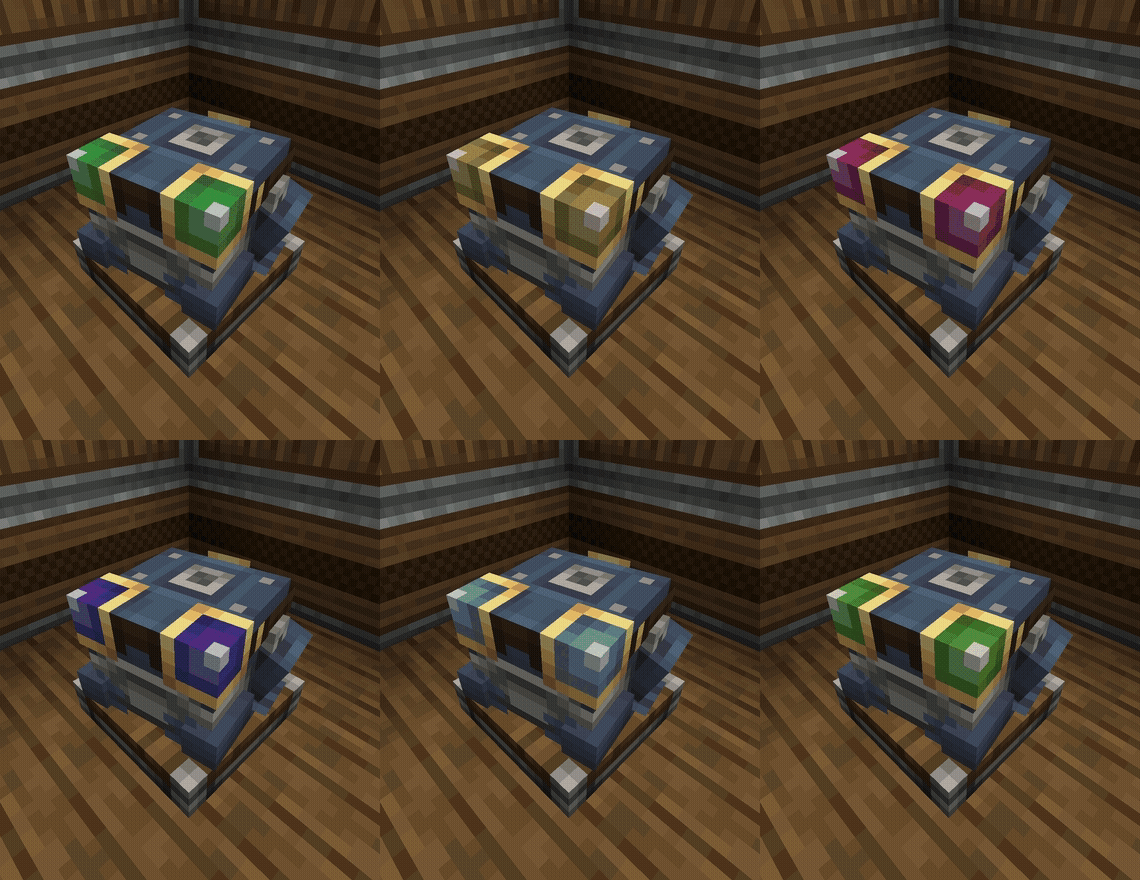
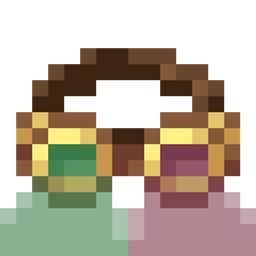
Make the goggles worn by package frogports fade through the rainbow.
by Monkeybug34
Download Claim this project
130 downloads
0 likes
Updated Oct 14, 2026
0 hypes
16x Animated Miscellaneous Mod Support Steampunk
Advertisement Remove ads with Premium →

If using Sodium, you must disable 'Animate Only Visible Textures' under the performance tab in video settings

This little resource pack is a playful addition to the new features added in the Create mod 6.0 update.

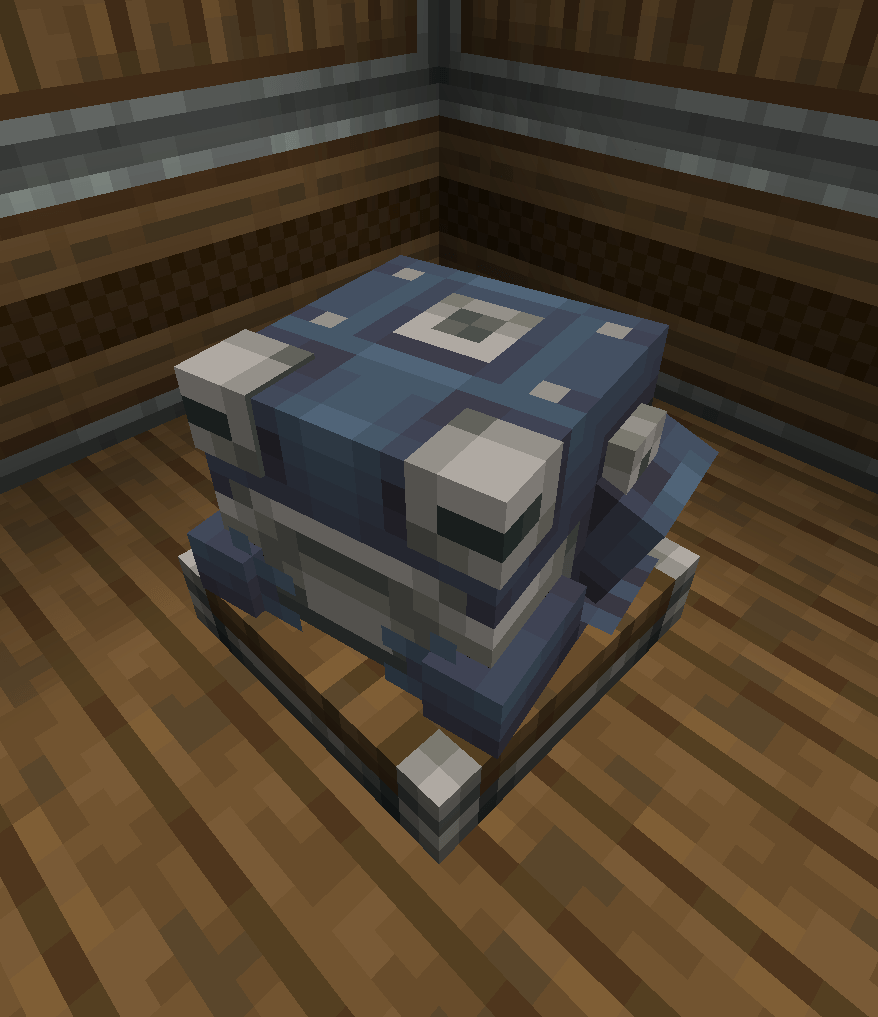
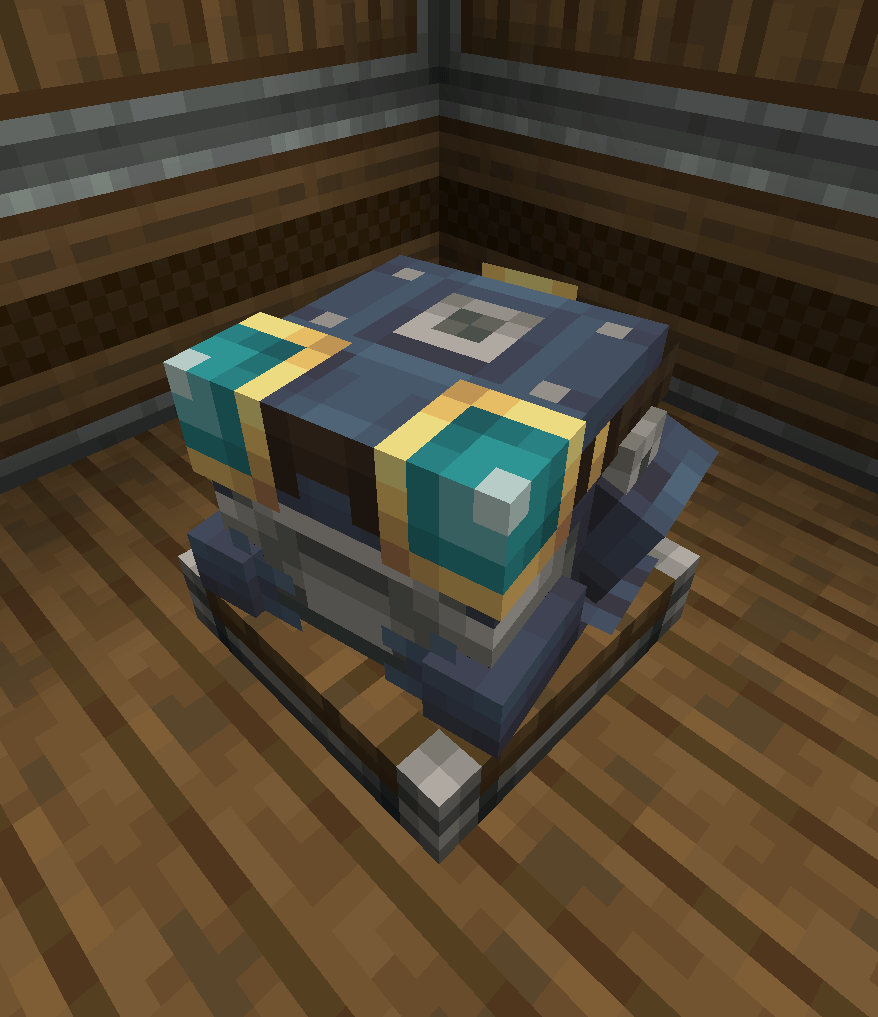
In Create, you can create devices called package frogports to help with sorting and routing packages. what some people may not know is that you can give them a pair of engineers goggles to wear.

Inspired by the mechanical arm from the same mod, and the Disco Science mod for Factorio, as well as a teeensy bit of inspiration from Hypnotoad from Futurama i had an epiphinay to make these frog-worn goggles do a rainbow!

in normal words, the goggles worn by package frogports now fade through all the hues of the rainbow.


Credits:

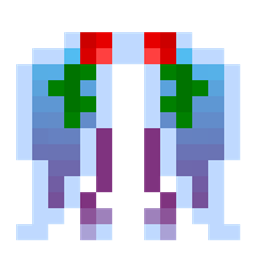
the texture for the froggles is taken directly from Create. I have modified it by hue-shifting, which maintains the same saturation and lightness settings.

 

Disco Froggles 1.0-1.21.1.zip
MC 1.20.1, 1.21.1
Release 2025-07-02 Get

Requirements & install

How to use this resource pack in Minecraft
Resolution
16x
Minecraft
1.20.1 – 1.21.1
Install folder
.minecraft/resourcepacks

How to install resource packs

  1. Download the resource pack .zip file (do not extract it).
  2. In Minecraft open Options → Resource Packs → Open Pack Folder.
  3. Drop the .zip into the resourcepacks folder (.minecraft/resourcepacks).
  4. Move the pack to the Selected column and click Done.
Browse more: 16x resource packs 32x resource packs 64x resource packs 128x resource packs 256x resource packs 512x+ resource packs Resource Packs for 1.21.1 All resource packs

More from Monkeybug34

Advertisement Remove ads with Premium →

You Might Also Like