Mineuniverse
Resource Packs
Disable block rotation/Anti-coordinate exploit

Disable block rotation/Anti-coordinate exploit

RESOURCE PACK
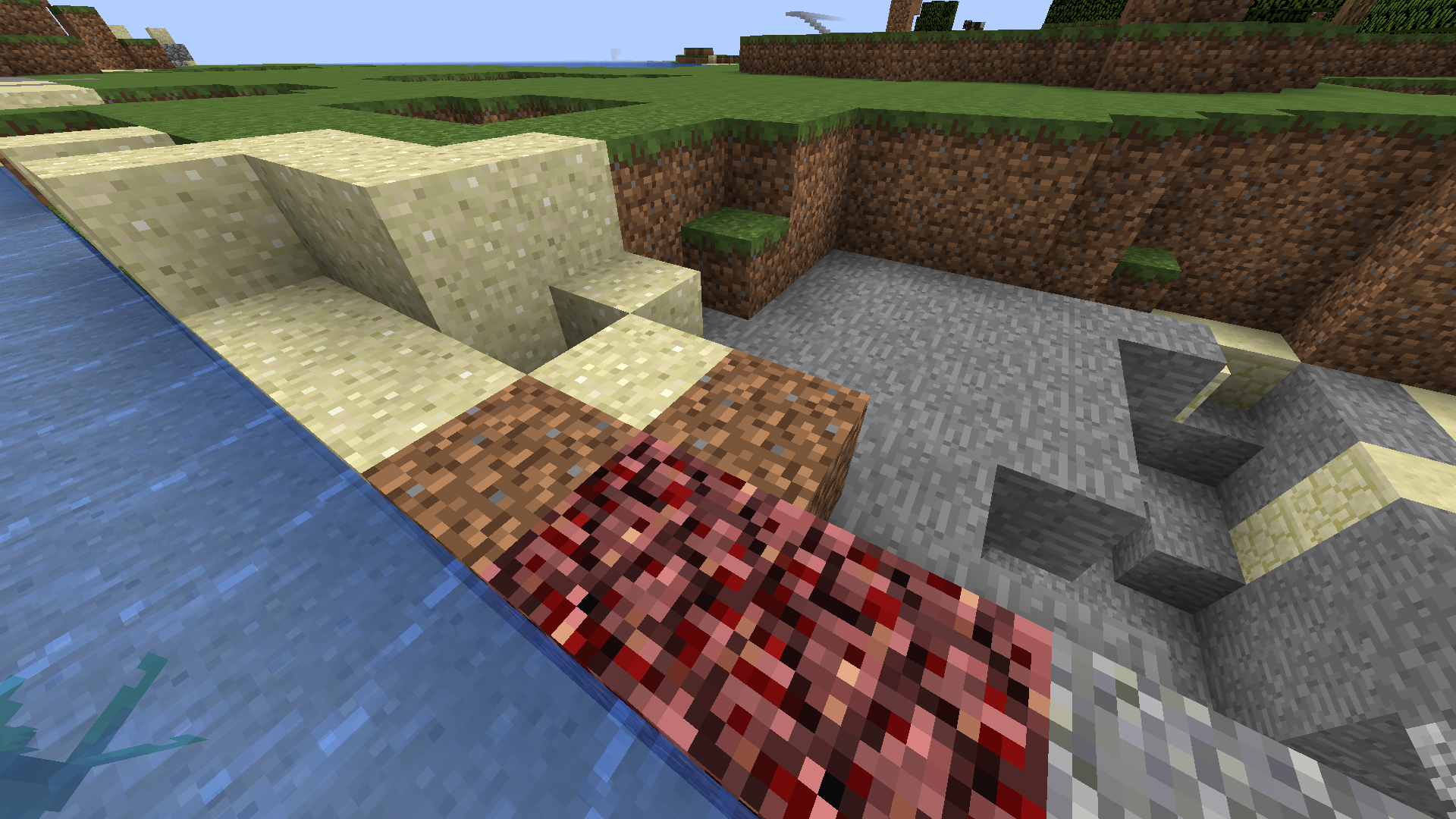
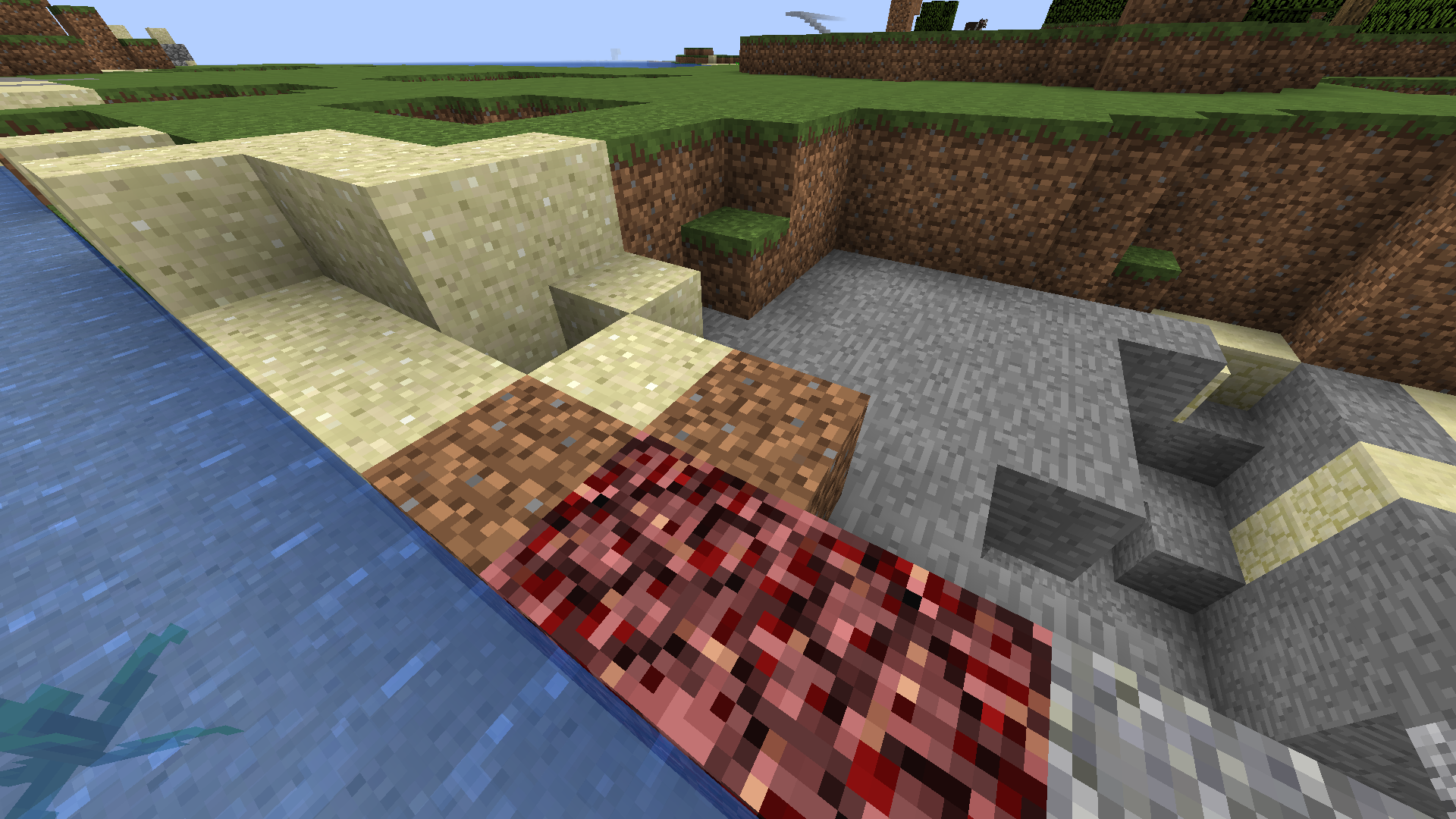
This resource pack for 1.16 will disable block rotations for all blocks that can be used to pinpoint locations. For use on SMP or anarchy servers running on 1.16.
by bobertosmith
Download Claim this project
2,356 downloads
0 likes
Updated Oct 14, 2026
0 hypes
16x Miscellaneous
Advertisement Remove ads with Premium →

This custom resource pack for 1.16+ can be placed in any order in your resource pack list.


These are all the blocks in which their rotations can be used to exploit coordinates:

stone
dirt
grass (snow, regular)
sand (sand, red sand)
netherrack
TNT
bedrock

All rotations for these blocks are turned OFF to prevent coordinate exploitation from screenshots or recordings.


Will NOT work on versions below 1.13 (ex. 1.11, 1.12) as they use a different code format for dealing with block rotations. 1.13+ should work but has not been tested.

Disable Random Rotation 1.16.zip
MC 1.16-Snapshot, 1.17.1, 1.16.3, 1.13.1, 1.15-Snapshot, 1.16.1, 1.14.4, 1.14.1, 1.17, 1.14.3, 1.15, 1.16, 1.13, 1.16.5, 1.15.2, 1.14, 1.17-Snapshot, 1.16.4, 1.14.2, 1.16.2
Release 2021-07-26 Get
Disable Random Rotation 1.16.zip
MC 1.16-Snapshot, 1.16.3, 1.16.1, 1.16, 1.16.4, 1.16.2
Release 2020-11-30 Get

Requirements & install

How to use this resource pack in Minecraft
Resolution
16x
Minecraft
1.16.1 – 1.17.1
Install folder
.minecraft/resourcepacks

How to install resource packs

  1. Download the resource pack .zip file (do not extract it).
  2. In Minecraft open Options → Resource Packs → Open Pack Folder.
  3. Drop the .zip into the resourcepacks folder (.minecraft/resourcepacks).
  4. Move the pack to the Selected column and click Done.
Browse more: 16x resource packs 32x resource packs 64x resource packs 128x resource packs 256x resource packs 512x+ resource packs Resource Packs for 1.17.1 All resource packs
Advertisement Remove ads with Premium →

You Might Also Like