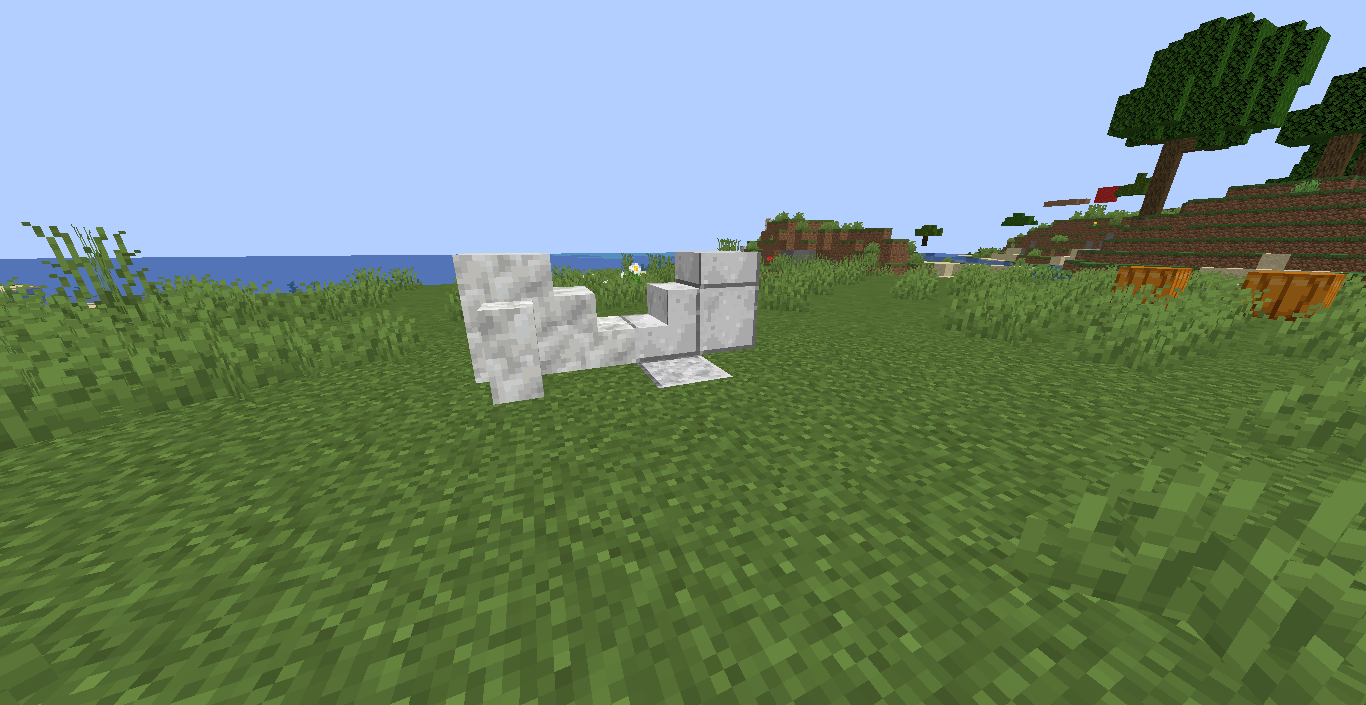
This resource pack changes diorite with calcite and polished diorite with polished calcite(the texture is made by me if you dont like it please don't hate and if you have a better design then send it to me by mail written at the bottem).
This also also changes the calcite with polished diorite so that you don't get confused and after all who uses normal diorite everyone uses polished diorite that also no stair or slab variant.
And yes if you want I can make a mod or data pack that adds calcite and polished calcite with there stairs and slabs.
If you want I can make a data pack that gives you calcite if you try to craft with polished diorite in 2x2 grid or some custom recipe that makes sense.
Also check my other projects as they are so good I have a pack that makes the name of deepslate to grimstone and there is a challenge data pack which you can use so please check.
if I upload the data pack I will make it an optional dependent in this page.
Also this is my mail if you want to send a picture and I will add your name to the resource pack and the site->
This may work in 1.16 and lower if you want, Versions that have diorite. It may just not work because of the polished diorite texture for calcite and there is no calcite in 1.16 and lower.
I will upload a 1.16 version of this if you want and potentially lover.