Mineuniverse
Resource Packs
Dinosaur King (Fossils and Archeology: Revival Genesis)

Dinosaur King (Fossils and Archeology: Revival Genesis)

RESOURCE PACK
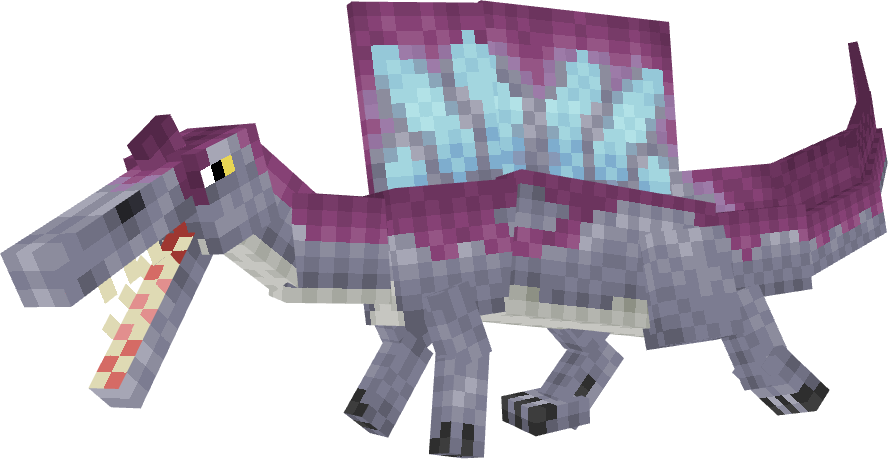
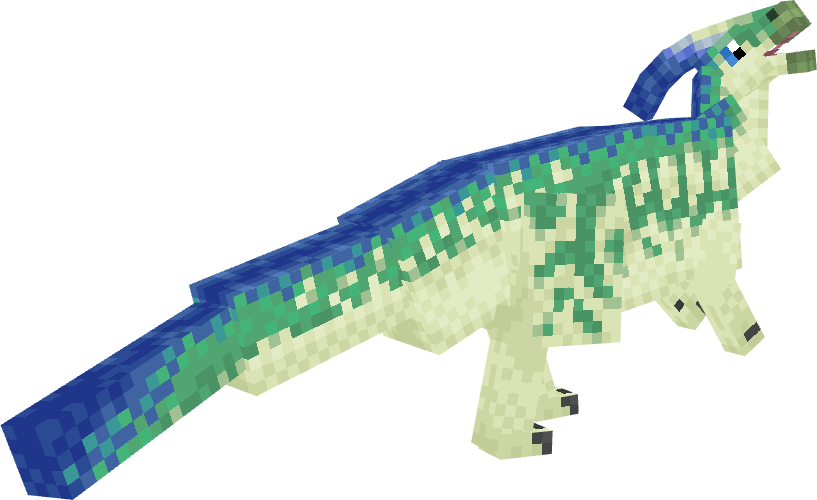
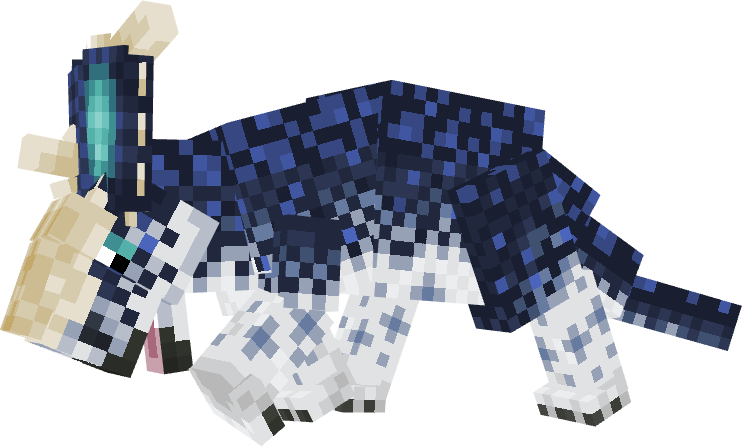
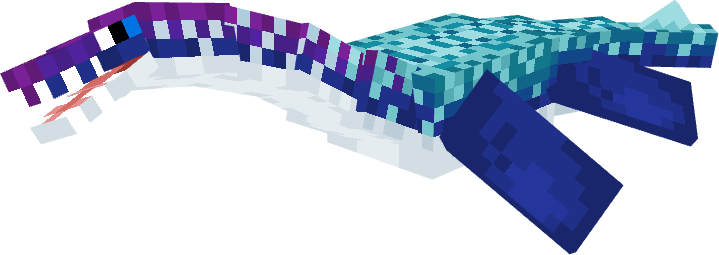
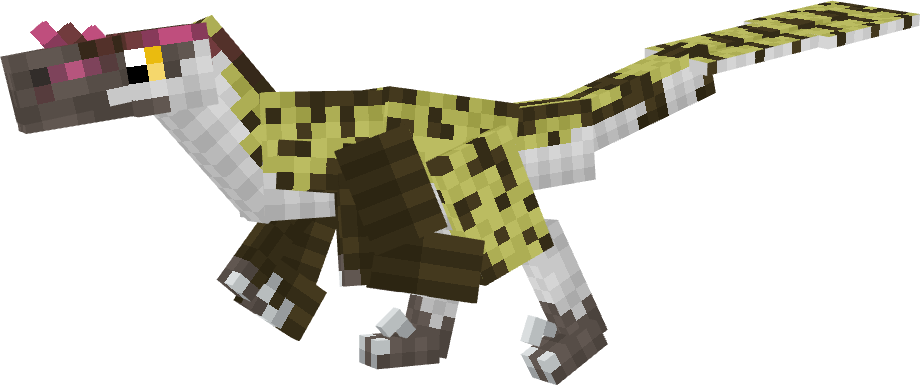
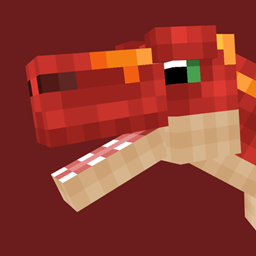
Retextures of F&A dinosaurs to the Dinosaur King dinos!
by radiothecoyote
Download Claim this project
Add a badge to your pageLink to Dinosaur King (Fossils and Archeology: Revival Genesis) from a README, website or forum post.
Preview: Badge

Badges update automatically and link to the resource pack page on MineUniverse.

1,363 downloads
0 likes
0 followers
Updated Oct 14, 2026
0 hypes
Follow0
16x
Advertisement Remove ads with Premium →

This resource pack requires ETF (Entity Texture Features) for variants and nametags to function!

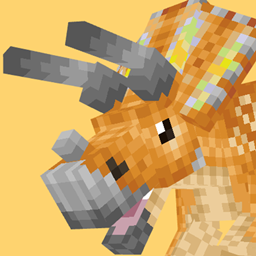
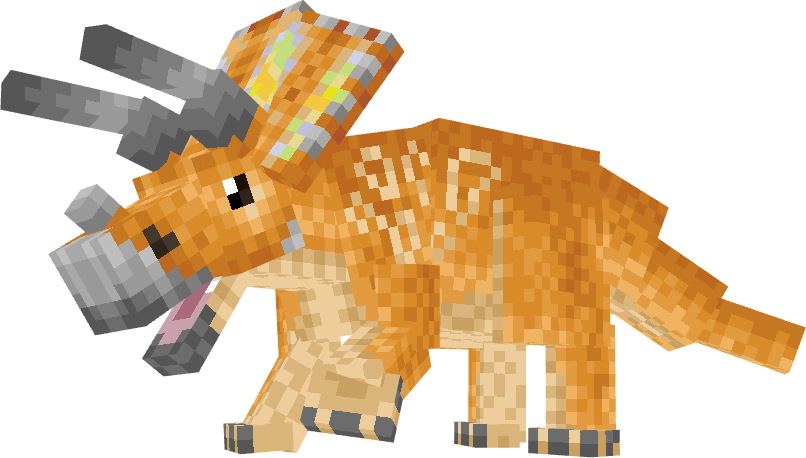
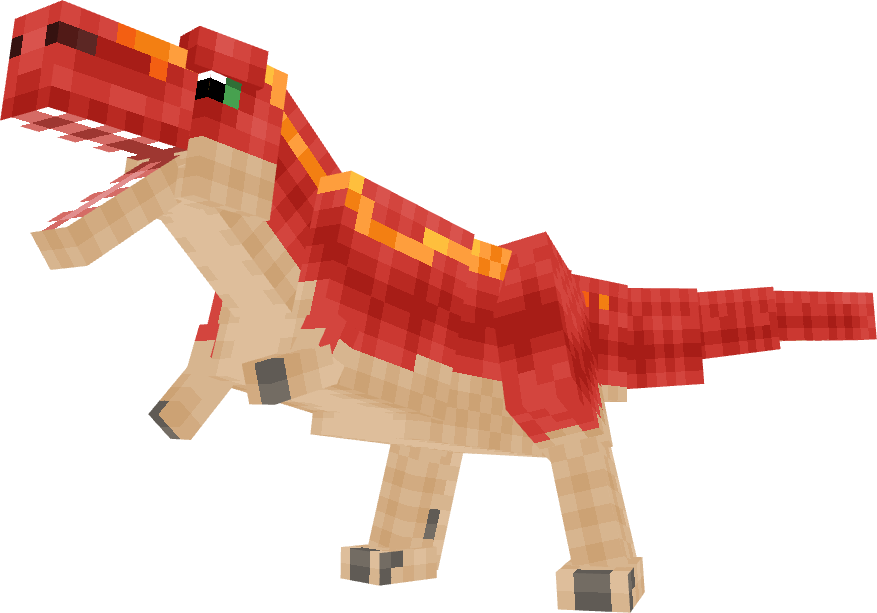
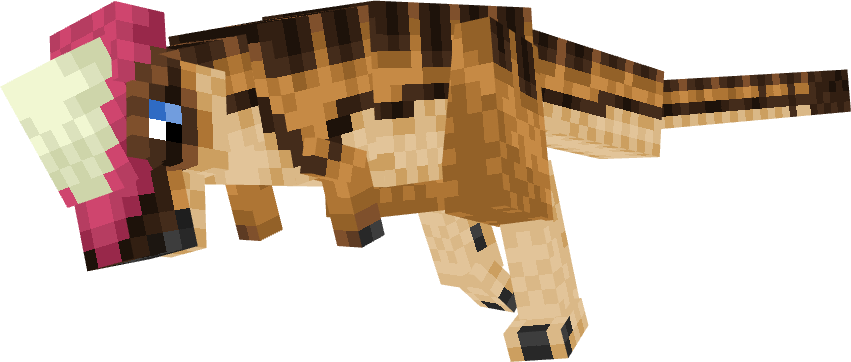
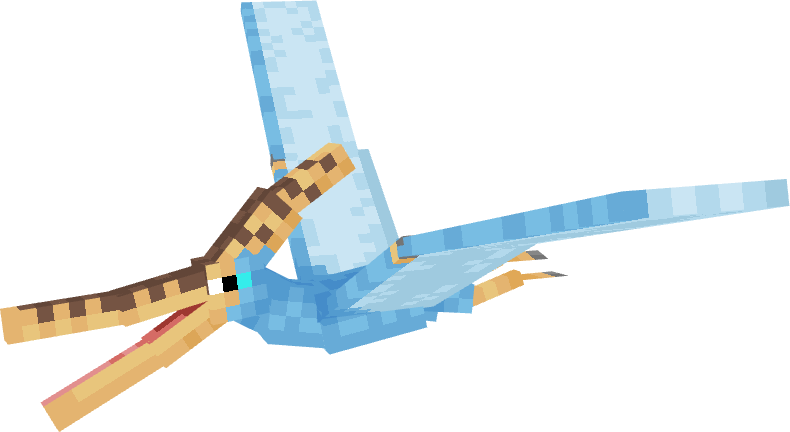
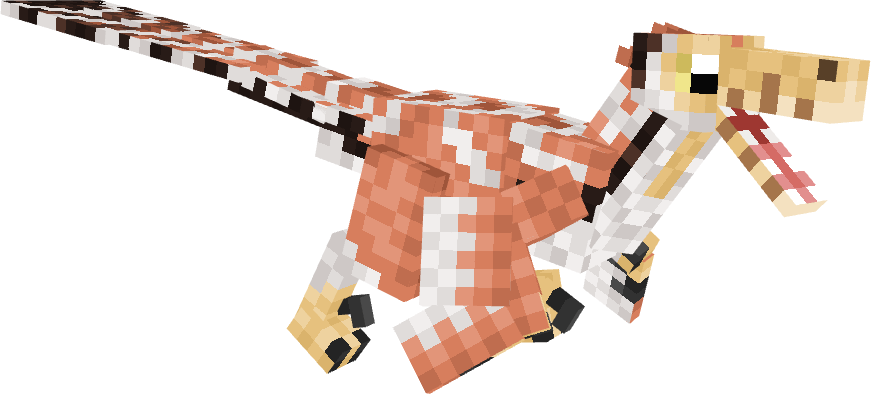
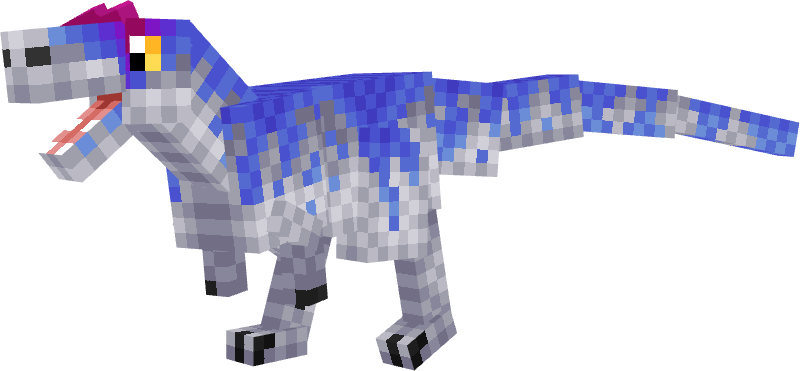
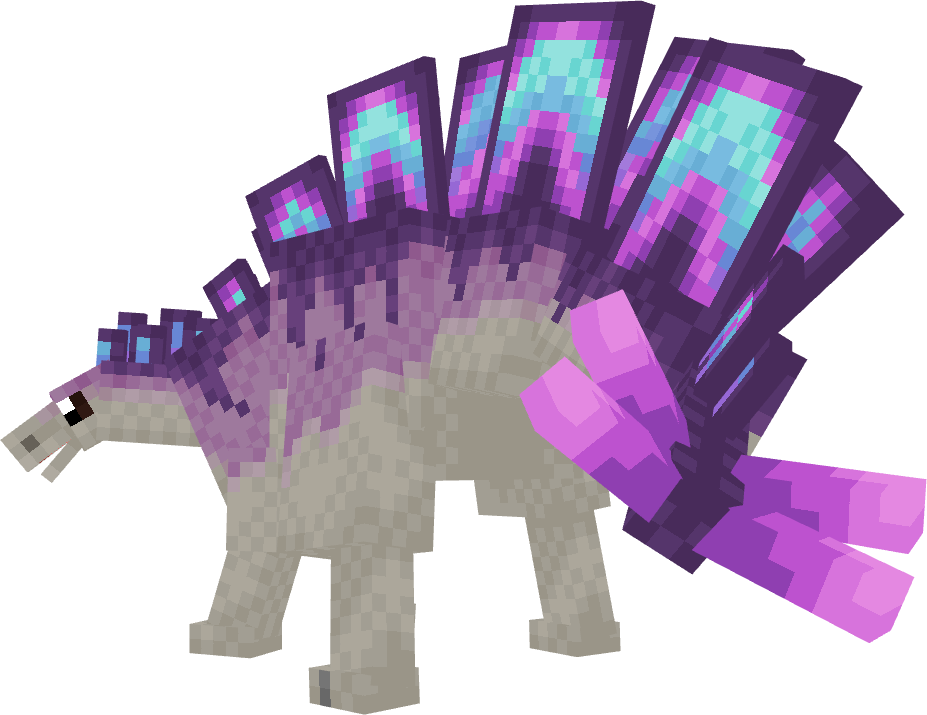
This Resource Pack retextures several of the Fossils and Archeology dinosaurs to appear like the dinosaurs from the Dinosaur King animated series, arcade game, and TCG.

Looking for the pack that turns these into nametag variants only? Go here!


The following have been retextured:

  • Triceratops
  • Tyrannosaurus
  • Pachycephalosaurus
  • Spinosaurus
  • Parasaurolophus
  • Pachyrhinosaurus
  • Velociraptor
  • Plesiosaurus
  • Pteranodon
  • Allosaurus
  • Stegosaurus
  • Therizinosaurus
  • Deinonychus
  • Ankylosaurus
  • Gallimimus


Nametag variants (All nametag variants still have a chance of naturally occuring but with lower chances):

Triceratops

Chomp

Tyrannosaurus

Terry

v7.0
MC 1.20.1, 1.18.2
Release 2026-10-04 Get
v6.0 (ETF REQUIRED)
MC 1.20.1, 1.18.2
Release 2026-08-21 Get
v5.0
MC 1.20.1, 1.18.2
Release 2026-08-18 Get
v4.0
MC 1.20.1, 1.18.2
Release 2026-07-27 Get
v3.0
MC 1.20.1, 1.18.2
Release 2026-07-17 Get
v2.0
MC 1.20.1, 1.18.2
Release 2026-07-15 Get
v1.0
MC 1.20.1, 1.18.2
Release 2026-07-14 Get

Requirements & install

How to use this resource pack in Minecraft
Resolution
16x
Minecraft
1.18.2 – 1.20.1
Install folder
.minecraft/resourcepacks

How to install resource packs

  1. Download the resource pack .zip file (do not extract it).
  2. In Minecraft open Options → Resource Packs → Open Pack Folder.
  3. Drop the .zip into the resourcepacks folder (.minecraft/resourcepacks).
  4. Move the pack to the Selected column and click Done.
Browse more: 16x resource packs 32x resource packs 64x resource packs 128x resource packs 256x resource packs 512x+ resource packs Resource Packs for 1.20.1 All resource packs

More from radiothecoyote

Advertisement Remove ads with Premium →

You Might Also Like