Mineuniverse
Resource Packs
DimensionRed's Alchemy

DimensionRed's Alchemy

RESOURCE PACK
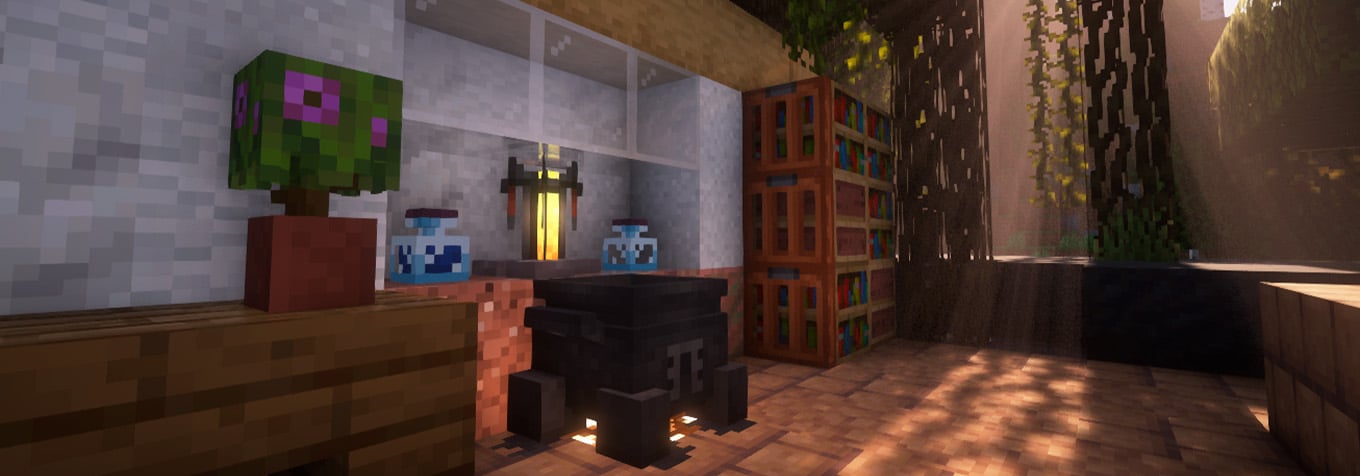
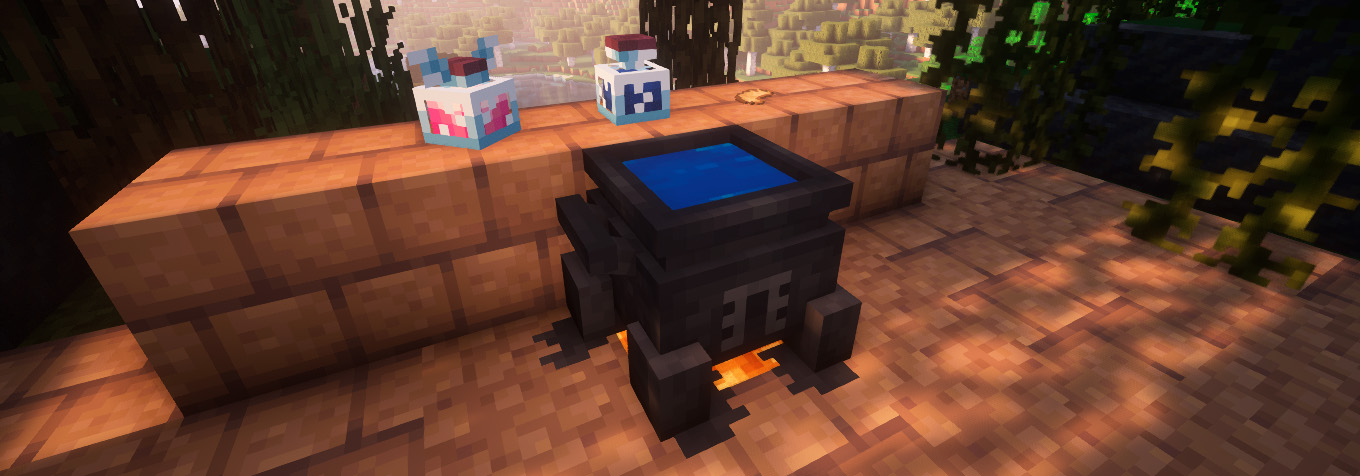
Refresh your perspective on potions with brand new 3D models. Dust off your cauldron and dive into magic anew!
by DimensionRed
Download Claim this project
4,260 downloads
0 likes
Updated Oct 14, 2026
0 hypes
16x Medieval Miscellaneous Mod Support
Advertisement Remove ads with Premium →

A logo for a mod

Main info

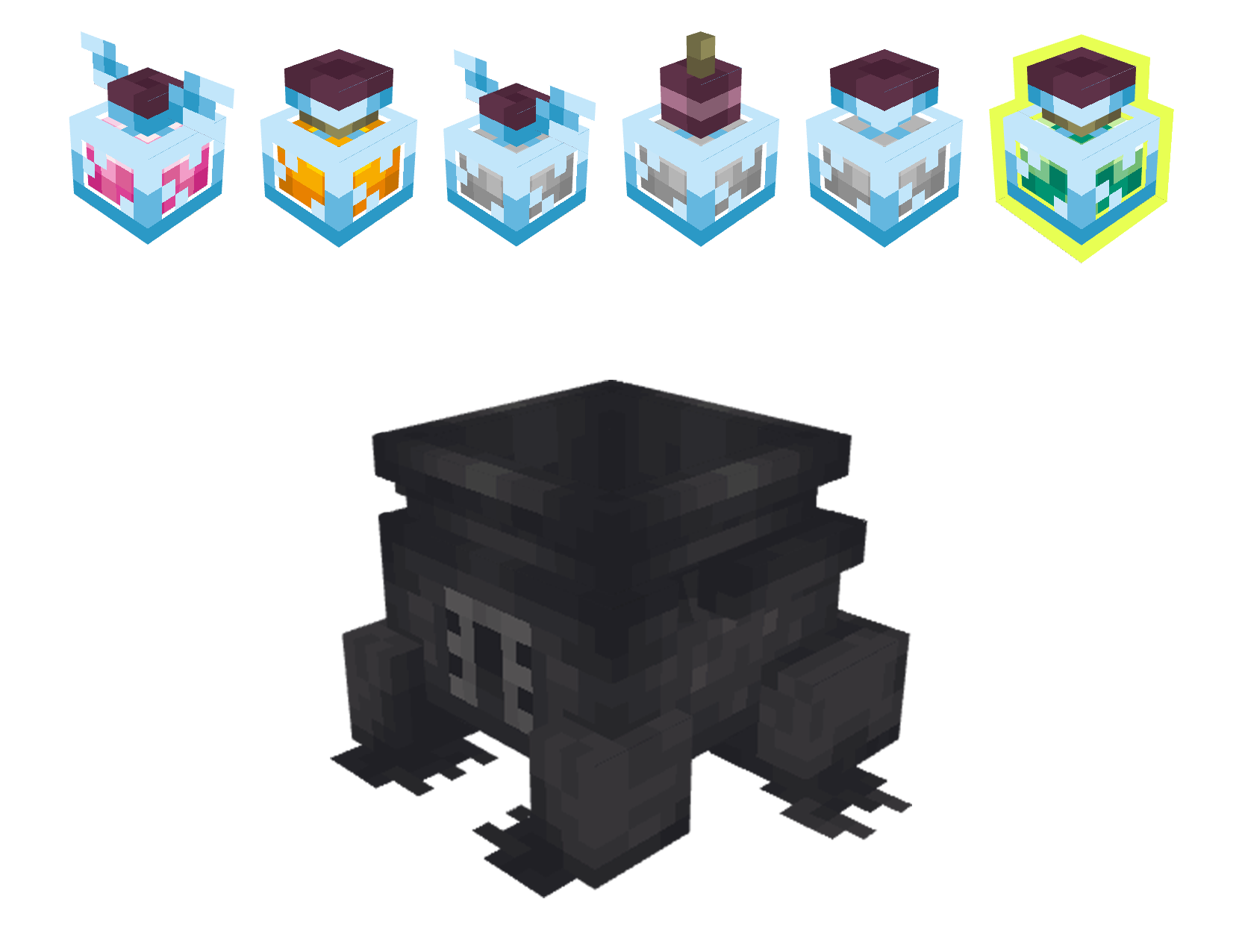
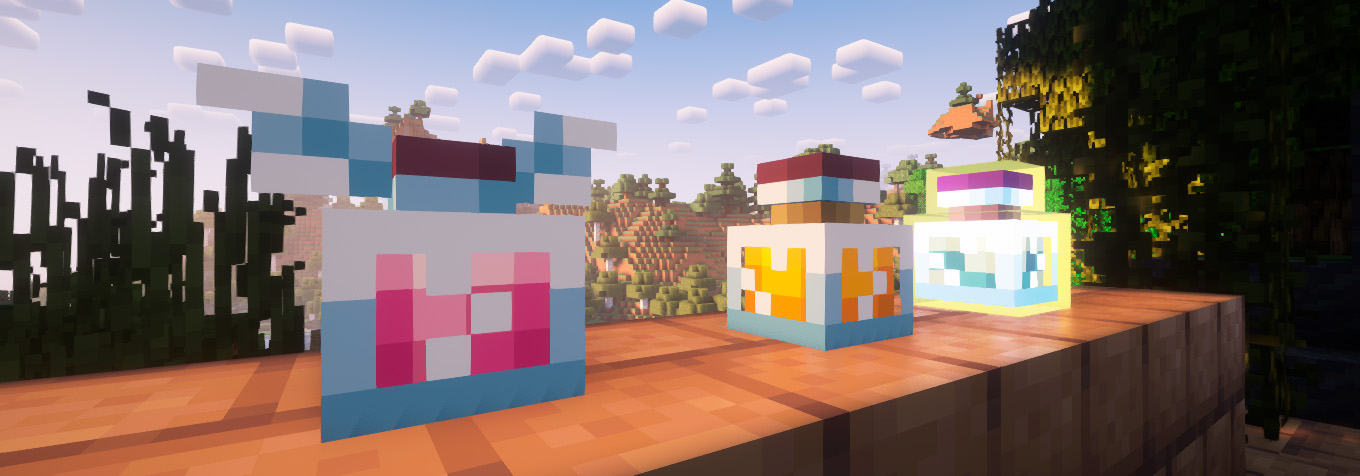
Red's Alchemy Anew, a.k.a DimensionRed's Alchemy is a resourcepack, created to change the view of regular alchemy you see in Minecraft. Work is still in progress, future mod support planned!

Line

Image Image

Line View Line

Line

Dependency

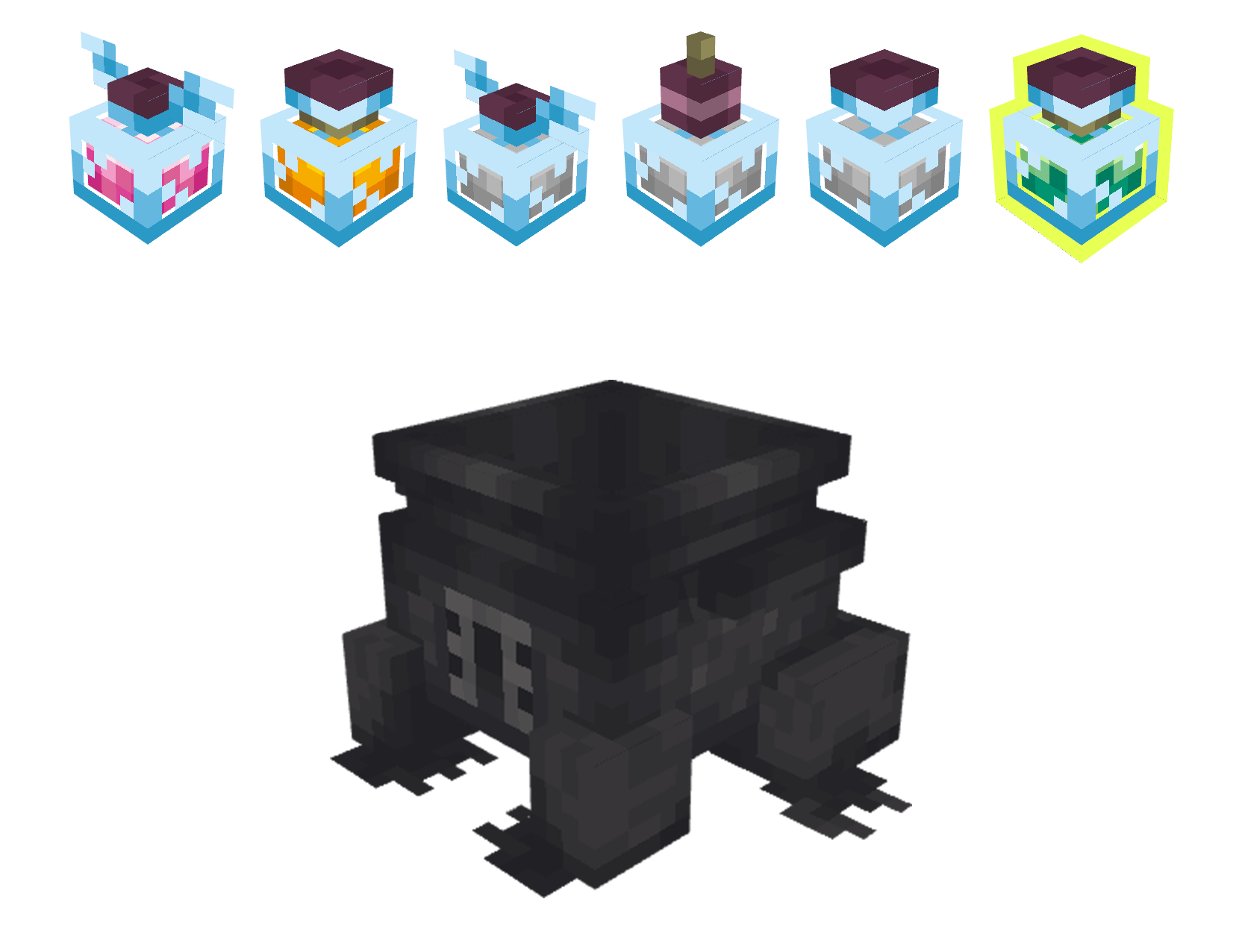
DimensionRed's Alchemy supports cauldron skin under data=0 for Just Like Cauldron. Skin can be applied by using honeycomb on a regular cauldron. The resourcepack itself will work even without this mod installed.
Image

Line Bottles Line Support

Future updates will support custom models for bottle-like and potion-like items, allowing them to adapt to resource pack design.

Currently supported:

None yet :(
Line View 2

DimensionRed's Alchemy v.1.3
MC 1.16.1, 1.16
Release 2024-11-03 Get
DimensionRed's Alchemy v.1.3
MC 1.16.3, 1.16.5, 1.16.4, 1.16.2
Release 2024-11-03 Get
DimensionRed's Alchemy v.1.3
MC 1.17.1, 1.17
Release 2024-11-03 Get
DimensionRed's Alchemy v.1.3
MC 1.18.1, 1.18.2, 1.18
Release 2024-11-03 Get
DimensionRed's Alchemy v.1.3
MC 1.19.3
Release 2024-11-03 Get
DimensionRed's Alchemy v.1.3
MC 1.19.4
Release 2024-11-03 Get
DimensionRed's Alchemy v.1.3
MC 1.20.2, 1.21, 1.20.5, 1.20.3, 1.20.1, 1.20, 1.20.6, 1.20.4, 1.21.3, 1.21.1, 1.21.2
Release 2024-11-03 Get
DimensionRed's Alchemy v.1.2
MC 1.21
Release 2024-10-10 Get
DimensionRed's Alchemy v.1.0
MC 1.19.2
Release 2024-09-27 Get
DimensionRed's Alchemy v.1.1
MC 1.19.2
Release 2024-09-27 Get

Requirements & install

How to use this resource pack in Minecraft
Resolution
16x
Minecraft
1.20.3 – 1.21.3
Install folder
.minecraft/resourcepacks

How to install resource packs

  1. Download the resource pack .zip file (do not extract it).
  2. In Minecraft open Options → Resource Packs → Open Pack Folder.
  3. Drop the .zip into the resourcepacks folder (.minecraft/resourcepacks).
  4. Move the pack to the Selected column and click Done.
Browse more: 16x resource packs 32x resource packs 64x resource packs 128x resource packs 256x resource packs 512x+ resource packs Resource Packs for 1.21.3 All resource packs

More from DimensionRed

Advertisement Remove ads with Premium →

You Might Also Like