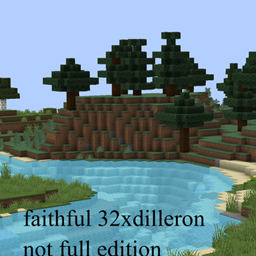
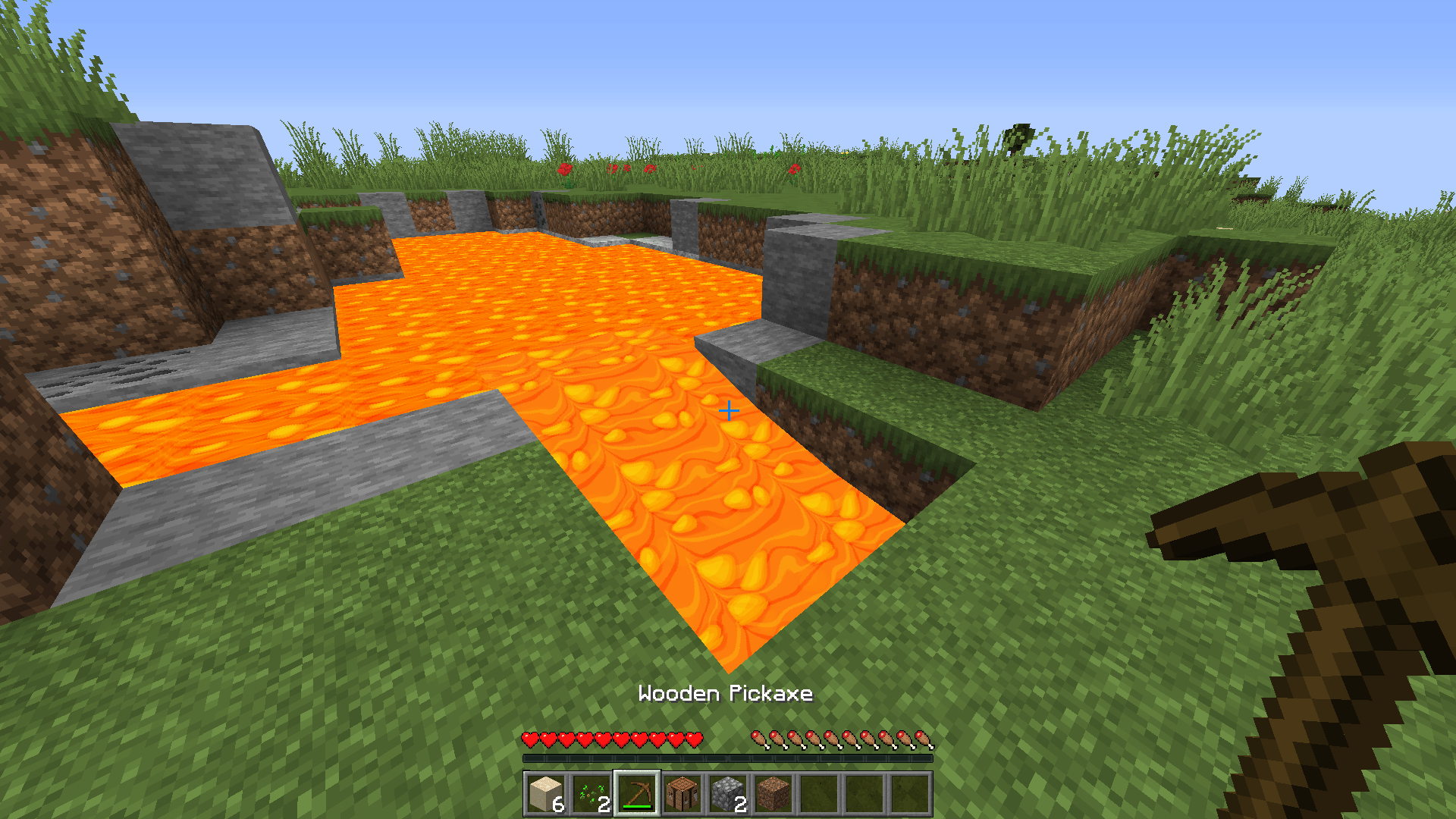
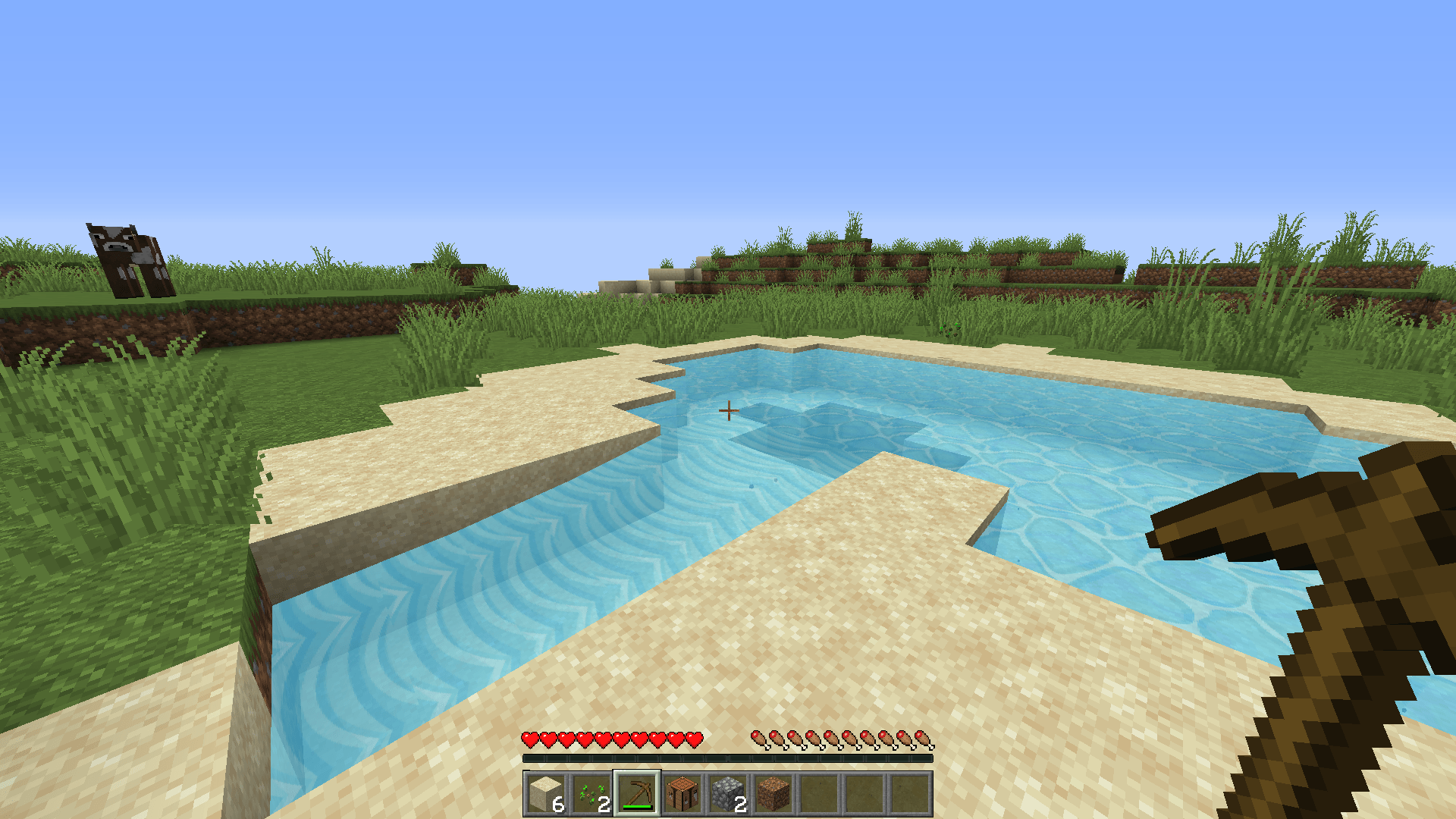
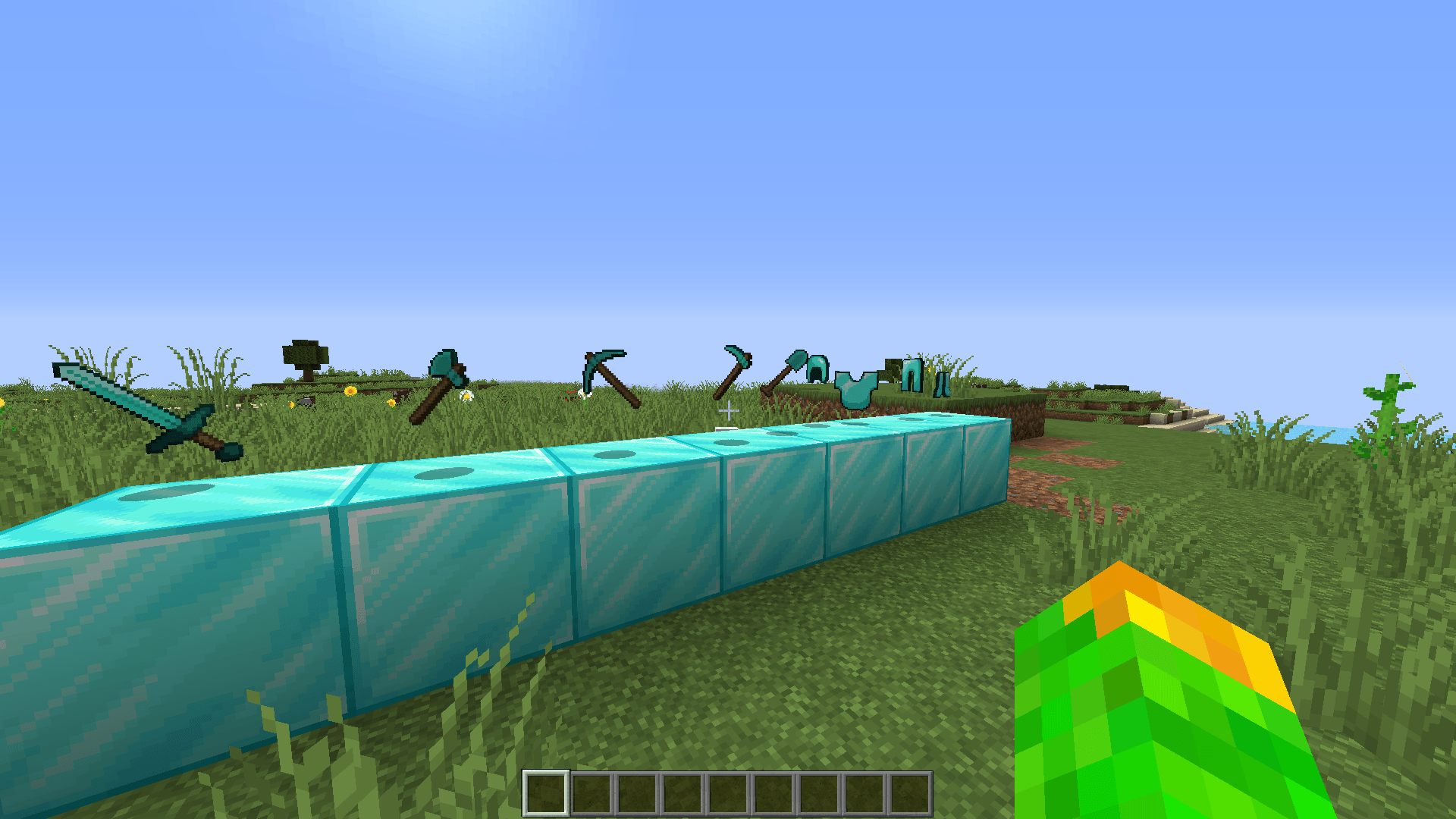
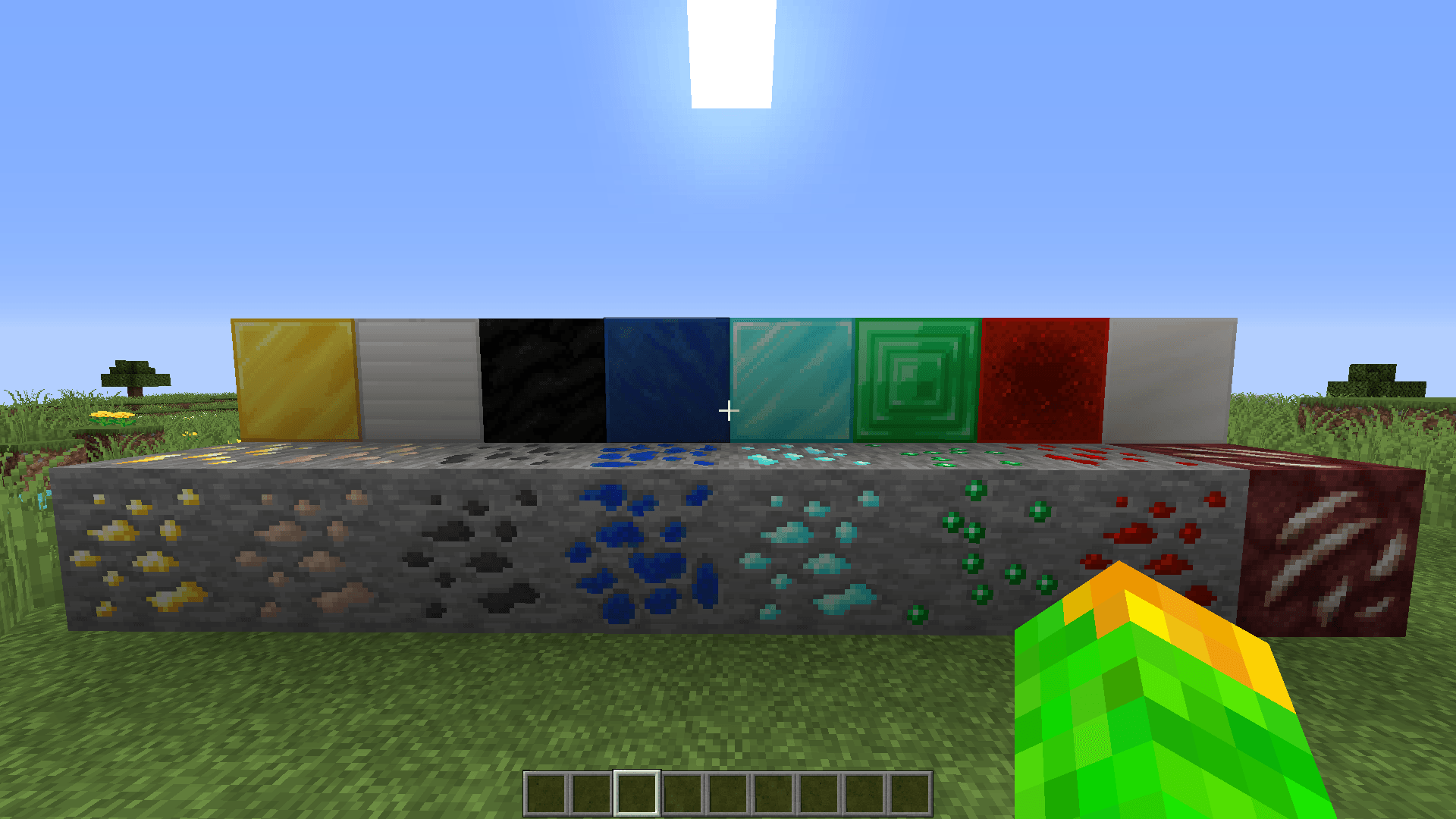
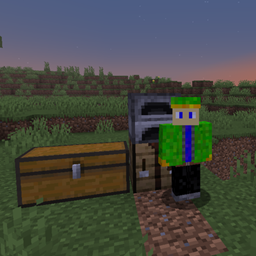
This is a customized 32x32 resource pack heavily inspired by the classic textures used by the famous Russian Minecraft YouTuber Dilleron. It is specifically optimized and tailored for Minecraft 1.12.2.
✨ Features:
Dilleron's Style: Brings back the nostalgic look and feel from the popular Russian let's plays.
Faithful & Clean: Crisp 32x textures that enhance the vanilla blocks without losing the original game atmosphere.
Almost Complete: A curated, partial import that focuses on the most essential textures and blocks for a smooth gaming experience.
Recommendation: Works best with OptiFine enabled for full texture compatibility.
---
🇷🇺 Описание на русском: Добро пожаловать в Dilleron 32x! Это кастомный ресурспак в разрешении 32х32, созданный по мотивам тех самых классических текстур, с которыми играл знаменитый русский ютубер **Dilleron**. Пак полностью оптимизирован и настроен специально для версии Minecraft 1.12.2. ✨ Особенности: Стиль Диллерона: Возвращает ту самую ностальгическую атмосферу из любимых летсплеев. Изменёный Faithful: Четкие текстуры 32х, которые улучшают стандартные блоки, сохраняя дух оригинального Майнкрафта. Почти полный импорт: Проверенный частичный перенос, сосредоточенный на самых важных блоках и предметах для плавной и комфортной игры.
⚙️ Техническая информация: Разрешение: 32x32 Версия игры: 1.12.2
Рекомендация: Для правильного отображения всех текстур рекомендуется использовать OptiFine.