Mineuniverse
Resource Packs
Diagonal Windows BlueMap Pack

Diagonal Windows BlueMap Pack

RESOURCE PACK
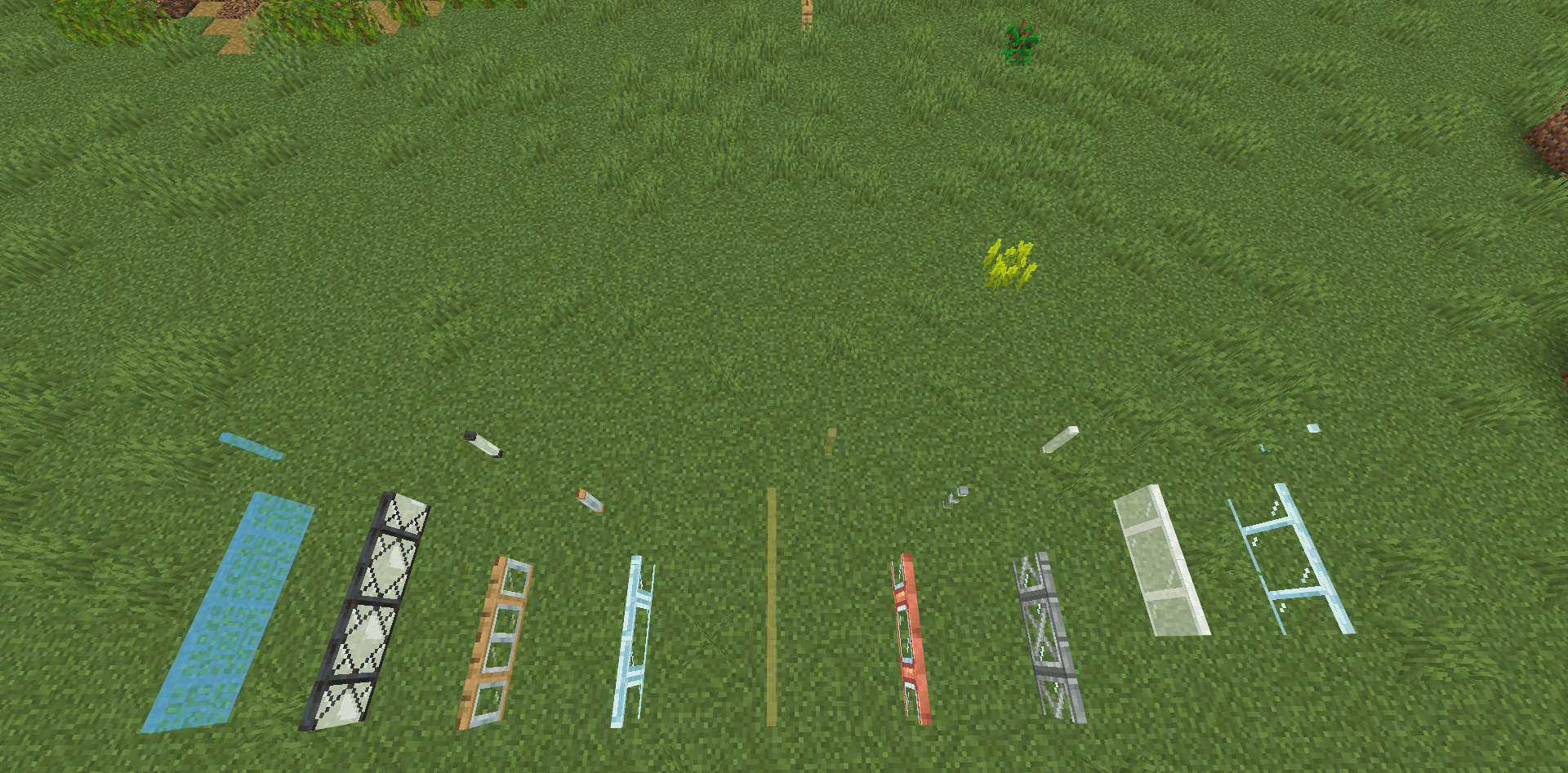
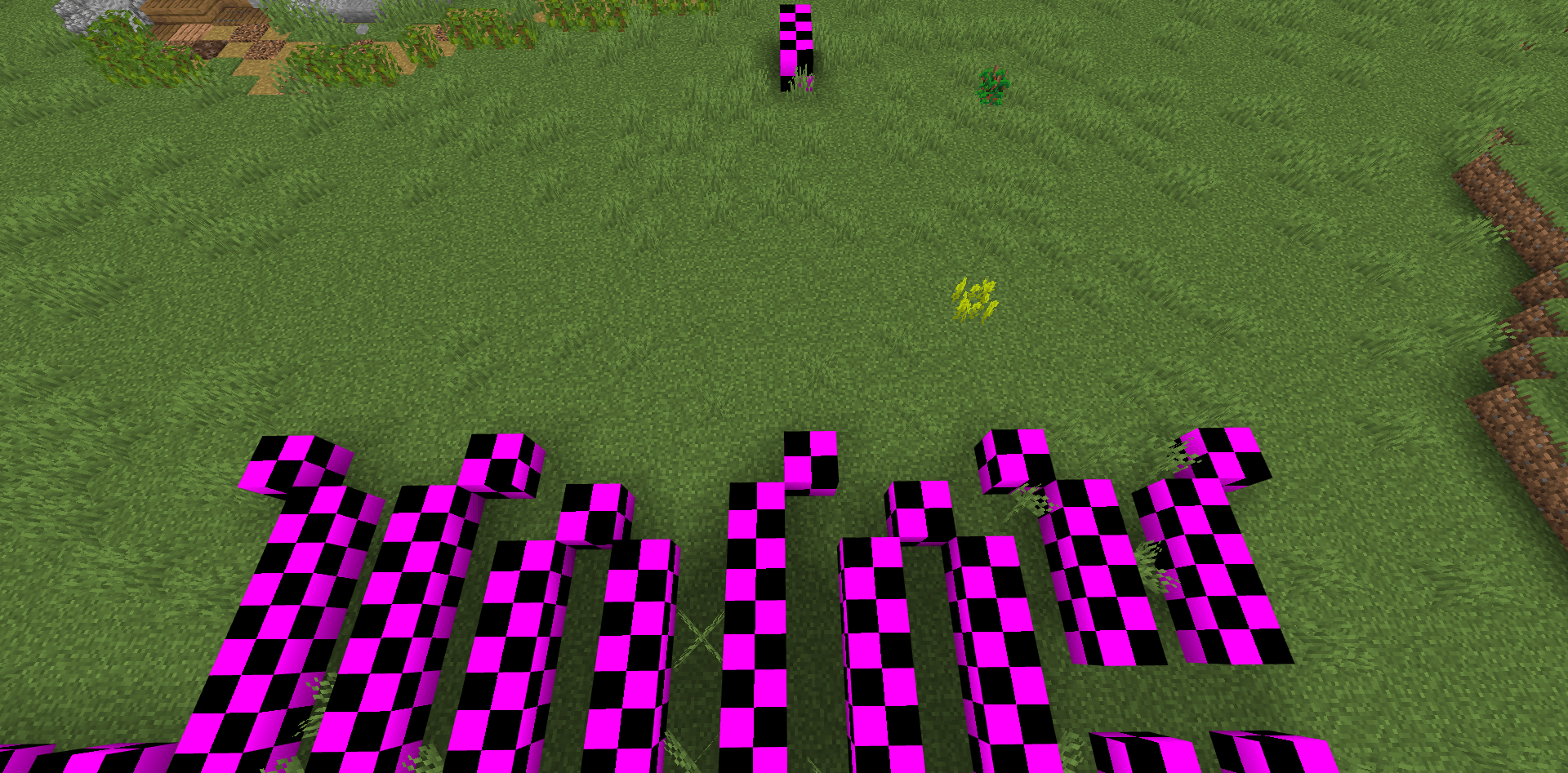
This pack fixes missing textures on the BlueMap when using the Diagonal Windows mod by Fuzs.
by Kreffox
Download Claim this project
816 downloads
0 likes
Updated Oct 14, 2026
0 hypes
Data Packs Mod Support
Advertisement Remove ads with Premium →

This resource pack for BlueMap is designed to resolve missing texture issues when using the Diagonal Windows Mod by Fuzs in conjunction with the BlueMap Mod / CLI.

This is not a general fix, the pack includes fixes for base game Minecraft window panes and for the panes of the following mods:

Installation:

Please check out the BlueMap Wiki for installation instructions! :)

Support:

If you encounter any issues or have suggestions for improvements, please feel free to leave a comment. Your feedback is greatly appreciated and helps improve the pack for everyone!

Thank you for downloading and using the Diagonal Windows BlueMap Pack!

DiagonalWindowsBluemapPack1.0.zip
MC 1.20.1
Release 2024-07-17 Get

Requirements & install

How to use this resource pack in Minecraft
Resolution
Not specified
Minecraft
1.20.1
Install folder
.minecraft/resourcepacks

How to install resource packs

  1. Download the resource pack .zip file (do not extract it).
  2. In Minecraft open Options → Resource Packs → Open Pack Folder.
  3. Drop the .zip into the resourcepacks folder (.minecraft/resourcepacks).
  4. Move the pack to the Selected column and click Done.
Browse more: 16x resource packs 32x resource packs 64x resource packs 128x resource packs 256x resource packs 512x+ resource packs Resource Packs for 1.20.1 All resource packs

More from Kreffox

Advertisement Remove ads with Premium →

You Might Also Like