Mineuniverse
Resource Packs
Diagon Alley

Diagon Alley

RESOURCE PACK
A Pack for a Diagon Alley-Build
by david131313
Download Claim this project
Add a badge to your pageLink to Diagon Alley from a README, website or forum post.
Preview: Badge

Badges update automatically and link to the resource pack page on MineUniverse.

280 downloads
0 likes
0 followers
Updated Oct 14, 2026
0 hypes
Follow0
16x Medieval
Advertisement Remove ads with Premium →

Notice: I'm not active in the Minecraft Community any more, so Updates may or may not arrive in the Future. I further updated the Diagon Alley Pack to feature the GNU v3 license, allowing for further modification and more uses, as I'm fine with them. Be free to modify the pack and publish the modified pack. I had another few updates to the pack planned, so I might do these at one point.


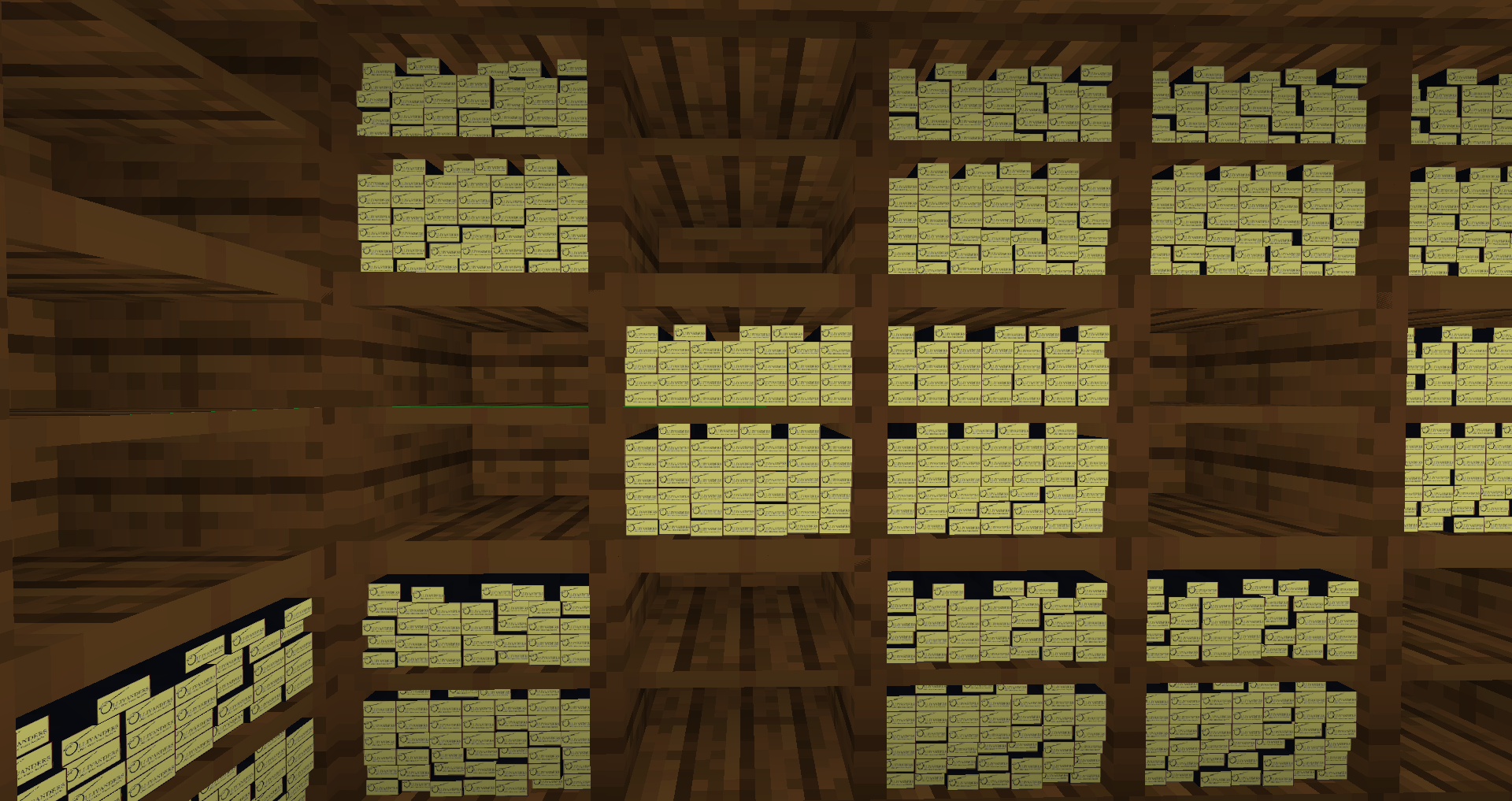
Do you build a Diagon Alley in Minecraft? This Resource Pack might help you, you can test it if you want

This is still in Beta, there might be some bugs, it would be good, if you say them to me


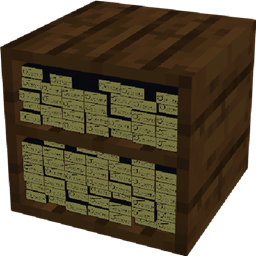
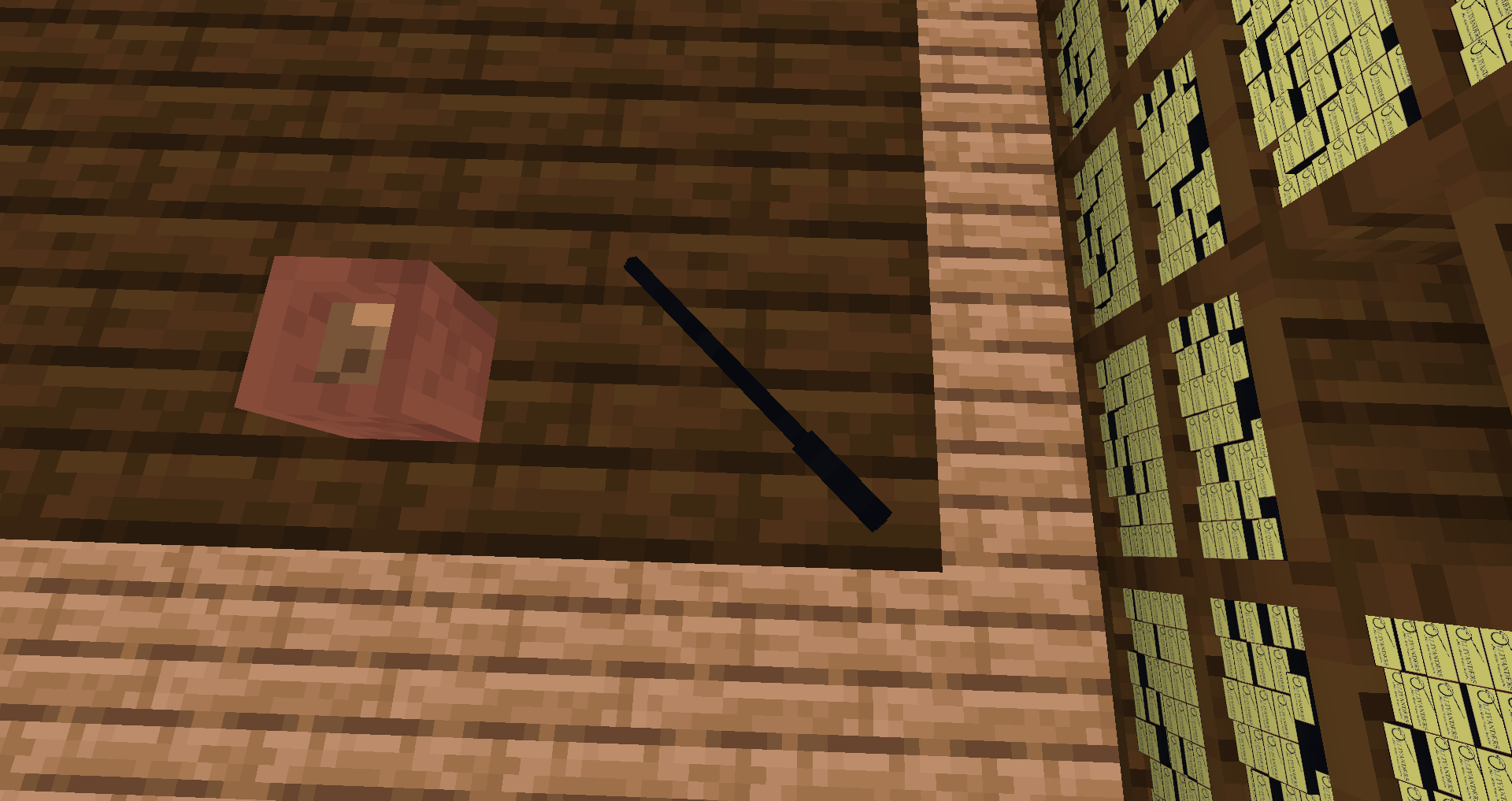
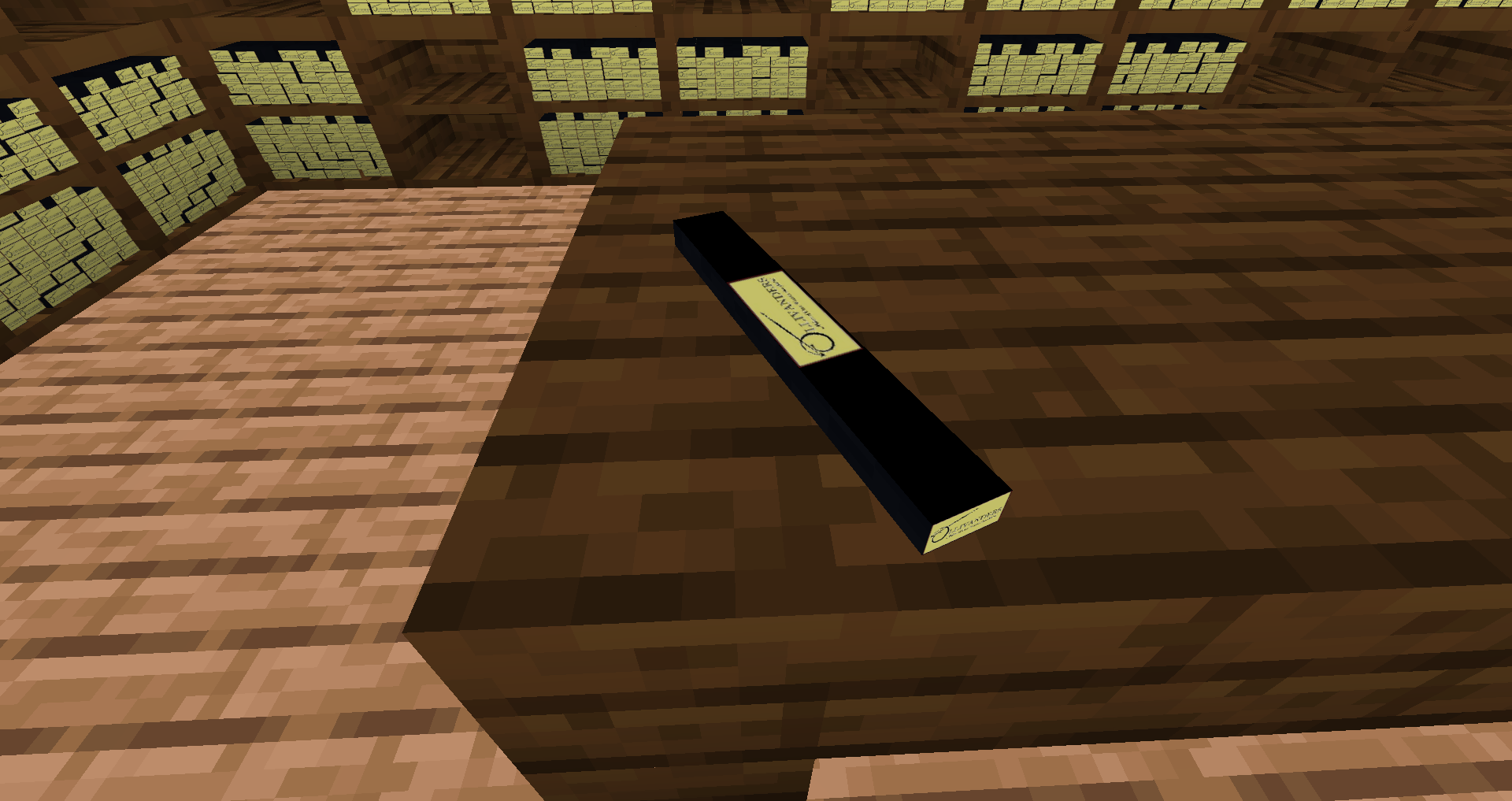
damaged_anil=Wand-Shelf

chipped_anvil=Empty-Wand-Shelf

birch_button=Wand-Package

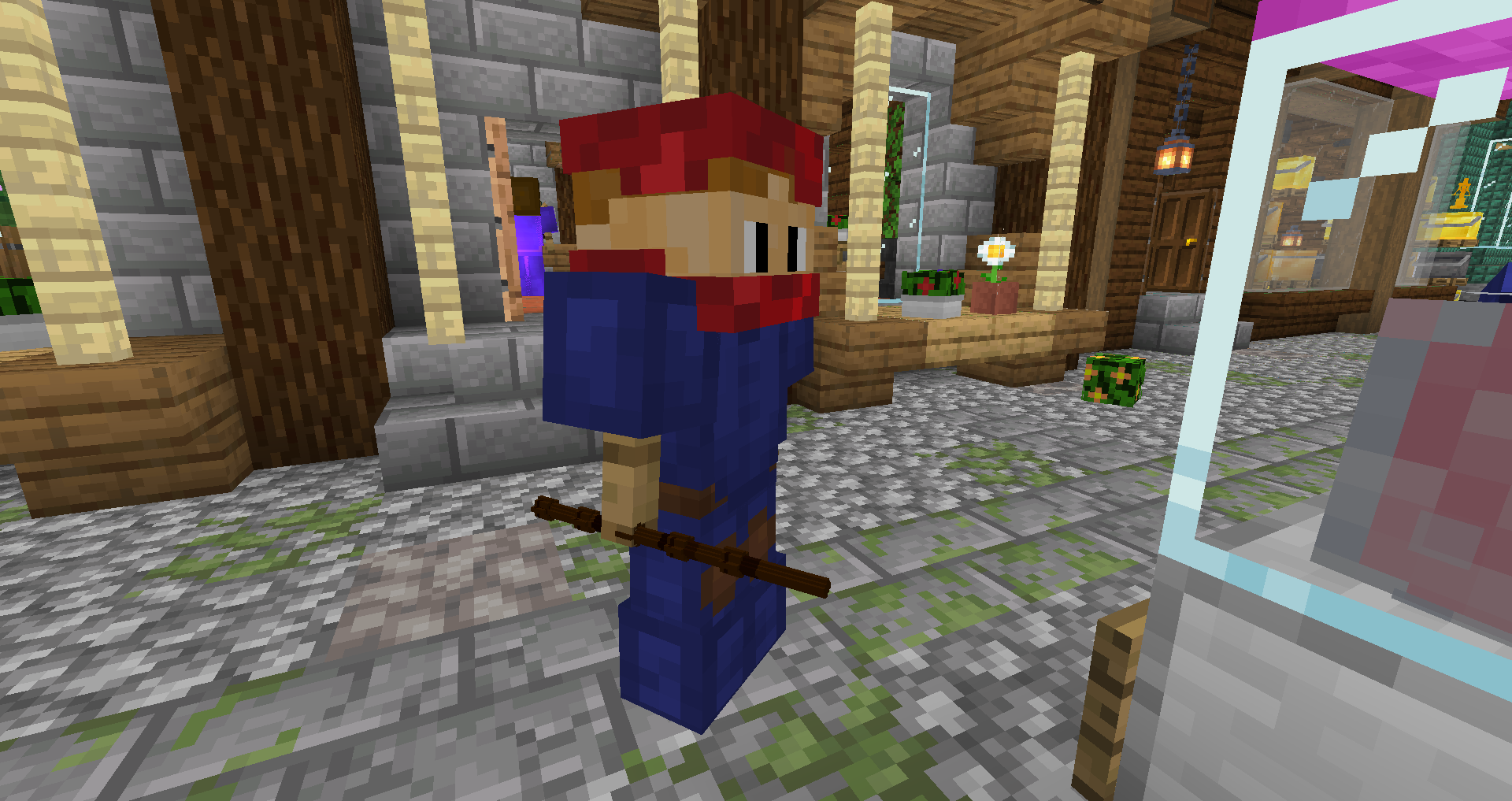
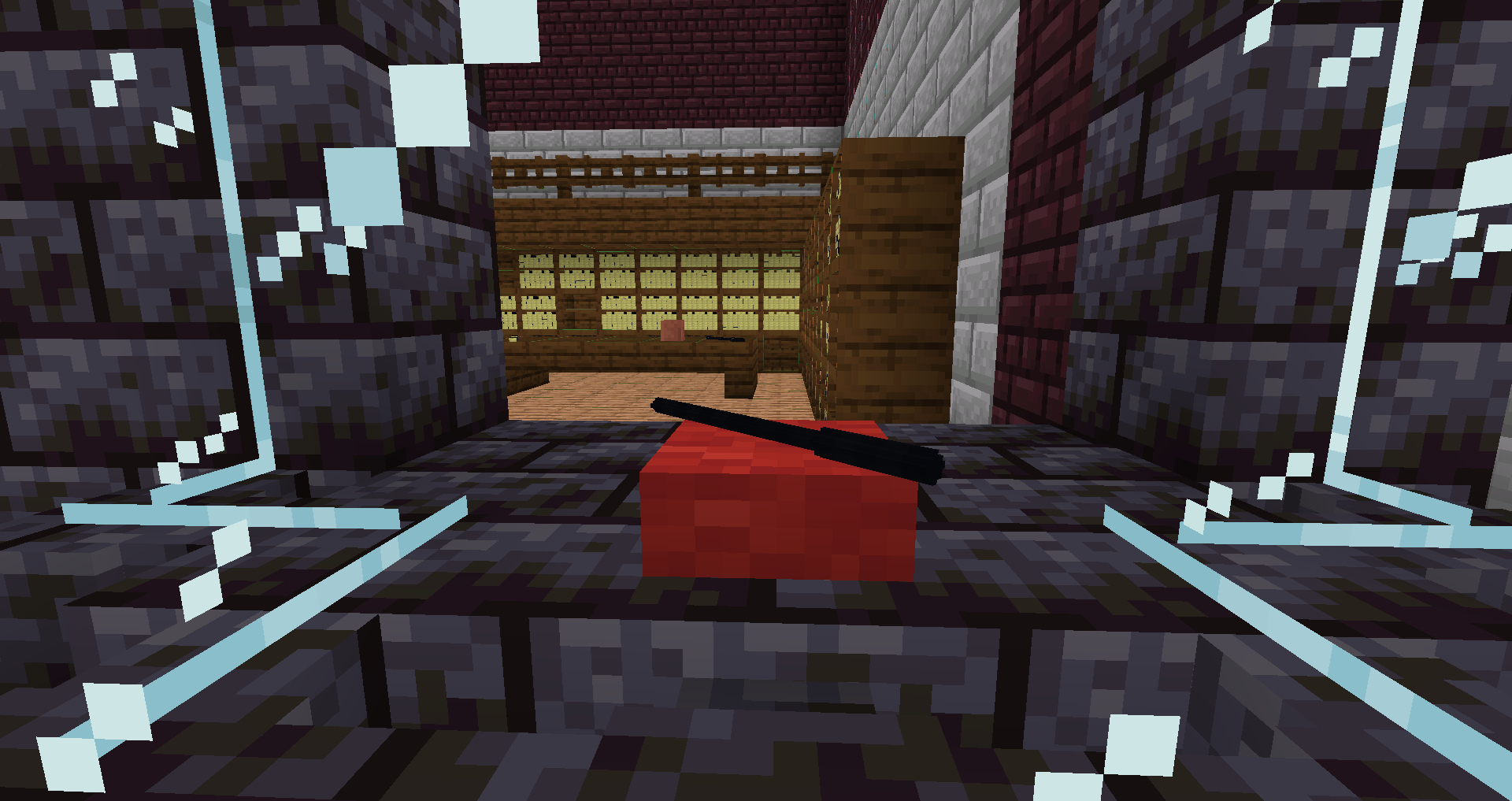
jungle_button=placeable Ollivanders-Wand

waped_button= Wand on a pillow

paper with Custom Model Data 1=Elder Wand

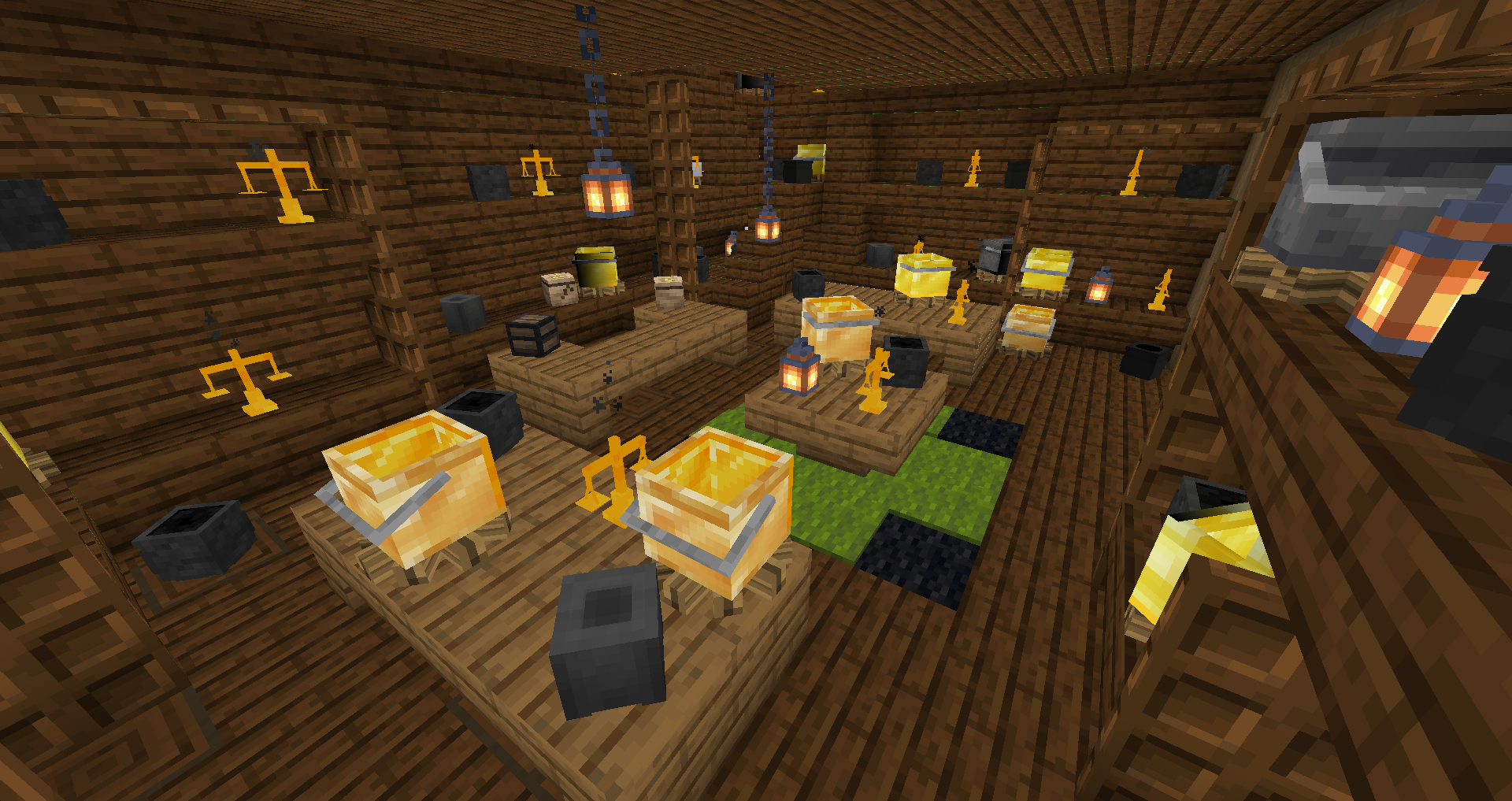
brewing_stand=Libra

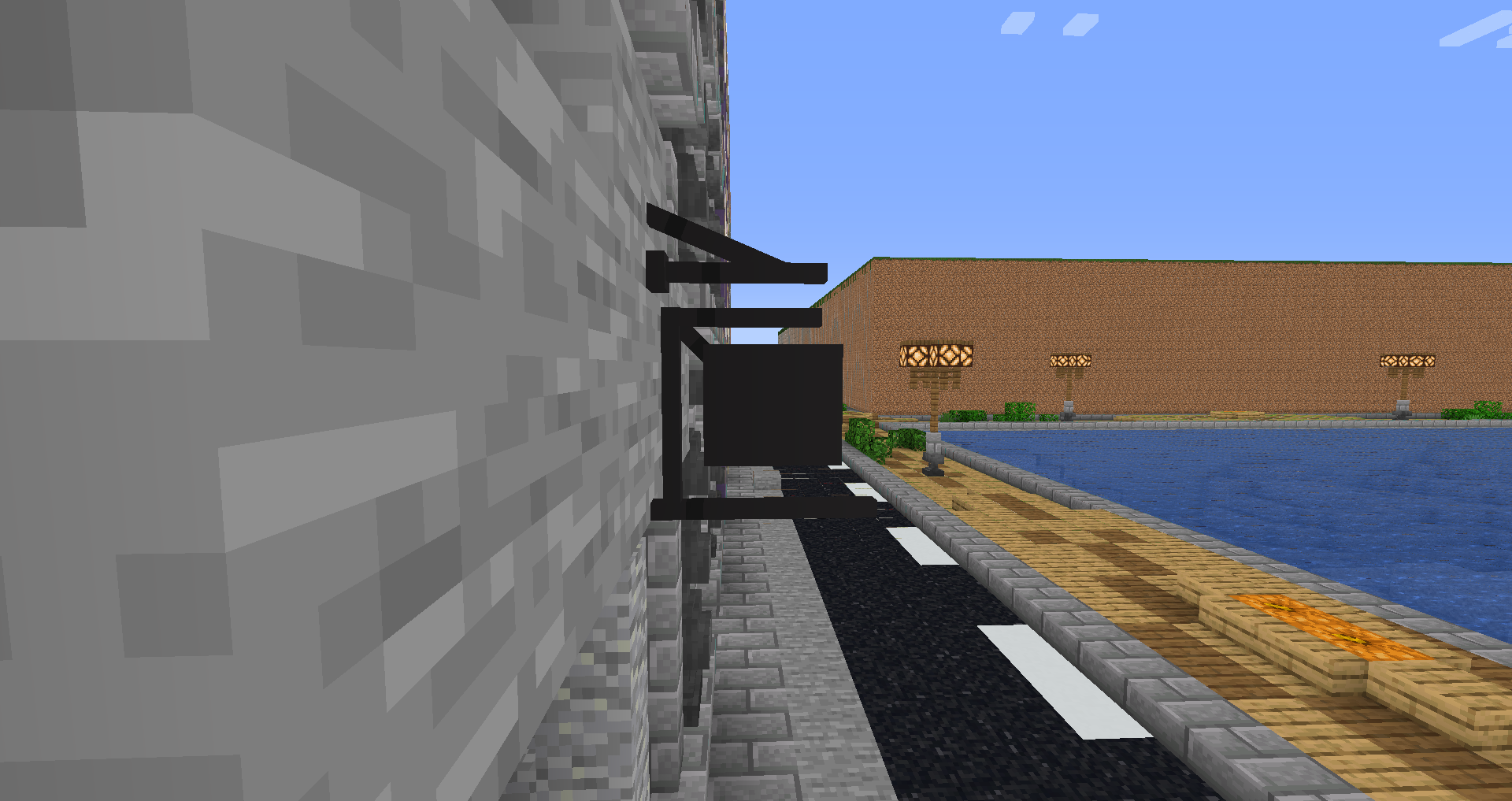
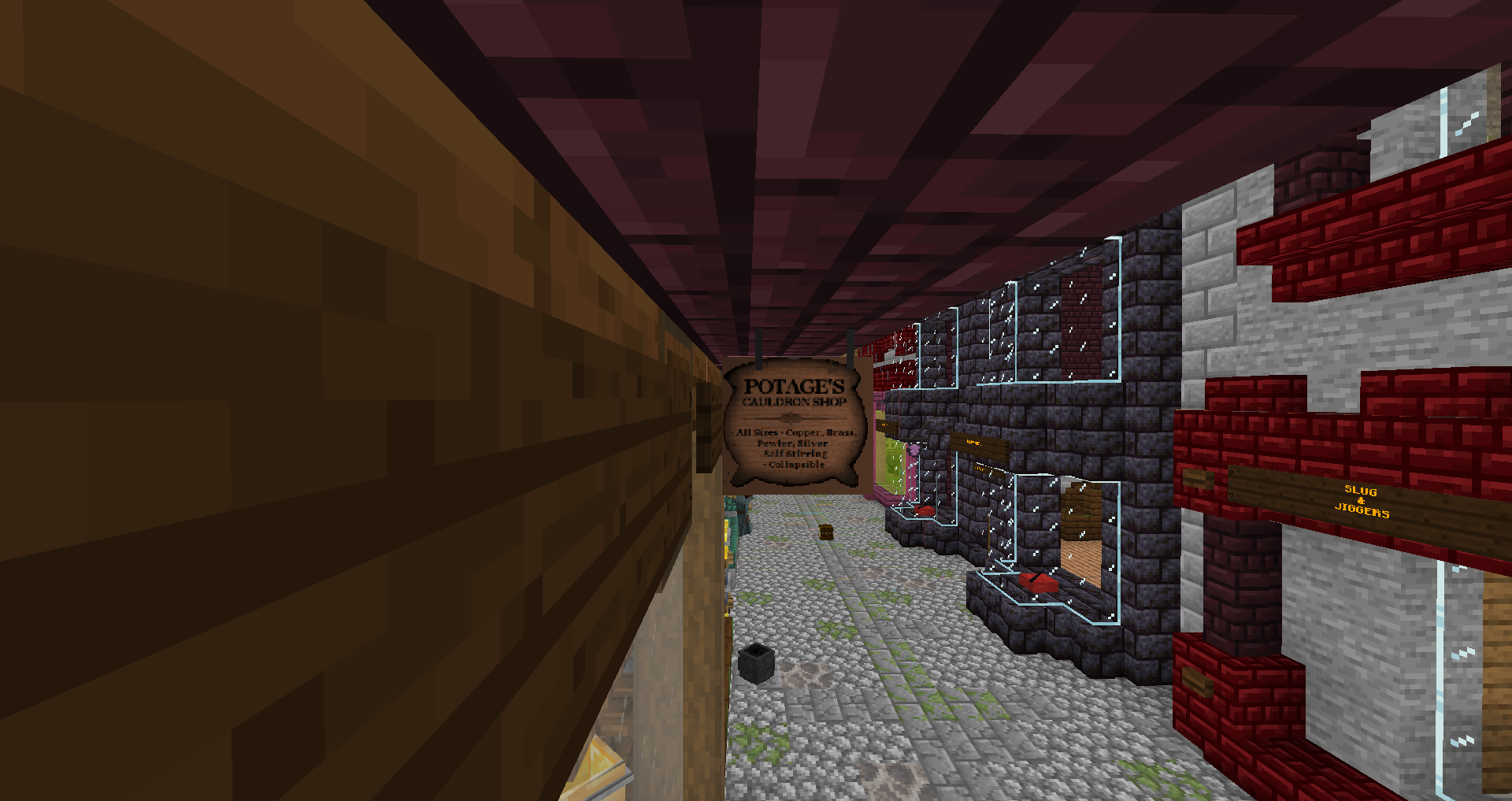
nether_brick_fence=Potage's Cauldron Shop Sign

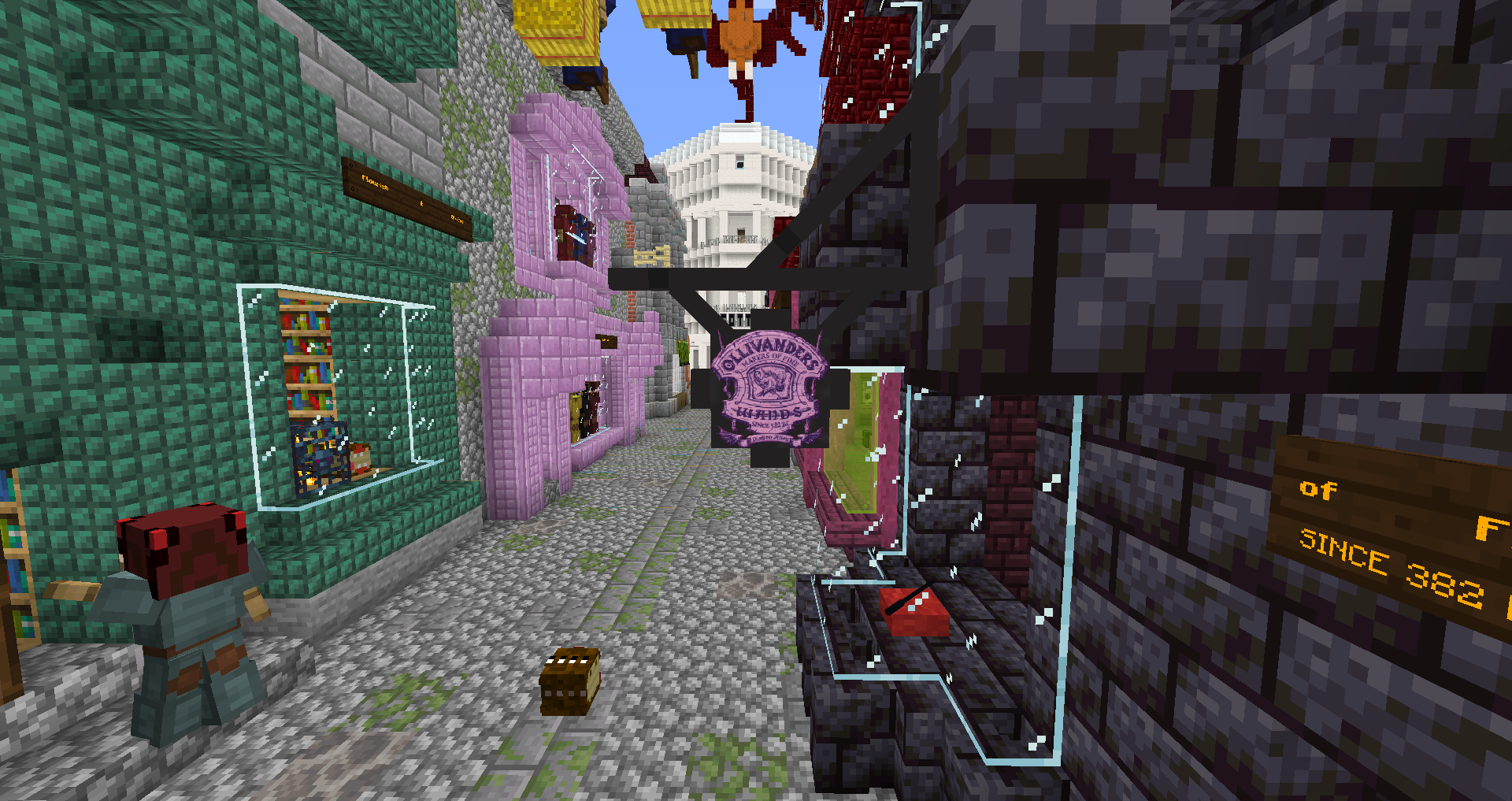
jungle_fence=Ollivander's Sign

crimson_fence=Leaky Cauldron Sign


The Cauldron have a realistic custom model that MrCrafish takes credit of.


You can use the Resource Pack free even public (youtube for example), you can credit me if you want.

If you have suggestions, write it into the Comments.


Github: https://github.com/DavidCGranger/DiagonAlleyMCPack

Diagon_Alley_release_v1.0.zip
MC 1.16-Snapshot, 1.16.3, 1.13.1, 1.15-Snapshot, 1.16.1, 1.14.4, 1.14.1, 1.17, 1.14.3, 1.15, 1.16, 1.13, 1.15.2, 1.14, 1.16.4, 1.14.2, 1.16.2, 1.14-Snapshot, 1.13.2, 1.15.1
Release 2020-11-26 Get
Winkelgasse_beta5_2.zip
MC 1.16-Snapshot, 1.16.3, 1.13.1, 1.15-Snapshot, 1.16.1, 1.14.4, 1.14.1, 1.17, 1.14.3, 1.15, 1.16, 1.13, 1.15.2, 1.14, 1.16.4, 1.14.2, 1.16.2, 1.14-Snapshot, 1.13.2, 1.15.1
Beta 2020-10-18 Get

Requirements & install

How to use this resource pack in Minecraft
Resolution
16x
Minecraft
1.15.2 – 1.17
Install folder
.minecraft/resourcepacks

How to install resource packs

  1. Download the resource pack .zip file (do not extract it).
  2. In Minecraft open Options → Resource Packs → Open Pack Folder.
  3. Drop the .zip into the resourcepacks folder (.minecraft/resourcepacks).
  4. Move the pack to the Selected column and click Done.
Browse more: 16x resource packs 32x resource packs 64x resource packs 128x resource packs 256x resource packs 512x+ resource packs Resource Packs for 1.17 All resource packs
Advertisement Remove ads with Premium →

You Might Also Like