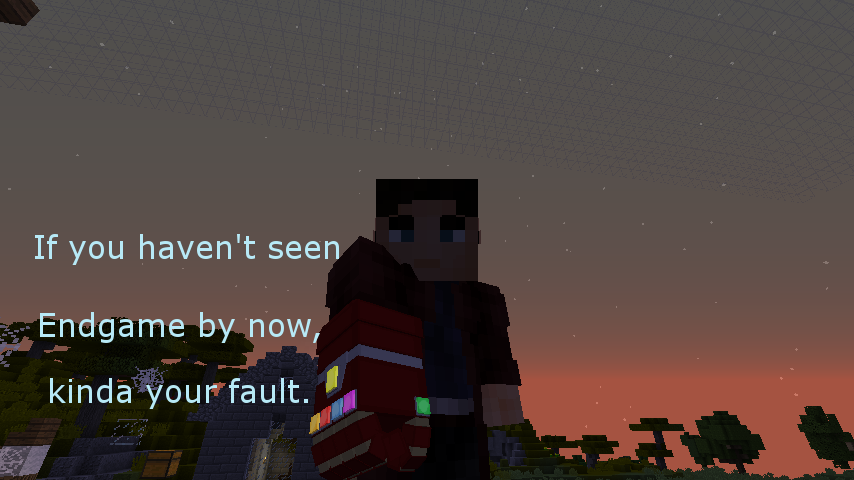
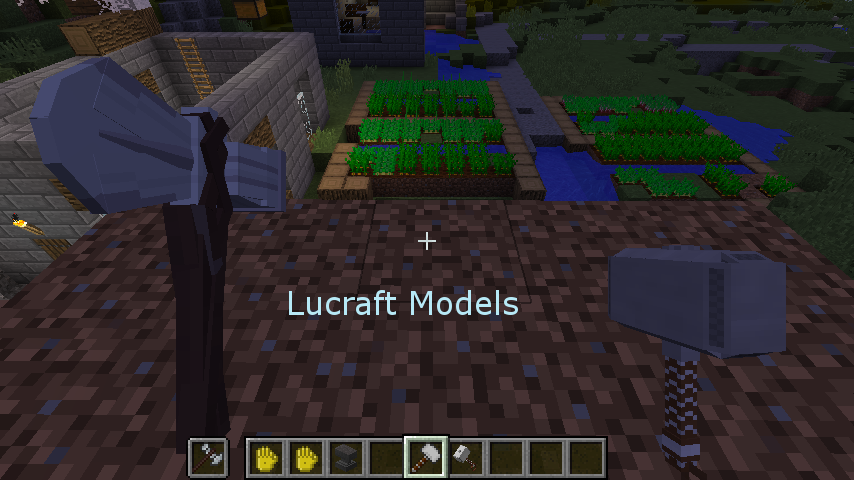
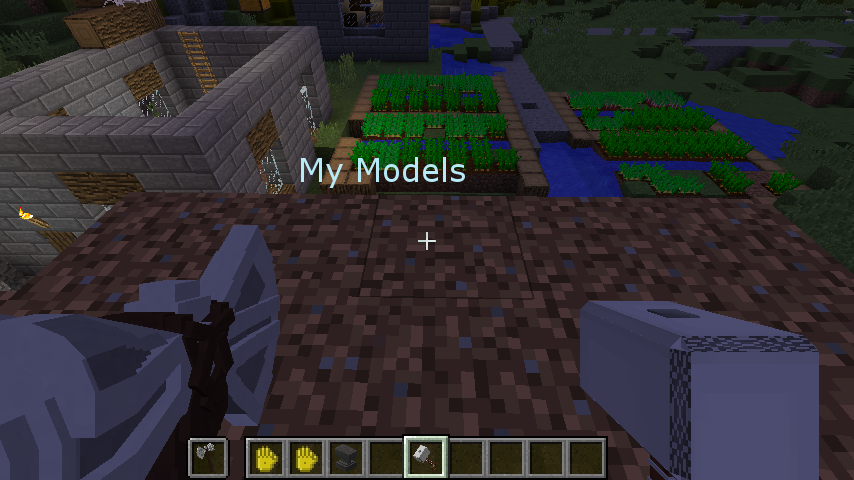
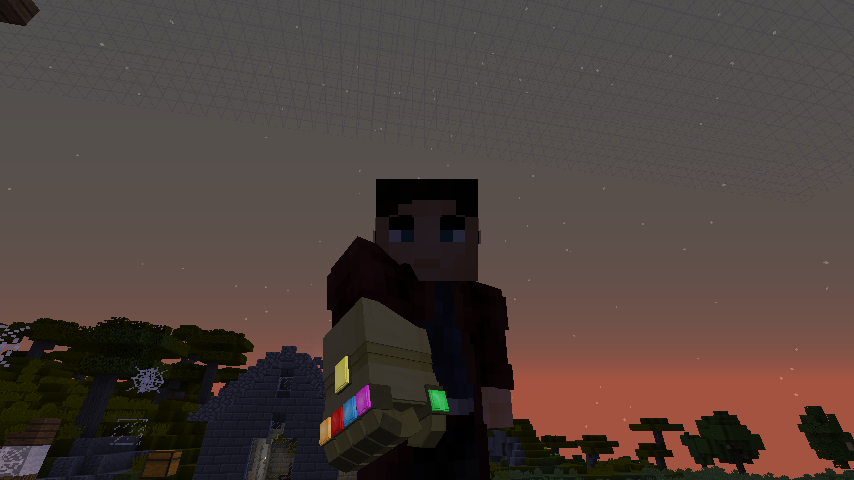
This is a resource pack created for my Lucraft Addon and adds into minecraft some custom 3d weapon models for the characters in the addon. It uses the custom item textures, or CIT, feature in optifine to not replace, but create alternate models/textures for items. If your models vanish after quitting a world or server, just press F3+T to reload the pack(it forgets there's a custom model after you quit)
This resource pack requires Optifine and Heroes Expansion order to work!
Link to my addon: Darth Feanor's Addon
How to use the 3d weapons:
-get the item listed below
-rename sword/item with a name listed below. The names must be written exactly as they are shown below!
Items added so far and original item:
---Item--- ---Name---
infinity gauntlet = Oh Snap! / I am Iron Man
minecraft shield = Captain America's Shield (WWII)
captain america shield = Captain America's Shield (Endgame) / Captain America's Shield (Damaged)
stormbreaker = In Your Face!
mjolnir = Hammer of Aulë
minecraft wool = Vulture's Wings
The remaining effects are to add glowing to my weapons mod's items.
What should I add in this pack next? let me know in a comment!
Also, darn it is fun making 3d models!