Mineuniverse
Resource Packs
Detailed Mobs

Detailed Mobs

RESOURCE PACK
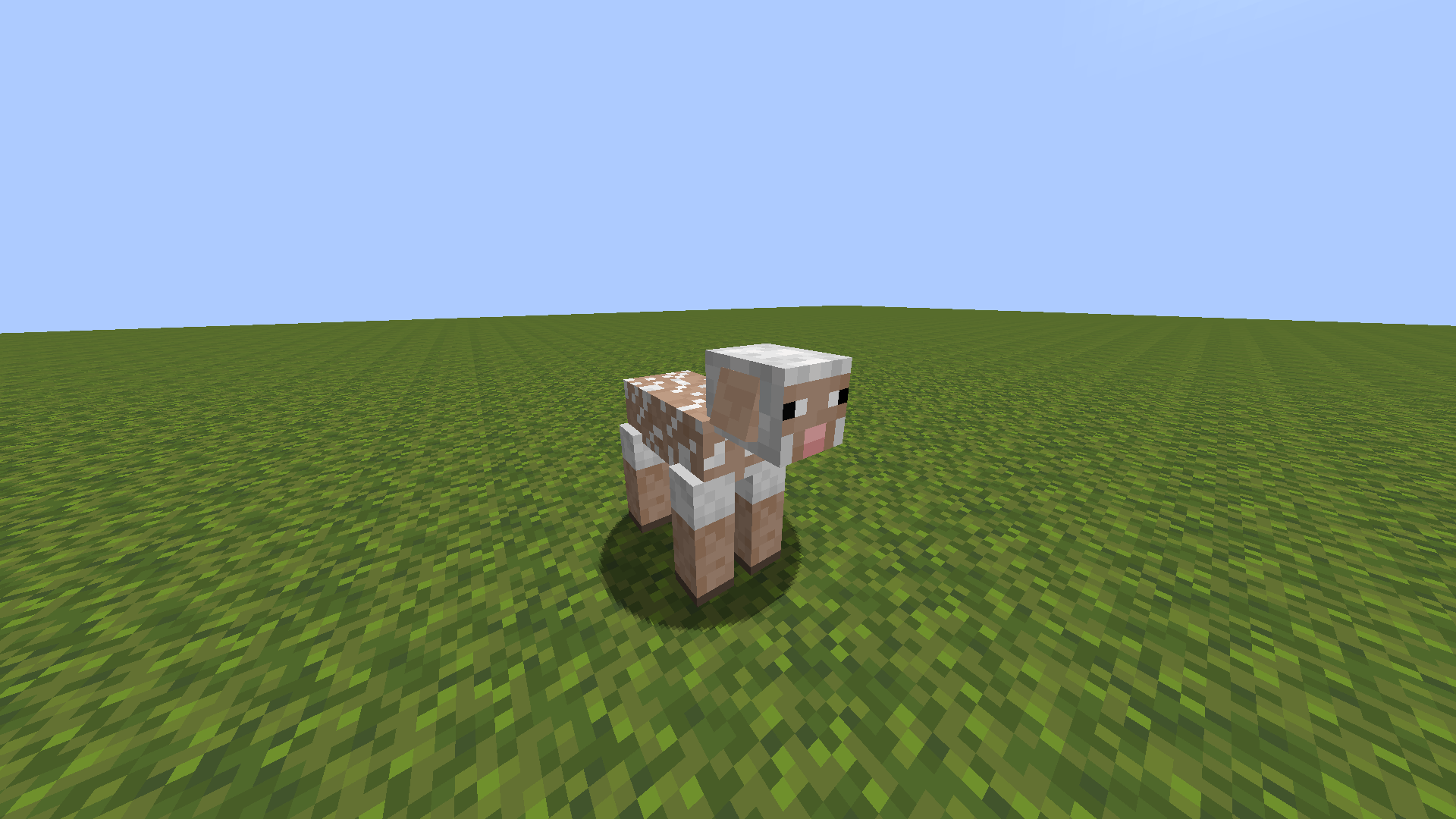
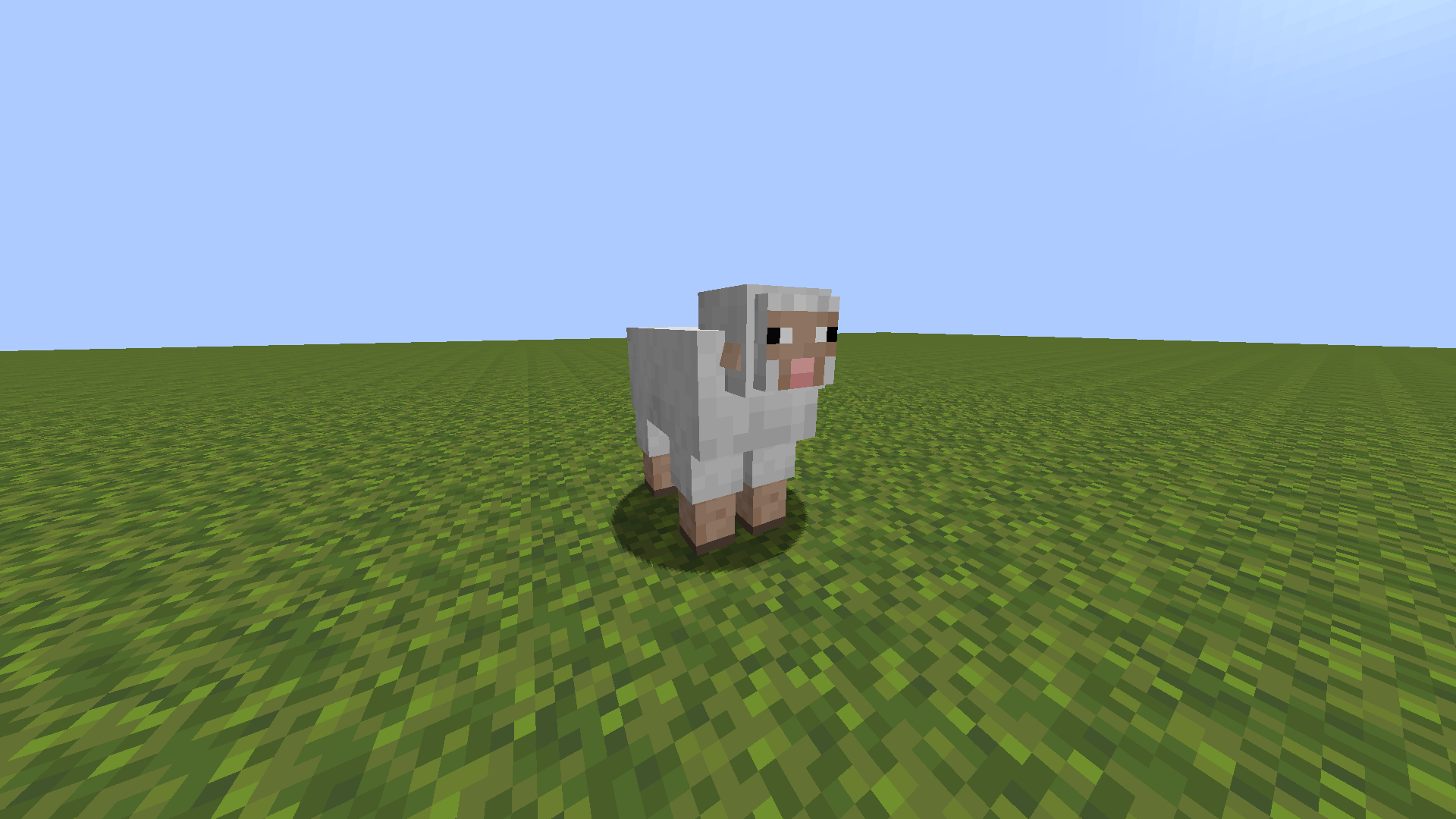
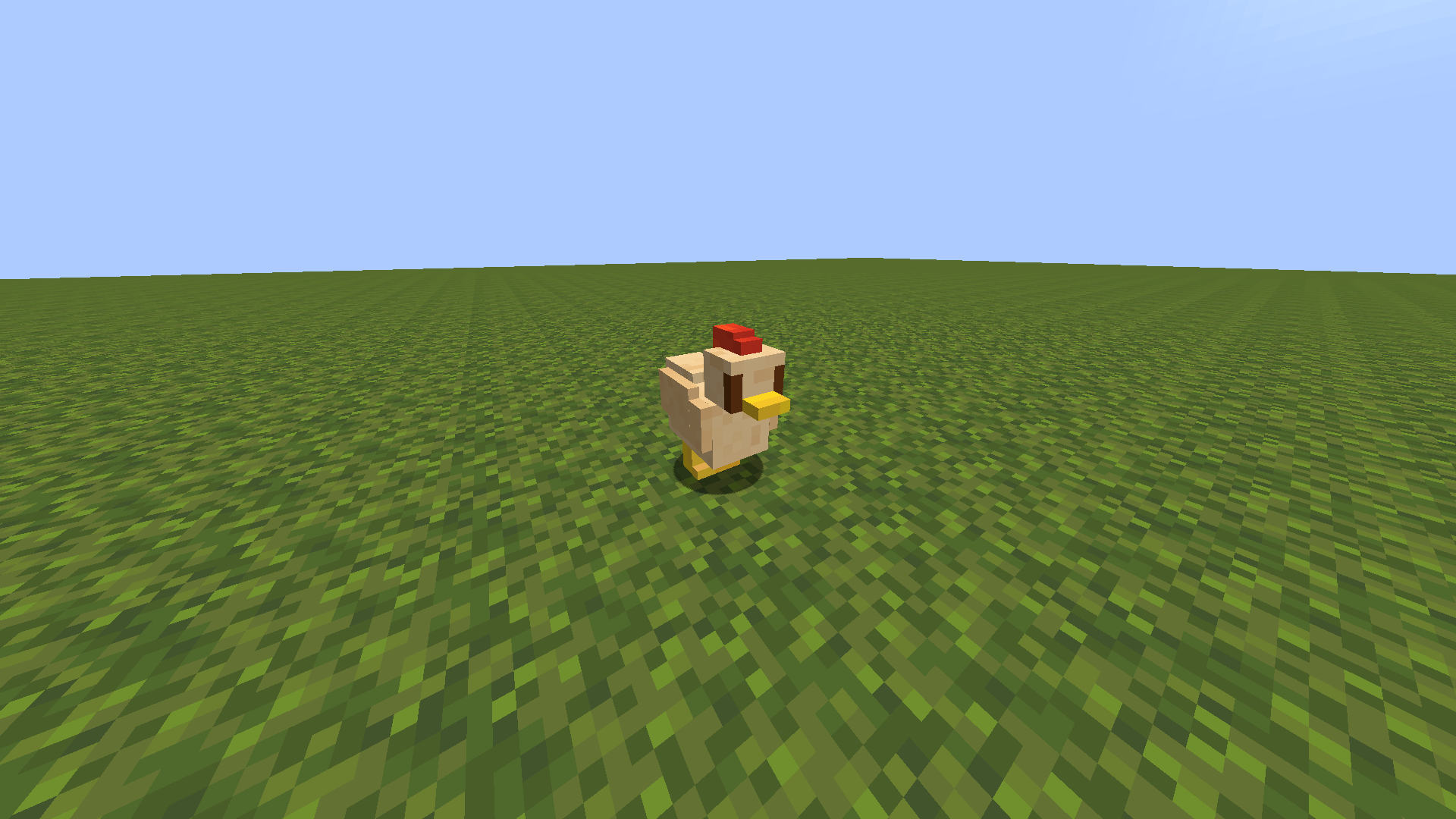
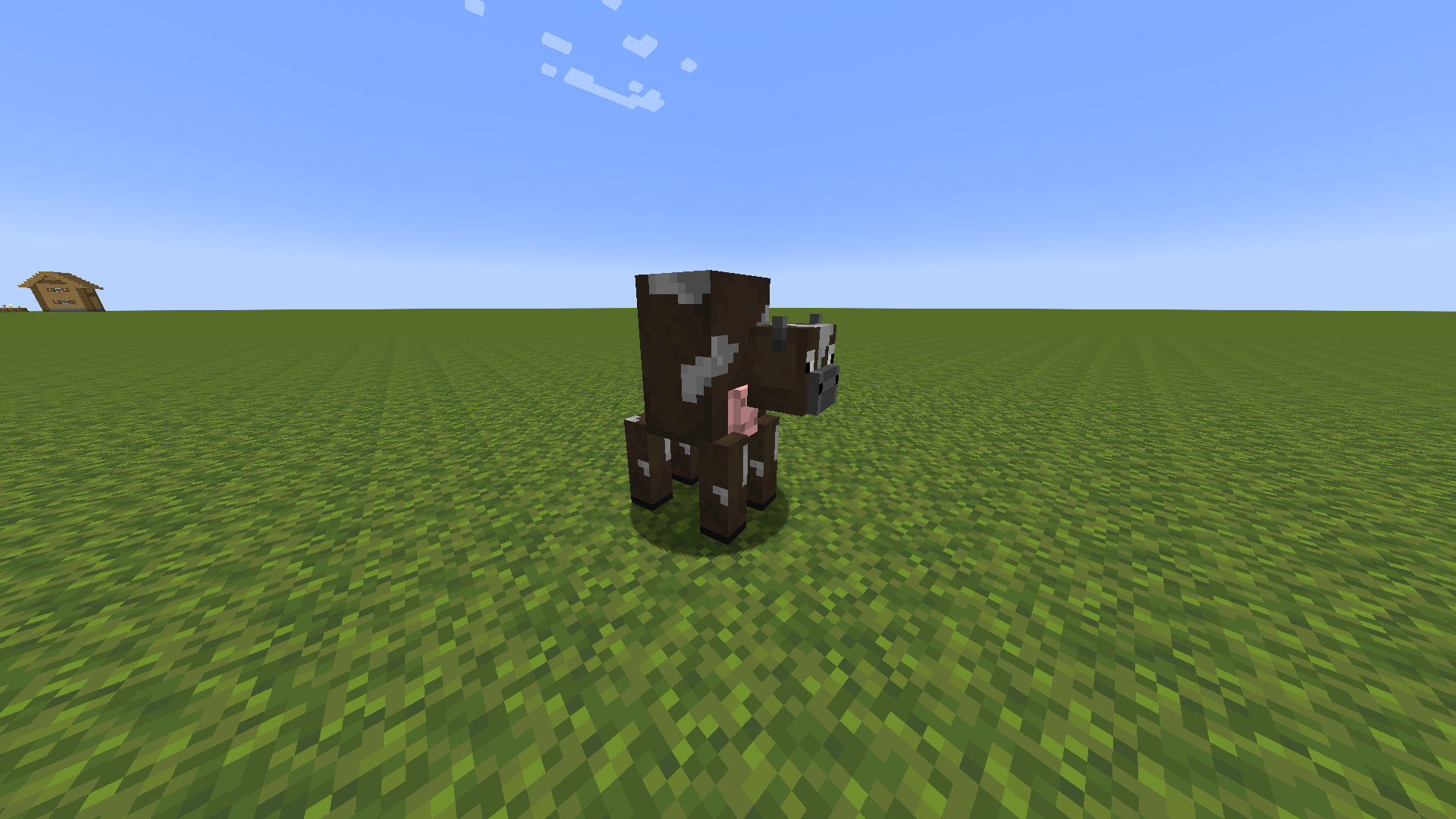
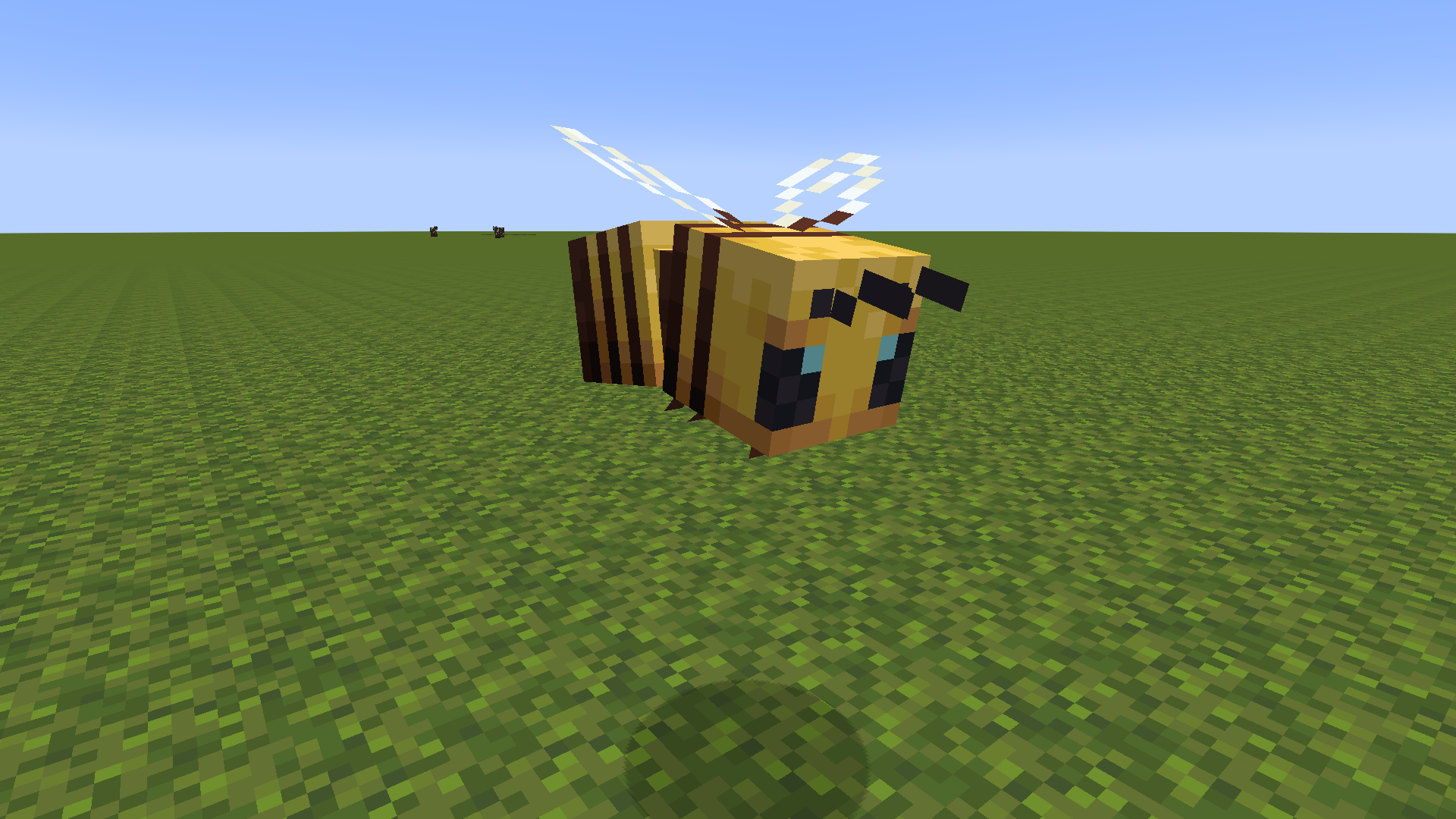
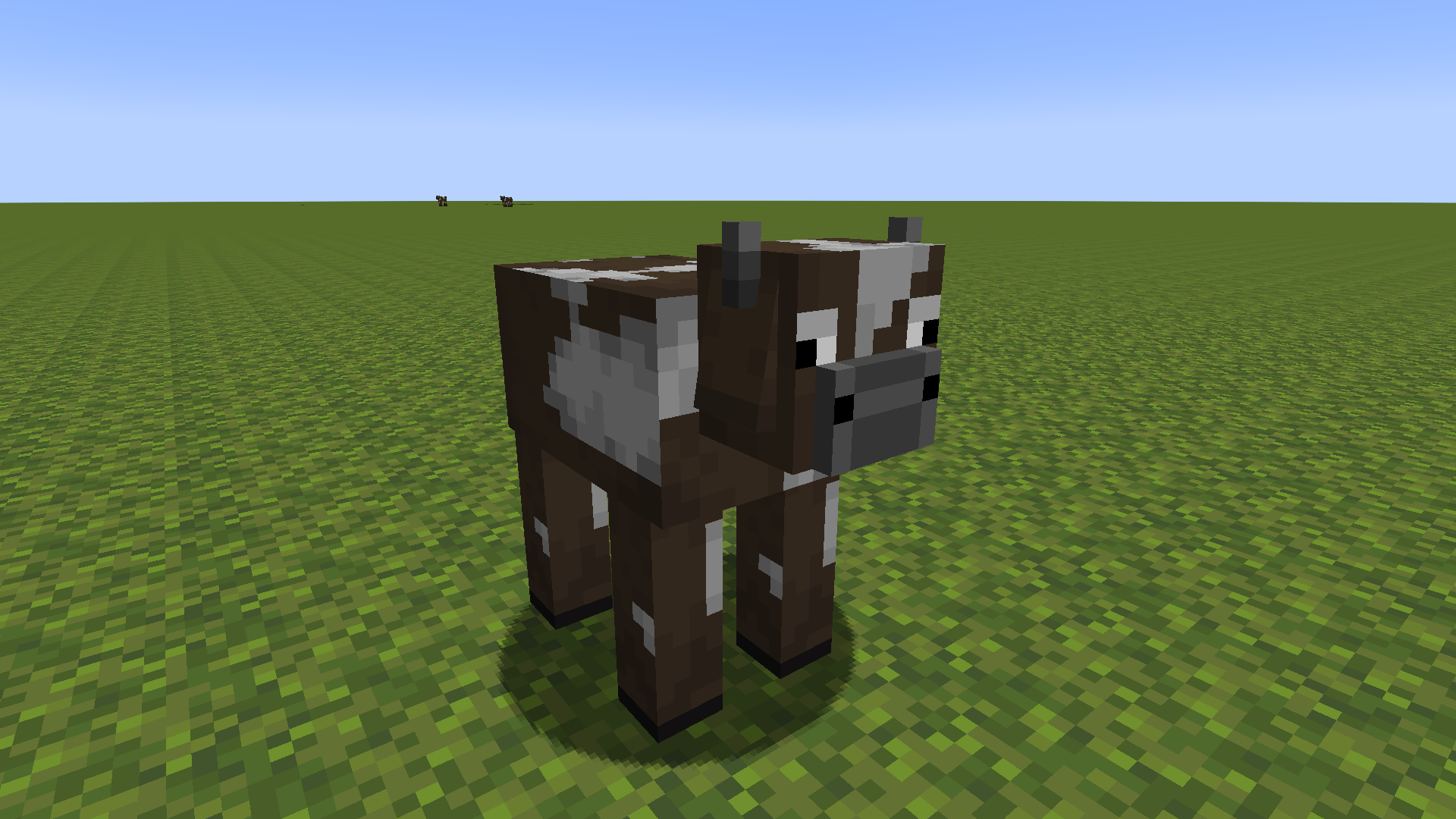
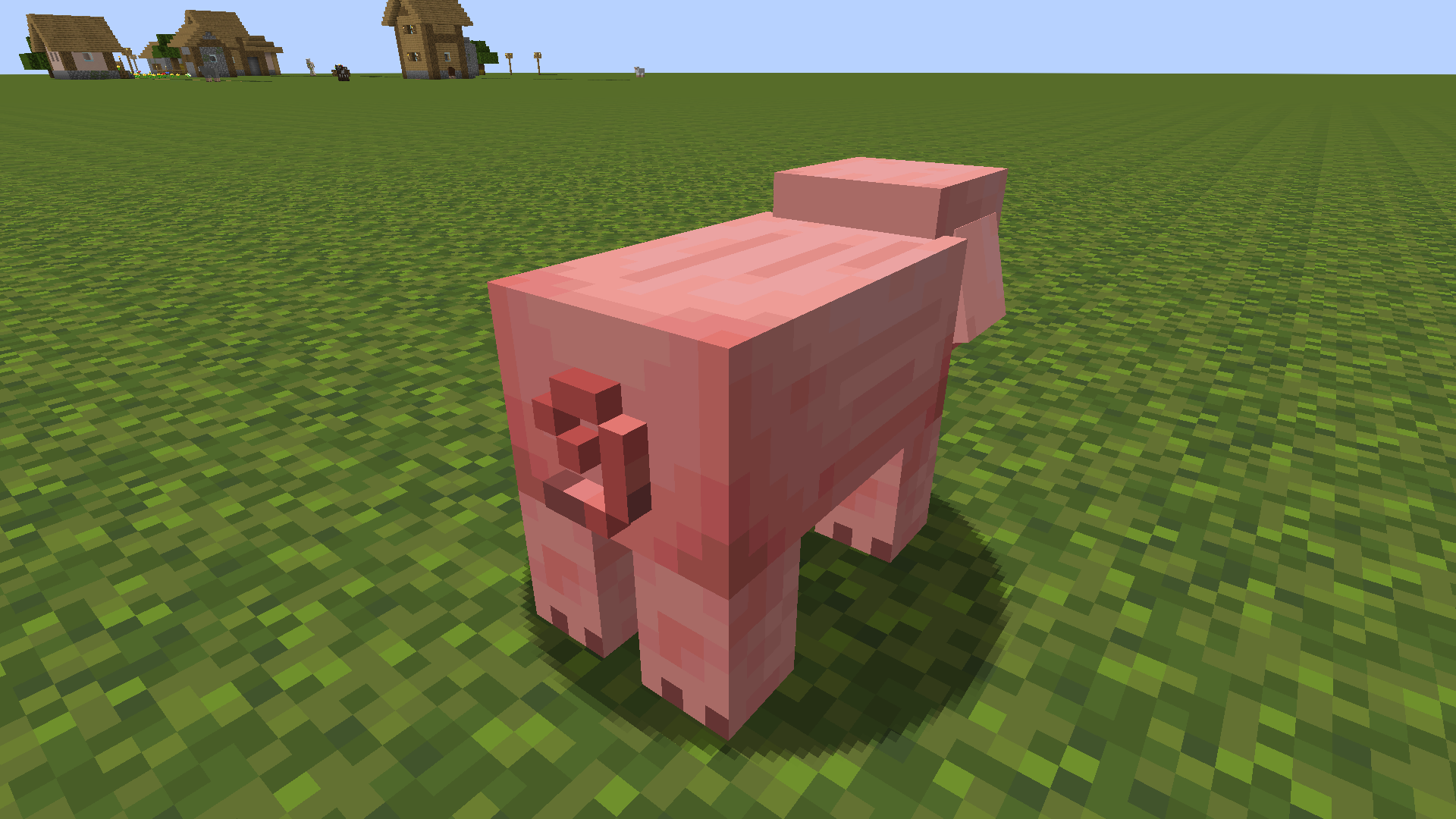
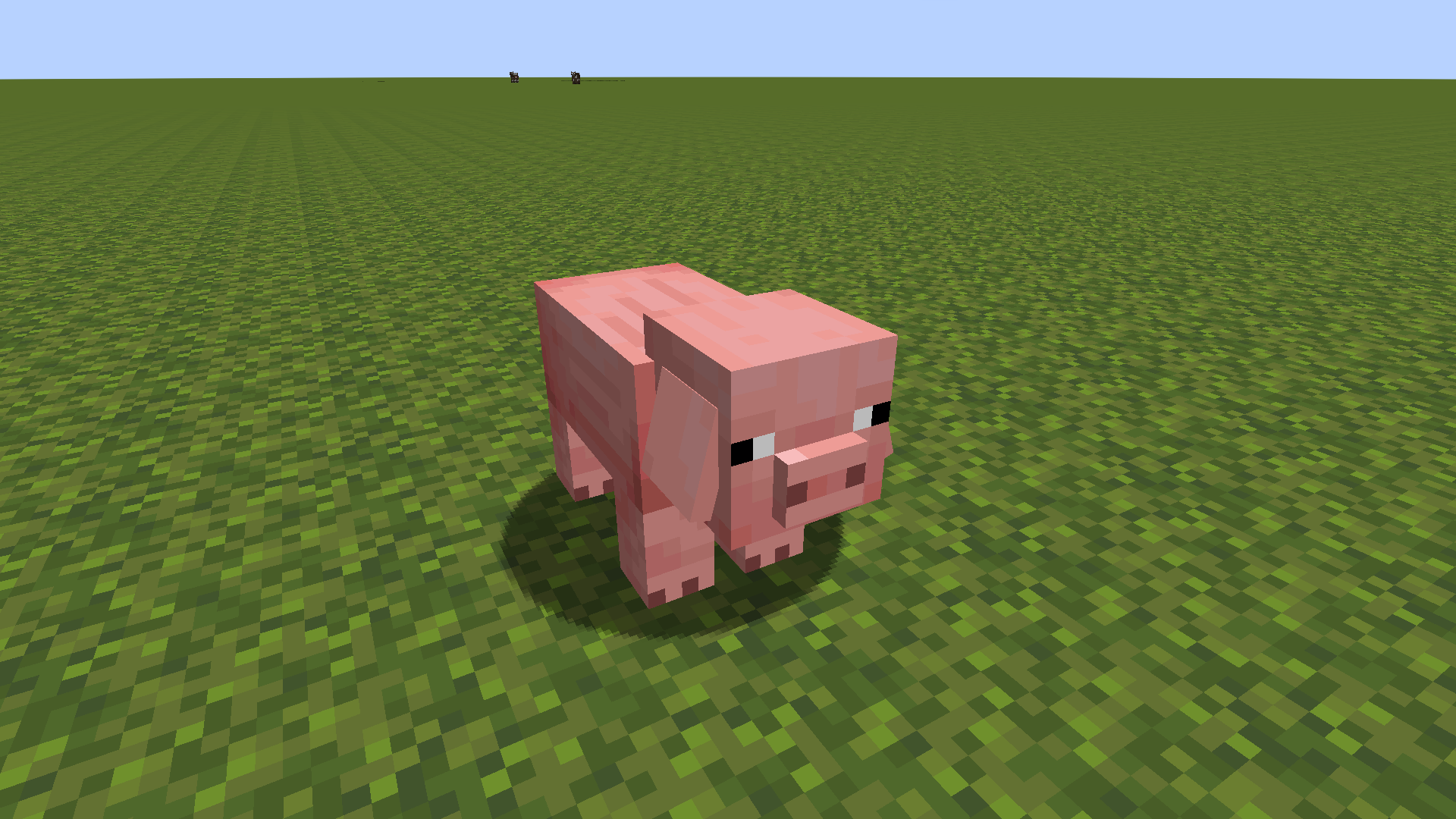
This pack changes bee, cow, pig and chicken models.
by Rawiks
Download Claim this project
Add a badge to your pageLink to Detailed Mobs from a README, website or forum post.
Preview: Badge

Badges update automatically and link to the resource pack page on MineUniverse.

78,822 downloads
0 likes
0 followers
Updated Oct 14, 2026
0 hypes
Follow0
16x Photo Realistic
Advertisement Remove ads with Premium →
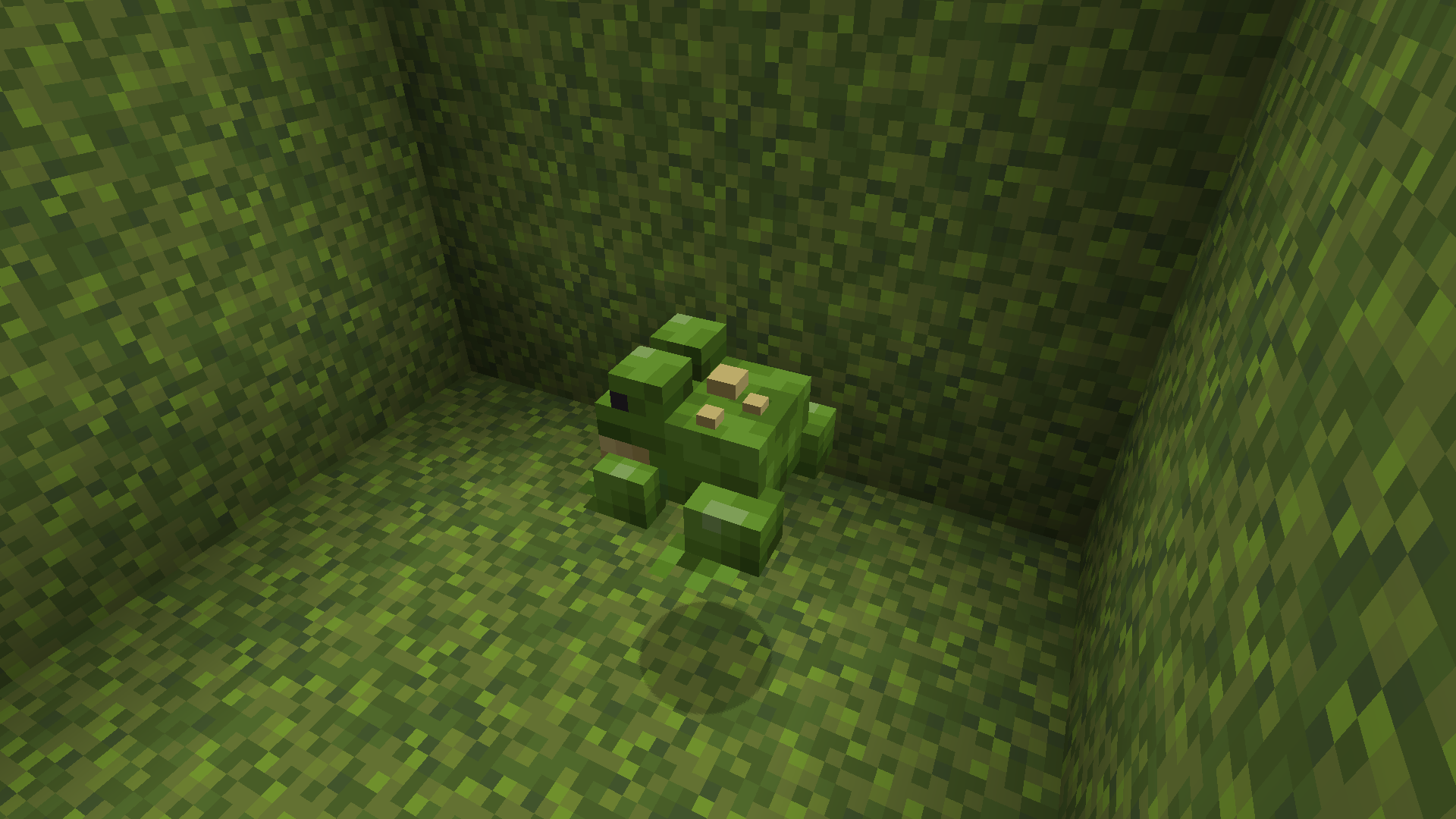
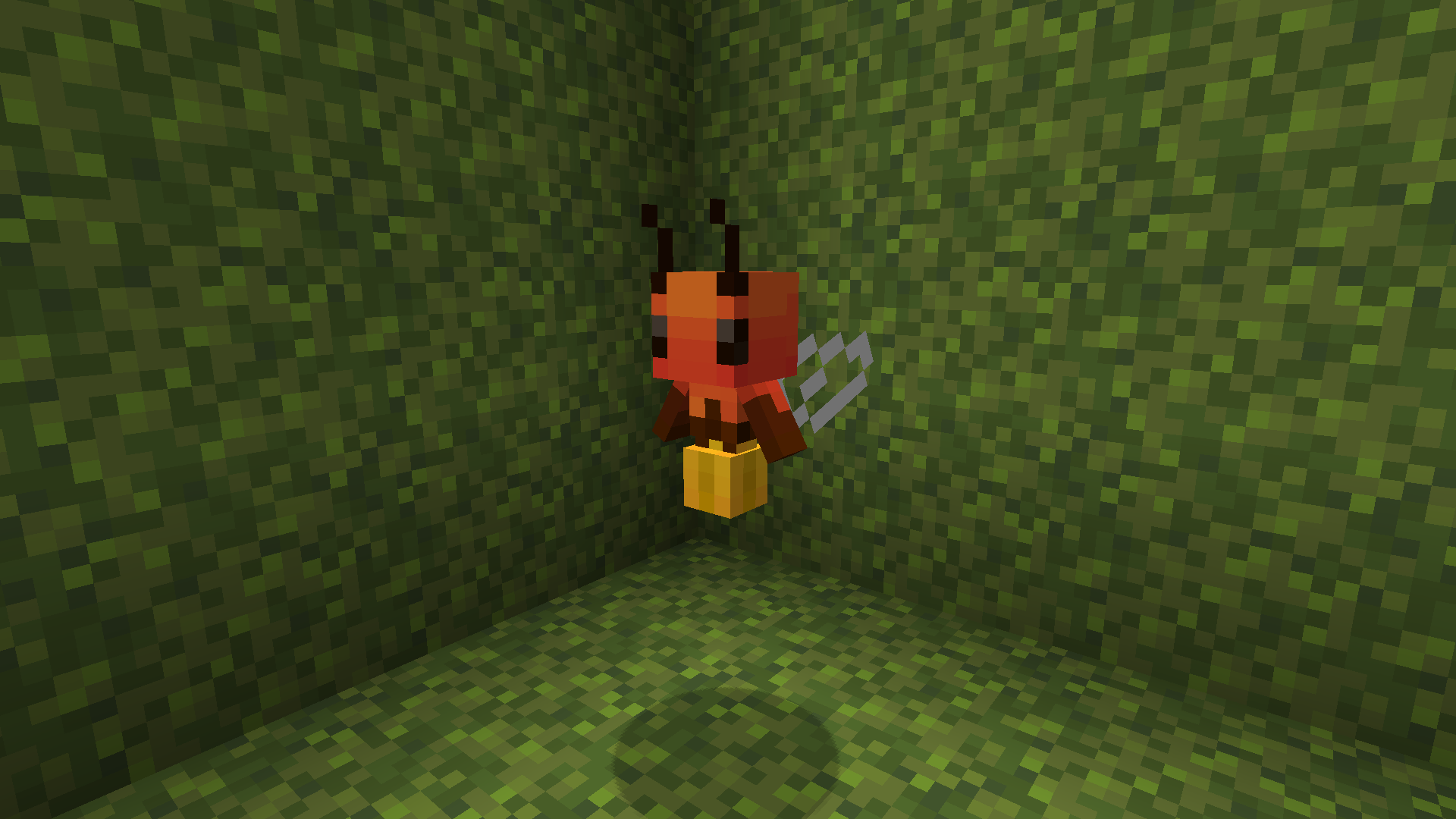
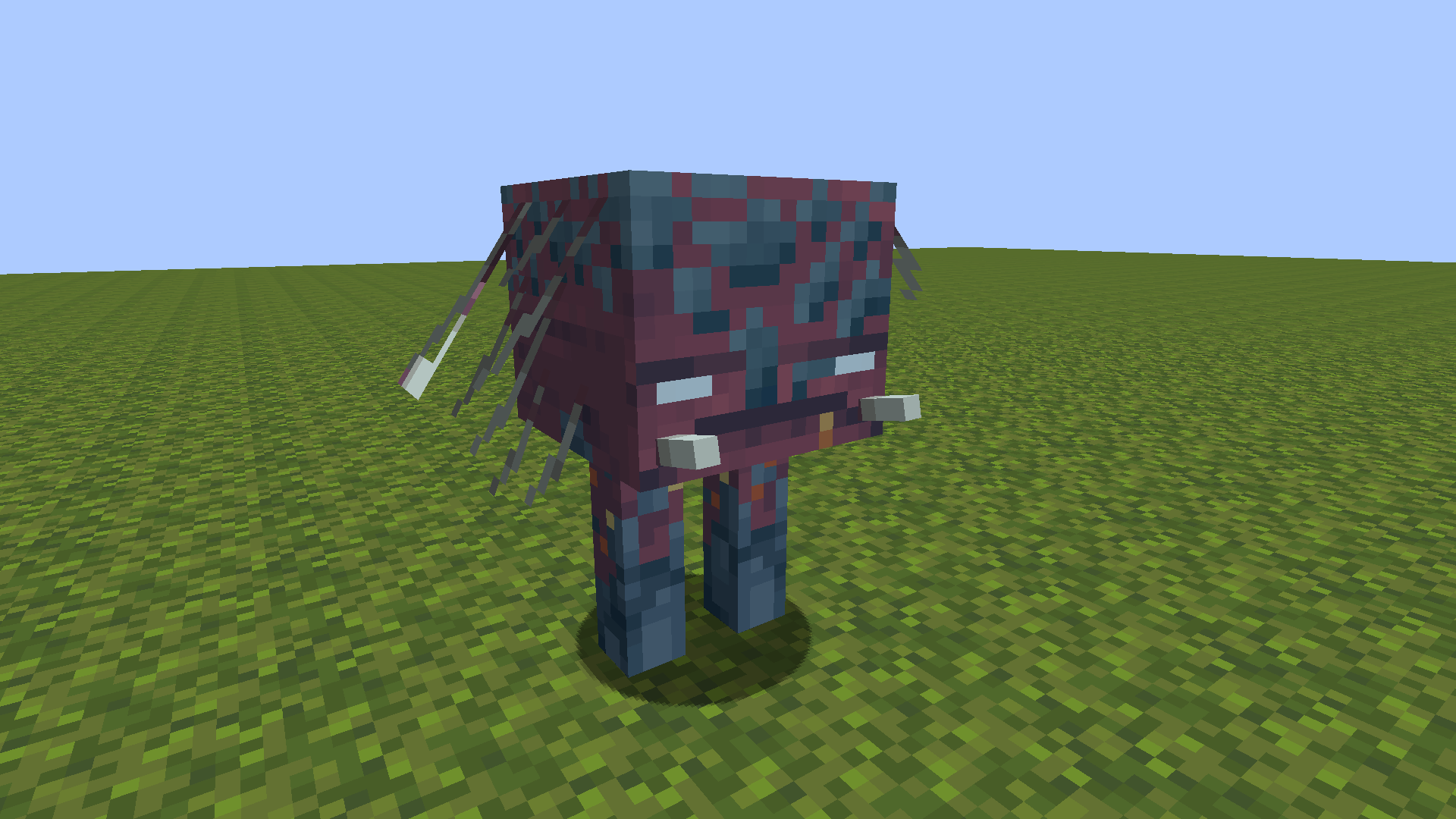
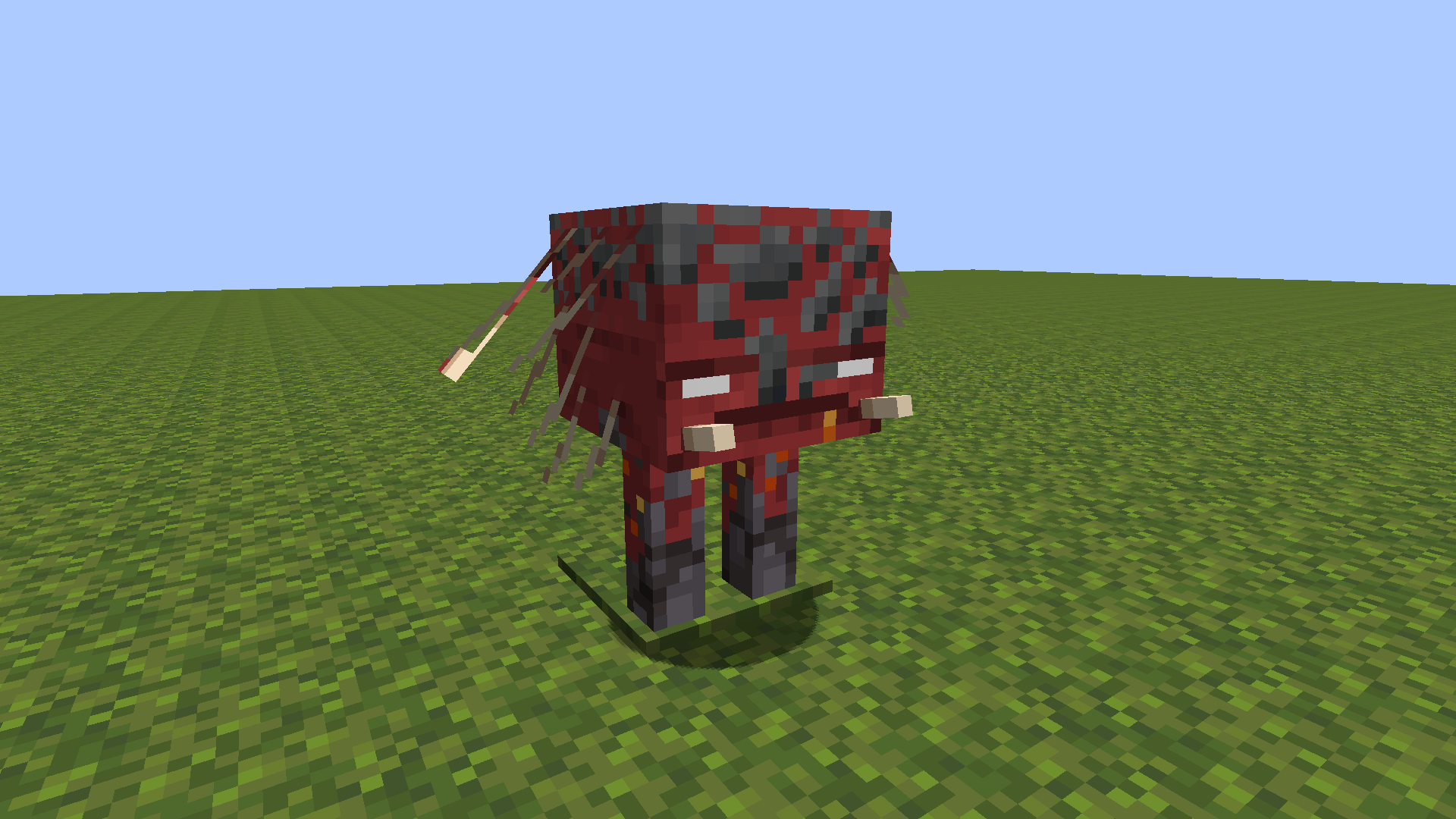
READ ALL! WARNING: BE SURE ABOUT YOU DOWNLOAD THE RIGHT PACK BECAUSE THERE ARE 2 OF THEM OPTIFINE ONE AND FABRIC ONE QUICK DESCRIPTION I am new at making texture packs and this is my first public-open texture pack :) This pack requires optifine or fabric CEM mod if you are using sodium/fabric. also because of optifine 1.19 has not released yet i cant try texture pack on optifine. if you are using optifine and you find bug (aka. creeper body cows) let me know. WHERE IS THE FABRIC/OPTIFINE PACK? Just open Files page and check Recent Files. Both are there If You Get Warnings Like ''This Pack Made For Older Version'' Dont Worry And Keep Using It Should Work REQUIREMENTS Fabric CEM mod ( https://www.curseforge.com/minecraft/mc-mods/custom-entity-models-cem ) or OptiFine ( https://optifine.net/home ) WARNING FOR VERSION 1.17 AND BELOW texture pack SHOULD work under 1.18 but i cant guarantee it Differences between Fabric And Optifine Files FABRIC has Strider TEXTURE but doesnt have strider MODEL so teeths of strider are not visible (Because FabricCEM mod doesnt support strider models) OPTIFINE has Custom FROGS and ALLAY FIREFLIES but Fabric doesn't (bcuz FabricCEM mod doesnt support allays and frogs :( ) Owner Notes finally updated lmao
Updated OPTIFINE
MC 1.16.3, 1.17.1, 1.16.1, 1.18.1, 1.16, 1.16.5, 1.17, 1.18, 1.18.2, 1.16.2, 1.16.4, 1.19
Beta 2022-07-10 Get
detailedmobs.FABRIC.zip
MC 1.17.1, 1.16.3, 1.16.1, 1.18.1, 1.17, 1.15, 1.16, 1.16.5, 1.18.2, 1.15.2, 1.18, 1.16.4, 1.16.2, 1.19, 1.15.1
Beta 2022-06-28 Get

Requirements & install

How to use this resource pack in Minecraft
Resolution
16x
Minecraft
1.16.4 – 1.19
Install folder
.minecraft/resourcepacks

How to install resource packs

  1. Download the resource pack .zip file (do not extract it).
  2. In Minecraft open Options → Resource Packs → Open Pack Folder.
  3. Drop the .zip into the resourcepacks folder (.minecraft/resourcepacks).
  4. Move the pack to the Selected column and click Done.
Browse more: 16x resource packs 32x resource packs 64x resource packs 128x resource packs 256x resource packs 512x+ resource packs Resource Packs for 1.19 All resource packs
Advertisement Remove ads with Premium →

You Might Also Like