Mineuniverse
Resource Packs
Detailed Animations Tester

Detailed Animations Tester

RESOURCE PACK
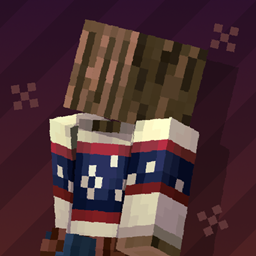
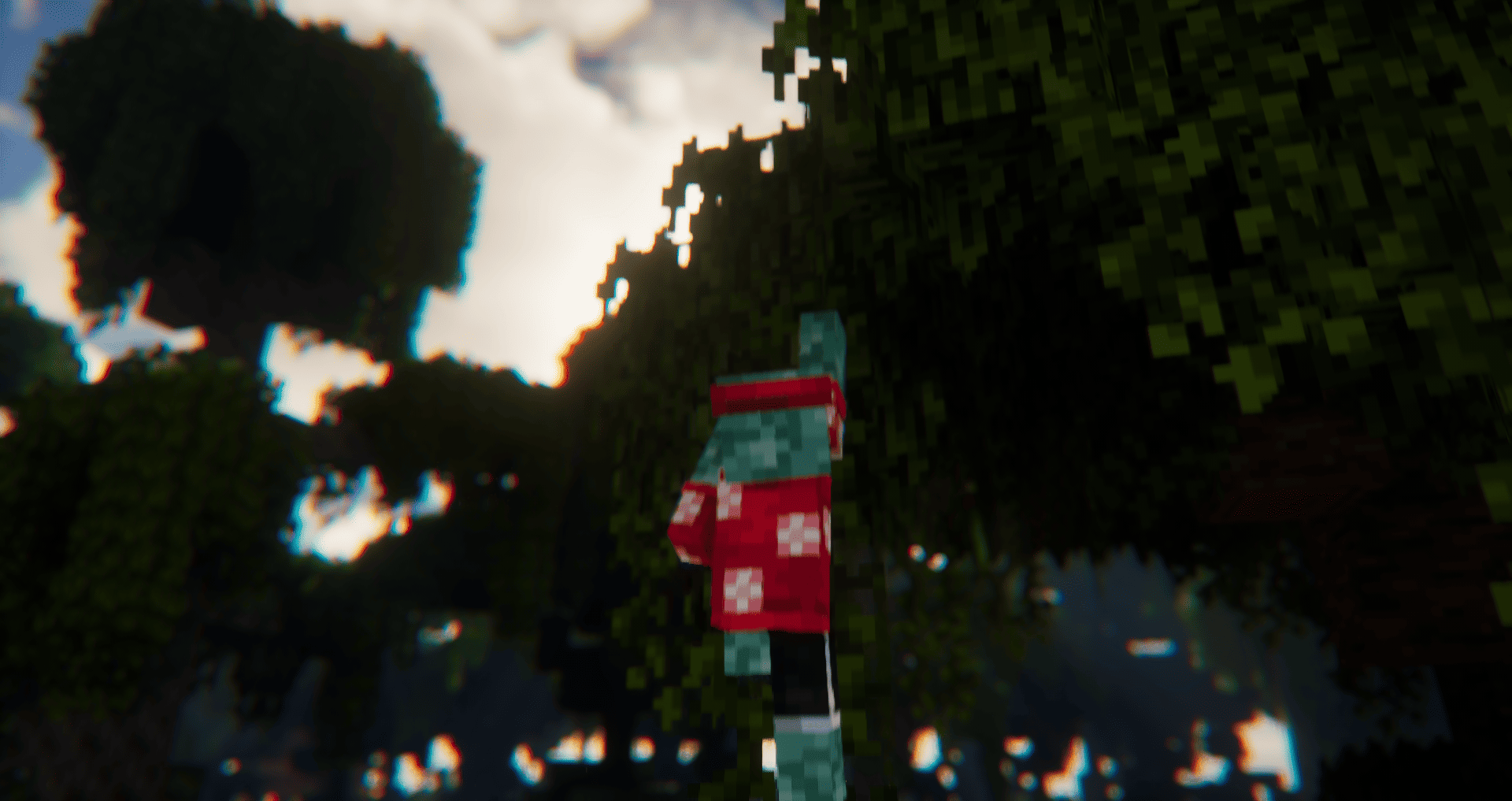
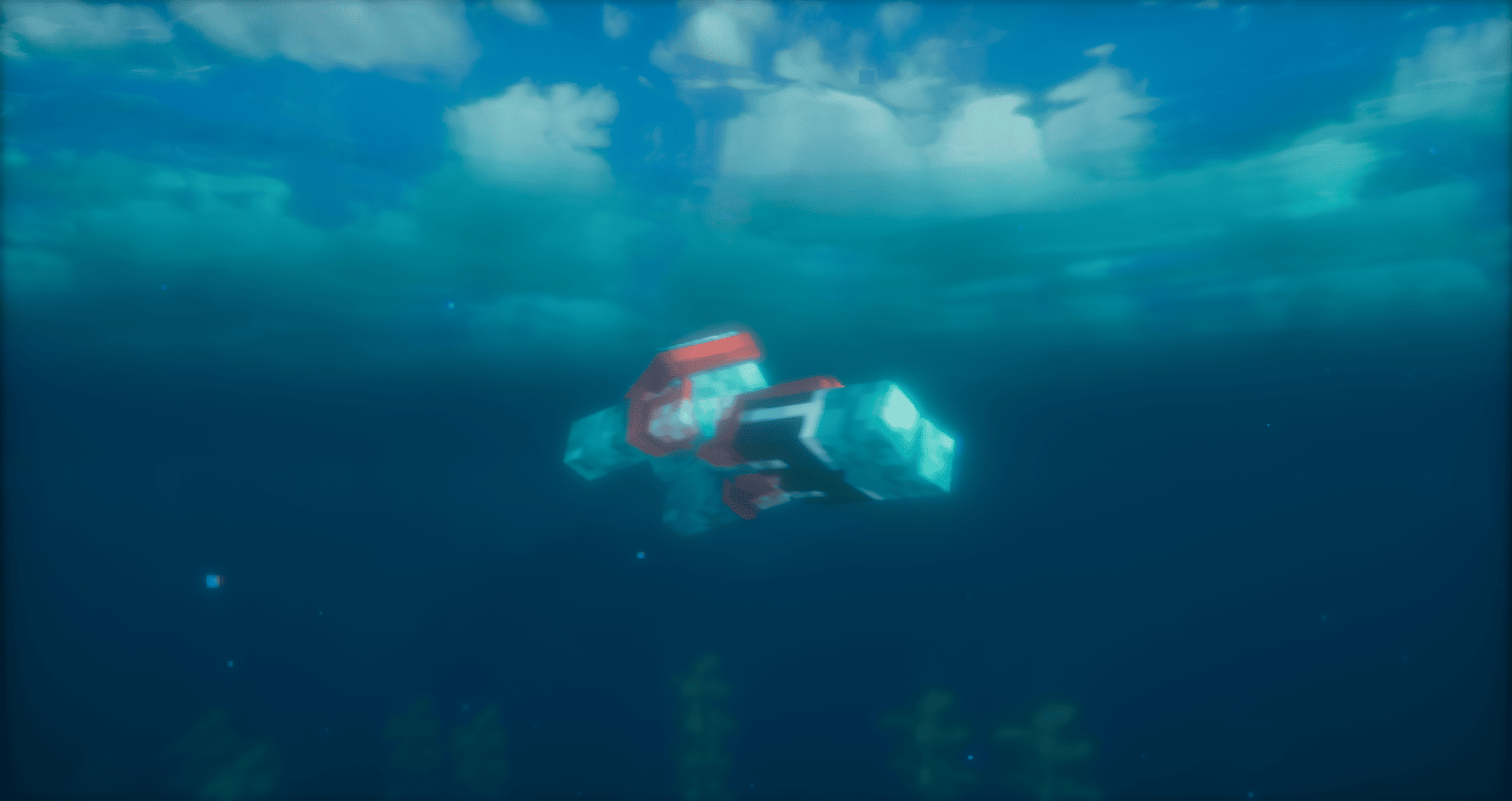
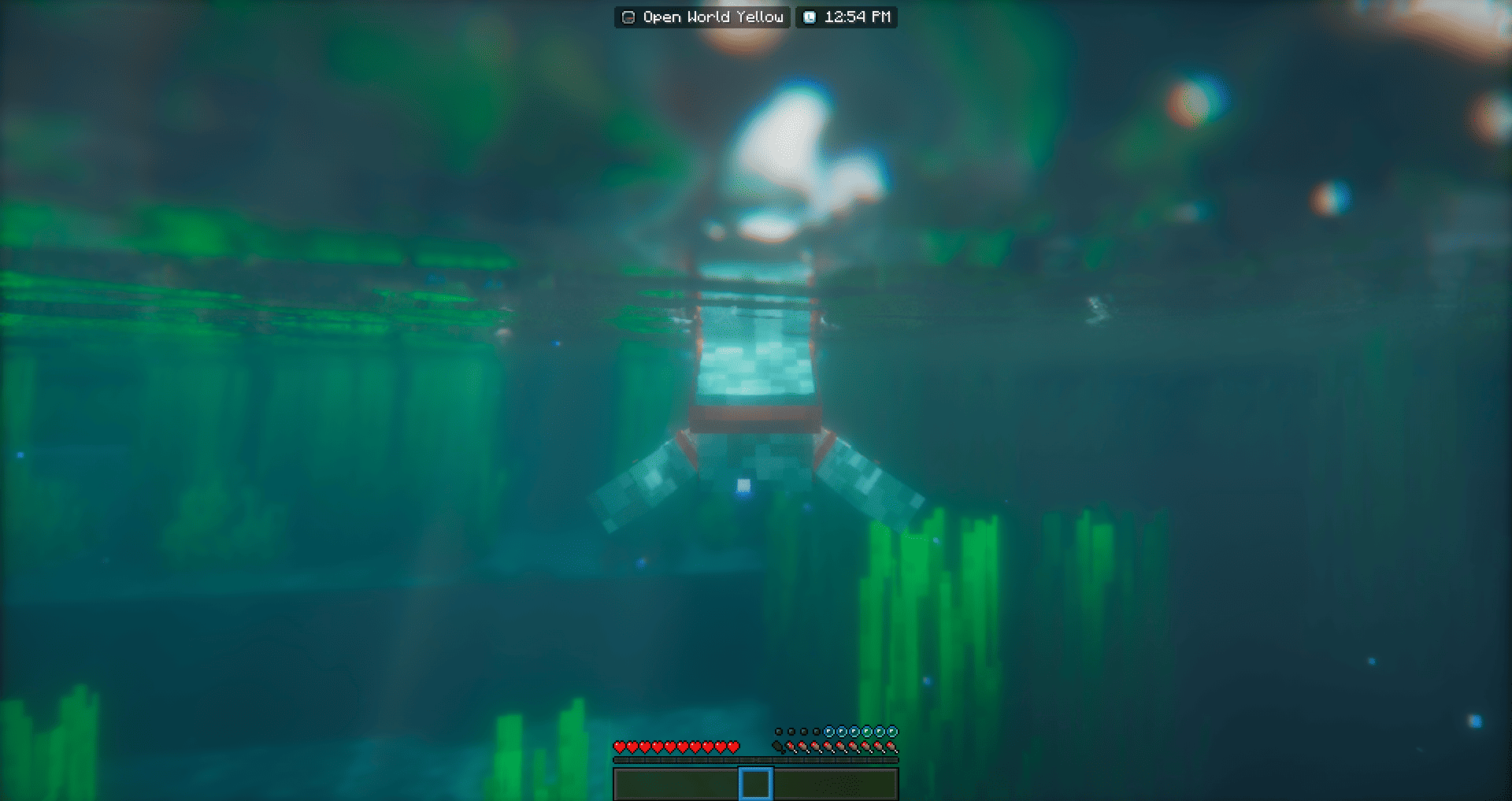
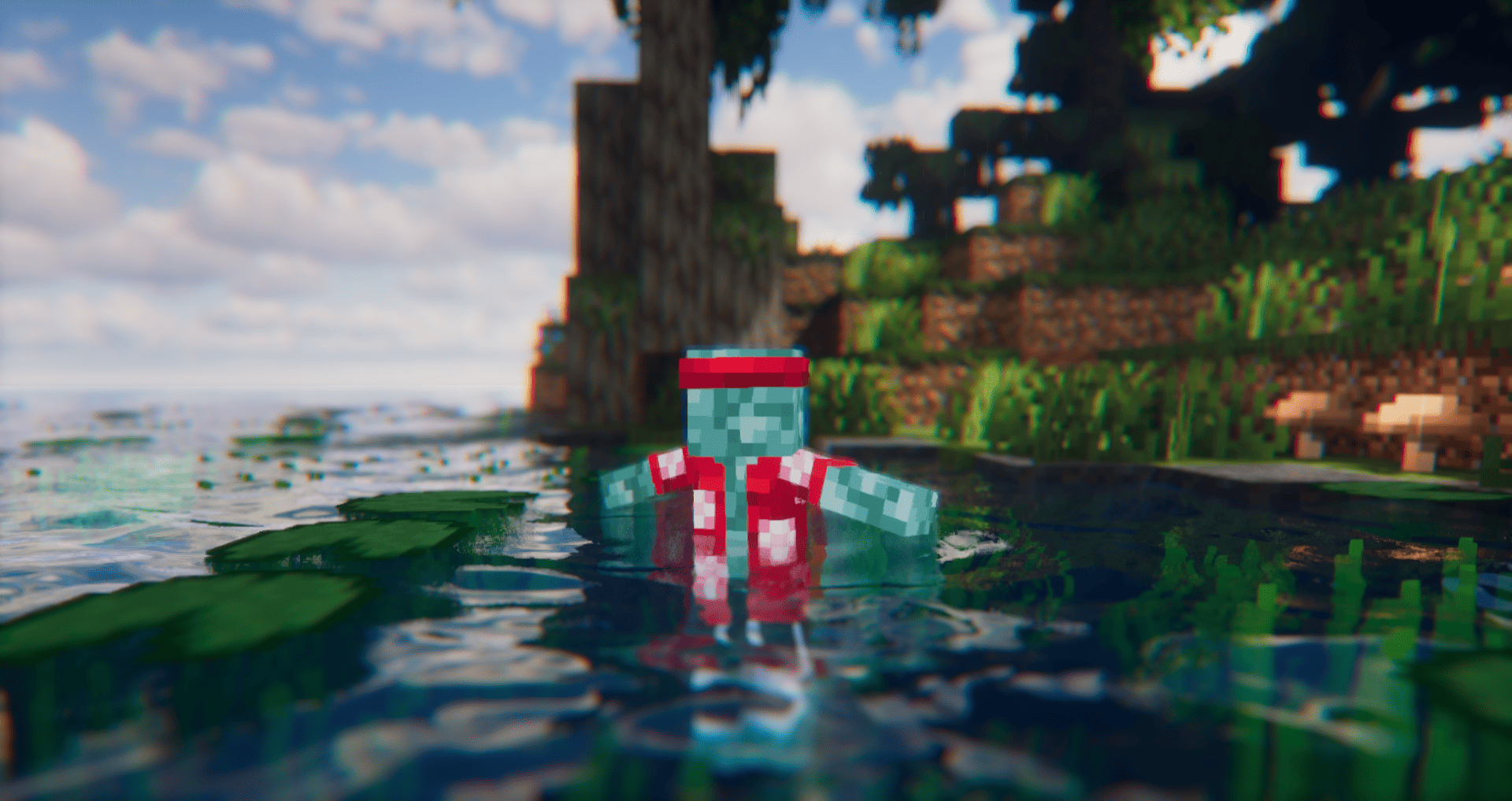
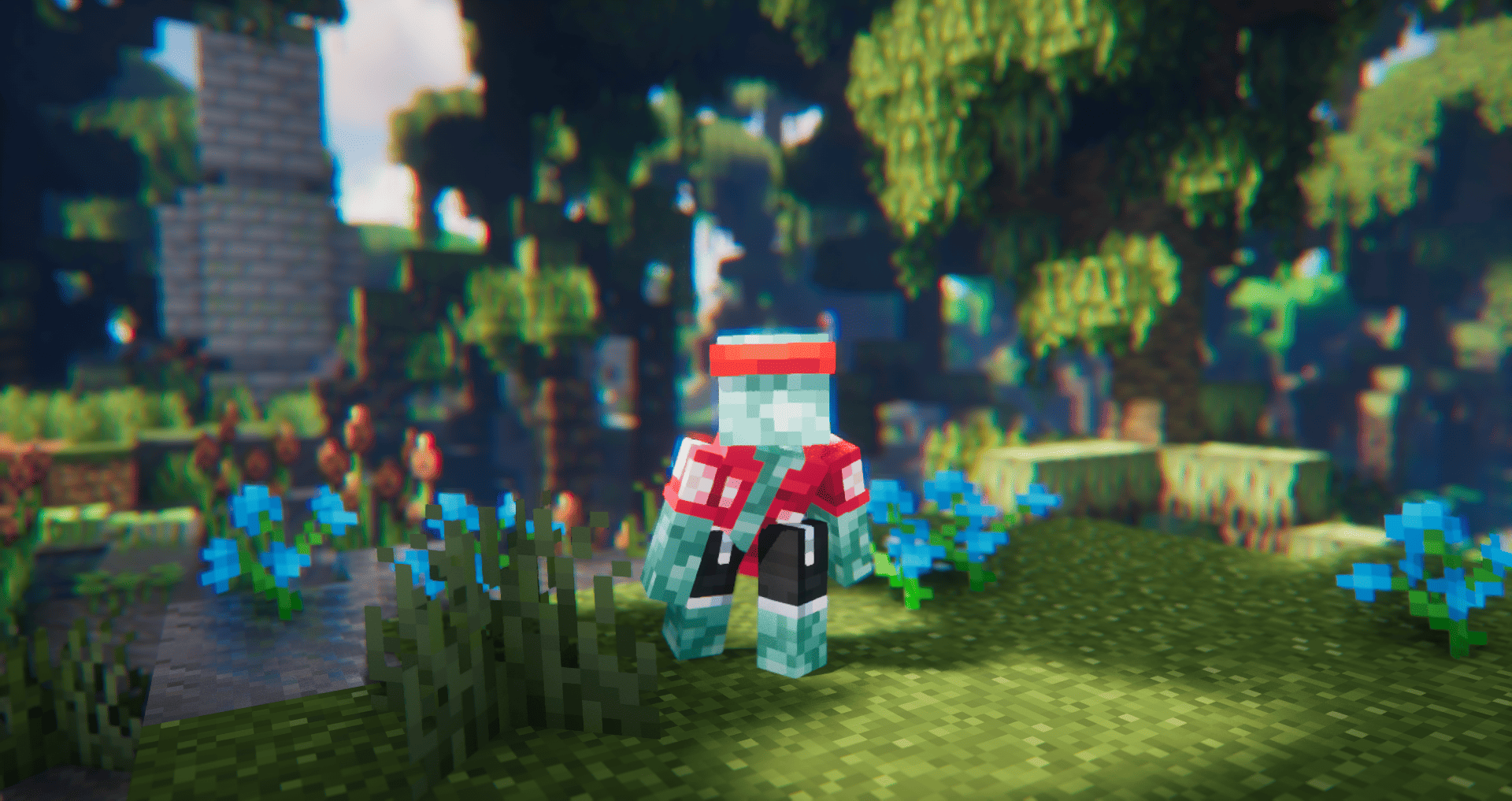
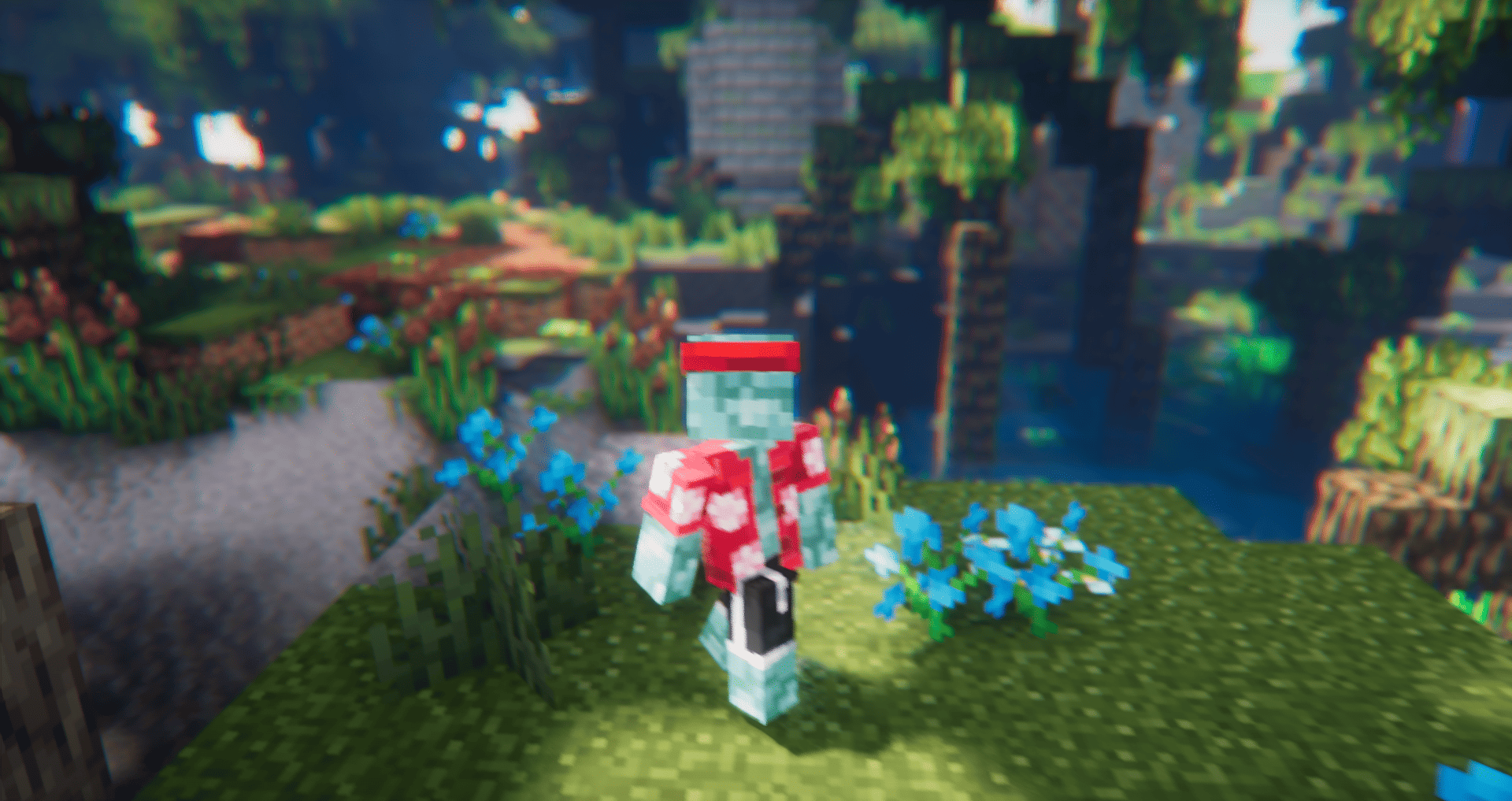
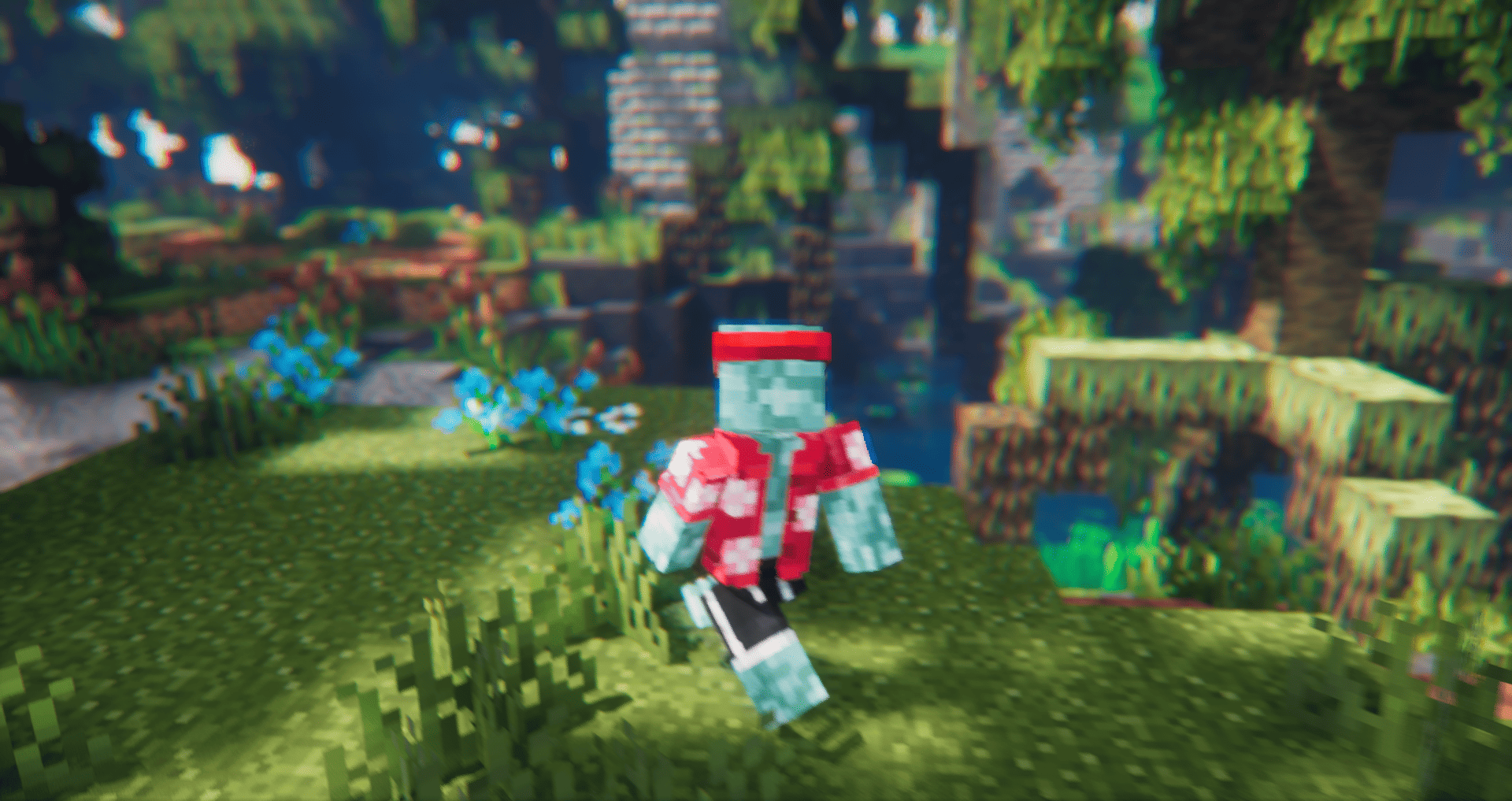
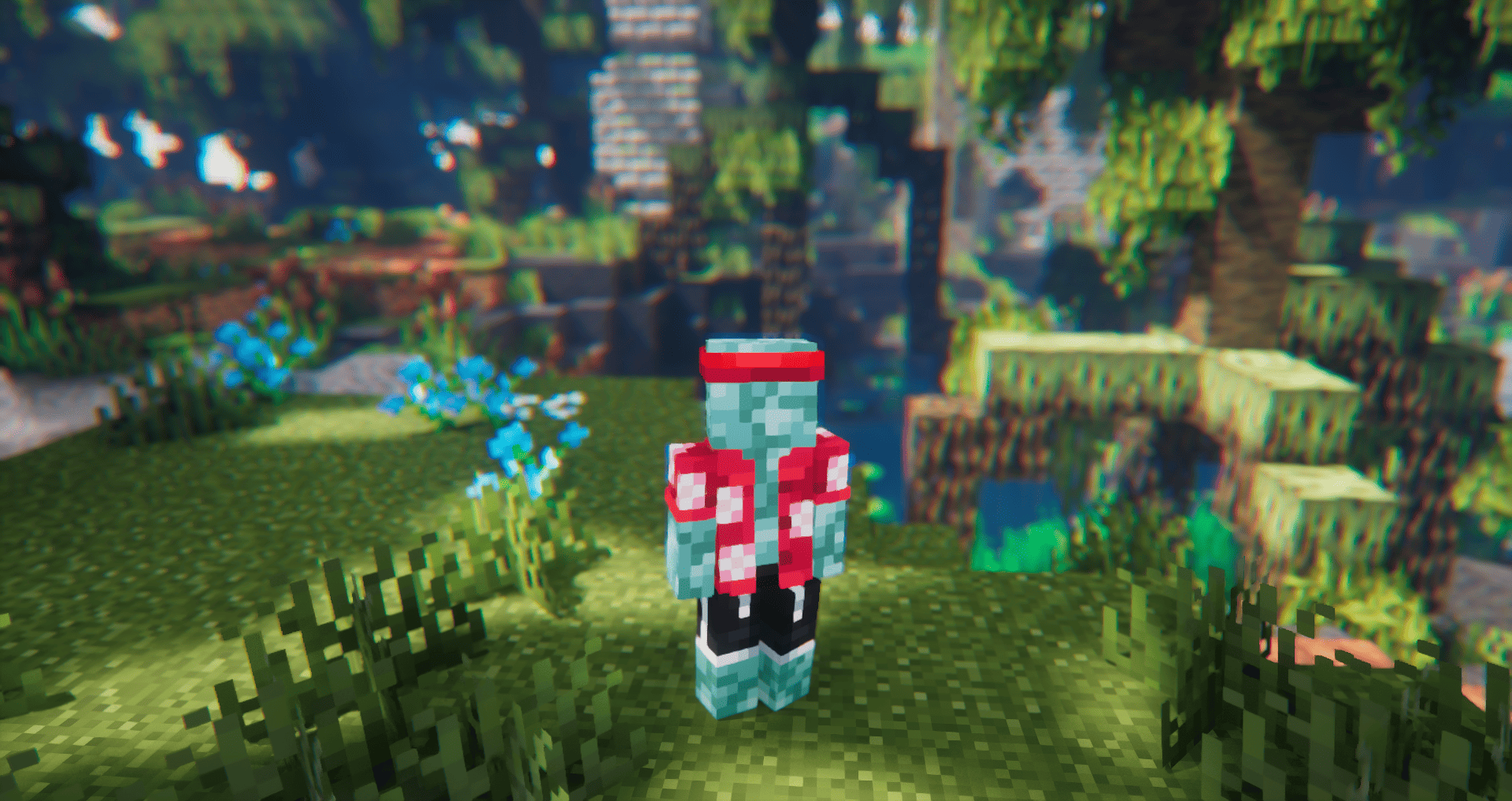
An Animation Resource Pack, which improves Minecraft's Player Animations with a stylistic twist to them. Currently in early development.
by Cymock
Download Claim this project
50,662 downloads
0 likes
0 followers
Updated Oct 14, 2026
0 hypes
Follow0
16x Animated
Advertisement Remove ads with Premium →

Note:


This Resource Pack is still in very early development. Many things are still subject to change, this page included.

Q&A:


What does this resource pack do?


- It animates the player in a more organic and lively way, giving the game a more natural feeling to itself.

How do I install it?.


- You want to get the mods EMF and ETF aswell as Visible-Offhand for your minecraft version and modloader and install this resource pack in your resource packs folder.

- Make sure to disable "Prevent first person hand animations" in the EMF Settings (Models > Player Settings > "Prevent first person hand animations": OFF)

"XXX doesn't work with this."


- The resource pack ignores all animations from mods and resource packs and replaces them with its own. There isn't a fix to this and it will never be changed.

"Found a bug!"


- This resource pack is still in early closed alpha so expect alot of bugs 
- If the bug really annoys you, write about it in the Discord Server!

Resource Pack Behaviour:


- The resource pack will halt all animations when below around 20 FPS. Else the game crashes.
- If your FPS goes over around 1000, the pack will begin to act weirdly. In this case, limit your FPS to 250, you won't notice the difference anyway. 

Support:

For any other questions and stuff, join the Discord Server.

If you want to support the development of Detailed Animations, you can support me on Ko-fi.

Detailed Animations Tester V0.17
MC 1.21.3, 1.21.2
Release 2025-04-19 Get
Detailed Animations Tester V0.13
MC 1.21.5, 1.21.4, 1.21.3, 1.21.2
Release 2025-04-11 Get

Requirements & install

How to use this resource pack in Minecraft
Resolution
16x
Minecraft
1.21.2 – 1.21.5
Install folder
.minecraft/resourcepacks

How to install resource packs

  1. Download the resource pack .zip file (do not extract it).
  2. In Minecraft open Options → Resource Packs → Open Pack Folder.
  3. Drop the .zip into the resourcepacks folder (.minecraft/resourcepacks).
  4. Move the pack to the Selected column and click Done.
Browse more: 16x resource packs 32x resource packs 64x resource packs 128x resource packs 256x resource packs 512x+ resource packs Resource Packs for 1.21.5 All resource packs

More from Cymock

Advertisement Remove ads with Premium →

You Might Also Like