Mineuniverse
Resource Packs
Destiny 128x

Destiny 128x

RESOURCE PACK
A modern themed realistic texture pack that comes in 4 different resolutions, all the way up to 1024x.
by willoscreations
Download Claim this project
86,026 downloads
0 likes
Updated Oct 14, 2026
0 hypes
128x Modern Photo Realistic
Advertisement Remove ads with Premium →

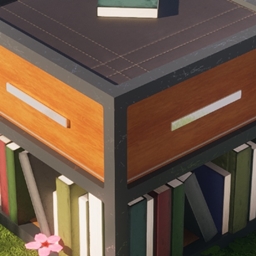
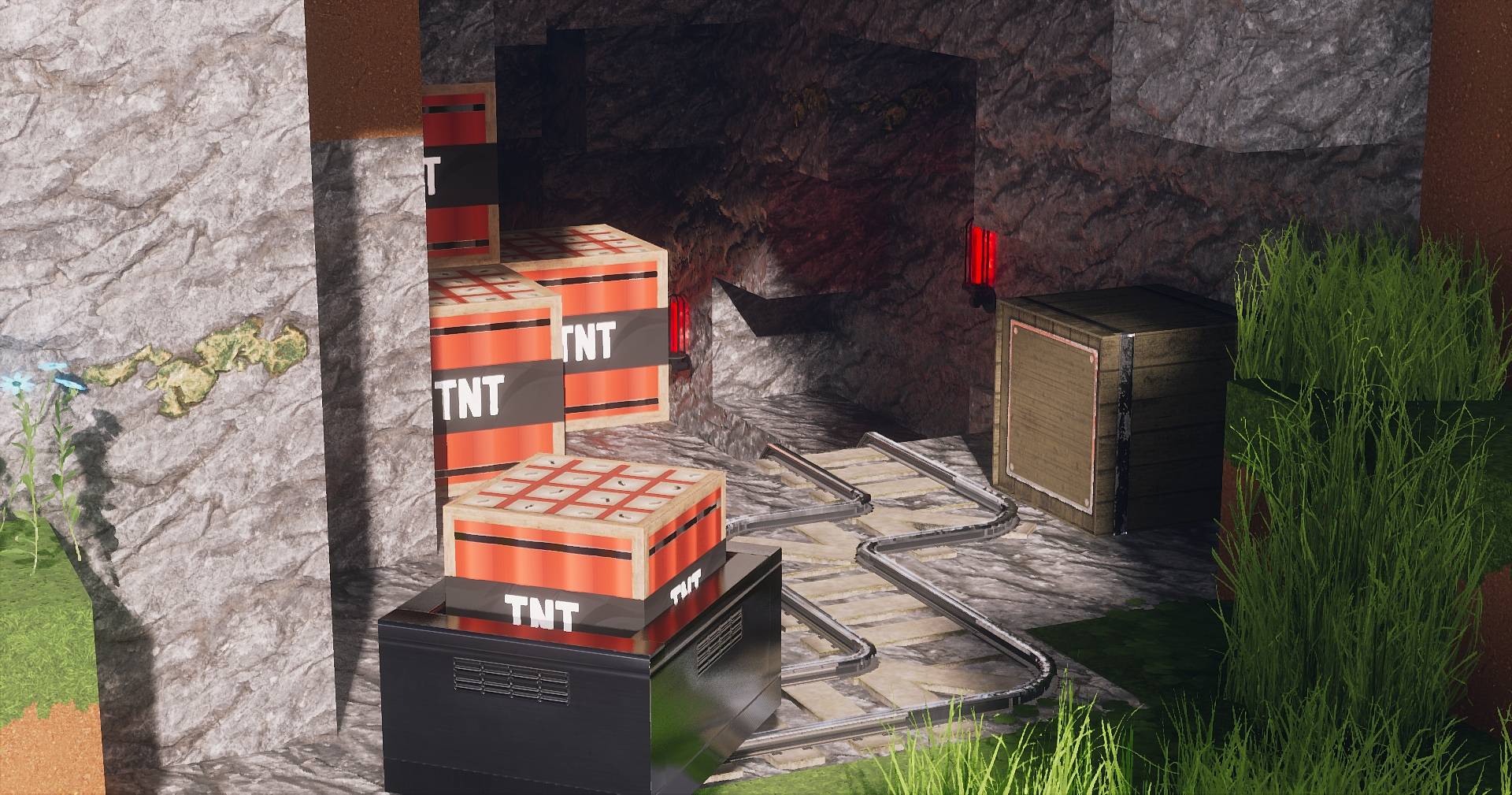
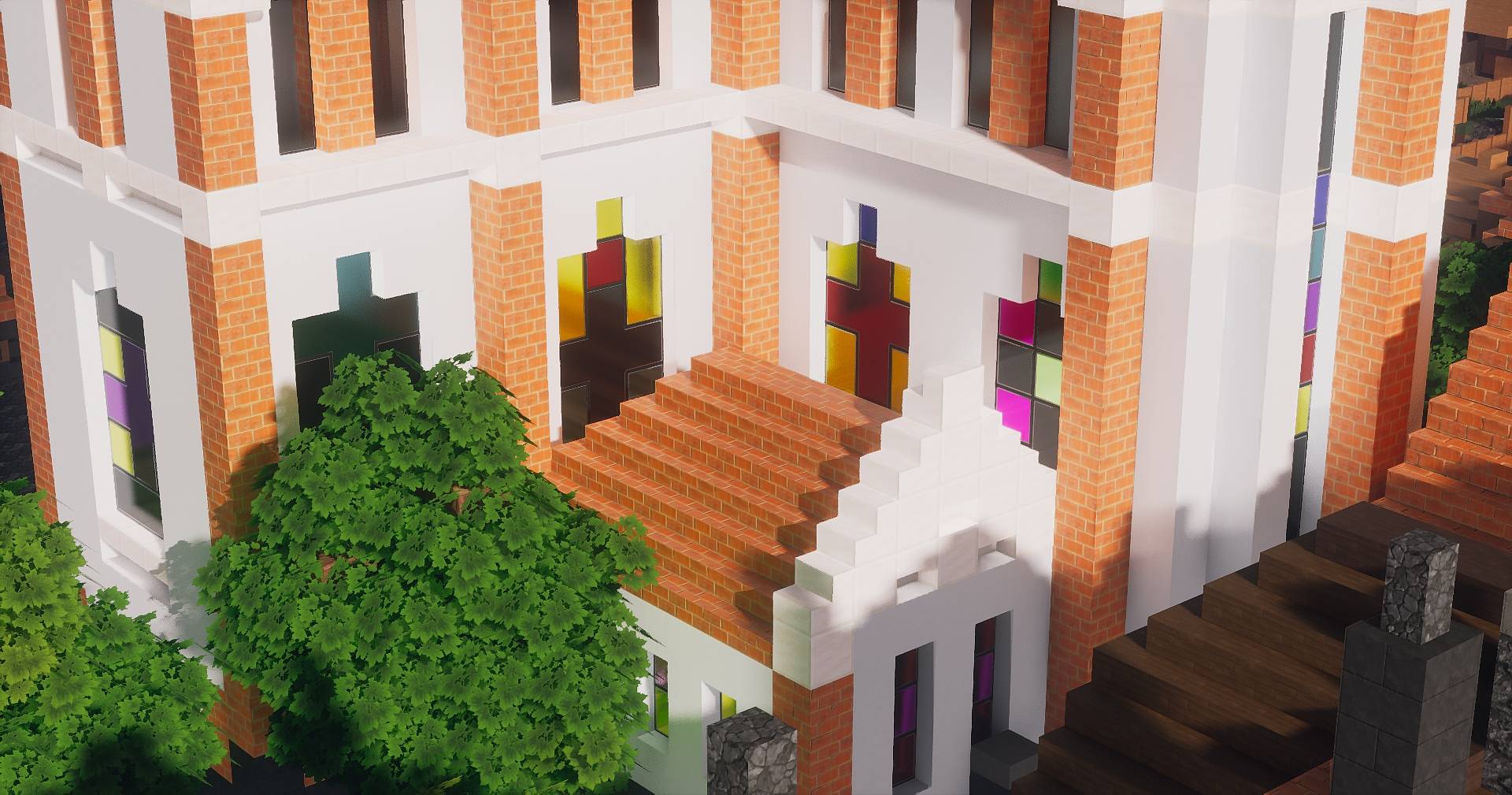
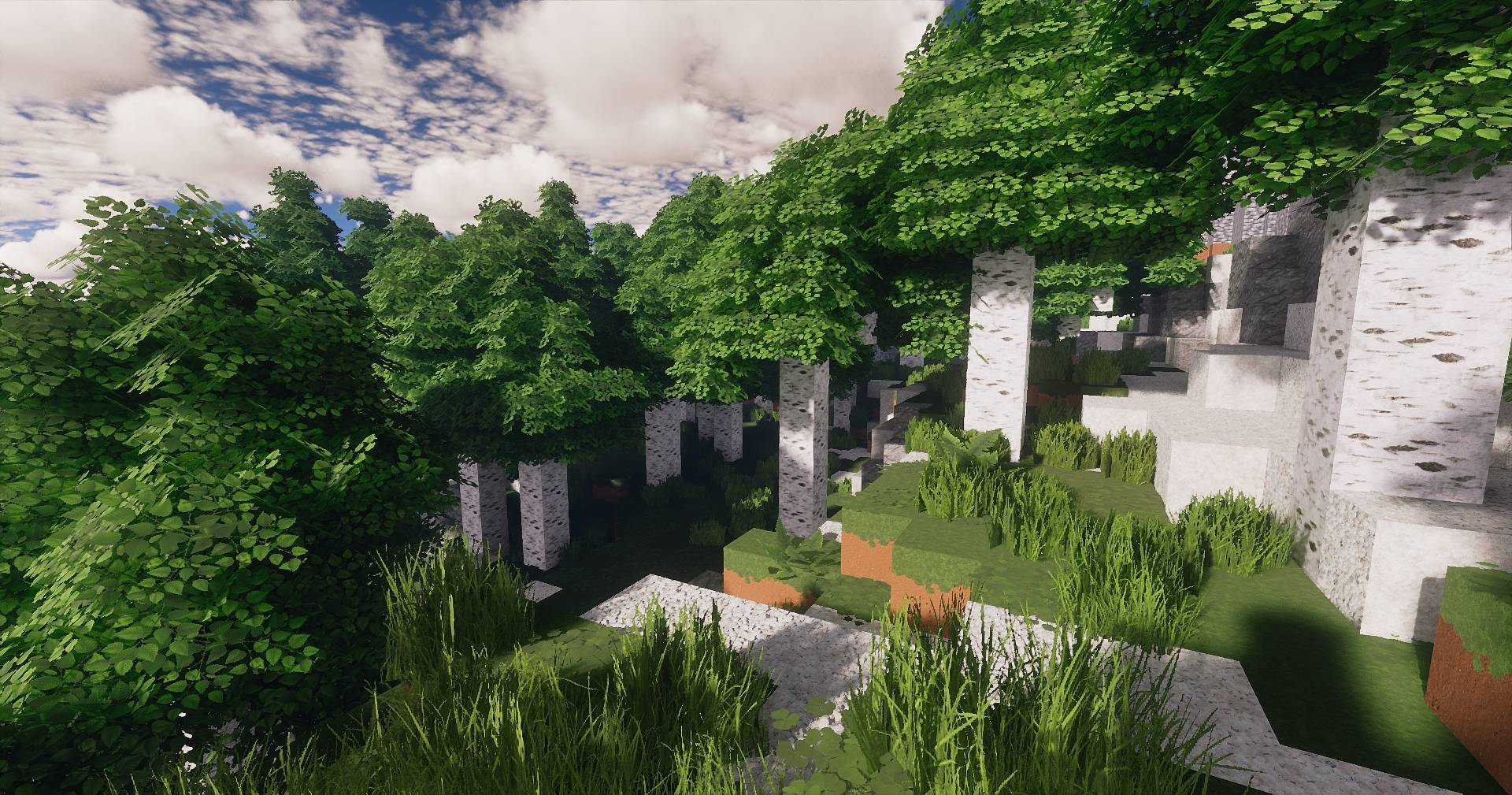
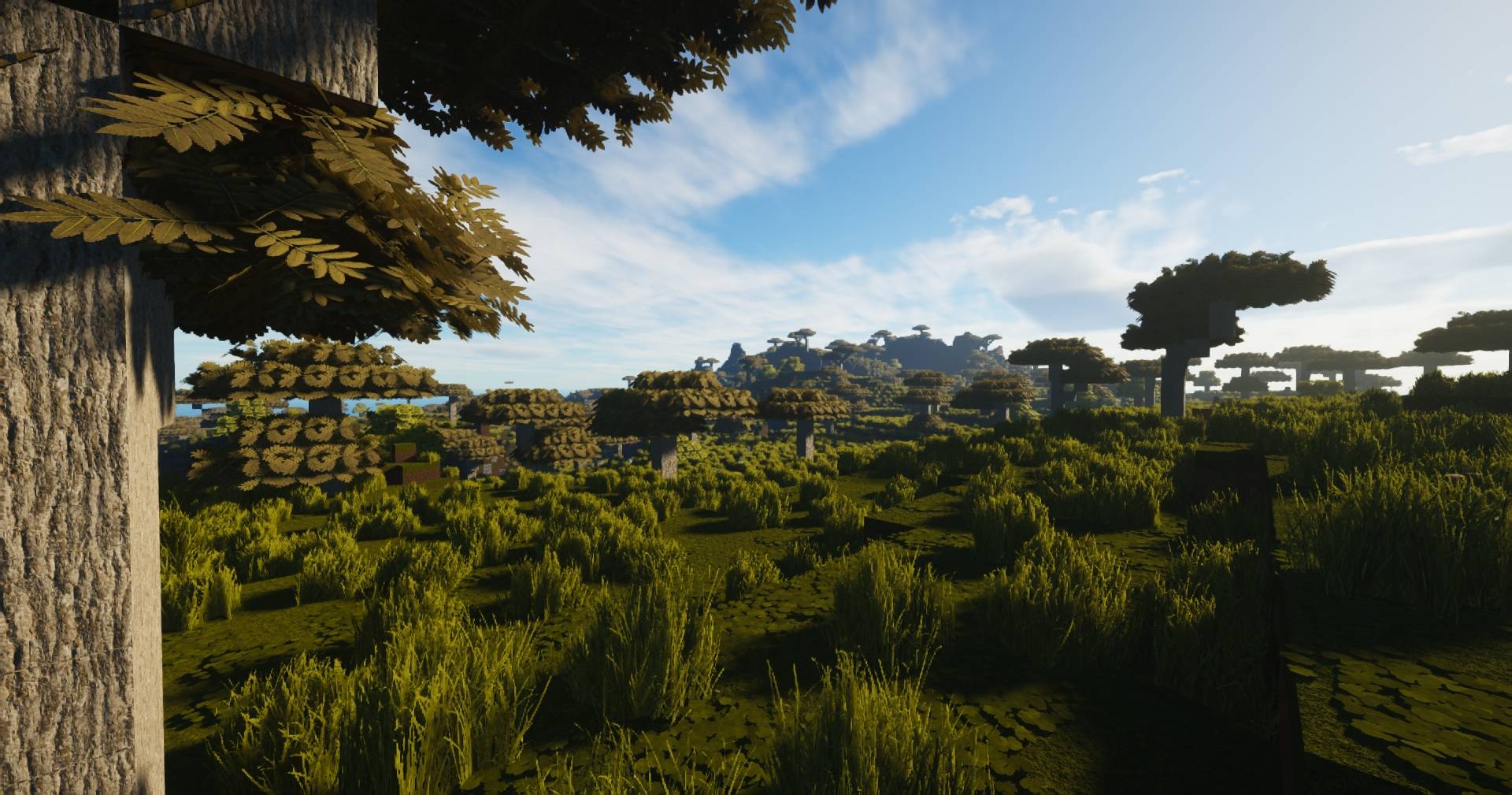
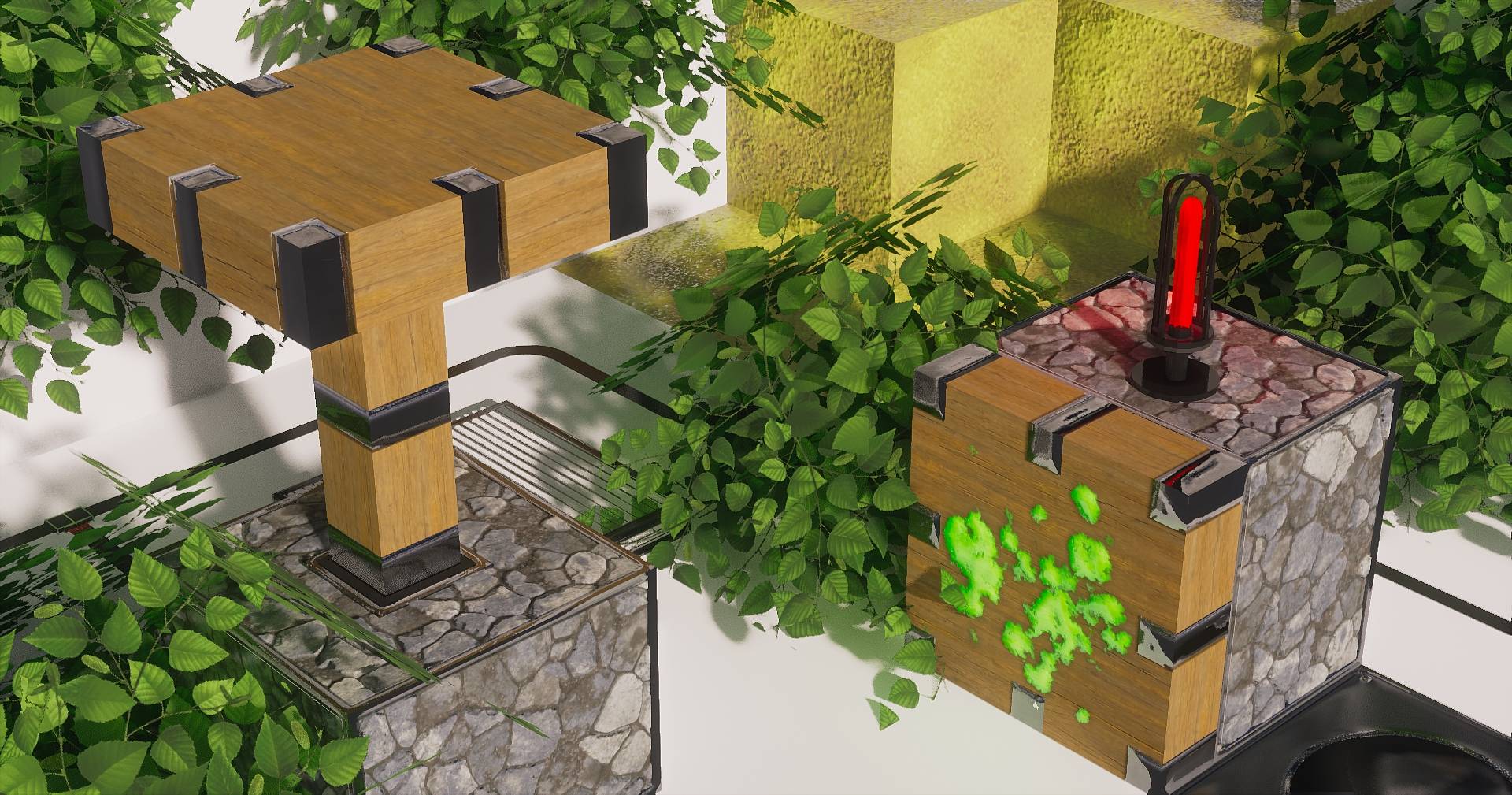
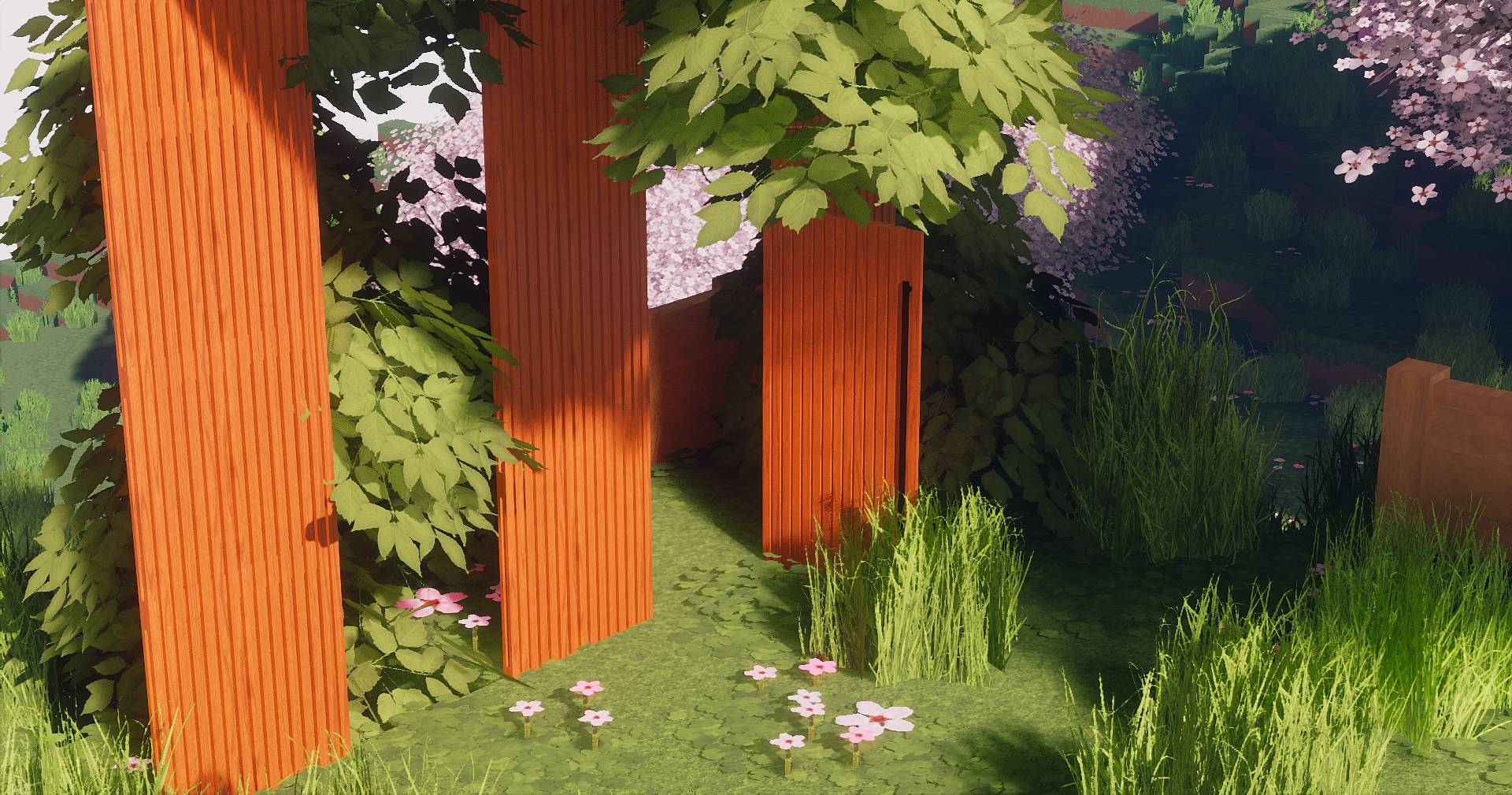
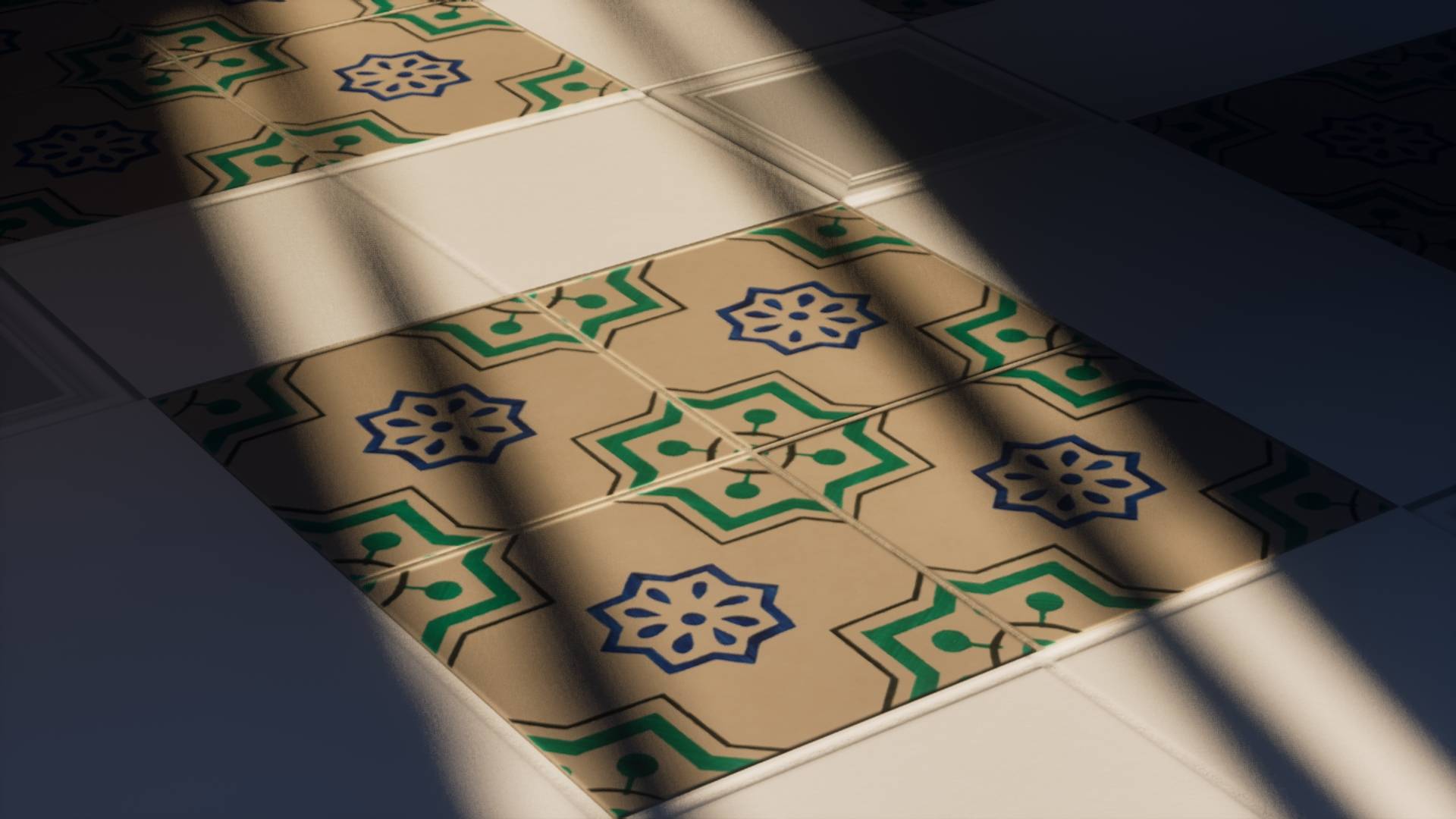
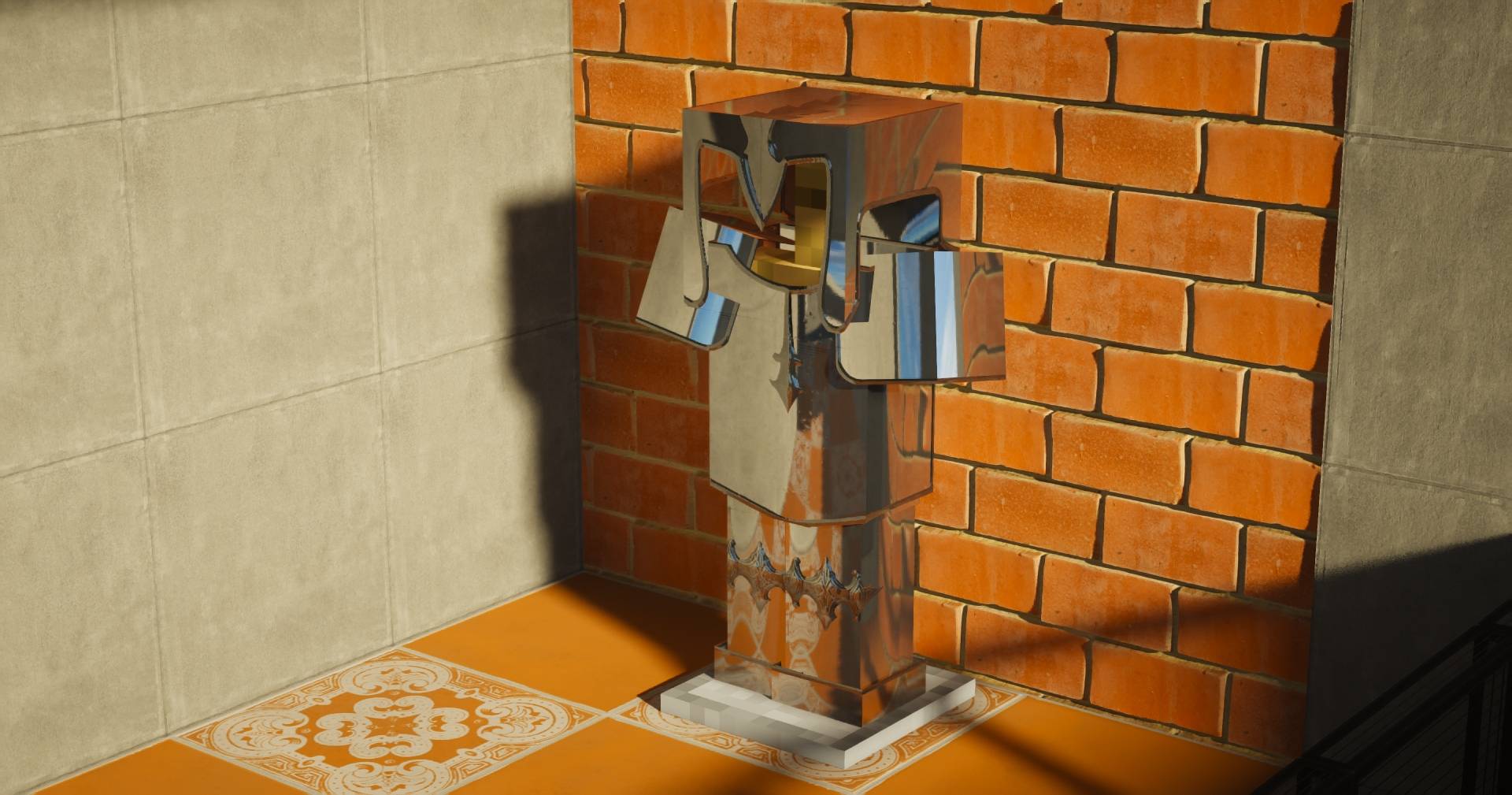
Destiny is a highly detailed, realistic Minecraft resource pack that makes your world feel more alive and immersive,  without losing the original vibe of the game. On the Free 128x version you get all the textures thats in the Destiny higher resolution packs (3000+ individual texture files) but in the lowest resolution that the pack comes in. 128px. 

The pack is split into 3 modular parts. (Free version contains all of them in the same file) so you can combine them however you like for better performance and flexibility:

  • Destiny – All the main blocks you see in the overworld (grass, dirt, stone, etc.)
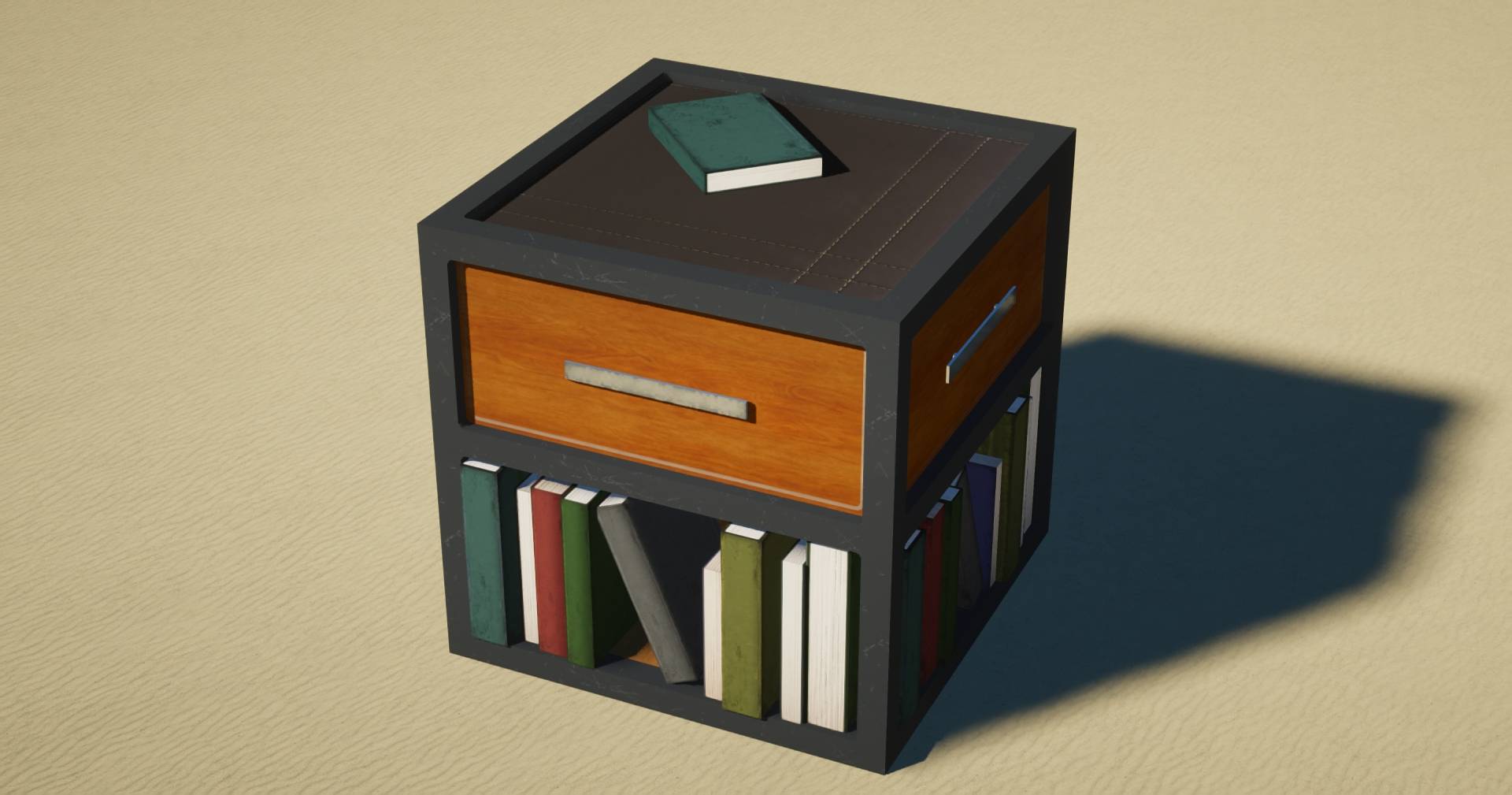
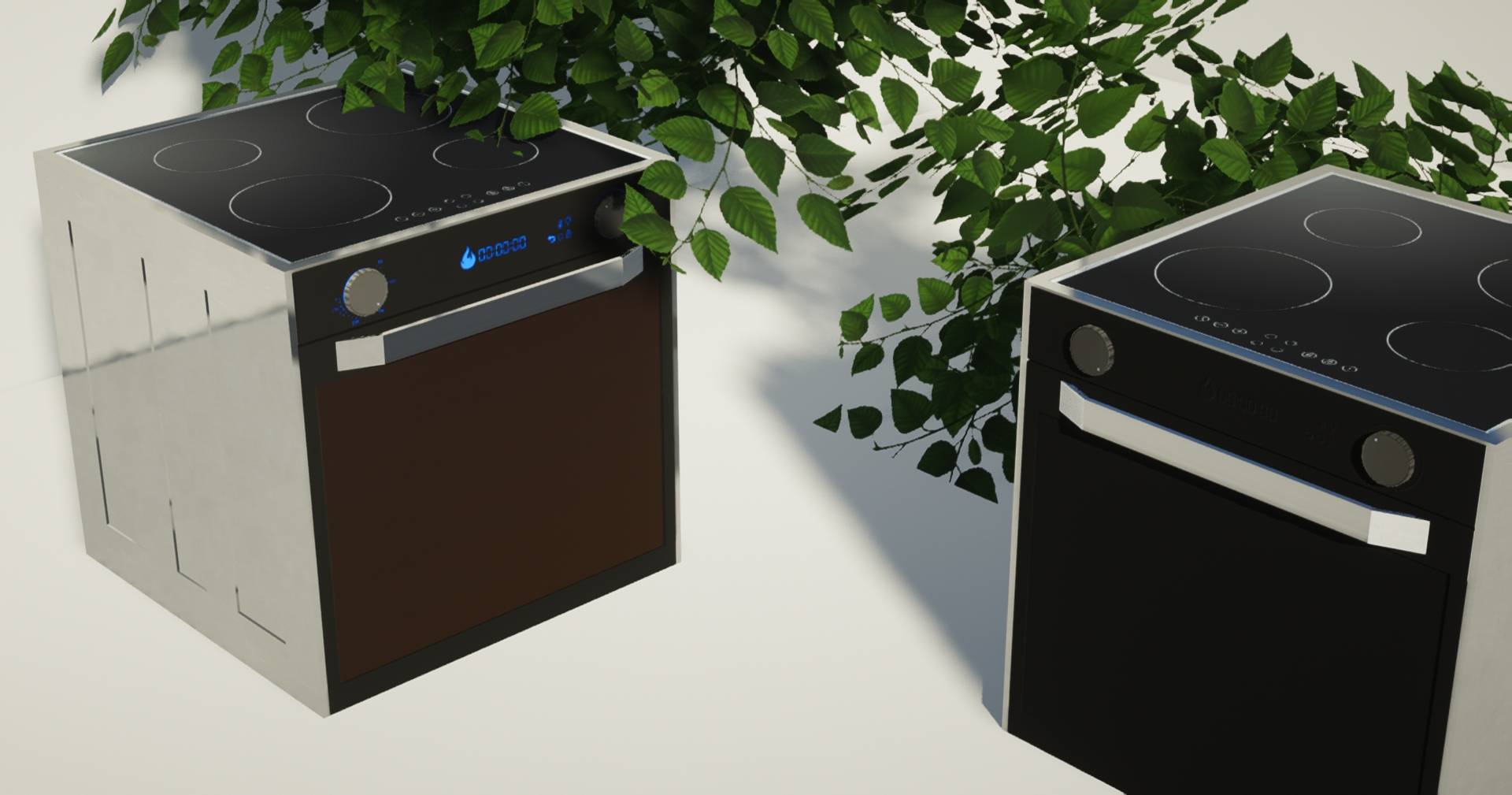
  • Destiny SURPLUS – Underground, Nether, End, redstone stuff, and other uncommon blocks
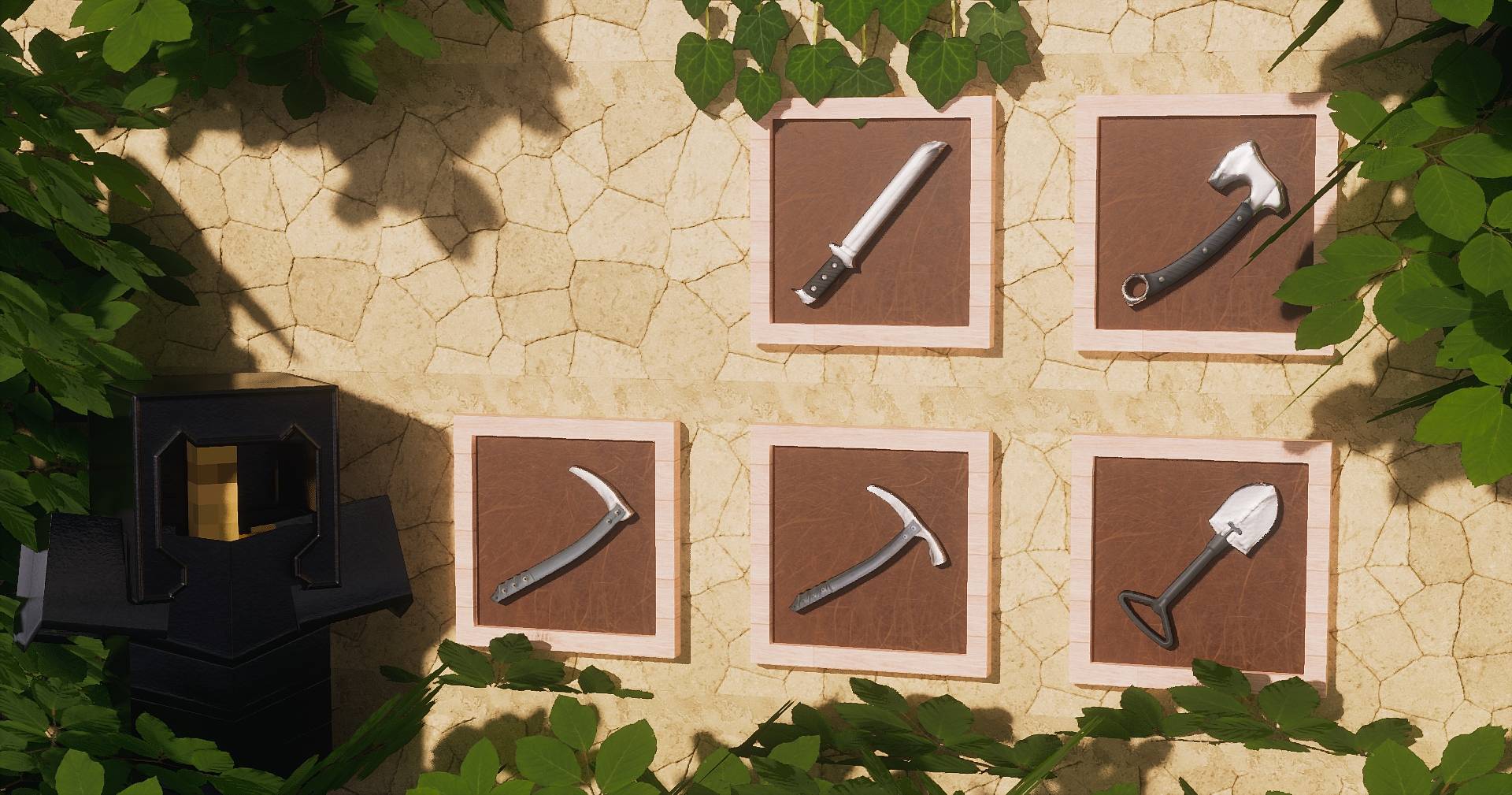
  • Destiny ITEMS – Items

You can mix different resolutions between modules if needed, and there’s no specific order you have to follow, though packs like ITEMS or SURPLUS usually go on top in your resource pack list.

The pack supports both Optifine and Iris, and you’ll need a shader pack that supports PBR and POM to see it the way it’s meant to look. I personally recommend Kappa Shaders, since that’s what I use during development, everything is tuned around it.

All the images shown are taken with Kappa Shaders using the Destiny 1024x version.


Destiny 128x.zip
MC 1.20.2, 1.21.2-Snapshot, 1.21, 1.21.6-snapshot, 1.20.5, 1.21.5, 1.20.2-Snapshot, 1.20.5-Snapshot, 1.21.8, 1.21.1-Snapshot, 1.21.9, 1.21.10, 1.21.4, 1.21.5-Snapshot, 1.20.3-Snapshot
Release 2025-10-24 Get

Requirements & install

How to use this resource pack in Minecraft
Resolution
128x
Minecraft
1.21.2-Snapshot – 1.21.10
Install folder
.minecraft/resourcepacks

How to install resource packs

  1. Download the resource pack .zip file (do not extract it).
  2. In Minecraft open Options → Resource Packs → Open Pack Folder.
  3. Drop the .zip into the resourcepacks folder (.minecraft/resourcepacks).
  4. Move the pack to the Selected column and click Done.

Packs from 128x upwards need more video memory: install a performance mod such as Sodium for smooth frame rates.

Browse more: 16x resource packs 32x resource packs 64x resource packs 128x resource packs 256x resource packs 512x+ resource packs Resource Packs for 1.21.10 All resource packs

More from willoscreations

Advertisement Remove ads with Premium →

You Might Also Like