Mineuniverse
Resource Packs
Demon Slayer Glow Effect

Demon Slayer Glow Effect

RESOURCE PACK
Adds Glowing Effects for Demon Slayer Mod by Orca_san_
by SolarMage25
Download Claim this project
2,959 downloads
0 likes
0 followers
Updated Oct 14, 2026
0 hypes
Follow0
16x Miscellaneous
Advertisement Remove ads with Premium →

The only requirement for this resource pack to function is that of Opti-Fine.

This is a resource pack for the Kimetsu no Yaiba mod or known as Demon Slayer Mod by Orca_san_. 

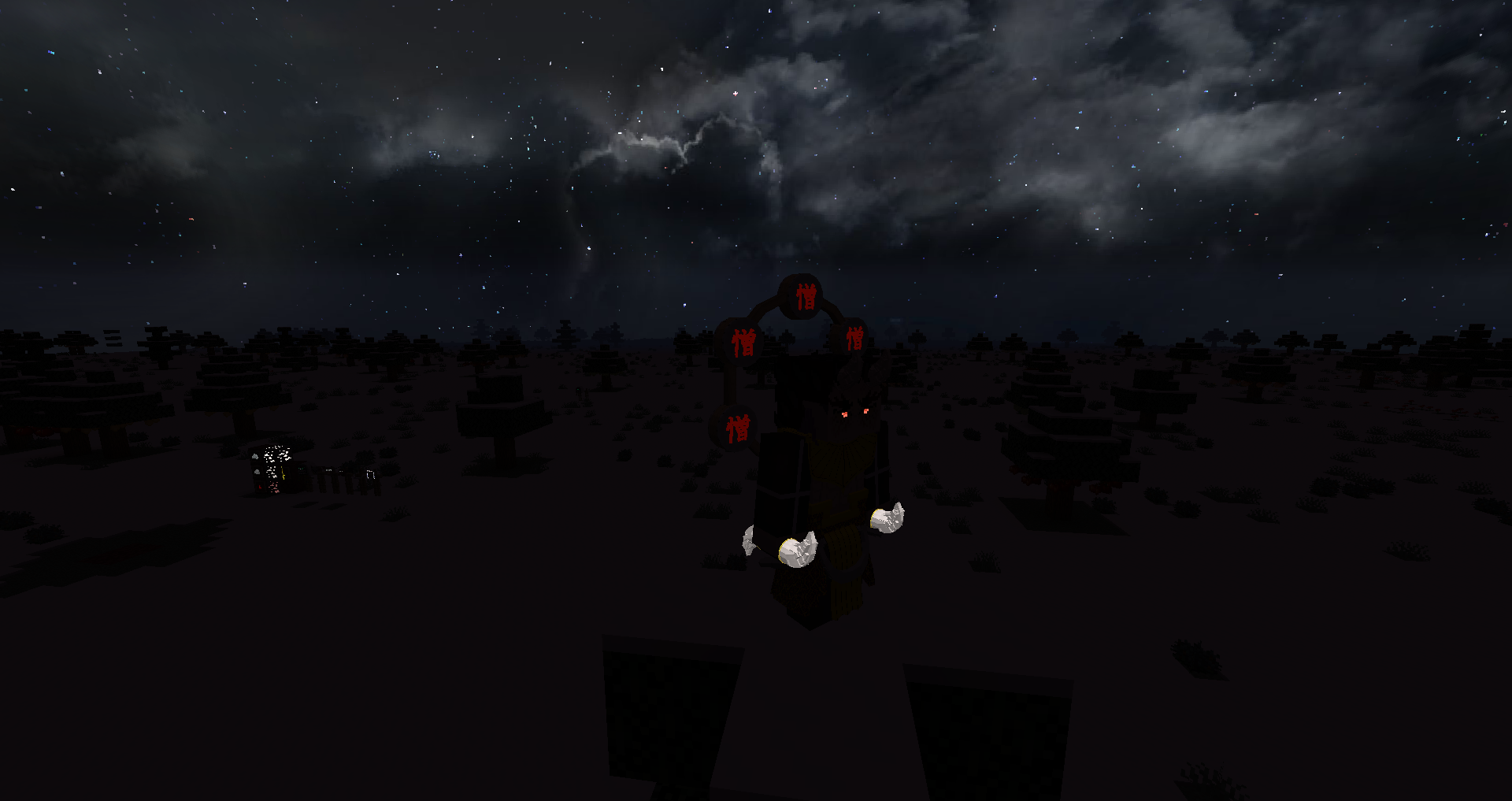
Furthermore, this resource pack covers the mod known as Demon Blood, uploaded by user, blitz_karcarof_x. Primarily covering the doors used by the biwa demon, Nakime. 

What does this resource pack fully cover? 

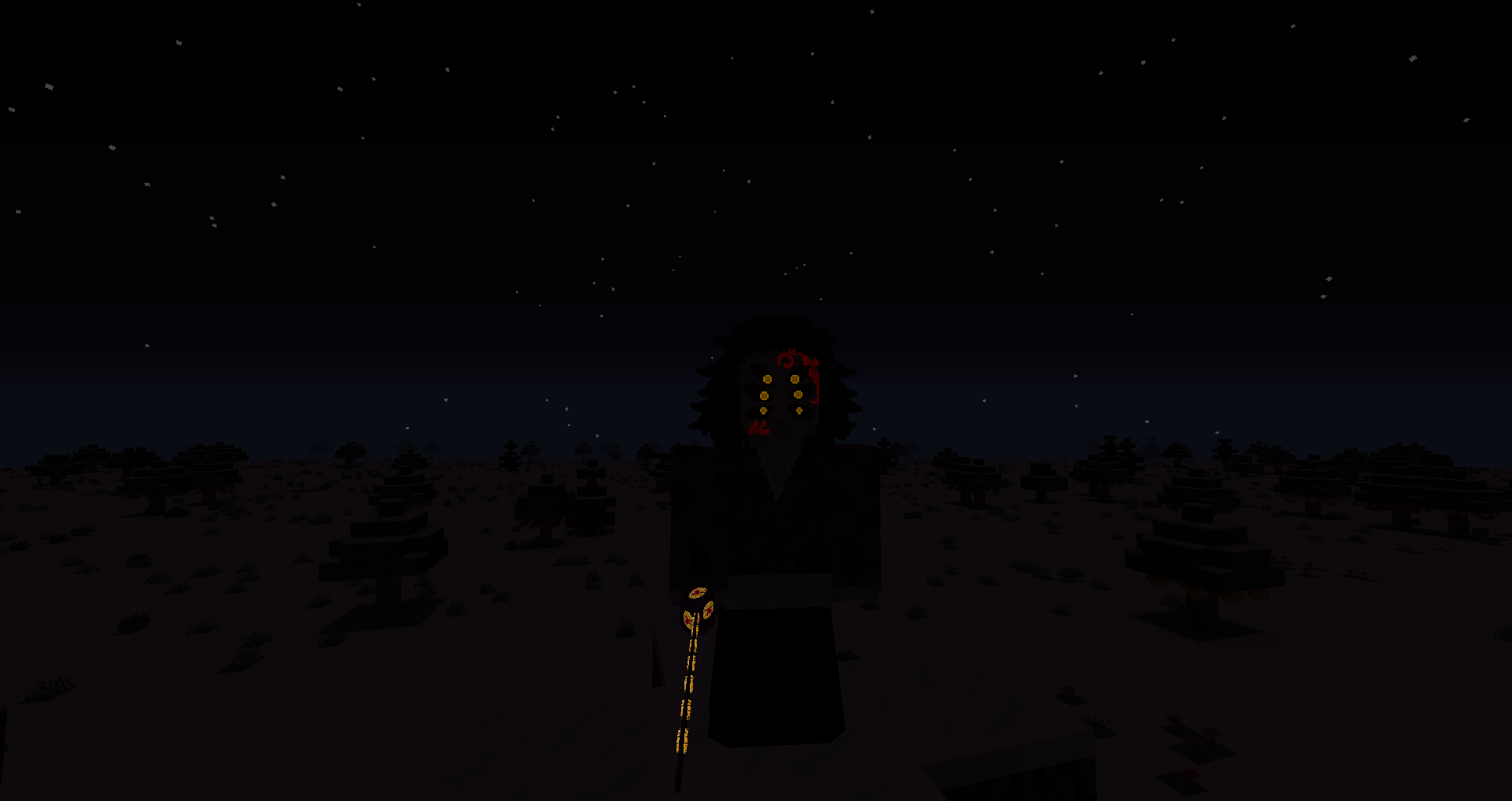
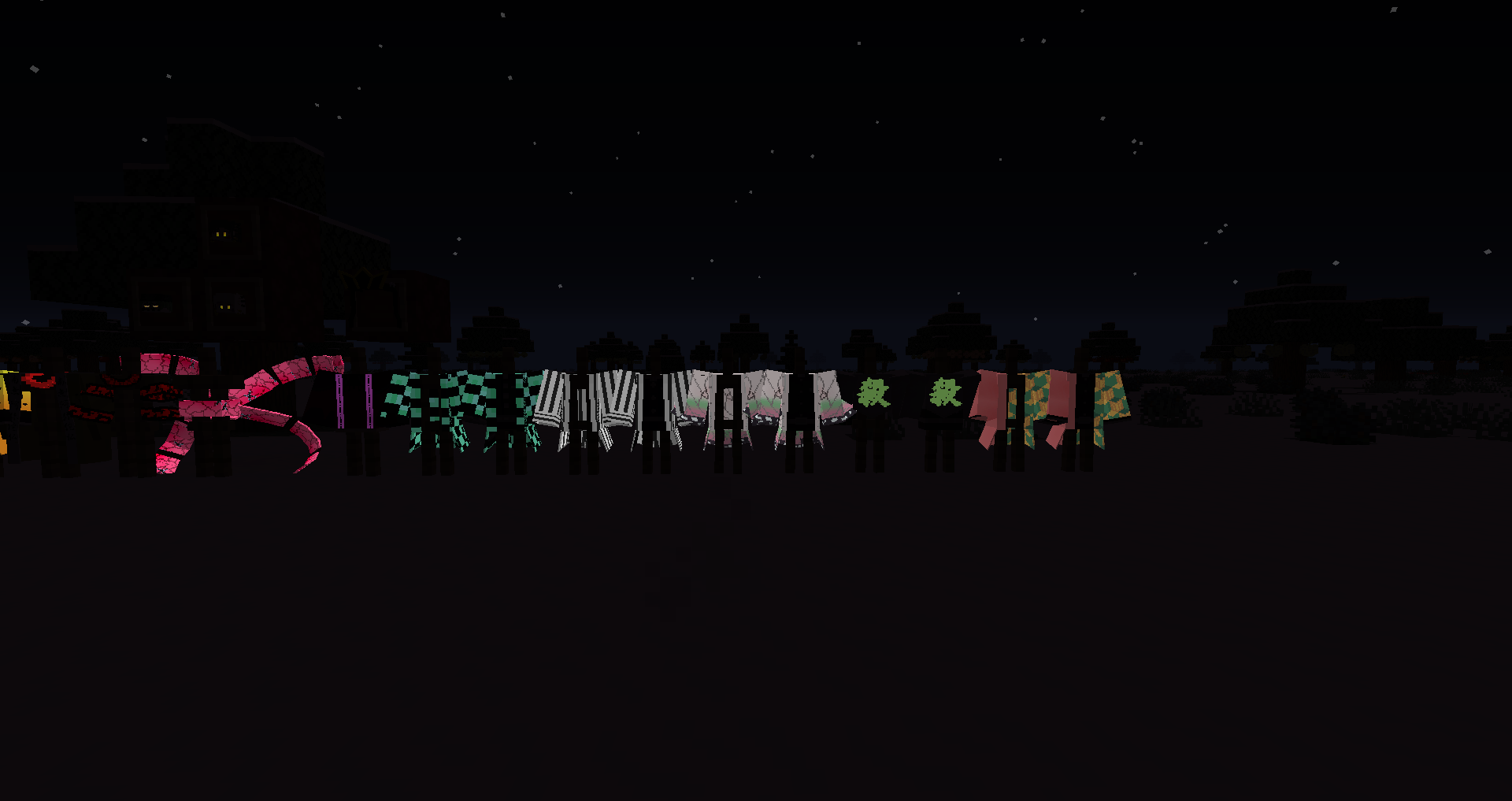
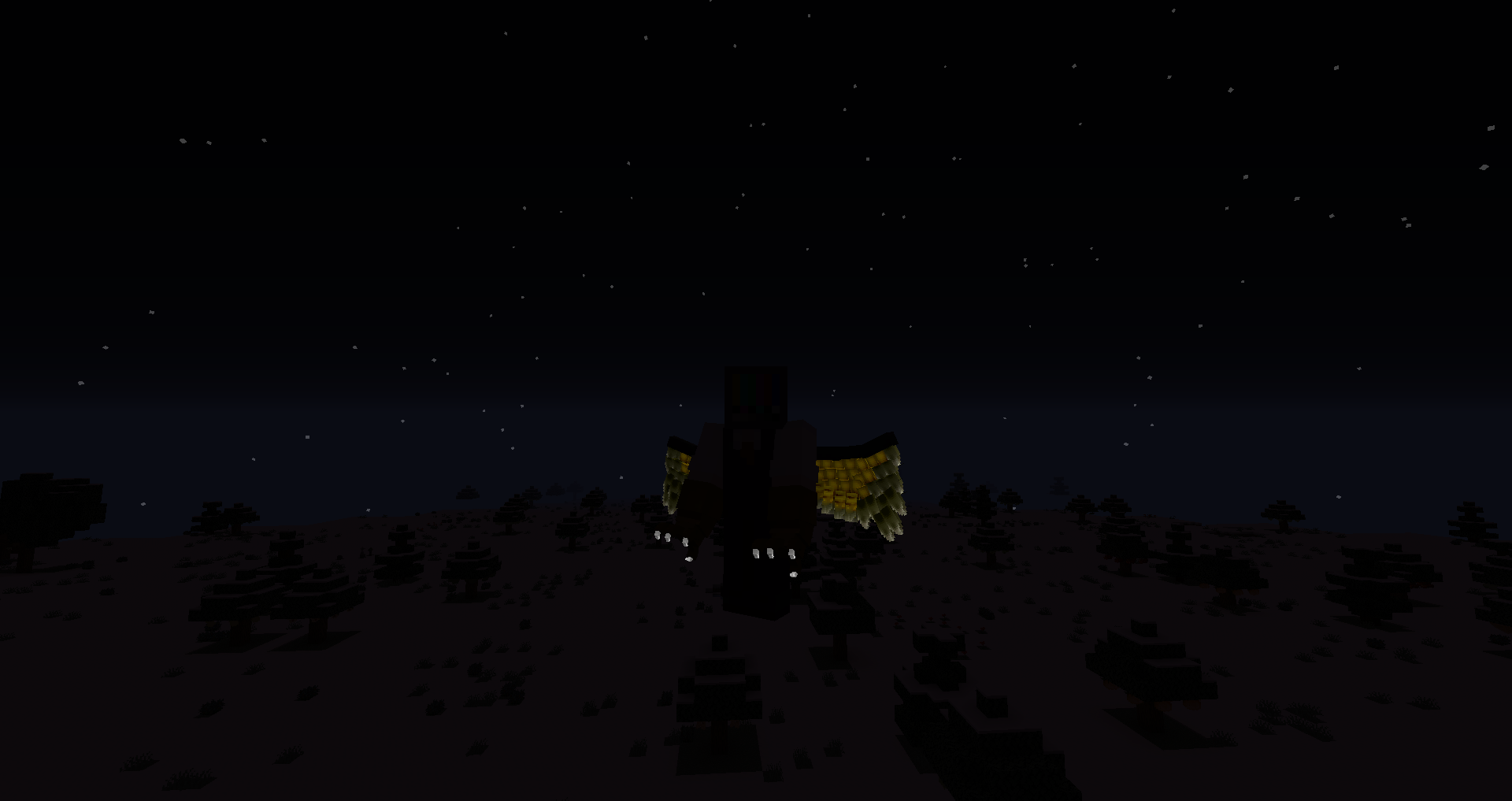
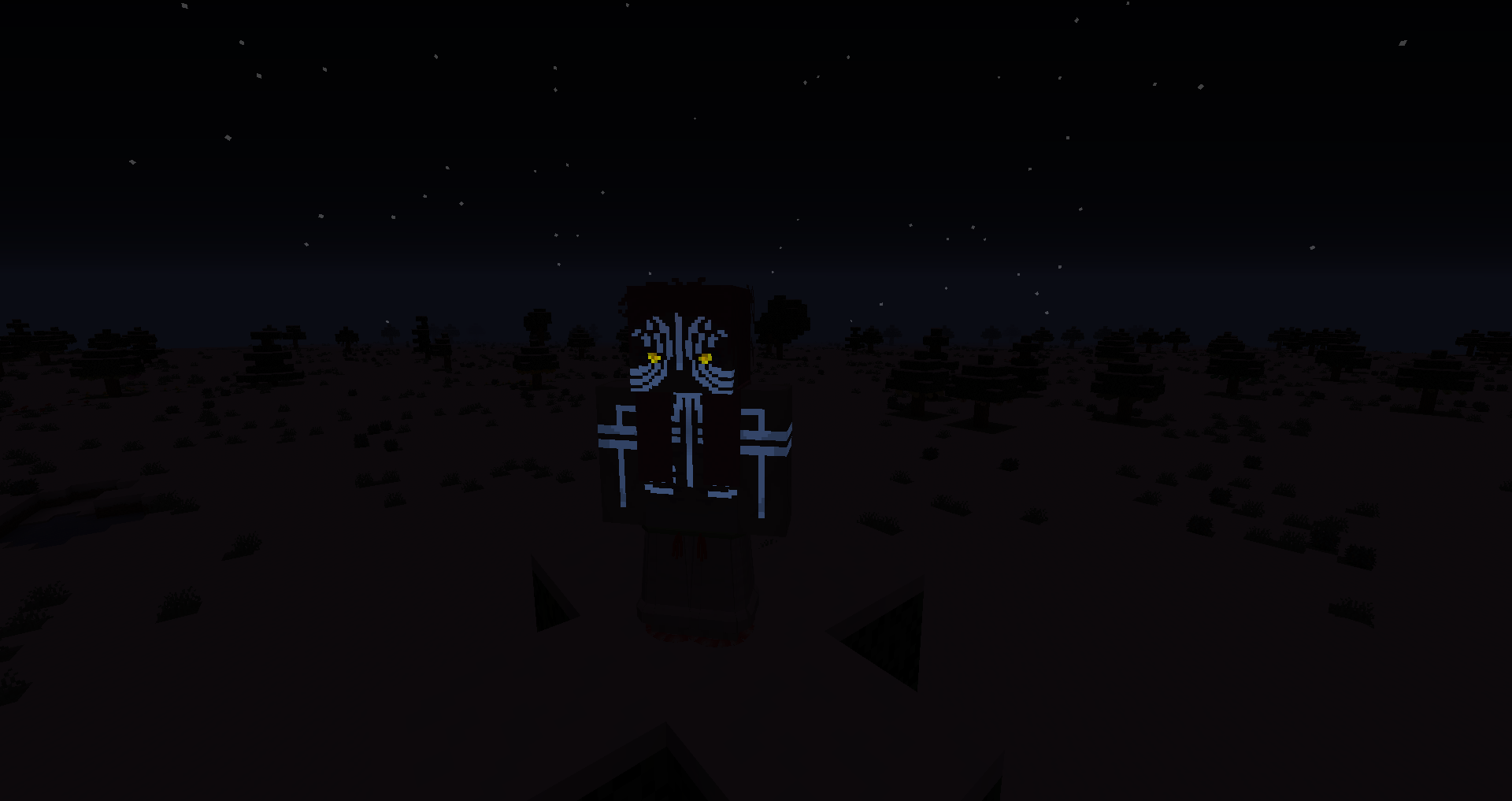
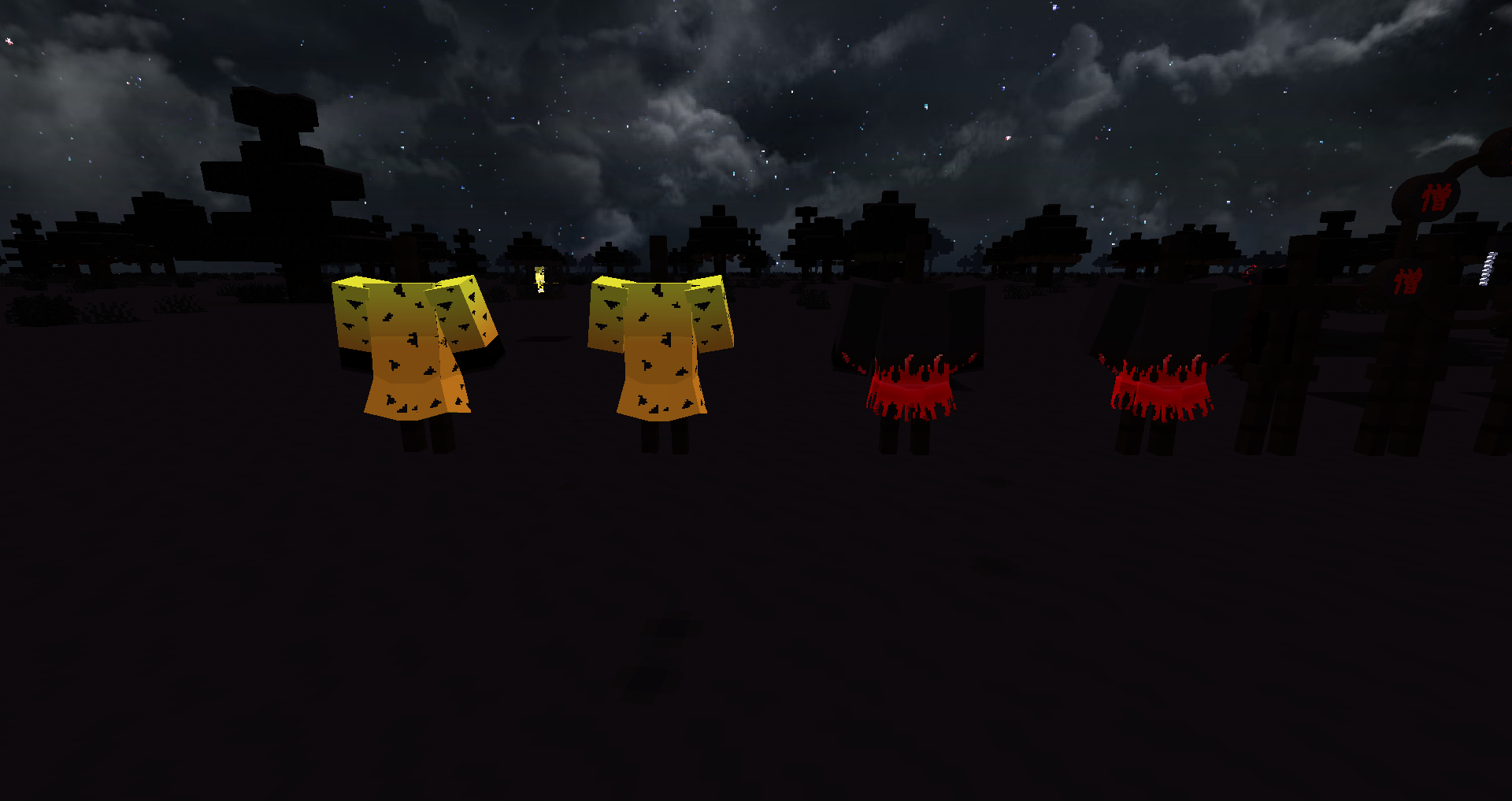
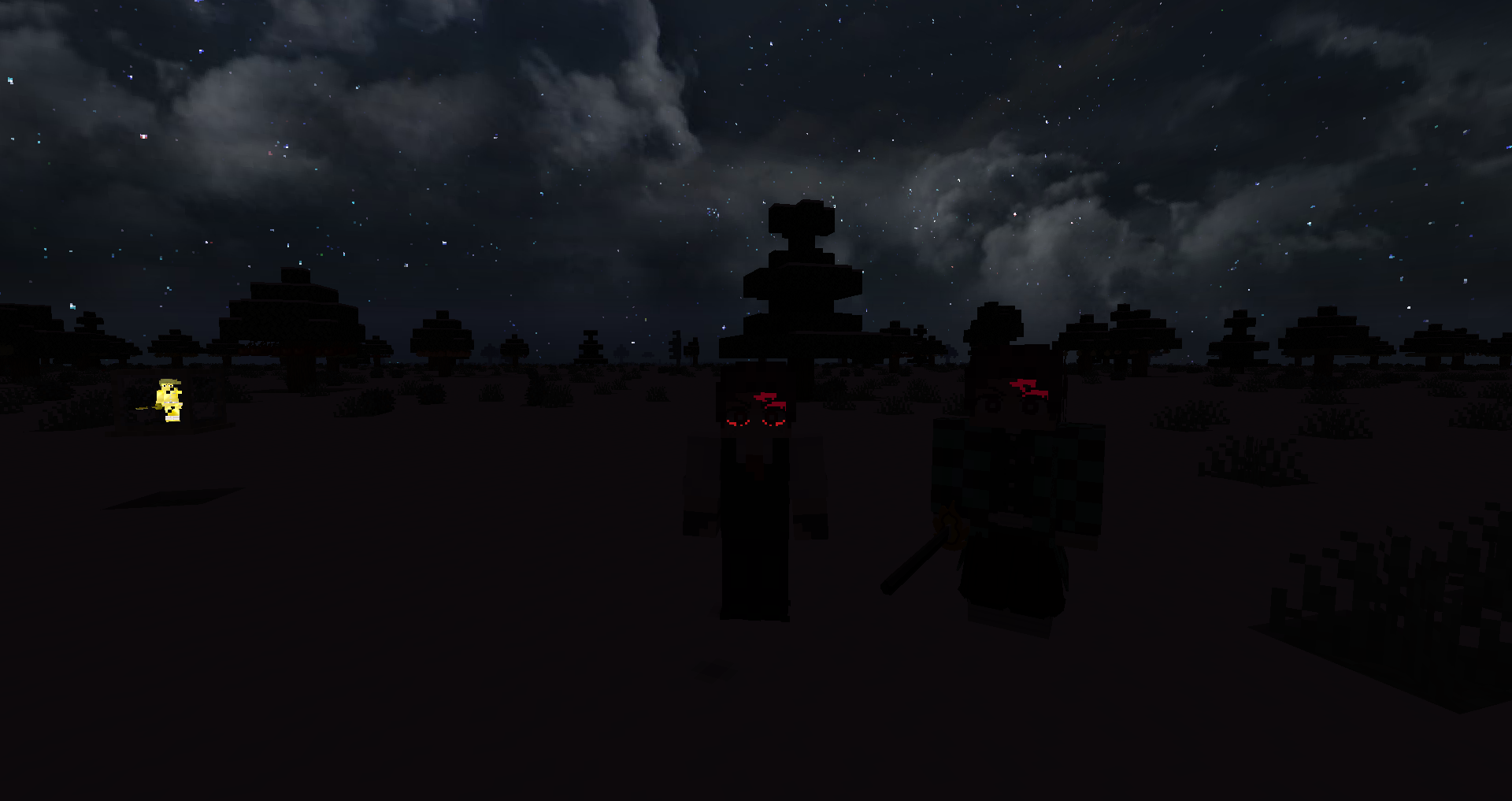
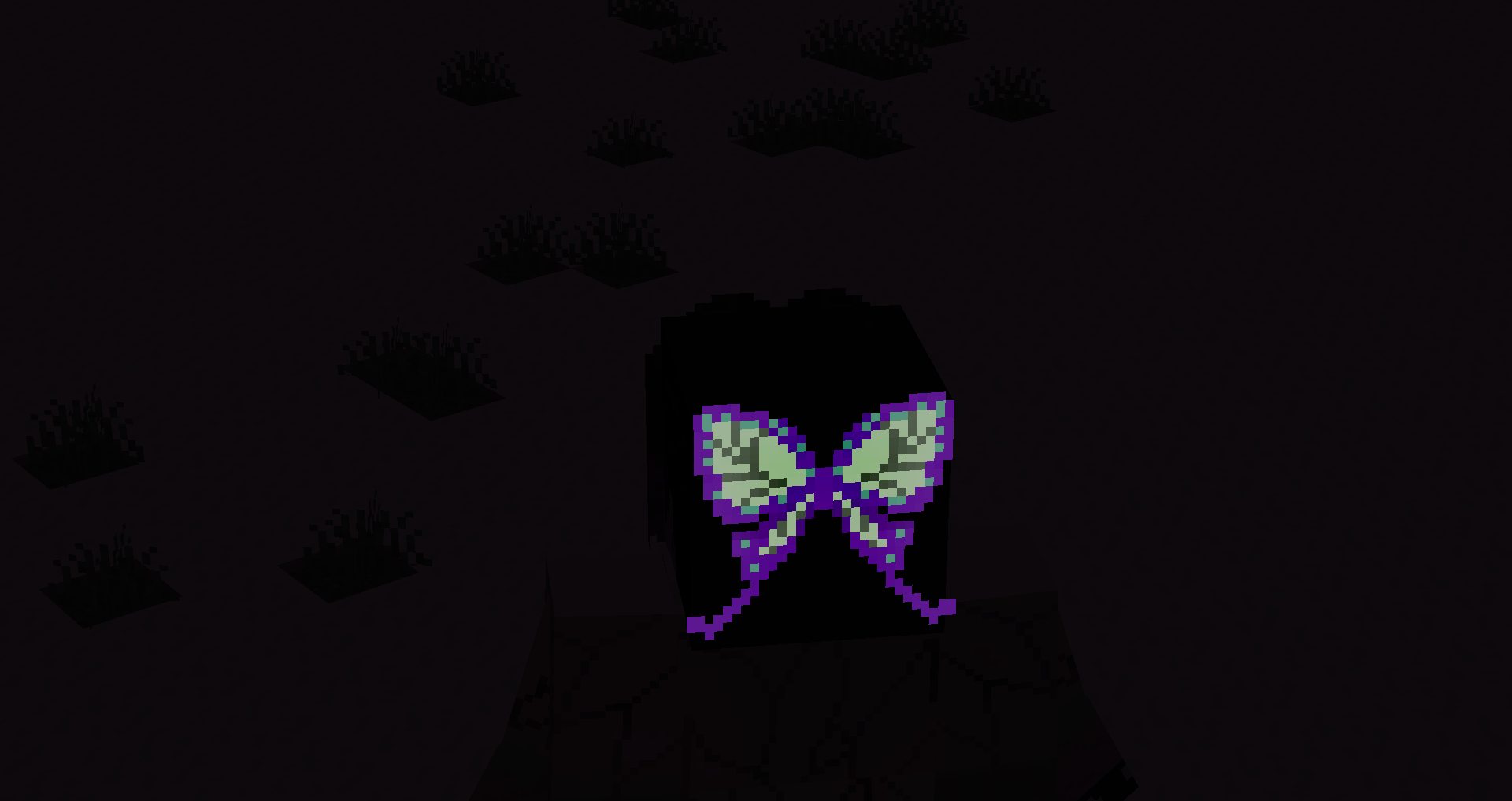
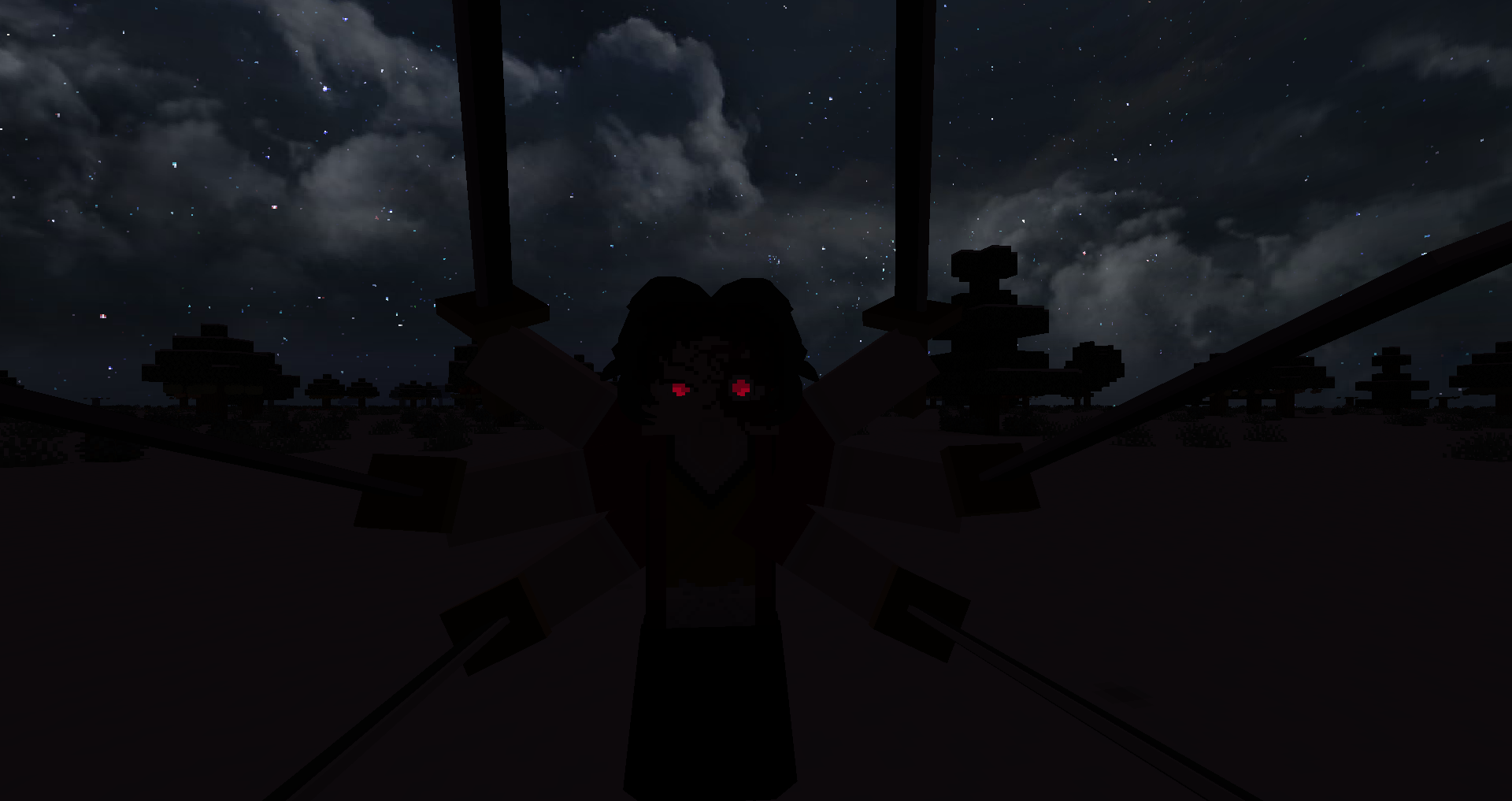
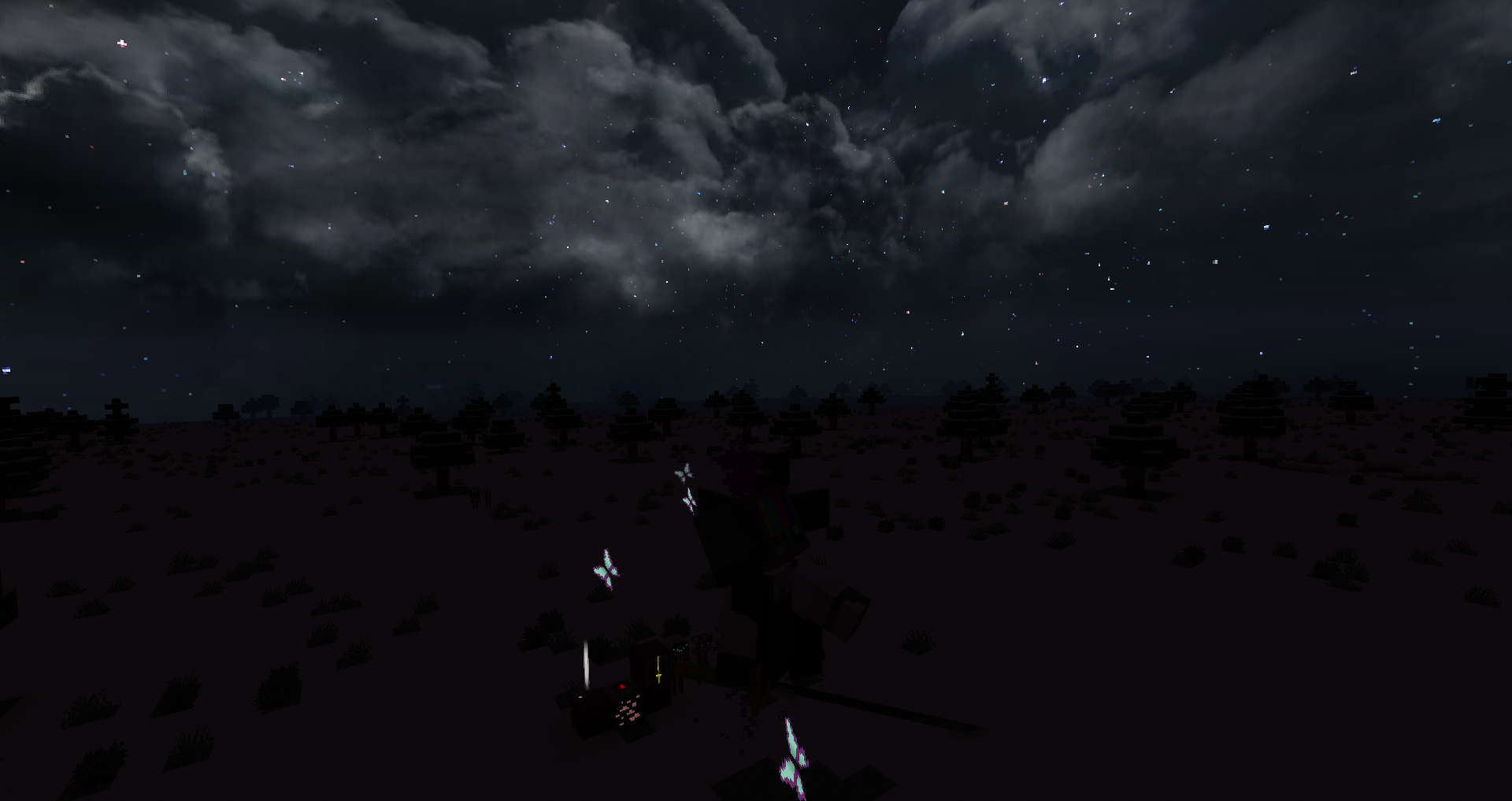
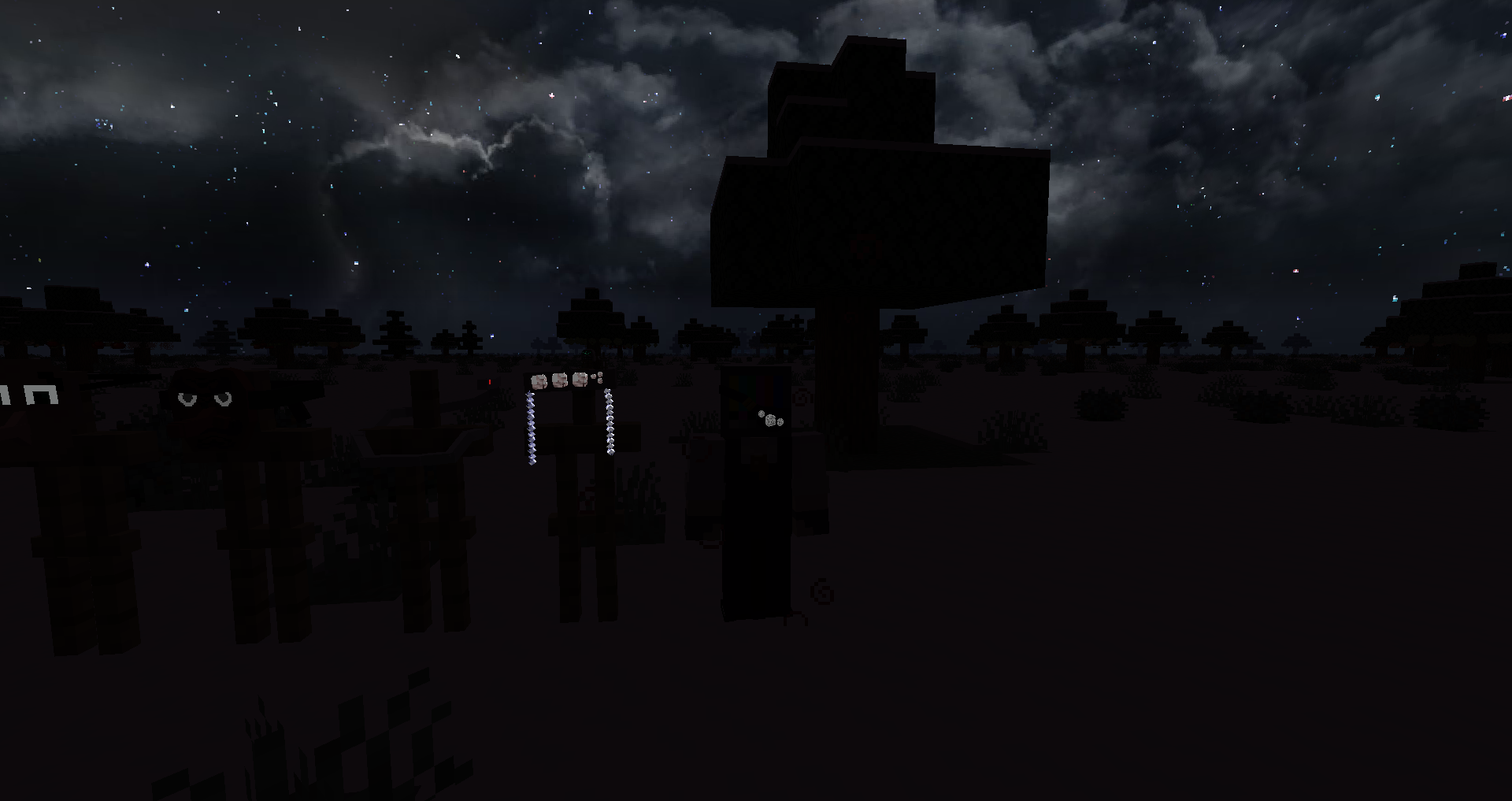
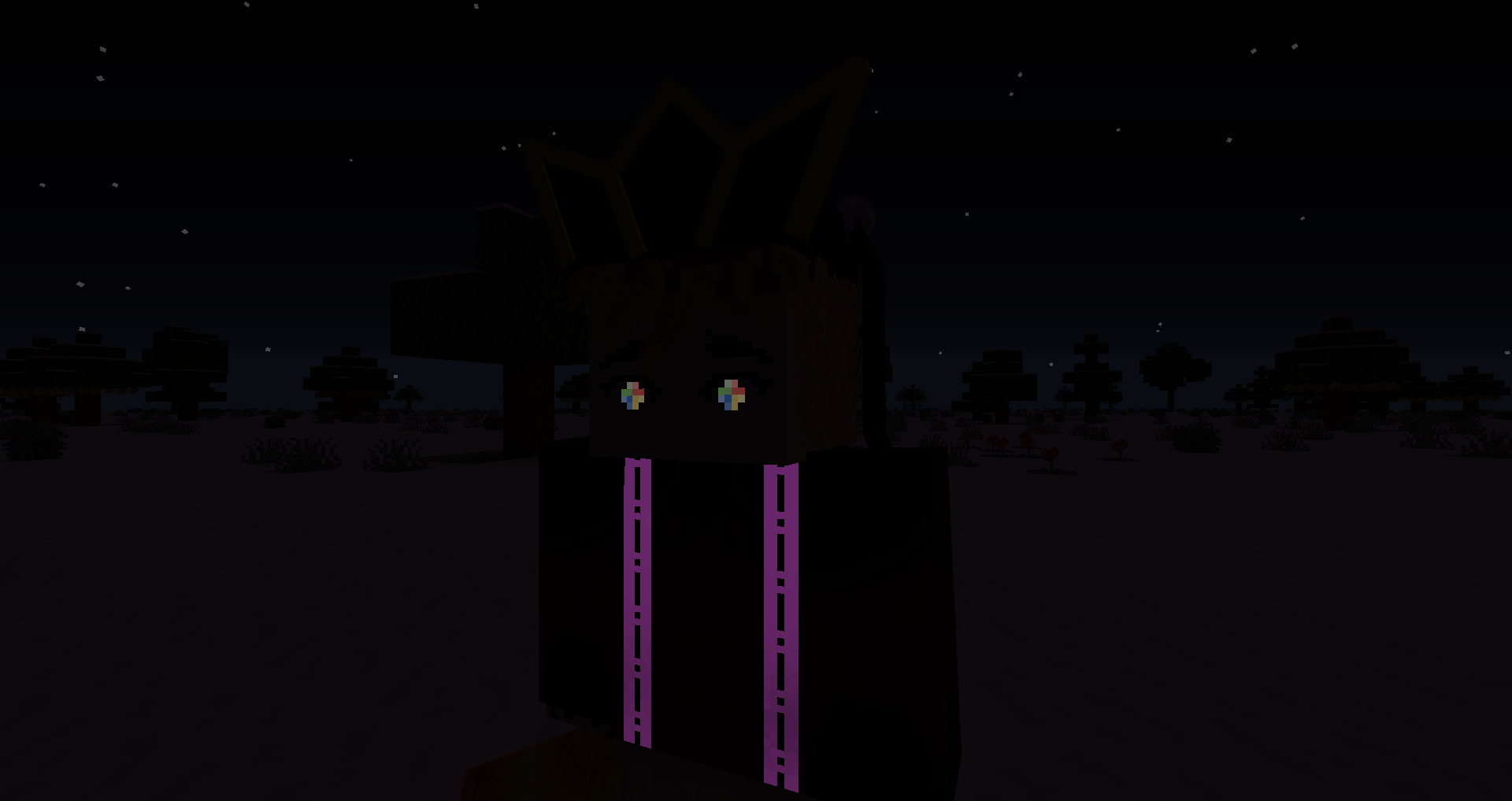
Any mob that is a demon will have glowing eyes, and certain armor such as the boar head or even the spider father's / Rui's father head will have glowing eyes. Additionally, the golden Nichirin blade will glow as well and a hand full of additional blood arts will glow such as Gyutaro's weapons or Yahaba's eye within his palm. For those who kill demons for blood, will notice, Muzan Blood glows as well as I felt that it glowing would be able to alert the player better to Muzan blood. Furthermore, all demon slayer ore will glow in the dark as well, so it's easier to spot the rare scarlet ore, and if you toy with ore mods, the Muzan blood ore does as well.


Demon Slayer Glow Effect v7.5.zip
MC 1.16.5
Release 2025-07-19 Get
Demon Slayer Glow Effect v7
MC 1.16.5
Release 2024-10-19 Get
Demon Slayer v6
MC 1.16.5
Release 2024-10-02 Get
Demon Slayer Glow v5
MC 1.16.5
Release 2024-07-05 Get
Demon Slayer Glow v4
MC 1.16.5
Release 2024-07-01 Get
Demon Slayer Glow v3
MC 1.16.5
Release 2024-06-30 Get
Demon Slayer Glow v2
MC 1.16.5
Release 2024-06-29 Get
Demon Slayer Glow.zip
MC 1.16.5
Release 2024-06-27 Get

Requirements & install

How to use this resource pack in Minecraft
Resolution
16x
Minecraft
1.16.5
Install folder
.minecraft/resourcepacks

How to install resource packs

  1. Download the resource pack .zip file (do not extract it).
  2. In Minecraft open Options → Resource Packs → Open Pack Folder.
  3. Drop the .zip into the resourcepacks folder (.minecraft/resourcepacks).
  4. Move the pack to the Selected column and click Done.
Browse more: 16x resource packs 32x resource packs 64x resource packs 128x resource packs 256x resource packs 512x+ resource packs Resource Packs for 1.16.5 All resource packs
Advertisement Remove ads with Premium →

You Might Also Like