Mineuniverse
Resource Packs
Demisted View

Demisted View

RESOURCE PACK
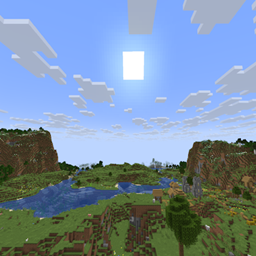
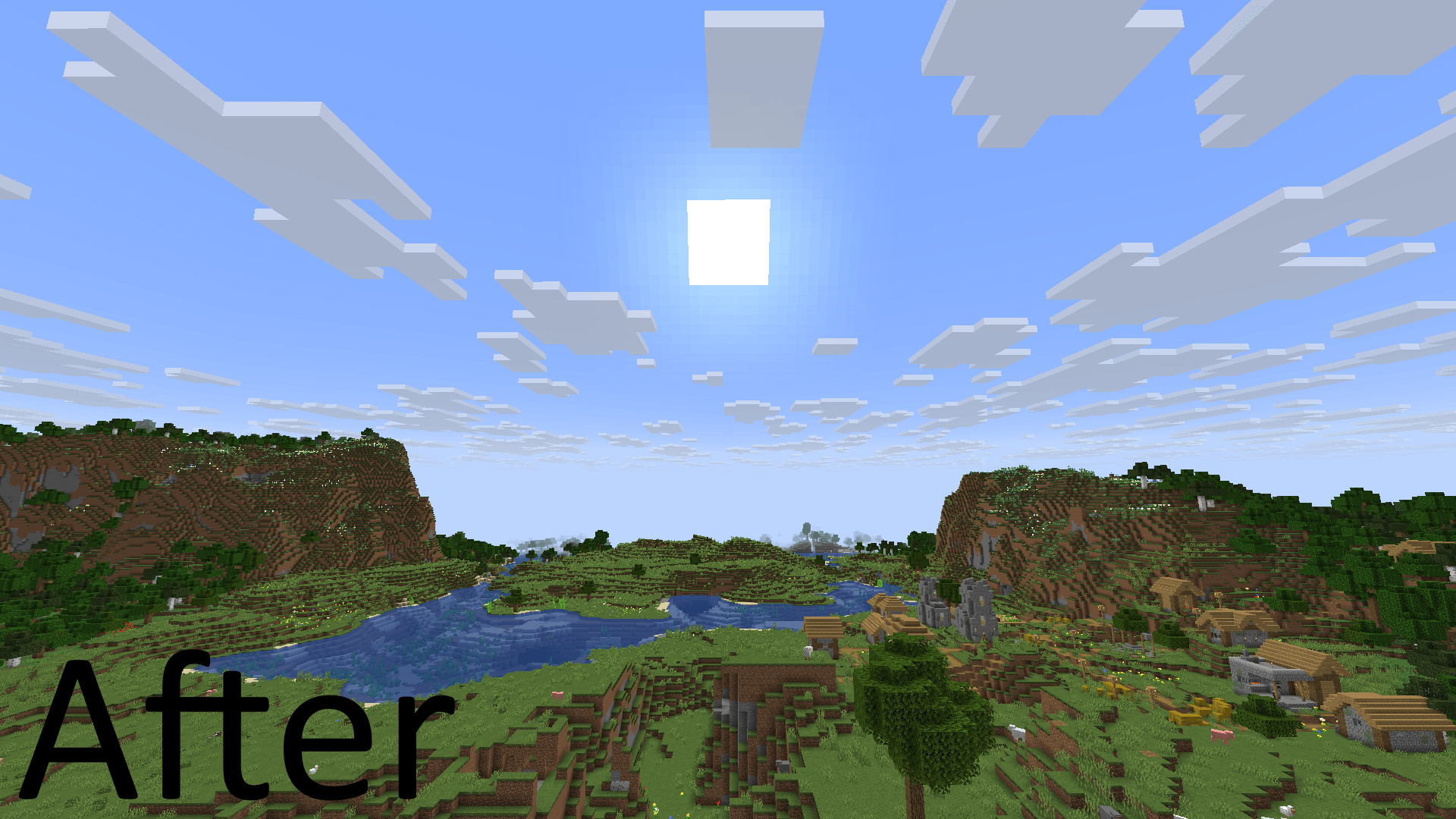
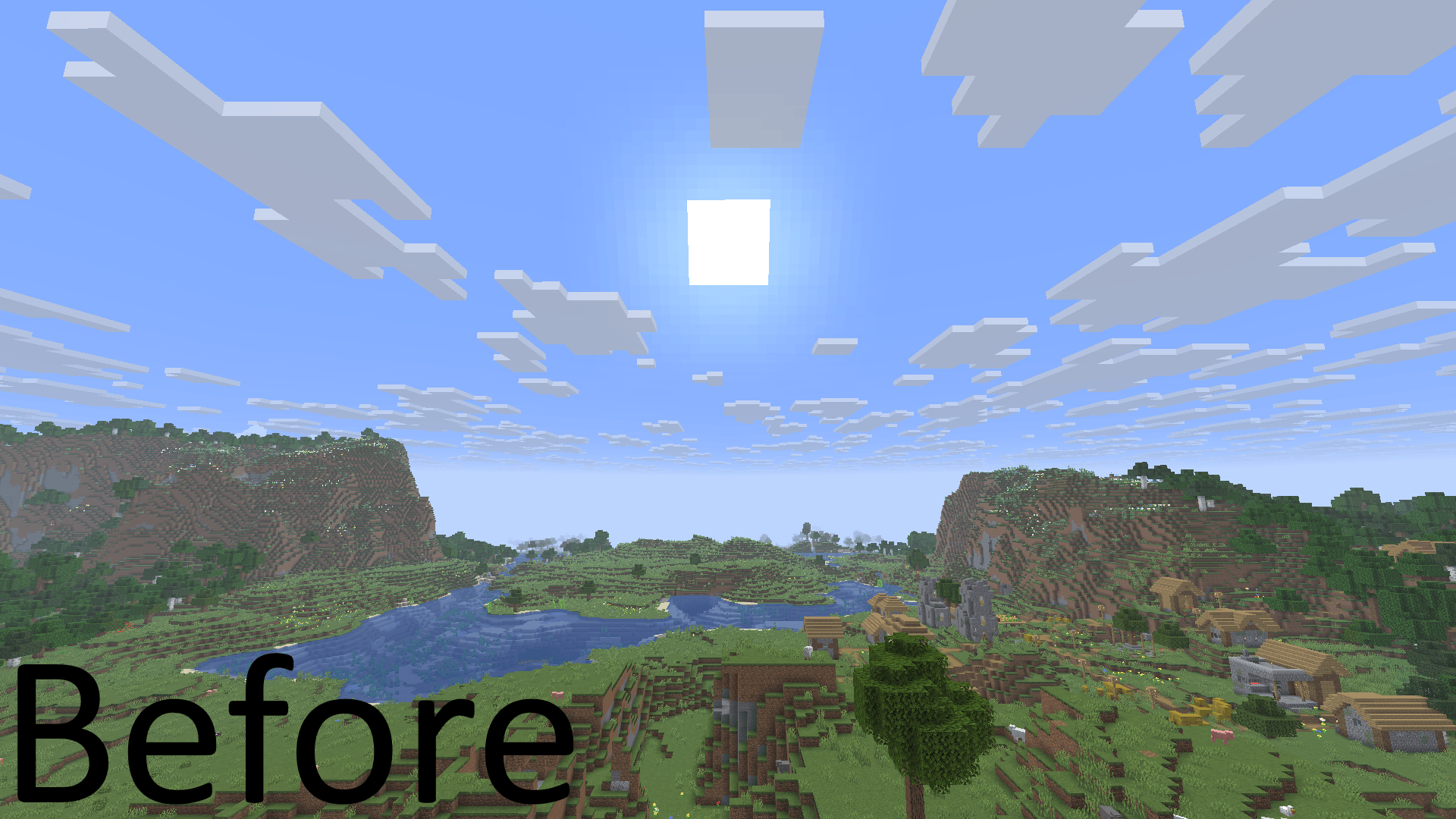
Only removes the environmental fog.
by Rolcatlla
Download Claim this project
1,233 downloads
0 likes
Updated Oct 14, 2026
0 hypes
16x Miscellaneous
Advertisement Remove ads with Premium →

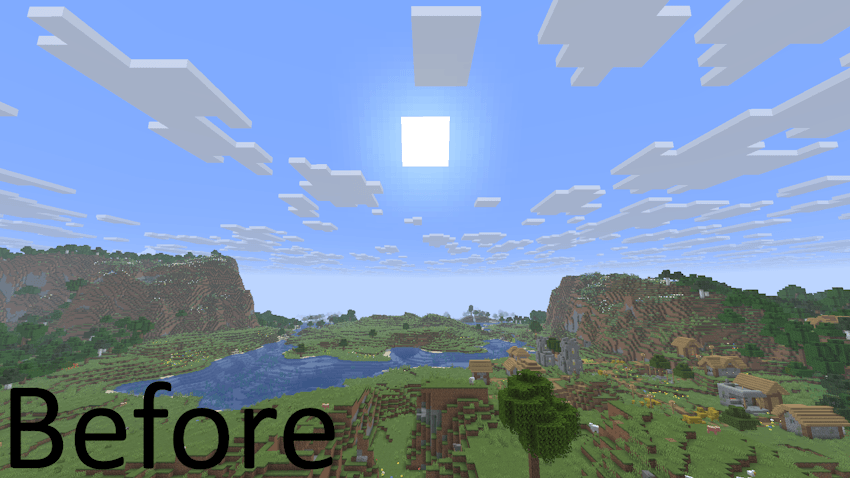
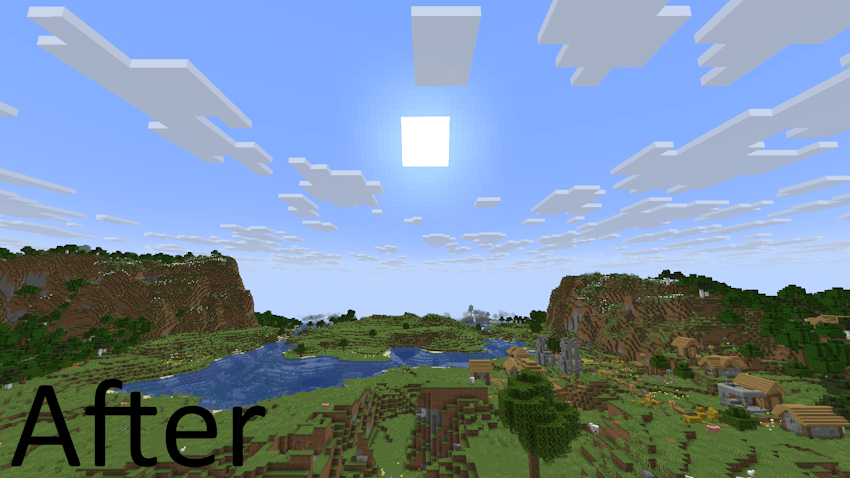
This resource pack allows you to disable the environmental fog added in 1.21.6. At the time of making this pack there's no way to get rid of it within the settings.
This pack keeps other fog types such as the normal render distance fog, nether fog, blindness and darkness effect, inside water/lava/powder snow effect. Making the experience fully vanilla and restoring the game's look how it was before 1.21.6.

Disclaimer: This resource pack should work in every version from 1.21.6 unless the developers change the coding.
Demisted View.zip
MC 1.21.9, 1.21.10
Release 2025-10-10 Get
Demisted View.zip
MC 1.21.8, 1.21.7, 1.21.6
Release 2025-09-12 Get

Requirements & install

How to use this resource pack in Minecraft
Resolution
16x
Minecraft
1.21.6 – 1.21.10
Install folder
.minecraft/resourcepacks

How to install resource packs

  1. Download the resource pack .zip file (do not extract it).
  2. In Minecraft open Options → Resource Packs → Open Pack Folder.
  3. Drop the .zip into the resourcepacks folder (.minecraft/resourcepacks).
  4. Move the pack to the Selected column and click Done.
Browse more: 16x resource packs 32x resource packs 64x resource packs 128x resource packs 256x resource packs 512x+ resource packs Resource Packs for 1.21.10 All resource packs
Advertisement Remove ads with Premium →

You Might Also Like