Mineuniverse
Resource Packs
Defaultening

Defaultening

RESOURCE PACK
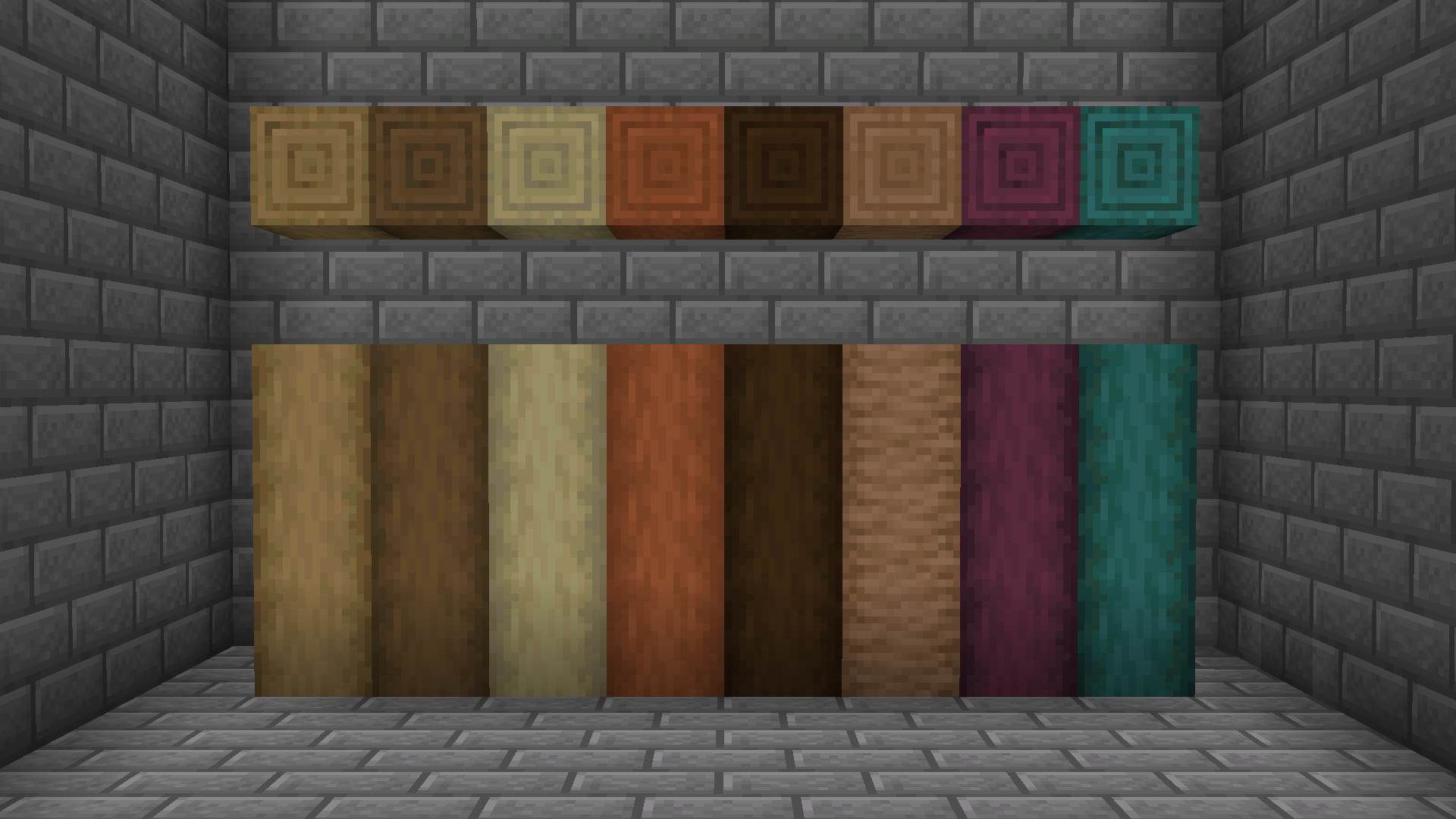
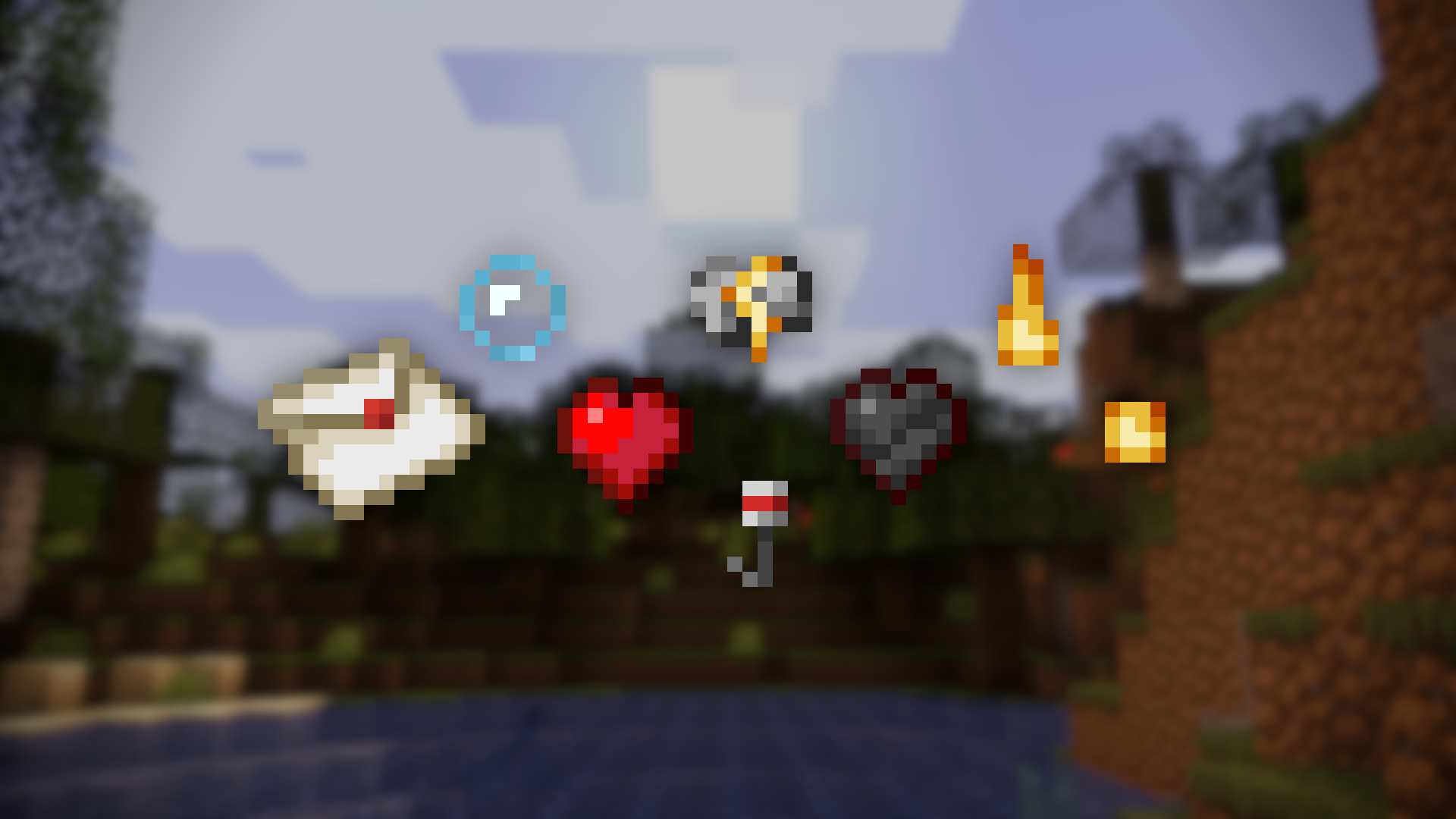
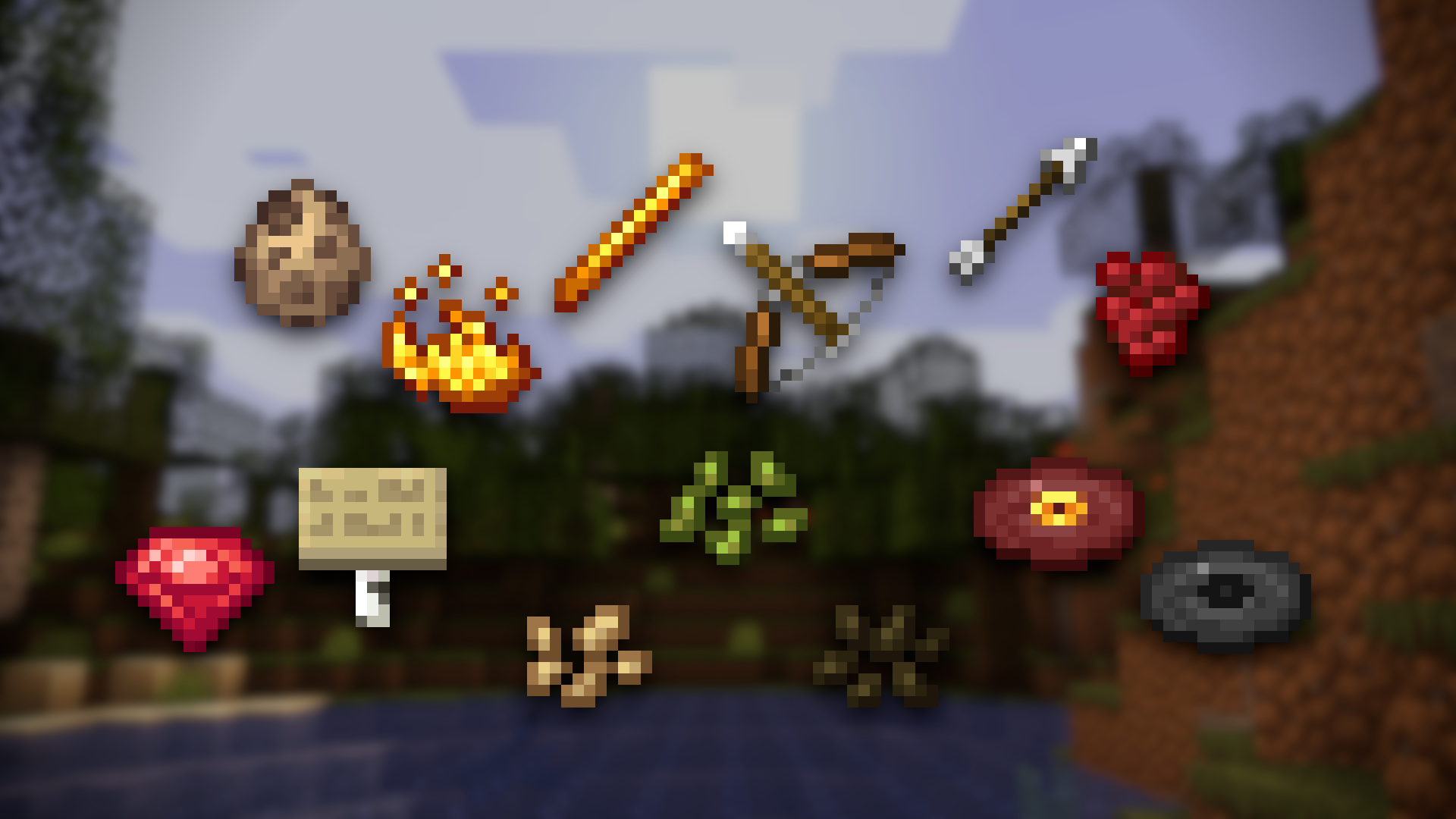
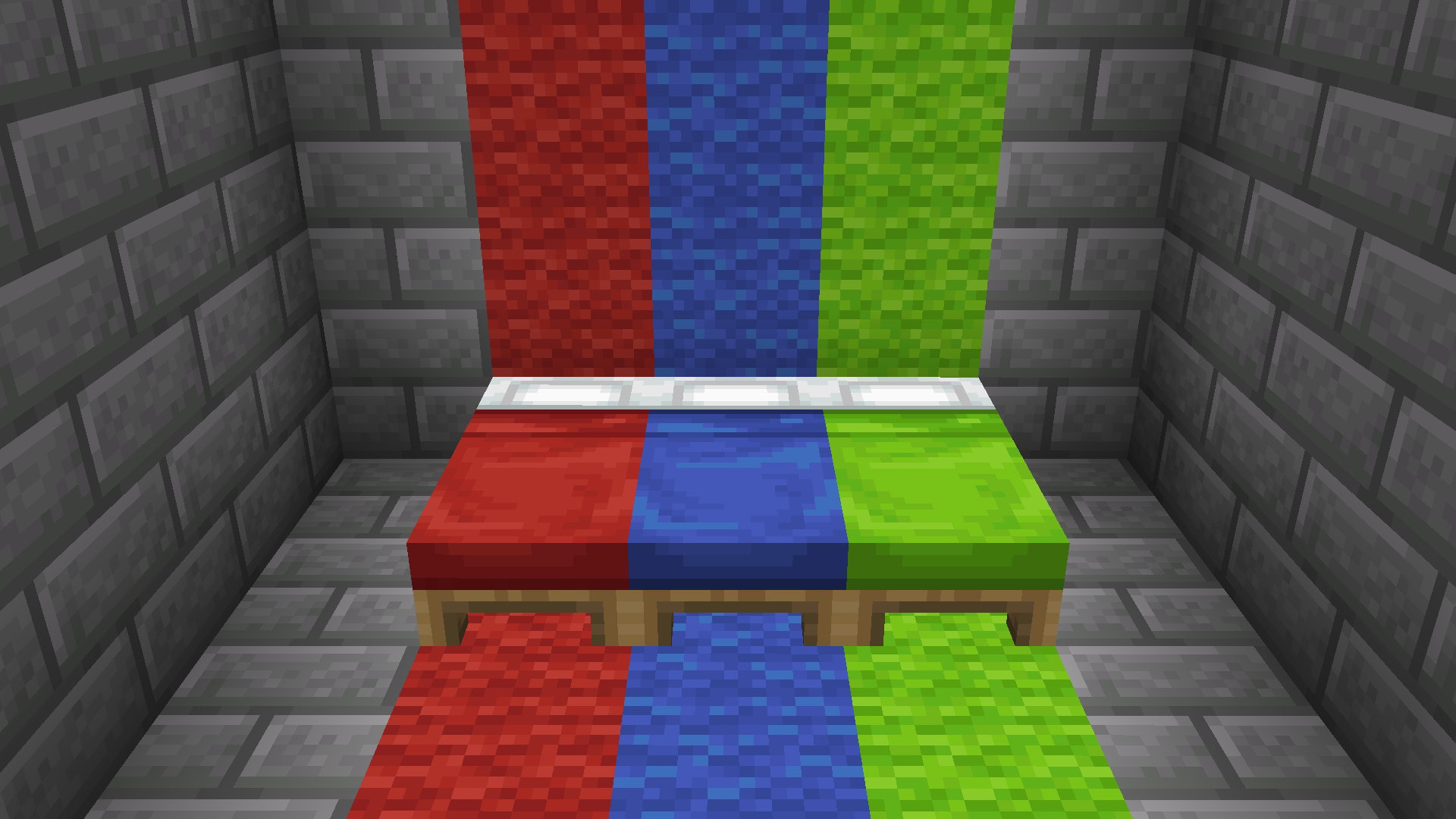
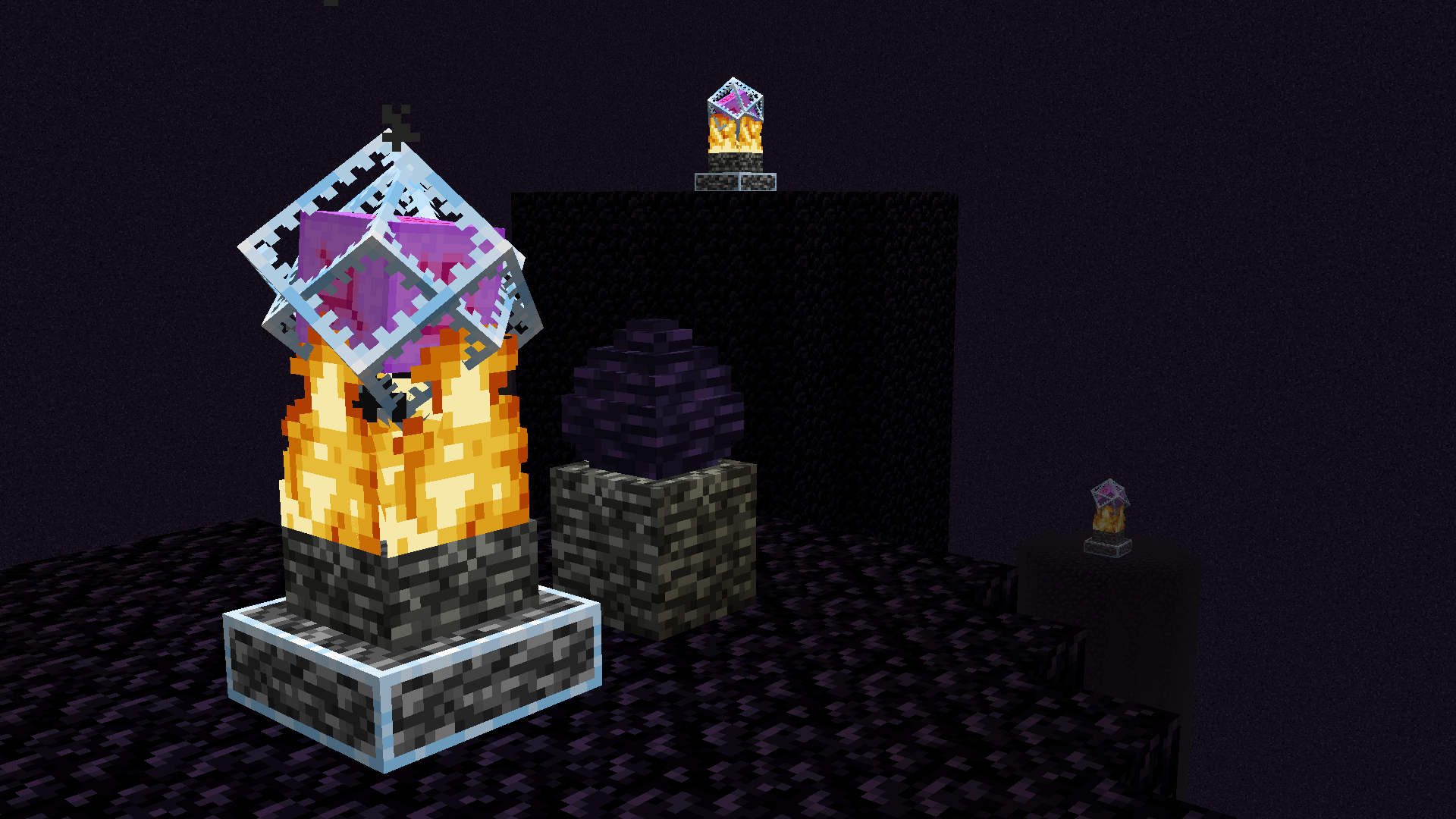
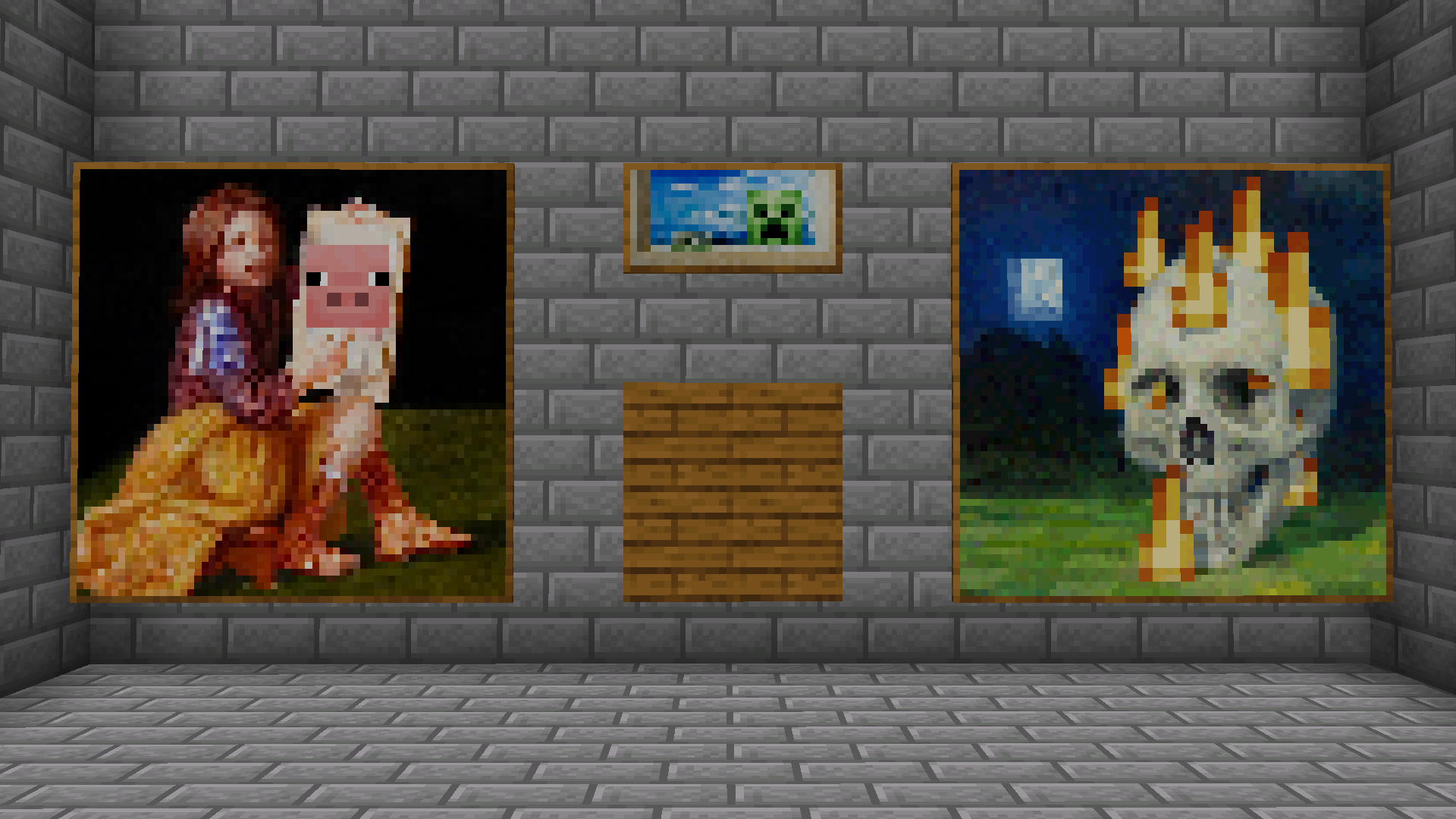
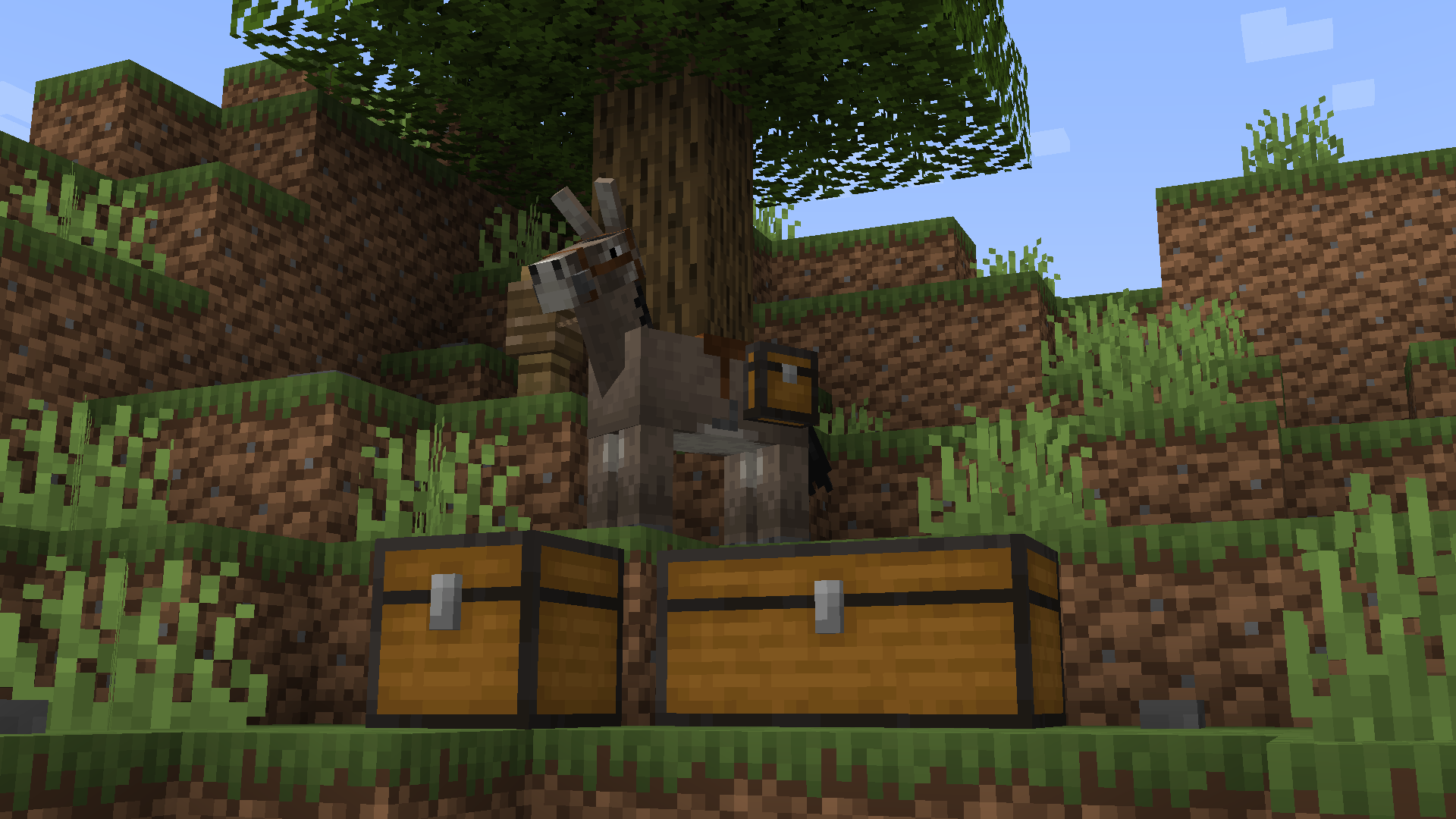
A traditional reimagining of the textures left untouched since 1.14.
by legovideosrock
Download Claim this project
3,757 downloads
0 likes
Updated Oct 14, 2026
0 hypes
16x Traditional
Advertisement Remove ads with Premium →

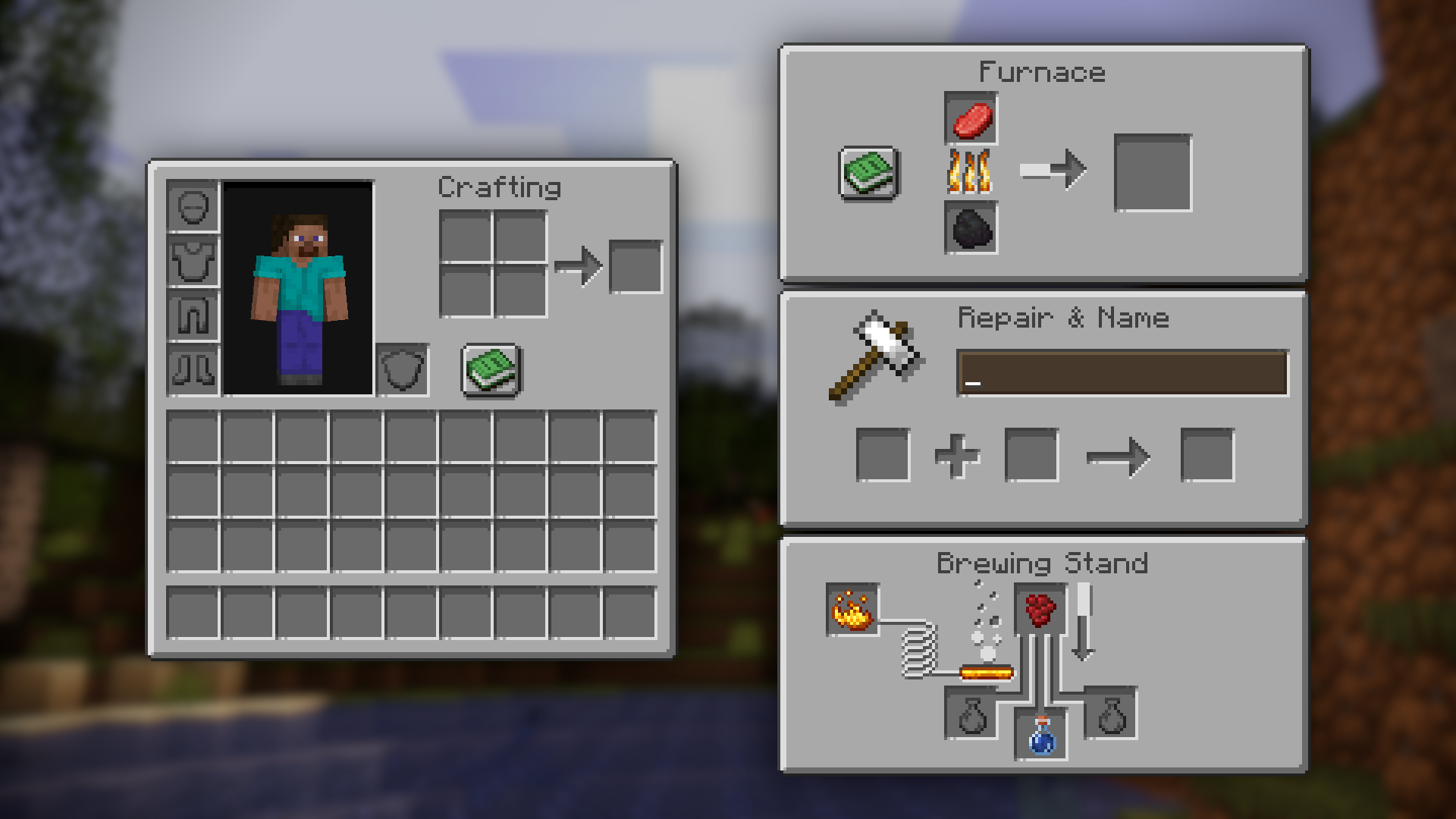
• Credit to u/Luxing23 from Reddit for the Mojang styled font.


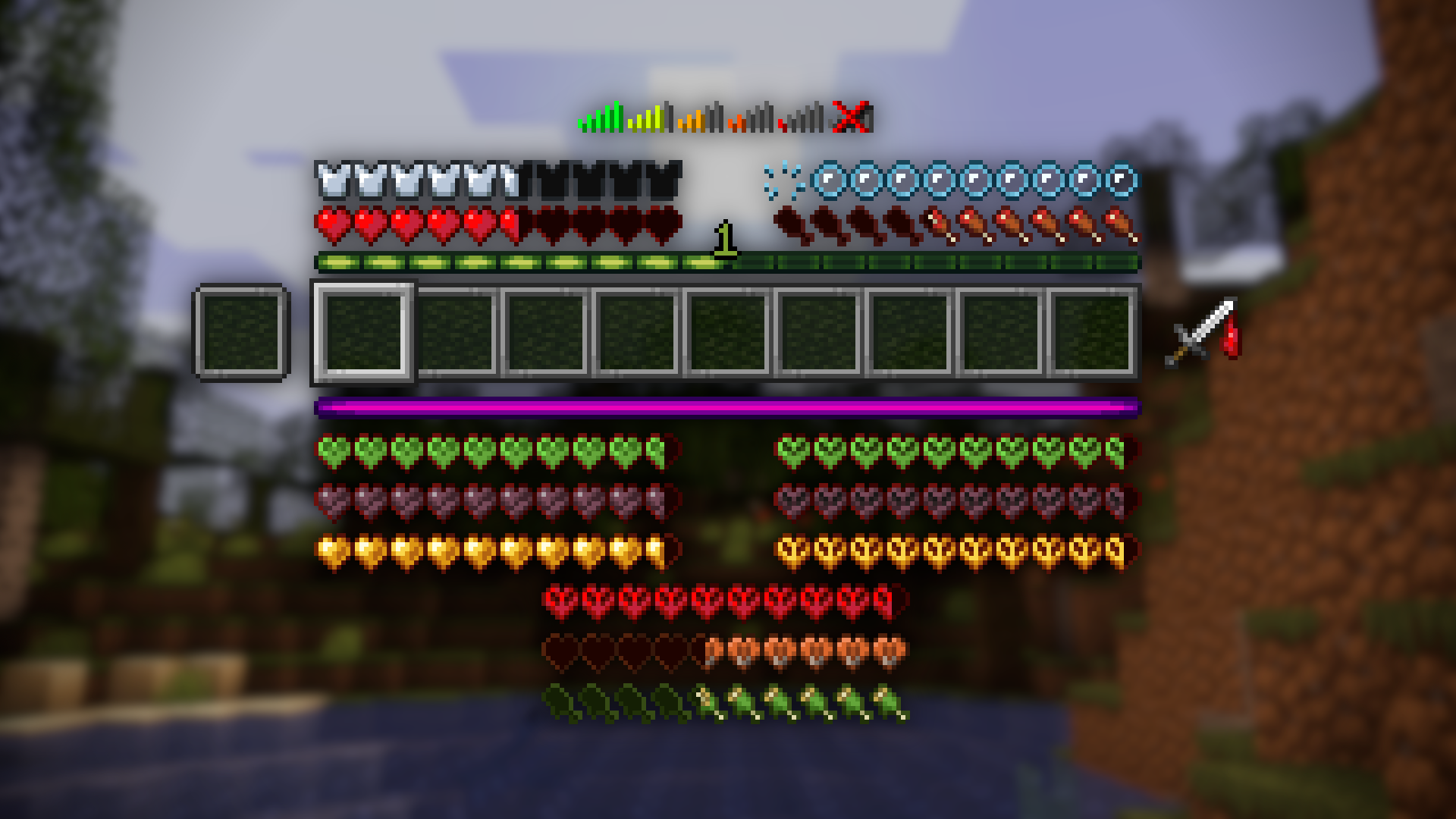
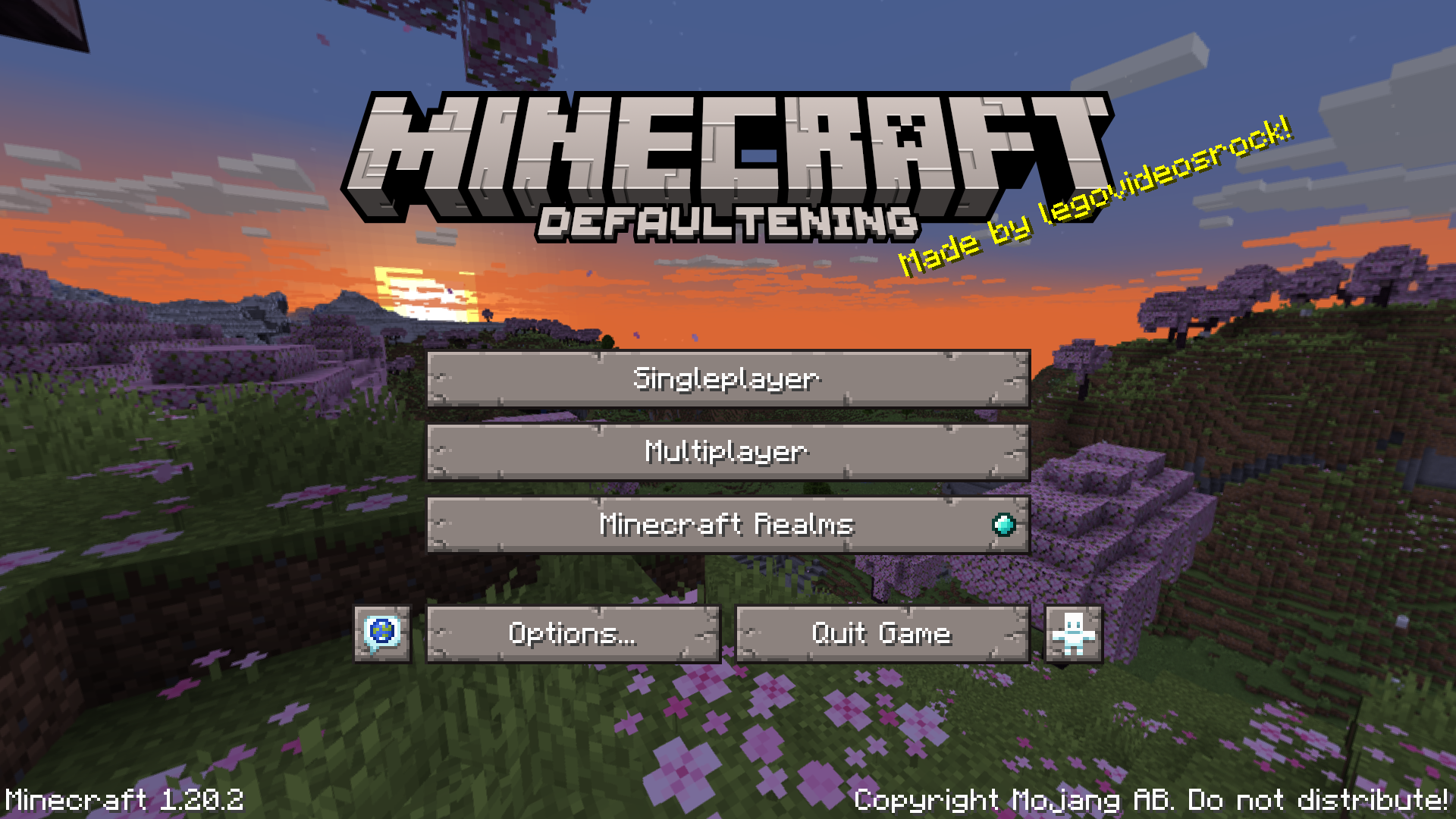
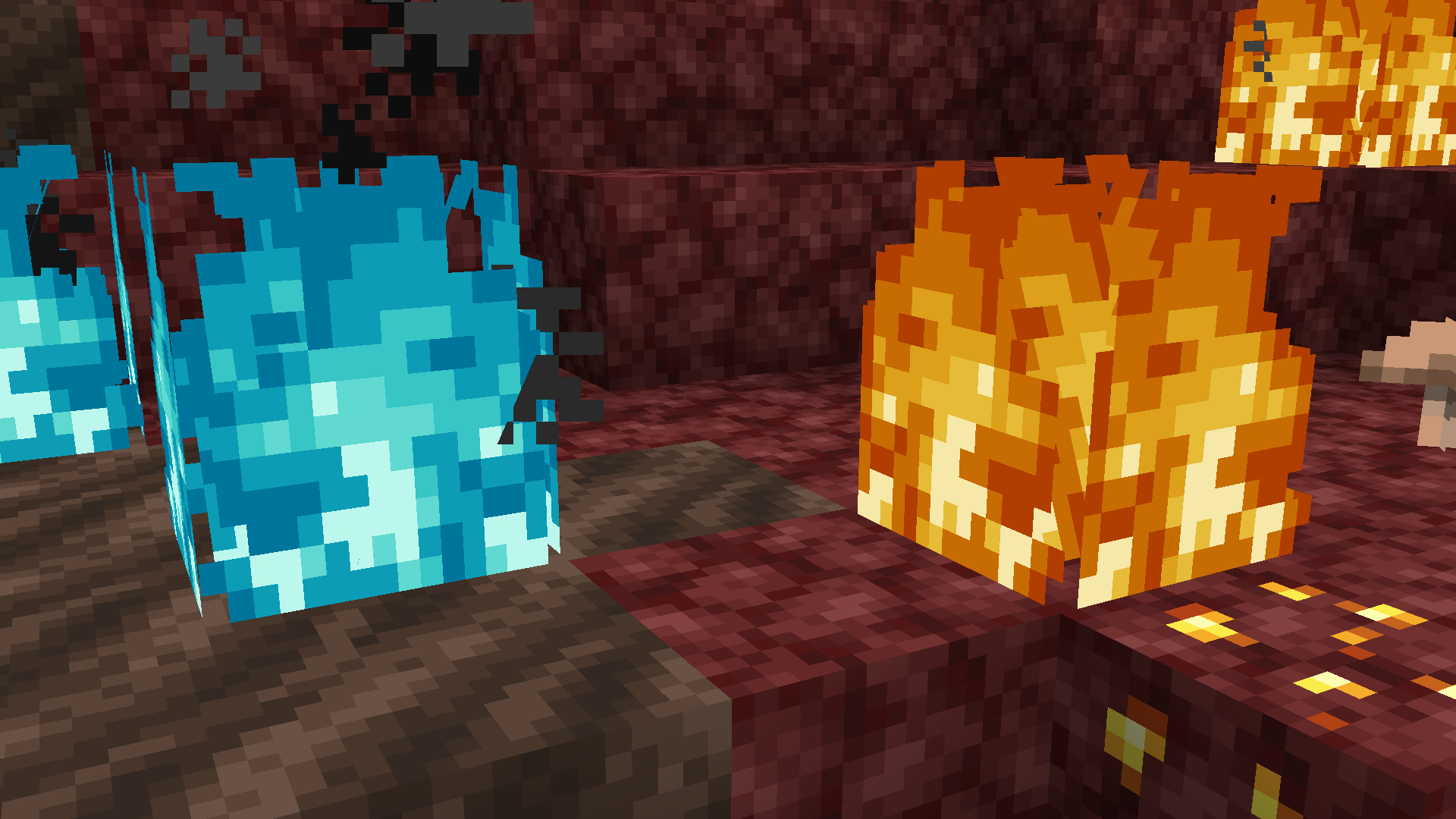
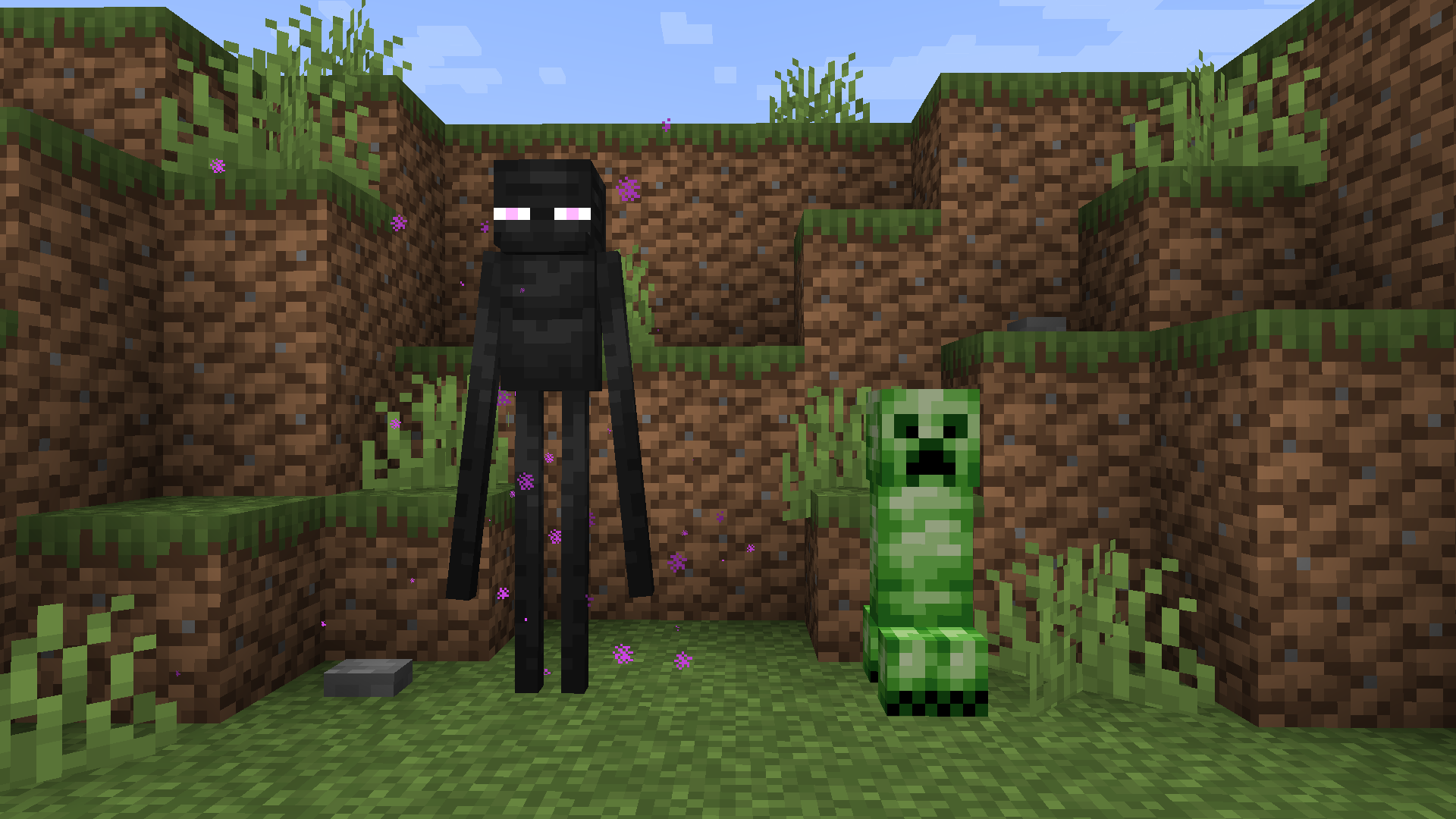
Minecraft Defaultening is a Resource Pack that aims to update all the textures left untouched since 1.14's Village and Pillage Update.

If you want Minecraft's visual style to be more consistent/updated, check this pack out!

(yes I know "defaultening" isn't a real word just roll with it >_>) 


~Planet Minecraft Link~


Follow Me On Twitter!


Feedback and/or requests are appreciated! I hope you have fun!

~ Optifine is recommended ~


If you want to use any assets from this pack, please ask permission and provide credit.

If you want to use this pack publicly, please credit me.



Defaultening v1.7.1 - 1.20-1.20.2
MC 1.20.2, 1.20.2-Snapshot, 1.20.1, 1.20, 1.20-Snapshot
Release 2023-10-23 Get
Defaultening v1.7 - 1.20.1
MC 1.20.1, 1.20, 1.20-Snapshot
Release 2023-06-24 Get
Defaultening v1.6.1 - 1.20.1
MC 1.20.1, 1.20, 1.20-Snapshot
Release 2023-06-20 Get
Defaultening v1.6 - 1.19.4
MC 1.19.4
Release 2023-03-15 Get
Defaultening v1.5.1 - 1.19
MC 1.19.3
Release 2023-03-14 Get
Defaultening v1.5 - 1.19
MC 1.19-Snapshot, 1.19
Release 2022-06-07 Get
Defaultening v1.4 - 1.18
MC 1.17.1, 1.18.1, 1.17, 1.18.2, 1.17-Snapshot, 1.18, 1.18-Snapshot
Release 2022-05-22 Get
Defaultening v1.3 - 1.18
MC 1.18.1, 1.18, 1.18-Snapshot
Release 2021-12-31 Get
Defaultening v1.2 - 1.17
MC 1.17.1, 1.17, 1.17-Snapshot
Release 2021-10-15 Get
Defaultening v1.1 - 1.17
MC 1.17.1, 1.17, 1.17-Snapshot
Release 2021-09-06 Get
Defaultening-1.17x.zip
MC 1.17.1, 1.17, 1.17-Snapshot
Release 2021-07-31 Get

Requirements & install

How to use this resource pack in Minecraft
Resolution
16x
Minecraft
1.19 – 1.20.2
Install folder
.minecraft/resourcepacks

How to install resource packs

  1. Download the resource pack .zip file (do not extract it).
  2. In Minecraft open Options → Resource Packs → Open Pack Folder.
  3. Drop the .zip into the resourcepacks folder (.minecraft/resourcepacks).
  4. Move the pack to the Selected column and click Done.
Browse more: 16x resource packs 32x resource packs 64x resource packs 128x resource packs 256x resource packs 512x+ resource packs Resource Packs for 1.20.2 All resource packs
Advertisement Remove ads with Premium →

You Might Also Like