Mineuniverse
Resource Packs
Default 3D [16x]

Default 3D [16x]

RESOURCE PACK
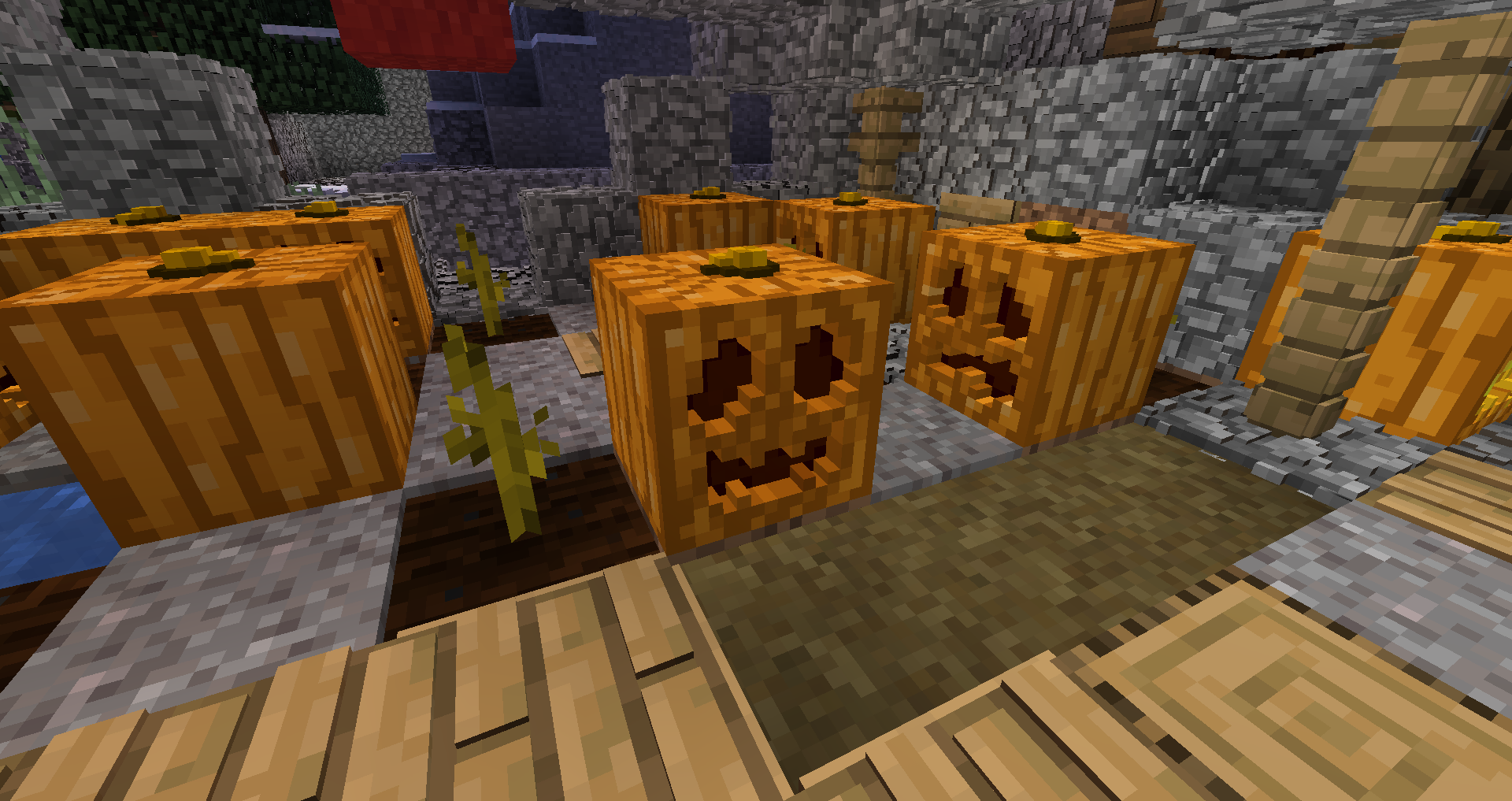
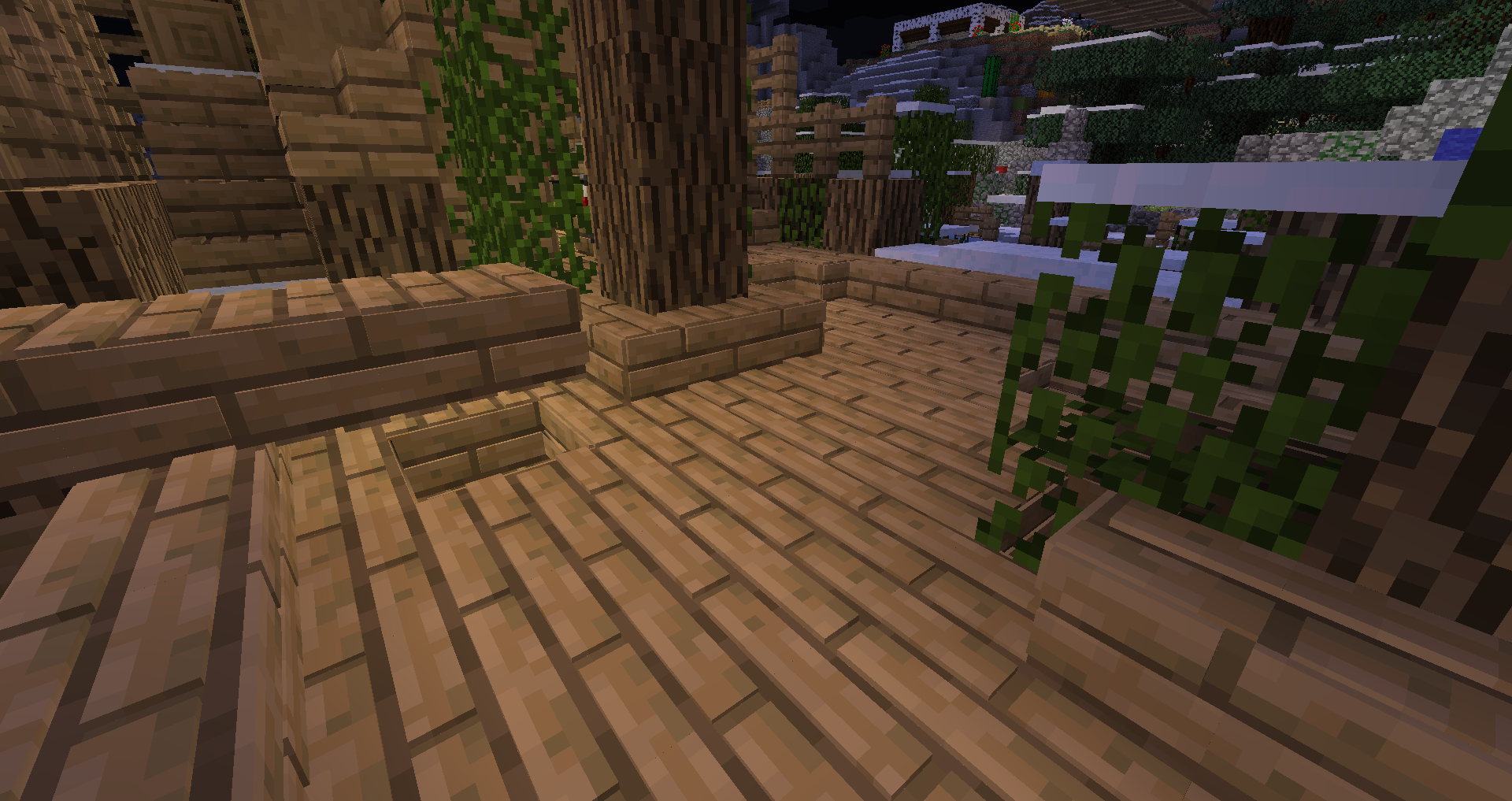
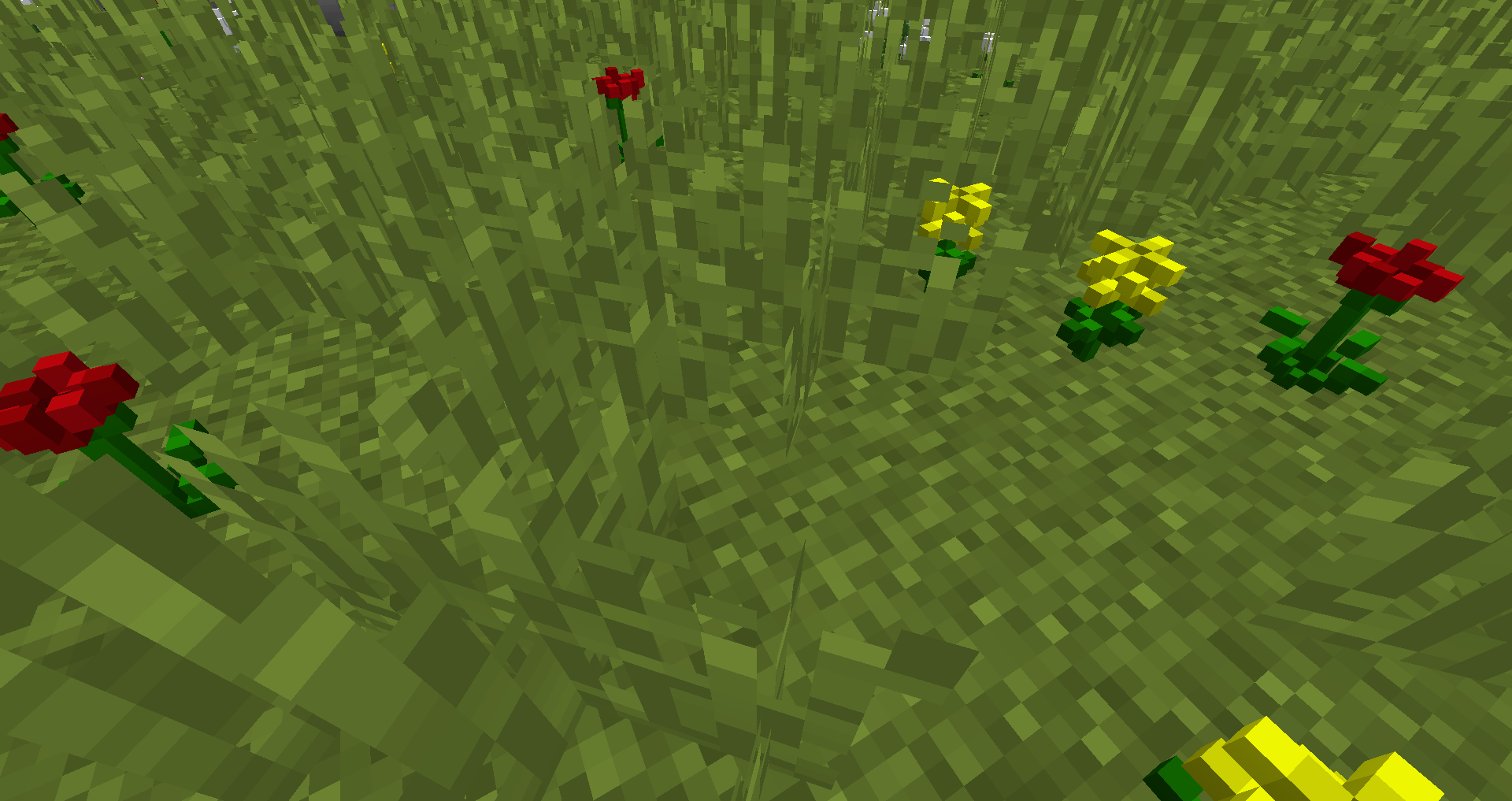
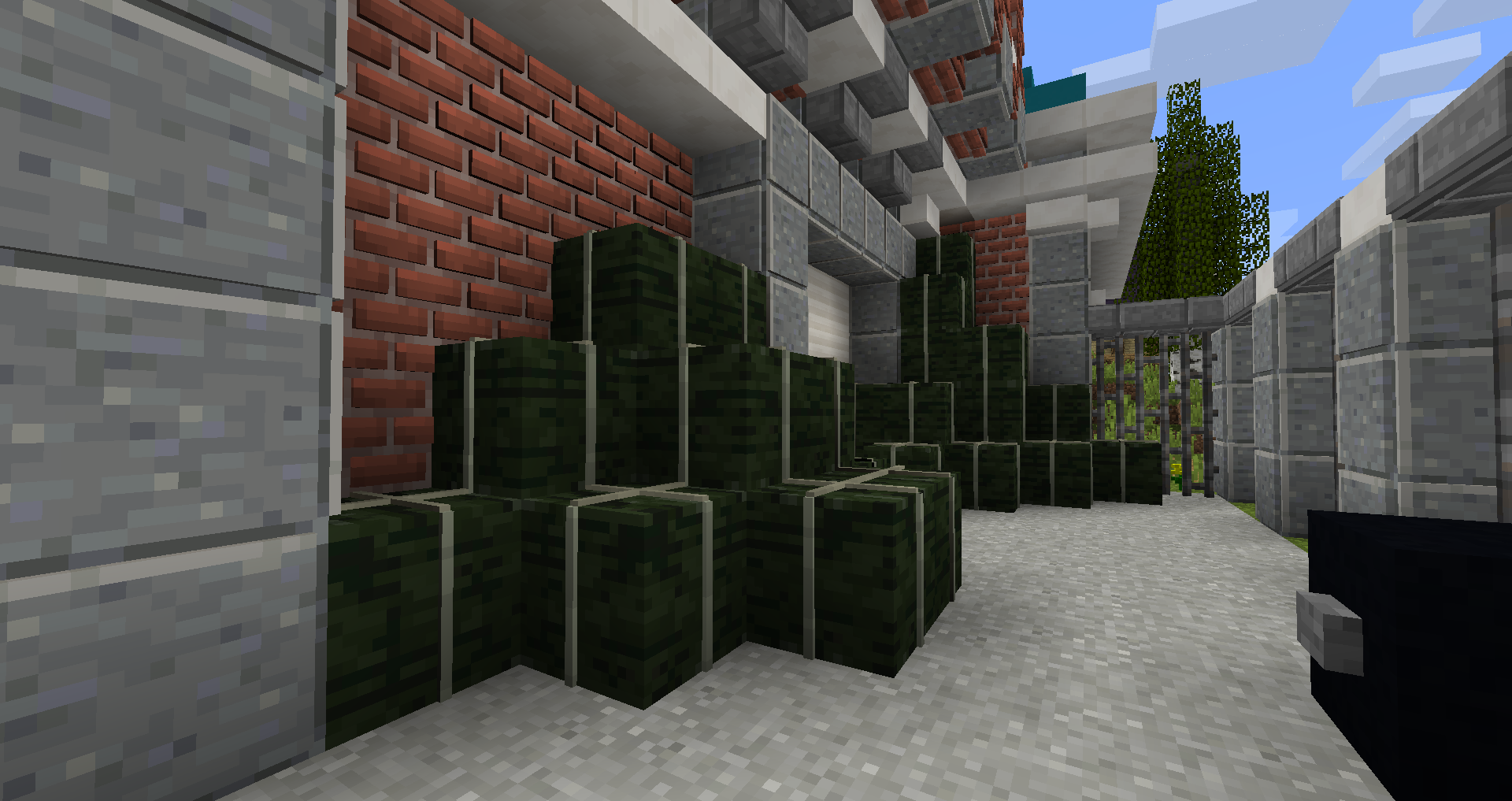
1.8 - 1.16 | Most popular 3D resource pack, based on the default Minecraft!
by Know2Good
Download Claim this project
1,670,982 downloads
0 likes
Updated Oct 14, 2026
0 hypes
16x Animated Miscellaneous Traditional
Advertisement Remove ads with Premium →


Default 3D


 All latest versions for 1.15 / 1.16 are available at the official website: www.Know2Good.com.


So many different pack versions! What pack do I choose?
Below are the specifications of each pack individually.


Default 3D Low would be your way to go when the computer you're using isn't that powerful. Considering it's derived from Default 3D High. In comparison, it lacks a few block models and features pack-specific block models. This ensures the pack will run smooth. Models in this pack also features 'smooth edges', this makes all textures of all faces of a model connect seamlessly with its adjacent faces, creating an eye-pleasing gameplay experience.


 

Default 3D Medium is a great alternative for both Low and High, hence the word 'medium'. It features all blocks, items and textures Default 3D High does. The only difference is that some block models are altered to feature less elements. This benefits the pack's performance. It's designed for decent performing computers. Models in this pack also features 'smooth edges', this makes all textures of all faces of a model connect seamlessly with its adjacent faces, creating an eye-pleasing gameplay experience.
 

Default 3D High can be considered a number one choice, granted that your computer's performance is average or above. Unaltered, it features all blocks, items and textures. Models in this pack also features 'smooth edges', this makes all textures of all faces of a model connect seamlessly with its adjacent faces, creating an eye-pleasing gameplay experience.


Default 3D Snapshot is exactly what its name implies. It's derived from High, but features models for the newest blocks and items that are added in snapshots. Note that these snapshot models are never featured in any other pack. In case the above packs cannot function properly with newer versions of Minecraft, this pack always will.
 
For more information: Know2Good.com  (redirect via partner)
 
GIF
Default 3D High 1.14
MC 1.14.4, 1.14.1, 1.14.3, 1.14, 1.14.2, 1.14-Snapshot
Release 2019-12-14 Get

Requirements & install

How to use this resource pack in Minecraft
Resolution
16x
Minecraft
1.14-Snapshot – 1.14.4
Install folder
.minecraft/resourcepacks

How to install resource packs

  1. Download the resource pack .zip file (do not extract it).
  2. In Minecraft open Options → Resource Packs → Open Pack Folder.
  3. Drop the .zip into the resourcepacks folder (.minecraft/resourcepacks).
  4. Move the pack to the Selected column and click Done.
Browse more: 16x resource packs 32x resource packs 64x resource packs 128x resource packs 256x resource packs 512x+ resource packs Resource Packs for 1.14.4 All resource packs
Advertisement Remove ads with Premium →

You Might Also Like