Mineuniverse
Resource Packs
Deepslate To Stone

Deepslate To Stone

RESOURCE PACK
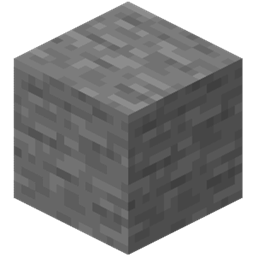
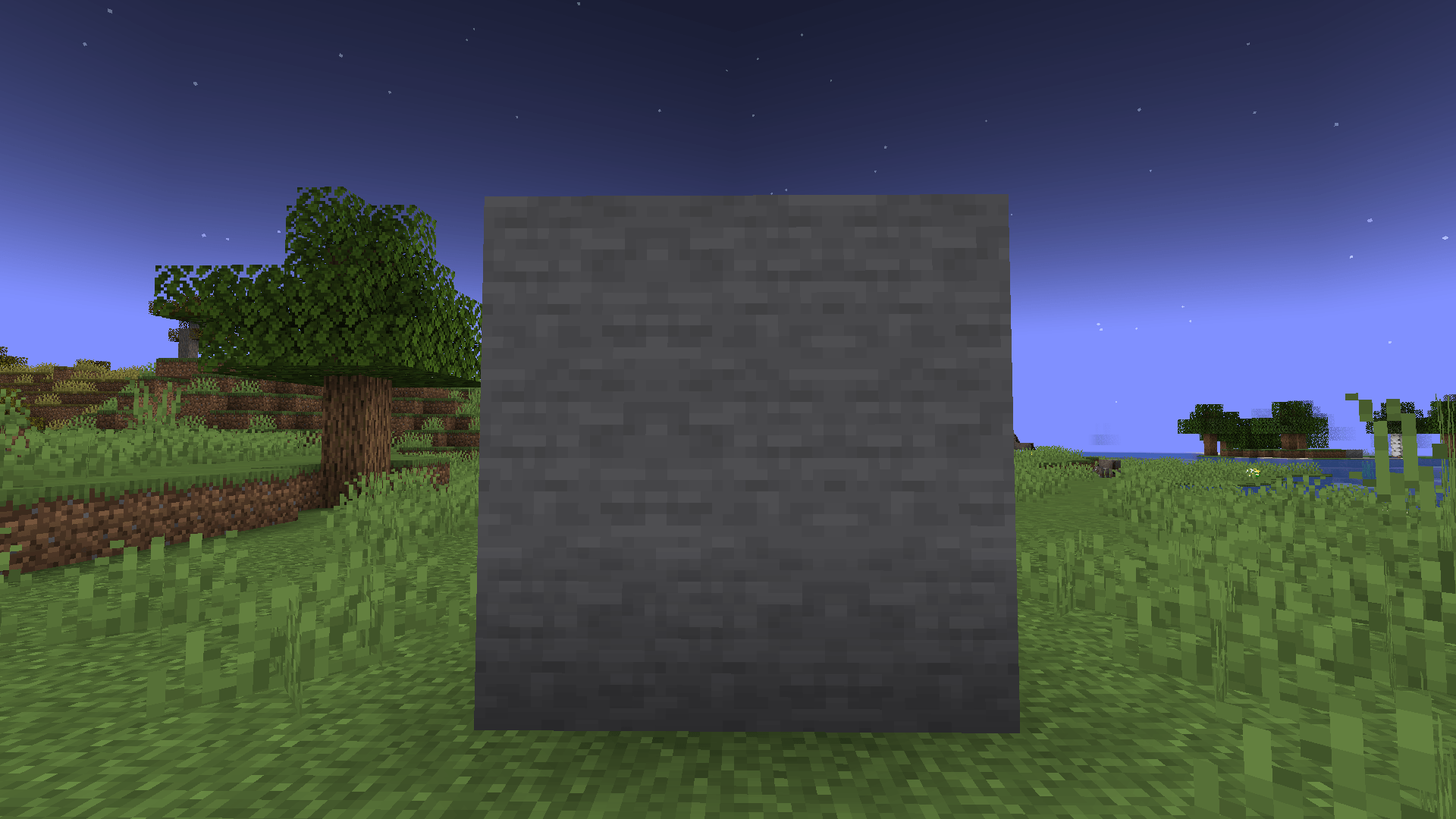
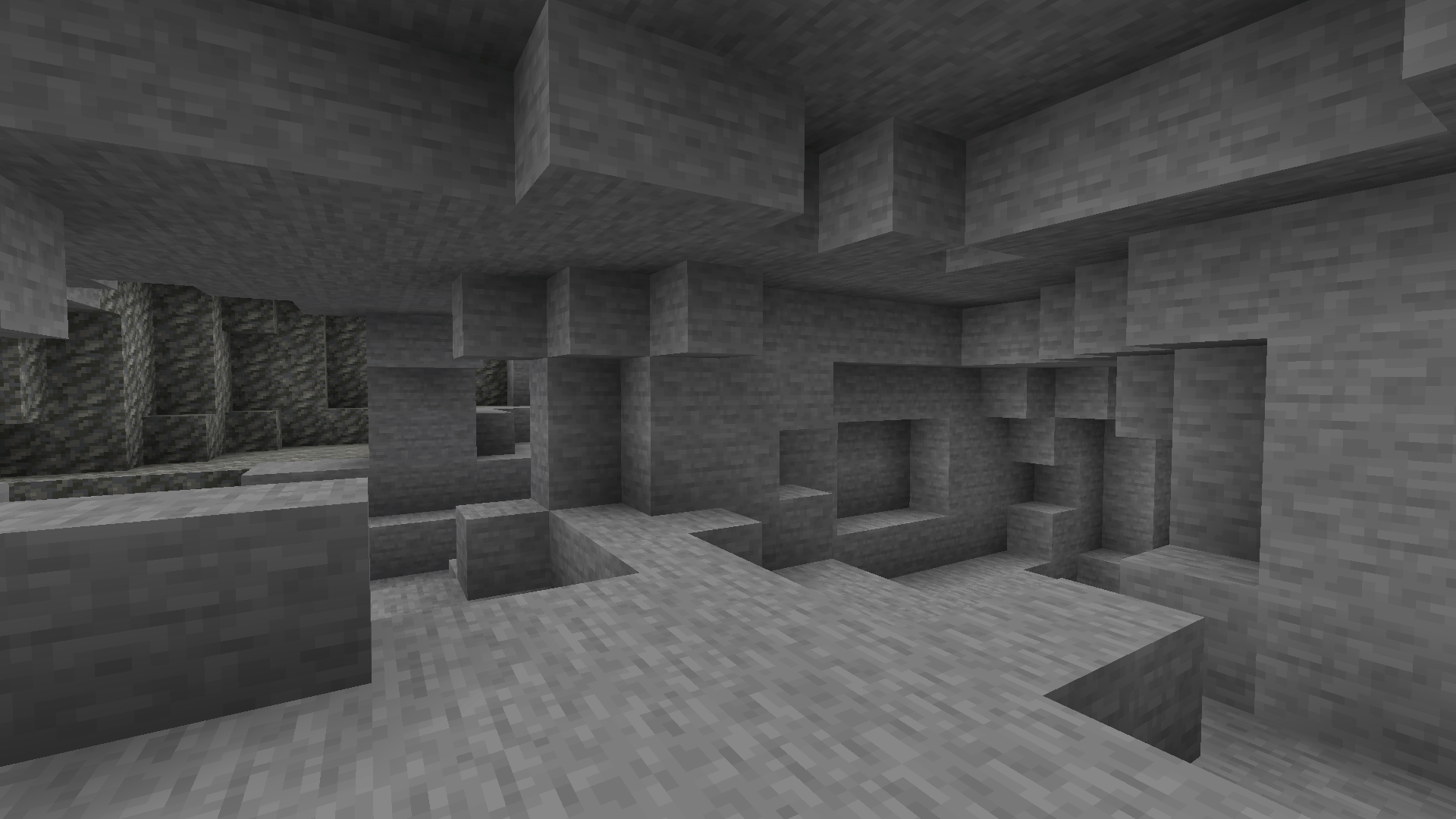
Deepslate to Stone is a minimalist 16x pack that removes the jarring Deepslate texture from caves, replacing it entirely with the classic Stone texture for a clean, visually cohesive caving experience. A simple fix for cluttered caverns!
by Batam72400
Download Claim this project
1,084 downloads
0 likes
Updated Oct 14, 2026
0 hypes
16x Miscellaneous
Advertisement Remove ads with Premium →

Deepslate to Stone: The Visual Cave Fix


Tired of the dark, noisy visual clutter that Deepslate brings to the deep caverns? This simple but effective 16x resource pack is designed for players who prefer the clean, cohesive look of classic Minecraft caving.

This pack completely replaces the default Deepslate block textures—including the sides, top, and bottom—with the standard Stone texture. Below the surface, the transition between Stone and Deepslate will now be visually seamless, making your deep caves feel less jarring and more unified.


Key Features


  • Core Change: Completely replaces the texture of the Deepslate block with the texture of regular Stone.

  • Resolution: 16x (Vanilla Standard). This means the pack blends perfectly with the default Minecraft look.

  • Minimalist Design: Only the base Deepslate block texture is changed. All Deepslate variants (Cobbled Deepslate, Deepslate Bricks, Polished Deepslate, etc.) and all Deepslate Ores remain their default, original textures. This allows you to still use the new building blocks without a visual conflict.

  • Performance: A tiny file size ensures zero impact on game performance

Deepslate To Stone.zip
MC 1.17.1, 1.21.2-Snapshot, 1.21, 1.21.6-snapshot, 1.18.1, 1.20.2-Snapshot, 1.20.5-Snapshot, 1.19-Snapshot, 1.21.1-Snapshot, 1.19.3, 1.20.2, 1.19.4, 1.21.8, 1.17, 1.19.4-Snapshot
Release 2026-09-21 Get
Deepslate To Stone 1.21.1
MC 1.21.1
Release 2025-10-14 Get

Requirements & install

How to use this resource pack in Minecraft
Resolution
16x
Minecraft
1.20.2 – 1.21.8
Install folder
.minecraft/resourcepacks

How to install resource packs

  1. Download the resource pack .zip file (do not extract it).
  2. In Minecraft open Options → Resource Packs → Open Pack Folder.
  3. Drop the .zip into the resourcepacks folder (.minecraft/resourcepacks).
  4. Move the pack to the Selected column and click Done.
Browse more: 16x resource packs 32x resource packs 64x resource packs 128x resource packs 256x resource packs 512x+ resource packs Resource Packs for 1.21.8 All resource packs
Advertisement Remove ads with Premium →

You Might Also Like