Mineuniverse
Resource Packs
Dedo's Vanilla 3D Tools and Weapons

Dedo's Vanilla 3D Tools and Weapons

RESOURCE PACK
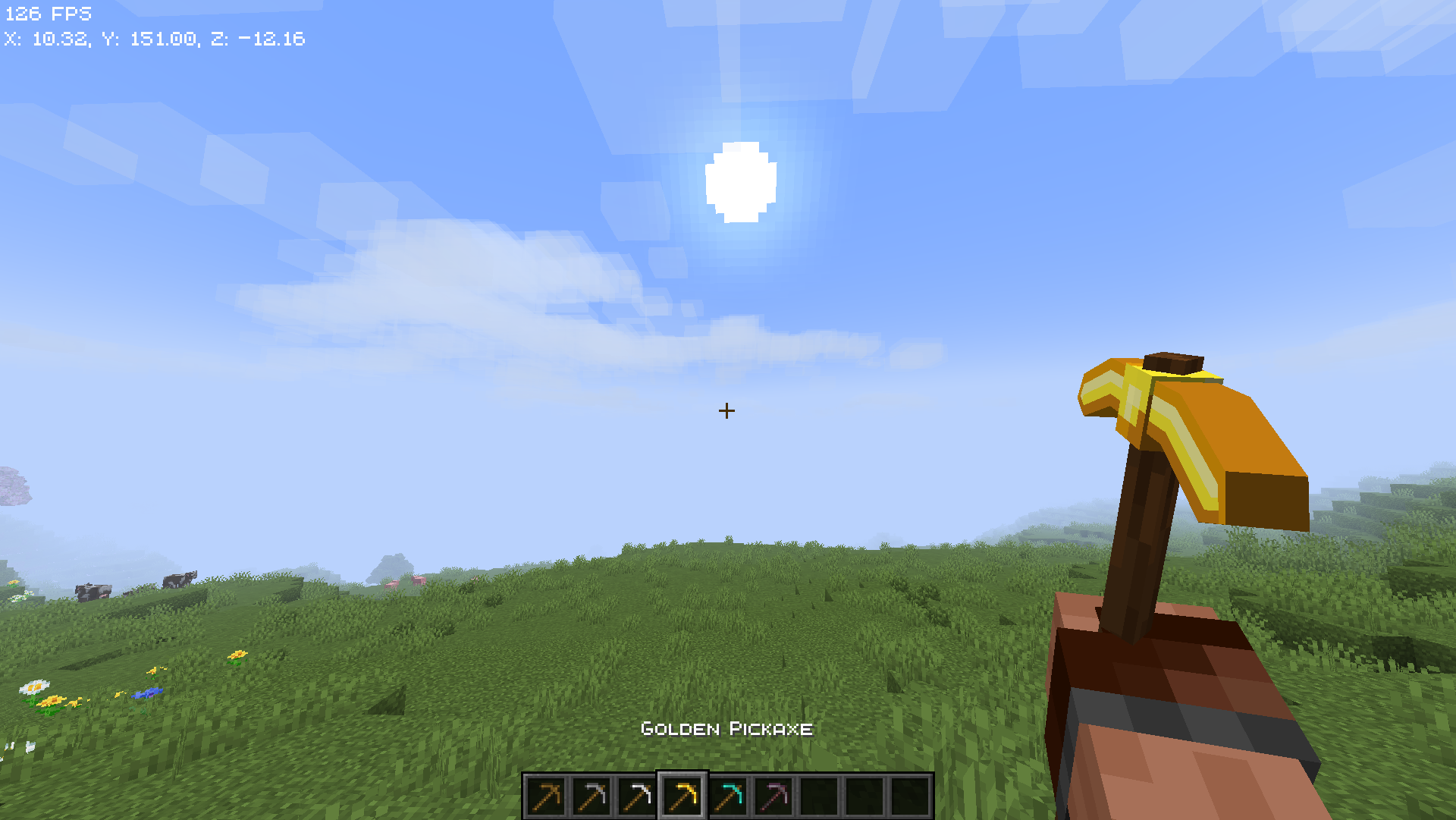
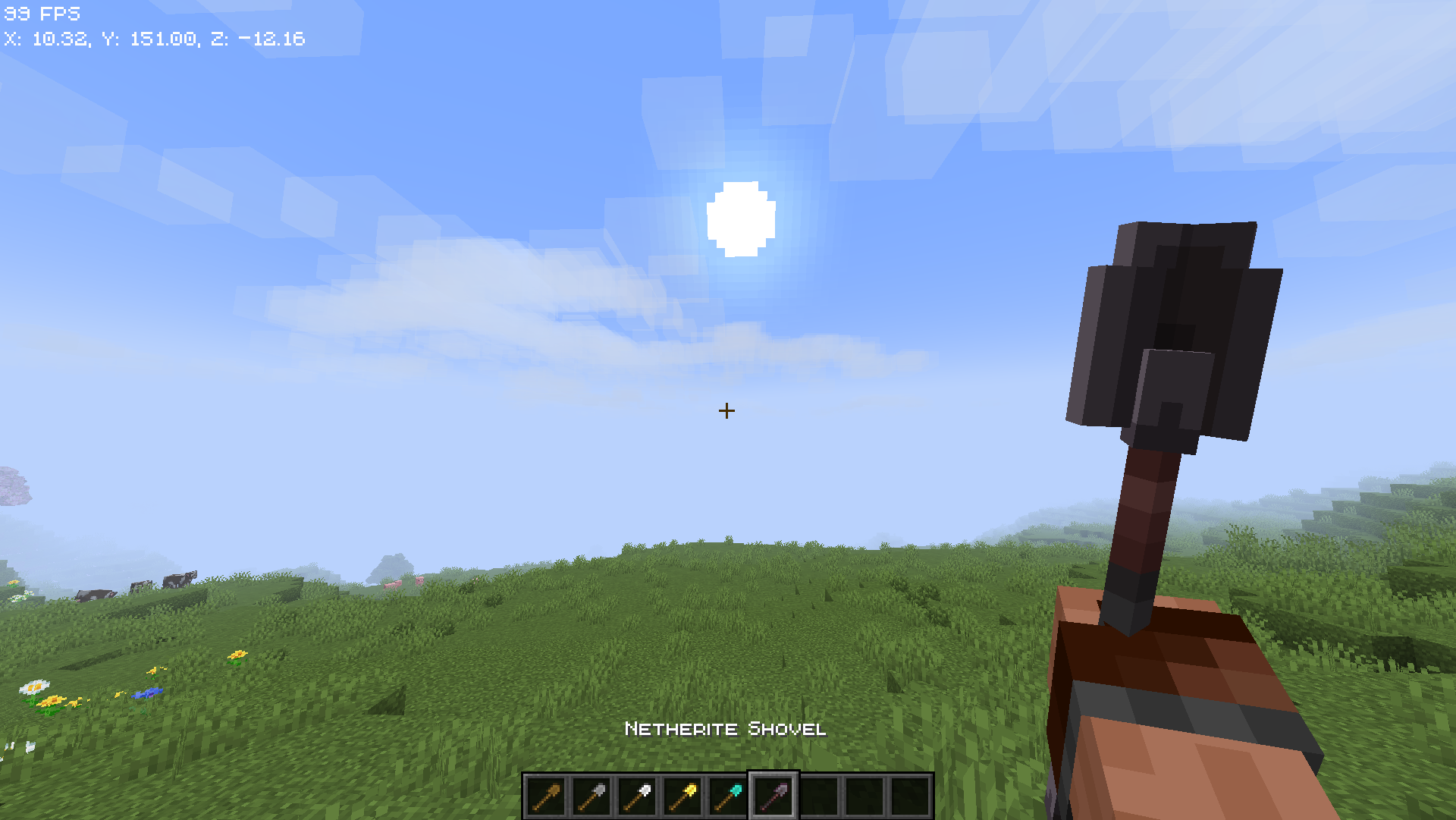
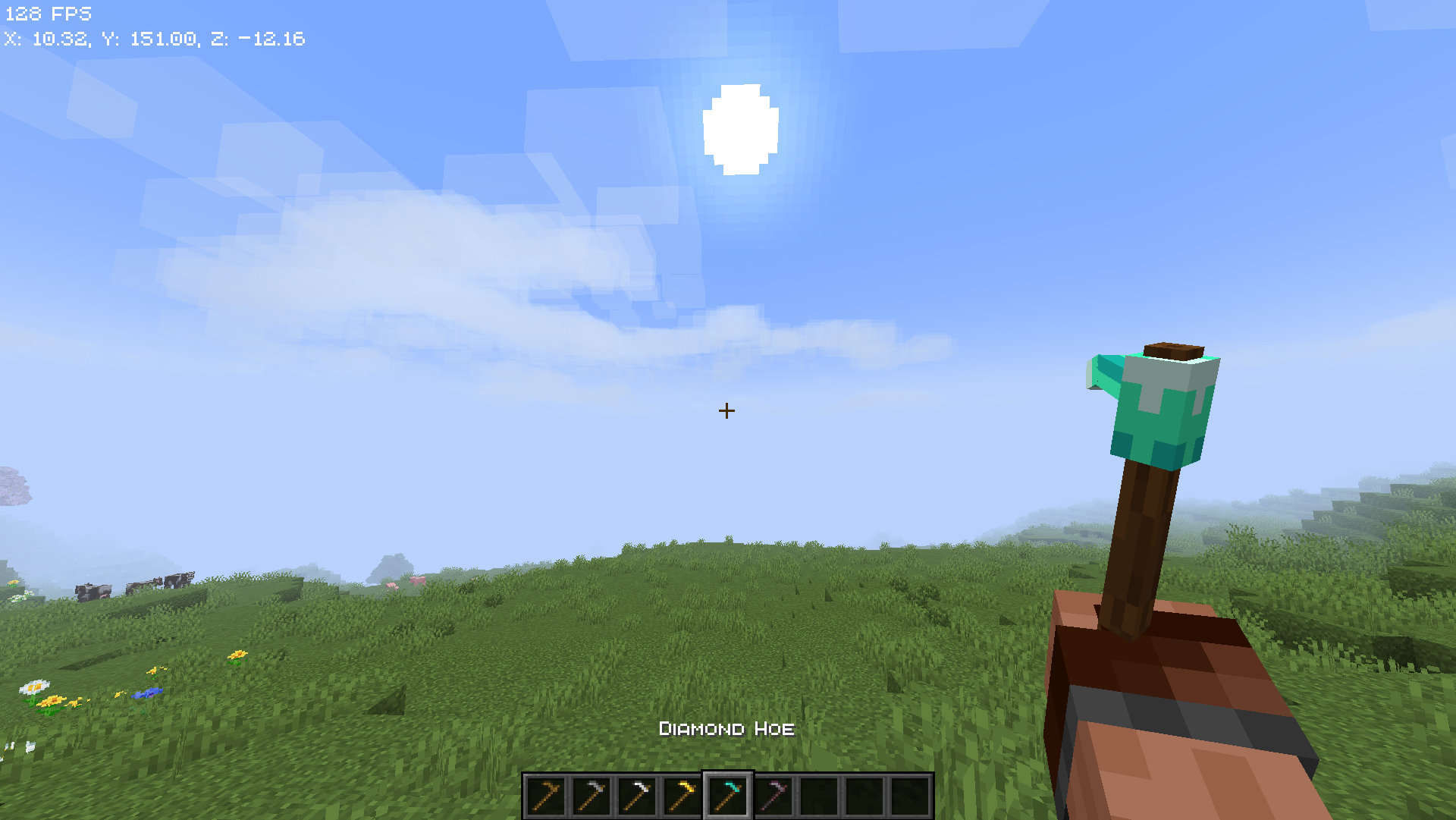
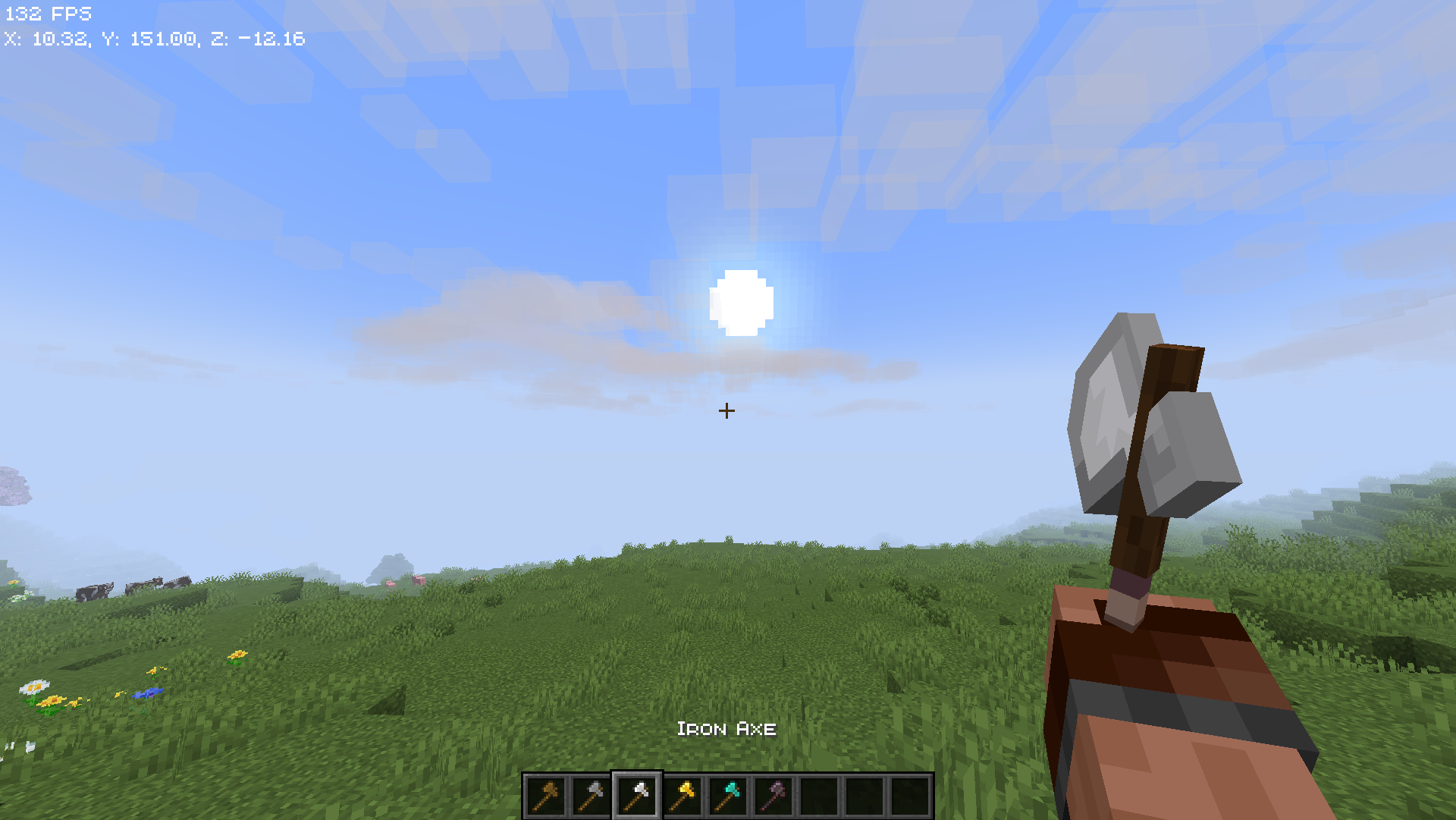
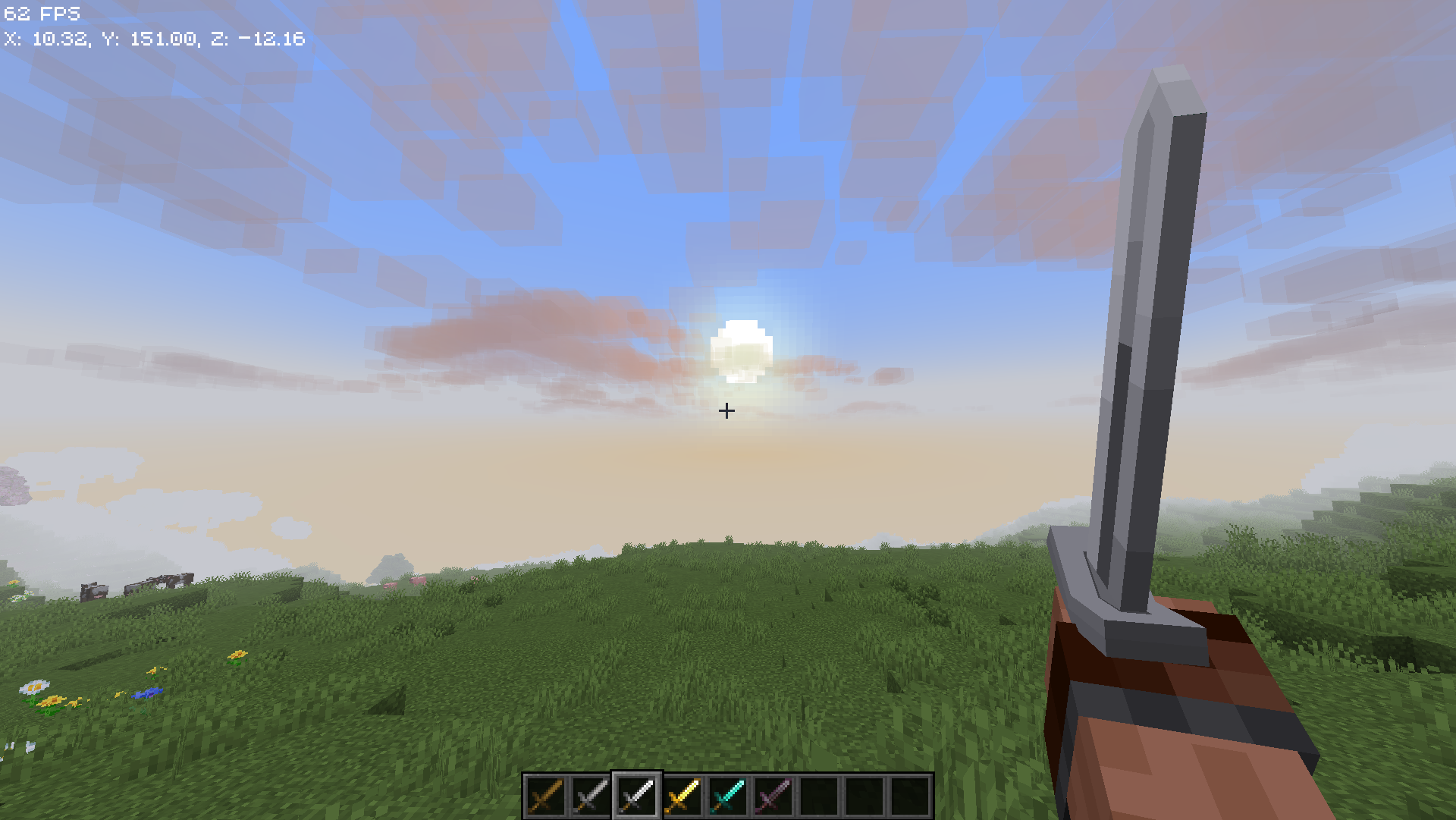
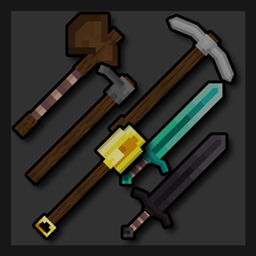
Dedo's 3D Vanilla Tools and Weapons is a Minecraft resource pack project that transforms standard tools and weapons into detailed 3D models.
by dedonautv1
Download Claim this project
Add a badge to your pageLink to Dedo's Vanilla 3D Tools and Weapons from a README, website or forum post.
Preview: Badge

Badges update automatically and link to the resource pack page on MineUniverse.

2,568 downloads
0 likes
0 followers
Updated Oct 14, 2026
0 hypes
Follow0
32x
Advertisement Remove ads with Premium →

Dedo's 3D Vanilla Tools and Weapons is a Minecraft resource pack that replaces the default flat tools and weapons with high-quality 3D models, carefully crafted to stay true to the classic vanilla aesthetic. This pack enhances immersion without straying from Minecraft’s original charm—ideal for players who want a more dynamic and visually appealing experience while keeping the game’s iconic style intact.


Features:
  • Fully re-modeled 3D versions of all standard tools and weapons (swords, pickaxes, axes, shovels, hoes, etc.)
  • Consistent with vanilla textures and colors—no drastic redesigns
  • Perfect for builders, survival players, and creators who want subtle visual upgrades
  •  It will require Hold My Items mod if you want to see the first person arms (Much better IMO)


I'm a beginner in 3D modeling and texturing, and this is my first project, so suggestions, feedback, and constructive criticism are very welcome as I continue to learn and improve!

 

Dedo's 3D Tools and Weapon-v1.0.zip
MC 1.21.5
Release 2025-05-10 Get
Dedo's 3D Tools and Weapon.zip
MC 1.21.5
Release 2025-05-04 Get

Requirements & install

How to use this resource pack in Minecraft
Resolution
32x
Minecraft
1.21.5
Install folder
.minecraft/resourcepacks

How to install resource packs

  1. Download the resource pack .zip file (do not extract it).
  2. In Minecraft open Options → Resource Packs → Open Pack Folder.
  3. Drop the .zip into the resourcepacks folder (.minecraft/resourcepacks).
  4. Move the pack to the Selected column and click Done.
Browse more: 16x resource packs 32x resource packs 64x resource packs 128x resource packs 256x resource packs 512x+ resource packs Resource Packs for 1.21.5 All resource packs
Advertisement Remove ads with Premium →

You Might Also Like