Mineuniverse
Resource Packs
Dead Bush Overgrowth

Dead Bush Overgrowth

RESOURCE PACK
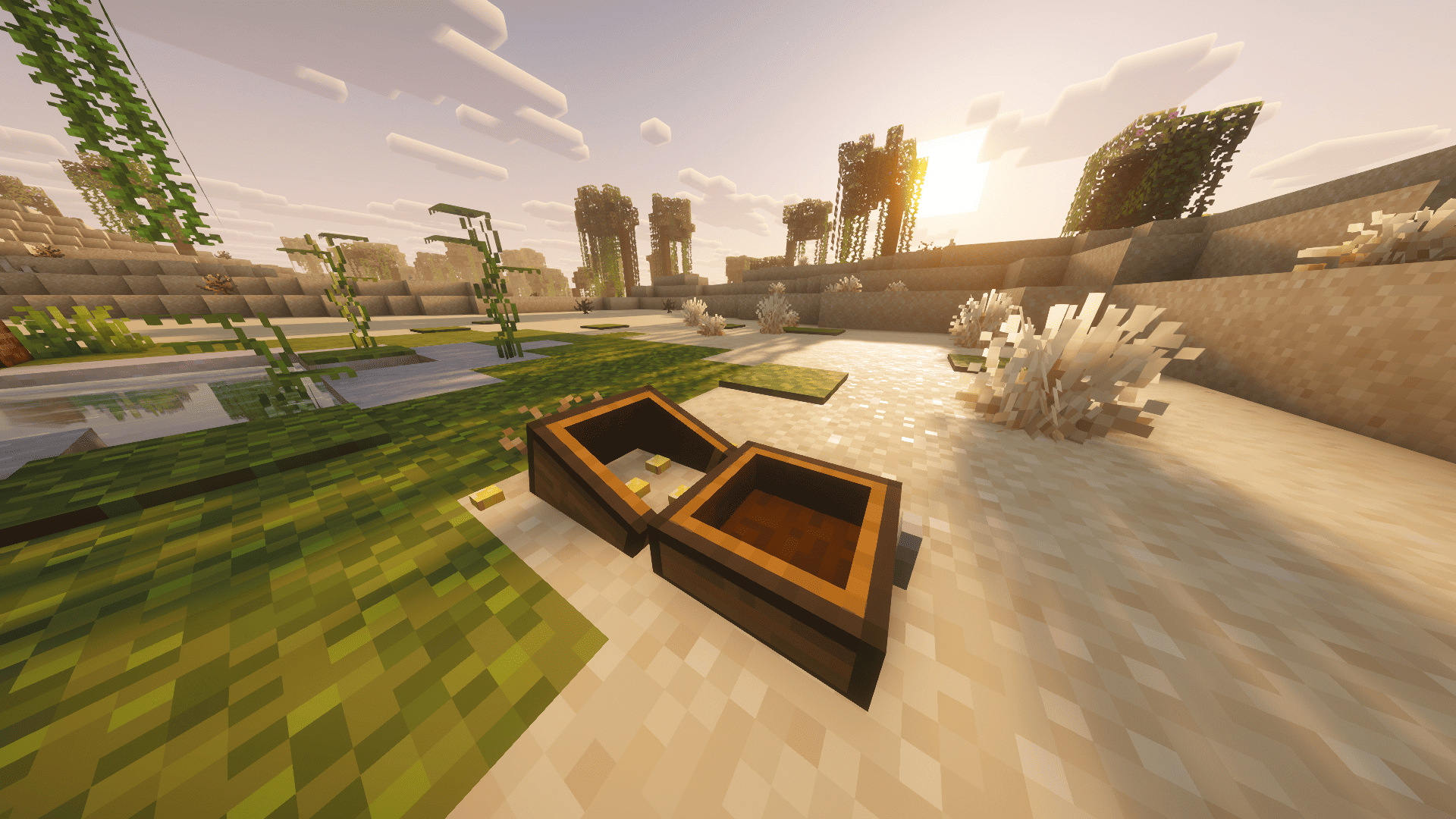
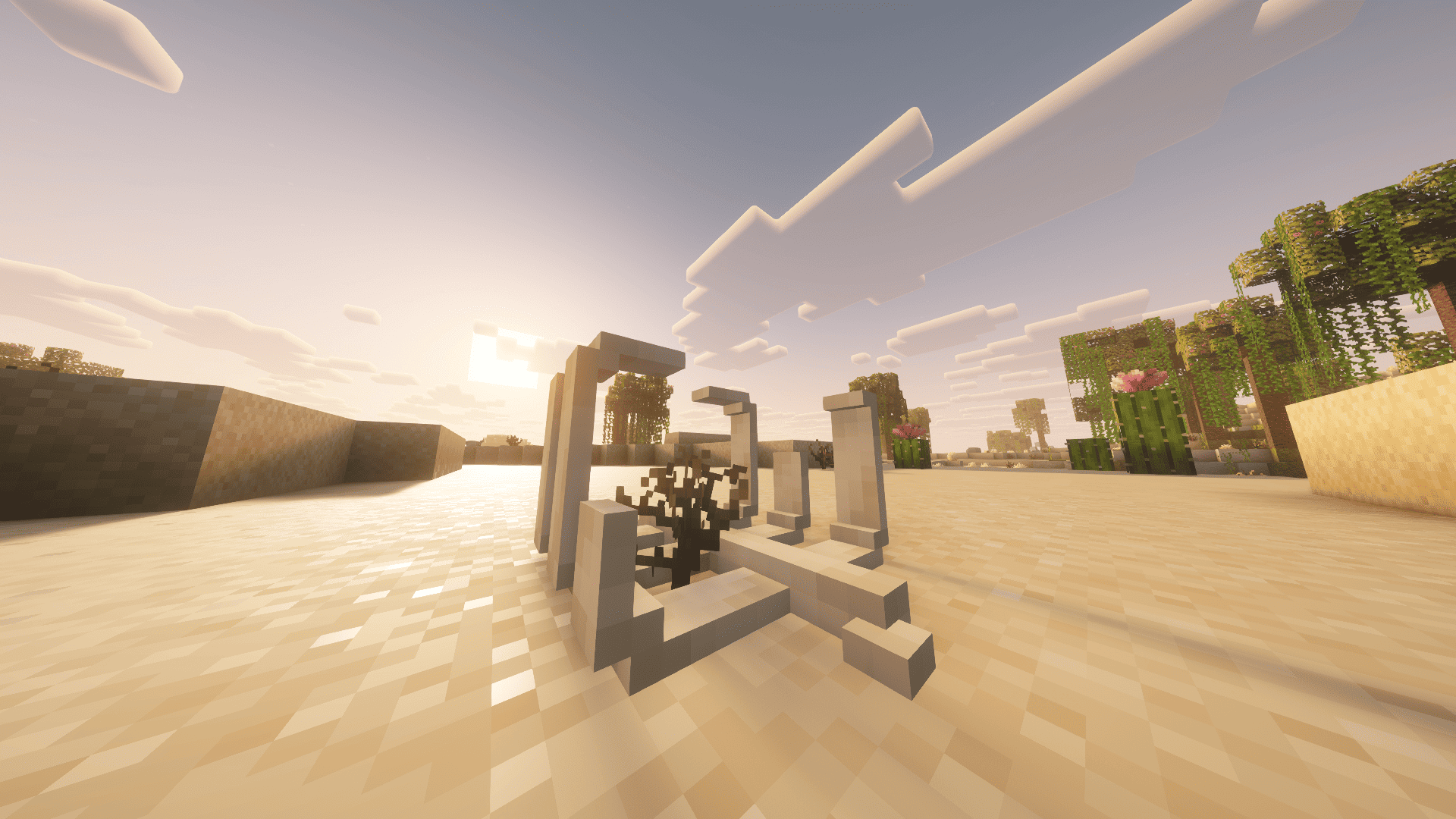
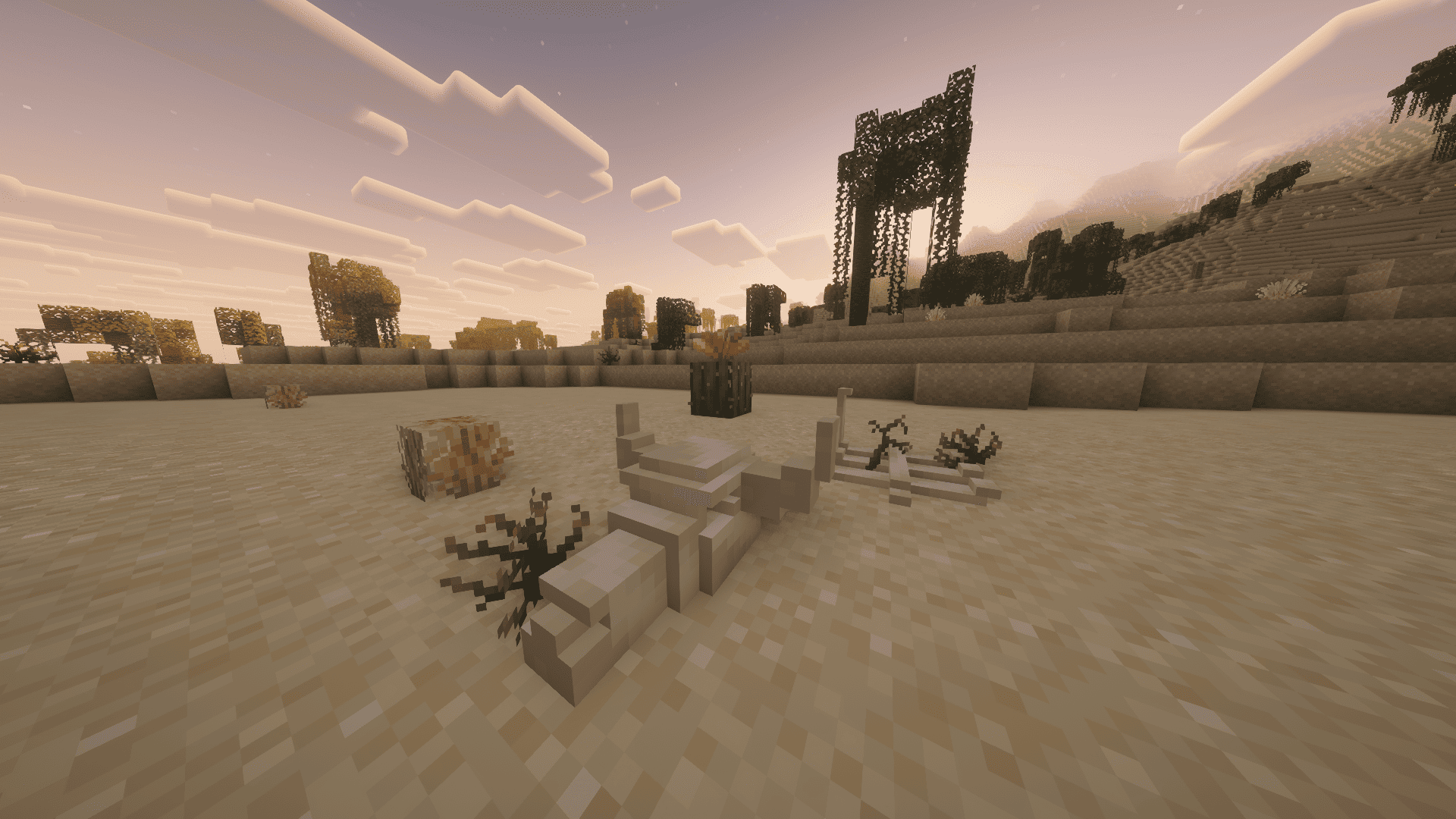
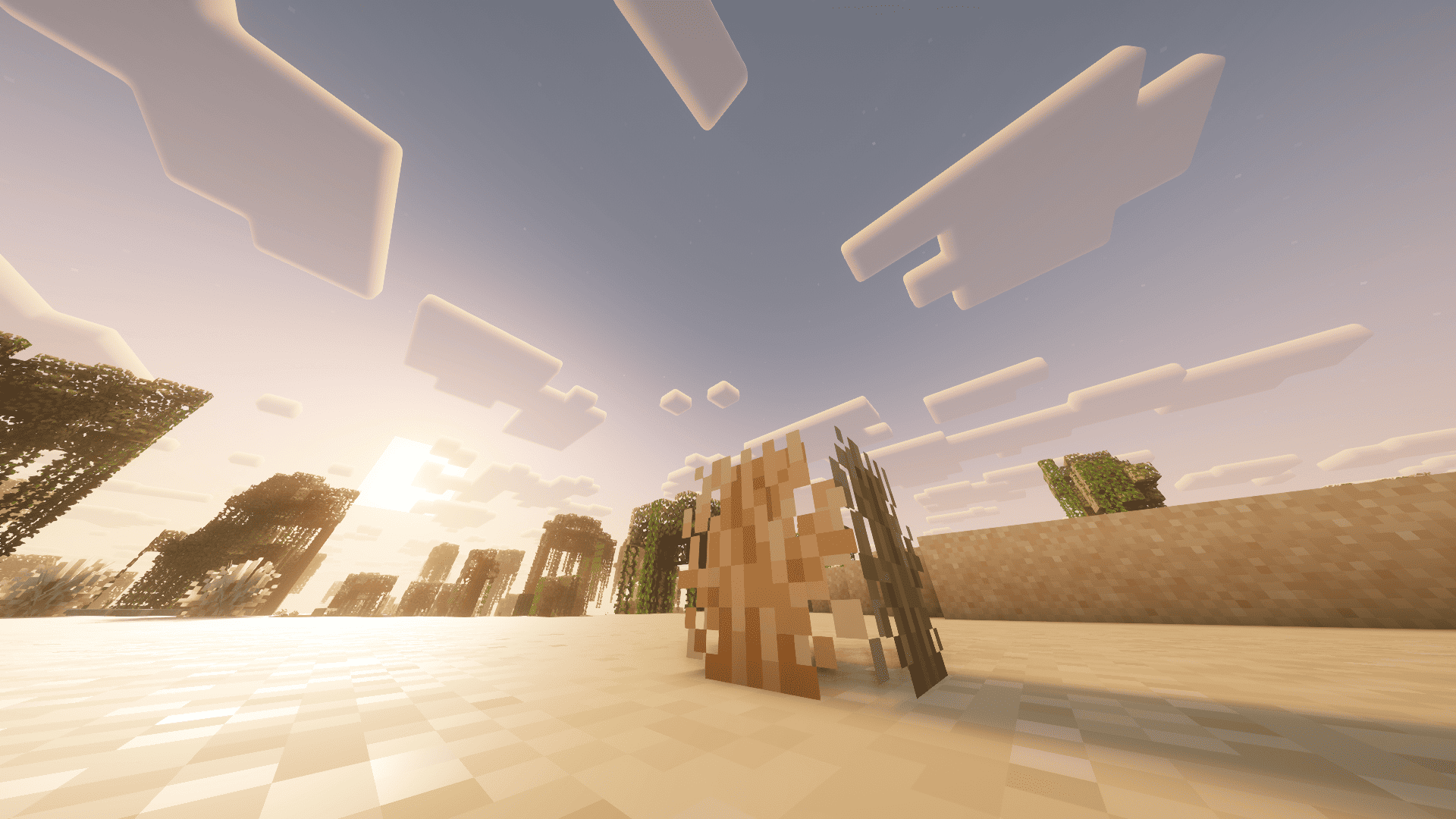
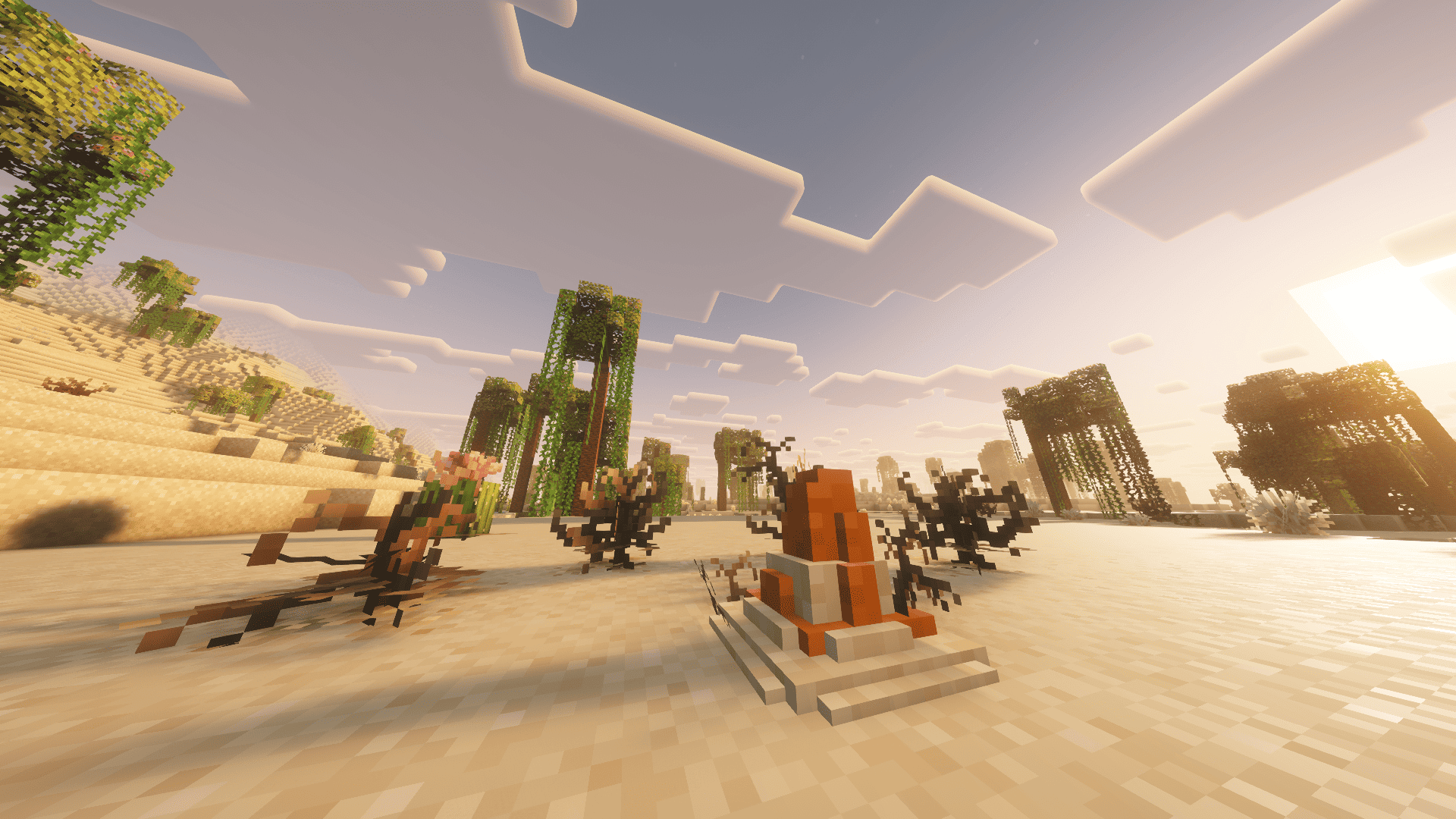
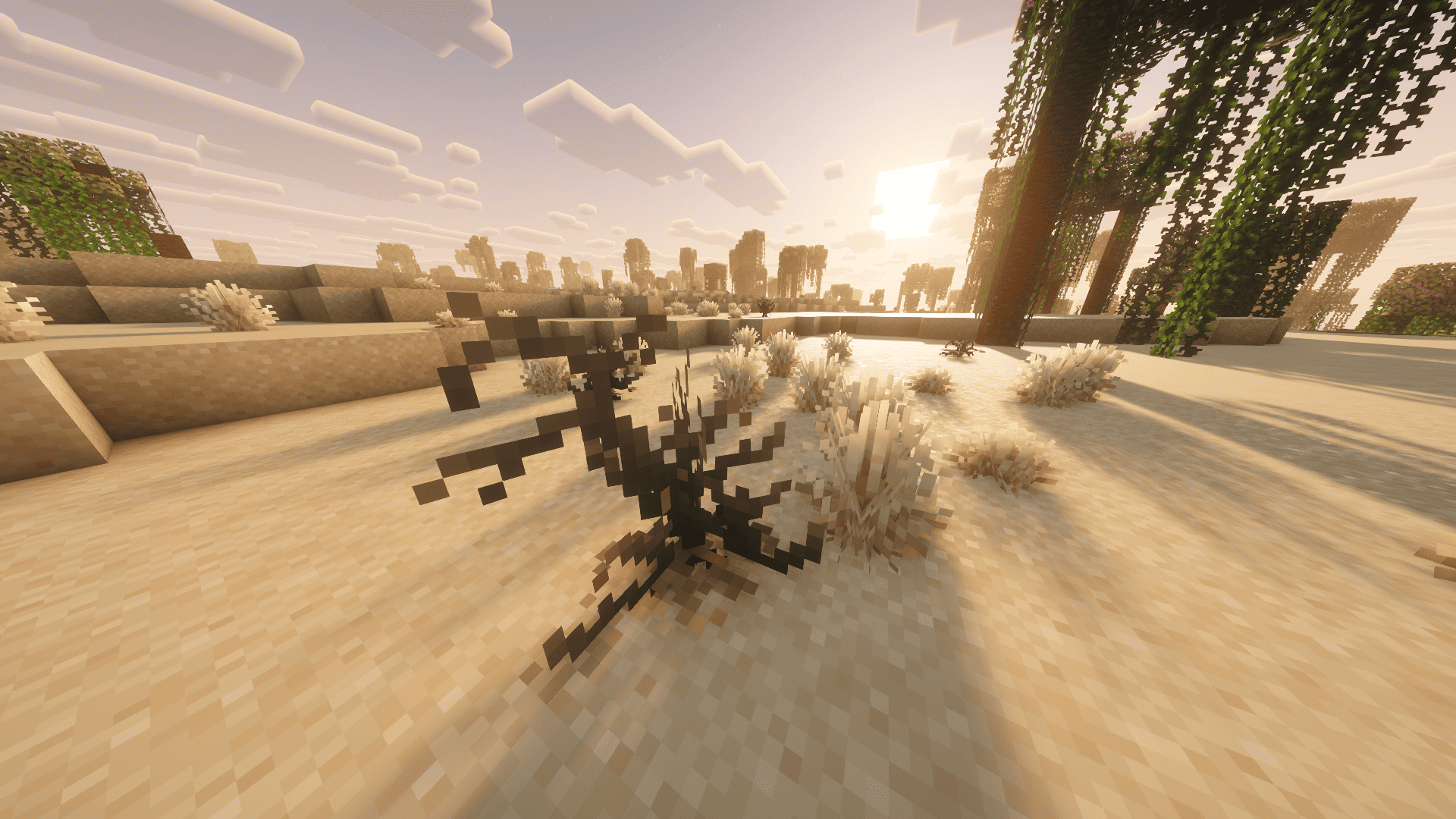
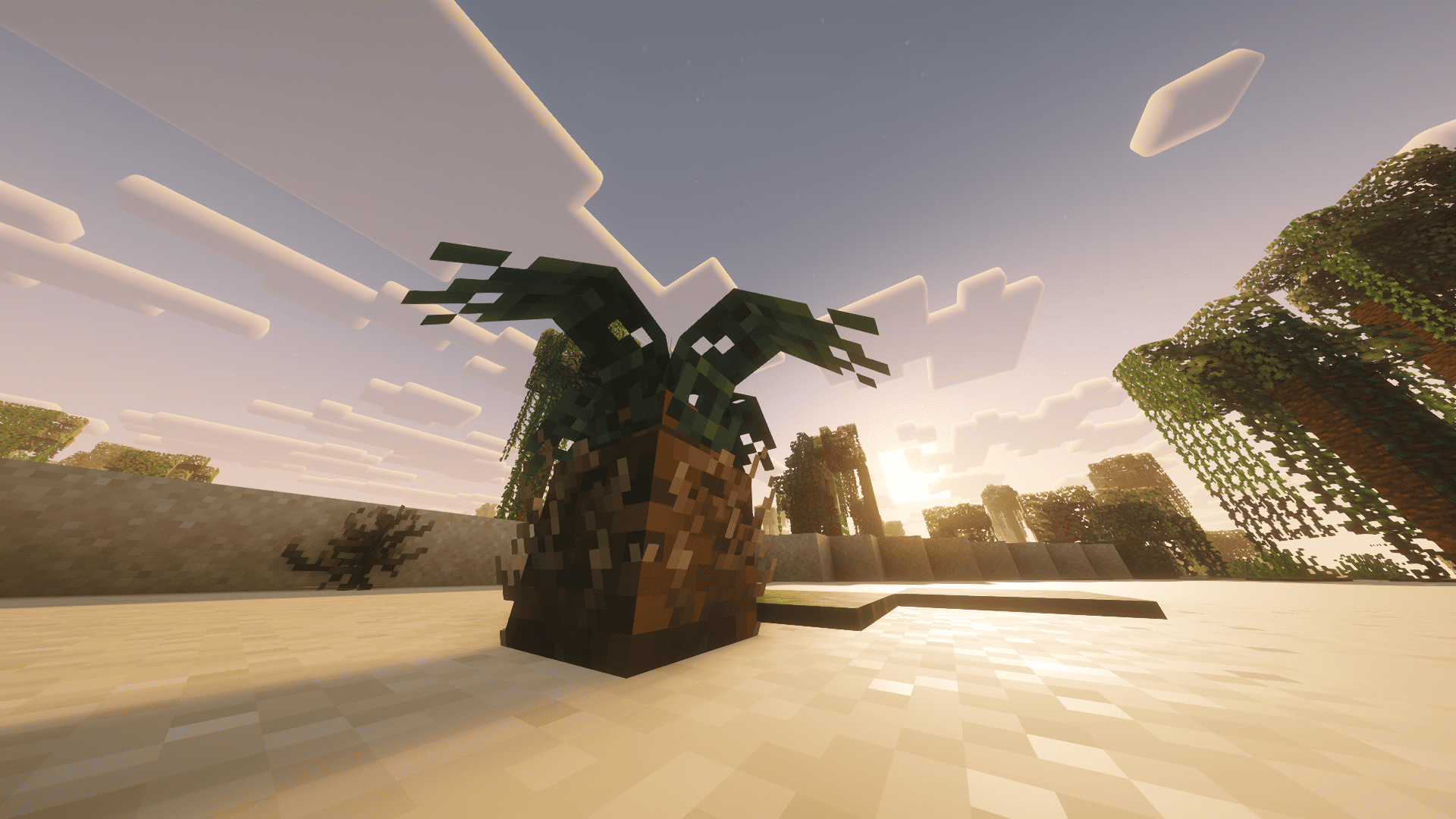
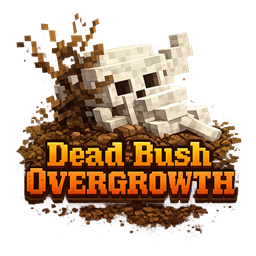
Dead Bush Overgrowth brings the desert to life by replacing plain dead bushes with bones, skulls, and scattered remnants.
by seoluvsu
Download Claim this project
1,198 downloads
0 likes
0 followers
Updated Oct 14, 2026
0 hypes
Follow0
16x Miscellaneous Mod Support
Advertisement Remove ads with Premium →

🌵 Dead Bush Overgrowth
The desert shouldn’t feel empty—it should feel abandoned.

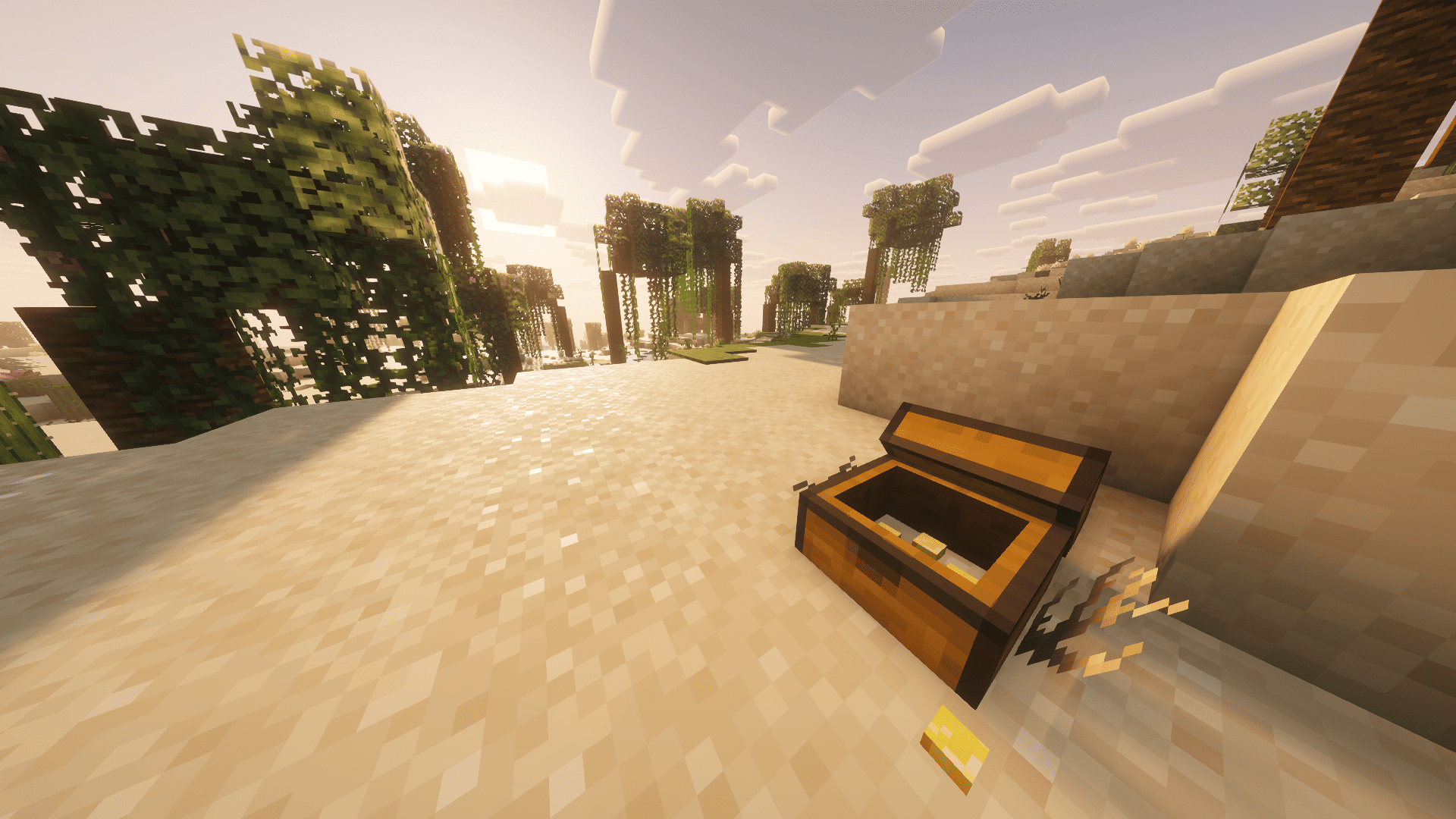
Dead Bush Overgrowth replaces plain dead bushes with a variety of atmospheric remnants such as bones, skulls, and scattered debris. These subtle details add environmental storytelling and visual depth to desert biomes while staying true to Minecraft’s vanilla aesthetic.

This pack is designed to feel natural, not modded—perfect for survival worlds, vanilla+ packs, and performance-focused setups.

✨ Features

  • Multiple visual variants for dead bushes
  • Includes bones, skulls, and desert remnants
  • Vanilla-friendly and lightweight
  • No gameplay changes—purely visual enhancement

🎯 Perfect For

  • Vanilla+ modpacks
  • Desert exploration builds
  • Players who want more atmosphere without clutter

Make the desert feel alive—by showing what was left behind.

🧩 Dependencies

  • None

📝 Note

  • If you want to use shaders and remove the swaying animation on bushes, open the .zip file of your shader pack, navigate to shaders/block.properties, and delete the line containing minecraft:dead_bush.

Dead Bush Overgrowth.zip
MC 1.21.11
Release 2026-02-03 Get
Dead Bush Overgrowth.zip
MC 1.21, 1.20.2, 1.21.8, 1.20.5, 1.21.5, 1.21.4, 1.20.1, 1.20, 1.20.6, 1.21.1, 1.21.6, 1.21.3, 1.21.7, 1.20.4, 1.20.3, 1.21.2, 1.21.9, 1.21.10, 1.21.11
Release 2026-01-19 Get

Requirements & install

How to use this resource pack in Minecraft
Resolution
16x
Minecraft
1.21.4 – 1.21.11
Install folder
.minecraft/resourcepacks

How to install resource packs

  1. Download the resource pack .zip file (do not extract it).
  2. In Minecraft open Options → Resource Packs → Open Pack Folder.
  3. Drop the .zip into the resourcepacks folder (.minecraft/resourcepacks).
  4. Move the pack to the Selected column and click Done.
Browse more: 16x resource packs 32x resource packs 64x resource packs 128x resource packs 256x resource packs 512x+ resource packs Resource Packs for 1.21.11 All resource packs

More from seoluvsu

Advertisement Remove ads with Premium →

You Might Also Like