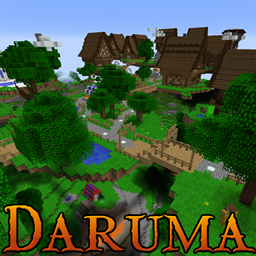
Contains textures and sounds for the map Daruma. Includes NPCs and music.
***These may contain spoilers for the game, but to make the attributions clear I have to***
-- Baroness of Judgement Boss Music: The Gatekeepers --
Music provided by No Copyright Music:
https://youtu.be/GKqGHrn4gQ0
Music used: The Gatekeepers by Shane Ivers
https://www.silvermansound.com
Licensed under Creative Commons Attribution 4.0
https://creativecommons.org/licenses/...
-- Unless explicitly stated otherwise, all other music is provided by Kevin Macleod--
Kevin MacLeod (incompetech.com)
Licensed under Creative Commons: By Attribution 3.0
creativecommons.org/licenses/by/3.0//
-- Freezing Sound Effect in Tjolv's Dungeon--
"Freeze" by JustInvoke is licensed under CC BY 3.0
https://freesound.org/people/JustInvoke/sounds/446112/
--Collapsing Sound for Benipe Boss Fight--
This is a combination of sounds "Rockfall in a mine" by Benboncan licenced under CC BY 3.0
https://freesound.org/people/Benboncan/sounds/60085/
and "Destruction, Wooden, A" by InspectorJ licensed under CC BY 3.0
https://freesound.org/people/InspectorJ/sounds/352513/
--All other sounds are original and created by me or close friends--
Drenor: Yellow768
Baroness of Judgement: My girlfriend and Yellow768
Soul Music: My Brother
Dead Vale Music: My Brother
===Textures===
Textures felcryleader.png, wilber_wolfram.png, commoner1.png, darkskinfemale1.png, and all textures in bibliocraft/custompaintings, and remaining textures
in lodtexture/monster, and the three extra textures within the lodtexture folder, are all original work created by Yellow768.
The others are from a pack downloaded off of the kodevelopment website