Mineuniverse
Resource Packs
Darkmode, check! x16

Darkmode, check! x16

RESOURCE PACK
The Darkmode GUI resource-pack.
by quihyr
Download Claim this project
8,662 downloads
0 likes
Updated Oct 14, 2026
0 hypes
16x Miscellaneous Mod Support Modern
Advertisement Remove ads with Premium →

Darkmode, check!

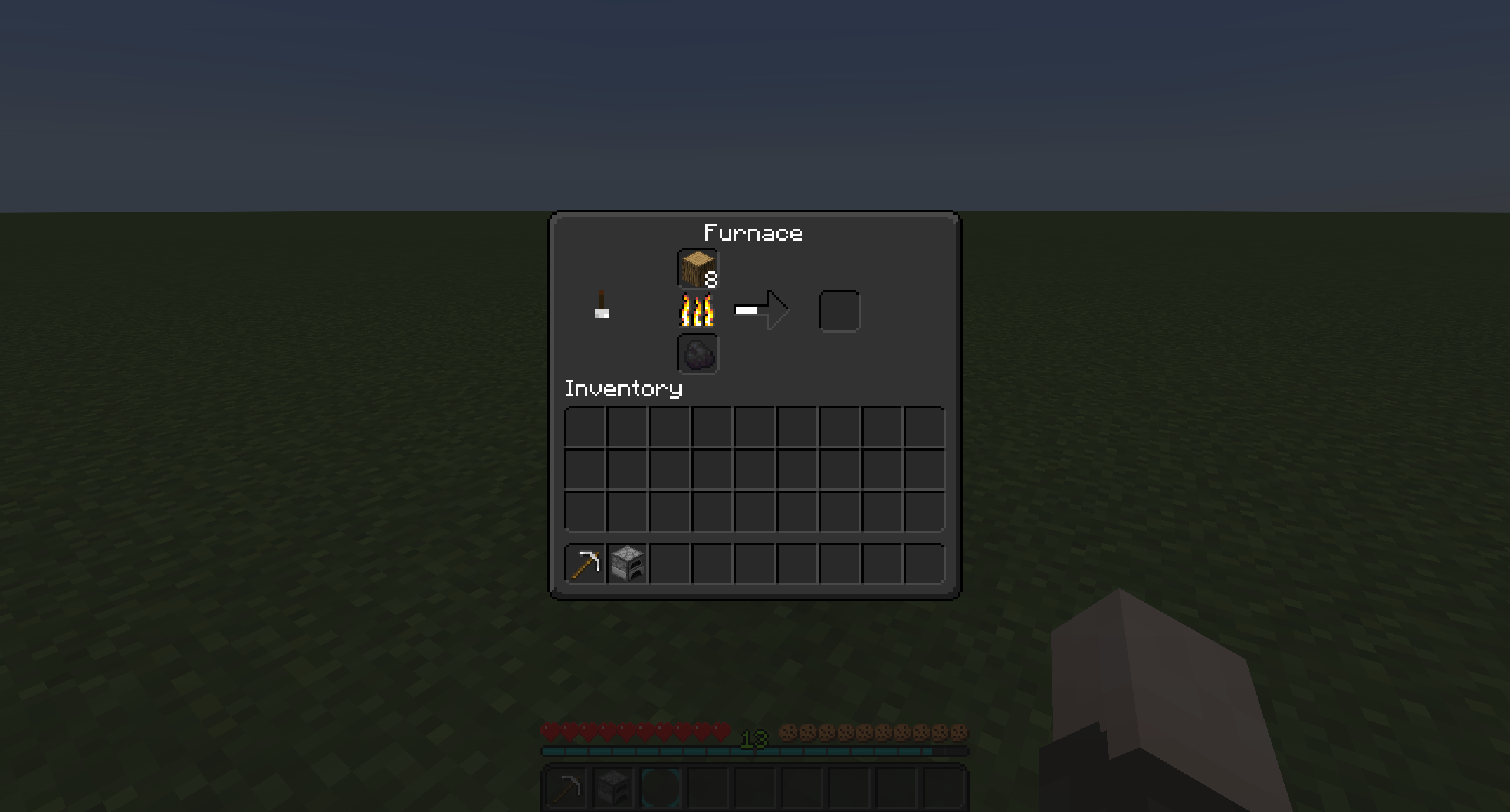
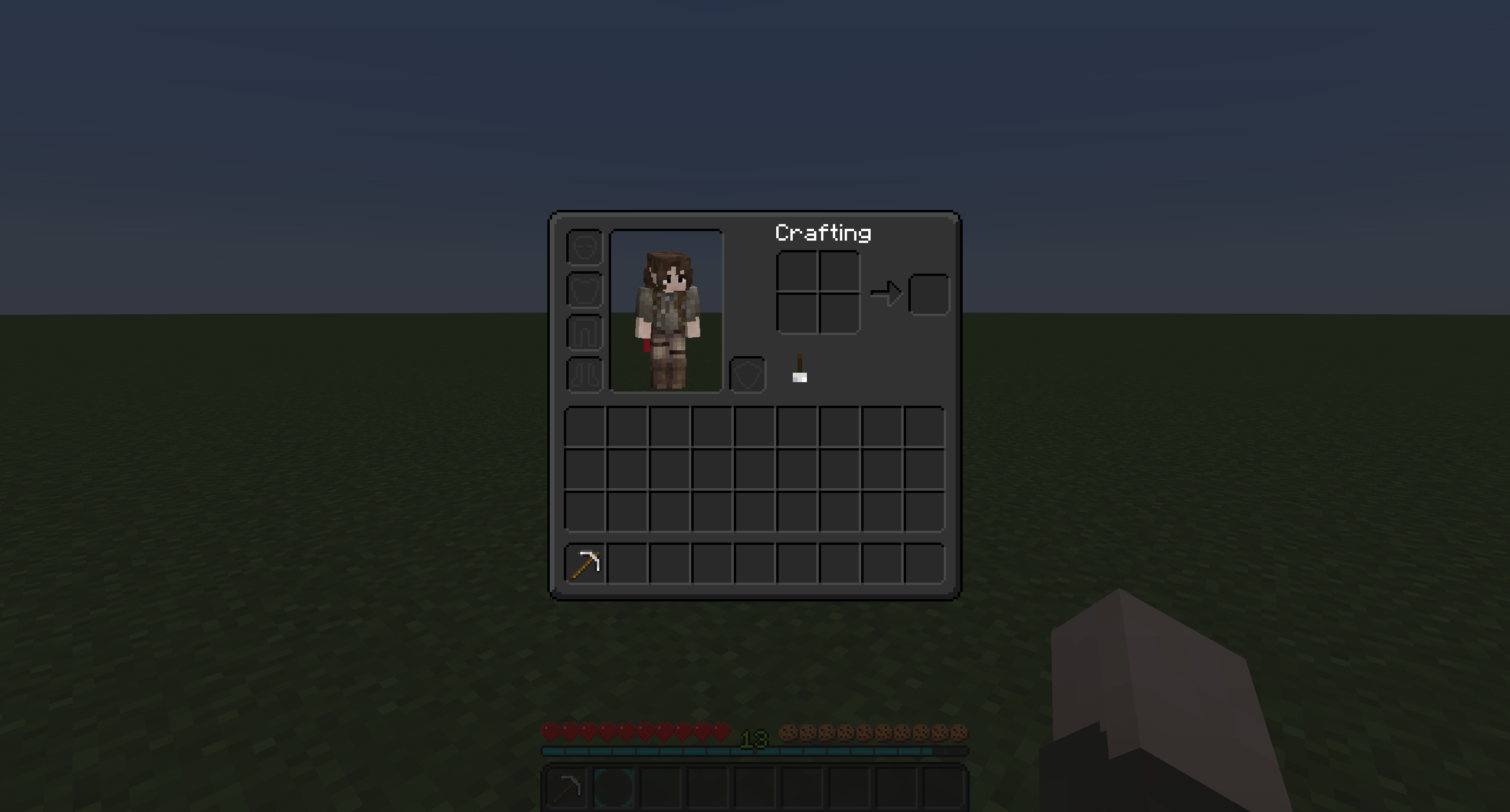
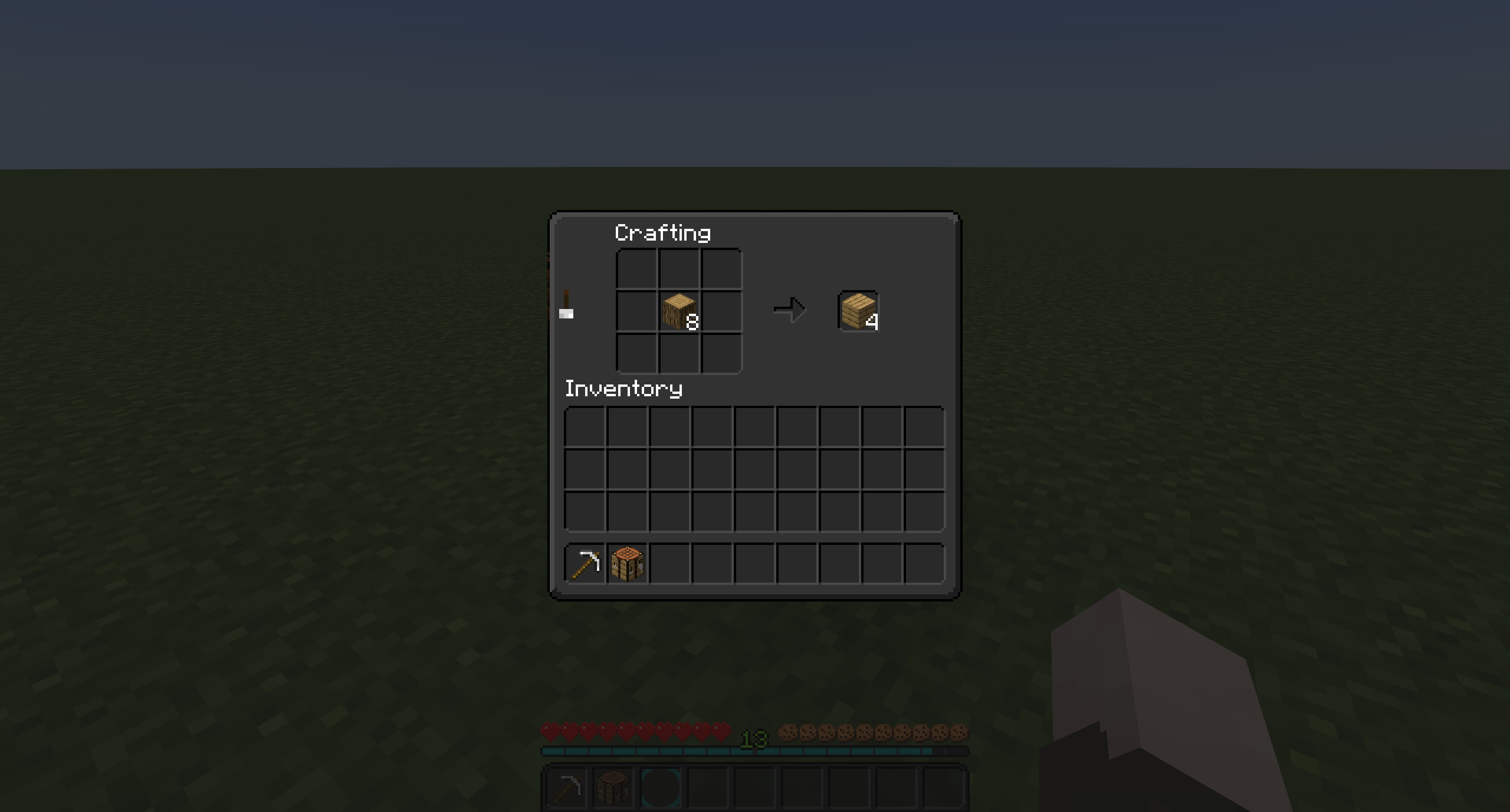
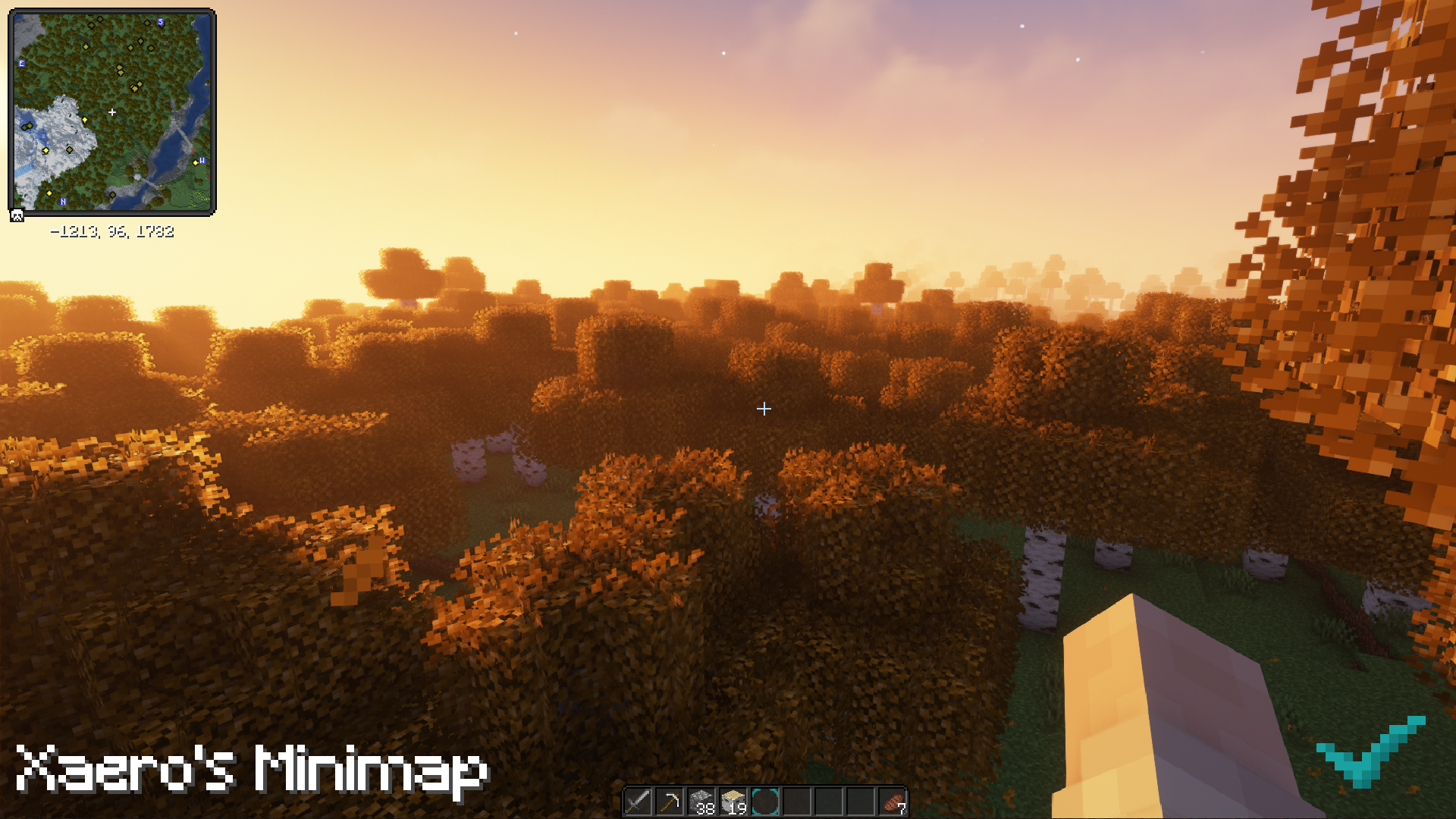
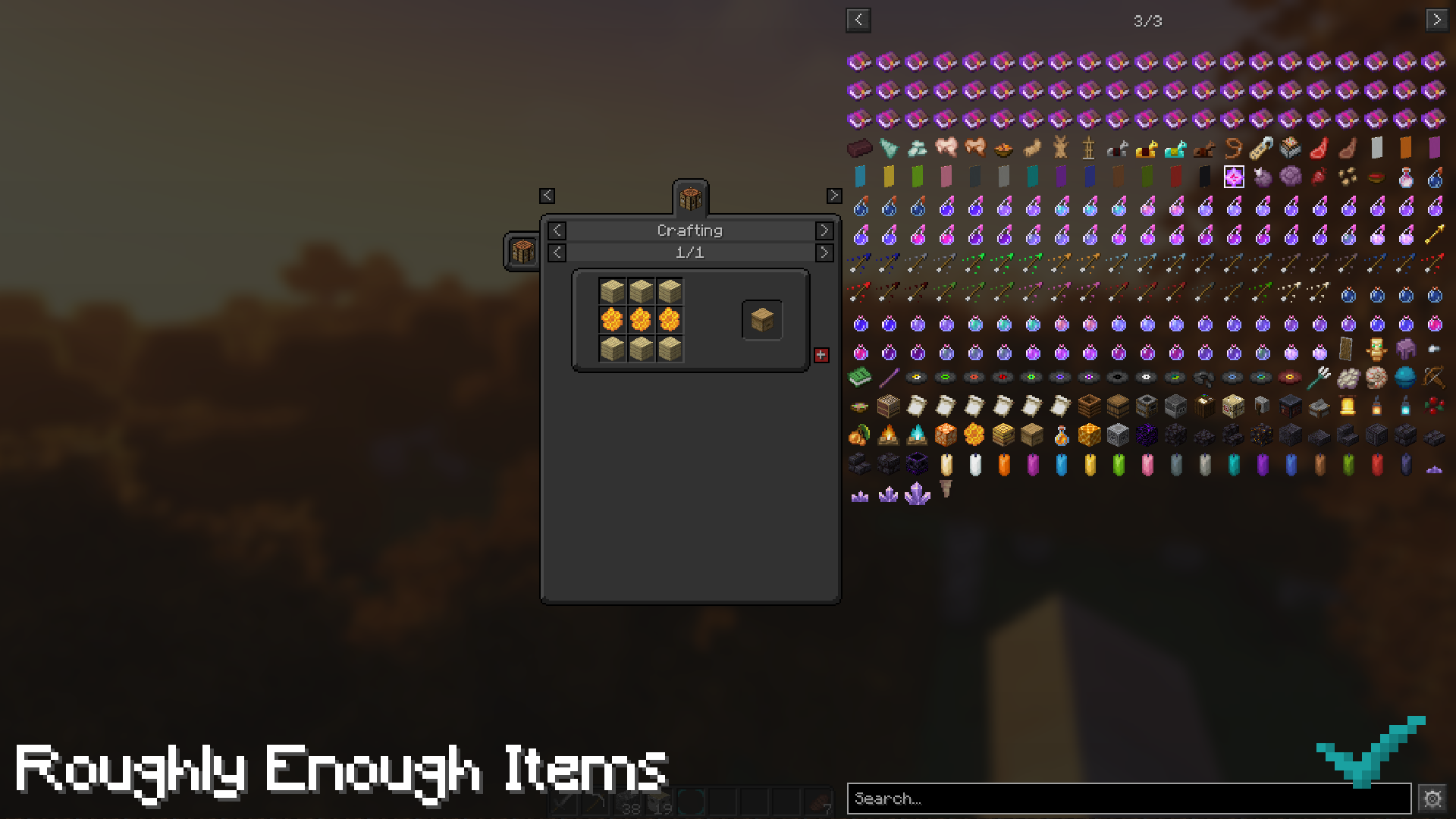
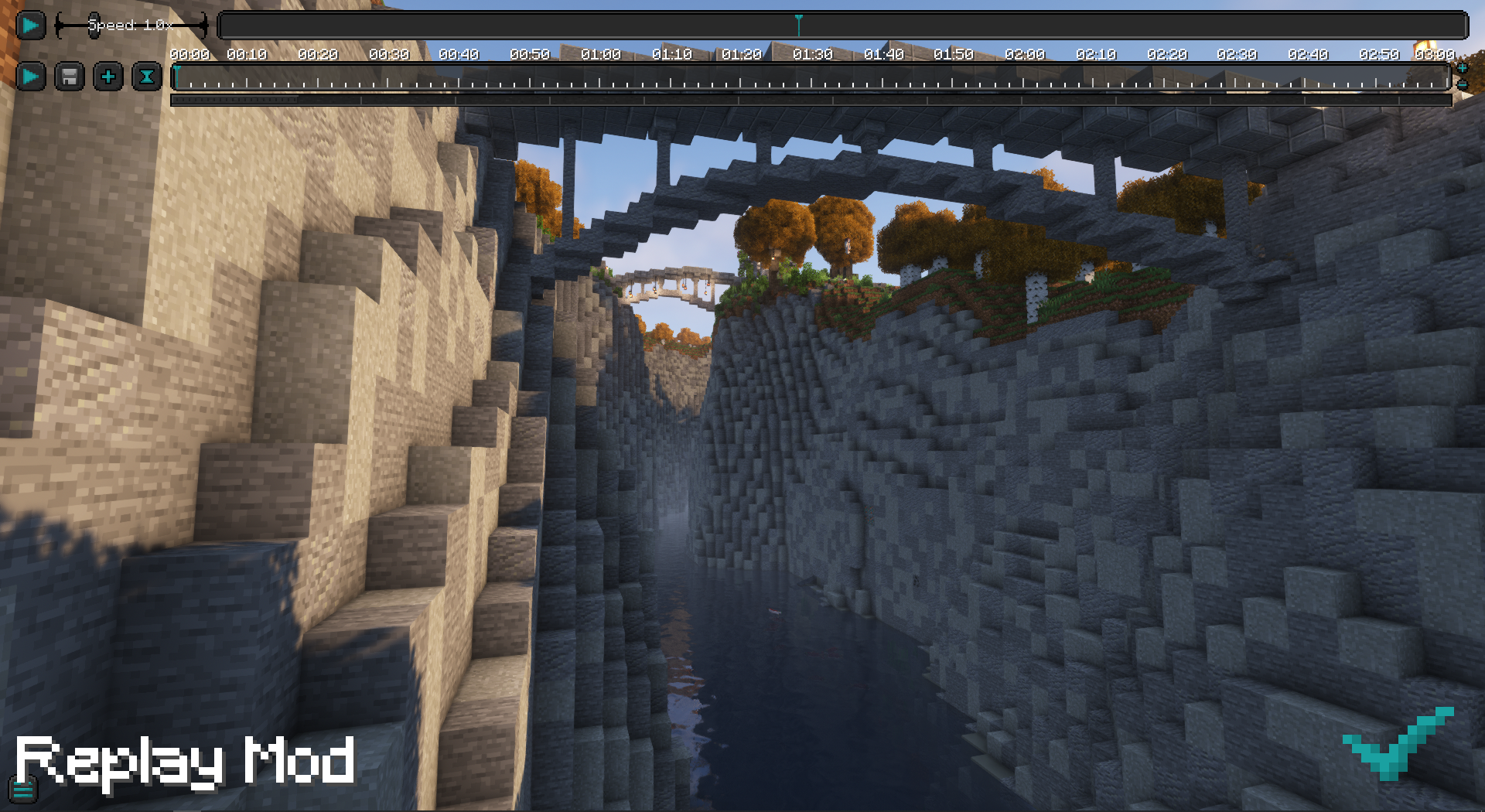
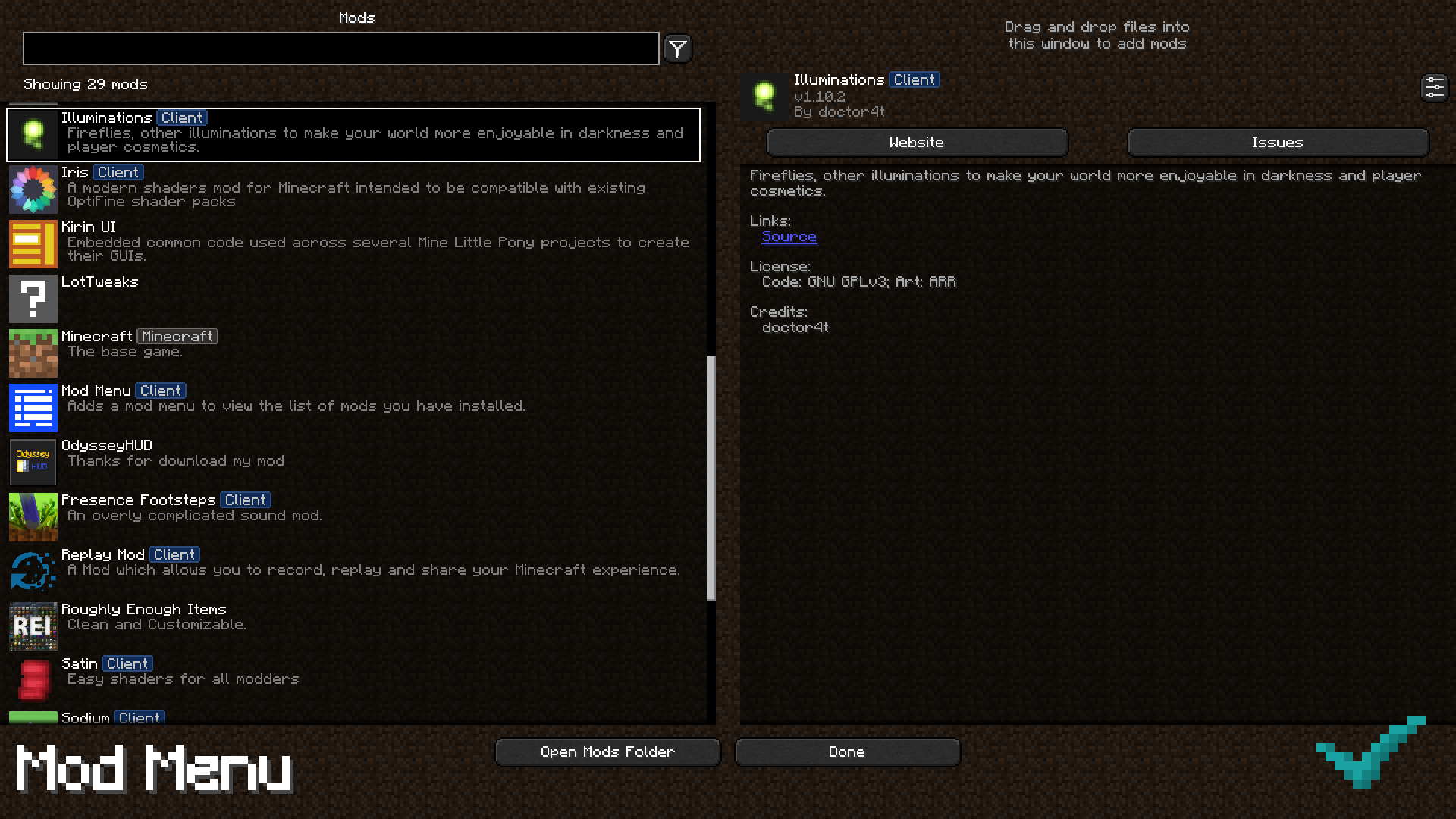
This x16 resource-pack slightly redesigns the graphical user interface (GUI / JEE-yoo-EYE) of Minecraft to be a darkmode with neatly rounded corners. In addition, it supports the GUI of various mods.


Compatibility

Minecraft: Java Edition, version 1.6 through 1.20 is supported.


Mod Support

If you have any suggestions for mods that you'd like to see added, or have any issues with the resource-pack, feel free to contact me on Discord.


darkmode-check-1.16-v1.5
MC 1.16.3, 1.16.1, 1.16, 1.16.5, 1.16.4, 1.16.2
Release 2023-08-30 Get
darkmode-check-1.17-v1.5
MC 1.17.1, 1.17
Release 2023-08-30 Get
darkmode-check-1.18-v1.5
MC 1.18.1, 1.18.2, 1.18
Release 2023-08-30 Get
darkmode-check-1.19-v1.5
MC 1.19.4
Release 2023-08-30 Get
darkmode-check-1.20-v1.5
MC 1.20.1, 1.20
Release 2023-08-30 Get
darkmode-check-1.16 v1.4
MC 1.16.3, 1.16.1, 1.16, 1.16.5, 1.16.4, 1.16.2
Release 2023-08-22 Get
darkmode-check-1.17 v1.4
MC 1.17.1, 1.17
Release 2023-08-22 Get
darkmode-check-1.18 v1.4
MC 1.18.1, 1.18.2, 1.18
Release 2023-08-22 Get
darkmode-check-1.19 v1.4
MC 1.19.4
Release 2023-08-22 Get
darkmode-check-1.20 v1.4
MC 1.20.1, 1.20
Release 2023-08-22 Get
The-Wild-Lands-1.16_v1.3 - GUI
MC 1.16.3, 1.16.1, 1.16, 1.16.5, 1.16.4, 1.16.2
Release 2022-03-24 Get
The-Wild-Lands-1.17_v1.3 - GUI
MC 1.17.1, 1.17
Release 2022-03-24 Get
The-Wild-Lands-1.18_v1.3 - GUI
MC 1.18.1, 1.18.2, 1.18
Release 2022-03-24 Get

Requirements & install

How to use this resource pack in Minecraft
Resolution
16x
Minecraft
1.17 – 1.20.1
Install folder
.minecraft/resourcepacks

How to install resource packs

  1. Download the resource pack .zip file (do not extract it).
  2. In Minecraft open Options → Resource Packs → Open Pack Folder.
  3. Drop the .zip into the resourcepacks folder (.minecraft/resourcepacks).
  4. Move the pack to the Selected column and click Done.
Browse more: 16x resource packs 32x resource packs 64x resource packs 128x resource packs 256x resource packs 512x+ resource packs Resource Packs for 1.20.1 All resource packs
Advertisement Remove ads with Premium →

You Might Also Like