Mineuniverse
Resource Packs
Dark Mode Datapack

Dark Mode Datapack

RESOURCE PACK
Minecraft, but it's dark.
by CelestialResonance94
Download Claim this project
431 downloads
0 likes
Updated Oct 14, 2026
0 hypes
Data Packs
Advertisement Remove ads with Premium →

Have you ever wanted DARK MODE GUI? Well then, this is NOT the datapack for you!

To enable it, simply hold ALT while selecting the world generator, and go past the debug world!

All dimensions have unique changes! The basics are as follows:

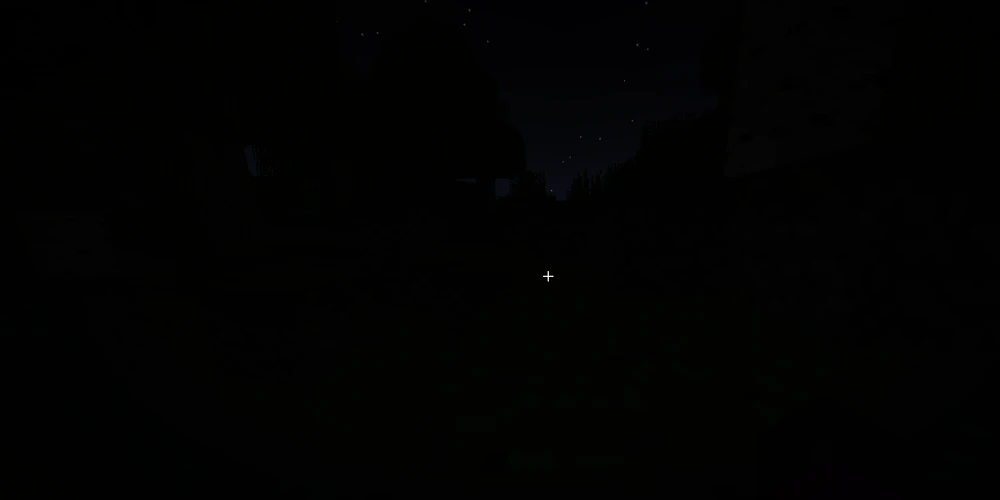
Overworld is completely dark.

The Nether is now The Norther, and it has frozen over.

The End is now The Haven, and it is a (not very) hostile paradise.


Credit to 30Spence for developing the original datapack.

Dark Mode 1.4.8.2
MC 1.21
Release 2024-07-29 Get
Dark Mode (Car Enchant Hotfix)
MC 1.21
Release 2024-06-23 Get
Dark Mode 1.4.7
MC 1.21
Release 2024-06-19 Get
Dark Mode 1.21
MC 1.21
Release 2024-06-15 Get
darkmode.zip
MC 1.20.6
Release 2024-06-06 Get

Requirements & install

How to use this resource pack in Minecraft
Resolution
Not specified
Minecraft
1.20.6 – 1.21
Install folder
.minecraft/resourcepacks

How to install resource packs

  1. Download the resource pack .zip file (do not extract it).
  2. In Minecraft open Options → Resource Packs → Open Pack Folder.
  3. Drop the .zip into the resourcepacks folder (.minecraft/resourcepacks).
  4. Move the pack to the Selected column and click Done.
Browse more: 16x resource packs 32x resource packs 64x resource packs 128x resource packs 256x resource packs 512x+ resource packs Resource Packs for 1.21 All resource packs
Advertisement Remove ads with Premium →

You Might Also Like