Mineuniverse
Resource Packs
dark interface mode

dark interface mode

RESOURCE PACK
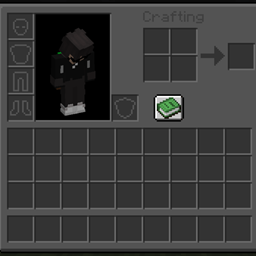
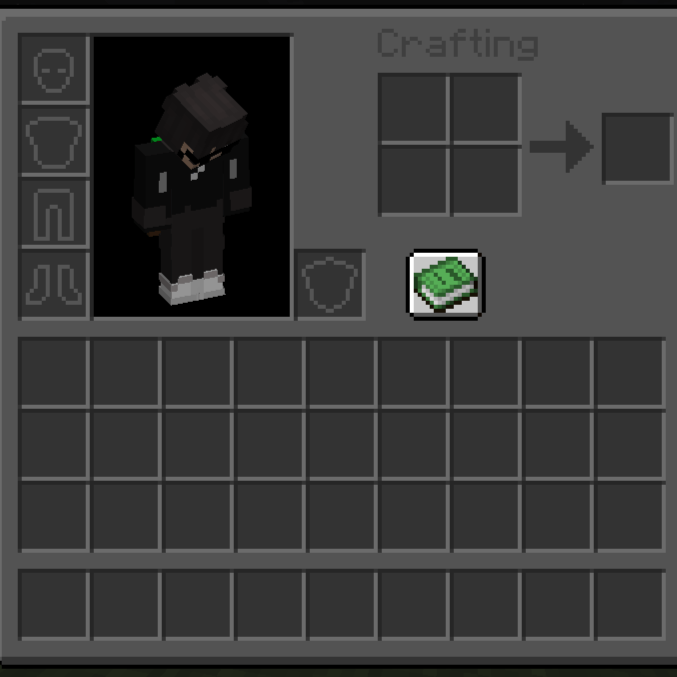
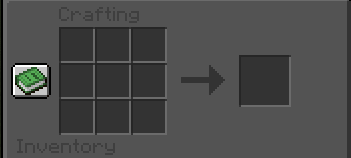
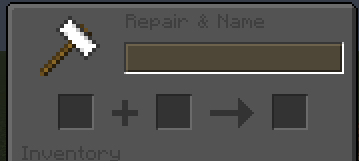
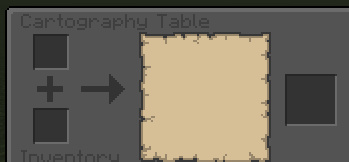
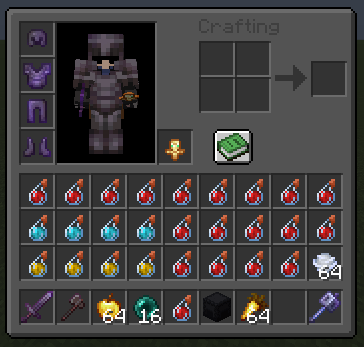
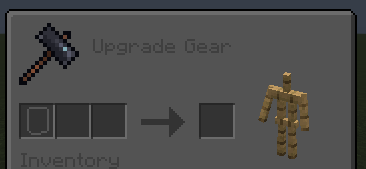
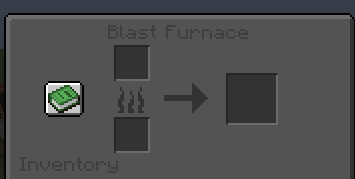
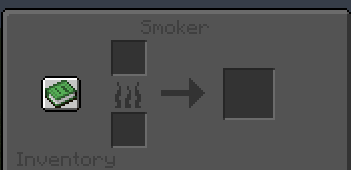
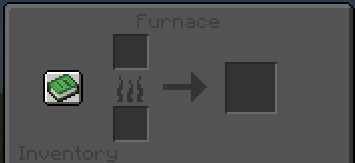
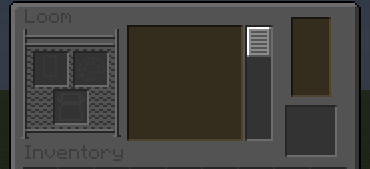
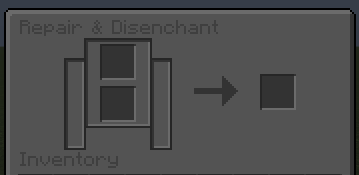
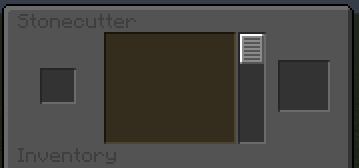
Dark GUI PvP is a clean and minimal resource pack that replaces the default Minecraft interface with a dark, modern GUI for better focus and comfort.
by iamstyley
Download Claim this project
4,311 downloads
0 likes
0 followers
Updated Oct 14, 2026
0 hypes
Follow0
16x Data Packs
Advertisement Remove ads with Premium →

Features:

  • 🌙 Dark GUI for menus, inventories, and screens

  • 👁️ Easier on the eyes during long sessions

  • ⚔️ PvP-friendly design with clean visuals

  • 🚀 Lightweight and FPS-friendly

  • 🎮 Compatible with most PvP servers

Why Dark GUI?

  • Cleaner look than default UI

  • Better contrast for items and text

  • Ideal for PvP, SMP, and Survival

Perfect for players who want a modern, distraction-free Minecraft interface.

darkinterfacebystyley
MC 1.21.2-Snapshot, 1.21, 1.21.6-snapshot, 1.21.1-Snapshot, 1.21.8, 1.21.5, 1.21.4, 1.21.5-Snapshot, 1.21.1, 1.21.6, 1.21.3, 1.21.7, 1.21.4-Snapshot, 1.21.2, 1.21.9-snapshot, 1.21.9
Release 2025-12-24 Get

Requirements & install

How to use this resource pack in Minecraft
Resolution
16x
Minecraft
1.21.5-Snapshot – 1.21.9
Install folder
.minecraft/resourcepacks

How to install resource packs

  1. Download the resource pack .zip file (do not extract it).
  2. In Minecraft open Options → Resource Packs → Open Pack Folder.
  3. Drop the .zip into the resourcepacks folder (.minecraft/resourcepacks).
  4. Move the pack to the Selected column and click Done.
Browse more: 16x resource packs 32x resource packs 64x resource packs 128x resource packs 256x resource packs 512x+ resource packs Resource Packs for 1.21.9 All resource packs

More from iamstyley

Advertisement Remove ads with Premium →

You Might Also Like