Mineuniverse
Resource Packs
Da Big Changooz Technoblade PVP Texturepack

Da Big Changooz Technoblade PVP Texturepack

RESOURCE PACK
Big Changooz mixed with pvp
by koetjeboef
Download Claim this project
1,388 downloads
0 likes
0 followers
Updated Oct 14, 2026
0 hypes
Follow0
16x
Advertisement Remove ads with Premium →

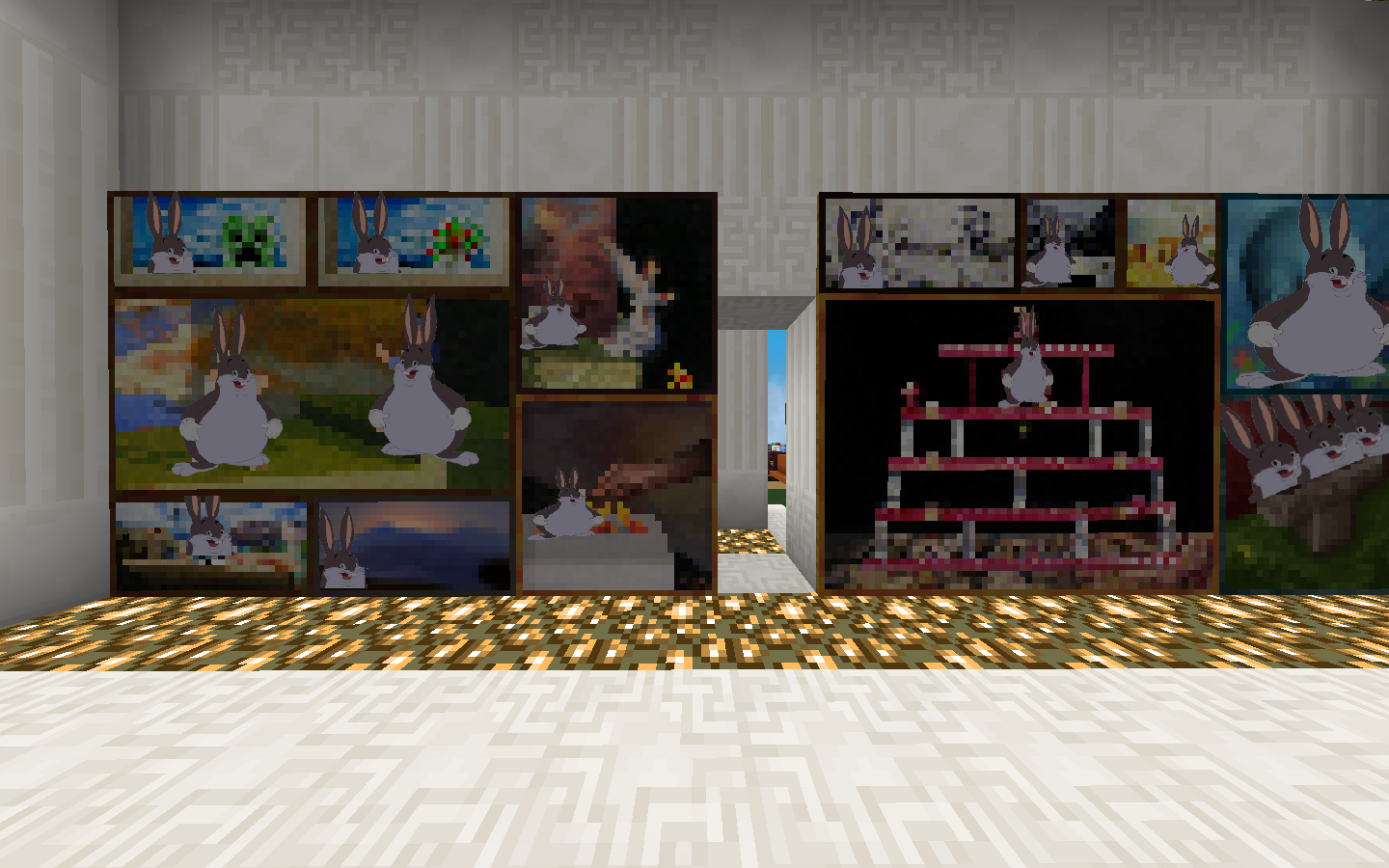
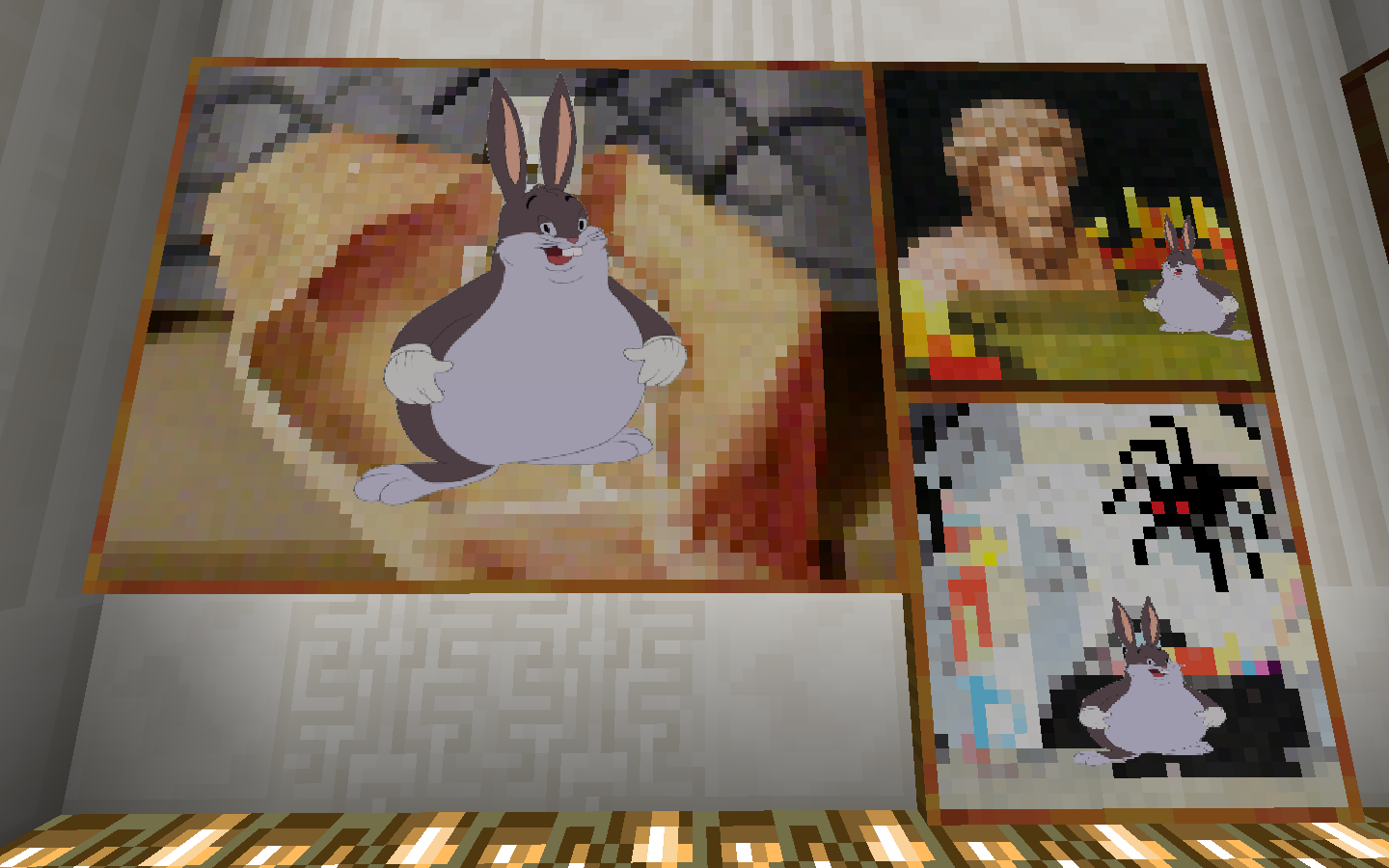
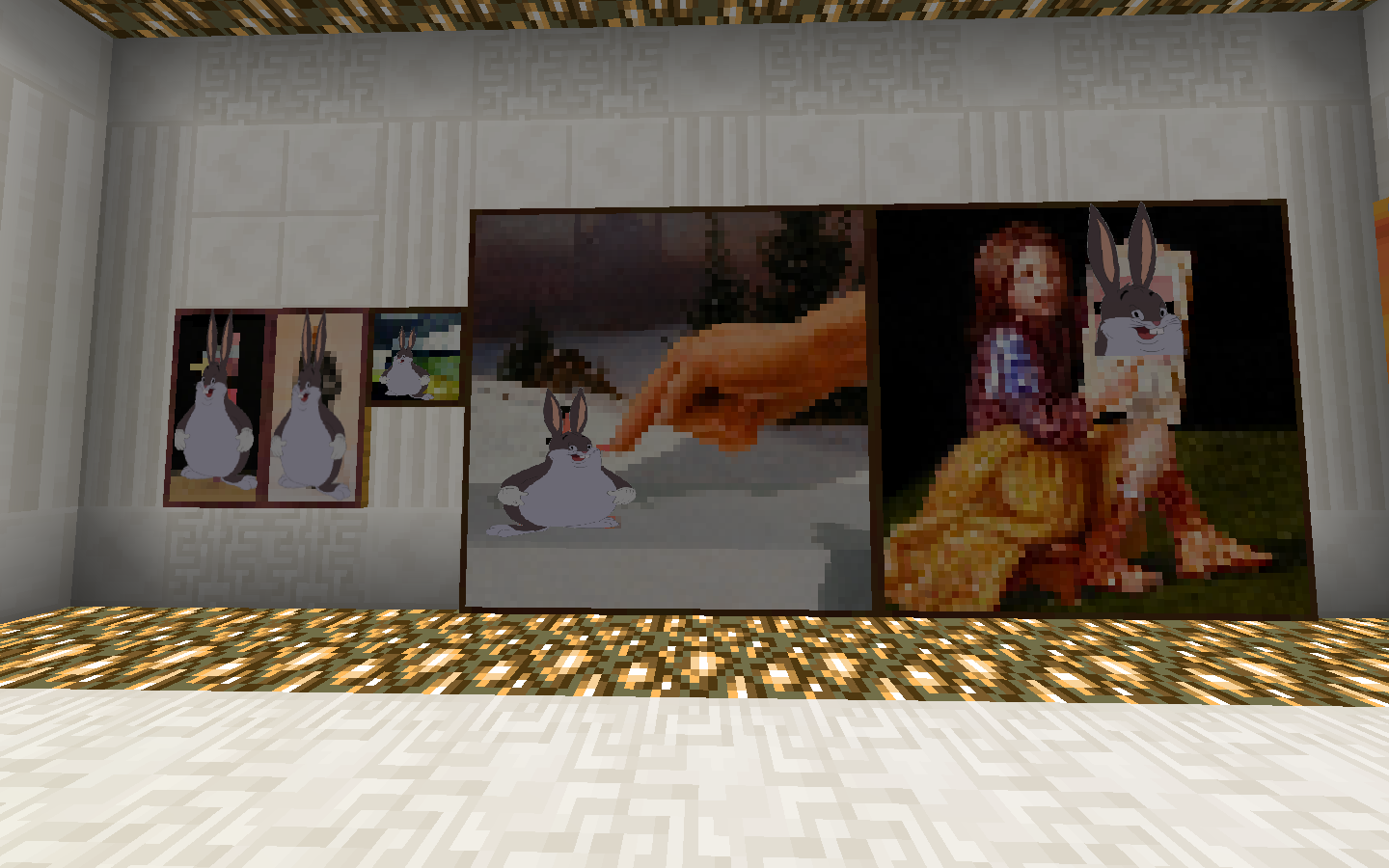
The Texturepack Technoblade uses except Big Chungus for extra Epic Gmaer


This Texturepack includes:


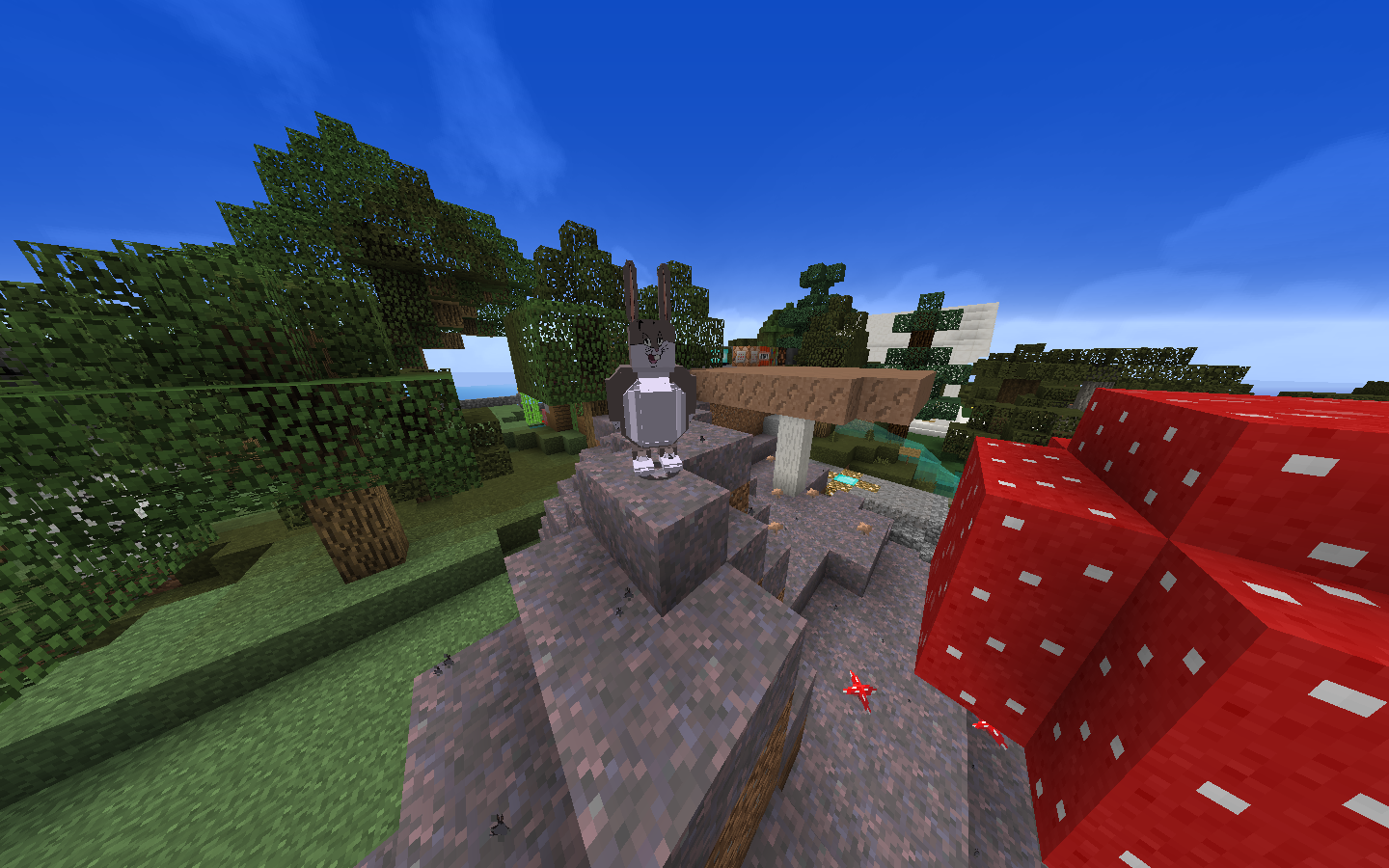
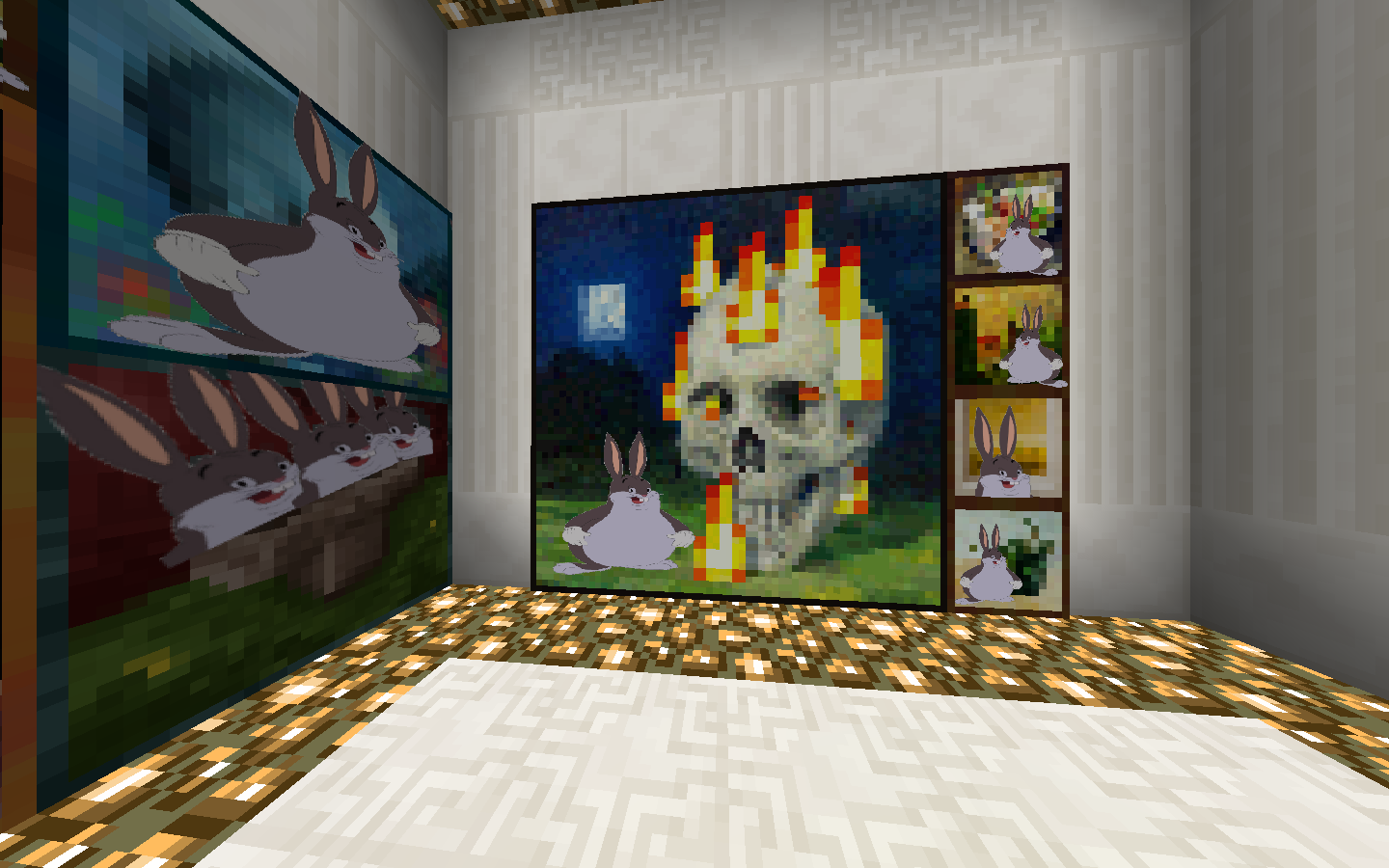
- Optifine CTM & CEM models and textures: rabbit has been replaced with a 3D model of Big Chungus, every type of glass block or pane is able to connect once being placed next to eachother (Optifine required!)

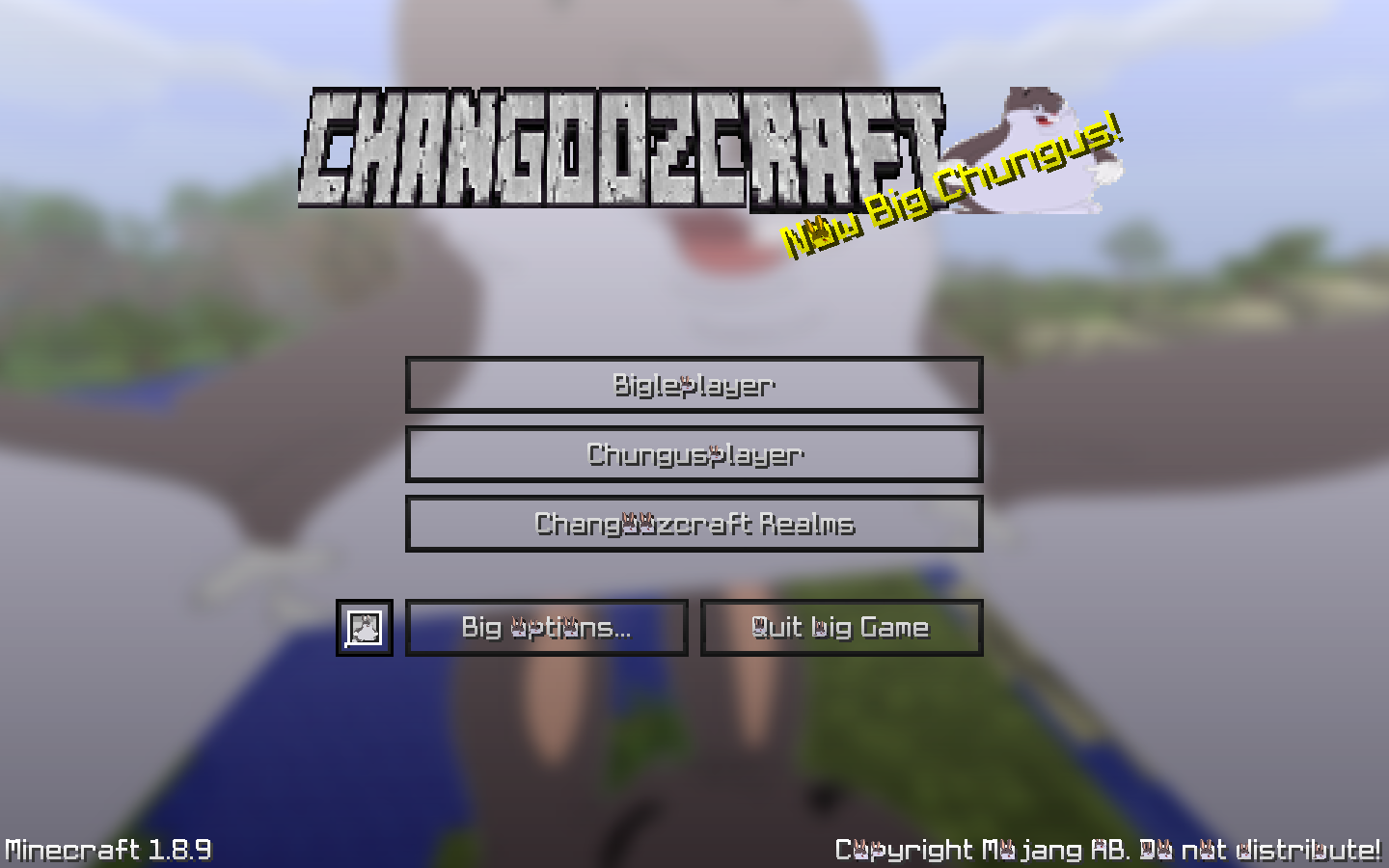
- Higher resolution font, including a Big Chungus in every gap a letter has, without making the font unreadable

- Changes to the sky, moon and sun for a more photo-realistic effect, which has been undone by pasting a big chungus over the sun and moon

- Logo changes, mainly putting multiple Big Chungusses in and around the Mojang logo + changing the Minecraft logo to a Changoozcraft logo (also including a Big Chungus)

- Every background of all menus are Big Chungus faces

- Language changes in English US, giving alot of the words a Big Chungus twist

- Every particle in the game contains a tiny Big Chungus, adapted to the original particle color, including food bar, health bar and crosshair


PvP section:


- Shorter swords so you can see the opponent better, also it just looks better with 1.8 PvP to have shorter swords

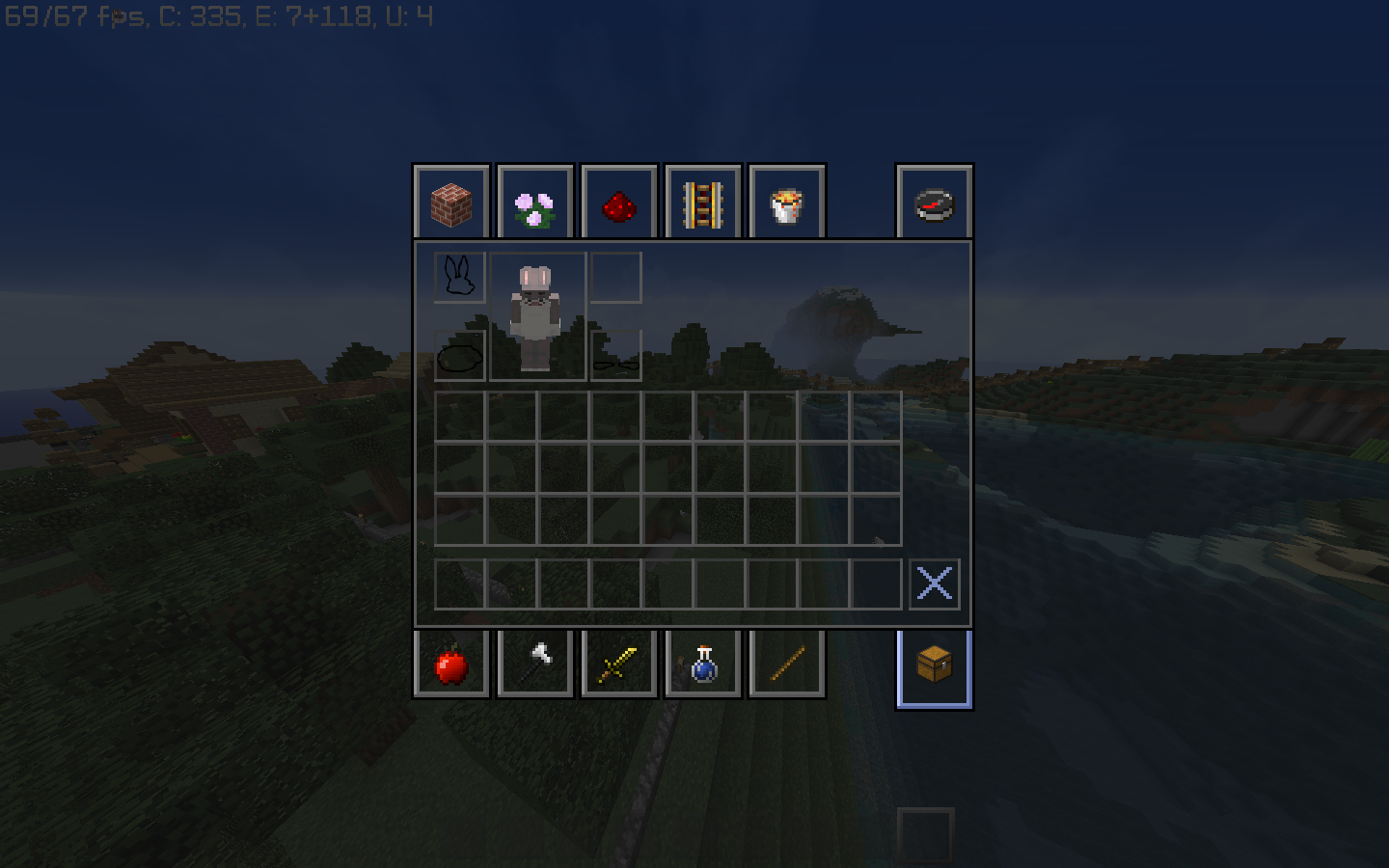
- Clear GUI screens, so you can see the opponent coming even when looking in your inventory



Da Big Changooz Technoblade PVP Texturepack 1.0
MC 1.8.7, 1.8.4, 1.8.8, 1.8.3, 1.8.6, 1.8, 1.8.2, 1.8.5, 1.8.9, 1.8.1
Release 2021-01-20 Get

Requirements & install

How to use this resource pack in Minecraft
Resolution
16x
Minecraft
1.8.2 – 1.8.9
Install folder
.minecraft/resourcepacks

How to install resource packs

  1. Download the resource pack .zip file (do not extract it).
  2. In Minecraft open Options → Resource Packs → Open Pack Folder.
  3. Drop the .zip into the resourcepacks folder (.minecraft/resourcepacks).
  4. Move the pack to the Selected column and click Done.
Browse more: 16x resource packs 32x resource packs 64x resource packs 128x resource packs 256x resource packs 512x+ resource packs Resource Packs for 1.8.9 All resource packs
Advertisement Remove ads with Premium →

You Might Also Like