Mineuniverse
Resource Packs
Cy4n's Lighting

Cy4n's Lighting

RESOURCE PACK
Dark shadows, orange sunsets, and warm torchlight. NEEDS OPTIFINE.
by cyivn
Download Claim this project
8,780 downloads
0 likes
Updated Oct 14, 2026
0 hypes
16x Miscellaneous Photo Realistic
Advertisement Remove ads with Premium →

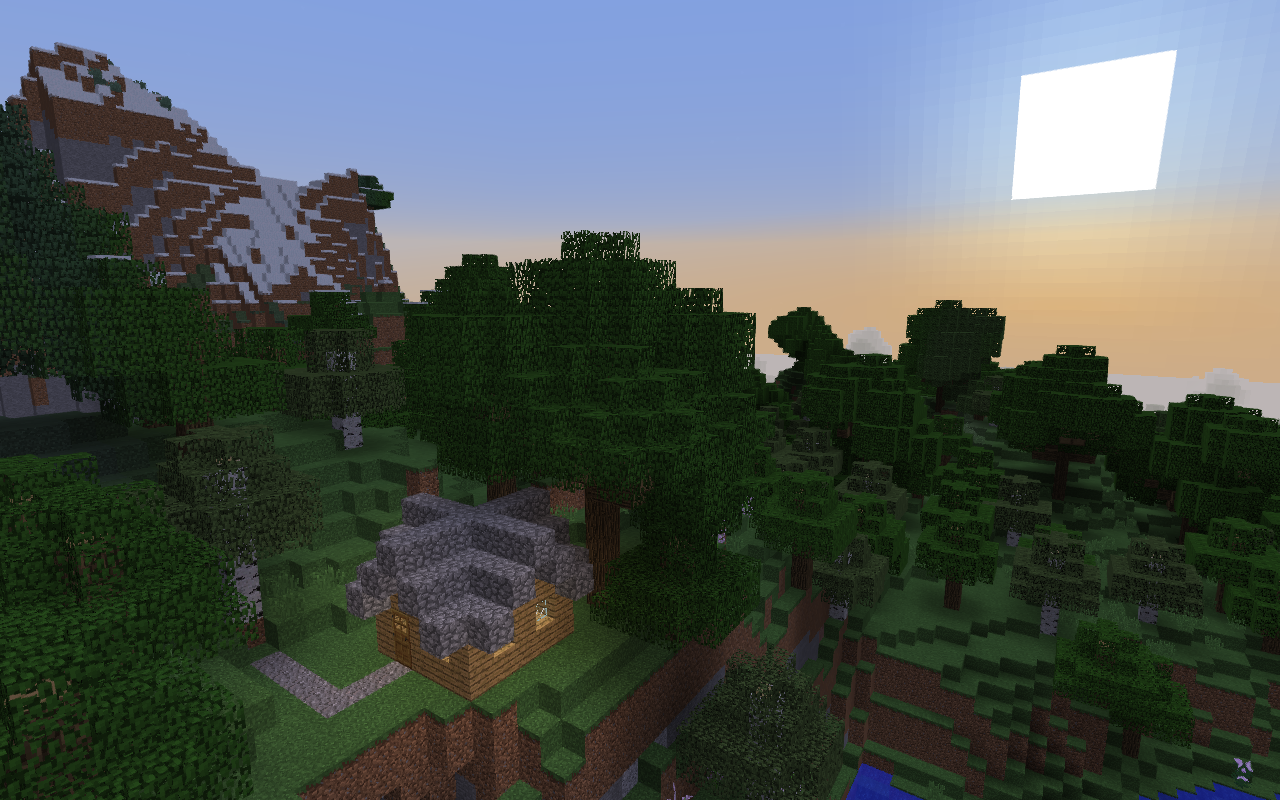
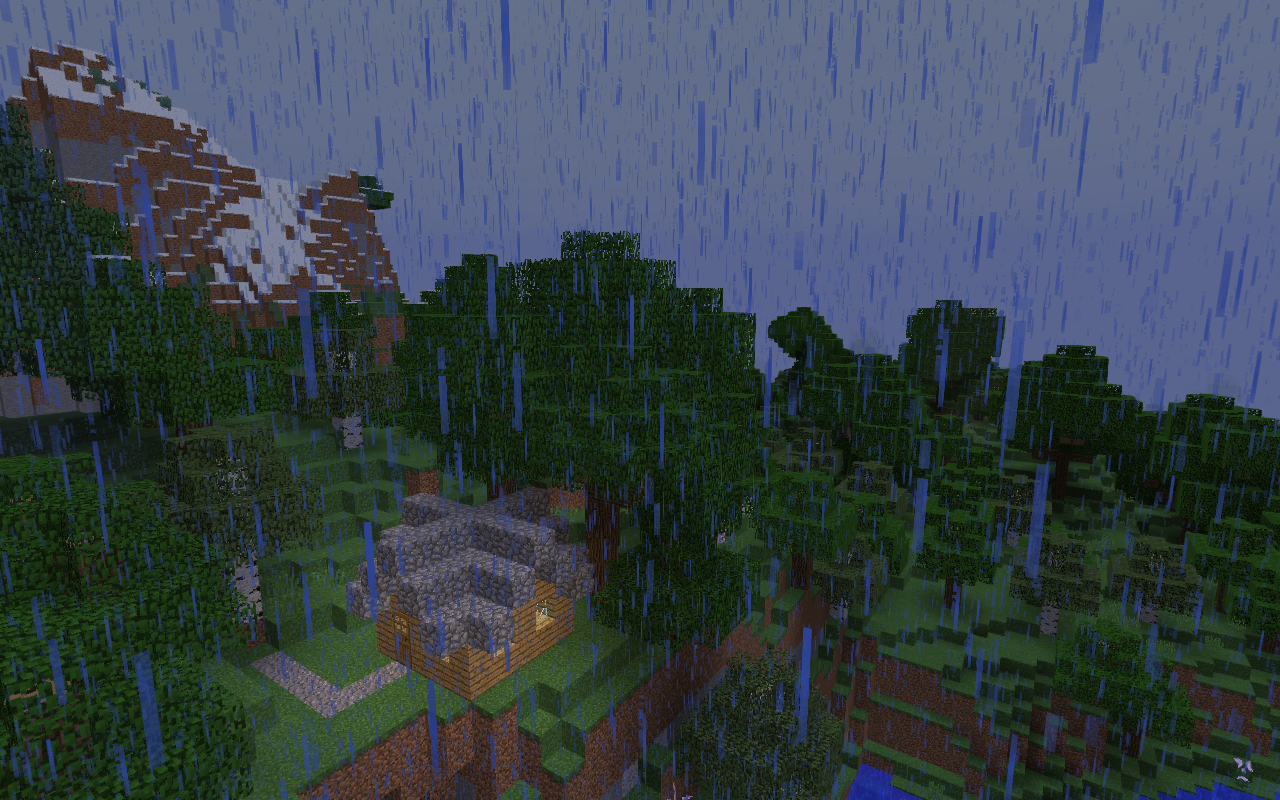
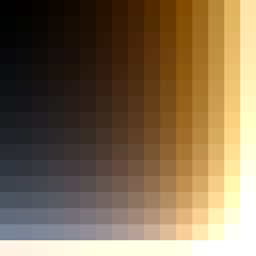
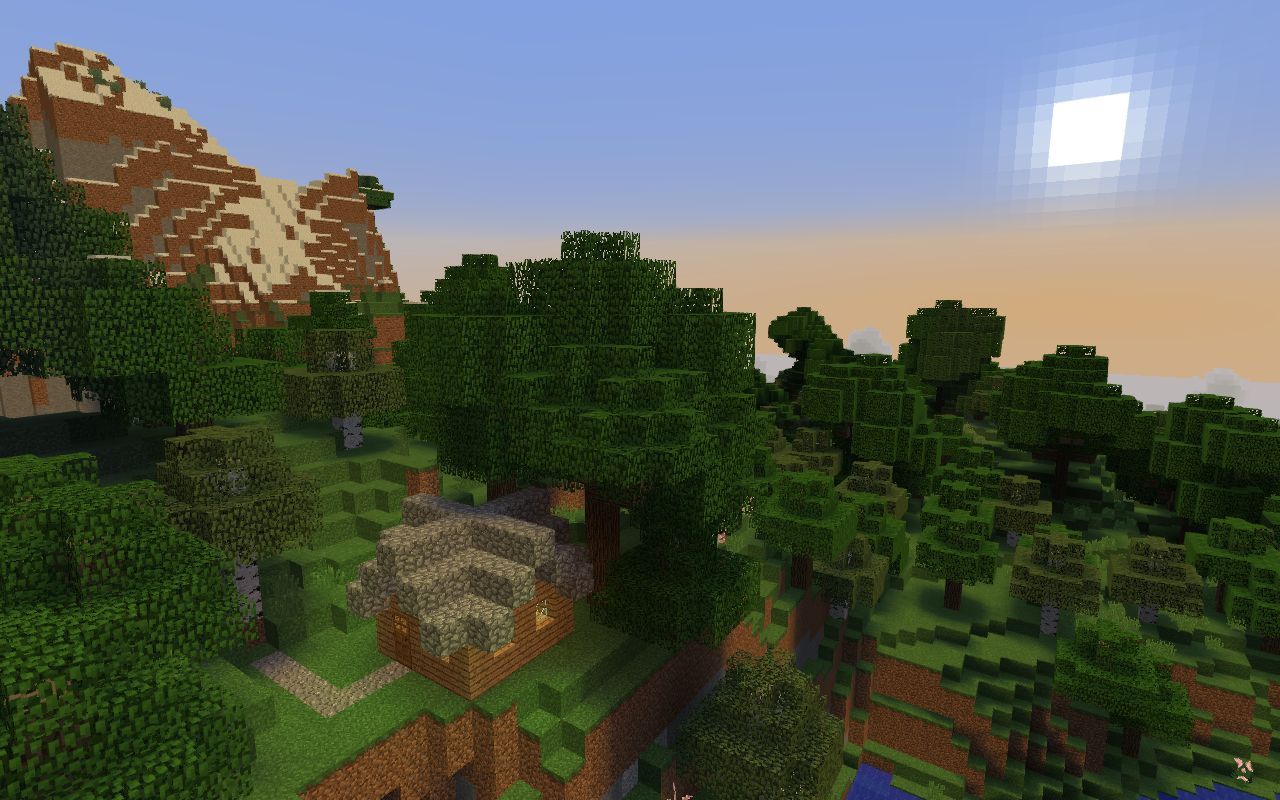
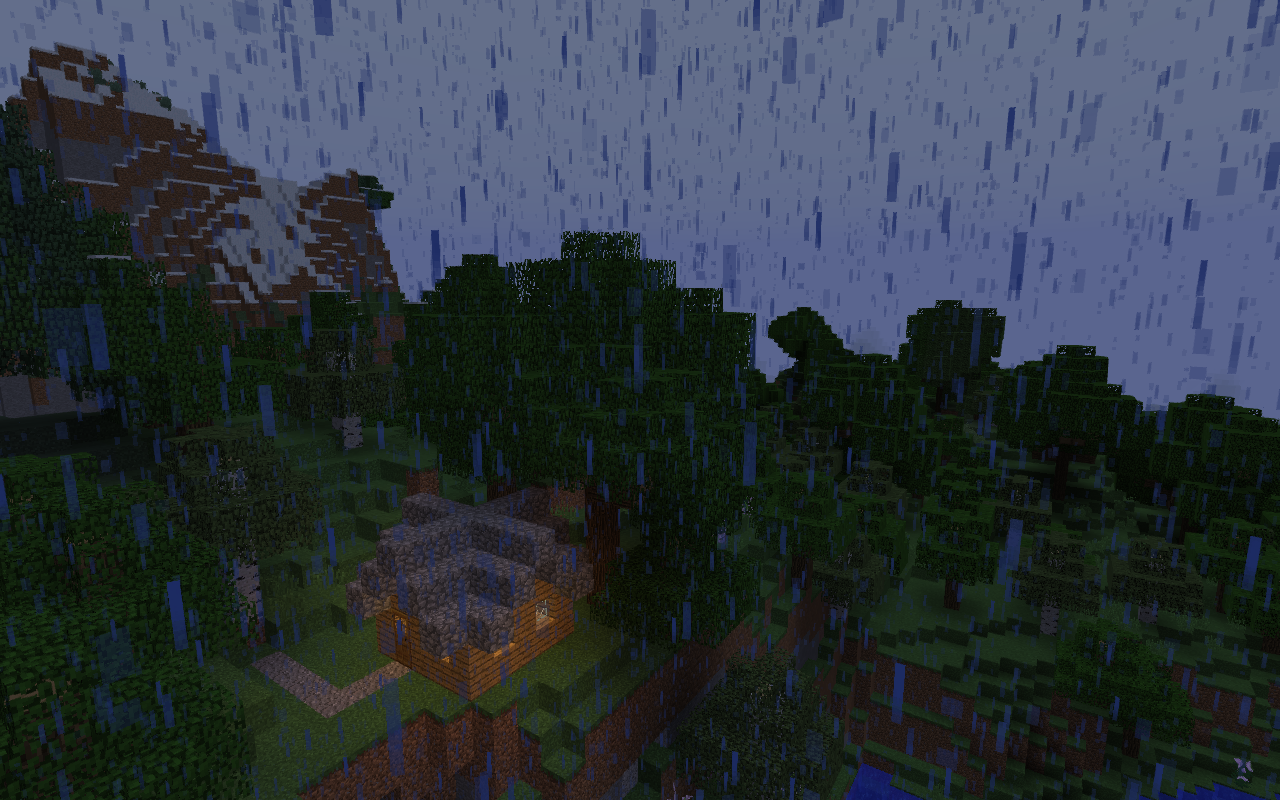
Since its inception, Minecraft has always had bad graphics. But, thanks to Optifine, a small part of this may be remedied! Using advanced texturing technology and sky color measurements, a new resource pack has been created with the capability to completely transform the Minecraft experience. Cy4n's Lighting offers unparalleled accuracy to Minecraft’s environment, including never-before-used-in-a-resource-pack (that I could find) texture names enabling separate light maps for rain and sunset.


Requires OptiFine.


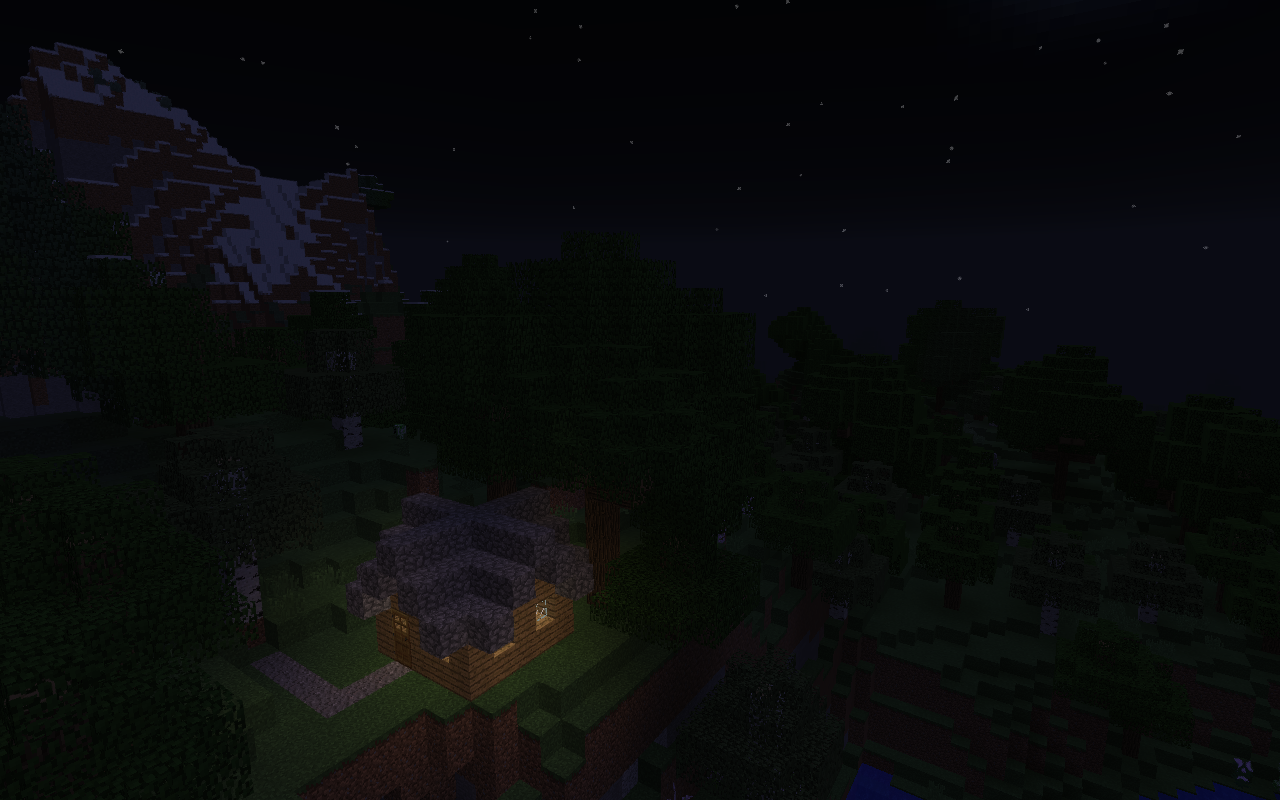
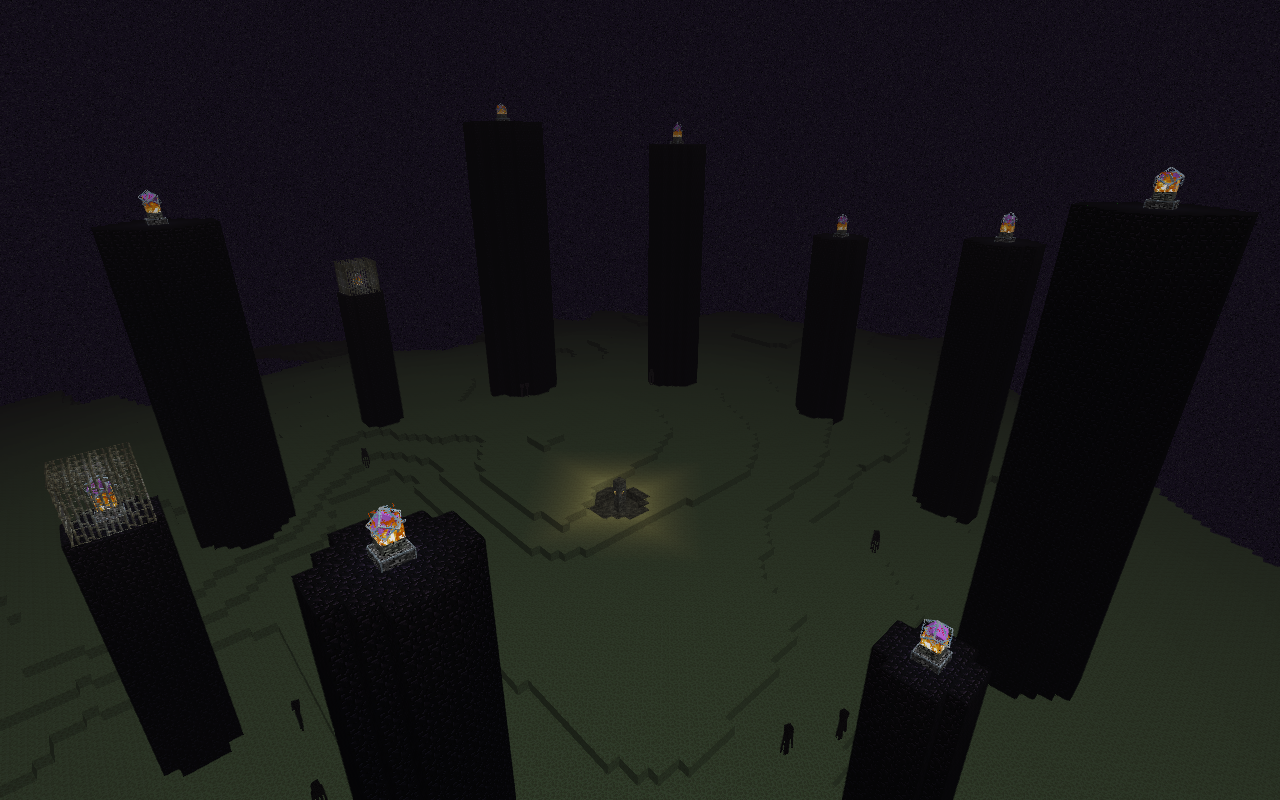
Note: With these light maps, Moody nights and the End are dark. For gameplay purposes +25% brightness is recommended.


A sunrise, with and without the light maps:

A rainy day:

At night:
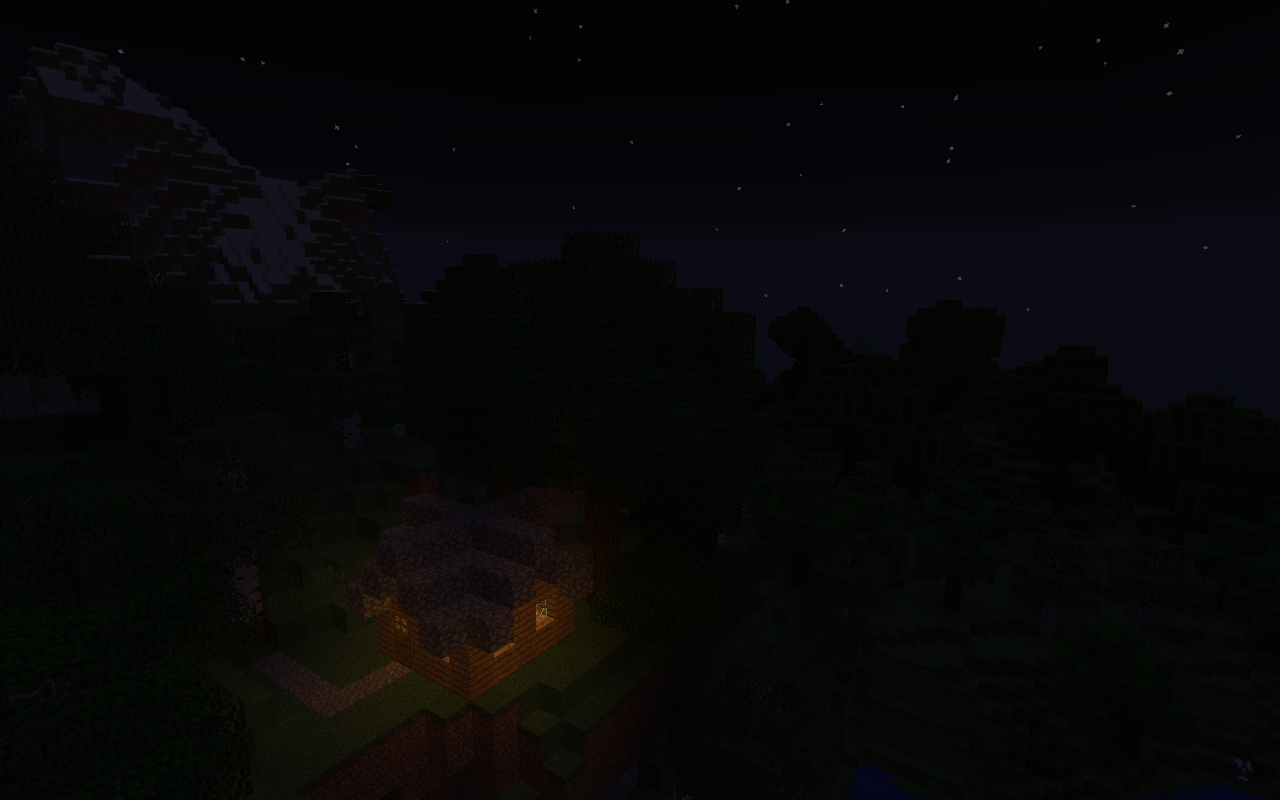
See, I told you it was dark.


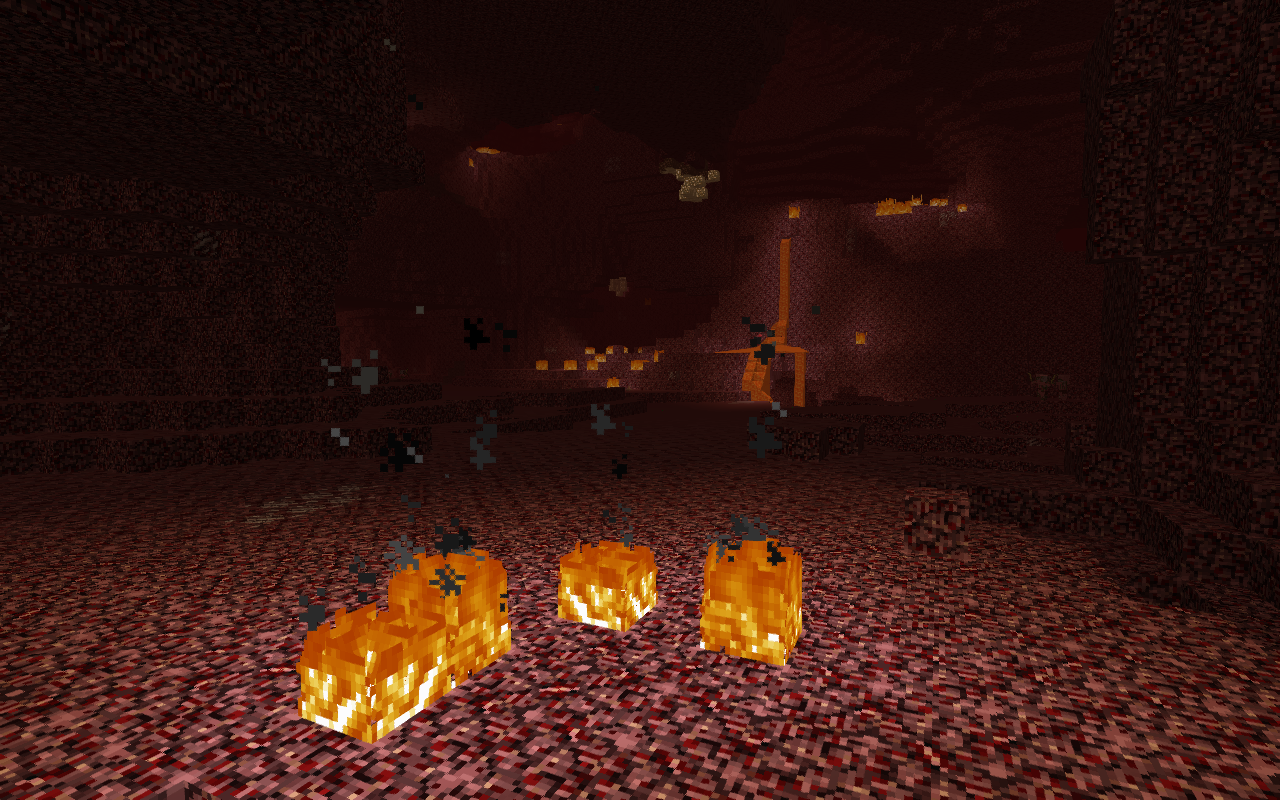
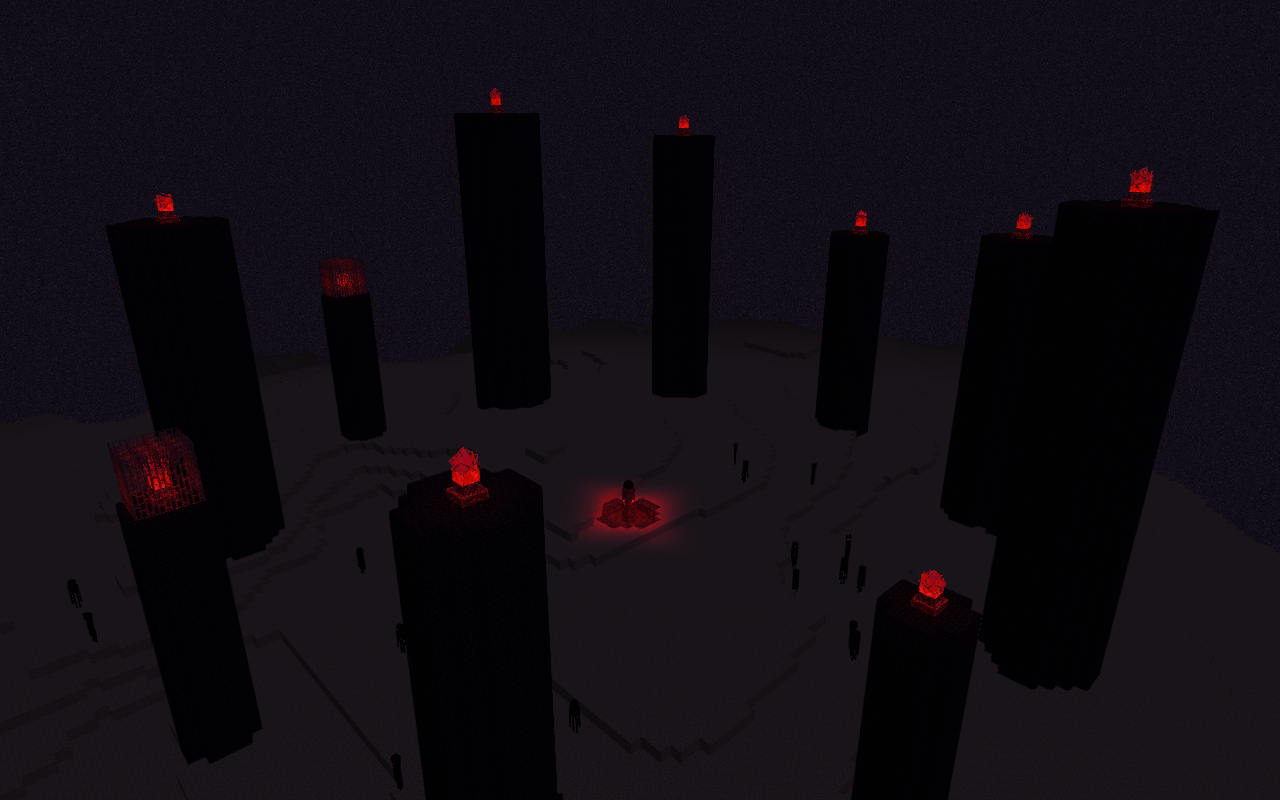
The Nether:
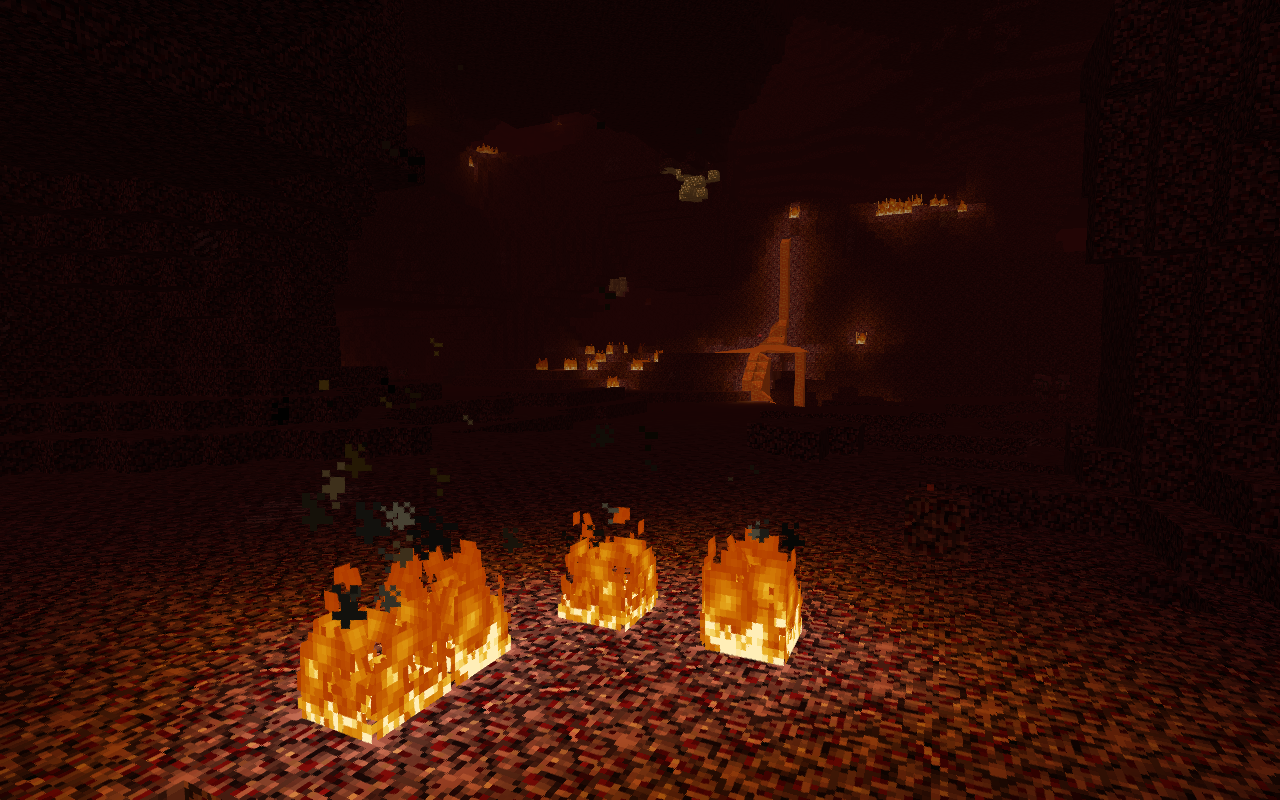

The End:
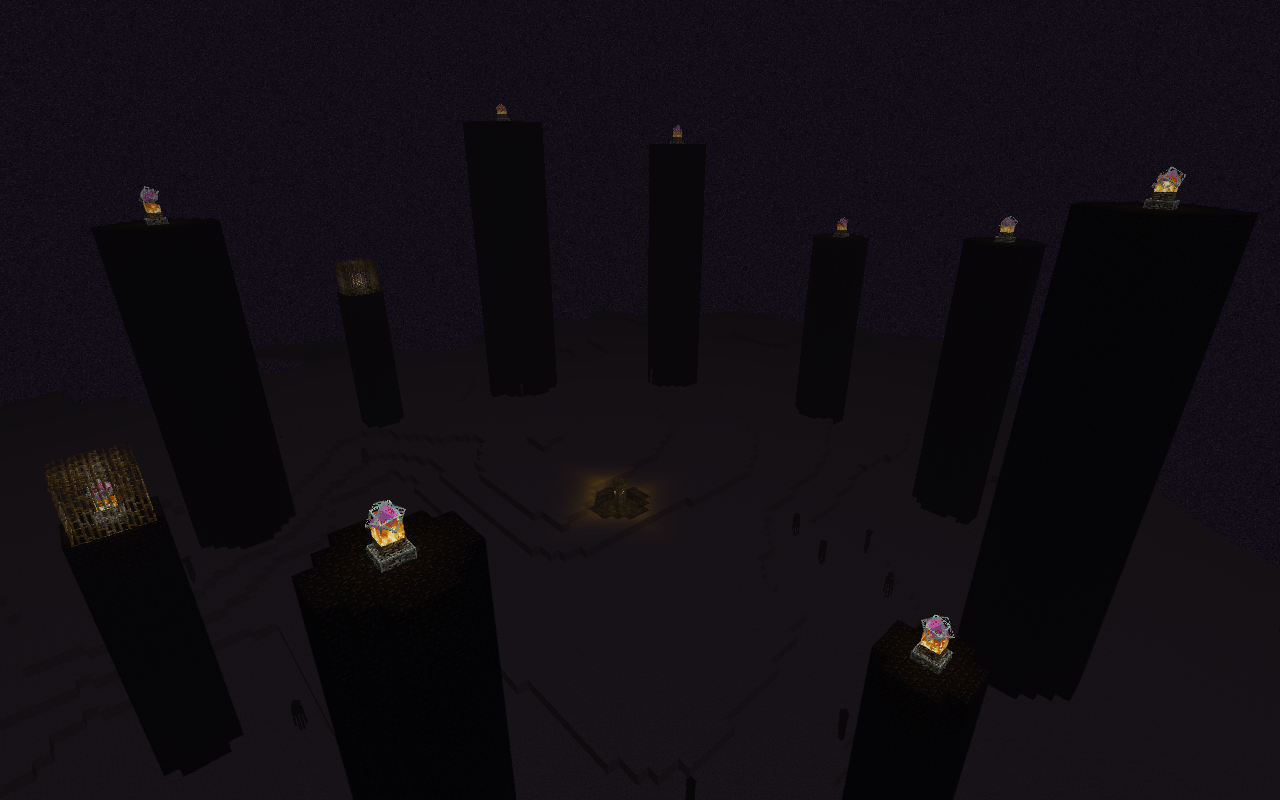
Hey, the sky is black and there's no sun, so don't blame me.


Download it!

cy4n's lighting v2 beta
MC 1.9.1, 1.9.3, 1.10-Snapshot, 1.9.4, 1.9.2, 1.10.2, 1.10, 1.10.1, 1.9-Snapshot, 1.9
Beta 2019-07-01 Get
cy4n's lighting 1.9-1.10
MC 1.9.1, 1.9.3, 1.10-Snapshot, 1.9.4, 1.9.2, 1.10.2, 1.10, 1.10.1, 1.9-Snapshot, 1.9
Release 2019-06-17 Get
cy4n's lighting 1.13-1.14
MC 1.13.1, 1.14.1, 1.13, 1.14, 1.14.2, 1.13-Snapshot, 1.14-Snapshot, 1.13.2
Release 2019-06-17 Get
cy4n's lighting 1.6-1.8
MC 1.7.6, 1.8.7, 1.7.4, 1.7.7, 1.7.5, 1.6.1, 1.8.4, 1.7.9, 1.8.8, 1.7.2, 1.8-Snapshot, 1.8.3, 1.8.6, 1.7.8, 1.6.4, 1.7.10, 1.8, 1.8.2, 1.8.5, 1.8.9, 1.8.1, 1.6.2
Release 2019-06-17 Get
cy4n's lighting 1.11-1.12
MC 1.12.1, 1.12, 1.11, 1.11.1, 1.11.2, 1.11-Snapshot, 1.12.2, 1.12-Snapshot
Release 2019-06-17 Get

Requirements & install

How to use this resource pack in Minecraft
Resolution
16x
Minecraft
1.13-Snapshot – 1.14.2
Install folder
.minecraft/resourcepacks

How to install resource packs

  1. Download the resource pack .zip file (do not extract it).
  2. In Minecraft open Options → Resource Packs → Open Pack Folder.
  3. Drop the .zip into the resourcepacks folder (.minecraft/resourcepacks).
  4. Move the pack to the Selected column and click Done.
Browse more: 16x resource packs 32x resource packs 64x resource packs 128x resource packs 256x resource packs 512x+ resource packs Resource Packs for 1.14.2 All resource packs

More from cyivn

Advertisement Remove ads with Premium →

You Might Also Like