Turn the end of the world into the most festive apocalypse Minecraft has ever seen!
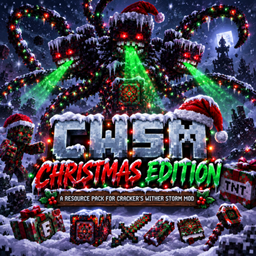
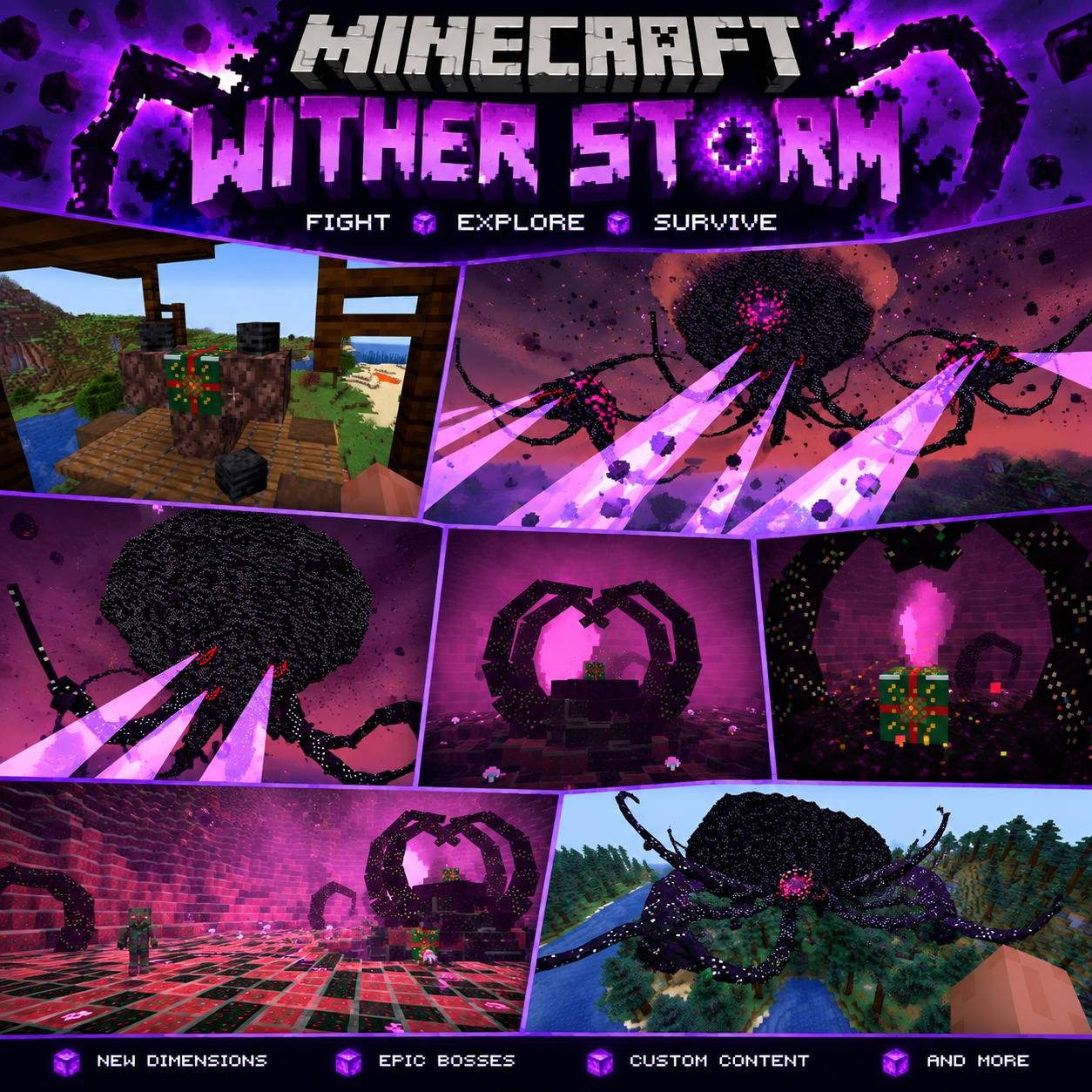
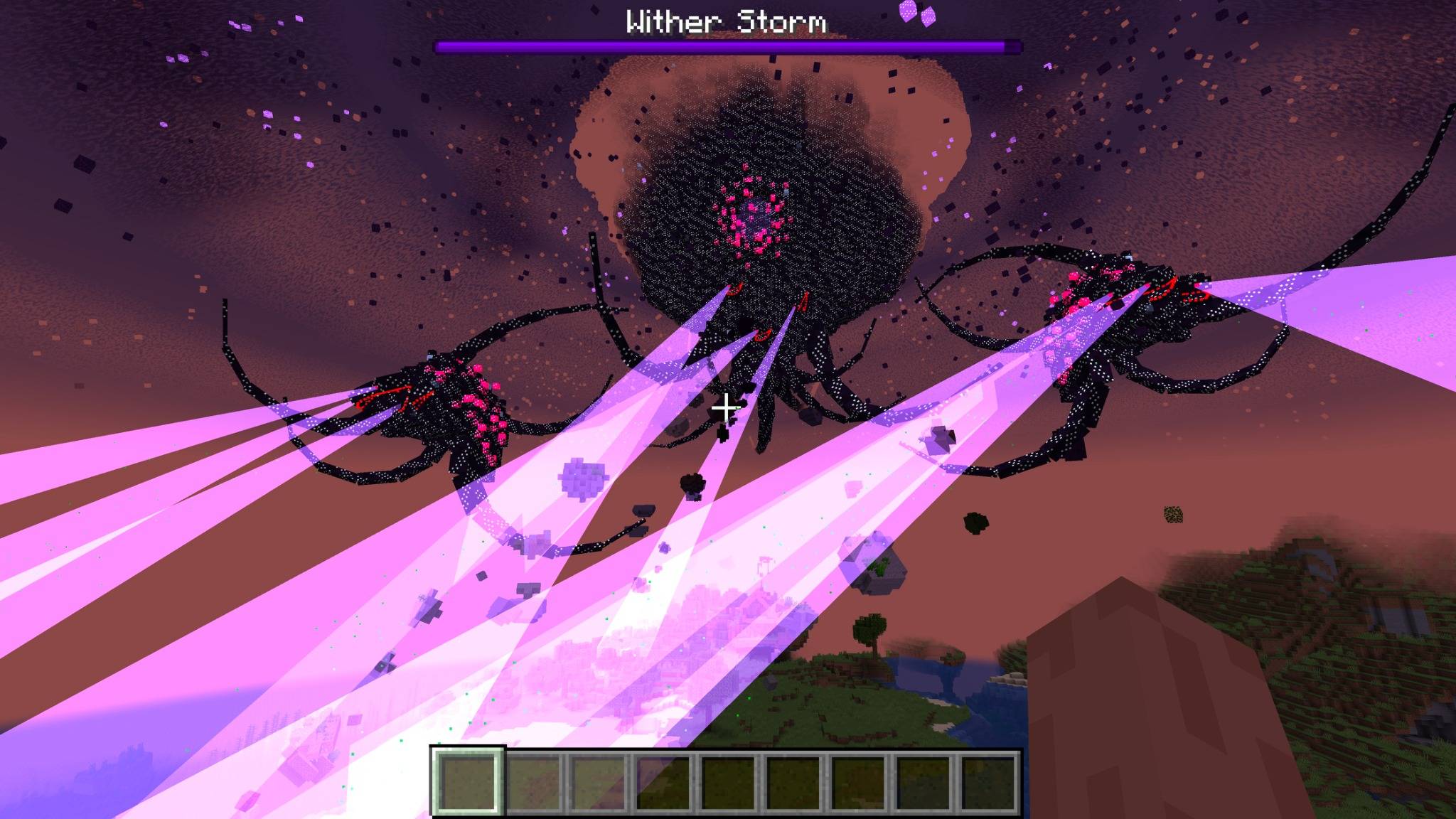
CWSM Christmas Edition is a Christmas-themed resource pack made specifically for Cracker's Wither Storm Mod. It gives the Wither Storm and many of CWSM's blocks, items, mobs, and effects a complete holiday makeover while keeping the creepy Wither Storm style.
The pack includes Christmas-themed versions of:
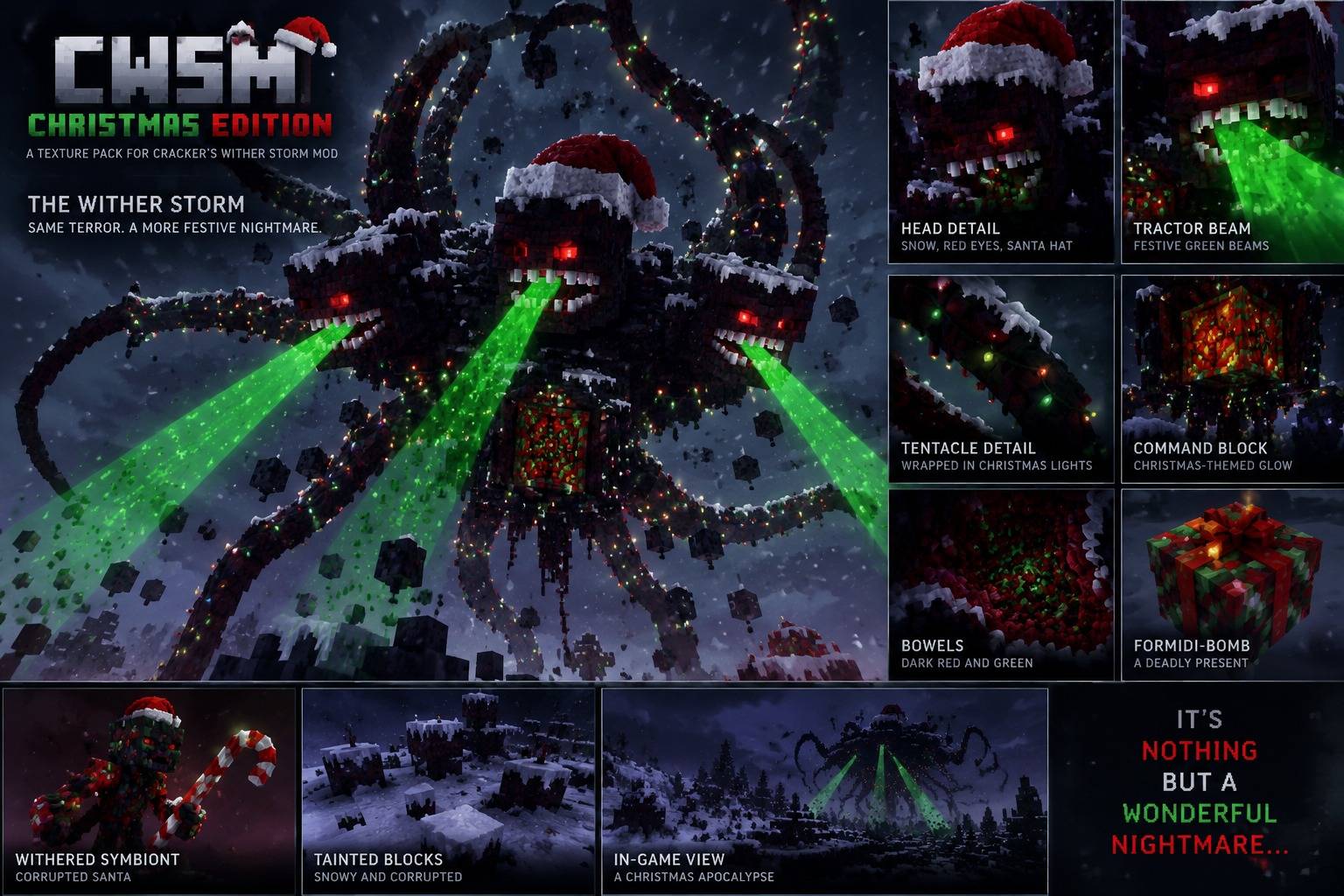
The Wither Storm
Snow-covered Wither Storm flesh
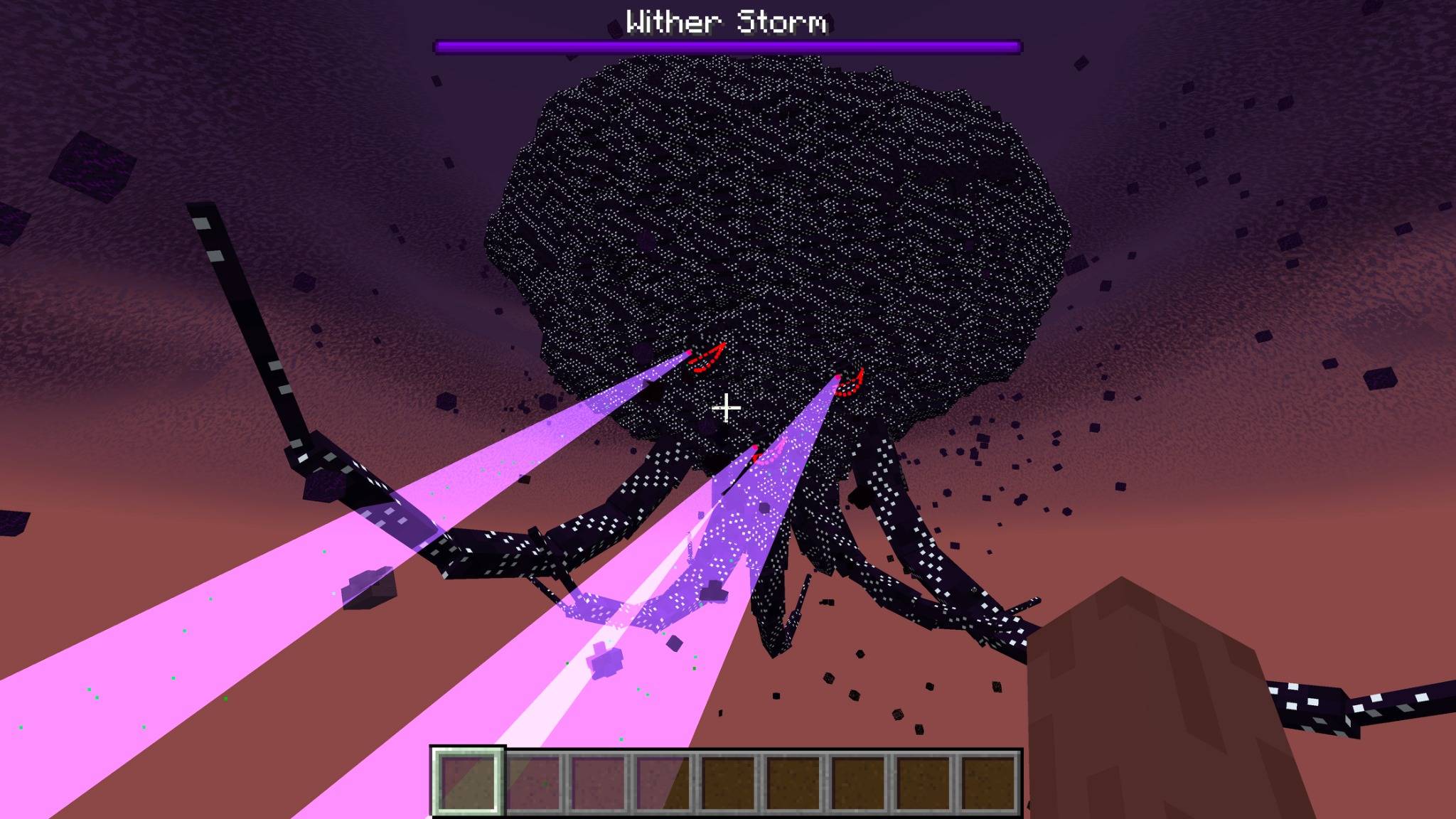
Red Wither Storm eyes
Green tractor beams
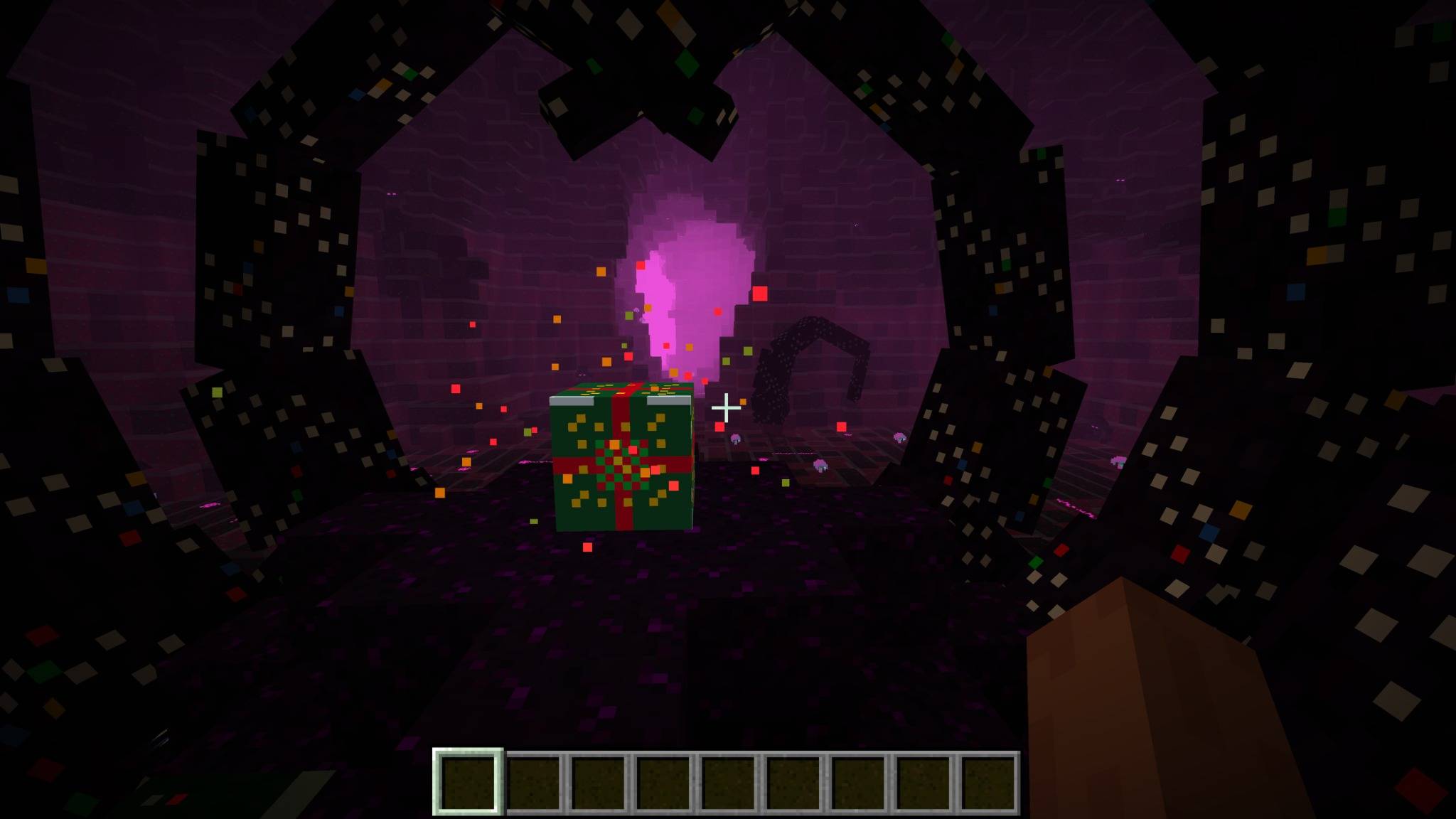
Christmas lights and festive details
Tainted blocks
Tainted items
Sickened mobs
Sickness textures and effects
The Command Block
Command Block cage and effects
Command Block tools and weapons
Withered Symbiont
Formidi-Bomb
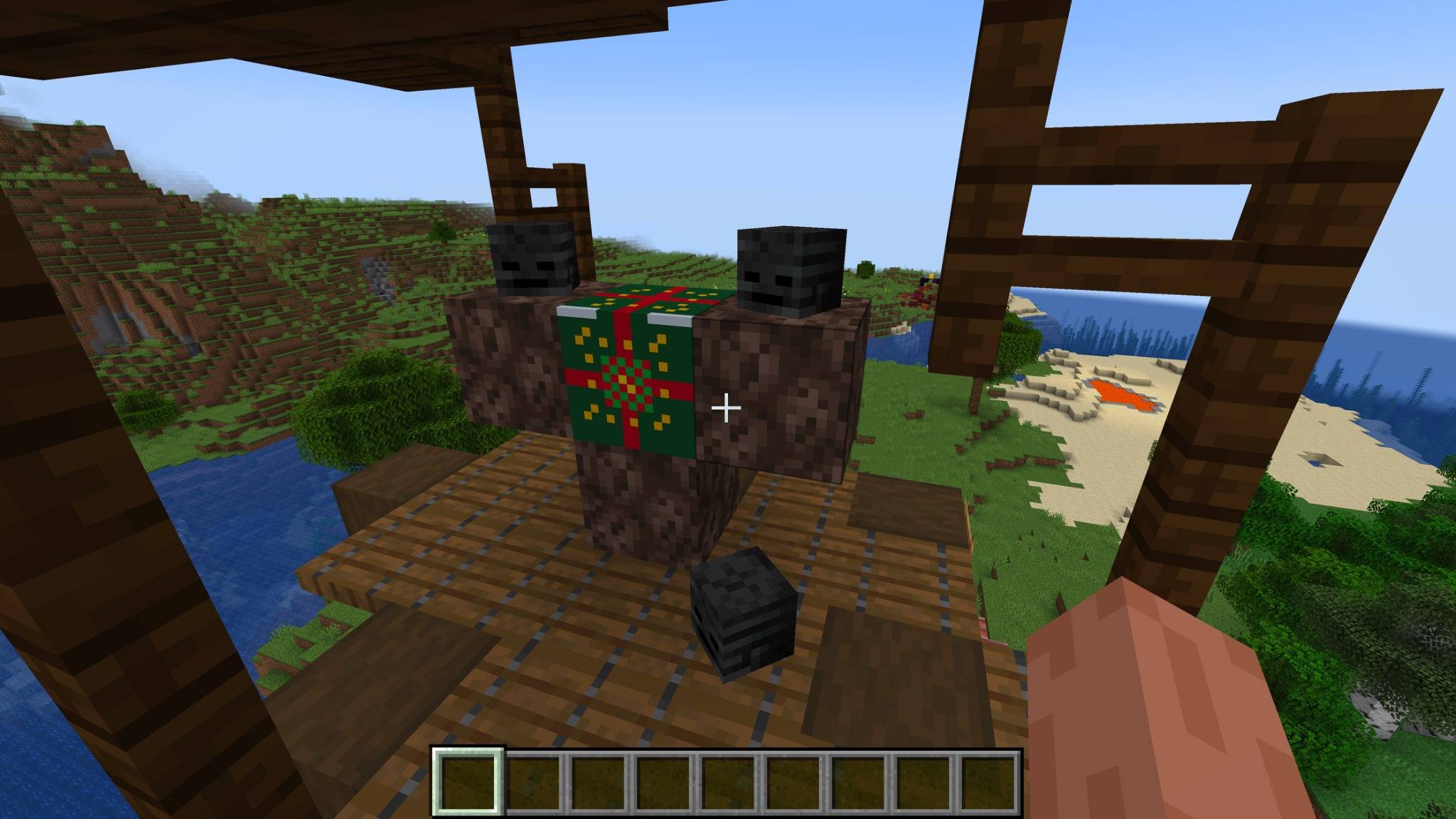
Super TNT
And many other CWSM textures!
Instead of turning everything into simple red and green textures, the goal was to make CWSM look like it has actually been taken over by Christmas.
You still get the dark and destructive look of the Wither Storm — except now there's snow, Christmas colors, festive corruption, and a giant green tractor beam coming toward you.
Even Super TNT has joined Christmas.
Its texture has been redesigned with festive red and green details so your giant explosive weapon can properly celebrate the holidays before blowing everything up.
The Wither Storm's corruption has also been given a Christmas makeover.
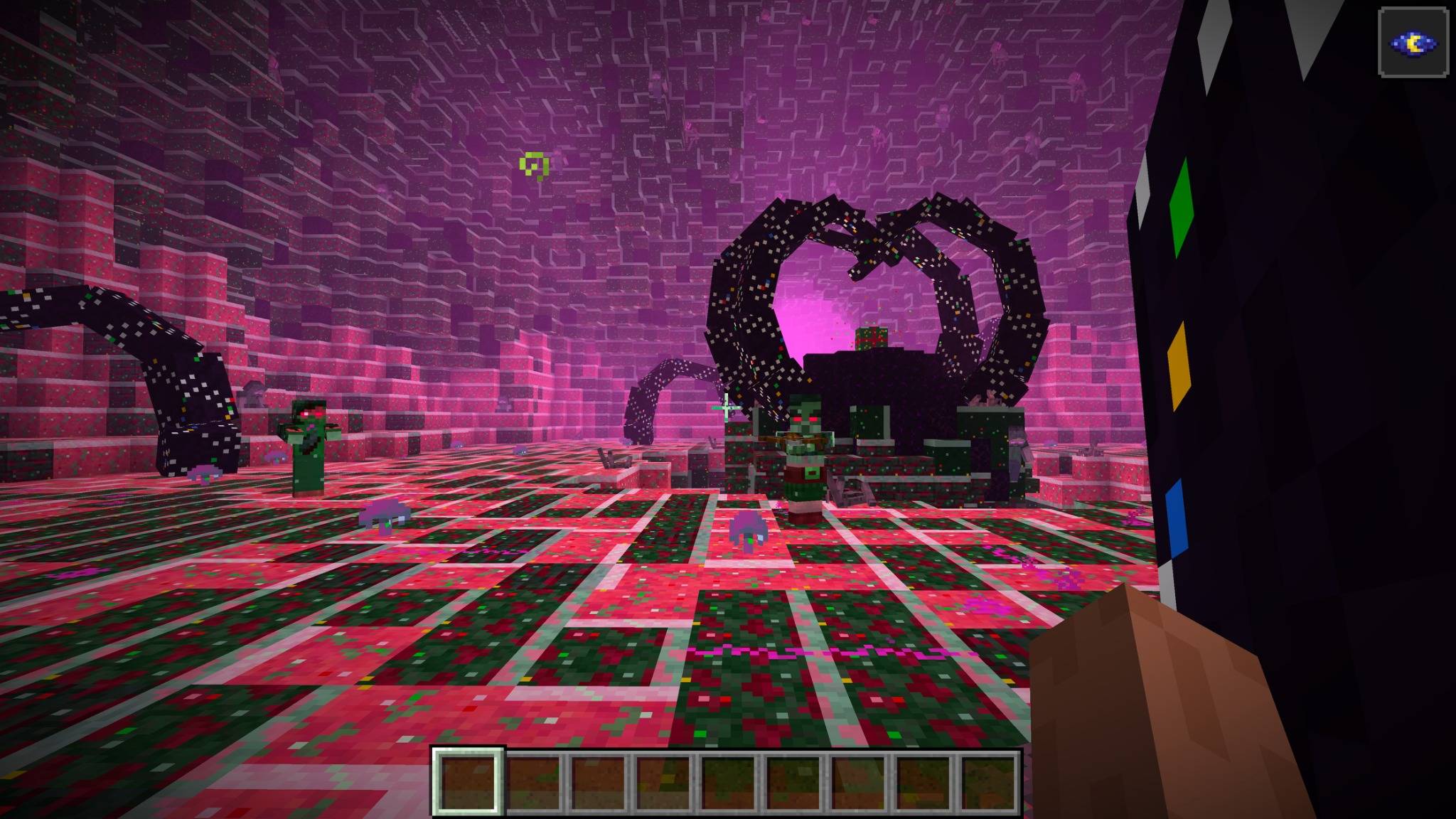
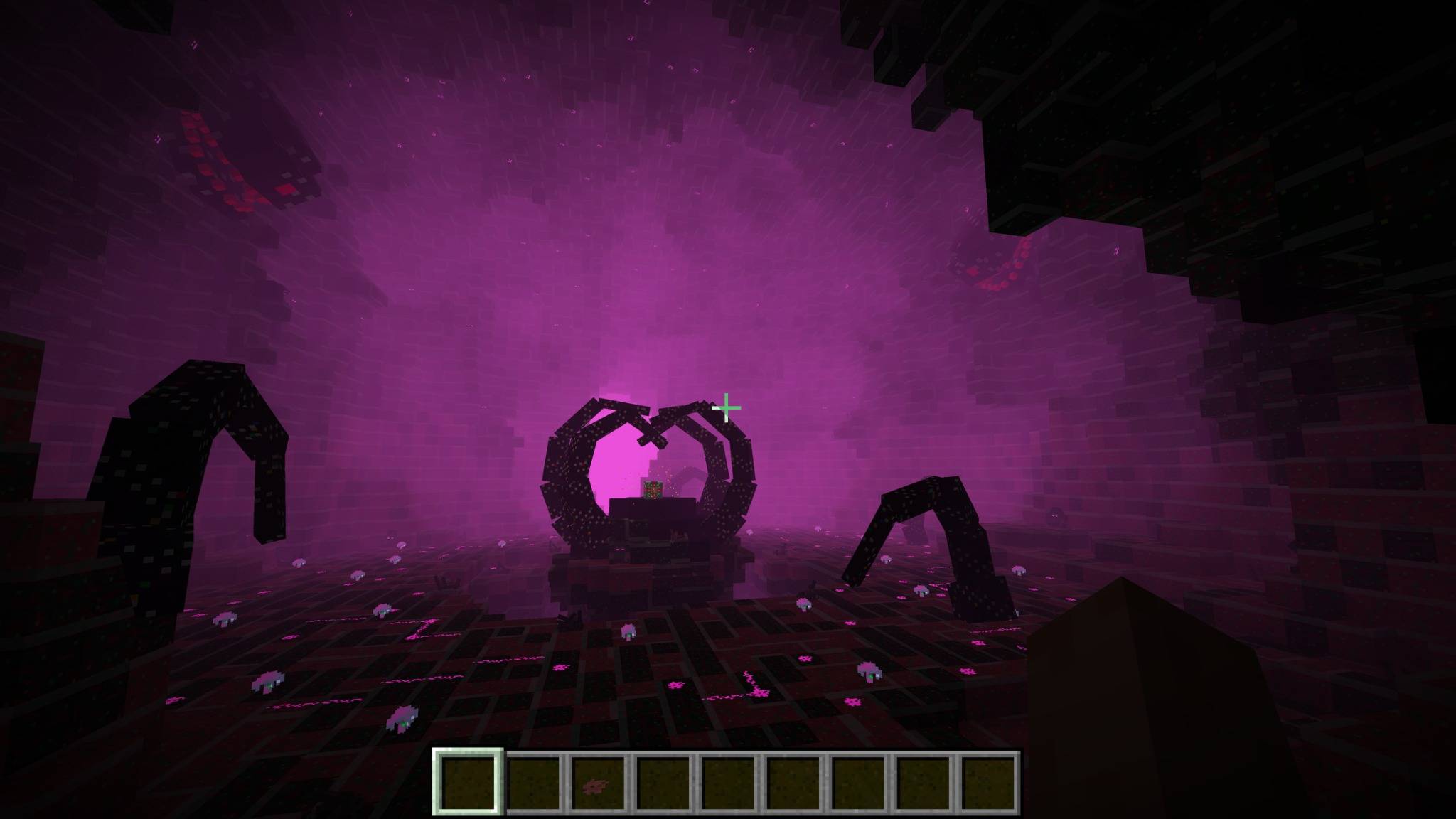
Tainted blocks feature snowy and festive details, helping areas destroyed by the Wither Storm look like a corrupted Christmas wasteland.
CWSM's sickened mobs have also been retextured so they fit the Christmas theme instead of looking exactly like their normal CWSM versions.
Apparently even the Wither Sickness celebrates Christmas.
Minecraft 1.20.1
Minecraft 1.19.4
Minecraft 1.18.2
Download the file made for your Minecraft version.
Cracker's Wither Storm Mod (CWSM) is required.
CurseForge Project ID for CWSM: 621405
Install Cracker's Wither Storm Mod.
Download the CWSM Christmas Edition file matching your Minecraft version.
Put the ZIP file into your Minecraft resourcepacks folder.
Open Minecraft.
Go to Options → Resource Packs.
Enable CWSM Christmas Edition.
Summon the Wither Storm.
Have a very destructive Christmas.
Does this add a new Wither Storm?
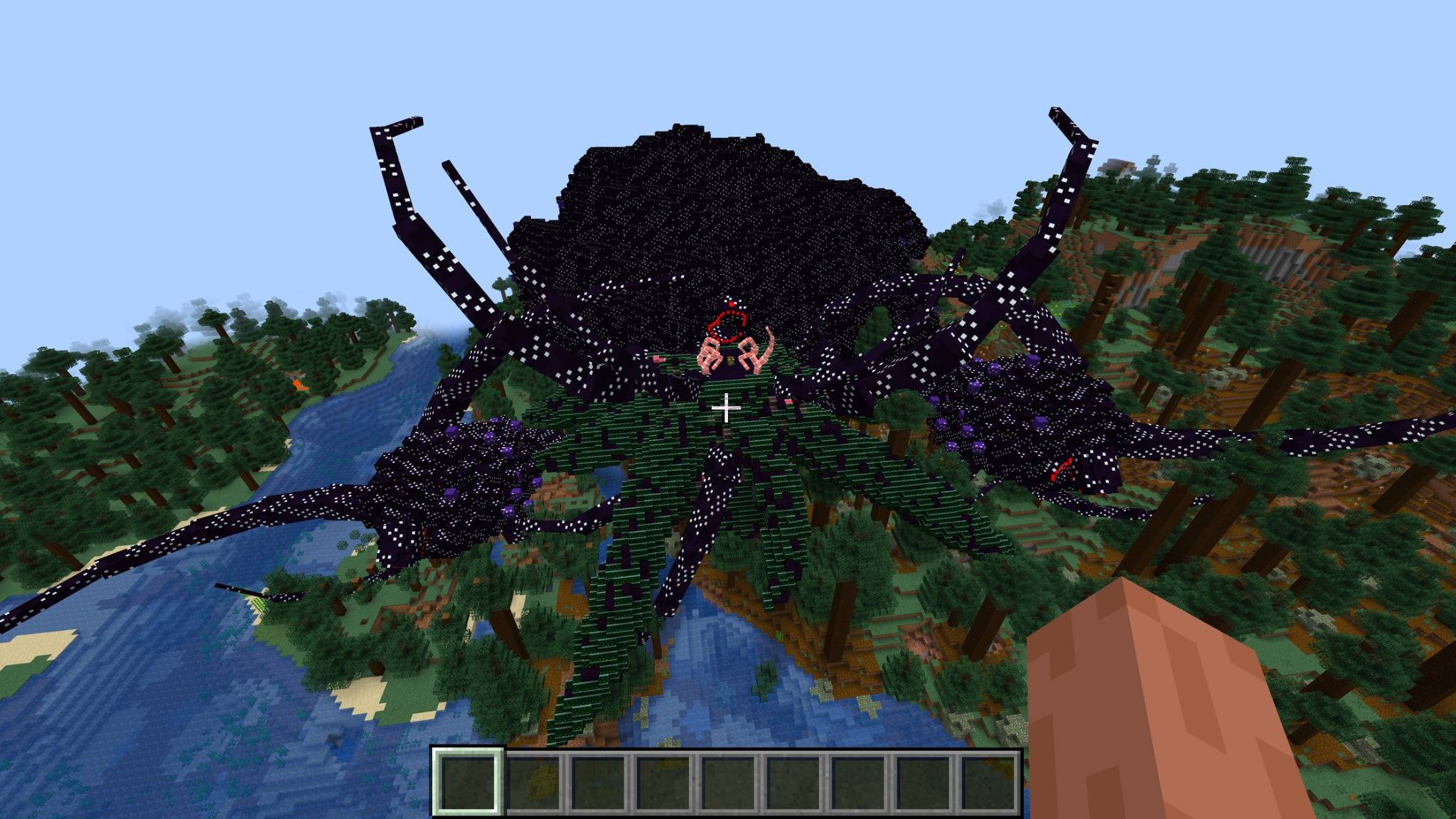
No. This is a resource pack. It changes the appearance of content from Cracker's Wither Storm Mod.
Does CWSM need to be installed?
Yes. This pack is specifically designed for CWSM.
Why is my tractor beam green?
Because it's Christmas. Even the Wither Storm understands the assignment.
Why does the Wither Storm have snow on it?
Apparently consuming an entire world doesn't protect you from winter weather.
Is Super TNT Christmas-themed too?
Yes. If you're going to destroy a Wither Storm at Christmas, you might as well do it festively.
Can I use the wrong Minecraft version of the pack?
Use the download specifically made for your Minecraft version for the best results.
Enjoy turning Cracker's Wither Storm Mod into a snowy, red-eyed, green-tractor-beam Christmas nightmare.