Badges update automatically and link to the resource pack page on MineUniverse.
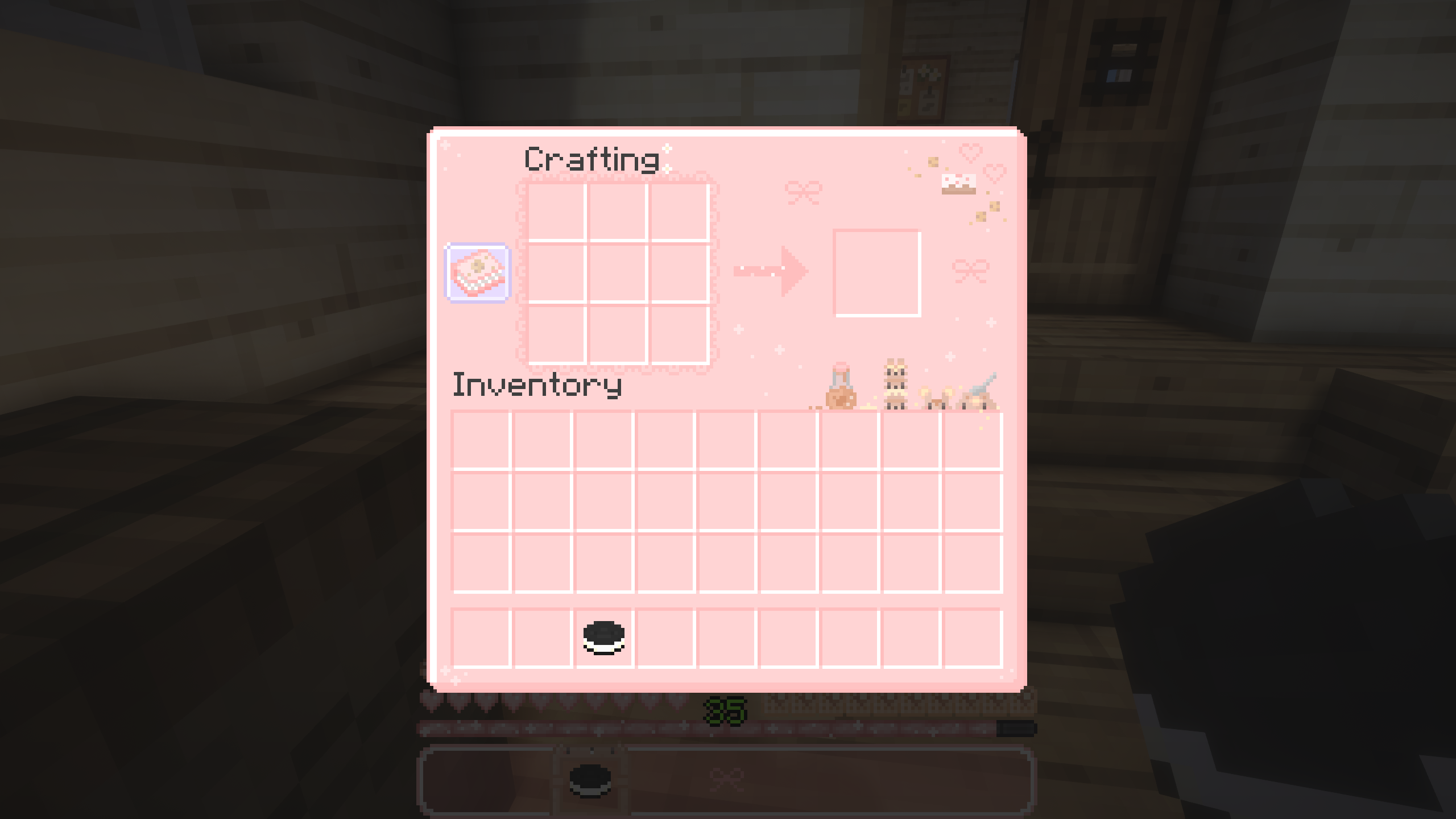
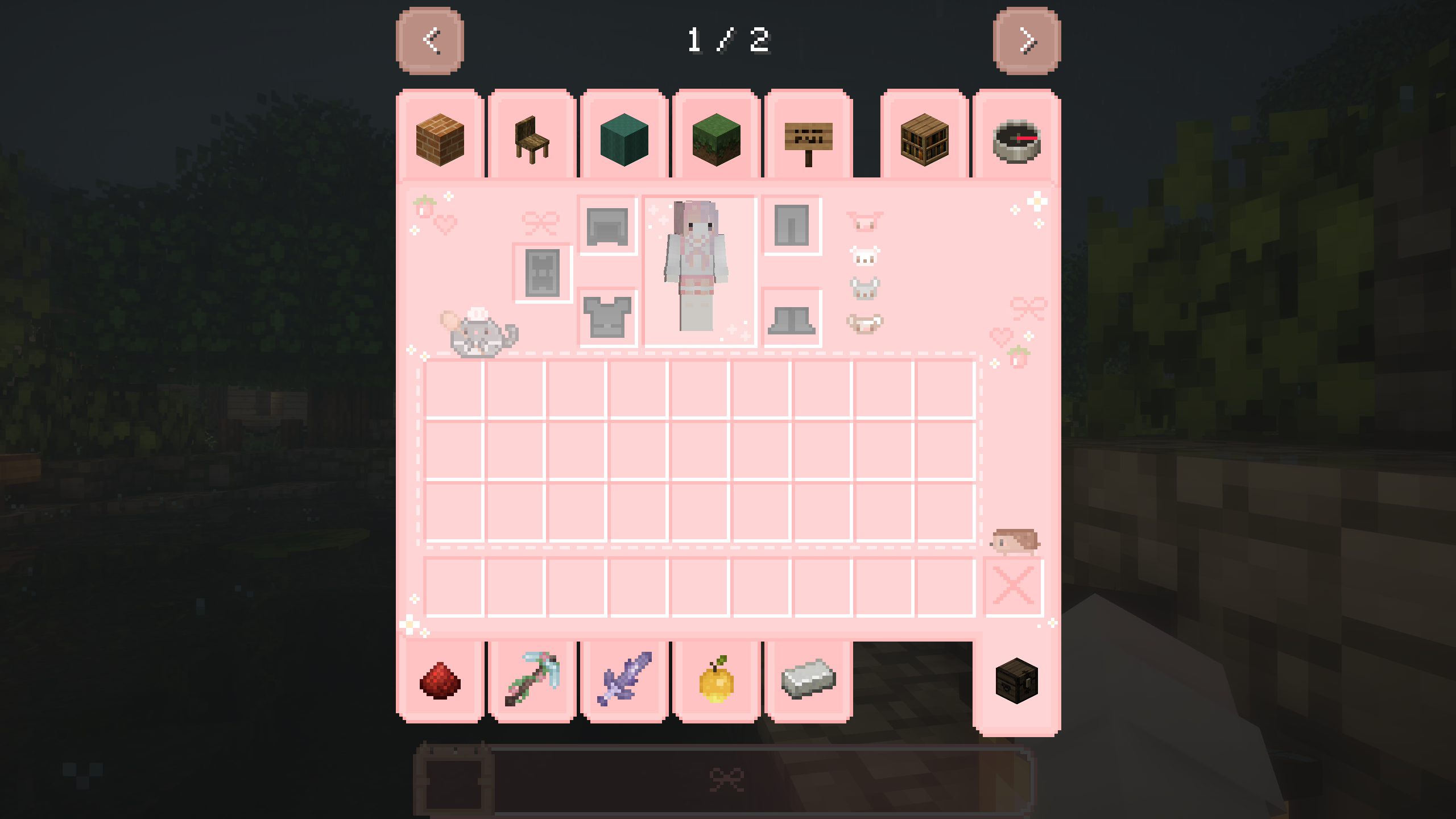
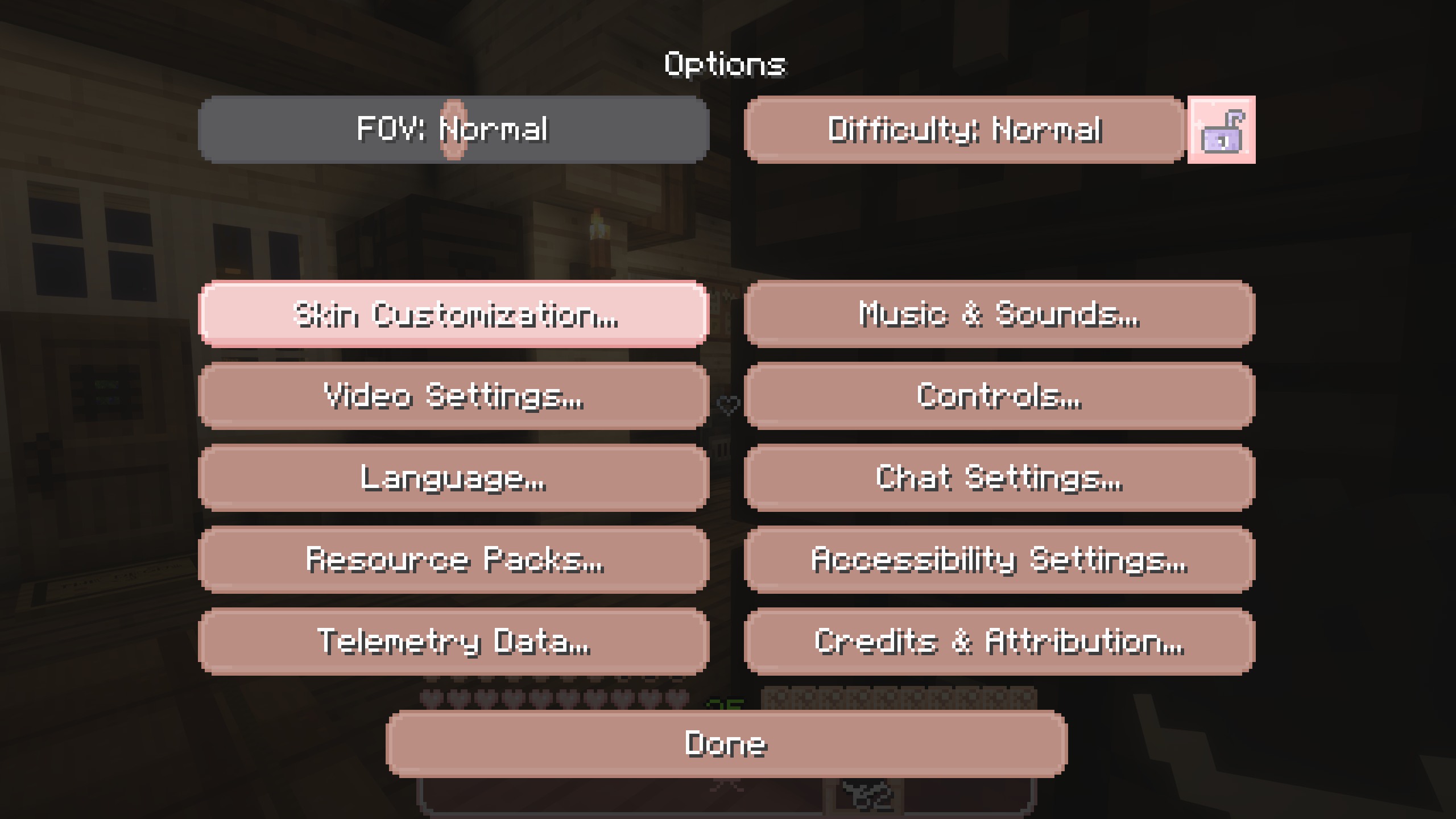
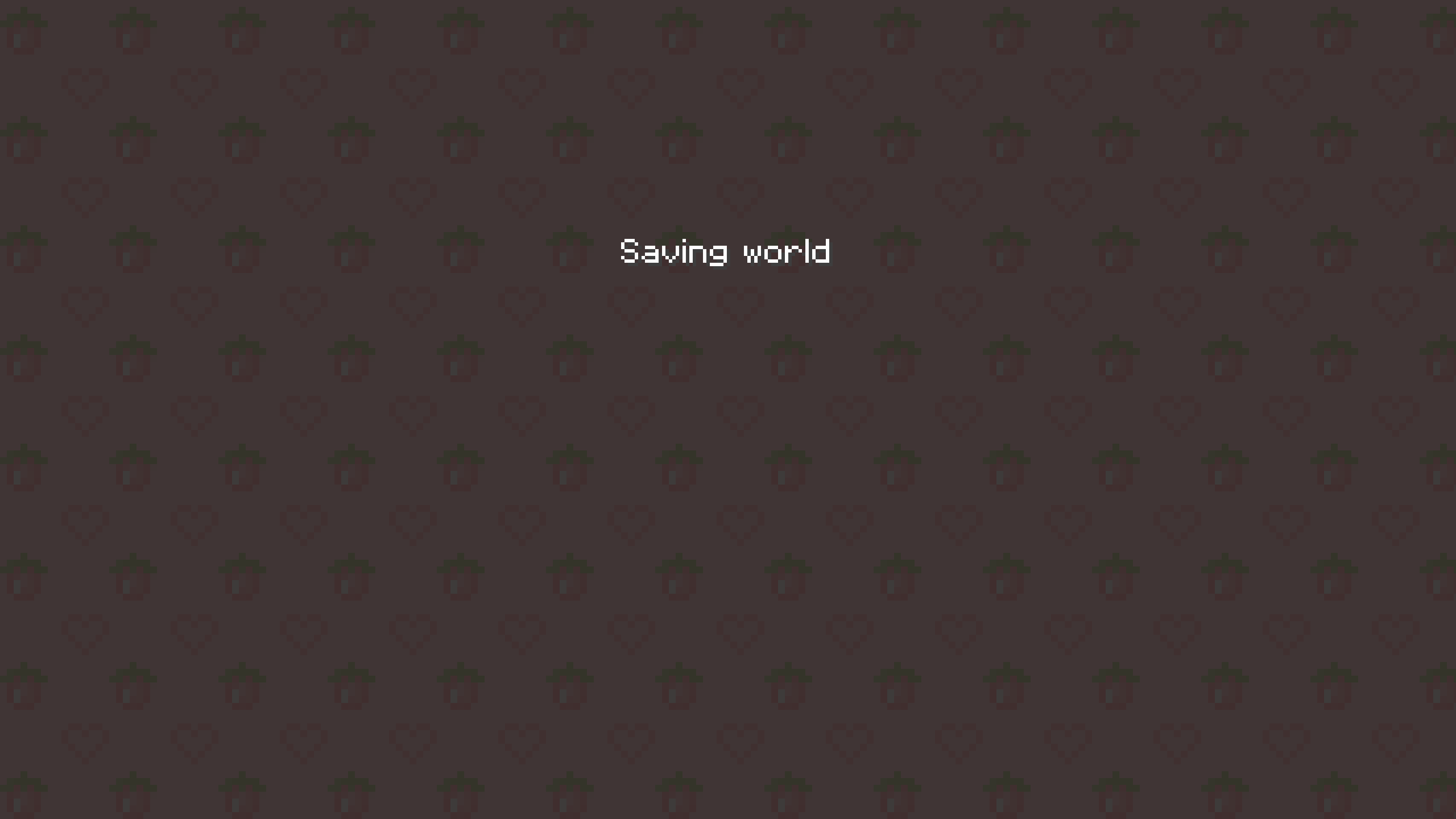
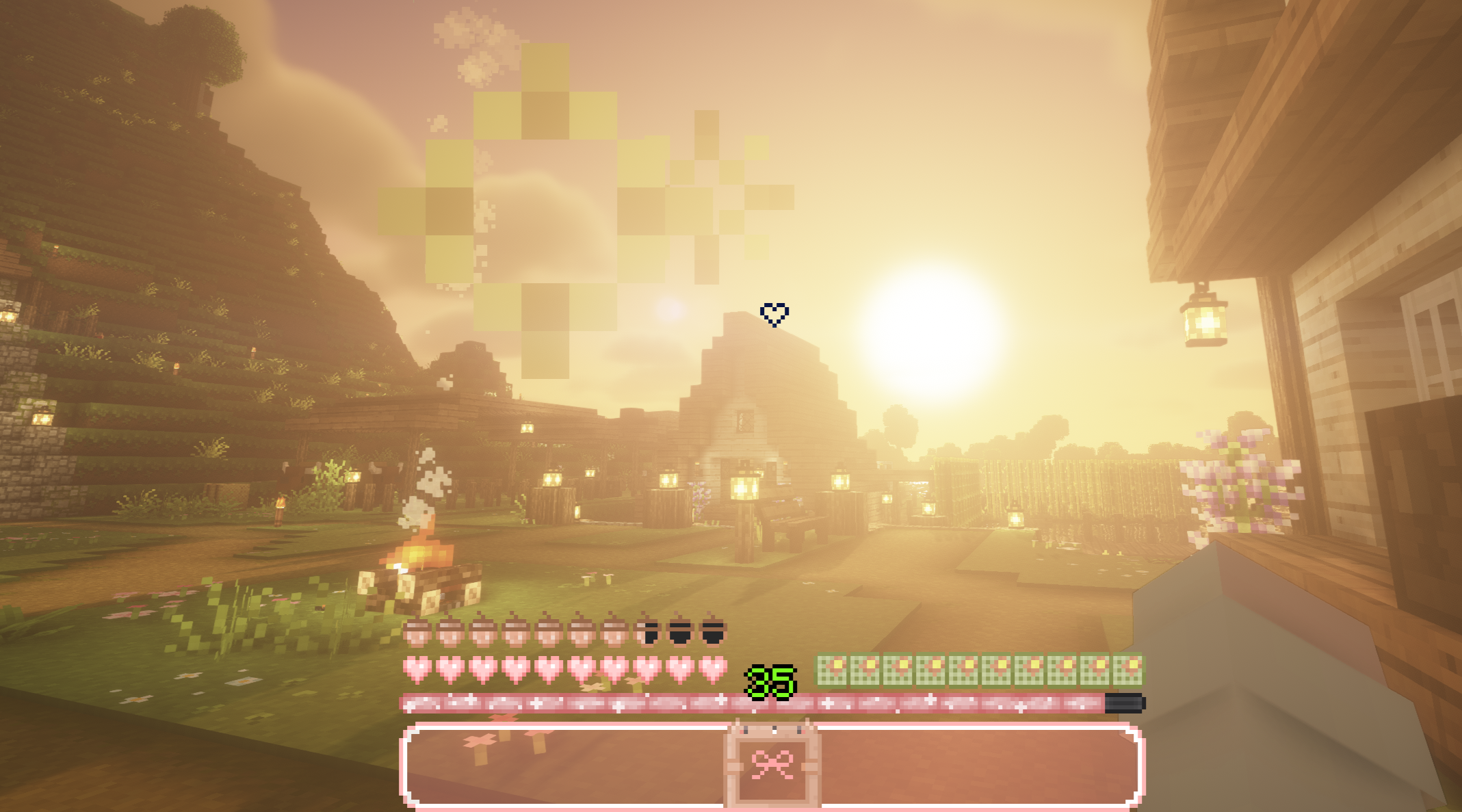
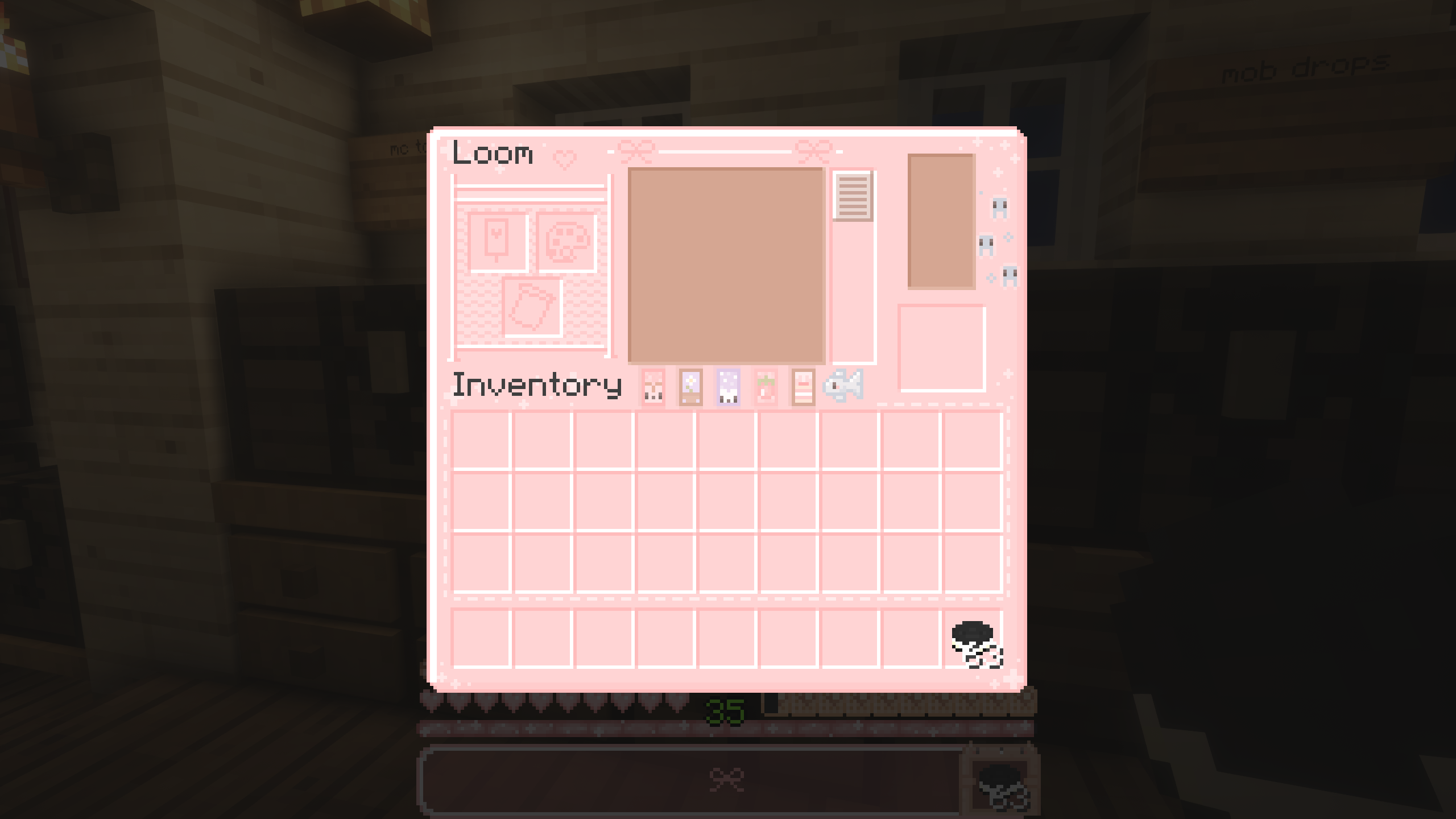
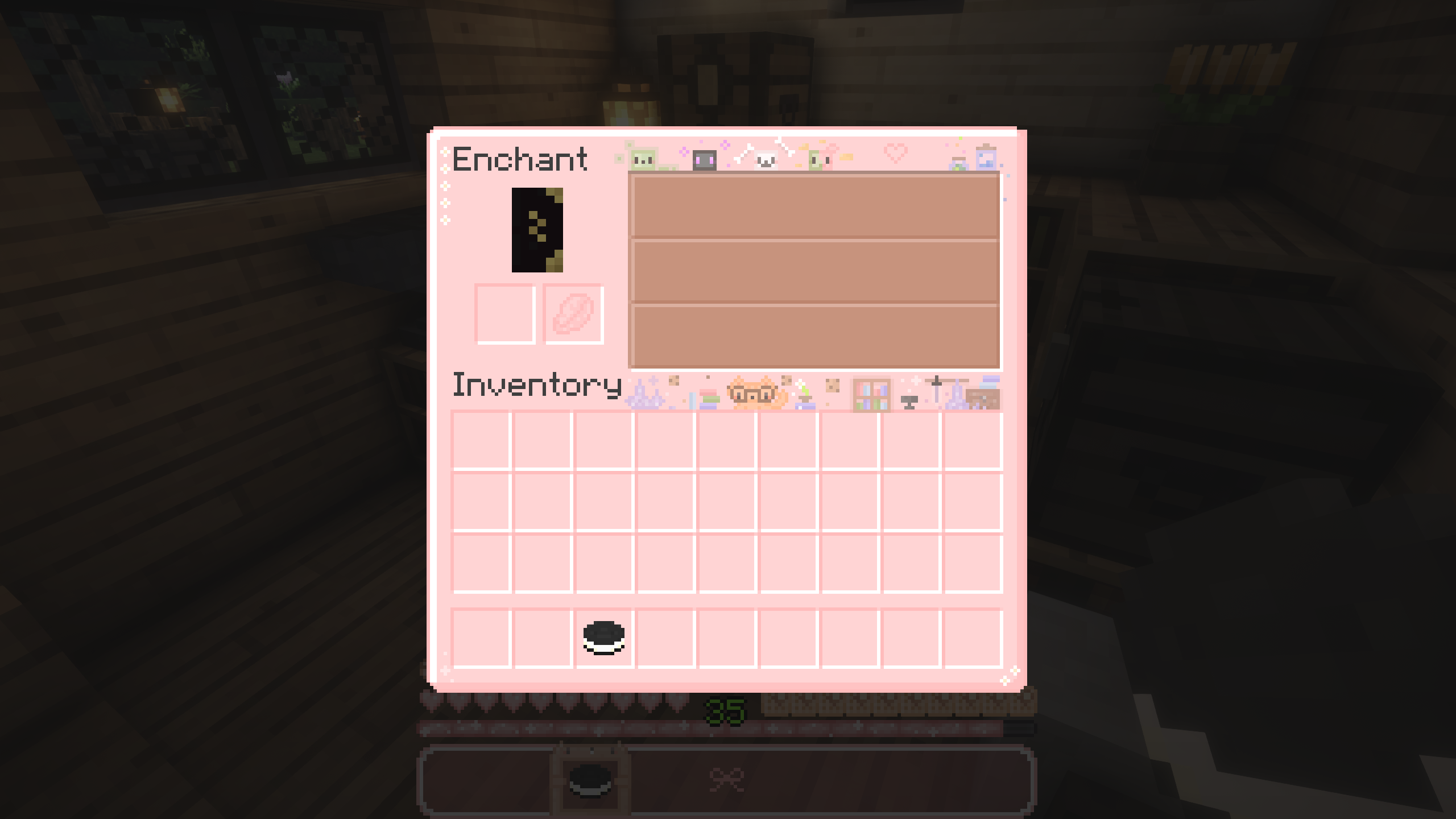
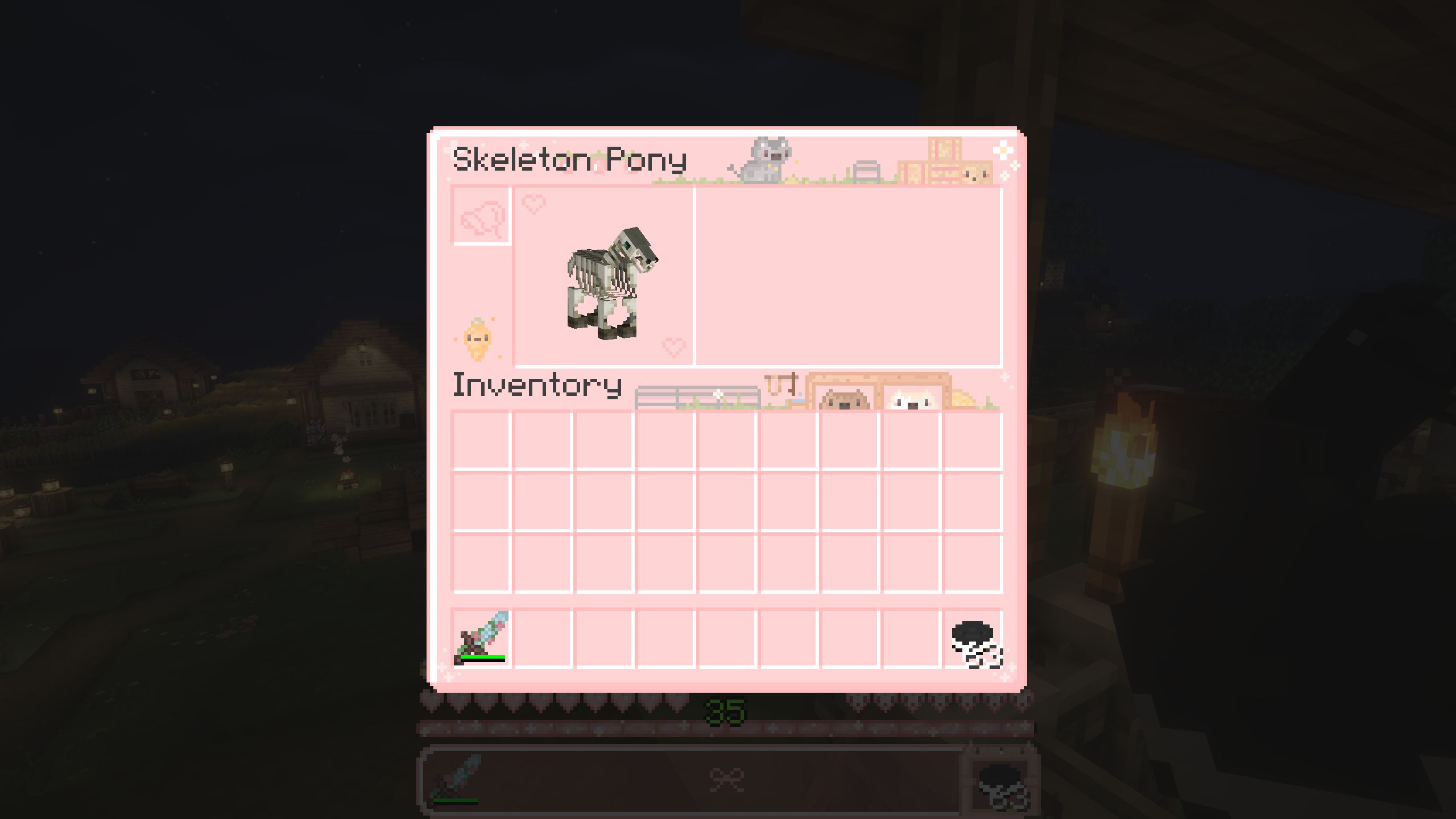
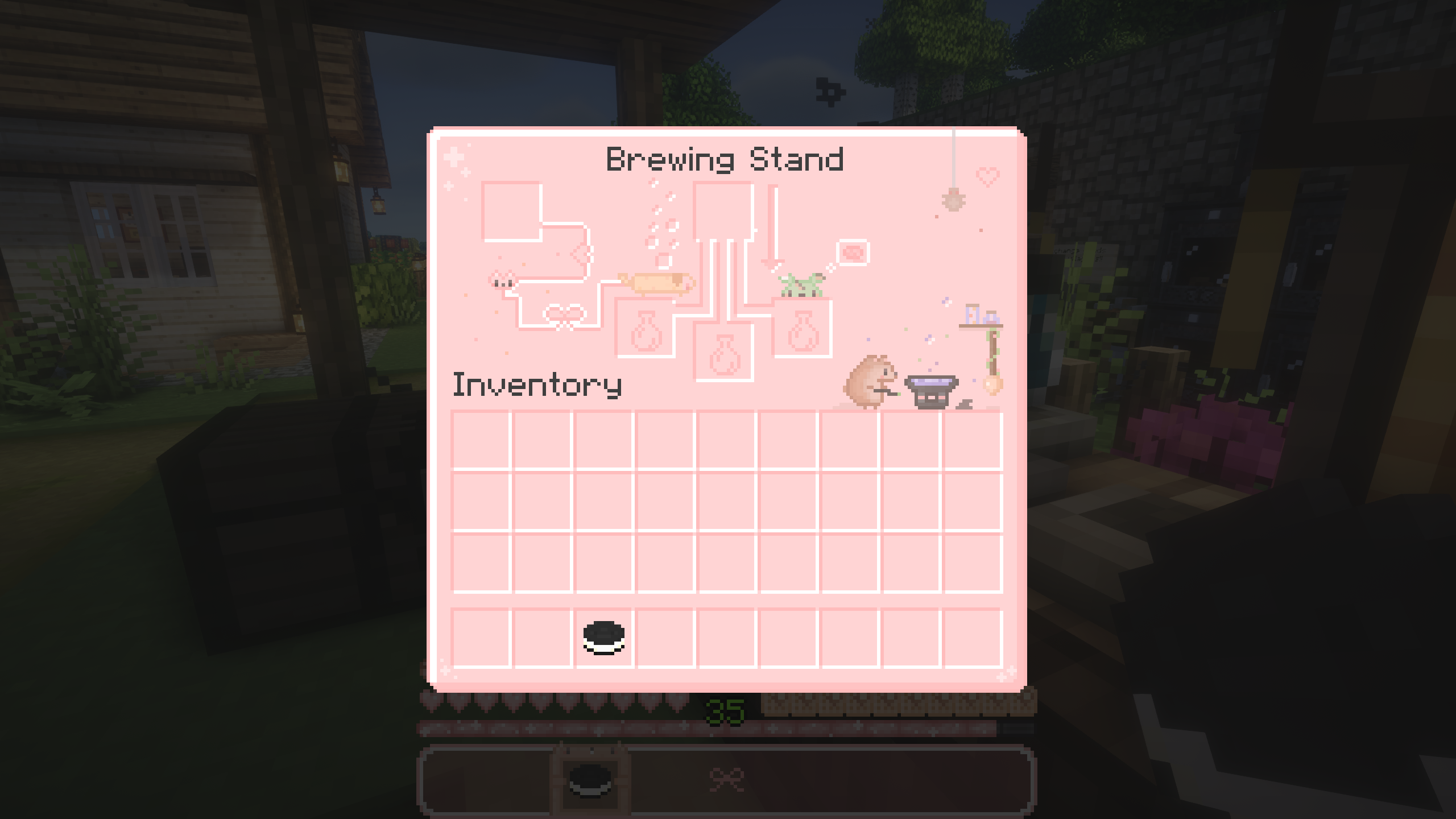
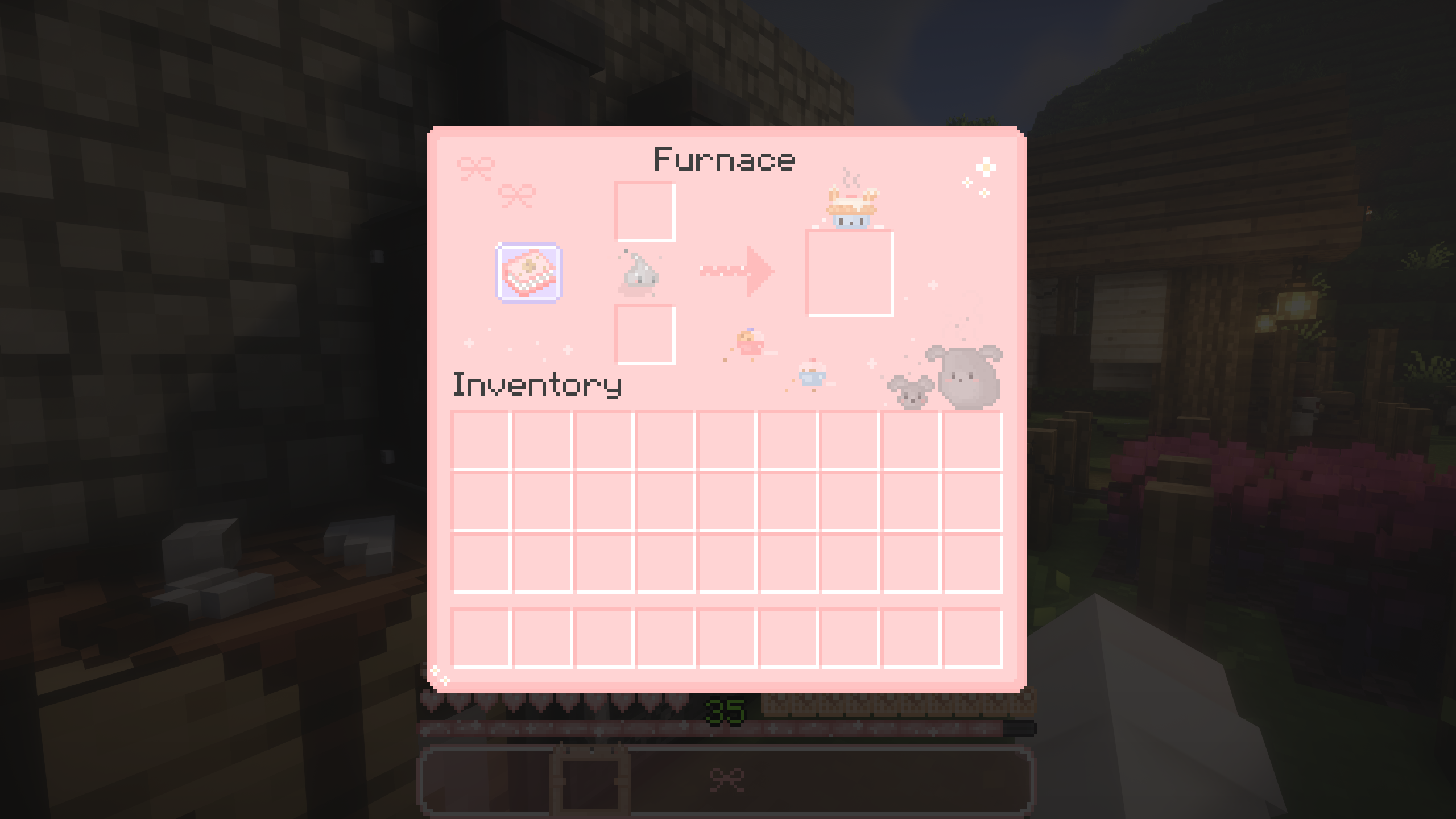
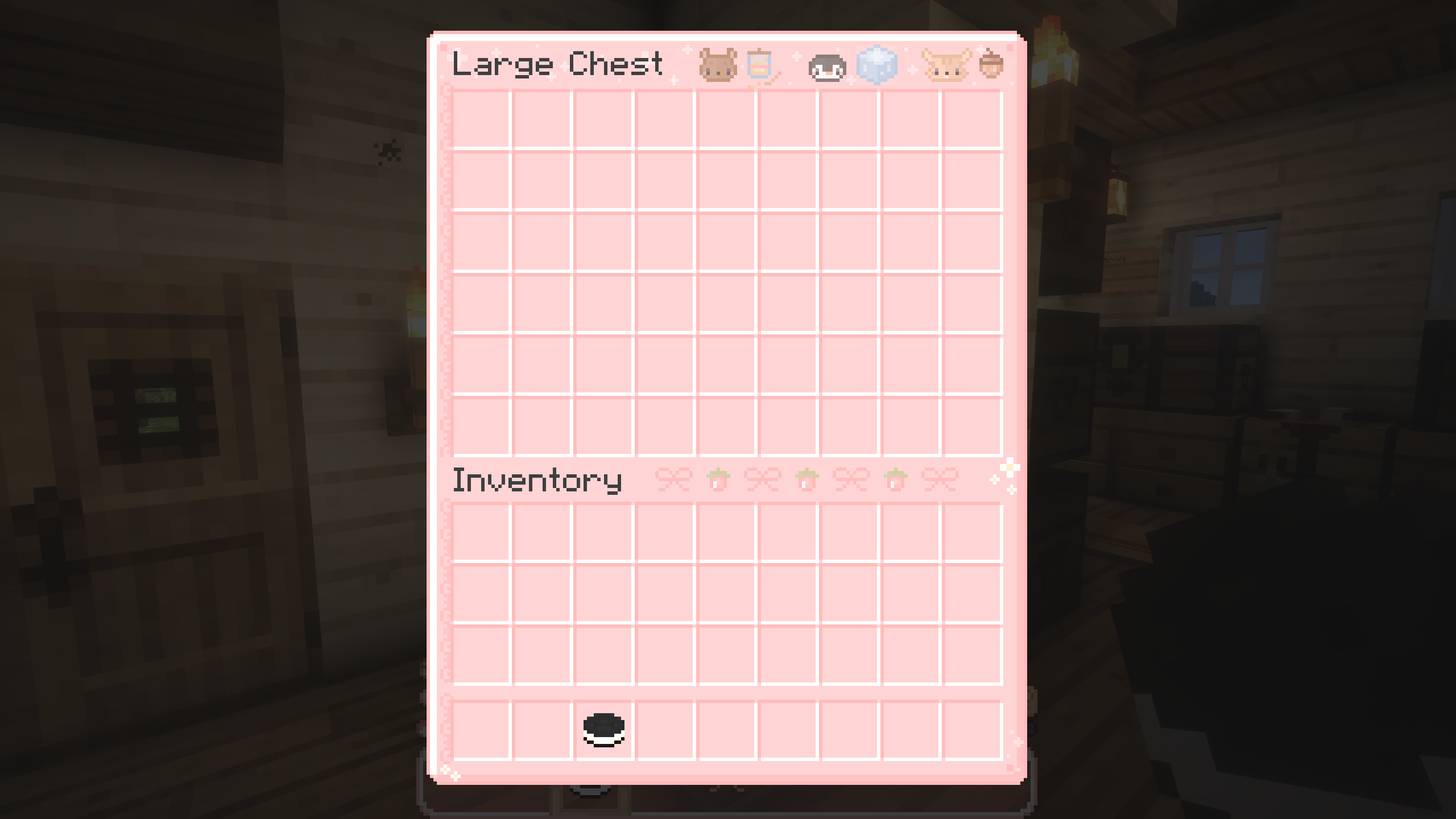
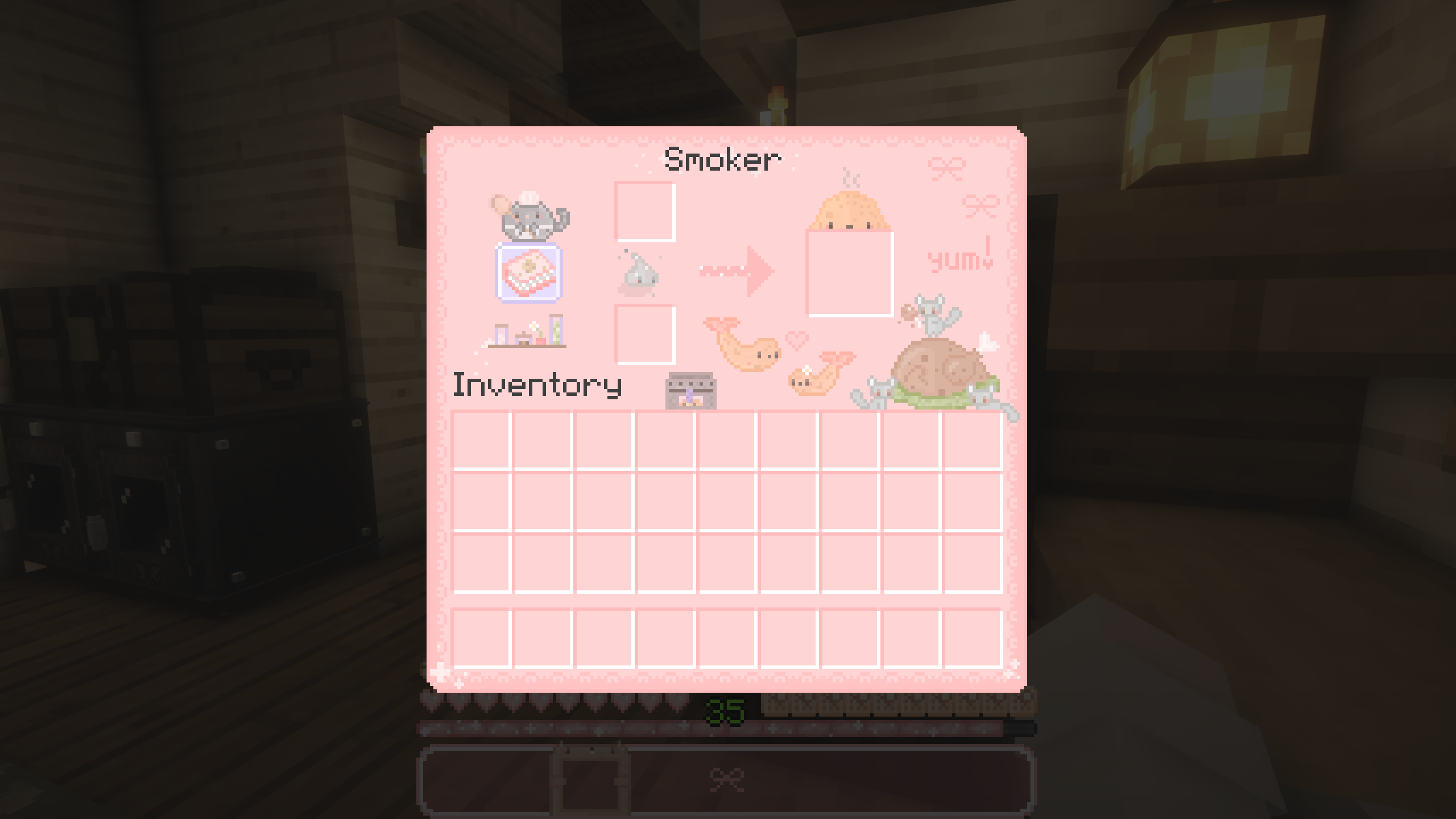
HIIIIIIIIIIII !!!!!!! <3 <3 This is my very first texture pack !!! Its super cute and kawaii, pink and features a bunch of adorable mini pixel art made by me !! Most of which are pixel animals and yummy food ! I had sooooooo much fun making this gui pack and I'm going 2 keep it updated, as of right now it's only compatible with 1.20.1. fully 100%. I'm working on releasing newer versions that are also fully compatible with newer versions! Just leave me a message if there any errors and I'll work it out ! ^_^ I plan on trying to make more texture packs, hopefully cute CIT packs too in the future !
Everything - literally, like I mean everything (GUI wise) was re-textured.
I really appreciate feedback and would love to to hear what everyone thinks so please feel free 2 comment below ! <3
I'm also not really sure how this whole thing works, so if there are any issues/errors with the pack - also leave a comment and I'll look into it as soon as I can, thank you !!!!! Terms Of Use:
✓ You Can ✓
- Use this pack in videos and/or streams.
- Credit when using it in videos and/or streams is much appreciated ^_^
✖ You can NOT ✖
- Claim this pack as your own.
- Modify any textures in this pack.
- Redistribute this pack without my permission.
- Sell this pack for profit.
Thank you so much again !!!!!!!!!!!!!!! <3 <3 ⸜(。˃ ᵕ ˂ )⸝♡