Mineuniverse
Resource Packs
(Cutecore) ๐‘ฒ๐’Š๐’'๐’” Sweetest GUI เญญ แตŽแตŽ ๐Ÿง

(Cutecore) ๐‘ฒ๐’Š๐’'๐’” Sweetest GUI เญญ แตŽแตŽ ๐Ÿง

RESOURCE PACK
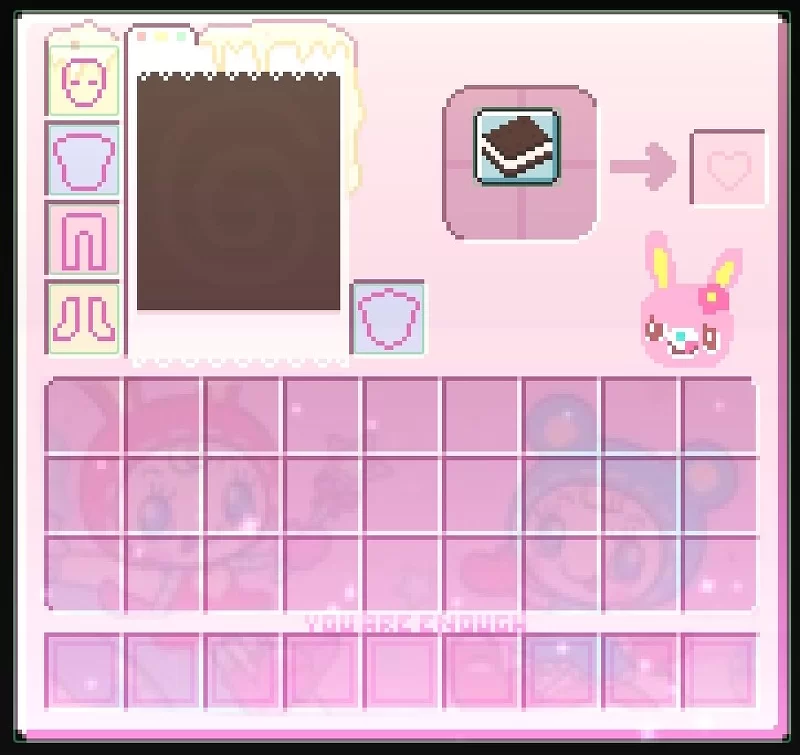
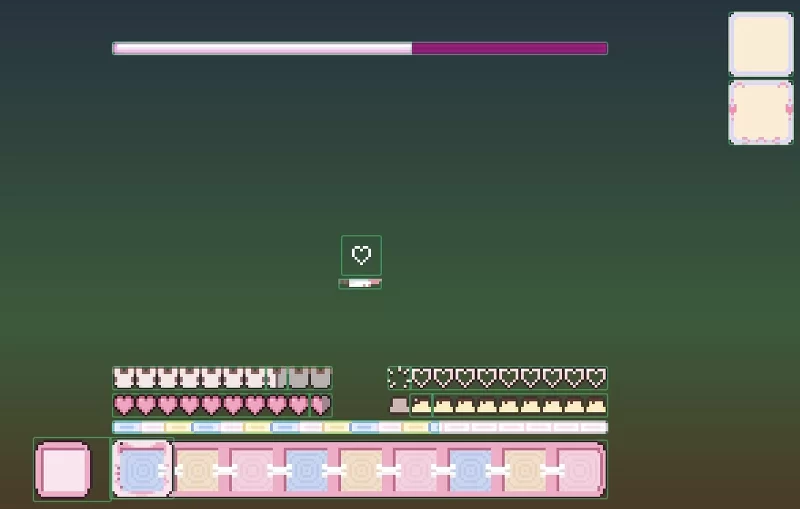
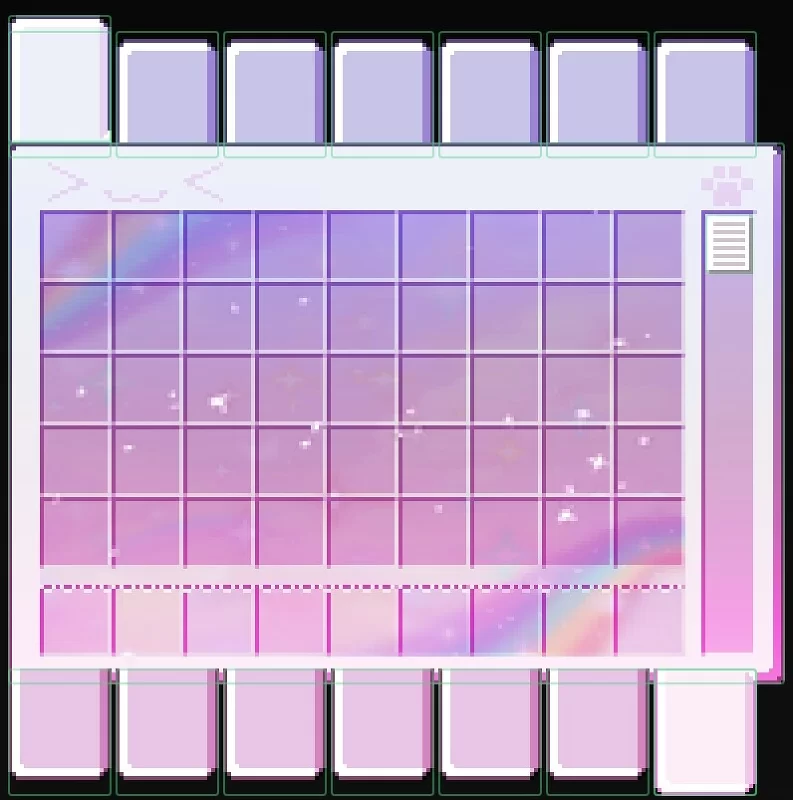
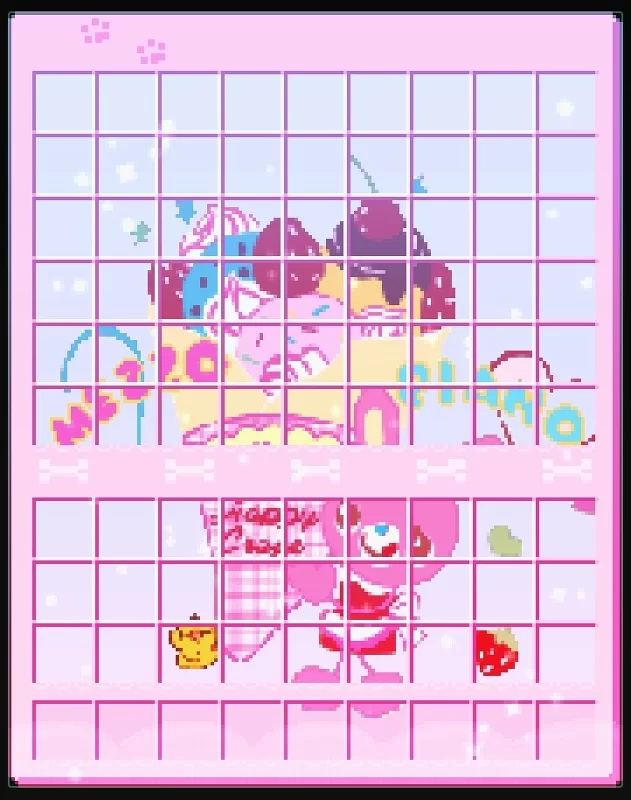
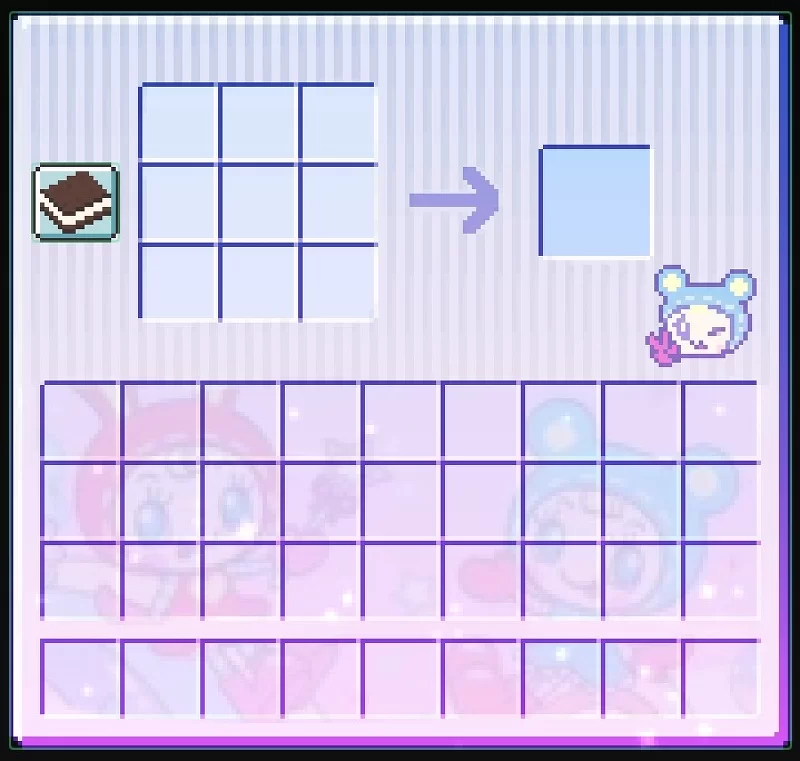
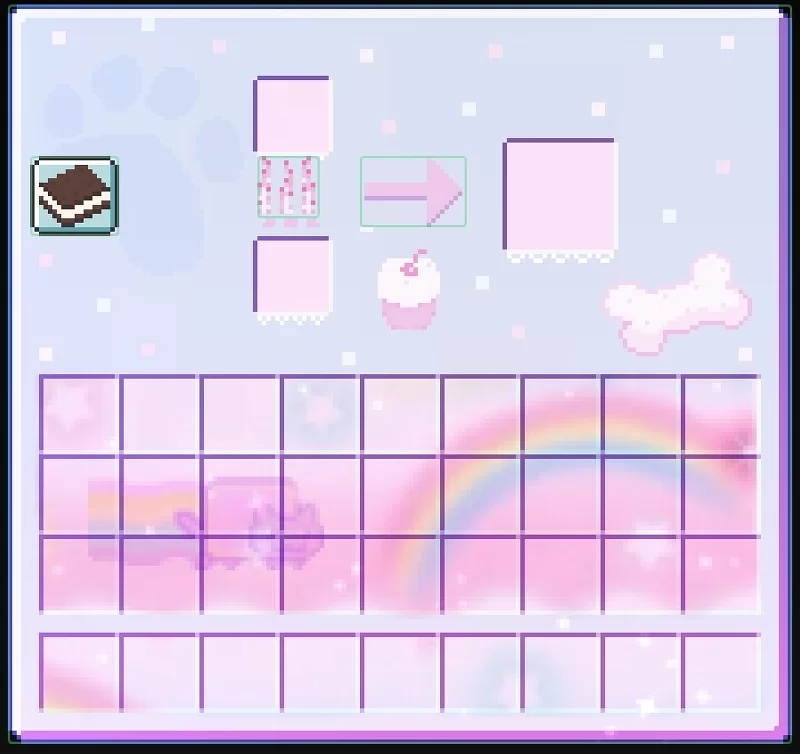
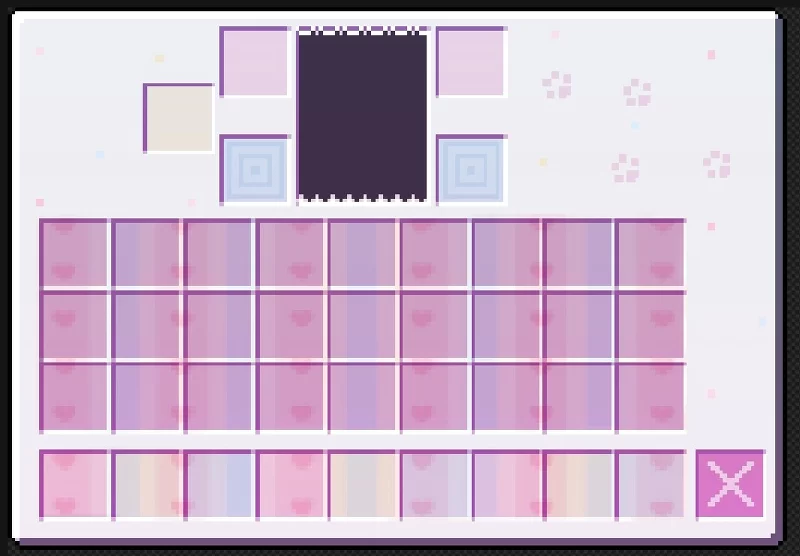
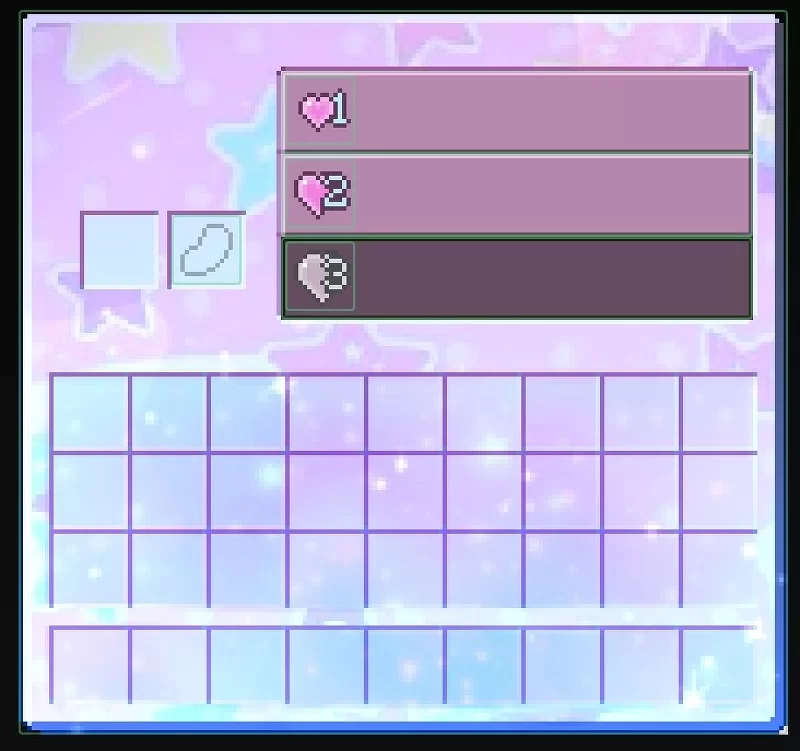
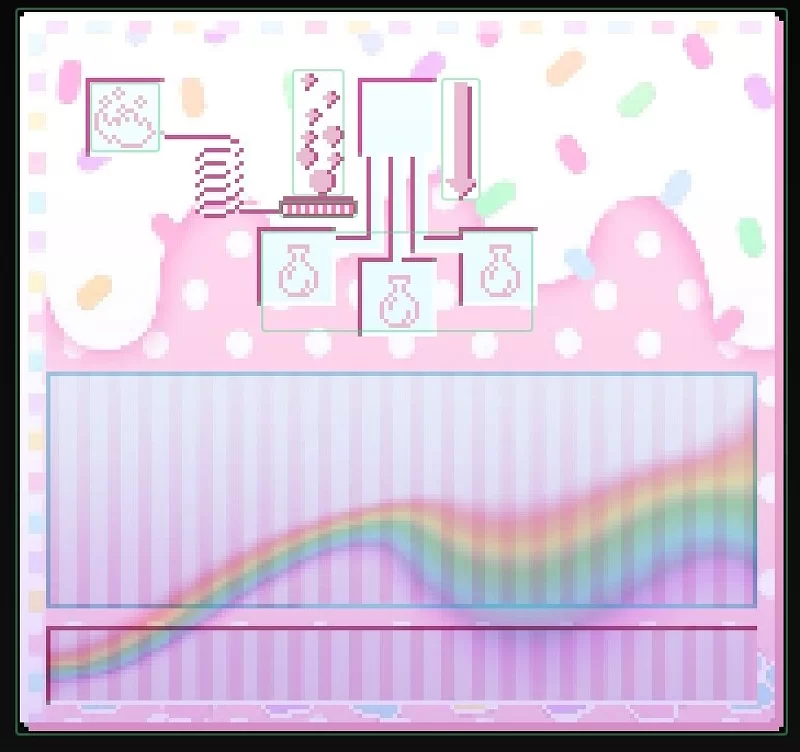
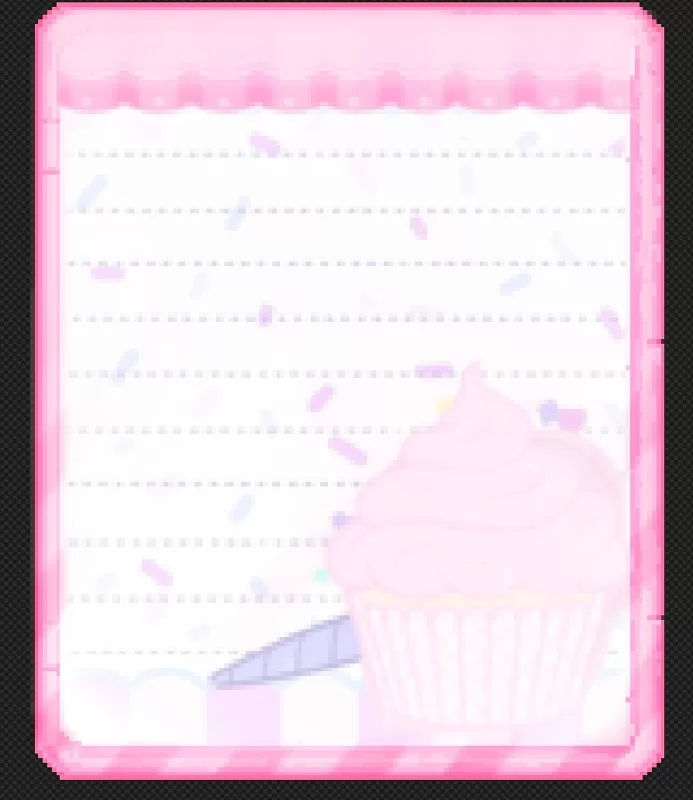
This is a FULL GUI!! Its a sweet cute themed GUI filled with pastel colors!!
by Paravoxel
Download Claim this project
3,880 downloads
0 likes
0 followers
Updated Oct 14, 2026
0 hypes
Follow0
16x
Advertisement Remove ads with Premium →

โญ‘๊’ท๊’ฆ๊’ท๊’ฆ๏ธถ๊’ท๊’ฆ๏ธถ เน‹ เฃญ โญ‘๊’ท๊’ฆ โญ‘๊’ท๊’ฆ๊’ท๊’ฆ๏ธถ๊’ท๊’ฆ๏ธถ เน‹ เฃญ โญ‘๊’ท๊’ฆ โญ‘๊’ท๊’ฆ๊’ท๊’ฆ๏ธถ๊’ท๊’ฆ๏ธถ เน‹ เฃญ โญ‘๊’ท๊’ฆ โญ‘๊’ท๊’ฆ๊’ท๊’ฆ๏ธถ๊’ท๊’ฆ๏ธถ เน‹ เฃญ โญ‘๊’ท๊’ฆ โญ‘๊’ท๊’ฆ๊’ท๊’ฆ๏ธถ๊’ท๊’ฆ๏ธถ เน‹ เฃญ โญ‘๊’ท๊’ฆ 
Hello!!

Since the full texture pack im making is taking a bit...

I decided to upload the GUI for it!
I havent uploaded anything new so i thought maybe i should upload a cute gui!

Thumbnail

This is a FULL GUI!! Its a sweet cute themed GUI filled with pastel colors!! (tweencore/cutecore esque)


Please enjoy and if there is any problems please let me know!!


โญ‘๊’ท๊’ฆ๊’ท๊’ฆ๏ธถ๊’ท๊’ฆ๏ธถ เน‹ เฃญ โญ‘๊’ท๊’ฆ โญ‘๊’ท๊’ฆ๊’ท๊’ฆ๏ธถ๊’ท๊’ฆ๏ธถ เน‹ เฃญ โญ‘๊’ท๊’ฆ โญ‘๊’ท๊’ฆ๊’ท๊’ฆ๏ธถ๊’ท๊’ฆ๏ธถ เน‹ เฃญ โญ‘๊’ท๊’ฆ โญ‘๊’ท๊’ฆ๊’ท๊’ฆ๏ธถ๊’ท๊’ฆ๏ธถ เน‹ เฃญ โญ‘๊’ท๊’ฆ โญ‘๊’ท๊’ฆ๊’ท๊’ฆ๏ธถ๊’ท๊’ฆ๏ธถ เน‹ เฃญ โญ‘๊’ท๊’ฆ 

๐‘ฒ๐’Š๐’'๐’” Sweetest GUI เญญ แตŽแตŽ ๐Ÿง
MC 26.3
Release 2026-09-22 Get
๐‘ฒ๐’Š๐’'๐’” Sweetest GUI เญญ แตŽแตŽ ๐Ÿง
MC 1.21.1
Release 2026-09-21 Get
๐‘ฒ๐’Š๐’'๐’” Sweetest GUI เญญ แตŽแตŽ ๐Ÿง
MC 1.21.11
Release 2026-09-21 Get
(Cutecore) ๐‘ฒ๐’Š๐’'๐’” Sweetest GUI เญญ แตŽแตŽ ๐Ÿง
MC 1.20.1
Release 2026-09-14 Get
Kin's Sweetest GUI เญญ แตŽแตŽ ๐Ÿง
MC 26.1, 26.2
Release 2026-09-02 Get
Kin's Sweetest GUI เญญ แตŽแตŽ ๐Ÿง
MC 26.1
Release 2026-08-30 Get

Requirements & install

How to use this resource pack in Minecraft
Resolution
16x
Minecraft
1.20.1 โ€“ 26.3
Install folder
.minecraft/resourcepacks

How to install resource packs

  1. Download the resource pack .zip file (do not extract it).
  2. In Minecraft open Options โ†’ Resource Packs โ†’ Open Pack Folder.
  3. Drop the .zip into the resourcepacks folder (.minecraft/resourcepacks).
  4. Move the pack to the Selected column and click Done.
Browse more: 16x resource packs 32x resource packs 64x resource packs 128x resource packs 256x resource packs 512x+ resource packs Resource Packs for 26.3 All resource packs

More from Paravoxel

Advertisement Remove ads with Premium →

You Might Also Like