Mineuniverse
Resource Packs
Cute Mob Models: Sound Pack

Cute Mob Models: Sound Pack

RESOURCE PACK
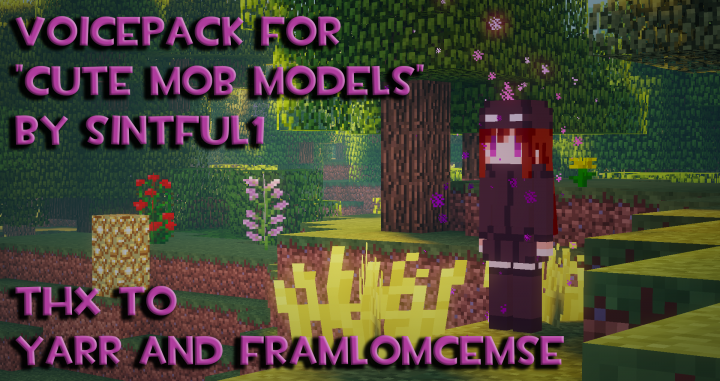
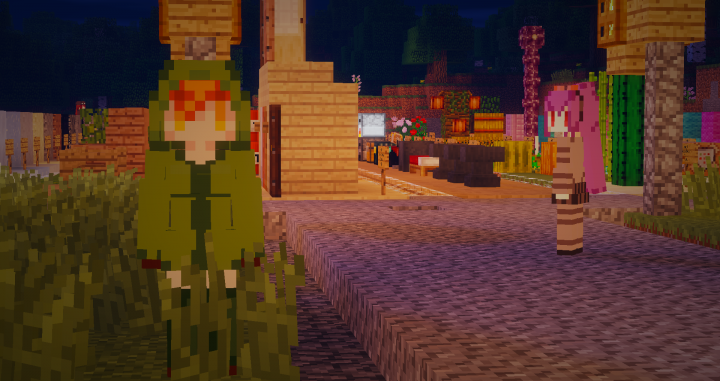
The Sound Pack for CMMRP to give the mobs voices to make them more immersive!
by Tomanex
Download Claim this project
13,338 downloads
0 likes
Updated Oct 14, 2026
0 hypes
16x Animated
Advertisement Remove ads with Premium →


Support The Team

Discord: https://discord.com/invite/3qmMVa97eM


Overview

Requires Cute Mob Models RP to apply this Sound Pack.

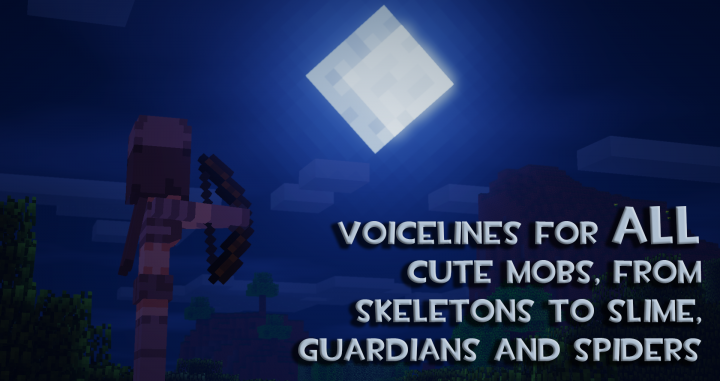
The Sound Pack for Cute Mob Models mod to make the mobs feel a bit more immersive! No longer does the Ender Girl sound very spooky, or the Wolf Girl sounding like a real wolf!

This packs works on 1.12.2 to 1.20+


Mobs Included:

Dimension Passive Mobs Hostile Mobs Neutral Mobs
The Overworld Chicken, Cow, Mooshroom, Pig, Sheep, Squid, Bat, Cat, Fox, Panda, Rabbit, Horse, Zombie Horse, Skeleton Horse, Donkey, Villager, Dolphin, Axolotl, Glow Squid, Goat, Llama, Trader Llama, Wandering Trader Zombie, Husk, Drowned, Zombie Villager, Skeleton, Stray, Spider, Cave Spider, Creeper, Slime, Witch, Silverfish, Guardian, Elder Guardian, Evoker, Vindicator, Pillager, Ravager, Phantom, The Wither Wolf, Iron Golem, Snow Golem, Enderman
The Nether Strider Ghast, Magma Cube, Skeleton, Wither Skeleton, Blaze, The Wither Zombified Piglin, Piglin, Piglin Brute, Enderman
The End   Ender Dragon, Shulker, The Wither Enderman

and more..


Credits

Cute Mob Models: Sound Pack

  • Sinty - Voiced all of the mobs.
  • Frankincense - Voiced the Villagers
  • Yuruma - Voiced the Sheep Girls
  • PrinceMatchaCakes - Funding the updates
  • Emmie_4 - Cute Mob Models RP author
  • Yarrmateys - Cute Mob Models 2 mod author
  • _jx - Cute Mob Models mod author
Cute Mob Model Sounds.zip
MC 1.16, 1.20.1, 1.18-Snapshot, 1.19.3-Snapshot
Release 2025-12-17 Get

Requirements & install

How to use this resource pack in Minecraft
Resolution
16x
Minecraft
1.16 – 1.20.1
Install folder
.minecraft/resourcepacks

How to install resource packs

  1. Download the resource pack .zip file (do not extract it).
  2. In Minecraft open Options → Resource Packs → Open Pack Folder.
  3. Drop the .zip into the resourcepacks folder (.minecraft/resourcepacks).
  4. Move the pack to the Selected column and click Done.
Browse more: 16x resource packs 32x resource packs 64x resource packs 128x resource packs 256x resource packs 512x+ resource packs Resource Packs for 1.20.1 All resource packs

More from Tomanex

Advertisement Remove ads with Premium →

You Might Also Like