Mineuniverse
Resource Packs
Customized Kimetsu no Yaiba

Customized Kimetsu no Yaiba

RESOURCE PACK
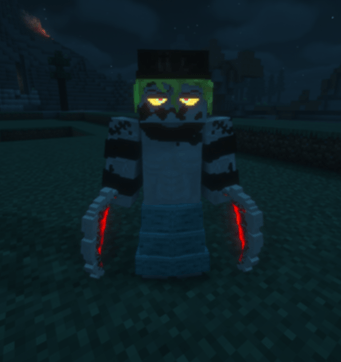
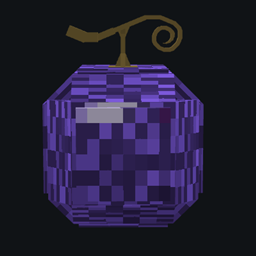
changes and fixes of some textures and models as well as an option to have emissive items for the kimetsu no yaiba mod by orca
by Ghumio
Download Claim this project
3,134 downloads
0 likes
0 followers
Updated Oct 14, 2026
0 hypes
Follow0
32x
Advertisement Remove ads with Premium →

! IMPORTANT ! I am not the creator of all the textures or models, i'm just taking them and try to customize them in my way, only a few models are completely made by me so i'm sharing it only for people who like it like that

This is ressource pack will bring a few custom models and textures to the Kimetsu no Yaiba mod by orca that you may like and use again in your world
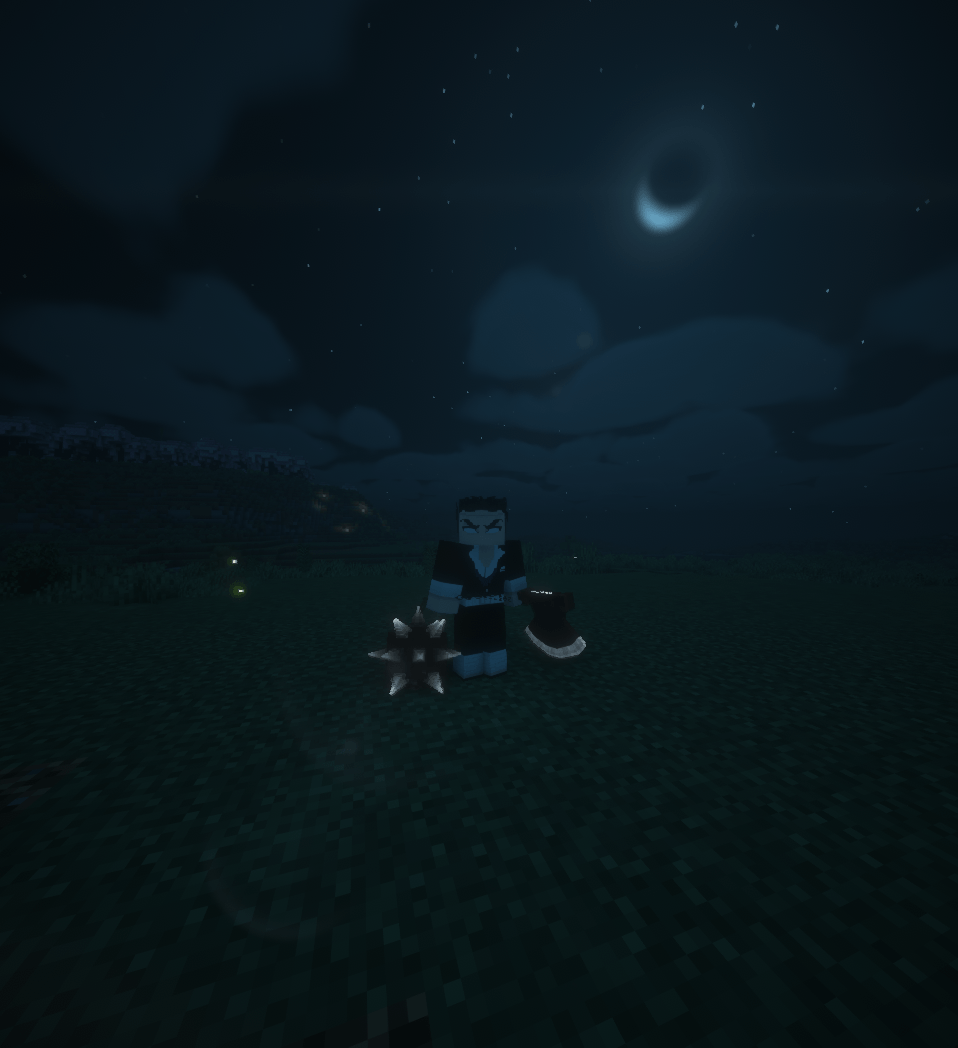
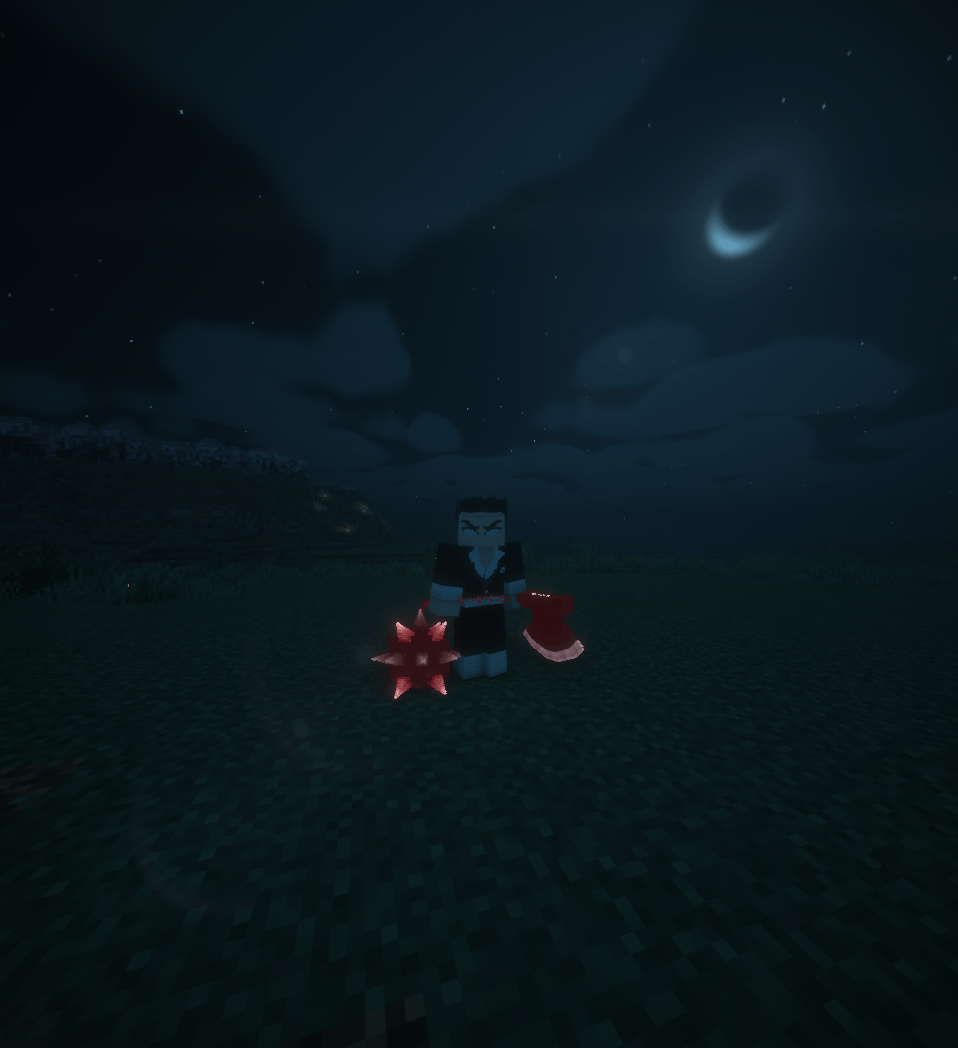
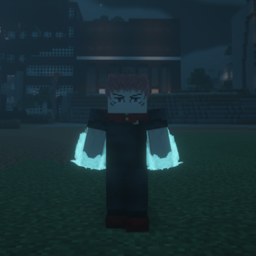
i could make some items have a slight emissiveness to be more colorful and be more visible but you will need to install the mod CONTINUITY (btw the glowing effect is so small it's better with shaders if you really want to enjoy it)

Examples of the ressource pack content :

- Bigger swords

- emissive items and blocks

- lightning particles changed

- Set invisible some blood demon arts item to fit better

- swords retextured and remodeled

- enchantement glint replaced by a simple red to fit the crimson red blade

Needed mods :
Kimetsu no Yaiba (Demon Slayer) - Minecraft Mods - CurseForge

Optional mods : 
Continuity - Minecraft Mods - CurseForge

My discord:
DISCORD

Customized Demon Slayer 1.20.1.zip
MC 1.20.1
Release 2026-07-28 Get
Customized Demon Slayer 1.20.1.zip
MC 1.20.1
Release 2026-07-05 Get
Customized Demon Slayer 1.20.1.zip
MC 1.20.1
Release 2026-07-03 Get
Customized Demon Slayer 1.20.1.zip
MC 1.20.1
Release 2025-11-09 Get
Customized Demon Slayer 1.20.1.zip
MC 1.20.1
Release 2025-10-31 Get

Requirements & install

How to use this resource pack in Minecraft
Resolution
32x
Minecraft
1.20.1
Install folder
.minecraft/resourcepacks

How to install resource packs

  1. Download the resource pack .zip file (do not extract it).
  2. In Minecraft open Options → Resource Packs → Open Pack Folder.
  3. Drop the .zip into the resourcepacks folder (.minecraft/resourcepacks).
  4. Move the pack to the Selected column and click Done.
Browse more: 16x resource packs 32x resource packs 64x resource packs 128x resource packs 256x resource packs 512x+ resource packs Resource Packs for 1.20.1 All resource packs

More from Ghumio

Advertisement Remove ads with Premium →

You Might Also Like